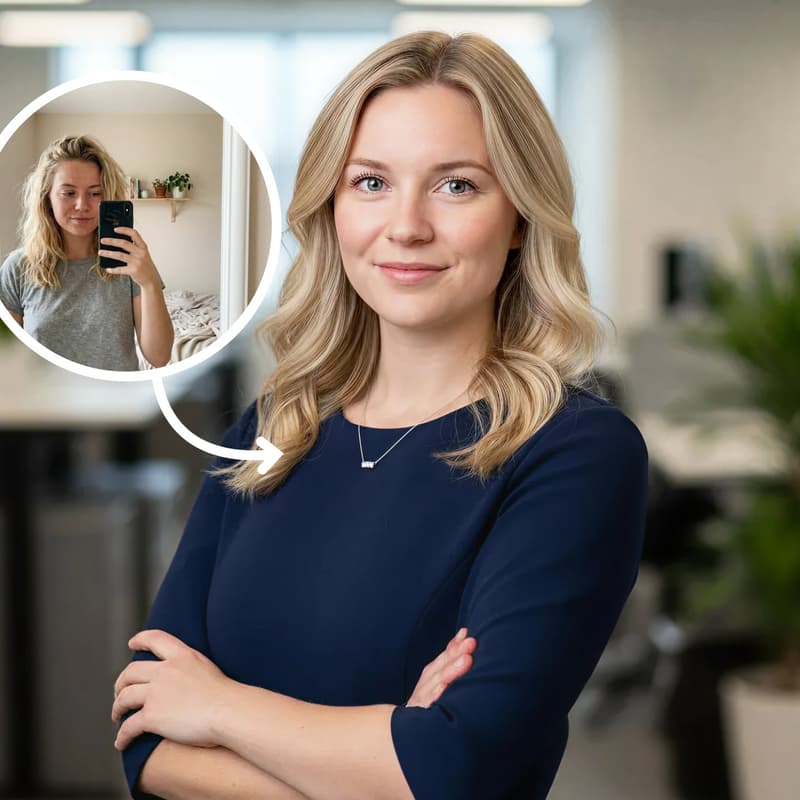
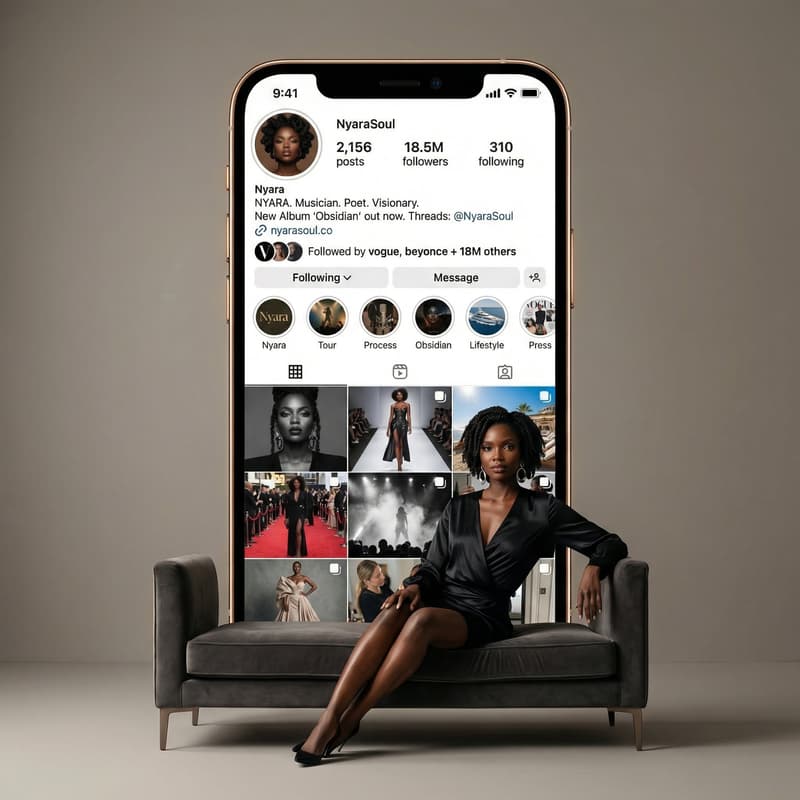
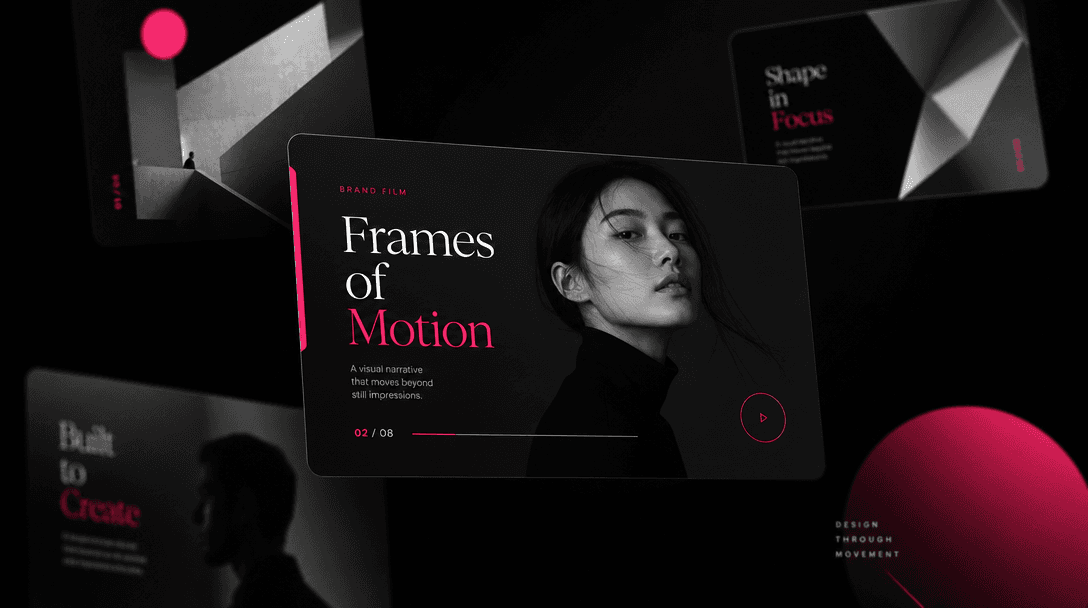
Professional Video Templates
Pre-designed layouts built for coaches, consultants, and personal brands. Each template balances typography, motion, and timing to create a credible first impression. Customize colors to match your brand in seconds.
Professional Profile
Turn your photo and bio into a stylish video introduction. Perfect for coaches, consultants, and experts looking to make a strong first impression.
Built for creators, marketers, and teams shipping AI video at scale.
Professional about me videos rendered in under a minute
Production-grade visuals without filming, editing, or equipment
Layouts designed specifically for coaches and consultants
Customize colors, text, pacing, and voiceover easily
Access cutting-edge Sora, Veo, and Kling AI models
Export HD video for websites, LinkedIn, email, and socials
Use videos in client pitches, course materials, and marketing
Regenerate variations in seconds until it's perfect
Pre-designed layouts built for coaches, consultants, and personal brands. Each template balances typography, motion, and timing to create a credible first impression. Customize colors to match your brand in seconds.
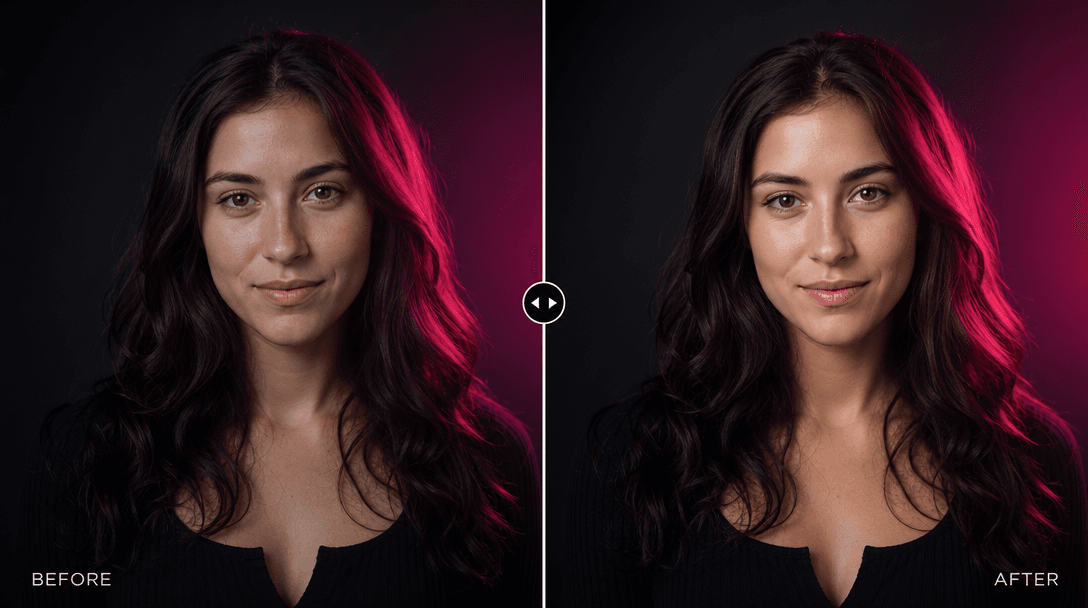
Leverage Nim's multi-model platform to render high-definition about me videos. Combine your photo with cinematic backgrounds and smooth transitions. The result looks professionally produced—no camera crew, no studio, no hours of post-production.
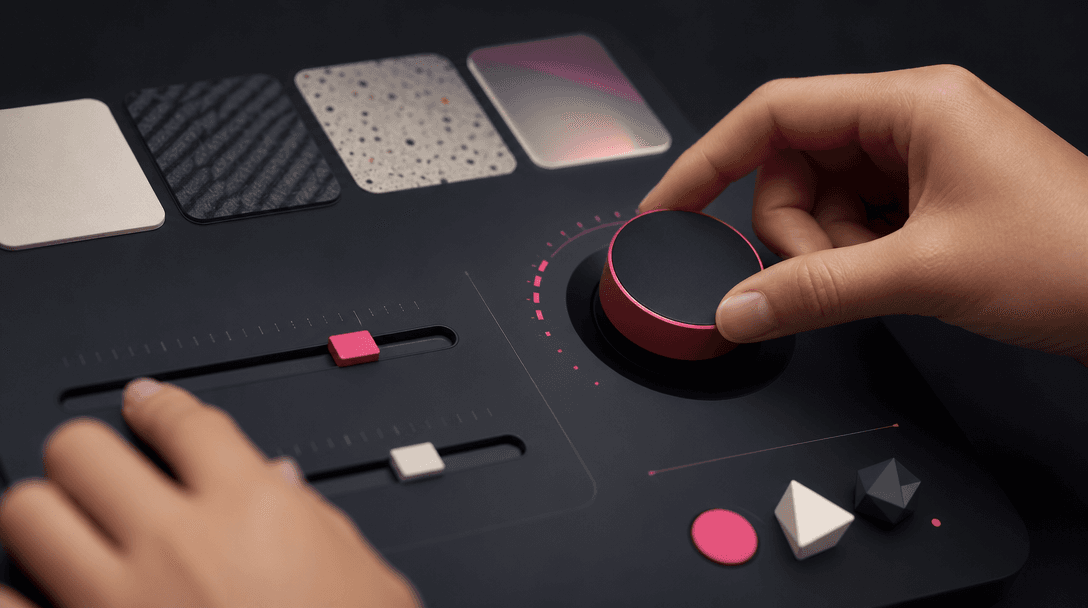
Upload your photo, write your bio, and let AI fill in the creative details. Adjust voiceover speed, background music, text size, and color palette with simple controls. No design experience required.
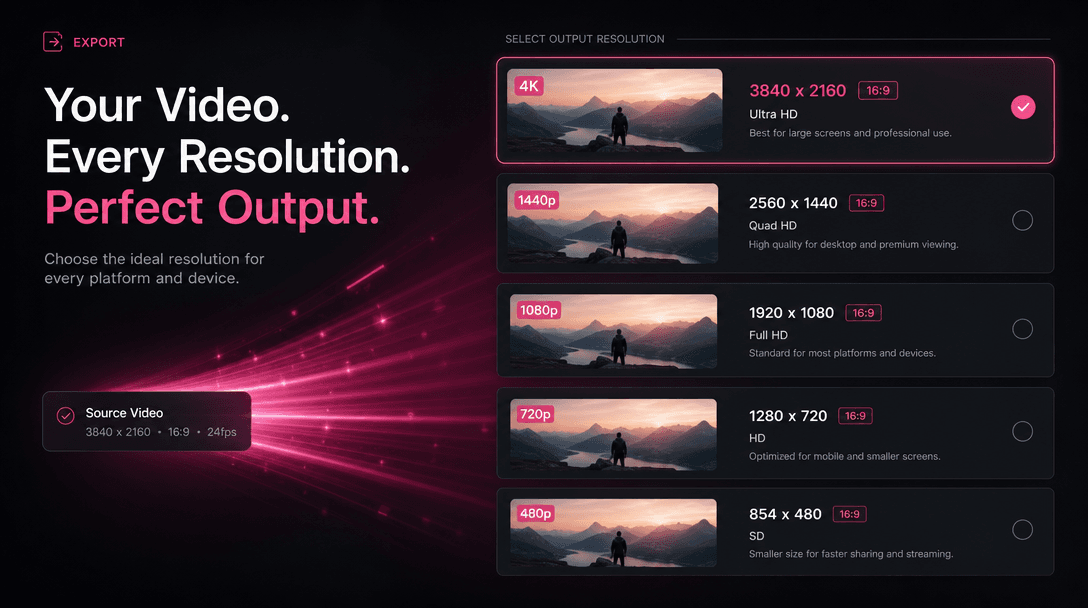
Download in multiple resolutions and formats—perfect for your website, LinkedIn profile, email signature, or social media. Each video is optimized for platform-specific dimensions and frame rates.
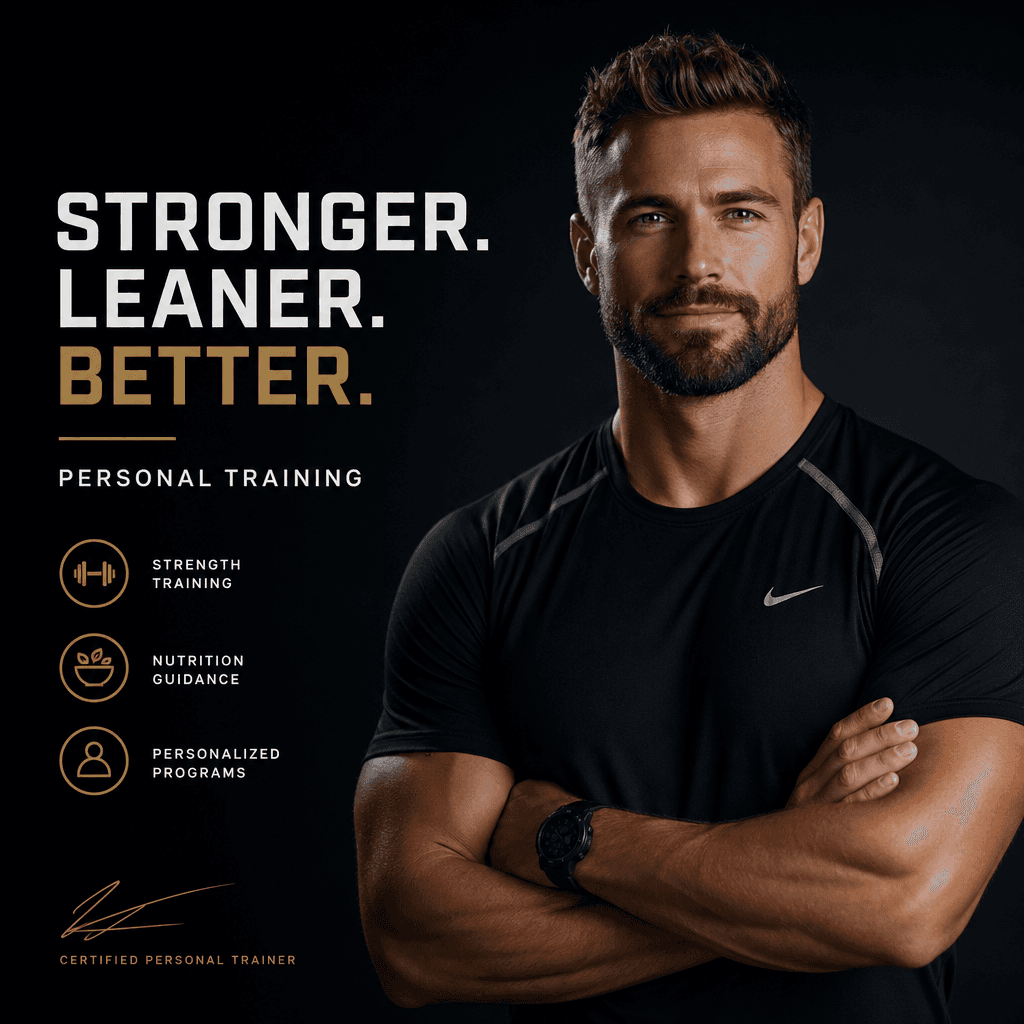
Real outputs generated by our pipeline — no curated cherry-picks.



Build trust and credibility with prospects. An intro video on your landing page or email footer dramatically increases conversion rates.
Give students a personal touch before they hit play on your course. A stylish about me video reduces abandonment and builds connection.
Stand out in pitch decks and proposals. A short, professional intro video cements your expertise in the prospect's mind.
Introduce yourself to new cohorts consistently. Reuse and update the same template for every training program.
Strengthen your positioning across all platforms. A cohesive about me video signals professionalism and intentionality.
Add a professional headshot or portrait. Nim's AI will enhance and integrate it into the template.
Describe your expertise, background, and what you offer in 2-3 sentences. Nim auto-formats the text for readability and impact.
Hit render and Nim generates a production-ready video in seconds. Tweak colors, music, or pacing, then download in HD.
Upload your photo and bio, hit generate, and get a finished video in under a minute. Iteration and revisions take seconds.
Yes. Upload any JPG or PNG. Nim's AI will enhance it and integrate it into the template seamlessly.
Regenerate the video with new text or colors at any time. You're never locked in—iterate as much as you need.
Yes. About me videos generated on Nim are licensed for commercial use in coaching, courses, marketing, and client pitches.
Nim accesses multiple cutting-edge models including Sora, Veo, Kling, and others. The platform chooses the best model for your template automatically.
Export in HD MP4, WebM, and other web-optimized formats. Choose resolutions for web (1080p), social (vertical 9:16), or cinema (21:9).
No. The About Me template handles layout, pacing, and motion. You only need to add your photo and write a bio.
Nim operates on a credit-based model. Each video costs a small number of credits. Explore pricing and available plans on our subscription page.
Yes. After generation, you own the video file. Download and use it anywhere—website, presentations, email, print collateral.
Yes. Nim uses your data only to generate your video. We don't use it for training or sell it to third parties. See our privacy policy for full details.