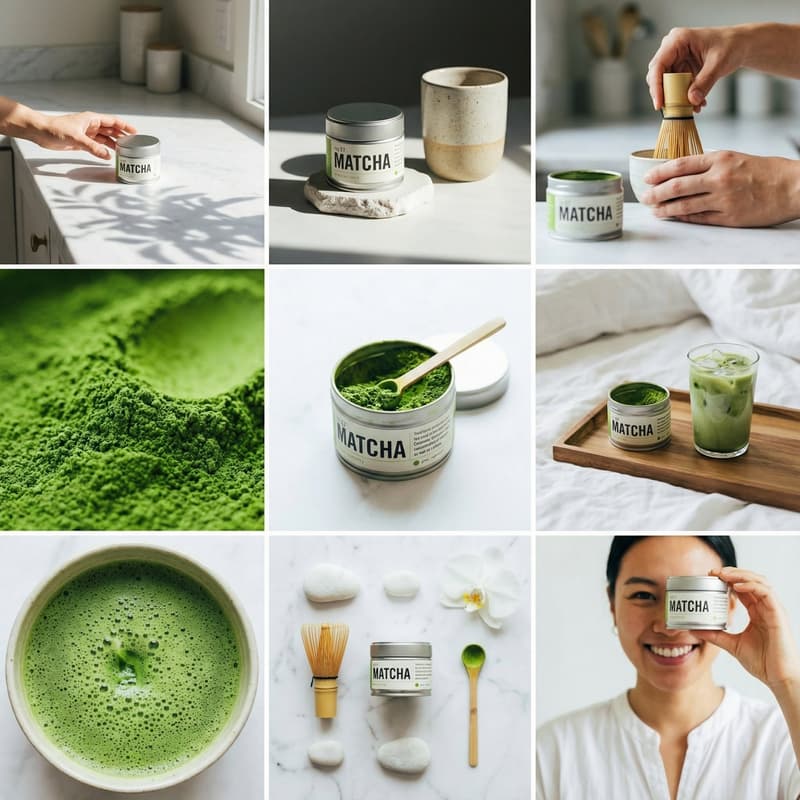
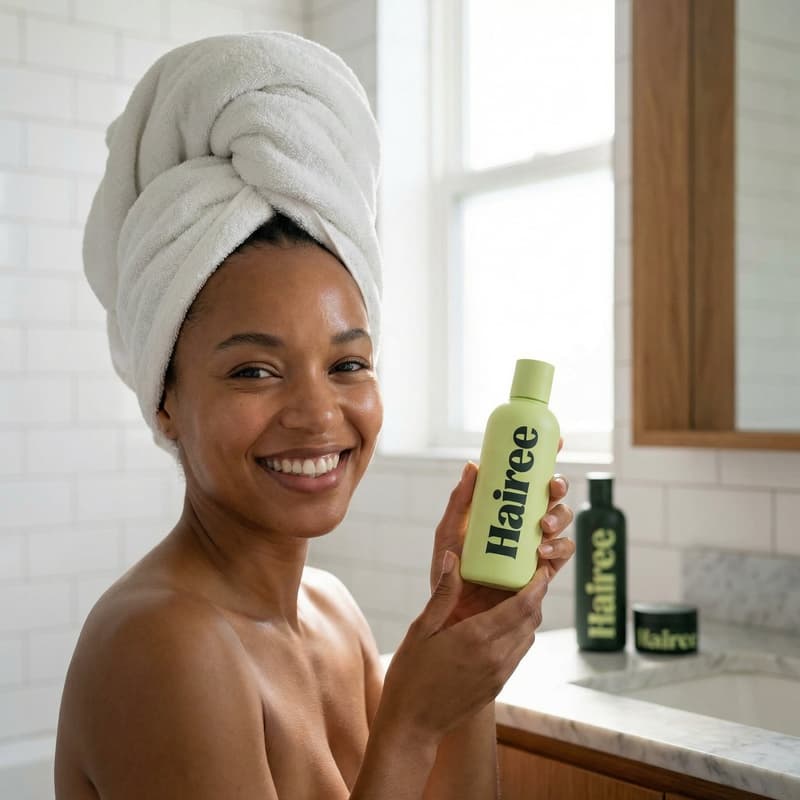
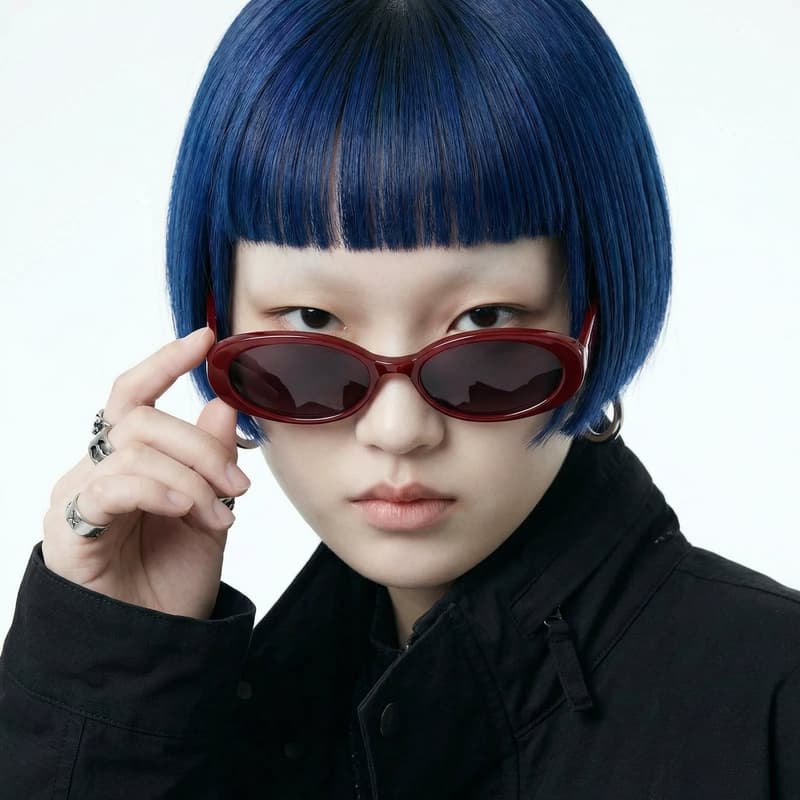
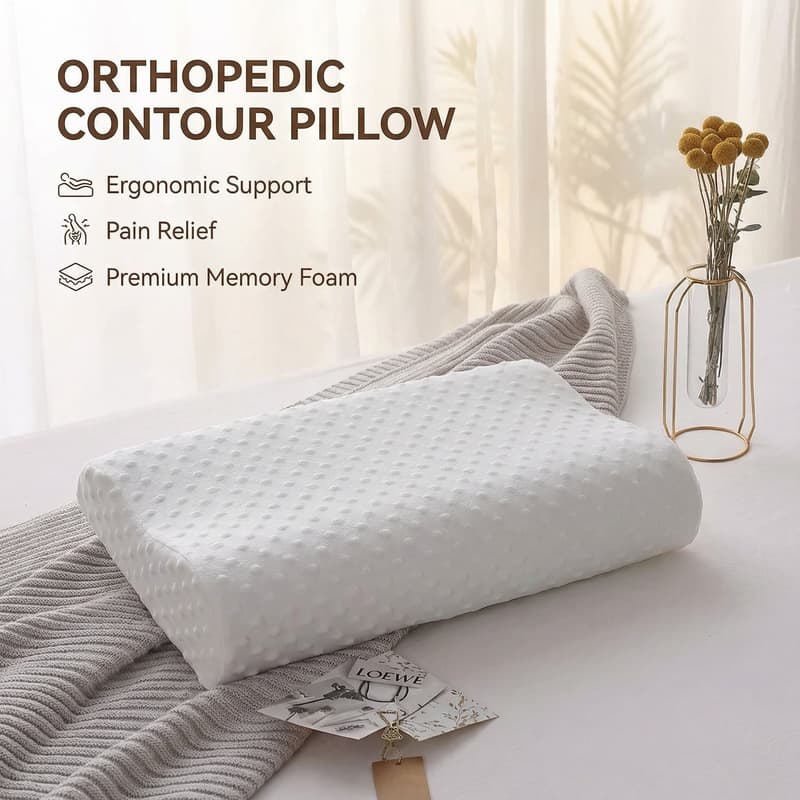
Accessories · AI Studio

AI Accessories Templates & Mockups

Generate production-ready visuals for jewelry, bags, watches, and sunglasses using curated AI templates built for ecommerce sellers.

Browse Templates
Browse all 400+ templates

Everything you need

Built for creators, marketers, and teams shipping AI video at scale.

01

Multi-Model Platform

Access Flux, Kling, and other leading AI models from a single workspace — no juggling separate accounts.

02

Studio-Quality Renders

Output professional-grade imagery with cinematic lighting and sharp material detail suitable for ad campaigns.

03

Commercial-Ready Output

Every generated visual is cleared for commercial use — safe for product listings, paid ads, and storefronts.

04

Curated Pro Templates

Professionally designed starting points optimised for bags, jewelry, watches, sunglasses, and mixed accessories.

05

Scene Generation

Place your product in any environment — marble vanity, cobblestone street, minimalist white studio — in seconds.

06

Multiple Aspect Ratios

Generate in 1:1, 4:5, 9:16, and 16:9 to cover Instagram posts, stories, and banner ads in one pass.

07

Fast Renders

Most generations complete in under a minute, keeping campaign workflows moving without long waits.

08

Batch Creation

Apply the same template to multiple SKUs in a single session — scale your product visuals efficiently.

Features

Built to ship

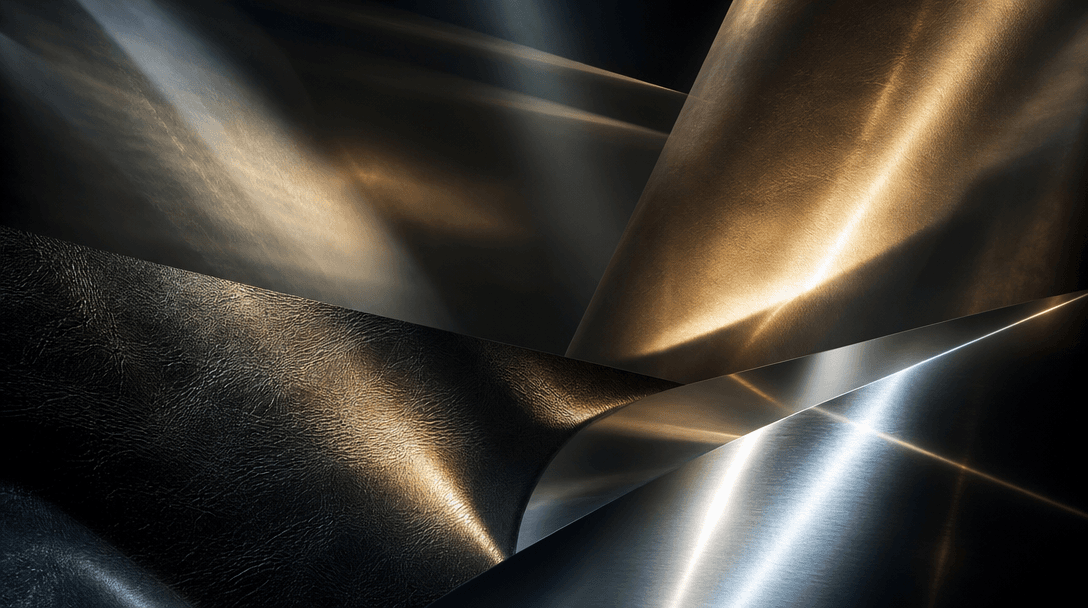
Wide cinematic abstract: multiple overlapping light beams — soft diffuse panels and sharp specular highlights — interact
F · 01

Automated Studio Lighting for Accessories

Nim's AI lighting engine analyses your product's material — metal, leather, fabric, crystal — and generates the optimal light setup automatically. Soft diffused light for suede bags, sharp specular highlights for polished watch cases, accurate rim lighting for transparent sunglasses lenses. Results match professional tabletop product photography without a single physical light or expensive studio hire.
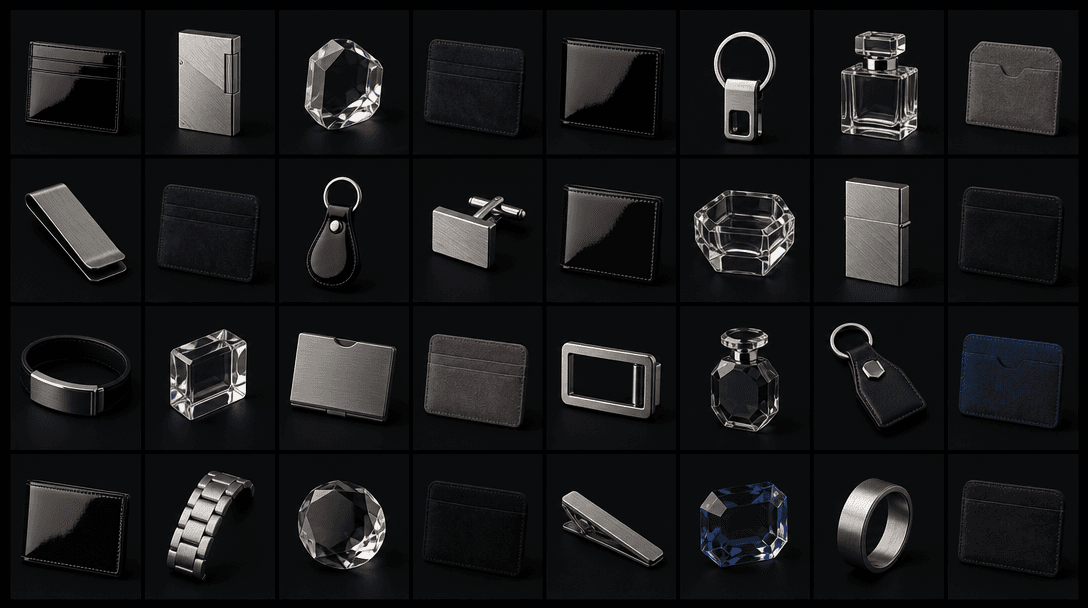
Wide editorial composition: an array of small accessory product images arranged in a precise geometric grid on a near-bl
F · 02

Multi-Model Access: Flux, Kling, and More

Switch between Flux for hyper-detailed still imagery, Kling for smooth motion product loops, and additional models as new releases land on the platform. Each model carries distinct rendering characteristics — pick the one that best matches your campaign aesthetic. All model access is centralised so you don't need separate subscriptions or credentials for each provider.

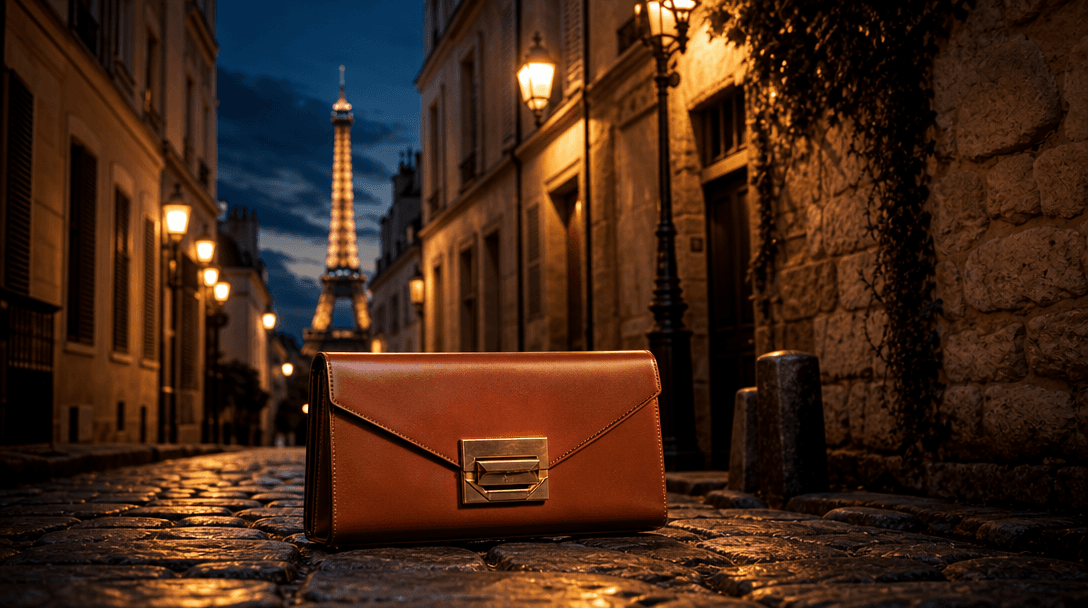
Wide cinematic scene: a luxury structured leather clutch bag dramatically lit against a Parisian cobblestone alley at du
F · 03

Scene & Background Generation

Place your accessory in any environment — a marble vanity surface, a cobblestone street, a warm-toned lifestyle setting, or a clean minimal studio. The scene generator builds a contextually coherent background that frames your product naturally. Combined with depth-aware compositing, the accessory sits in the scene rather than floating unnaturally in front of it.

F · 04

Template Customisation & Brand Consistency

Start from a curated accessories template and adjust colour palette, surface material, framing, and mood to match your brand guidelines. Save customised templates as reusable presets so every new SKU receives exactly the same visual treatment. Consistent product photography at catalogue scale, without briefing a photographer for each individual shoot.

Showcase

See it in action

Real outputs generated by our pipeline — no curated cherry-picks.

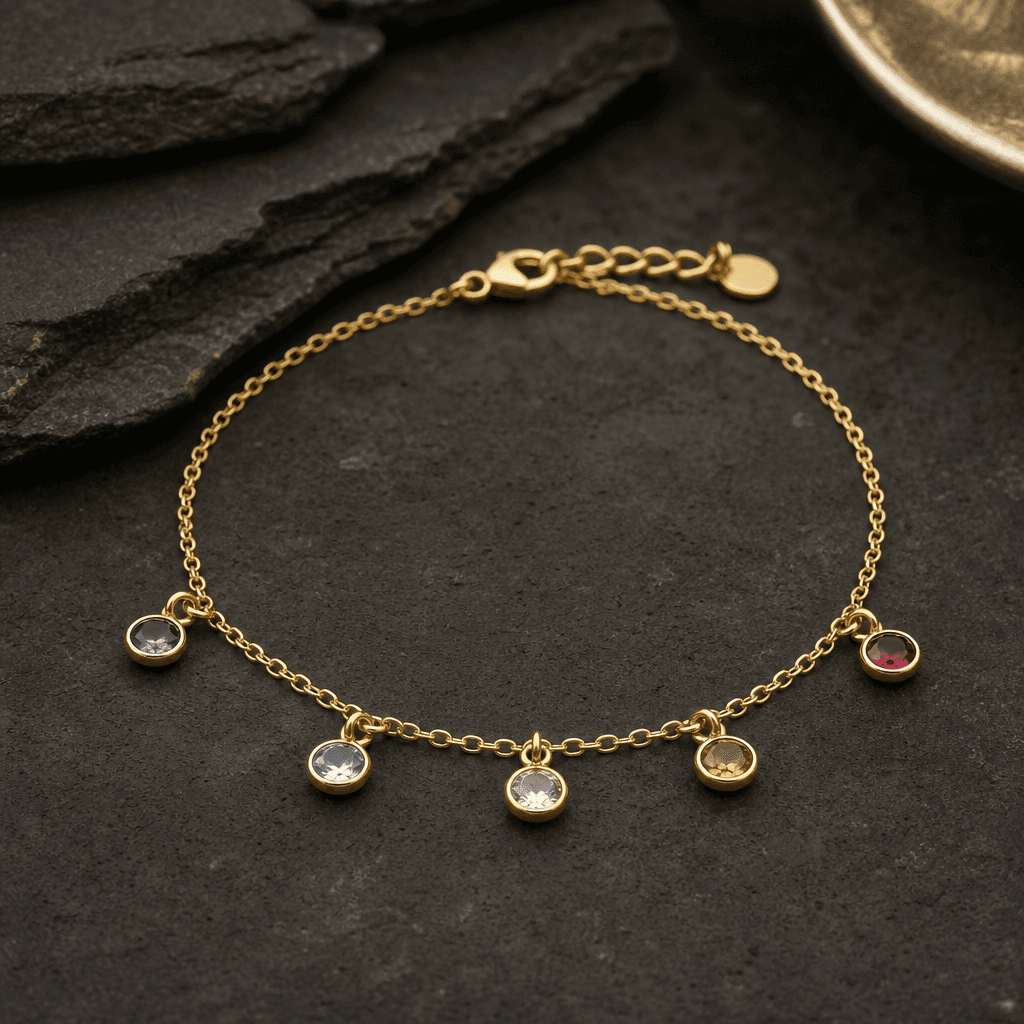
Square studio product shot: a delicate gold chain bracelet with small gemstone pendants laid flat on a matte dark stone
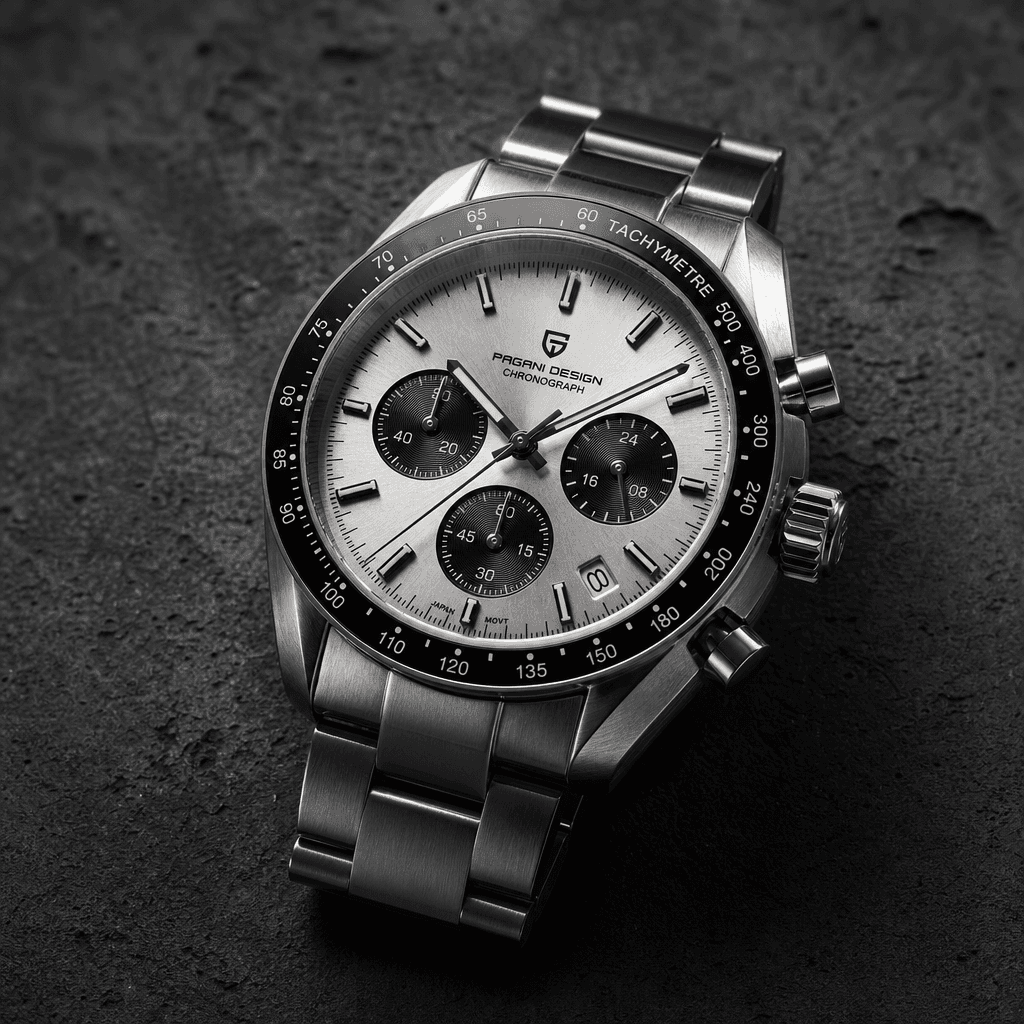
Square editorial product shot: a sleek silver chronograph watch placed on dark textured concrete. Side-lit to emphasise
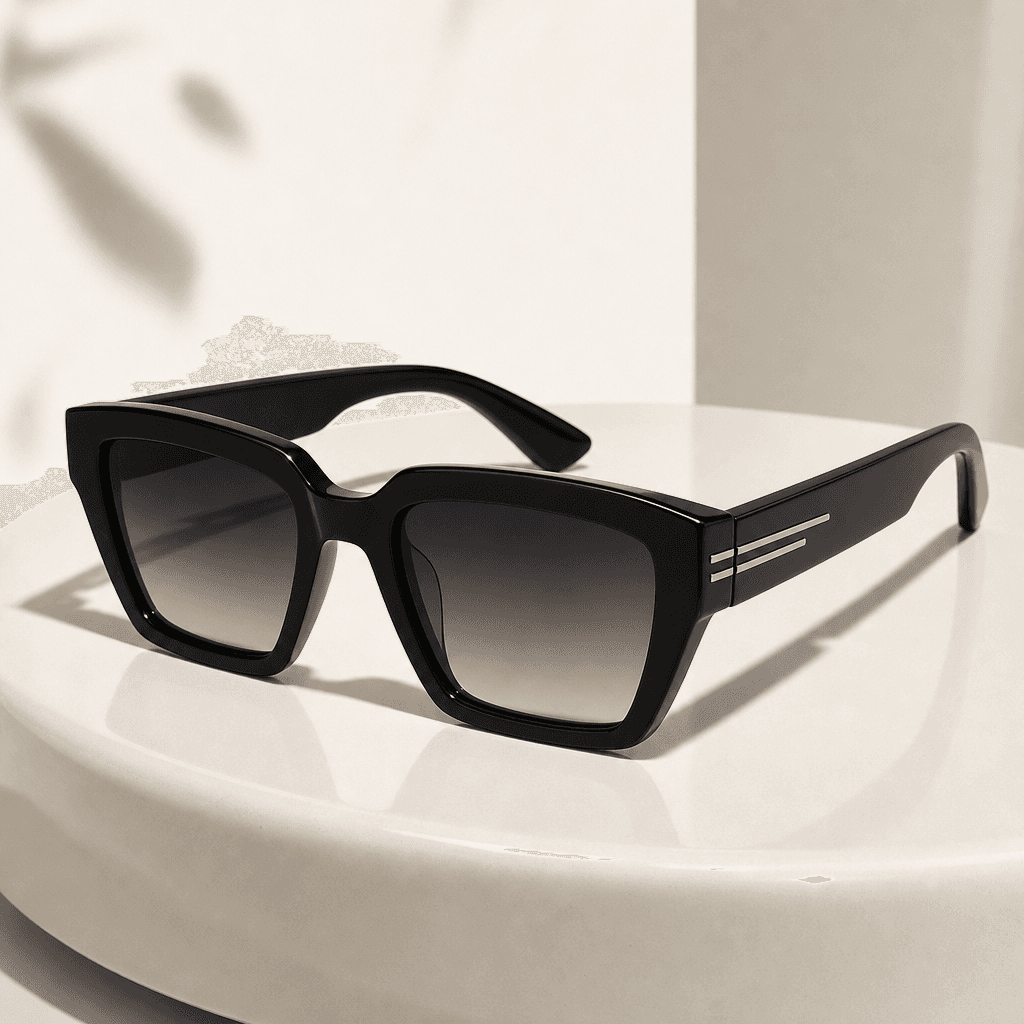
Square fashion product shot: a pair of angular black acetate sunglasses resting on a smooth off-white ceramic surface. S
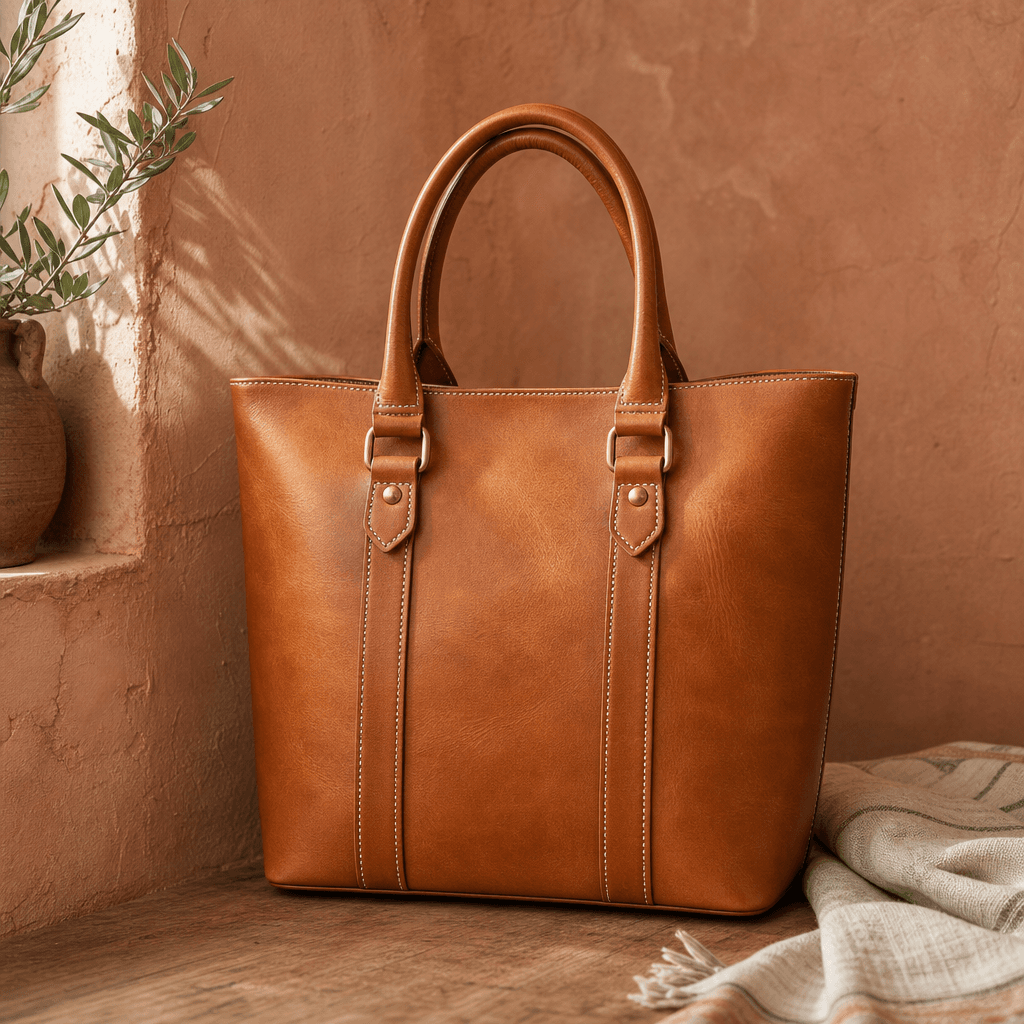
Square lifestyle product shot: a structured tan leather tote bag against a warm terracotta plaster wall. Natural diffuse
Ready to ship

Pick a template, customize, publish.

Use cases

Made for every workflow

  • Jewelry Brands

    Showcase rings, necklaces, earrings, and bracelets with precise metallic reflections and gemstone brilliance. Generate multiple angles and scene variations for collection launches without studio rental.

  • Handbag & Leather Goods

    Highlight stitching texture, hardware detail, and material quality for bags, wallets, and belts. Place products in lifestyle scenes that communicate luxury or everyday utility depending on your brand positioning.

  • Watches & Timepieces

    Render dial detail, case finish, and strap texture with the precision watch buyers expect. Produce editorial hero images and close-up macro shots from a single product upload.

  • Sunglasses & Eyewear

    Capture lens tint, frame shape, and temple detail with accurate transparency rendering. Generate lifestyle-adjacent editorial shots without booking talent or scheduling a studio session.

  • Ecommerce Sellers & Marketplaces

    Produce Amazon, Etsy, and Shopify-ready product images that meet marketplace aspect ratio and background requirements. Reduce per-SKU photography cost while maintaining consistent visual quality across large catalogues.

  • Social Media Marketers

    Create thumb-stopping accessory visuals for Instagram, TikTok, and Pinterest feeds. Generate format-specific crops — square posts, portrait stories, horizontal banners — all from one template session.

How it works

From idea to result in seconds

  1. Step · 01

    Choose a Template

    Browse the curated accessories library and select a template matched to your product category — jewelry, bags, watches, eyewear, or general luxury product shot.

  2. Step · 02

    Upload Your Product

    Add your product image and describe the scene, background, or mood you want — the AI adapts the template to your specific item and material.

  3. Step · 03

    Generate & Download

    Receive production-ready visuals in seconds, then download in your chosen aspect ratio for immediate use across ads, storefronts, and social media.

FAQ

Frequently asked questions

  • AI accessories templates are pre-built visual prompts and style presets on Nim that guide the AI to produce professional product imagery for items like jewelry, bags, watches, and sunglasses. They encode lighting setups, scene compositions, and material-handling logic so you get consistent, studio-quality results without building complex prompts from scratch.

  • Uploading your own product image gives you the most accurate, brand-specific output. Some templates also support generating conceptual or mood-board visuals from a text description alone — useful for pre-production planning or early-stage product marketing before physical samples exist.

  • Nim is a multi-model platform. Accessories image generation primarily leverages Flux for high-detail still imagery, with additional models including Kling and others available depending on the output format you need. You can switch models within the same session to compare results and choose the style that best fits your campaign.

  • Most accessories image generations complete in under a minute. Generation time can vary based on the model selected, image resolution, and current platform load, but the pipeline is optimised for fast turnaround on product photography workflows.

  • Yes. Images generated on Nim using your own product inputs are available for commercial use — product listings, paid ads, social media, printed materials, and storefronts. Review Nim's full terms of service at about.nim.video/terms for detailed licensing information.

  • You retain rights to the outputs generated from your own product inputs on Nim. The platform license grants broad commercial usage rights for images created with your content. Full terms are published at about.nim.video/terms.

  • Nim requires an account and purchased credits to generate images. There is no permanent free tier or free generation credits — generation is a paid feature. Template preview thumbnails on the platform give you a clear sense of output quality and style before committing credits.

  • Traditional accessories photography typically involves studio rental, specialised macro lighting equipment, a photographer experienced with reflective and transparent materials, and post-processing time — adding up to hundreds or thousands per shoot. Nim lets you produce comparable-quality visuals per SKU at a fraction of the cost, with faster turnaround and the freedom to iterate on scenes without rebooking.

  • Yes. Once a template and style are configured, you can apply them to multiple product images within the same session, producing a visually consistent look across an entire accessories range. This makes Nim particularly effective for catalogue-scale product photography where brand consistency across hundreds of SKUs matters.

  • Nim generates accessory visuals in 1:1 (square, for marketplace listings and Instagram grid), 4:5 and 9:16 (portrait, for Instagram and TikTok), and 16:9 (landscape, for banner ads and website heroes). The aspect ratio is selectable before generation so you get the correct crop for each distribution channel without manual resizing.

Get started

See what you can make

Explore more

Discover more AI tools