AI Models · Templates

AI Model Templates for Every Style

Curated pro templates built for Sora, Veo, Kling, Pika, Flux, and more — production-ready starting points optimized for each model's unique strengths.

Browse templates
Browse all 400+ templates

Everything you need

Built for creators, marketers, and teams shipping AI video at scale.

01

10+ frontier AI models

Access Sora, Veo 3, Kling 2.0, Pika 2.2, Flux, Wan, Luma, Runway, and Seedance from a single platform and credit system.

02

Production-ready quality

Every template is crafted for commercial-grade output — no guesswork, no endless trial-and-error prompting required.

03

Model-optimized prompts

Each template's prompt is written and validated specifically against its assigned AI model to maximize visual fidelity and motion quality.

04

Fast generation

Most templates render in under a minute, letting you iterate rapidly across styles, models, and creative directions.

05

Hundreds of templates

Browse a curated library spanning video, image, product, fashion, lifestyle, UGC ads, and more creative verticals.

06

Creator & brand focused

Templates are designed for content creators, social media teams, ecommerce sellers, and marketing agencies — not researchers.

07

Commercial-use outputs

Assets generated on paid Nim plans are cleared for brand campaigns, paid advertising, and commercial distribution.

08

Continuously updated

New model versions and fresh template batches are added as frontier models release updates and new capabilities emerge.


Features

Built to ship

Abstract dark landscape overhead view: multiple distinct light sources — amber, cool white, faint violet — scattered acr
F · 01

Multi-Model Platform in One Place

Nim gives you access to the world's top AI generation models — Sora, Veo 3, Kling, Pika, Flux, Wan, Luma, and Runway — under a single account and credit system. No separate subscriptions, no switching between tabs or services. Each model excels at different styles: Sora for cinematic realism, Kling for expressive motion, Veo for photorealistic video, Flux for sharp image generation. Nim's template library surfaces the best use case for each model so you spend less time experimenting and more time shipping assets that perform.

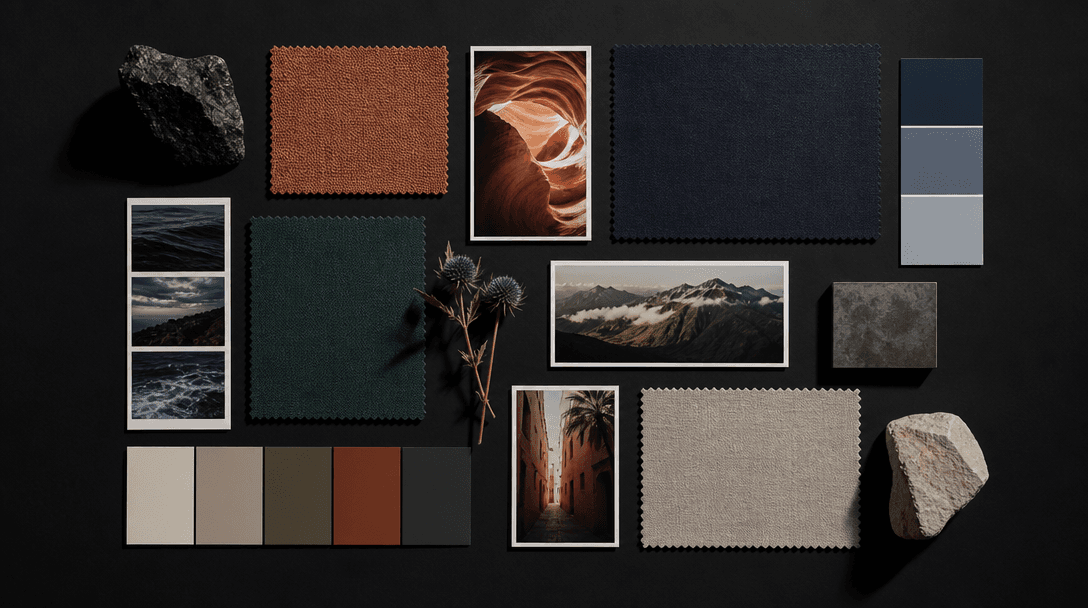
Editorial flat lay: precise geometric arrangement of creative reference materials — fabric swatches, matte color chips,
F · 02

Curated Templates Built by Creatives

Every AI model template on Nim is crafted by an editorial team — not auto-generated by a script. Templates include a pre-engineered prompt, recommended model, aspect ratio, and style guidance validated for quality output. This means you start from a proven creative baseline rather than a blank prompt box. Whether you need a cinematic product reveal, a fashion editorial, a UGC-style ad, or an architectural visualization, there is a template tuned for your goal and matched to the model best equipped to execute it with professional results.

Abstract macro: layered translucent materials — glass, silk, tracing paper — stacked and edge-lit from below, creating d
F · 03

Model-Specific Prompt Engineering

Different AI models respond differently to the same prompt — a prompt that produces stunning cinematic results in Kling may underperform in Pika, and vice versa. Nim's templates encode this knowledge: every prompt is written and iterated against its assigned model to maximize coherence, motion quality, and visual fidelity. You inherit the benefit of hundreds of test cycles without running them yourself. Advanced creators can fork any template and adjust prompts while keeping the validated model-prompt pairing as a reliable starting point for their own variations.

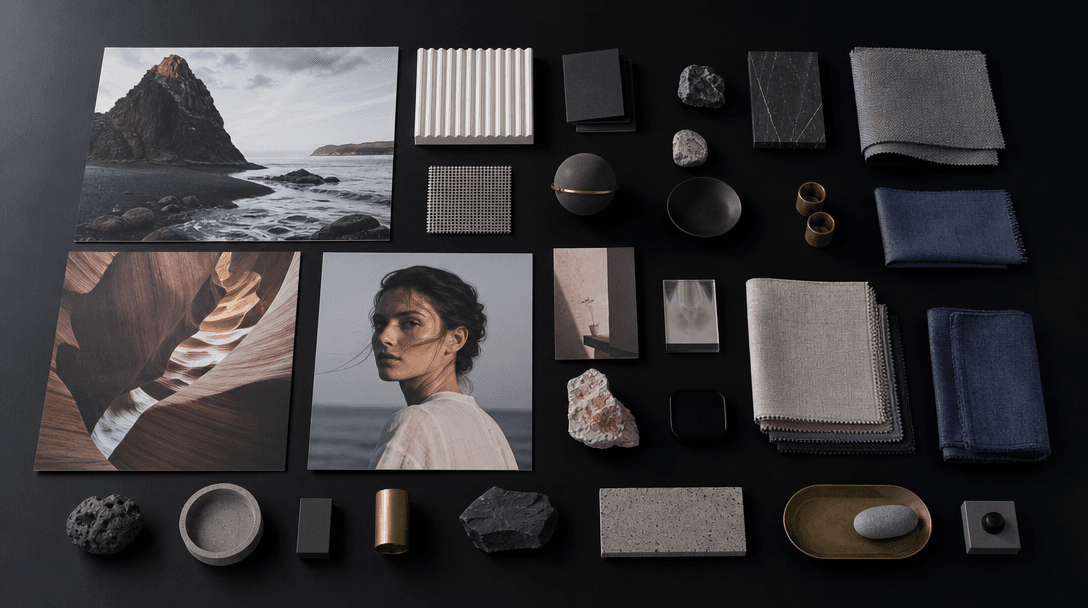
Overhead editorial scene: organized collection of physical creative outputs — large-format printed photographs, small pr
F · 04

Built for Creators, Marketers, and Sellers

Nim's AI model template library is not a research playground — it is designed for professionals who need to ship content on deadline. Templates are organized by industry vertical (ecommerce, fashion, real estate, food, beauty, UGC ads) and output type (video clip, product image, social media post, ad creative). Each template signals its primary use case — ad creative, brand awareness, product launch, social media — so your team can filter for commercial intent rather than browsing by model name. The result is a professional workflow tool engineered for consistent, repeatable output quality.

Showcase

See it in action

Real outputs generated by our pipeline — no curated cherry-picks.

Cinematic product shot: a luxury perfume bottle on a reflective obsidian surface, warm golden rim light catching glass f
Fashion editorial: a silk garment suspended mid-air in a dark void, dramatic side lighting creating deep shadows and sha
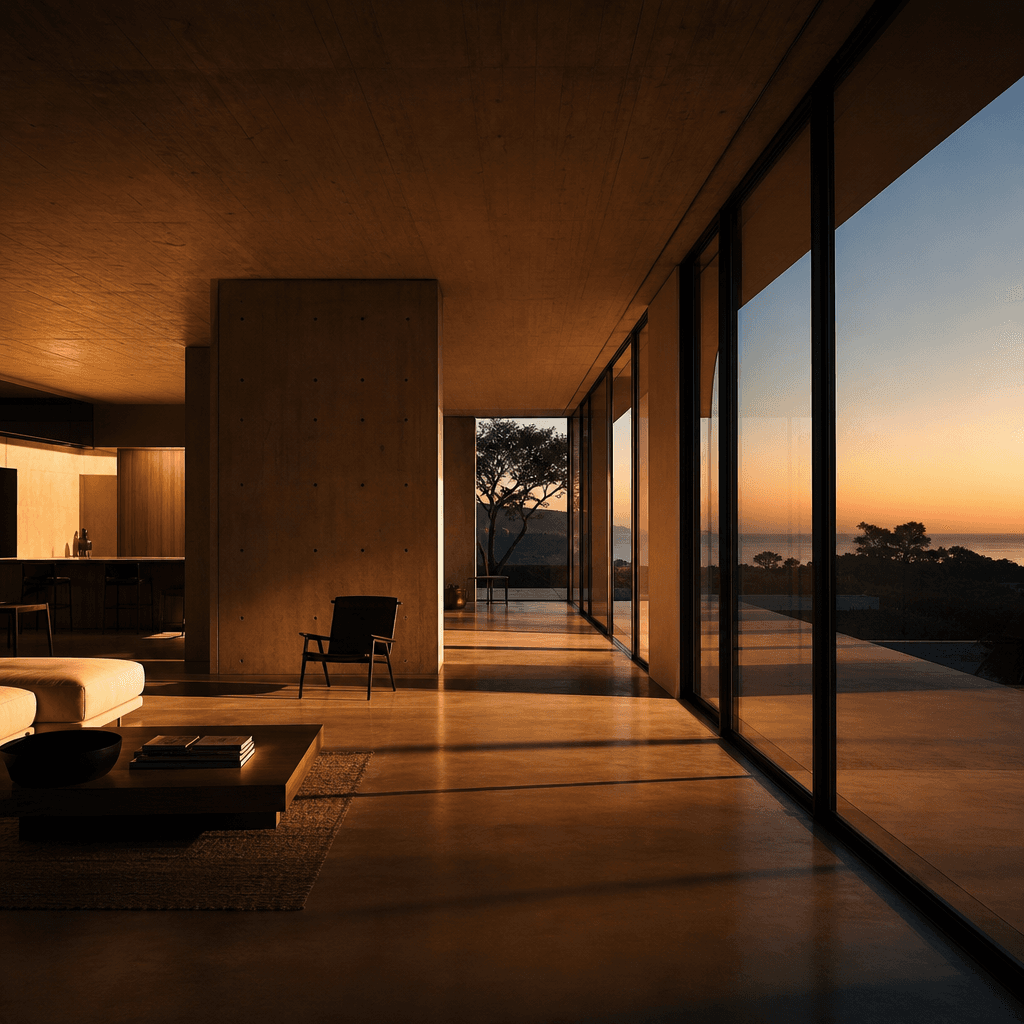
Modernist interior architecture at dusk: warm interior light spilling through floor-to-ceiling windows, long horizontal
Close-up portrait editorial: dramatic split lighting on a face, one side illuminated warm amber, other side deep shadow,
Ready to ship

Pick a template, customize, publish.

Use cases

Made for every workflow

  • Social Media Creators

    Generate scroll-stopping Reels, TikToks, and YouTube Shorts using model-optimized video templates tuned for the pacing and aesthetic native to each platform. Produce at volume without manual editing overhead.

  • Ecommerce Brands

    Create product visuals, lifestyle shots, and ad-ready video with templates tuned for commercial product presentation across Flux, Kling, and Veo. Deliver studio-quality assets without a studio budget.

  • Marketing Teams

    Spin up campaign-ready video and image assets across multiple styles and formats rapidly. Model-specific templates reduce review cycles by delivering consistent quality from the first generation run.

  • Video Producers

    Use cinematic video model templates — Sora, Veo 3, Kling — as a previs and ideation layer to draft visual sequences at scale before committing to live-action shoot budgets.

  • Agencies & Freelancers

    Deliver client creative briefs faster by starting from production-ready AI model templates. Reduce concept-to-delivery time across video ads, brand content, and social media campaigns for multiple clients.

How it works

From idea to result in seconds

  1. Step · 01

    Browse model templates

    Explore Nim's curated library of AI model templates, filtering by model type, output format, or industry vertical to find the template that matches your creative brief.

  2. Step · 02

    Customize your prompt

    Adjust the pre-built prompt to fit your subject, brand, or specific scene — the model selection and style parameters are already optimized so you only need to swap in your content details.

  3. Step · 03

    Generate and export

    Run generation on your chosen AI model and export production-ready video or image assets for ads, social media, brand campaigns, and commercial use.

FAQ

Frequently asked questions

  • AI model templates are pre-built creative starting points that pair a curated, validated prompt with a specific AI generation model — such as Sora, Veo 3, Kling, or Pika. Each template is tuned to get the best output from its assigned model so you skip the trial-and-error phase and go straight to production-quality results.

  • Nim provides access to Sora, Veo 3, Kling 2.0, Pika 2.2, Flux, Wan, Luma Dream Machine, Runway Gen-4, Seedance, and more. The platform is updated as new model versions release, so you consistently have access to the latest frontier generation capabilities from a single account.

  • Yes. Generating outputs on Nim requires purchased credits — there is no free generation tier. Credits are consumed per generation run and the cost varies by model and output length. You can purchase credits directly from the subscription page.

  • Yes. Outputs generated on paid Nim plans are cleared for commercial use including brand campaigns, paid advertising, and product marketing. Watermarks are removed on paid plans; outputs generated before purchasing a plan carry a watermark.

  • Using a single model directly means working with a blank prompt interface and no curated starting point. Nim gives you a template library across multiple frontier models, model-optimized prompts validated for quality, and vertical-specific organization — so you find the right model for the right job faster and start from a proven creative baseline every time.

  • Most templates generate in under a minute. Actual render time depends on the model selected and output resolution or length — short image generations are typically faster than long-form video clips. Nim's infrastructure is optimized for throughput so you can iterate quickly across multiple template variations.

  • Yes. Templates provide a validated starting point but you can edit the prompt text, adjust model parameters, swap the assigned model, or change the aspect ratio. The template is a high-quality springboard, not a locked configuration — advanced creators regularly fork templates to build their own specialized variations.

  • Video model templates use models like Sora, Veo 3, Kling, and Pika to produce short video clips — typically 3–10 seconds — with motion, scene transitions, and cinematic style. Image model templates use models like Flux to generate high-resolution still images: product photos, portraits, lifestyle scenes, and editorial visuals optimized for static commercial use.

  • Runway and Kling are single-model platforms — you work exclusively within their ecosystem with no cross-model comparison or template library. Nim is a multi-model platform: you get Runway, Kling, Sora, Veo, Pika, Flux, and more in one place, with curated templates that route your brief to the model best suited for it. One account, one credit system, multiple frontier models.

Get started

See what you can make

Explore more

Discover more AI tools