Premium Video Template

Apartment Chaos AI Video Template

Turn a product into the unlikely hero of a playful apartment disaster, rendered with cinematic motion and production-ready visual detail.

Create apartment chaos
Browse all 400+ templates

Everything you need

Built for creators, marketers, and teams shipping AI video at scale.

01

Product-Led Spectacle

Your uploaded product remains the visual hero while the surrounding apartment erupts into carefully staged cinematic chaos.

02

Playful Destruction

Furniture, decor, dust, and household objects create an exaggerated disaster sequence with an entertaining advertising tone.

03

Cinematic Camera Motion

Dynamic framing and energetic movement give the finished clip the pace and scale of a polished commercial.

04

Fast Creative Workflow

Start from one strong product image and generate a campaign-ready concept in seconds or under a minute.

05

Premium Visual Direction

The template supplies a curated creative structure so you do not need to design the destruction sequence from scratch.

06

Multi-Model Platform

Create and continue refining campaign assets within Nim alongside leading video and image models such as Veo, Kling, Sora, Pika, and Flux.

07

Commercial-Ready Concept

The dramatic premise is designed for product launches, paid social, organic posts, and attention-grabbing ecommerce campaigns.

08

Broad Product Fit

Use the apartment chaos format with electronics, accessories, packaged goods, decor, beauty products, and other visually distinctive items.

Features

Built to ship

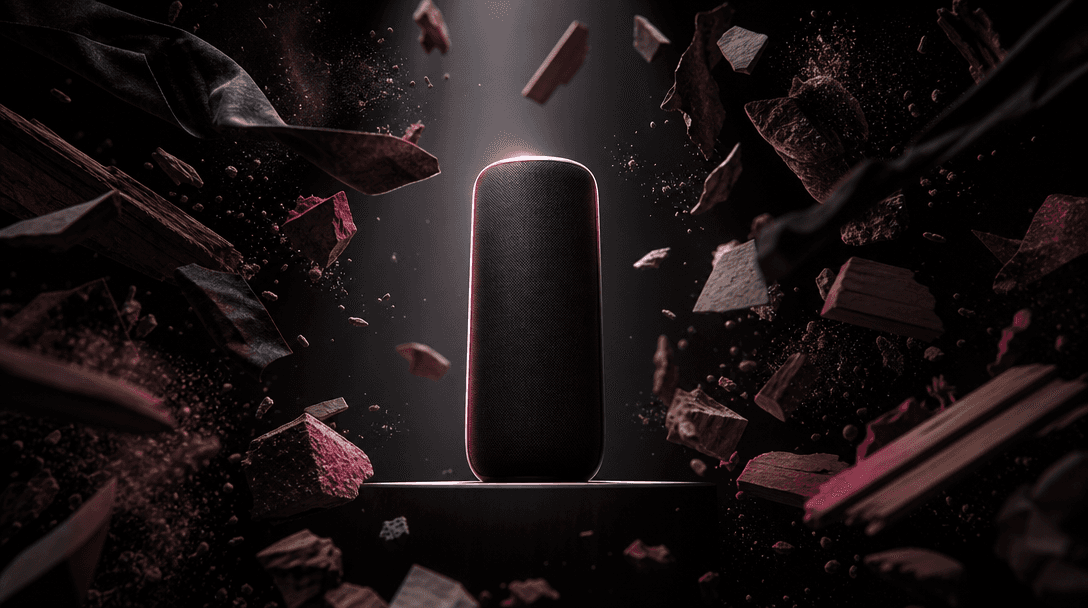
A single polished product silhouette isolated in a beam of hard studio light while fragmented household materials orbit
F · 01

Make the Product Unmissable

Apartment Chaos creates a deliberate contrast between a composed product and an environment descending into playful disorder. The surrounding action builds visual momentum while keeping the featured item central, recognizable, and suitable for a product-focused campaign.

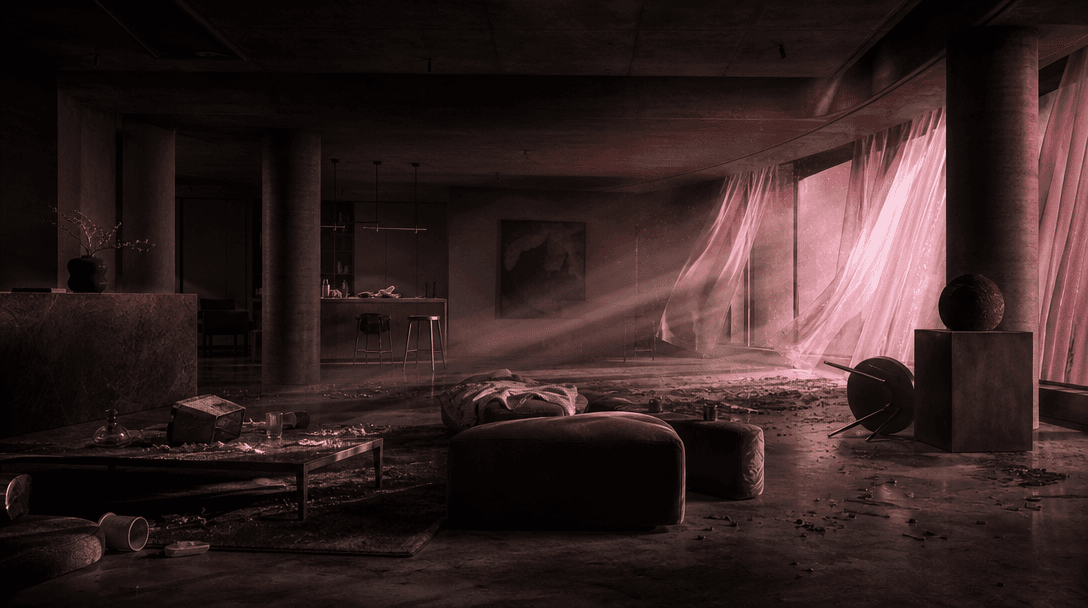
An empty designer apartment set moments after a theatrical practical-effects event, furniture shifted, curtains flowing,
F · 02

Direct a Disaster Without Production

A physical destruction shoot would require a location, props, practical effects, safety planning, cleanup, and multiple camera takes. This premium template packages that ambitious creative direction into a repeatable generation workflow built around a product image.

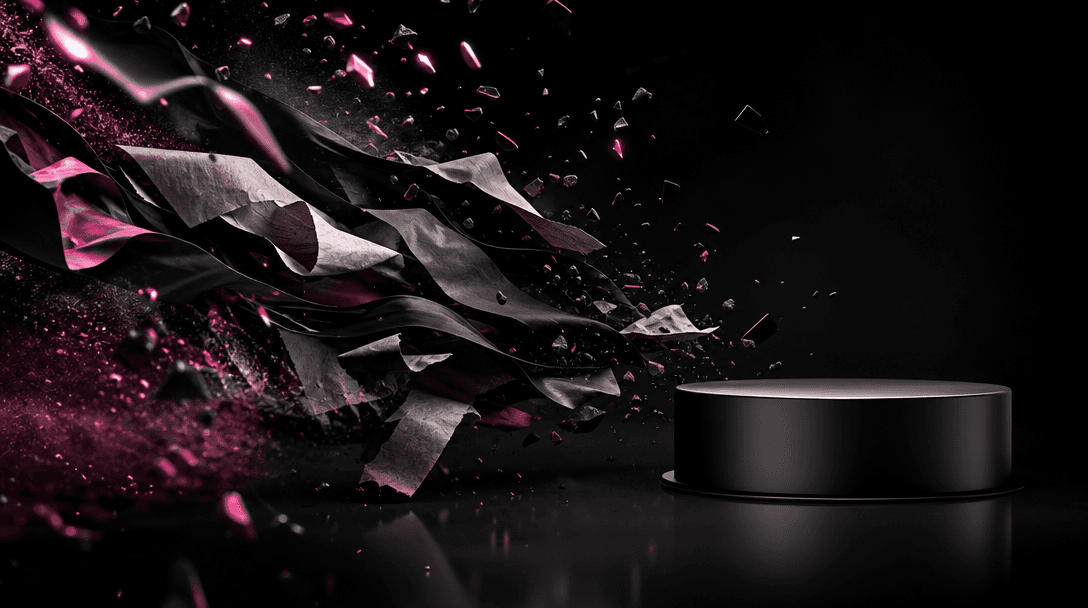
A dramatic wave of paper, fabric, polished fragments, and fine particles moving across a black studio environment toward
F · 03

Build Scroll-Stopping Campaign Assets

The template uses surprise, motion, and escalating spectacle to create an immediate visual hook for short-form feeds. Marketers can use the result as a hero asset or combine it with product close-ups, offer cards, and calls to action in a larger campaign edit.

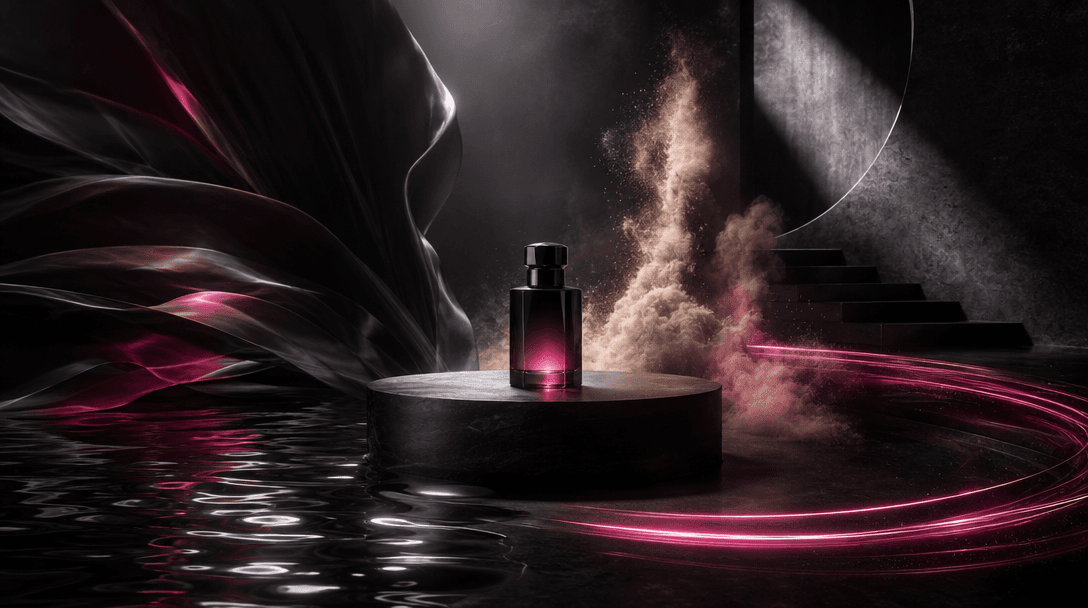
Several distinct cinematic material worlds converging around one central product pedestal: liquid reflections, windblown
F · 04

Extend the Concept Across Models

Nim brings professional templates and multiple generation models into one creative platform. After creating the Apartment Chaos clip, you can develop supporting product imagery and alternate campaign directions with models including Veo, Kling, Sora, Pika, and Flux.

Showcase

See it in action

Real outputs generated by our pipeline — no curated cherry-picks.

A sleek black wireless speaker as the calm hero in a modern living room disaster, books, cushions, and decorative object
A luxury perfume bottle centered on a stone pedestal inside an elegant apartment while flowers, fabric, and small decor
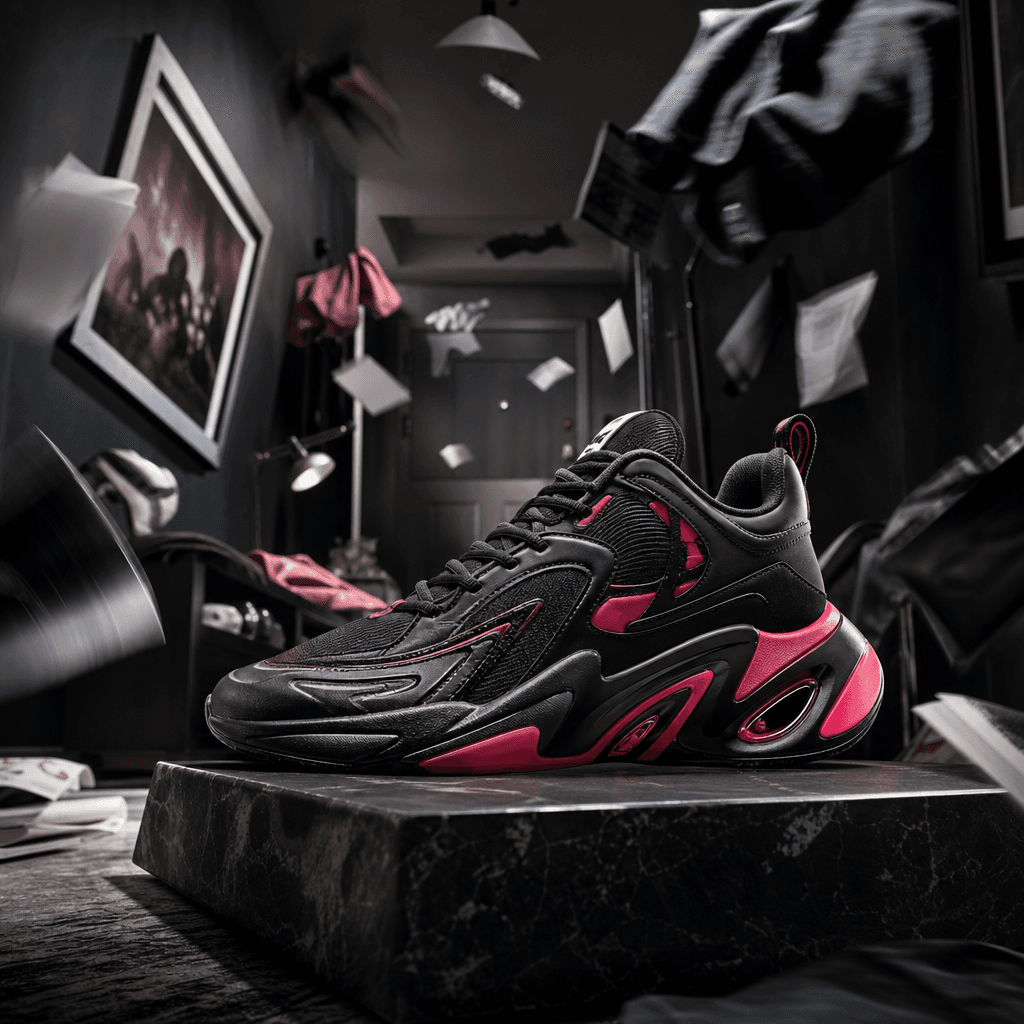
A vivid designer sneaker planted firmly on a low platform as a compact apartment hallway bursts into theatrical disorder
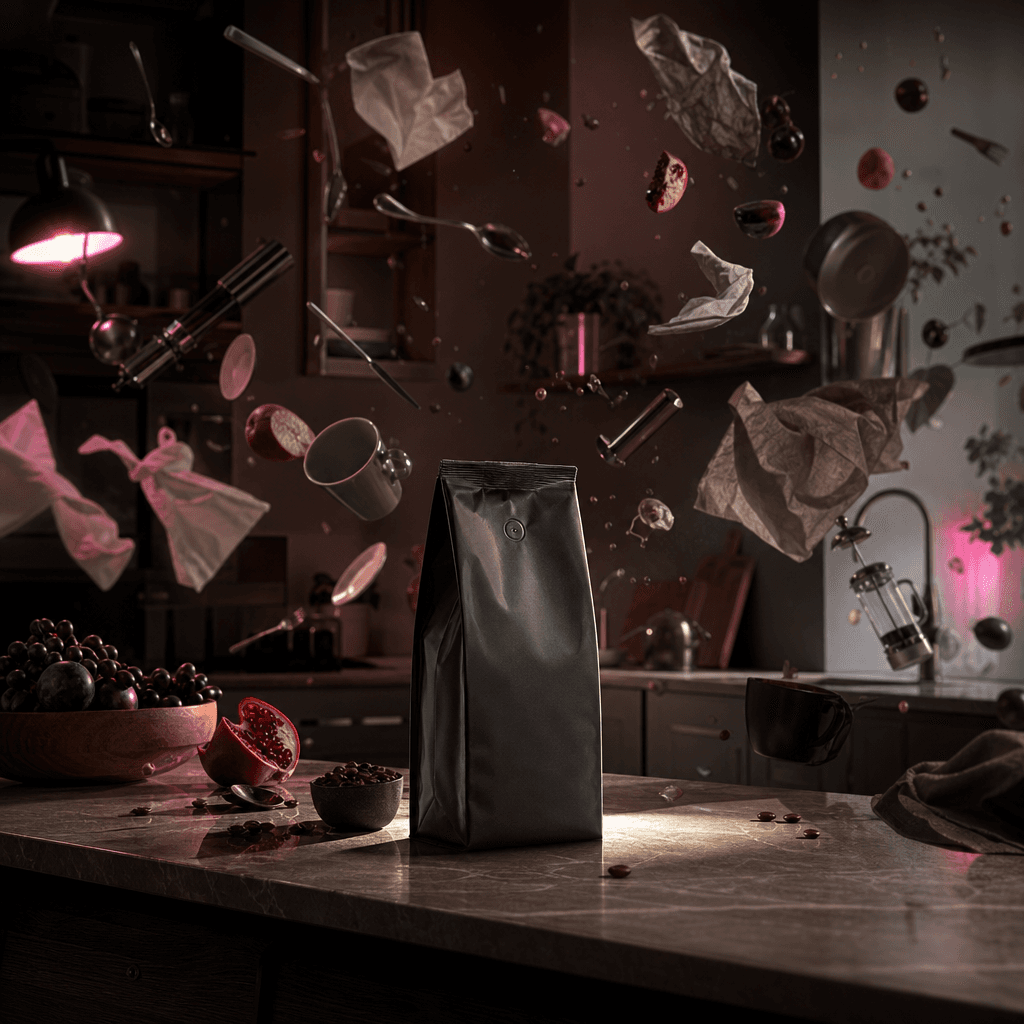
A premium coffee package standing untouched on a kitchen island while utensils, napkins, fruit, and lightweight objects
Ready to ship

Pick a template, customize, publish.

Use cases

Made for every workflow

  • Ecommerce Brands

    Turn a clean catalog image into a high-energy product reveal that feels larger than a standard studio advertisement. The result can anchor launch pages, social campaigns, and promotional edits.

  • Paid Social

    Open an advertisement with unexpected apartment destruction to interrupt passive scrolling, then transition into product benefits, pricing, or a direct-response offer.

  • Creative Agencies

    Prototype an ambitious commercial treatment before committing to a physical production. Teams can use the generated result to communicate tone, pacing, visual scale, and campaign potential.

  • Product Launches

    Introduce a new item through a memorable cinematic event instead of a conventional rotating packshot. The playful disaster format gives launch content a clear concept and strong reveal moment.

  • Organic Social

    Give routine product posts a surprising narrative premise that encourages rewatches, shares, and comments. The format works especially well for visually recognizable products with a bold silhouette.

  • Marketplace Sellers

    Add an expressive promotional asset alongside practical listing photography. The cinematic clip can attract attention on external channels while standard images continue communicating product details.

How it works

From idea to result in seconds

  1. Step · 01

    Upload Your Product

    Choose a sharp product image with a clear silhouette, visible details, and enough contrast to remain recognizable during the action.

  2. Step · 02

    Generate the Disaster

    Run the premium template to place your product inside a playful cinematic apartment sequence filled with movement and controlled destruction.

  3. Step · 03

    Launch Your Campaign

    Review the generated clip, select the strongest result, and incorporate it into social posts, advertisements, launch edits, or ecommerce promotions.

FAQ

Frequently asked questions

  • Apartment Chaos is a premium Nim video template that turns a product image into the centerpiece of a playful cinematic apartment disaster. It is designed to create a surprising commercial concept without staging a destructive physical shoot.

  • Upload a clear image of the product you want to feature and run the template through Nim. The generation uses the supplied image as its visual reference while constructing an energetic apartment scene around the product.

  • Products with a clear silhouette, distinctive shape, and well-lit source image generally provide the strongest starting point. Electronics, bottles, beauty packaging, accessories, decor, shoes, and compact household products are practical candidates.

  • Generation requires purchased credits, and the credit cost can vary according to the model and settings used. Current plan and credit details are available on Nim's subscription page before you generate.

  • Nim provides access to multiple leading video and image generation model families, including Sora, Veo, Kling, Pika, and Flux. Model availability and capabilities can change as new versions are integrated into the platform.

  • The template creates a short cinematic video built around the uploaded product and an apartment environment in playful disarray. Exact motion, object behavior, composition, and environmental details can vary between generations.

  • The template is designed for commercial creative workflows such as advertising, ecommerce, and branded social content. You should own or have permission to use every uploaded product image, logo, and other source asset, and review the applicable Nim plan terms for your intended use.

  • Preview output may include a watermark. Watermark removal is available through applicable paid plans, so check the current subscription details for the export conditions associated with your account.

  • A generic generator requires you to invent and refine the entire prompt, camera direction, environment, action, and product treatment. Apartment Chaos begins with a curated professional concept specifically designed to make a product the hero of an escalating cinematic disaster.

  • Many generations complete in seconds or under a minute, though actual latency depends on the selected model, request complexity, and current processing demand. More complex video generations can take longer.

Get started

See what you can make

Explore more

Discover more AI tools