
Architecture · AI Video

Animated Render to Real Building

Transform a static CGI render into a cinematic video that transitions seamlessly to real-world footage — built for architects, developers, and visualization studios.

Browse templates
Browse all 400+ templates

Everything you need

Built for creators, marketers, and teams shipping AI video at scale.

01

Render-to-reality transition

Generate a fluid video that morphs from architectural CGI into real building footage in a single continuous shot.

02

Production-ready output quality

Every export meets broadcast standards — crisp material detail, controlled motion, and clean compression throughout.

03

Multi-model AI engine

Powered by Sora, Veo, and Kling — choose the generation model that matches your cinematic style at render time.

04

Template-driven workflow

Start from a curated pro template, swap in your render and real-building asset, then generate in one step.

05

Commercial license on paid plans

Outputs carry a commercial use license covering client deliverables, investor decks, and public marketing campaigns.

06

Fast render turnaround

Generations complete in under a minute so you can iterate on client feedback without blocking your project schedule.

07

Architecture template library

Dozens of architecture-specific templates — animated renders, fly-throughs, facade reveals, and interior walk-throughs.

08

No video editing skills required

Nim handles motion, timing, and transitions automatically — supply the assets and generate.

Features

Built to ship

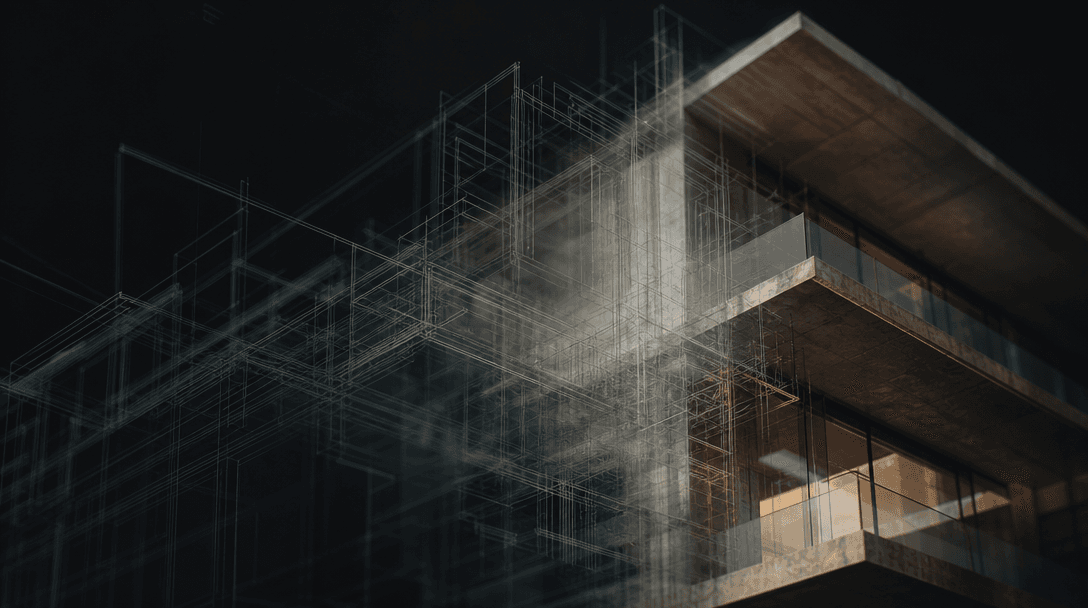
Abstract cinematic still — a ghostly double exposure of architectural wireframe geometry dissolving into real building p
F · 01

Cinematic render-to-real video transition

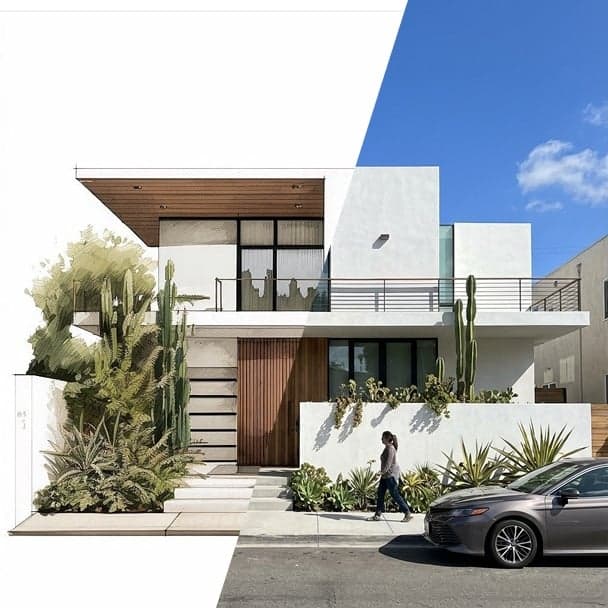
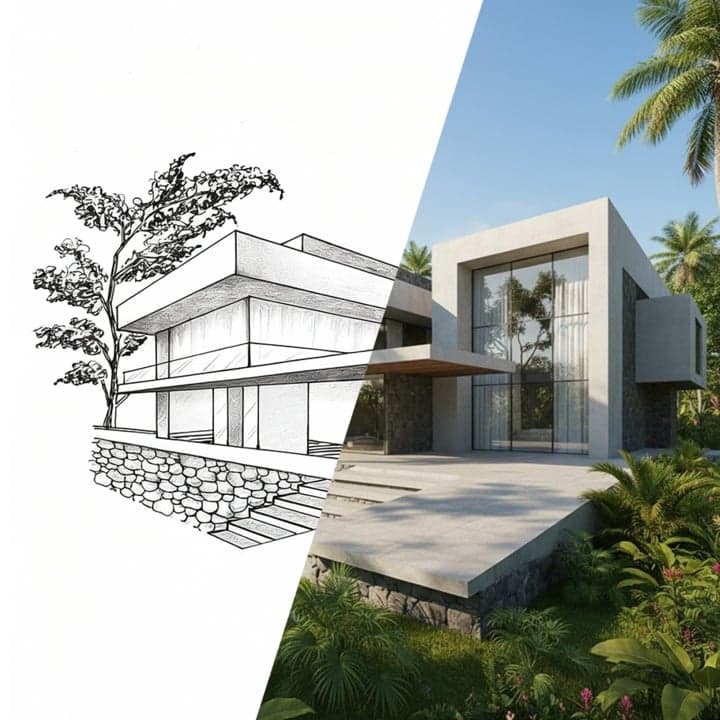
The Animated Render template specializes in one of architecture's most compelling storytelling moves: a seamless dissolve from a polished CGI render to real-world photography or footage of the completed building. The AI analyzes both source assets, aligns geometry, lighting, and perspective, then generates the in-between frames automatically. The result is a 5–15 second showreel moment that communicates design intent and delivery in a single shot — no After Effects compositing required.
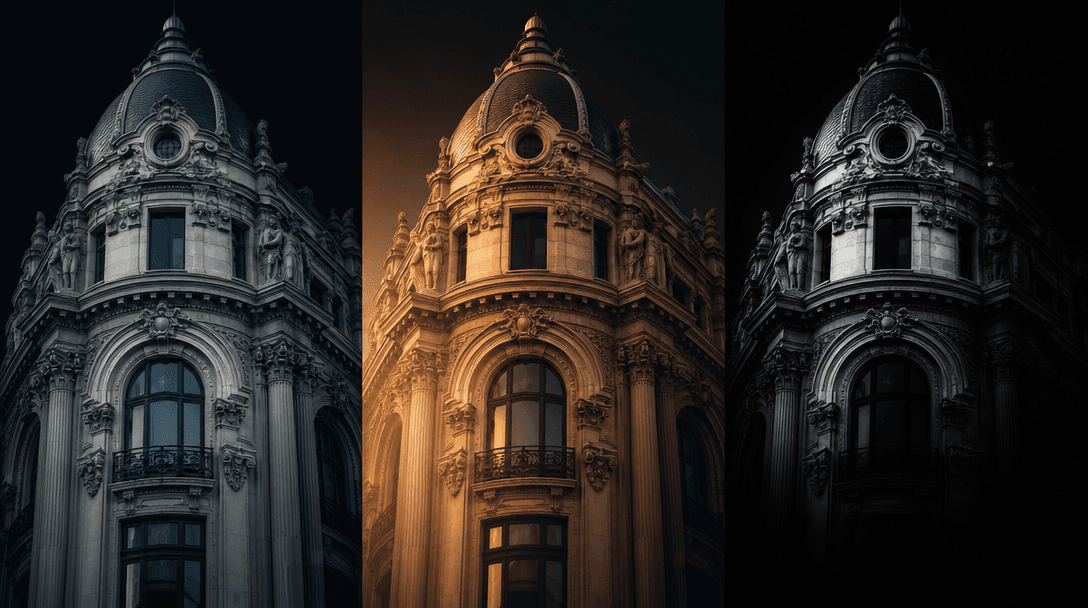
Abstract editorial composition showing three side-by-side narrow strips of the same architectural facade rendered in thr
F · 02

Choice of leading video generation models

Nim routes your generation through whichever foundation model best matches your creative brief — Sora for sweeping cinematic motion, Veo for photorealistic material coherence, Kling for fast iterative previews. You select at generation time without reconfiguring your workflow. Because every model runs through the same Nim template system, swapping engines takes seconds and your assets, prompt, and settings carry over across runs.

Overhead flat-lay of a curated grid of small architectural render thumbnails — various building typologies, all treated
F · 03

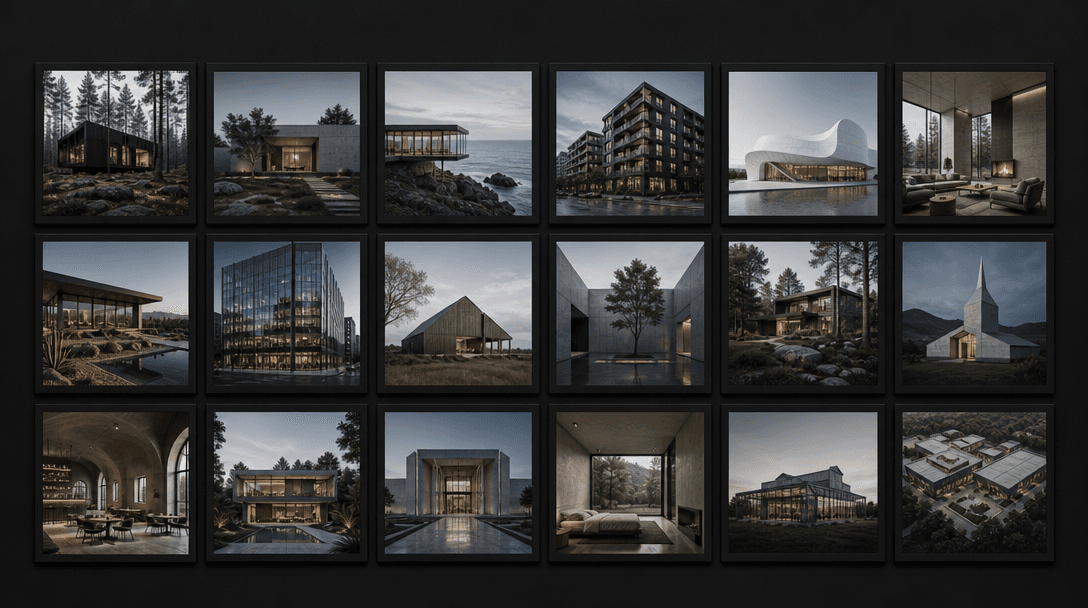
Architecture-specific template collection

Nim's architecture category includes templates purpose-built for the industry's visual language: render transitions, exterior fly-throughs, facade detail reveals, interior walk-throughs, and seasonal lighting changes. Each template is calibrated for architectural aspect ratios — landscape for client presentations, portrait for social — with frame pacing and color science tuned to respect both CGI and photographic sources without washing out either.

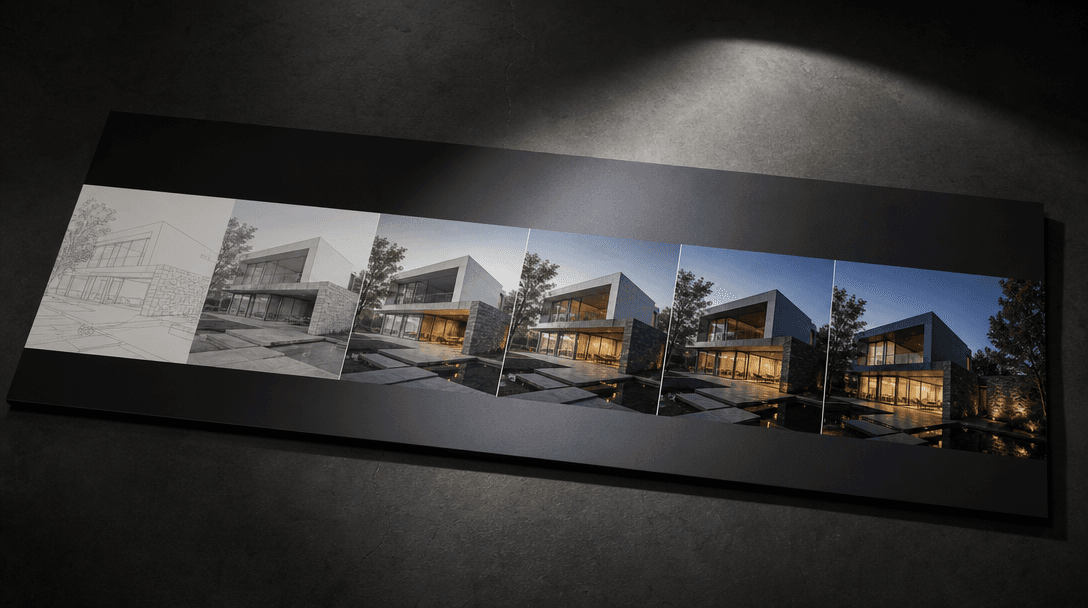
A sleek printed architectural presentation board displayed on a dark studio table under a directional spotlight, showing
F · 04

Client-ready exports with commercial rights

Every output generated on a paid Nim plan includes a commercial use license covering architectural presentations, planning submissions, investor materials, and marketing campaigns. Exports are delivered at full resolution without watermarks, ready to embed in your pitch deck, practice website, or social channels. Generation history is preserved so you can re-export or iterate on approved visuals months after the original project closes.

Showcase

See it in action

Real outputs generated by our pipeline — no curated cherry-picks.

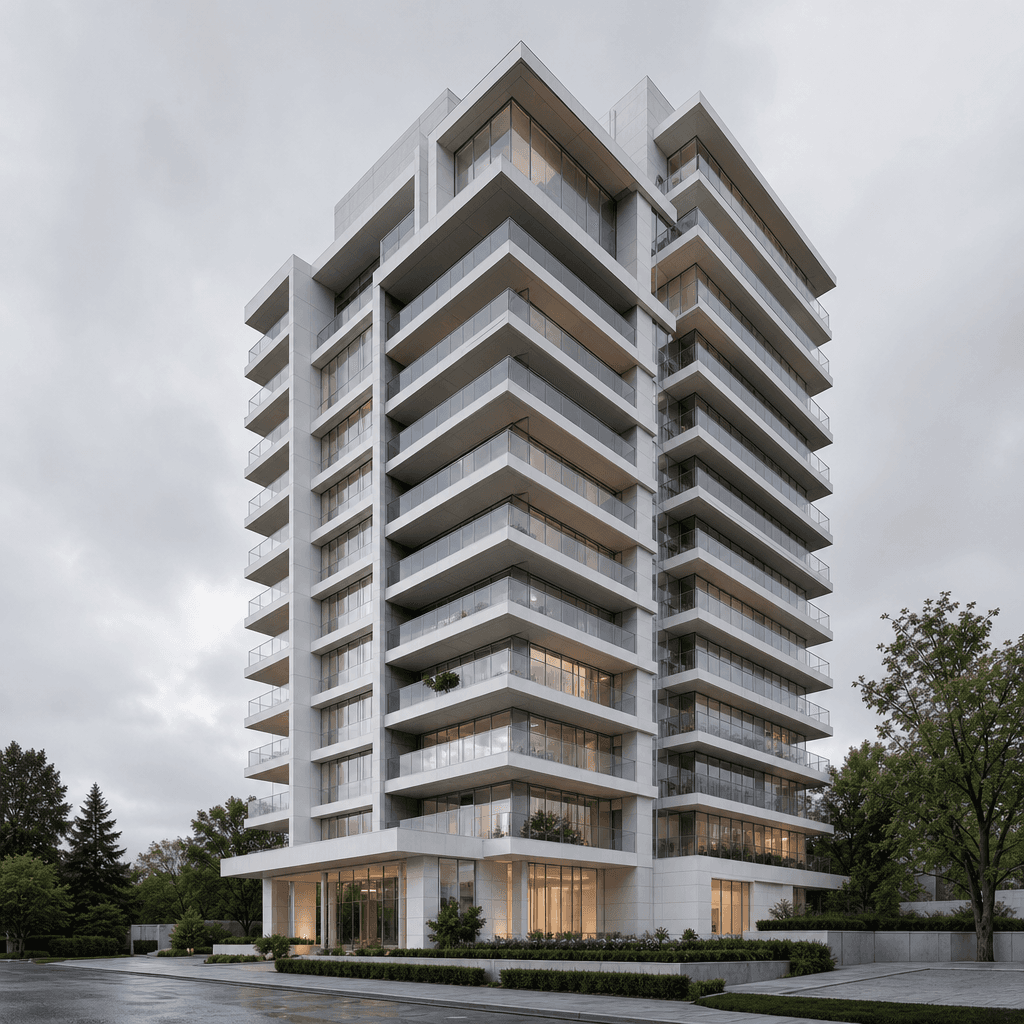
High-resolution architectural CGI render of a modernist residential tower, crisp white concrete and floor-to-ceiling gla
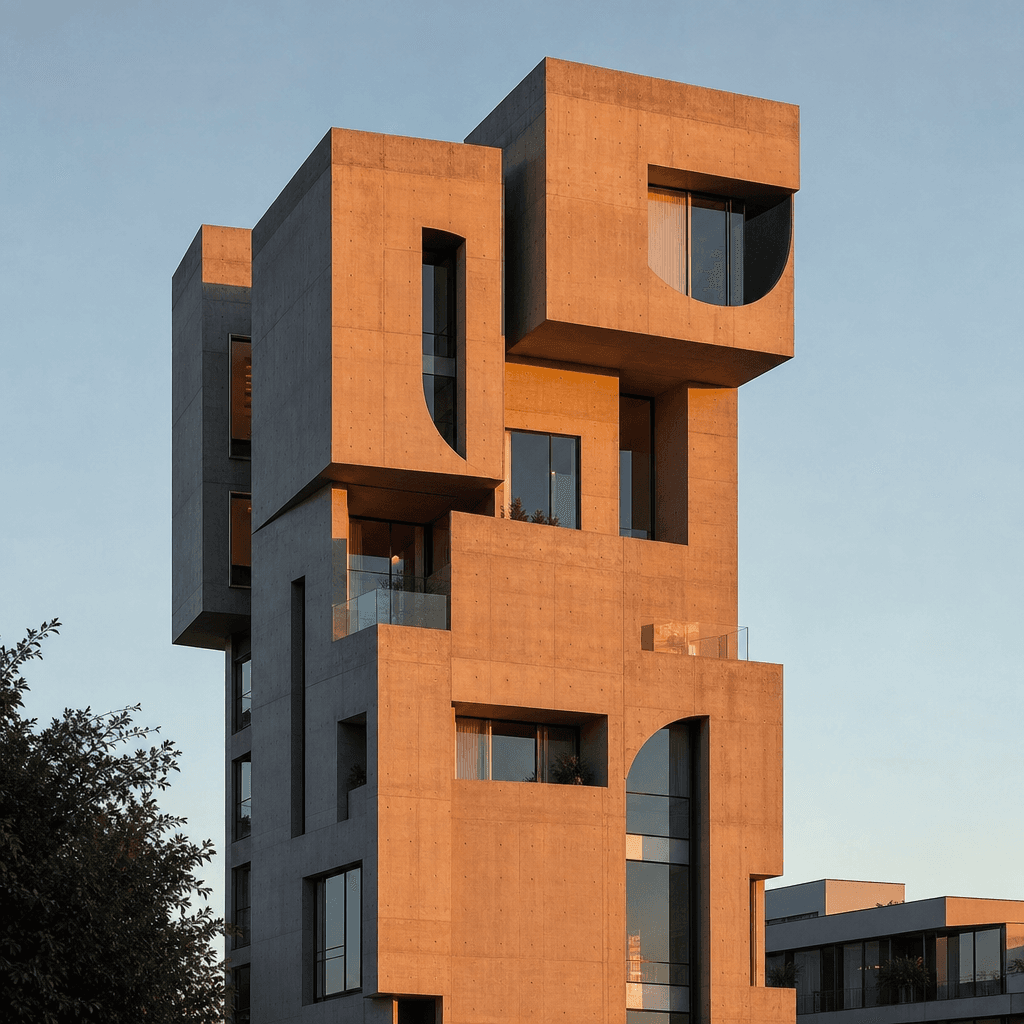
Real architectural photograph of the same modernist tower completed and photographed at golden hour, warm amber light ca
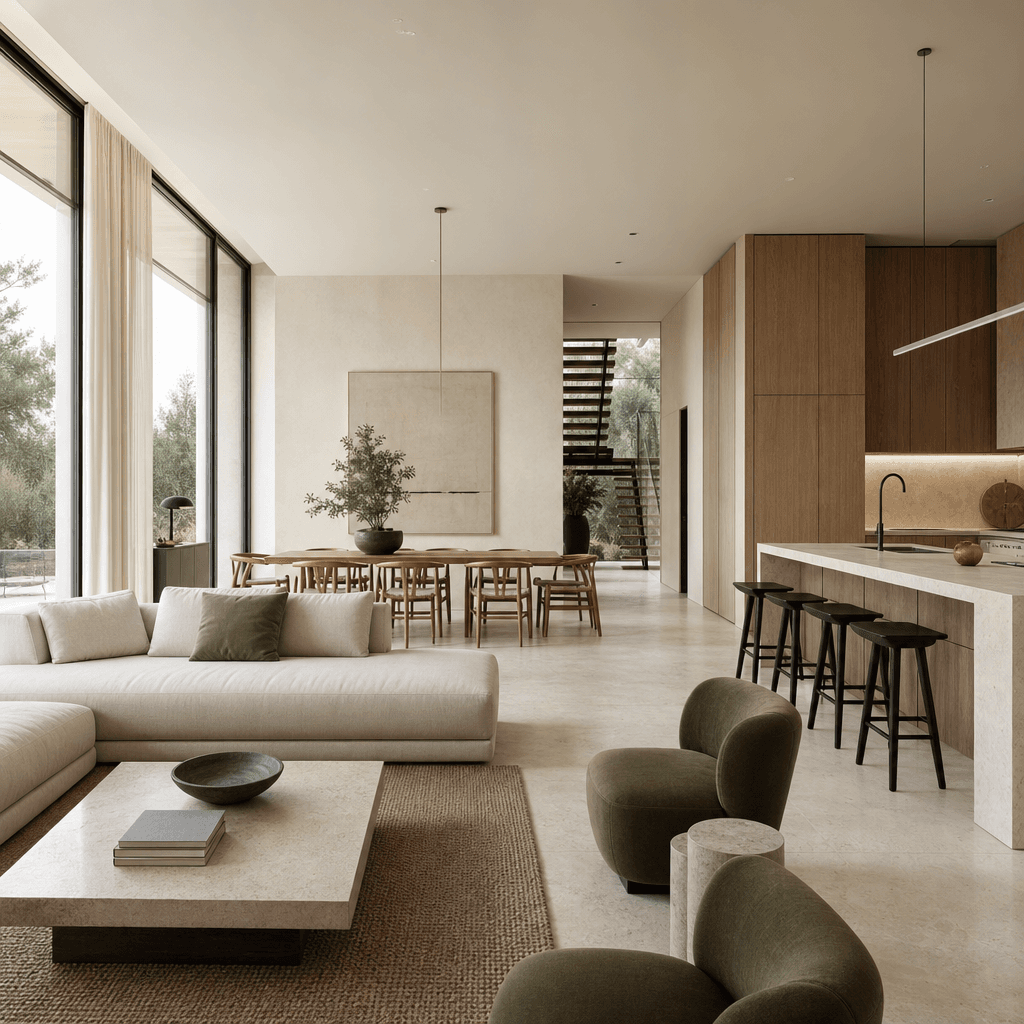
Architectural CGI render of a minimalist open-plan interior — pale limestone floors, full-height windows flooding the sp
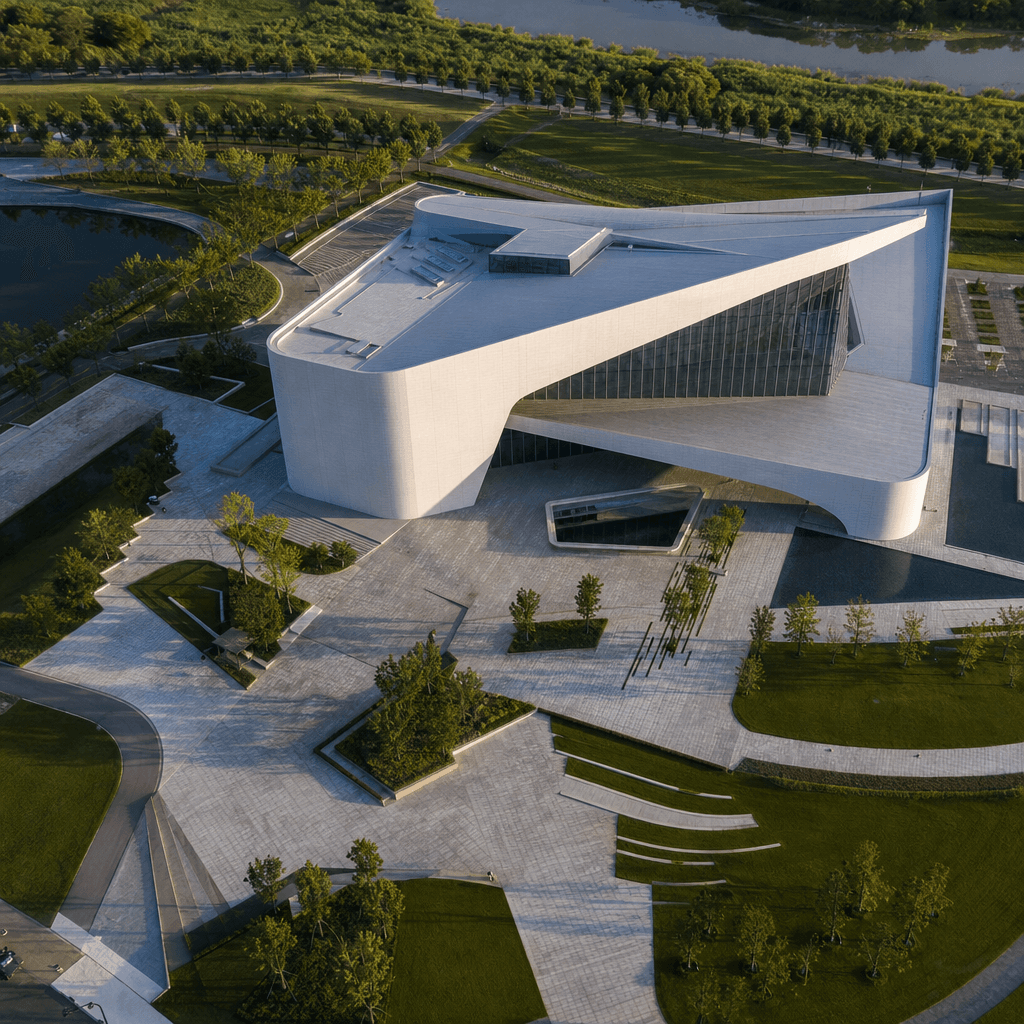
Real-world drone photograph of a newly completed contemporary cultural building surrounded by landscaped public grounds,
Ready to ship

Pick a template, customize, publish.

Use cases

Made for every workflow

  • Architectural studios

    Close client presentations with impact — show the design vision and the delivered building in a single 10-second clip. No video production budget or motion design hire required.

  • Real estate developers

    Market completed projects by pairing planning-stage renders with final photography. The animated transition underscores build quality and design fidelity, strengthening confidence with buyers and investors.

  • Visualization companies

    Add a premium deliverable to your CGI packages without hiring a motion designer. Generate render-to-real transitions directly from the source files you already produce for every project.

  • Urban planners & public sector

    Communicate planning proposals to non-technical stakeholders by showing how a render aligns with the existing streetscape. The video transition makes before-and-after comparisons immediately legible for public consultations.

  • Architecture competitions & portfolios

    Elevate competition entries and portfolio submissions with cinematic transitions that demonstrate design resolved through construction — a clear narrative arc from concept to completion.

  • Architecture practice marketing

    Turn project milestones into high-engagement social content. The dramatic render-to-real format performs strongly on LinkedIn, Instagram, and YouTube Shorts for practices building their brand online.

How it works

From idea to result in seconds

  1. Step · 01

    Upload your render

    Open the Animated Render template and upload your architectural CGI render — a still image or a rendered frame is all that's needed to anchor the starting point of the transition.

  2. Step · 02

    Add the real building

    Upload a photograph or video clip of the completed (or in-construction) building; Nim aligns perspective, scale, and lighting between both assets before generation begins.

  3. Step · 03

    Generate and export

    Choose your AI model and generate — within minutes you receive a cinematic video transition flowing from render to reality, ready for client delivery or direct social publishing.

FAQ

Frequently asked questions

  • An animated render transition is a short video that morphs seamlessly from an architectural CGI render into a real-world photograph or footage of the completed building. It is a storytelling technique used in architecture presentations to show design intent alongside built reality in a single continuous shot, without requiring manual compositing or video editing.

  • You need two assets: an architectural render (still image or rendered frame) and a real-world photograph or video clip of the building. Nim handles alignment, motion synthesis, and generated in-between frames automatically — no additional editing software is required on your side.

  • The template runs on Nim's multi-model platform, giving you access to Sora, Veo, Kling, and other leading video generation models. You select the model at generation time — different engines suit different aesthetic goals, from photorealistic material coherence to sweeping cinematic motion.

  • Most generations complete in under a minute, depending on the selected model and output resolution. You can queue multiple iterations while reviewing earlier results, making client revision cycles fast and non-blocking.

  • Yes. All outputs generated on a paid Nim plan include a commercial use license covering client deliverables, investor presentations, planning submissions, website use, and marketing campaigns. Watermarks are removed on paid plans.

  • Yes — the template works for any architectural asset pair: exterior facades, interior spaces, public realm designs, courtyards, and landscape projects. As long as you have a matching render and real-world asset, the transition logic applies.

  • A traditional render-to-real composite in After Effects requires manual keyframing, masking, and often rotoscoping — which can take several hours per clip and demands specialist skills. Nim's AI template generates the transition automatically from your two source assets in under a minute. The trade-off is that Nim synthesizes the frames rather than offering frame-by-frame manual control, which suits the majority of presentation and marketing use cases without the production overhead.

  • Nim requires account signup and purchased credits to generate. There is no free generation tier. You can explore the full template library and preview template styles before purchasing credits to generate your own outputs.

  • Nim delivers outputs in MP4 format at the full generation resolution of the selected model. Exact resolution depends on the chosen model and your input assets, and all exports are ready for use in presentations, website embeds, and social platforms without further processing.

  • Yes — Nim's architecture category includes templates for exterior fly-throughs, facade detail reveals, interior walk-throughs, and day-to-night lighting transitions, among others. The Animated Render template is one of the most popular for client presentations and competition submissions, and the full architecture library continues to expand.

Get started

See what you can make

Explore more

Discover more AI tools