

Product Video Template

Nature Background Product Videos

Turn one product reference into a polished cinematic video with changing blurred nature scenes, fast renders, and production-ready visual quality.

Create now
Browse all 400+ templates

Everything you need

Built for creators, marketers, and teams shipping AI video at scale.

01

One Reference In

Start with a single clear product image and let the template build a complete nature-driven video treatment around it.

02

Changing Nature Scenes

The environment shifts through softly blurred outdoor settings while the product remains the visual focus.

03

Cinematic Depth

Layered foreground blur, atmospheric light, and controlled motion create a premium editorial sense of depth.

04

Product-First Framing

Compositions are designed to keep packaging, shape, material, and brand details prominent throughout the clip.

05

Fast Creative Iteration

Generate alternative visual directions in seconds or under a minute without organizing multiple outdoor shoots.

06

Multi-Model Platform

Create within Nim's broader generation platform, which brings models such as Sora, Veo, Kling, Pika, and Flux into one workflow.

07

Commercial-Ready Style

The polished template aesthetic suits paid social, ecommerce campaigns, product launches, and organic brand content.

08

Curated Motion Direction

A prebuilt creative structure reduces prompt experimentation while preserving room for different products and campaign moods.

Features

Built to ship

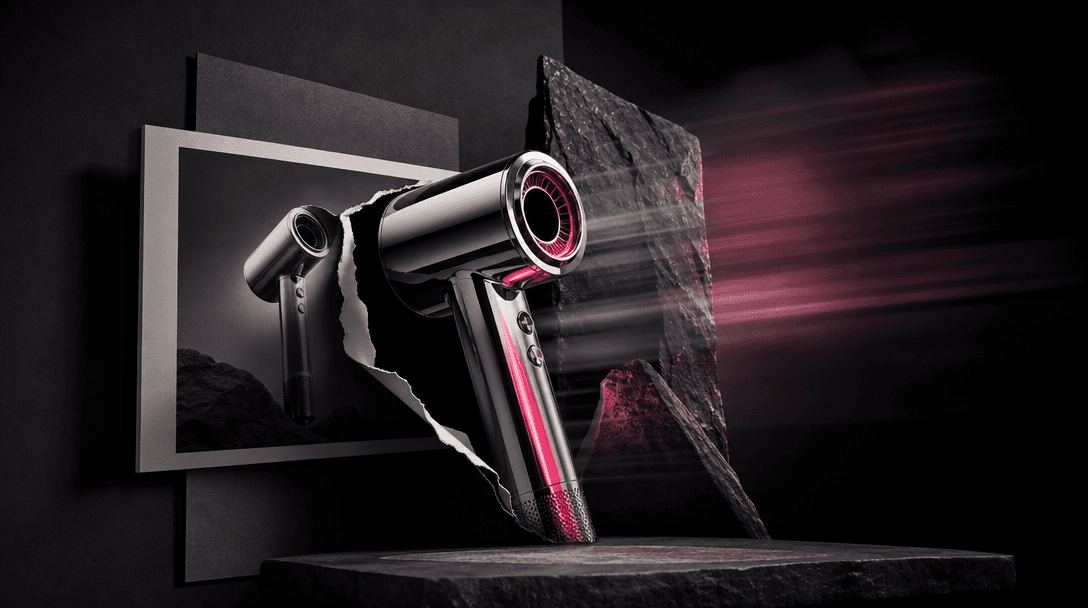
A single polished chrome product form emerging from a flat photographic plane into a dimensional cinematic environment,
F · 01

Transform Still Products Into Motion

The Nature background template converts a static product reference into a cinematic moving composition instead of simply animating the original photograph. Environmental transitions, depth cues, and controlled camera energy make the asset feel purpose-built for video campaigns while preserving the product as the central subject.
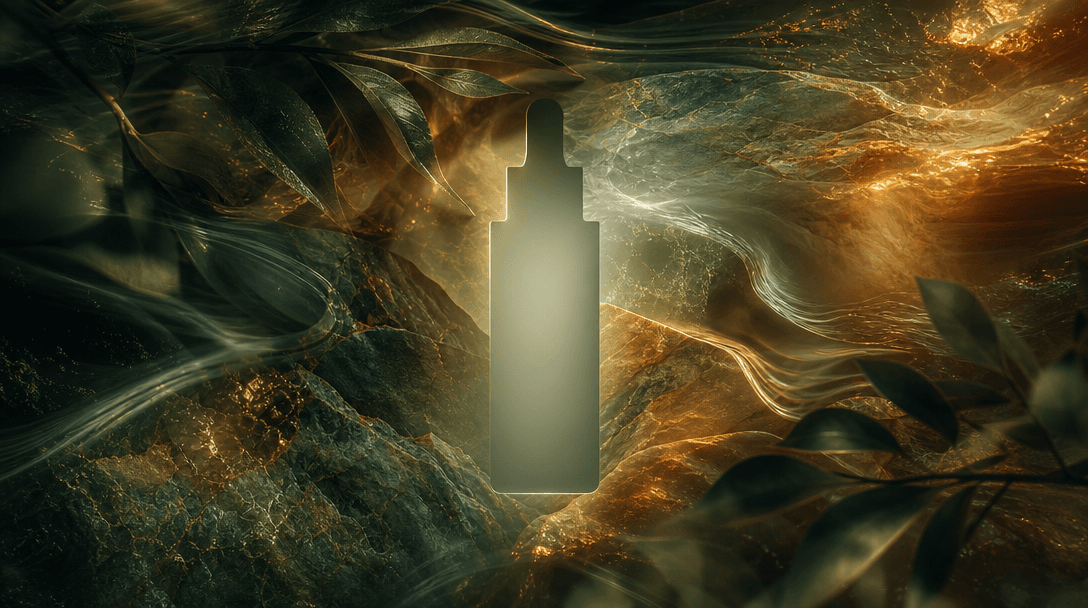
Multiple translucent layers of leaves, water, warm sunlight, and mineral textures flowing laterally around an empty cent
F · 02

Create Atmospheric Nature Transitions

Changing blurred landscapes introduce visual variety without competing with packaging, apparel, accessories, or other product details. Soft greenery, warm sunlight, earthy textures, and natural color shifts can communicate freshness, escape, sustainability, wellness, or outdoor performance through mood rather than literal copy.

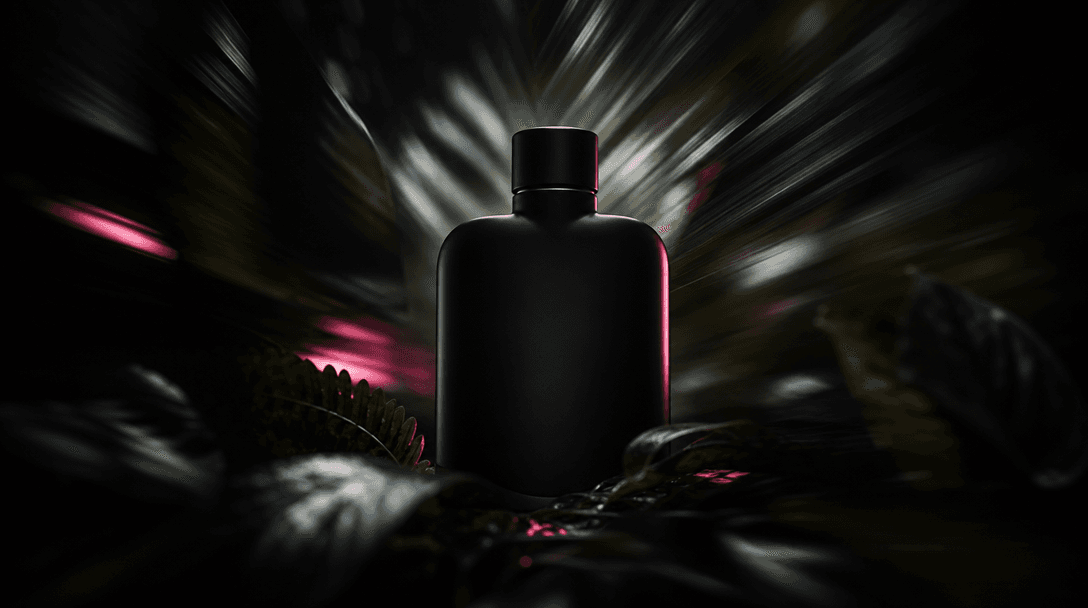
A sharply illuminated matte-black object silhouette centered inside concentric layers of blurred foliage and streaked na
F · 03

Keep Attention On The Product

Selective focus and restrained background motion separate the featured item from its surroundings, helping its silhouette and materials read clearly. This product-first direction is especially useful when a campaign needs emotional scenery but cannot afford to let a detailed environment overwhelm the offer.

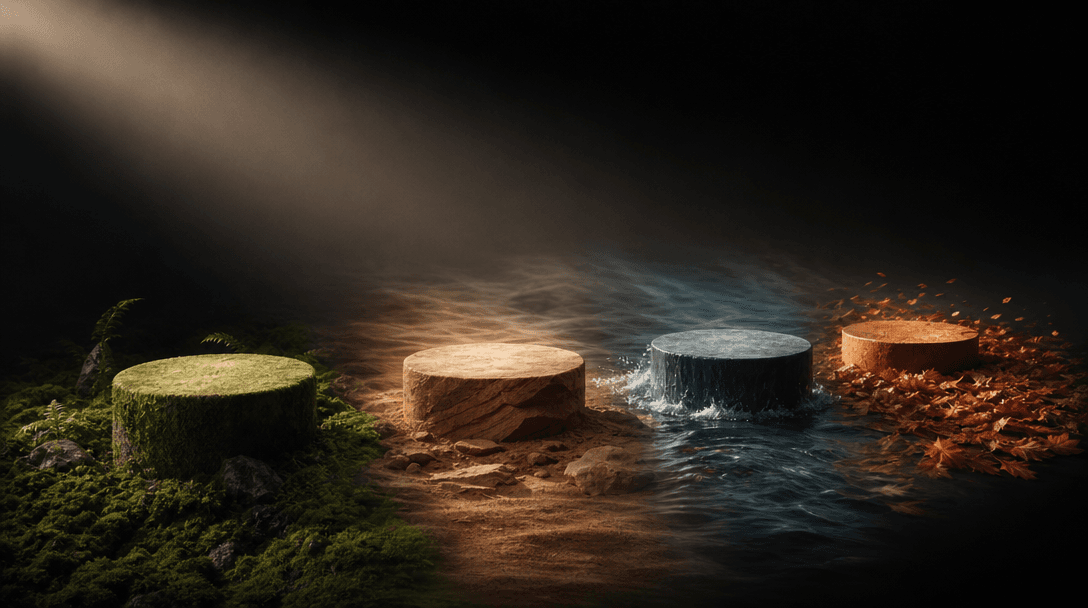
A row of four product pedestals receding through different atmospheric materials: moss, sandstone, water, and autumn lea
F · 04

Scale Campaign Creative Faster

Use the same structured template to explore multiple references, product variants, seasonal moods, and campaign concepts without rebuilding the creative direction each time. Nim combines curated professional templates with multi-model access, giving creators and marketing teams a practical route from product image to polished video output.

Showcase

See it in action

Real outputs generated by our pipeline — no curated cherry-picks.

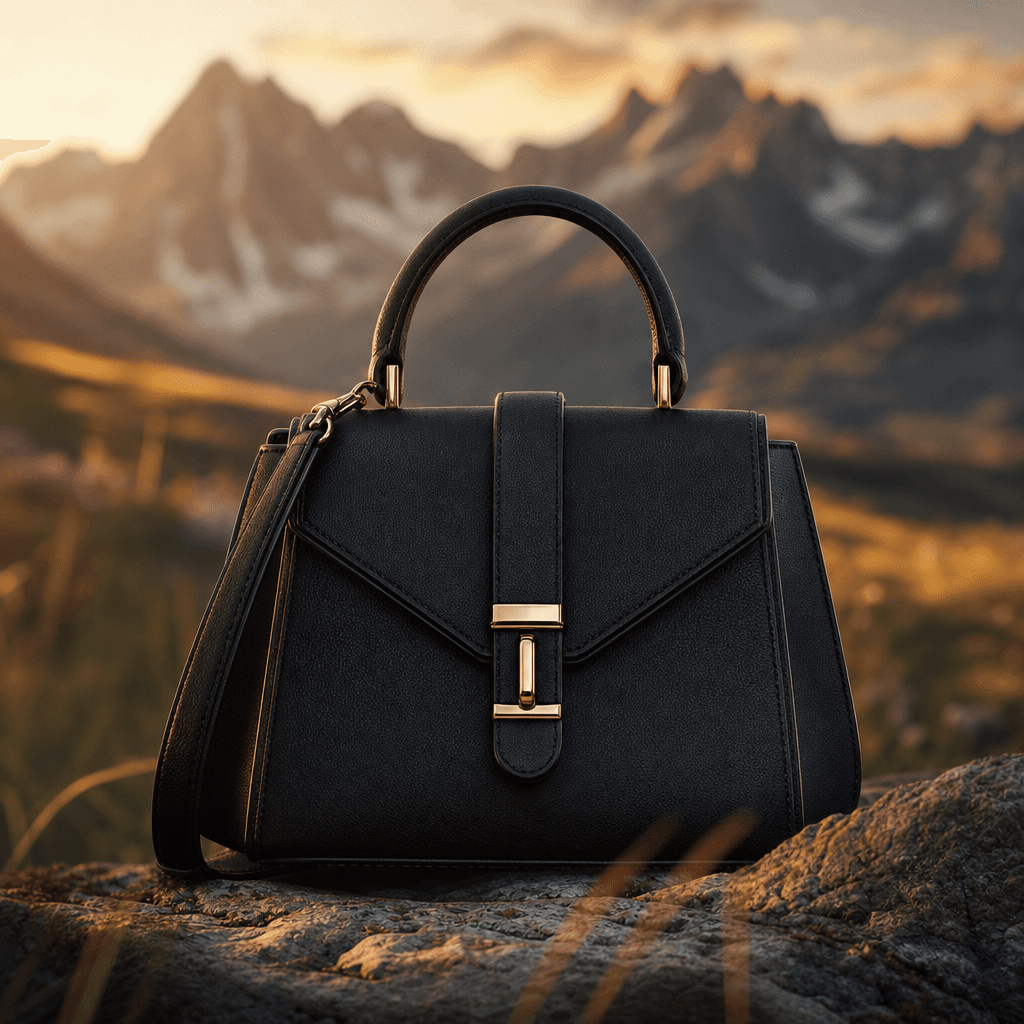
A structured black leather handbag centered against a blurred alpine meadow at golden hour, with grasses and distant flo
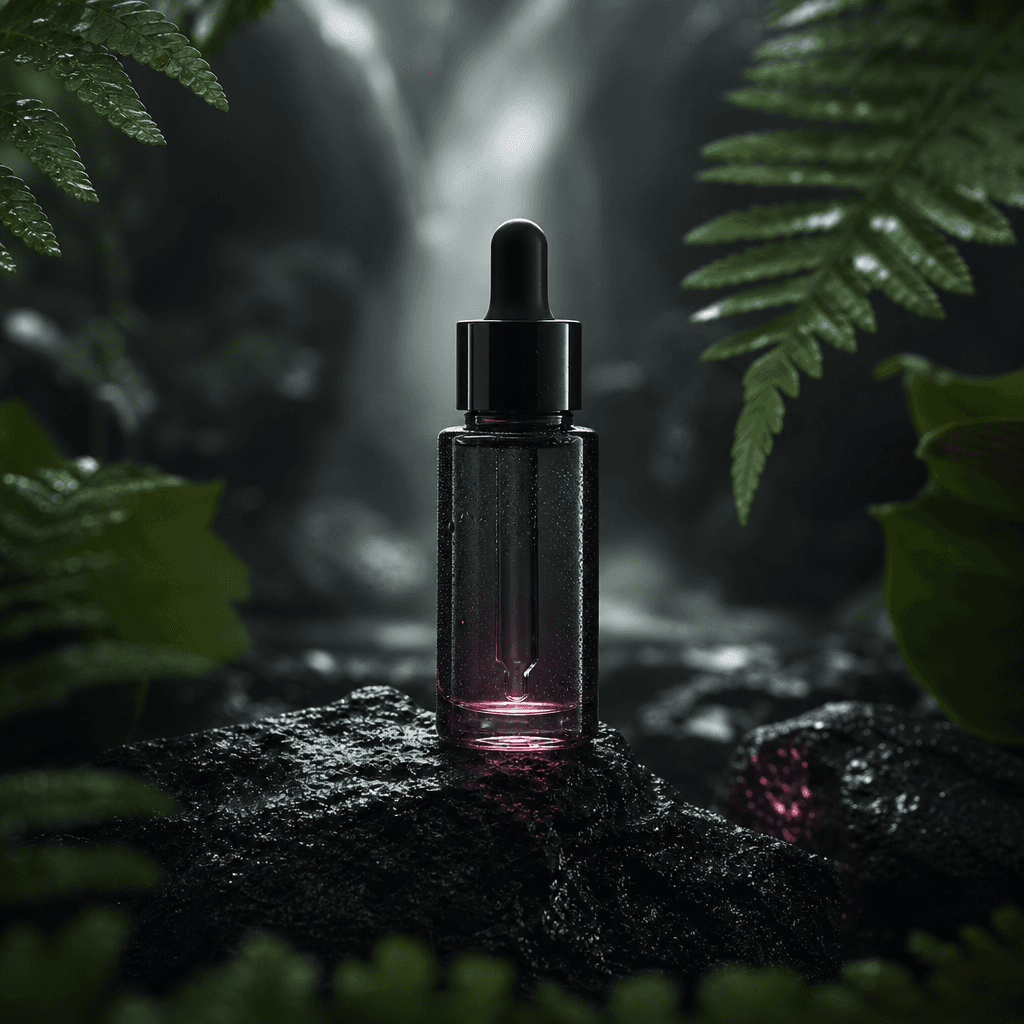
A minimalist skincare serum bottle on wet volcanic stone, framed by blurred fern leaves and soft rainforest mist. Dark e
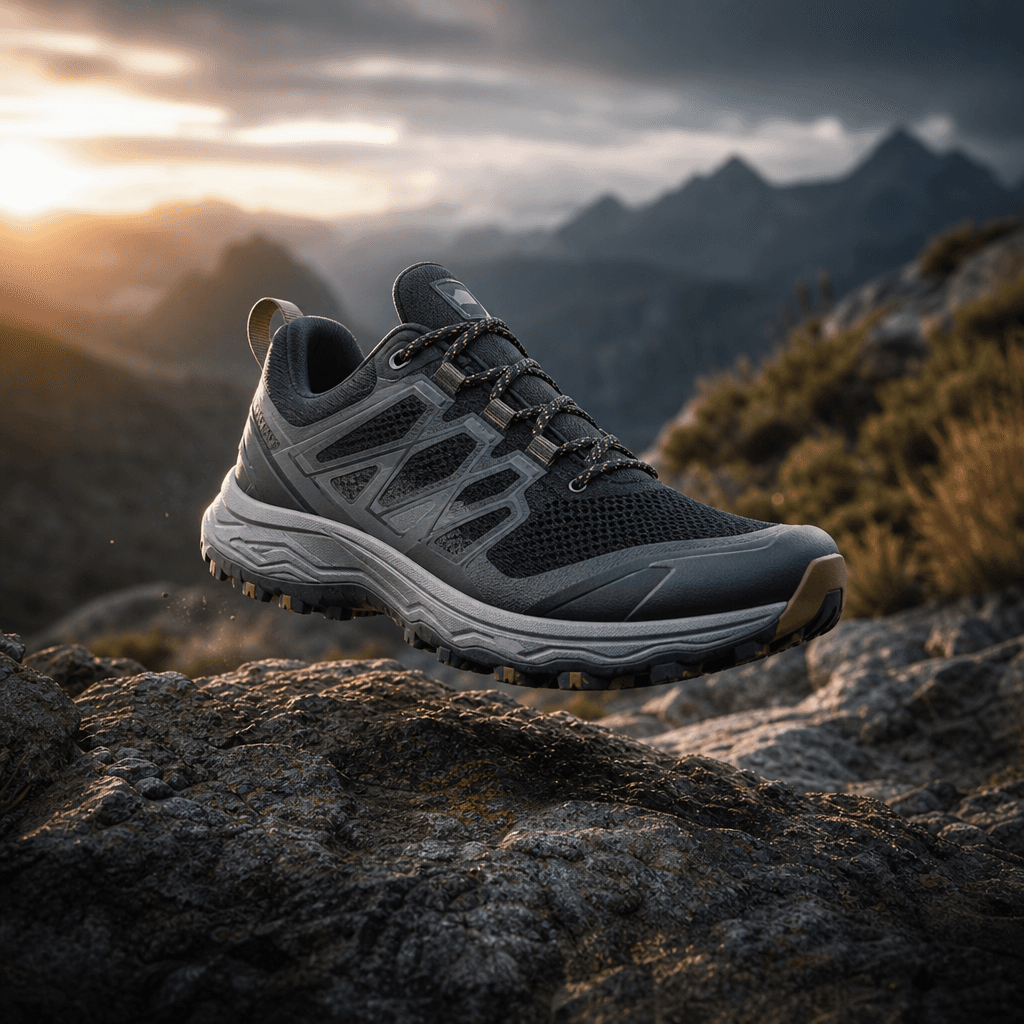
A modern trail sneaker suspended just above a rugged stone surface, with a blurred mountain valley and windswept vegetat
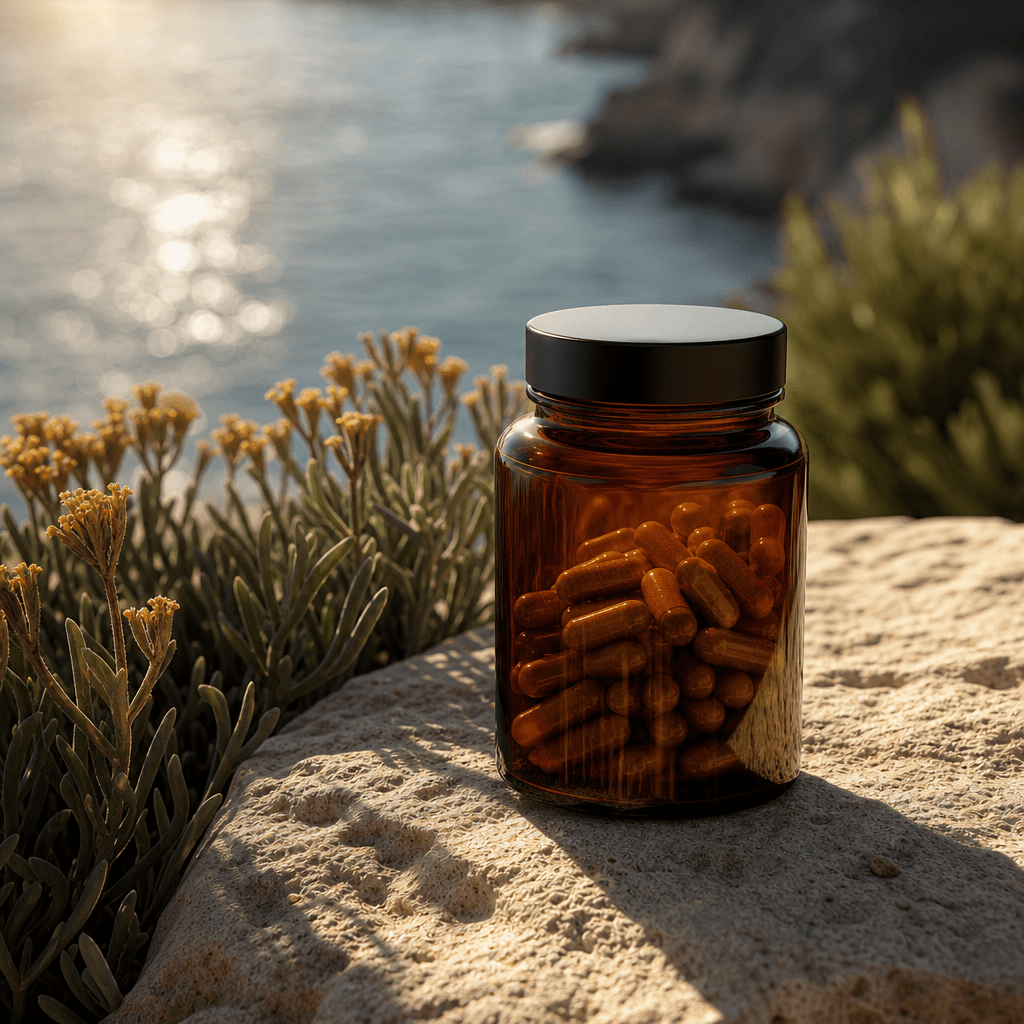
An amber wellness supplement jar arranged on pale sandstone beside softly blurred coastal plants and shimmering ocean li
Ready to ship

Pick a template, customize, publish.

Use cases

Made for every workflow

  • Fashion Brands

    Place apparel, footwear, bags, or accessories inside an atmospheric outdoor narrative without staging a location shoot. The blurred surroundings add editorial movement while keeping design details and product form recognizable.

  • Beauty Launches

    Frame skincare, fragrance, cosmetics, or haircare against soft botanical light and changing natural color. The result can support ingredient-led stories, seasonal launches, and premium lifestyle positioning.

  • Ecommerce Sellers

    Turn existing catalog references into richer product videos for landing pages, marketplaces, and social campaigns. Sellers can test nature-inspired creative directions without photographing every item in a new environment.

  • Social Marketers

    Build short, visually active assets for feeds, paid placements, launch teasers, and promotional edits. Background changes create fresh visual beats that can help a simple product reference hold attention.

  • Creative Studios

    Develop campaign concepts, motion studies, and client previews from supplied product imagery. The template provides a consistent starting structure while Nim's multi-model workflow supports broader experimentation.

  • Wellness Products

    Give supplements, candles, personal-care products, and lifestyle goods a calm connection to light, greenery, water, or earth. Atmospheric blur conveys the setting without turning the video into a literal landscape showcase.

How it works

From idea to result in seconds

  1. Step · 01

    Upload Your Product

    Choose a clean reference image with a visible silhouette, accurate materials, and enough resolution to preserve important product details.

  2. Step · 02

    Set Creative Direction

    Use the Nature background template as your visual foundation, then select the generation settings and model that fit your desired campaign mood.

  3. Step · 03

    Generate Your Video

    Create the clip, review how the product holds across changing blurred scenery, and generate another variation when you need a different atmosphere.

FAQ

Frequently asked questions

  • Nature background is a specific Nim video template that turns a product reference into a cinematic clip with changing, softly blurred natural environments. It is designed to add atmosphere and motion while keeping the product visually dominant.

  • You provide a product reference, open the template, and configure the available generation options before starting the render. The template supplies a curated creative direction built around environmental transitions, selective focus, and product-first composition.

  • It works well for fashion accessories, footwear, beauty products, fragrances, wellness goods, packaged products, and other objects with a clear silhouette. A clean reference with visible edges, accurate colors, and limited obstruction usually gives the generation model stronger product information.

  • Nim is a multi-model platform that provides access to leading video and image generation options such as Sora, Veo, Kling, Pika, and Flux. Exact availability and compatible settings can vary by workflow, so review the choices shown when opening the template.

  • Generating requires signup and purchased credits; Nim does not provide free generation credits. Credit usage can depend on the selected model and generation settings, while paid plans remove watermarks from eligible outputs.

  • Many generations complete in seconds or under a minute, although latency can vary with the selected model, settings, demand, and processing complexity. More complex video generations may take longer than simple image outputs.

  • The intended output is a cinematic product video in which blurred nature backgrounds change around the featured item. Results vary by source image and model, so review details such as packaging geometry, logos, edges, reflections, and product color before publishing.

  • The template is designed for commercial creative workflows such as ecommerce, advertising, and branded social content. Your ability to use an output also depends on your Nim plan, the applicable model terms, and whether you own or have permission to use the uploaded product imagery.

  • You should only upload references you own or are authorized to use, and you remain responsible for respecting trademarks, copyrights, and other rights represented in the source material. Review Nim's current terms and the terms of the selected generation model for the precise rules governing generated outputs.

  • A generic generator often requires repeated prompt writing and visual experimentation to establish a consistent result. Nature background begins with a curated product-video concept, while Nim adds multi-model access so creators can work from a focused template without being locked into a single generation ecosystem.

Get started

See what you can make

Explore more

Discover more AI tools