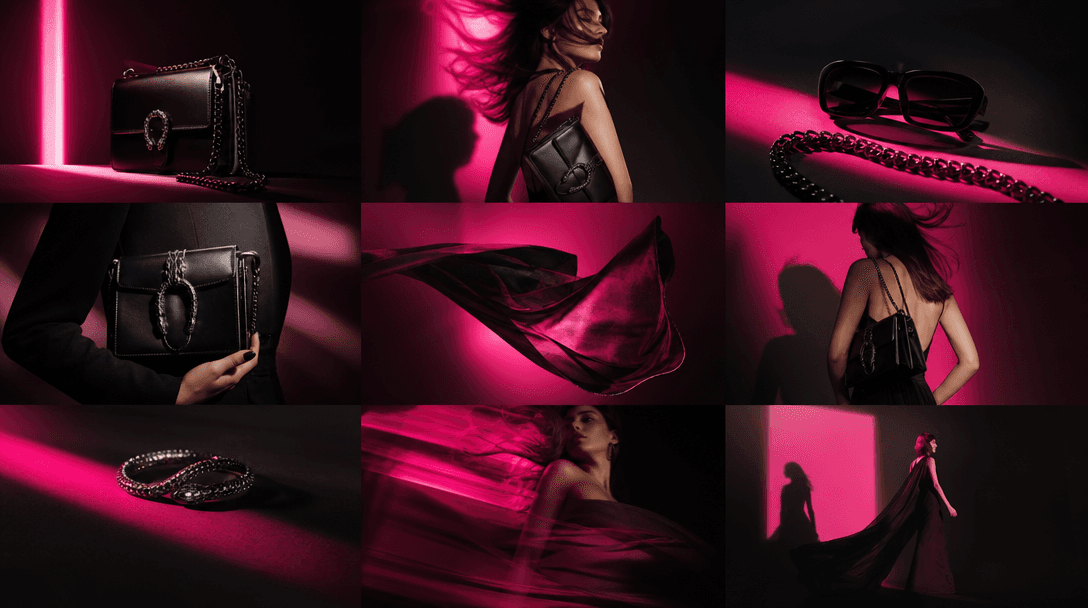



Logo Template

Branded Accessories From Your Logo

Transform one logo into a coordinated set of three polished accessories with a curated, production-ready Nim template.

Create accessories
Browse all 400+ templates

Everything you need

Built for creators, marketers, and teams shipping AI video at scale.

01

Three Coordinated Outputs

Generate a cohesive set of three branded accessory concepts from one logo.

02

Logo-Led Design

Your uploaded mark becomes the visual anchor across the complete accessory set.

03

Editorial Presentation

Each result uses polished composition, materials, and lighting suited to campaign concepts.

04

Fast Creative Direction

Explore a finished branded world in seconds instead of building every mockup manually.

05

Consistent Brand Feel

The template carries related colors, forms, and visual cues across all three images.

06

Commercial Inspiration

Use the generated set to shape pitches, launch concepts, and marketing briefs.

07

Multi-Model Platform

Continue refining campaign assets with Nim models including Flux, Kling, Veo, Pika, and Sora.

08

Curated Workflow

A purpose-built template replaces open-ended prompting with a focused creative direction.

Features

Built to ship

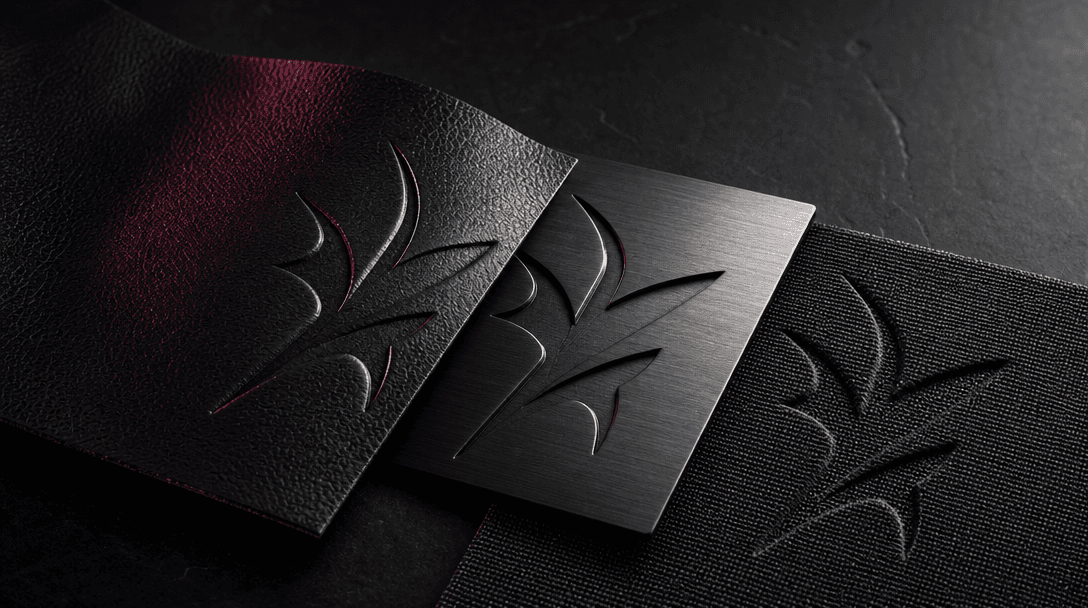
An abstract embossed symbol emerging across leather, brushed steel, and woven fabric samples arranged on a dark studio t
F · 01

Turn Identity Into Objects

Move beyond a flat logo presentation by placing your visual identity into a coordinated accessory concept. The template interprets the mark through form, placement, color, and material so the three outputs feel like parts of one branded collection.
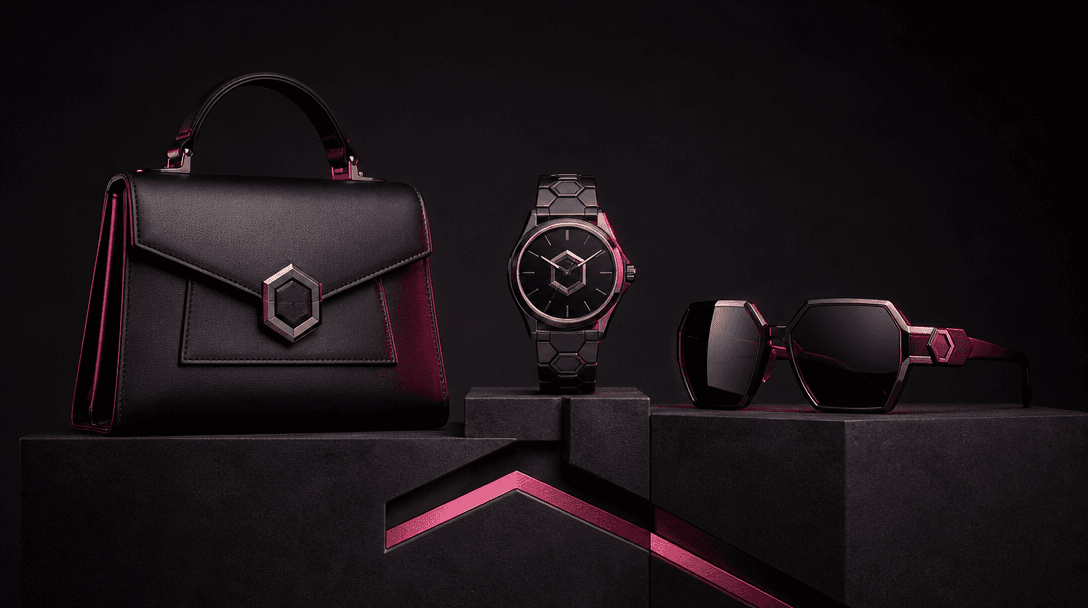
Three distinct accessory silhouettes connected by matching geometric forms and synchronized highlights, staged on steppe
F · 02

Build A Cohesive Set

Receive three related images rather than a single isolated mockup. This gives creative teams enough visual range to evaluate how an identity could extend across merchandise, packaging-adjacent pieces, or promotional accessories.

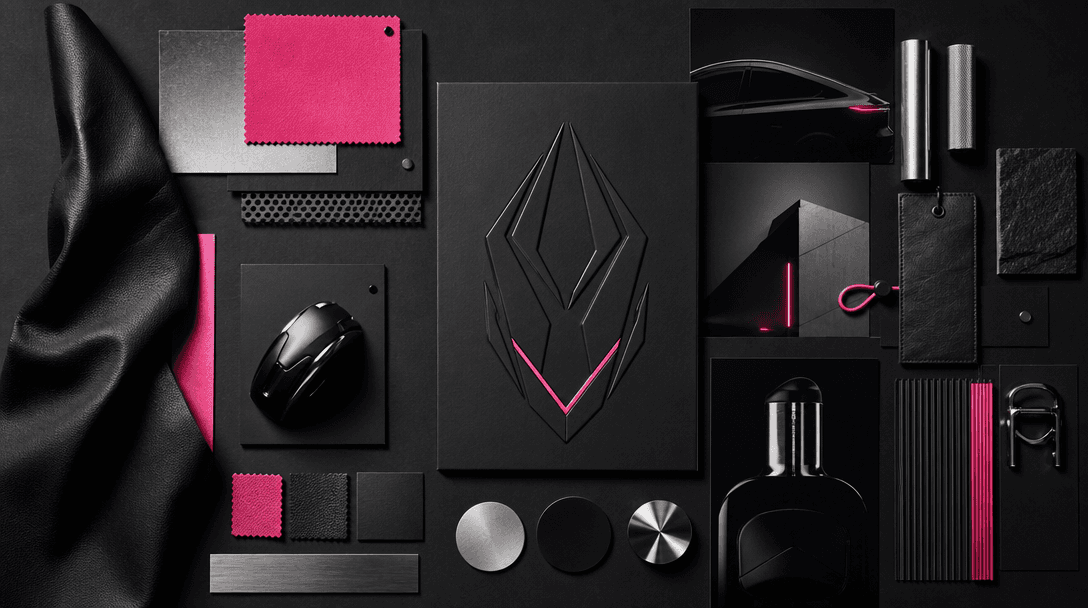
A creative director's physical moodboard made from black paper, metallic samples, leather swatches, product silhouettes,
F · 03

Create Campaign-Ready Direction

Dark editorial styling, controlled lighting, and refined product composition give the outputs a polished starting point. Use them in moodboards, concept decks, social planning, or internal approvals before committing to physical production.

A branded accessory collection transitioning into a wider campaign world through layered product shadows, projected ligh
F · 04

Expand Inside One Platform

After generating the accessory set, continue developing supporting images or video with Nim's multi-model workspace. Creators and marketers can compare suitable models and apply curated templates without rebuilding the original idea across separate tools.

Showcase

See it in action

Real outputs generated by our pipeline — no curated cherry-picks.

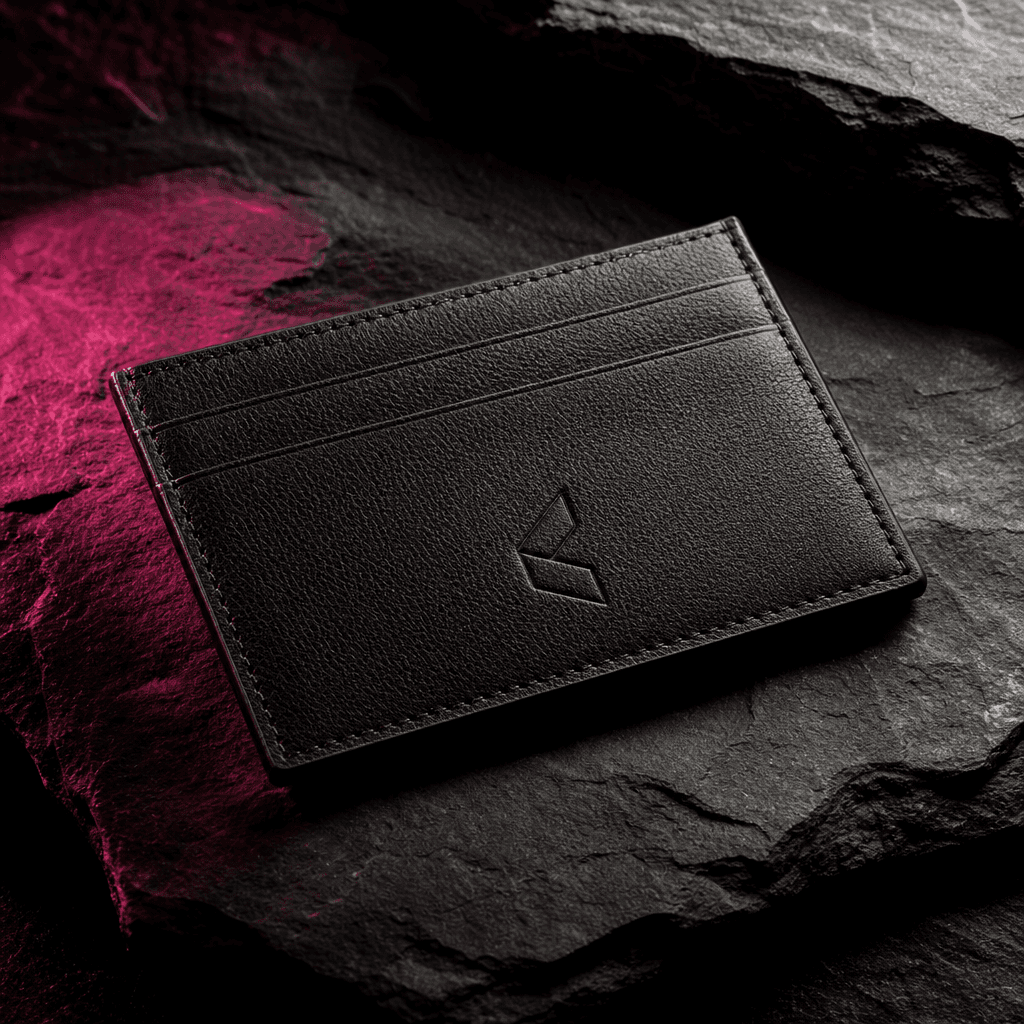
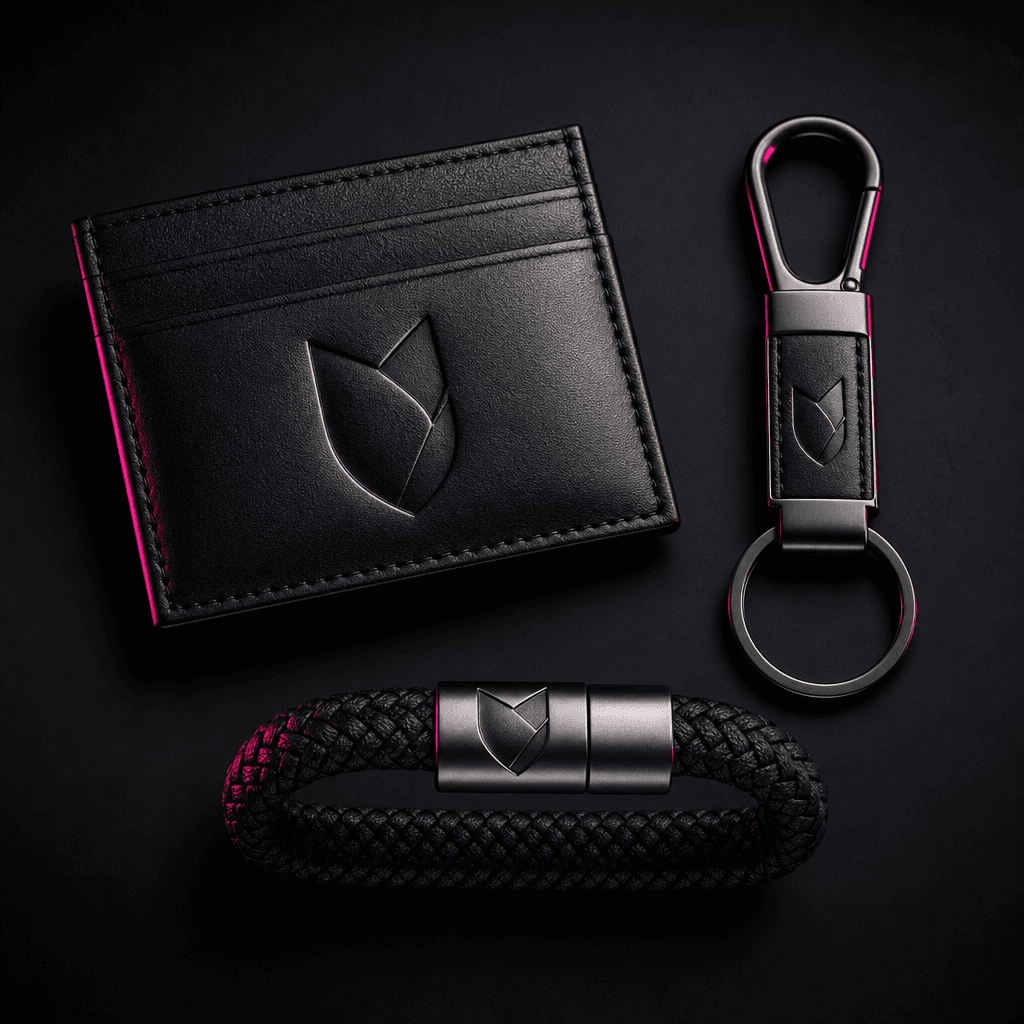
A premium leather card holder carrying a subtle abstract brand emblem, centered on charcoal stone with directional studi
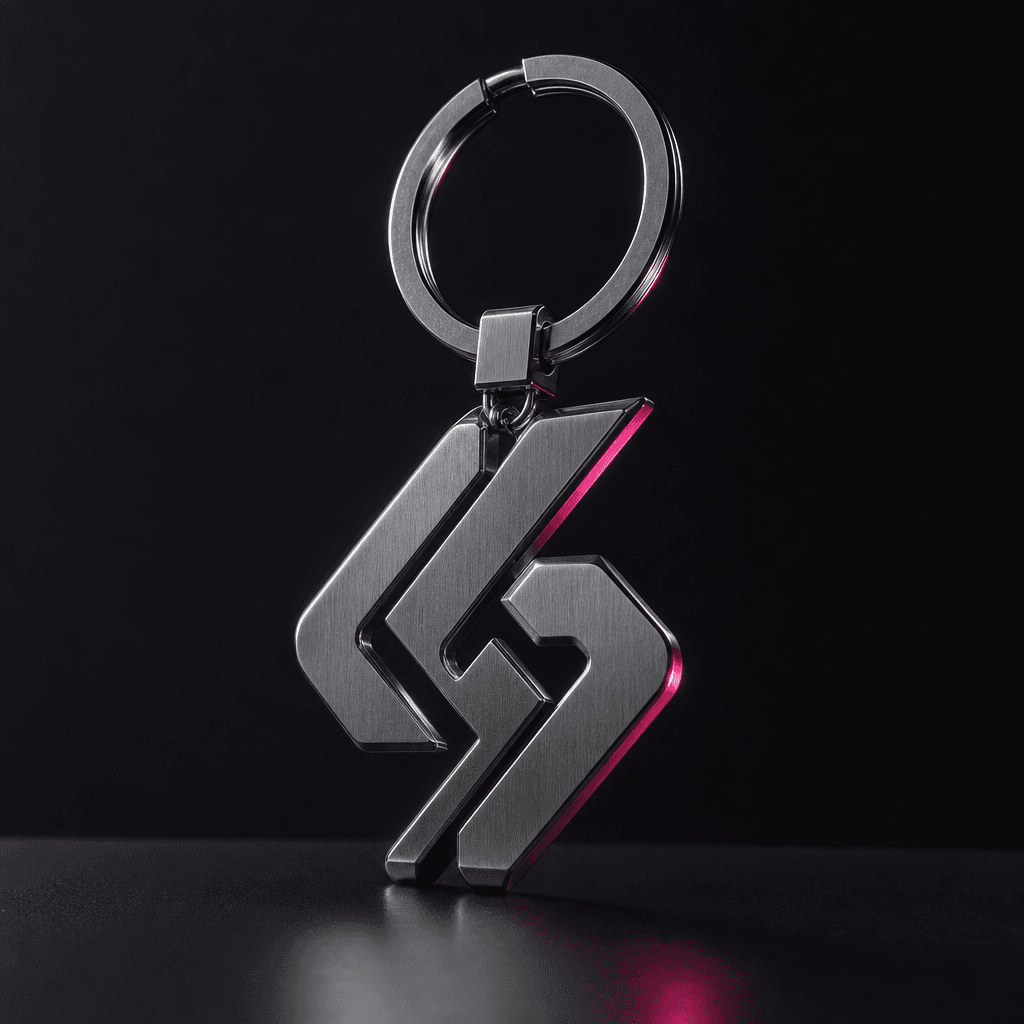
A brushed metal keychain shaped around an abstract brand symbol, suspended above a matte black surface, cinematic rim li
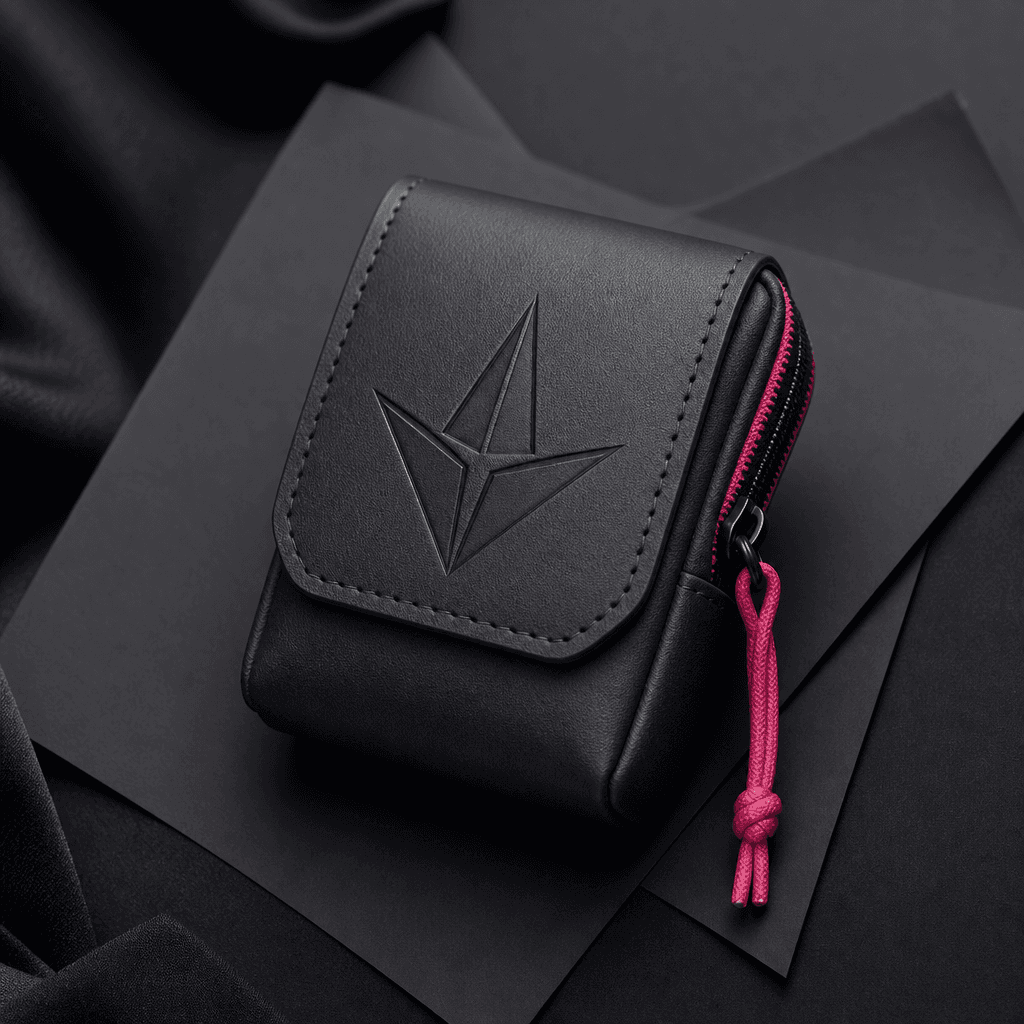
A structured miniature pouch with an embossed geometric emblem, photographed against layered black paper and soft fabric
A coordinated trio of branded accessories displayed in a clean overhead arrangement, mixing leather, metal, and woven ma
Ready to ship

Pick a template, customize, publish.

Use cases

Made for every workflow

  • Brand Designers

    Translate an approved logo into tangible accessory directions for identity presentations and brand-extension studies.

  • Ecommerce Teams

    Explore branded add-ons, promotional merchandise, and campaign styling before organizing product photography.

  • Creative Agencies

    Produce a visually connected three-image concept for client pitches, launch decks, and early campaign reviews.

  • Social Marketers

    Develop coordinated visual material that can inspire carousels, teasers, and branded content series.

  • Startup Founders

    See how a new identity might behave beyond a website or business card without commissioning multiple manual mockups.

How it works

From idea to result in seconds

  1. Step · 01

    Upload Your Logo

    Choose a clear logo asset that can guide the shapes, colors, and branding of the accessory set.

  2. Step · 02

    Generate The Set

    Run the curated template to create three coordinated branded accessory concepts in seconds or under a minute.

  3. Step · 03

    Refine Your Direction

    Review the collection and use Nim's image and video models to develop related campaign assets.

FAQ

Frequently asked questions

  • Branded Accessories is a focused Nim image template that turns your product logo into a set of three coordinated accessory concepts. It is designed for fast brand visualization rather than open-ended image prompting.

  • Upload a suitable logo, launch the template, and Nim uses that visual reference to produce three related accessory images. The curated creative direction controls the overall presentation while preserving recognizable brand cues.

  • No. The outputs are AI-generated visual concepts and should not be treated as manufacturing specifications, technical drawings, or guaranteed representations of physical materials.

  • Generation requires signup and purchased credits. Credit usage and available plans are shown in Nim before you generate, while watermark removal depends on the applicable paid plan.

  • Nim provides multi-model access that can include image and video models such as Flux, Sora, Veo, Kling, and Pika. The model used for a particular workflow can depend on the selected template and current platform availability.

  • Use a clean, legible logo with strong contrast and minimal surrounding clutter. A centered mark generally gives the template clearer visual information to carry into the accessory concepts.

  • Nim's curated pro templates are built for commercial creative workflows, but you remain responsible for rights to uploaded logos and for reviewing the applicable plan and model terms. Confirm that every brand asset you submit is yours or properly licensed.

  • A conventional mockup generator usually places artwork into a fixed photograph. This template generates a fresh three-image accessory concept, giving the model more room to interpret materials, composition, and brand atmosphere.

  • Many generations complete in seconds or under a minute, although latency varies with model demand, output settings, and processing conditions.

Get started

See what you can make

Explore more

Discover more AI tools