Premium CCTV Effect

Security Camera Video Template

Turn a simple concept into a cinematic CCTV-style recording with production-ready direction, fast rendering, and Nim's multi-model workflow.

Create CCTV video
Browse all 400+ templates

Everything you need

Built for creators, marketers, and teams shipping AI video at scale.

01

CCTV Visual Language

Create the detached angles, restrained color, hard lighting, and observational tension associated with security-camera footage.

02

Viral Story Format

Build short clips around an unusual reveal, suspicious moment, unexpected visitor, or perfectly timed product event.

03

Directed Camera Feel

The template gives your generation a fixed surveillance perspective that makes even simple action feel intentional.

04

Fast Creative Testing

Generate alternate subjects, locations, actions, and moods in seconds or under a minute, depending on the selected setup.

05

Production-Ready Look

Start with a polished visual concept suited to social campaigns, branded entertainment, and creator-led posts.

06

Flexible Scenarios

Stage fictional recordings in shops, warehouses, driveways, elevators, offices, studios, or nighttime exterior locations.

07

Multi-Model Platform

Continue developing the concept with Nim's broader access to video and image models such as Veo, Kling, Sora, Pika, and Flux.

08

Commercial Creative Workflow

Use the result as a campaign asset, edit-ready sequence, product teaser, or starting point for a longer branded story.
Features

Built to ship

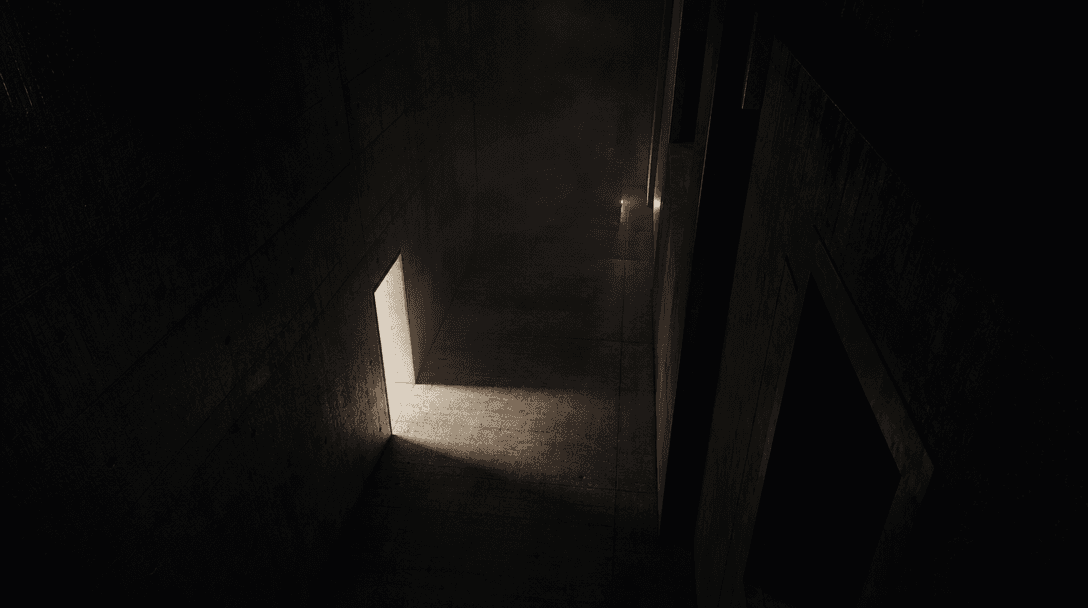
An empty concrete corridor seen from a high fixed angle, one doorway spilling a sharp rectangle of off-white light acros
F · 01

Make Ordinary Moments Feel Suspicious

A locked security-camera viewpoint changes how viewers interpret an otherwise ordinary scene. Controlled framing, environmental distance, and surveillance-style lighting create immediate tension, making the audience watch for the event hidden inside the frame.

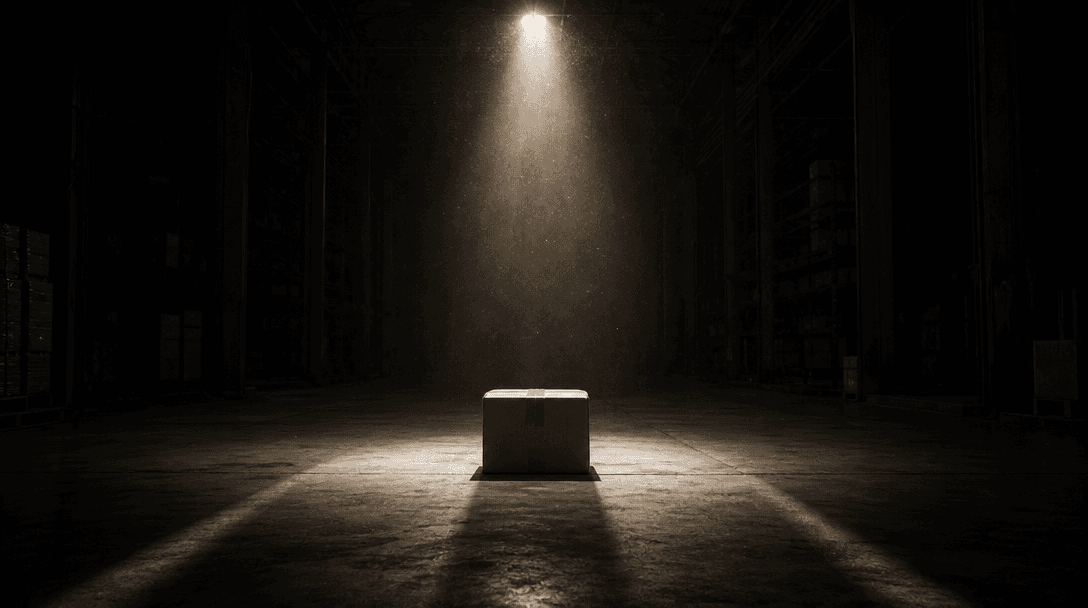
A single sealed parcel under a hard spotlight in a vast dark warehouse, long converging shadows directing attention towa
F · 02

Build a Reveal Around One Action

Center the clip on a clear visual beat: an object moves, a package appears, a door opens, or an unexpected event crosses the camera. The focused structure helps short-form stories remain understandable without dialogue, complex exposition, or multiple camera setups.

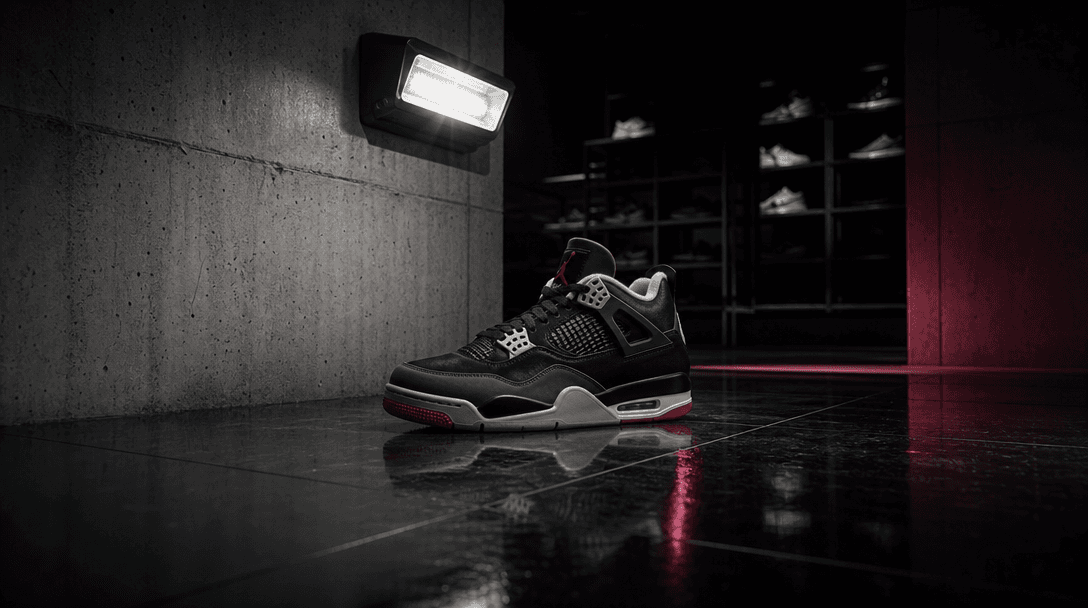
A premium sneaker placed unexpectedly on polished black tile beneath a stark industrial security light, distant retail s
F · 03

Adapt CCTV Style to Brands

Place a product, package, vehicle, storefront, or branded environment inside a fictional surveillance scenario. The result can feel native to viral feeds while preserving deliberate art direction for launches, teasers, seasonal promotions, and attention-led advertisements.

Four cinematic light environments converging around one abstract metallic object: cold warehouse beam, warm storefront g
F · 04

Develop Variations Across Nim Models

Use this premium template as the creative foundation, then explore supporting stills or additional motion concepts through Nim's multi-model platform. Creators and marketing teams can compare visual directions without rebuilding the core surveillance concept from scratch.

Showcase

See it in action

Real outputs generated by our pipeline — no curated cherry-picks.

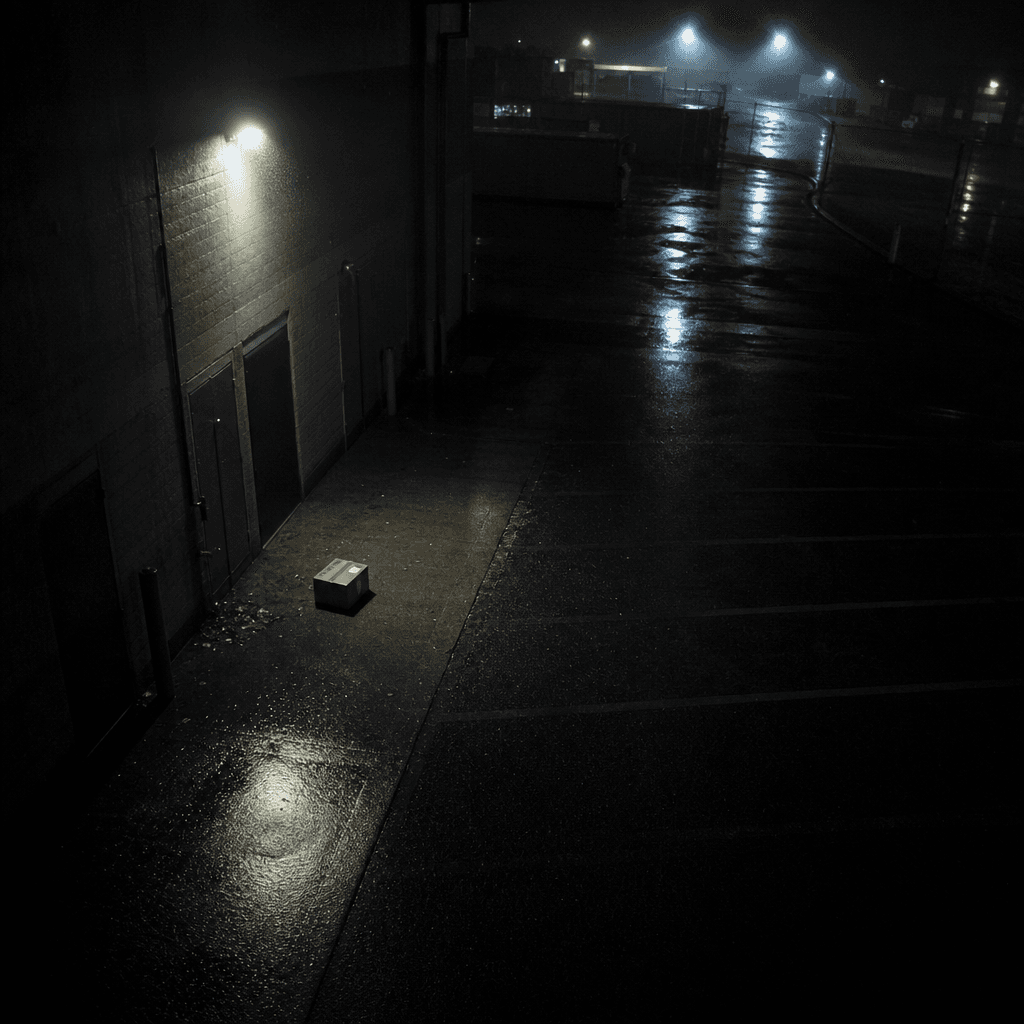
Fictional CCTV view of a rain-soaked parking lot at midnight, a sleek delivery box sitting alone beneath a flickering se
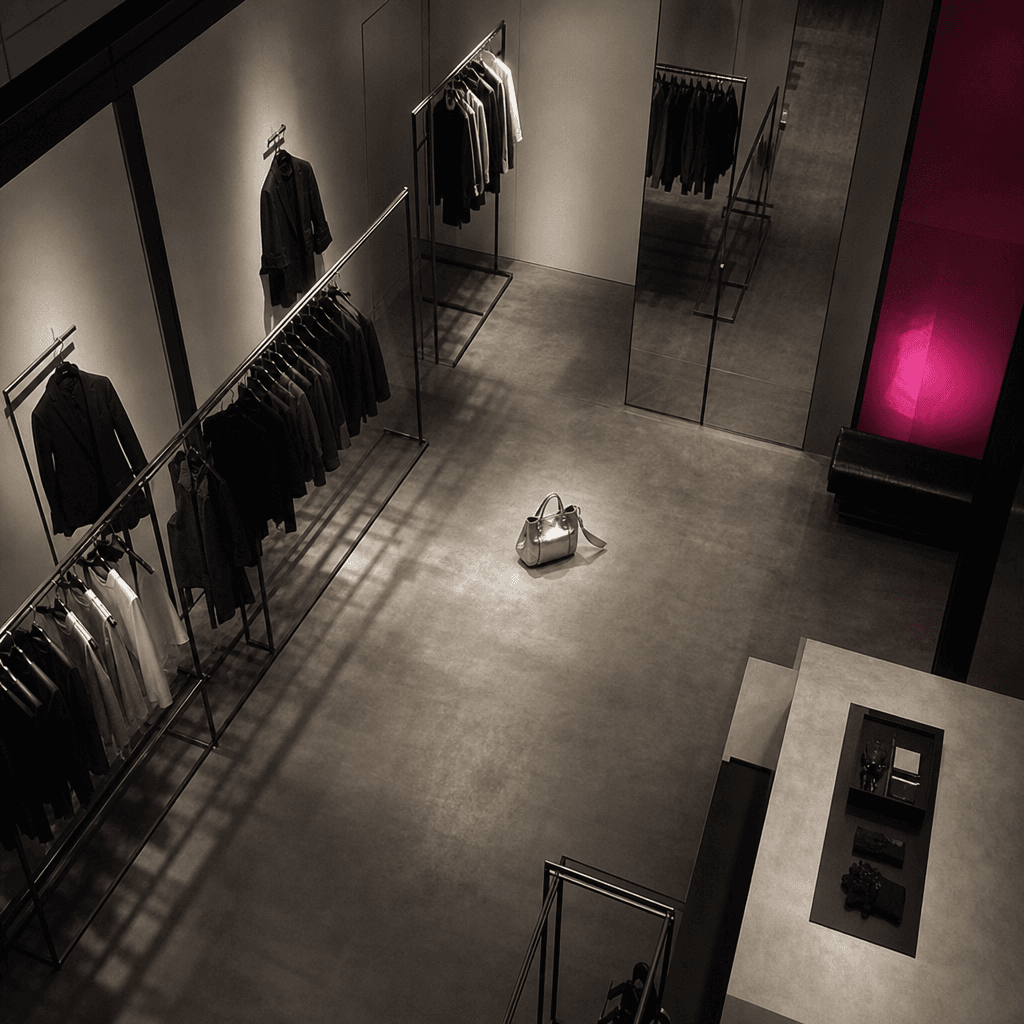
High corner security-camera angle inside a minimalist fashion boutique after hours, clothing rails forming precise shado
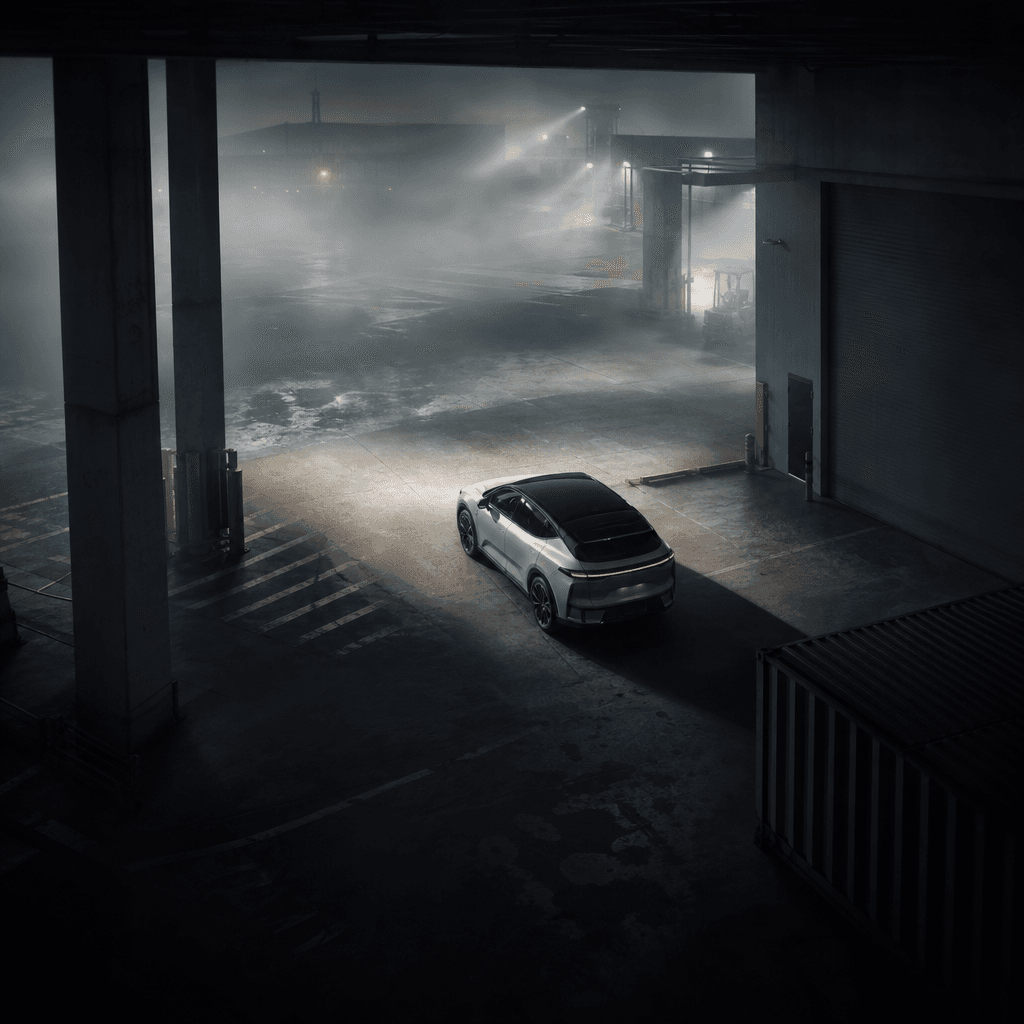
Fixed CCTV perspective over a quiet industrial loading bay at dawn, a compact electric vehicle framed between concrete c
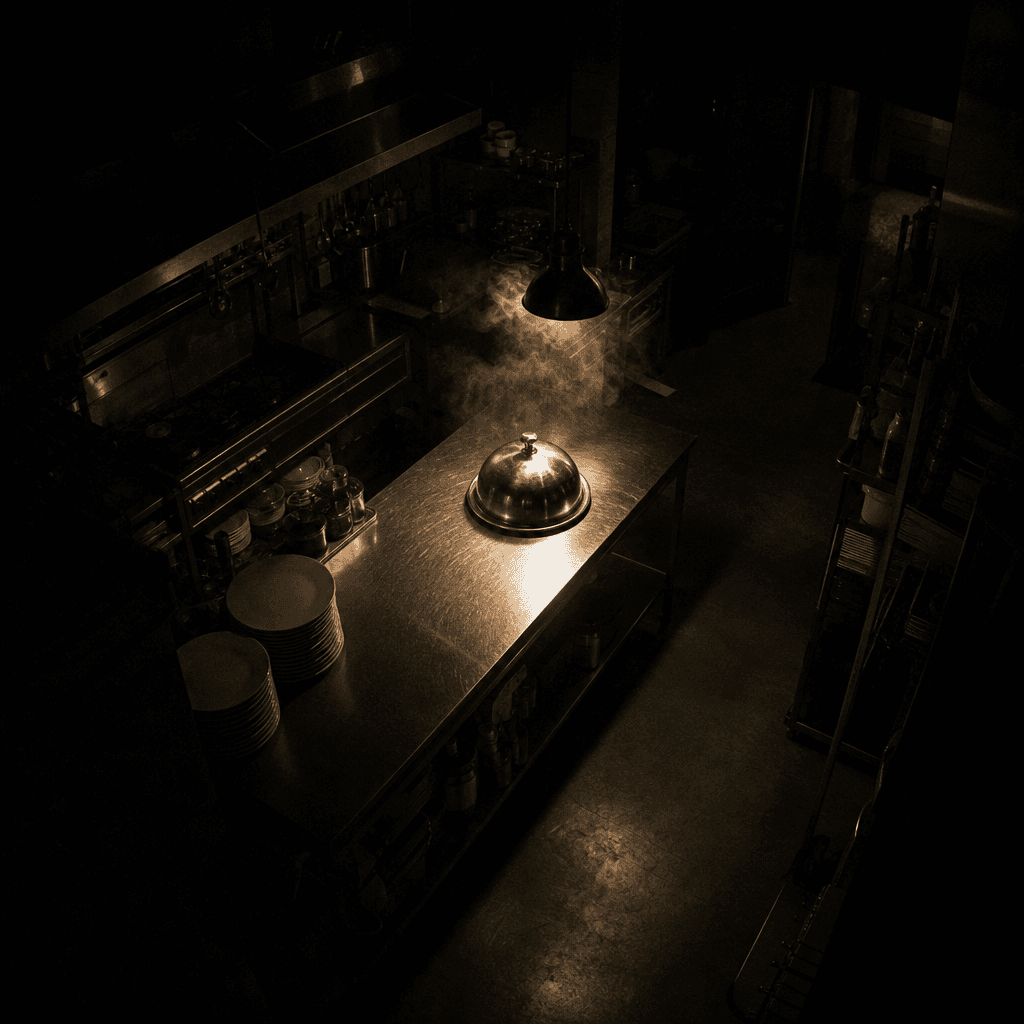
Surveillance-style overhead view of a modern restaurant kitchen after closing, a silver serving dome isolated on a stain
Ready to ship

Pick a template, customize, publish.

Use cases

Made for every workflow

  • Social Creators

    Produce fictional caught-on-camera moments designed around curiosity, suspense, comedy, or a surprising final beat for short-form feeds.

  • Ecommerce Sellers

    Introduce a product through an unexpected warehouse, doorstep, stockroom, or storefront incident instead of relying on a conventional studio demonstration.

  • Brand Marketers

    Turn a campaign object or activation into a surveillance-style teaser that encourages viewers to inspect the frame and share theories.

  • Entertainment Teams

    Create atmospheric inserts, found-footage concepts, mystery promos, and fictional evidence clips for trailers or narrative social campaigns.

  • Local Businesses

    Stage a playful after-hours event in a restaurant, gym, shop, salon, or office while keeping the business environment visually recognizable.

  • Creative Agencies

    Prototype multiple surveillance-inspired campaign treatments quickly before selecting a direction for editing, client review, or broader production.

How it works

From idea to result in seconds

  1. Step · 01

    Choose Your Incident

    Define one clear subject, location, and caught-on-camera event that can be understood within a short visual sequence.

  2. Step · 02

    Direct the Scene

    Add concrete details about the action, time of day, environment, lighting, and mood while preserving the fixed CCTV perspective.

  3. Step · 03

    Generate and Refine

    Render the clip with purchased credits, review its timing and clarity, then create variations or continue editing for your campaign.

FAQ

Frequently asked questions

  • Security camera is a premium Nim video template for creating fictional CCTV-style recordings. It turns a concise scene idea into an observational clip suited to viral stories, campaign teasers, product moments, and found-footage concepts.

  • Choose the template, describe the location, subject, and event, and generate the scene using the configured video workflow. The template supplies a strong surveillance-inspired creative direction, while your input determines what happens inside the frame.

  • Describe a single readable action, the environment, the subject's movement, the time of day, and the desired mood. Specific details such as a dim loading bay, empty convenience store, wet parking lot, or quiet office corridor usually provide clearer direction than broad adjectives alone.

  • Generation requires an account and purchased credits. Pricing depends on the active Nim plan and generation configuration; preview output may carry a watermark, while paid plans provide watermark removal according to their terms.

  • Nim provides access to multiple video and image model families, including Sora, Veo, Kling, Pika, and Flux. Availability and the model used for a particular template or workflow can vary, so check the generation settings shown when creating your clip.

  • It creates a short AI-generated video with the fixed, observational quality of security-camera footage. Results can feature interiors, exterior locations, products, vehicles, objects, or fictional characters depending on your prompt and source material.

  • Many renders complete in seconds or under a minute, although actual latency varies with the selected model, output settings, platform demand, and scene complexity. More detailed motion or additional variations may require extra generation time.

  • Nim templates are designed for creator, marketing, and ecommerce workflows, including commercial creative production. Your permitted use remains subject to Nim's current plan terms, model-provider rules, and your rights to any uploaded images, brands, locations, or other source material.

  • Rights depend on Nim's current terms, the applicable model-provider conditions, and the materials used in your generation. Only upload or reference assets you are authorized to use, especially when a clip includes recognizable people, trademarks, products, or private property.

  • A generic generator begins with an open-ended prompt, while this template starts from a curated CCTV-style concept built for a specific visual outcome. Nim also places the workflow inside a broader multi-model platform, making it easier to develop related images, alternate scenes, and campaign assets.

Get started

See what you can make

Explore more

Discover more AI tools