Architecture · AI Video

Construction Timelapse AI Template

Render dramatic building formation sequences — from bare foundation to finished structure — using Nim's multi-model AI video engine.

Browse templates
Browse all 400+ templates

Everything you need

Built for creators, marketers, and teams shipping AI video at scale.

01

Empty lot to structure

Generate a full building-formation sequence from a bare construction site to a completed architectural structure in a single AI video clip.

02

Cinematic timelapse look

Dynamic sky movement, racing clouds, and sweeping shadow arcs sell the passage of construction time without any physical filming.

03

Multi-model video engine

Choose from Kling, Veo, Pika, Runway, and other leading video models to match the aesthetic register your project requires.

04

No 3D modeling required

Nim's AI generates the construction progression visually — no BIM files, CAD drawings, or 3D software are needed as input.

05

Commercial-ready output

Every rendered clip is production-quality and cleared for client presentations, pitch decks, and paid advertising campaigns.

06

Fast generation

Nim produces polished timelapse clips in seconds — not the weeks or months of physical on-site filming and post-production.

07

Curated AEC templates

The architecture library is purpose-built for architecture, engineering, and construction professionals — not generic stock footage.

08

Consistent visual quality

Pro templates enforce a consistent visual language across every project, ideal for studios managing multiple client accounts at once.
Features

Built to ship

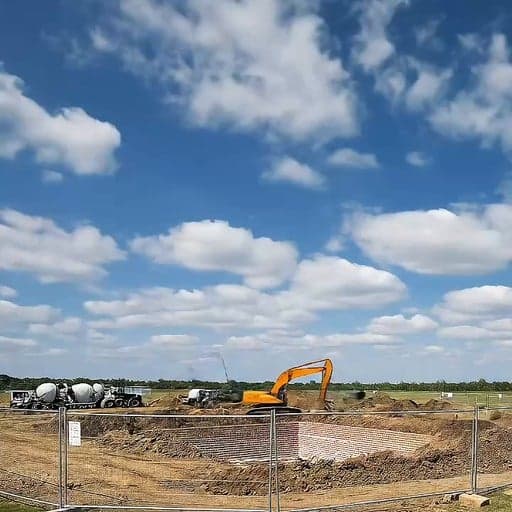
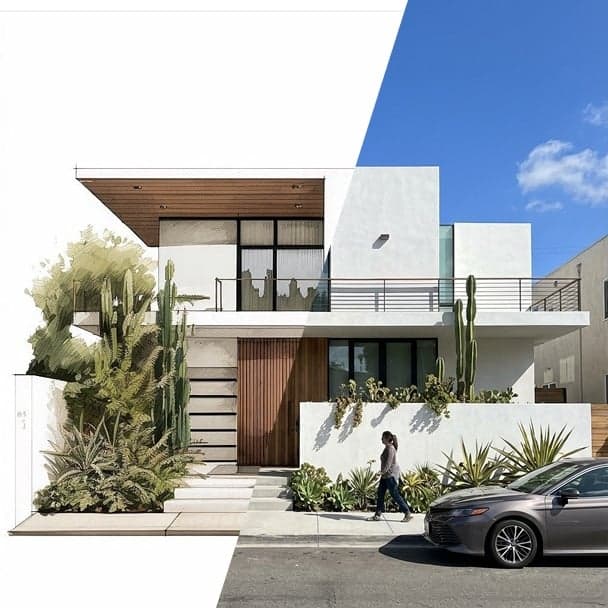
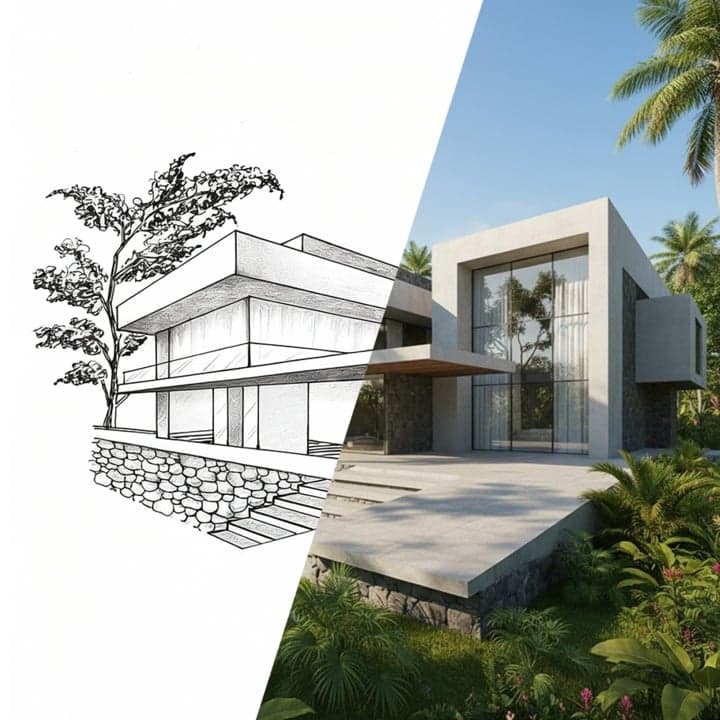
Wide editorial image showing a visual progression across the frame — left side bare earth and rebar foundation, right si
F · 01

AI Building Formation from Empty Site

The Construction Timelapse template animates an entire build lifecycle — from cleared ground through structural framing, facade installation, and final finish — in a single coherent video. The AI interprets the architectural language of the scene and constructs the building progressively frame by frame. This delivers the narrative arc of a multi-month construction project in a clip ready for social media, client pitches, or broadcast use.

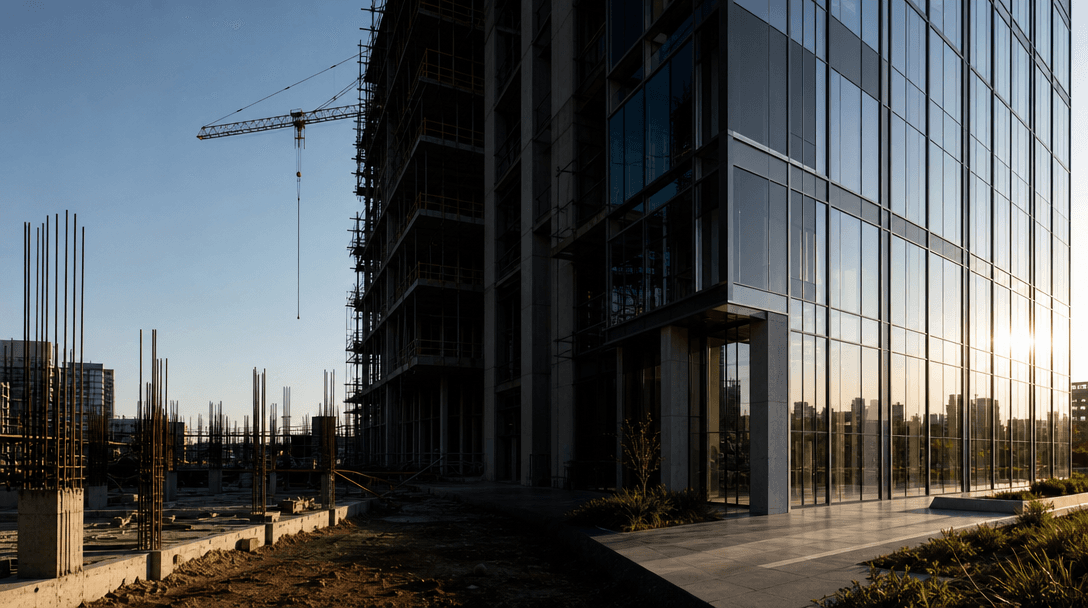
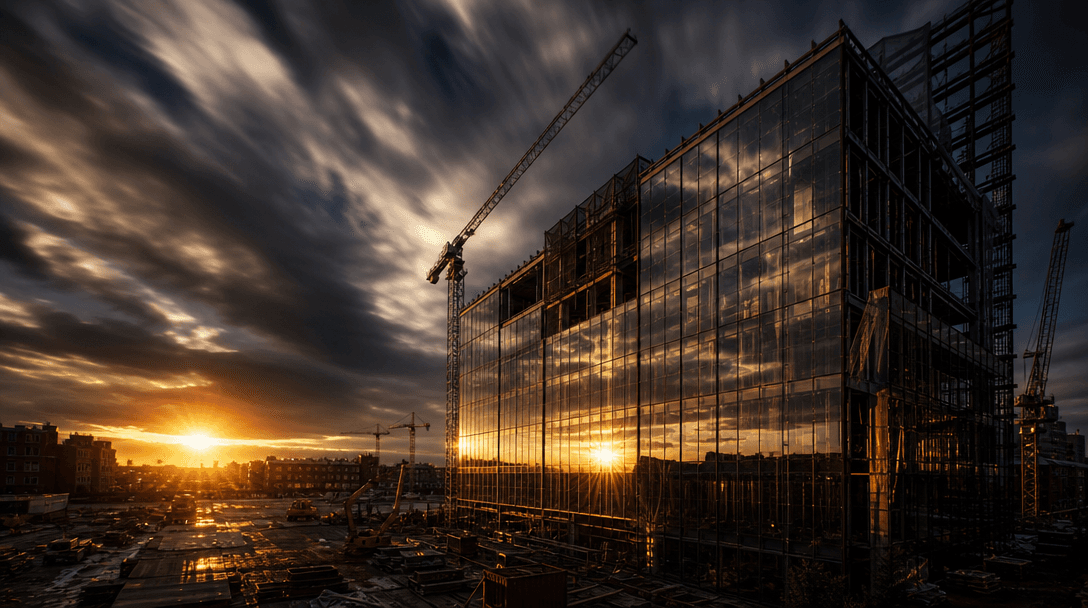
Wide cinematic shot of golden-hour light sweeping dramatically across a glass curtain wall mid-construction, fast-moving
F · 02

Cinematic Sky and Environmental Storytelling

Time passing is half the drama of any timelapse. Nim renders dynamic environmental cues — clouds racing across frame, golden-hour light sweeping across facade panels, and shadow arcs tracing the sun's path — that reinforce the sense of accelerated time. Surrounding context like vegetation growth or street-level transformation further sells the temporal scale of the build without additional production work.

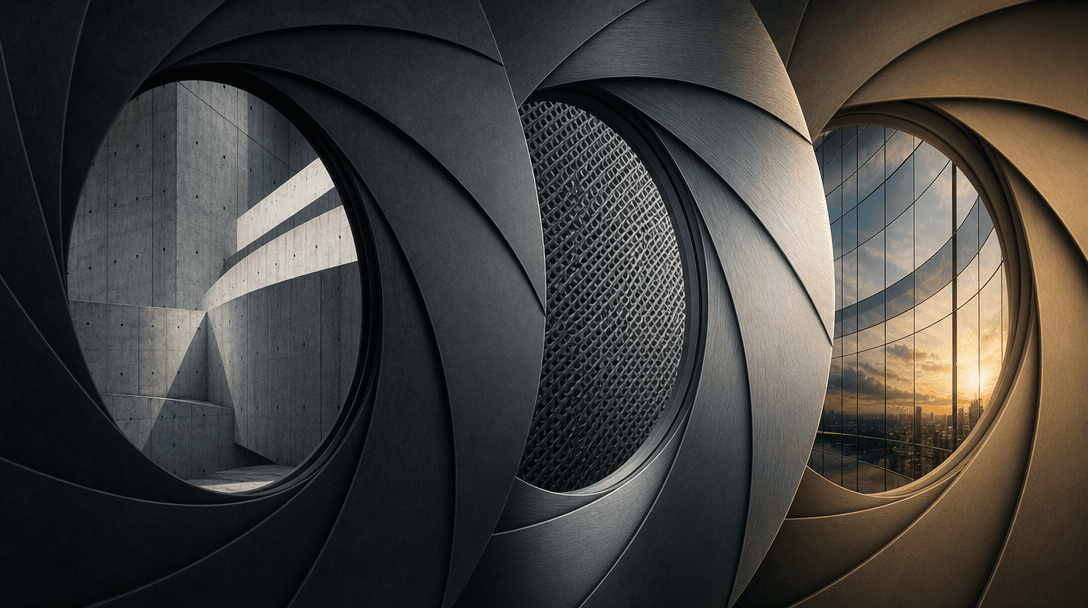
Wide abstract editorial image of layered aperture rings dissolving into each other, each framing a different architectur
F · 03

Multi-Model Access for Style Control

Different construction projects call for different visual registers. A luxury residential tower demands photorealistic material fidelity; a tech campus might suit a cleaner, more graphic aesthetic. Nim's multi-model platform lets you switch between Kling, Veo, Pika, Runway, and others from a single template interface — matching model output characteristics to your project's visual brief without changing tools or workflows.

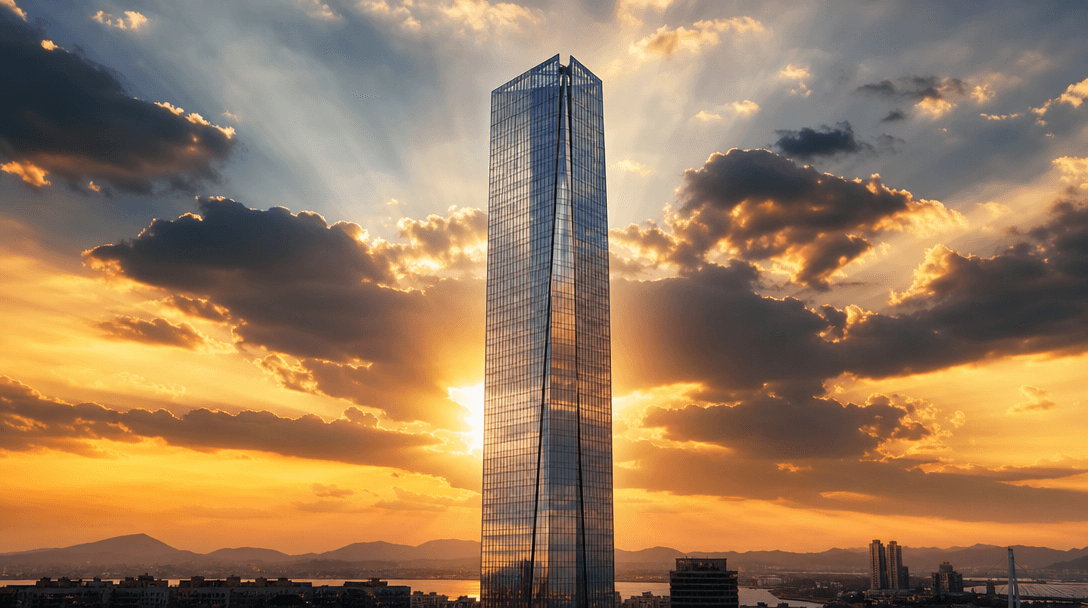
Wide cinematic image of a completed slender glass tower at golden hour, crepuscular rays breaking through dramatic cloud
F · 04

Production-Ready for AEC and Real Estate

Every generated clip exits Nim at production resolution with commercial licensing, ready to drop into a client proposal deck, pre-sales campaign, or social ad without re-rendering or watermark removal. Architecture firms use these clips in project narratives; real estate developers deploy them in pre-construction marketing; construction brands use them for portfolio storytelling at scale.

Showcase

See it in action

Real outputs generated by our pipeline — no curated cherry-picks.

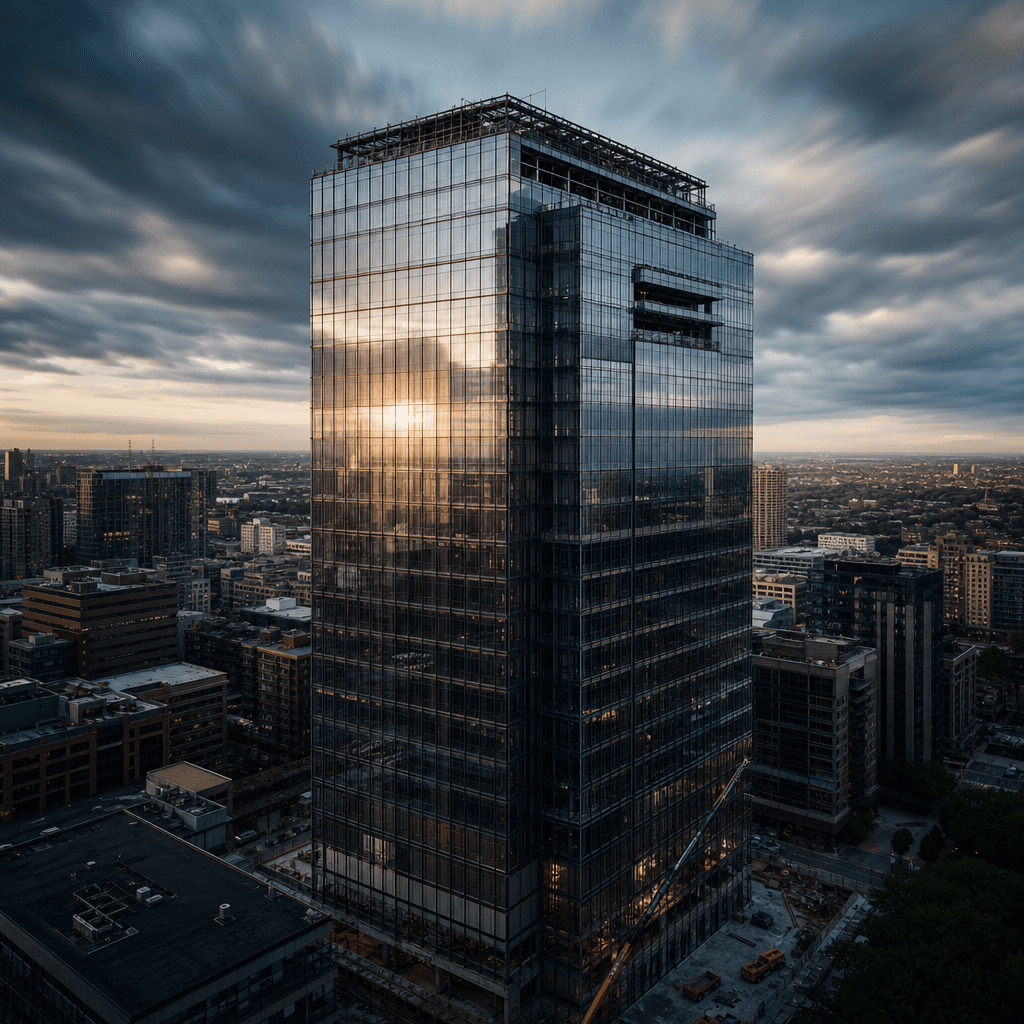
Square format aerial view of a glass-and-steel office tower at near-completion, fast-moving clouds behind, facade panels
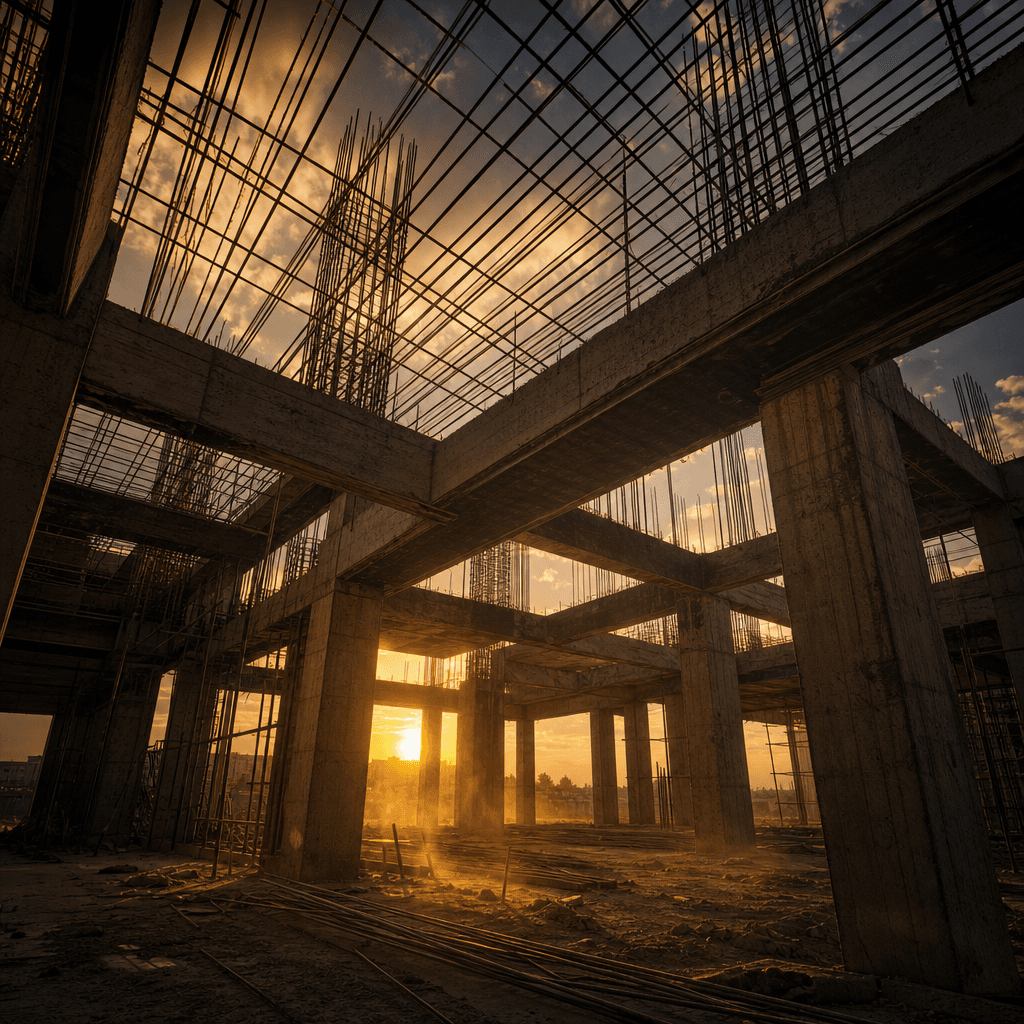
Square format ground-level view looking up through a residential concrete structural frame mid-construction, rebar latti
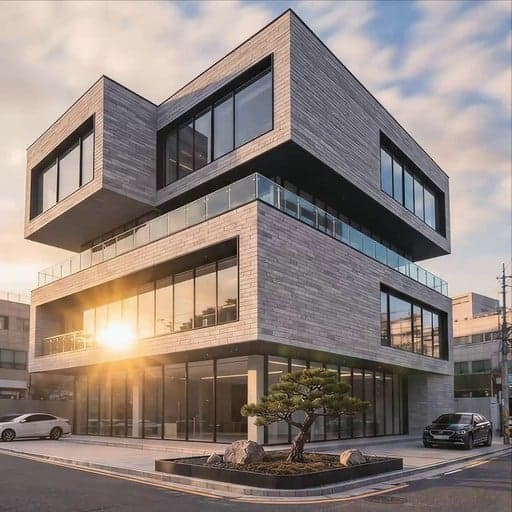
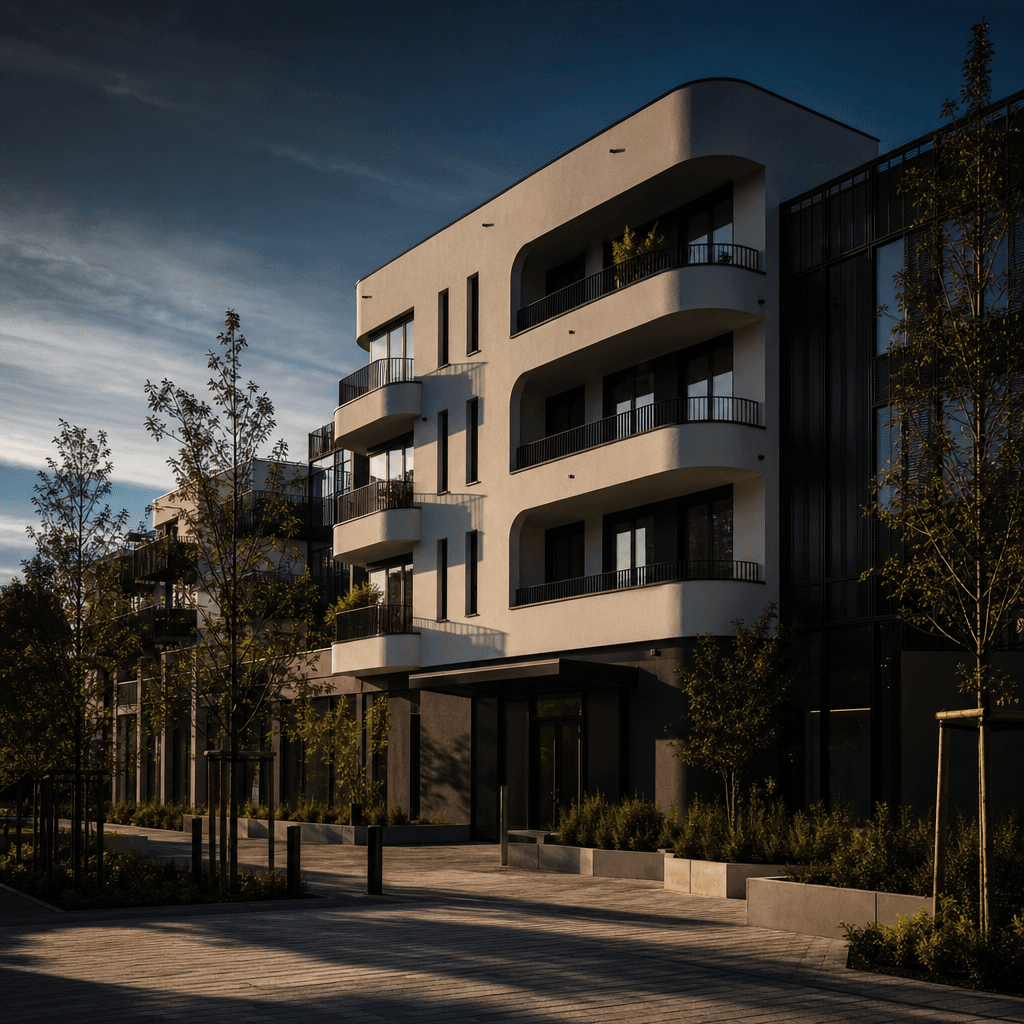
Square format wide shot of a completed contemporary apartment building, clean white rendered facade, freshly planted lan
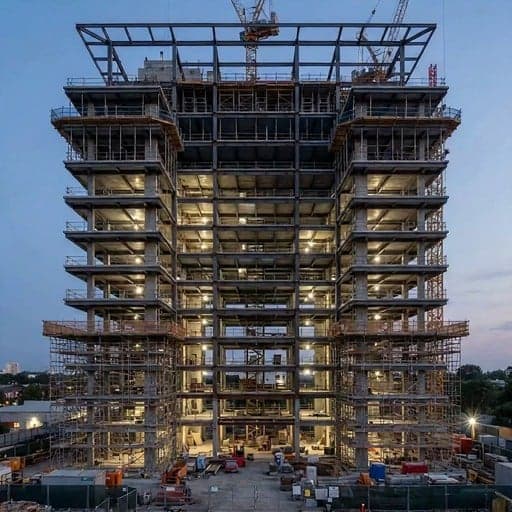
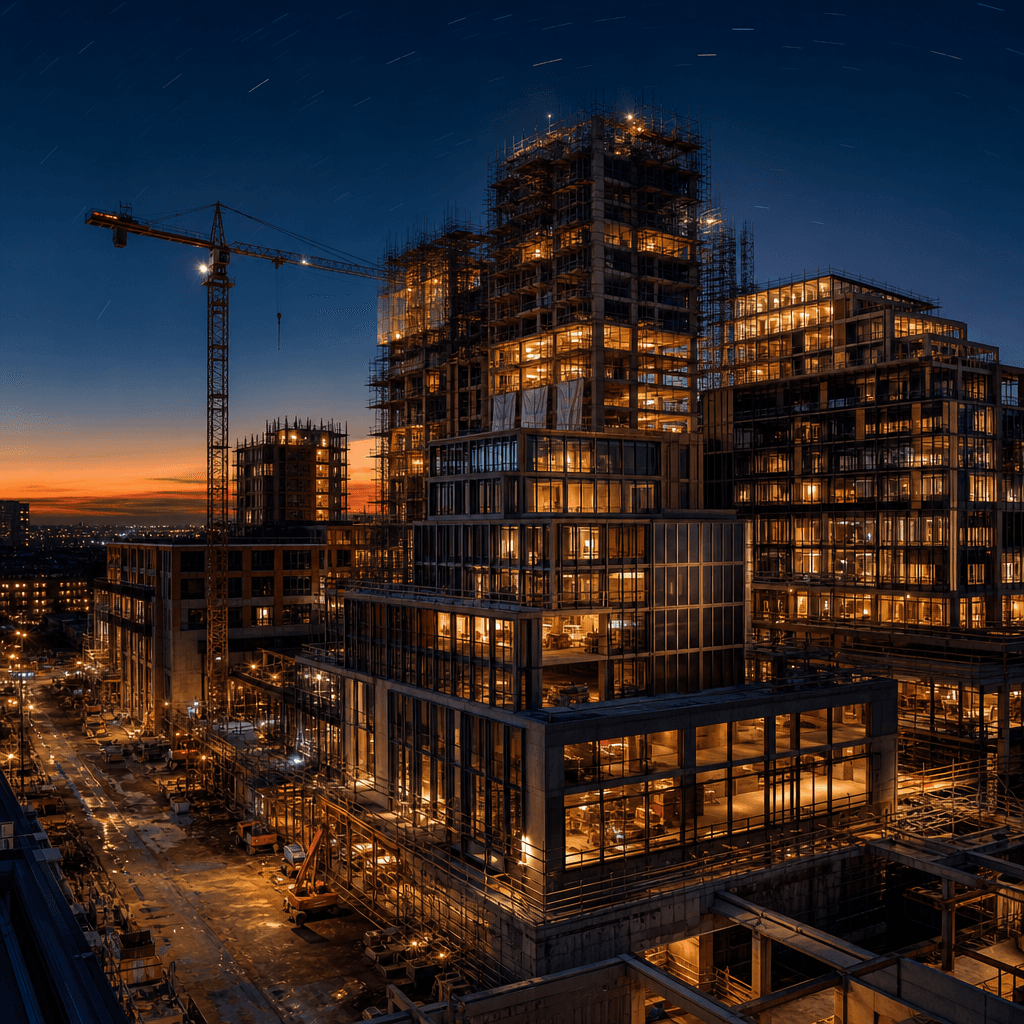
Square format dusk scene of a mixed-use urban development mid-construction, interior lights turning on across multiple f
Ready to ship

Pick a template, customize, publish.

Use cases

Made for every workflow

  • Architecture Firms

    Visualize a project's full lifecycle for clients before a single foundation is poured. AI construction timelapse communicates scope, ambition, and completion narrative in a way static renders and floor plans cannot.

  • Real Estate Developers

    Drive pre-sales and investor confidence with compelling construction progress content. AI generation eliminates the cost and multi-year timeline of physical on-site timelapse filming across a long development cycle.

  • Construction Companies

    Showcase completed and in-progress projects as branded video content for LinkedIn, company reels, and tender submissions — without coordinating drone crews, timelapse camera rigs, or post-production editors.

  • Social Media Managers

    Construction timelapse content consistently outperforms static imagery on Instagram, TikTok, and LinkedIn. Generate fresh, client-specific clips on demand at the pace that modern social schedules require.

  • Advertising Agencies

    Produce high-impact campaign material for property developer clients across digital, OOH, and broadcast channels. AI generation compresses weeks of production into hours, protecting campaign timelines and budgets.

  • Documentary Filmmakers

    Source cinematic B-roll for architecture, urbanism, or infrastructure documentaries. AI-generated timelapse covers project scales, historical periods, or unbuilt structures that no physical footage exists for.

How it works

From idea to result in seconds

  1. Step · 01

    Open the template

    Select the Construction Timelapse template from Nim's architecture catalog — scene parameters are pre-configured for a full building-formation sequence from empty site to finished structure.

  2. Step · 02

    Customize your scene

    Adjust building style, sky conditions, surrounding environment, and video model to match your project's architectural language and the visual brief your client expects.

  3. Step · 03

    Generate and export

    Nim's AI engine renders your construction timelapse at production quality — ready to drop directly into a client presentation, paid campaign, or social post without additional editing.

FAQ

Frequently asked questions

  • It is a pre-configured Nim video template that uses AI generation to animate a full building-formation sequence — from an empty construction site to a completed architectural structure. The output is a cinematic timelapse clip suitable for client presentations, marketing campaigns, and social media content.

  • Nim's video models synthesize a visually coherent construction progression frame by frame based on the template's scene parameters — building type, environment, sky conditions, and lighting. No physical camera, drone, or on-site access is required at any stage of production.

  • The Construction Timelapse template is compatible with multiple models available on Nim's platform, including Kling, Veo, Pika, and Runway. Different models produce different aesthetic characteristics — photorealistic, graphic, or cinematic — so you can match the output style to your project's visual language.

  • Generation typically completes in under a minute depending on the selected model and clip length. This compresses the weeks or months of on-site filming, equipment management, and post-production that a real construction timelapse requires.

  • Yes. Nim-generated outputs carry a commercial license and are cleared for use in client presentations, marketing campaigns, paid advertising, and broadcast contexts. Refer to nim.video's terms of service for the full scope of permitted commercial use.

  • No. The AI generates the construction sequence from the template's built-in scene description and any style adjustments you make. No technical architectural assets — drawings, renders, or 3D files — are required as input to the generation process.

  • A physical construction timelapse requires months of camera deployment, maintenance, weather exposure, and post-production editing. Nim generates equivalent visual content in minutes with no site access, equipment cost, or crew — and can produce footage for projects that have not yet broken ground.

  • Watermark status depends on your Nim subscription plan. Paid plan outputs are delivered without watermark and are cleared for commercial use. Generation requires purchased credits — there is no free generation tier.

  • The Construction Timelapse template is purpose-built for AEC and real estate use cases — camera motion, environmental storytelling, structural progression logic, and temporal pacing are all pre-optimized. Starting from a blank prompt for this use case produces far less consistent or professional results than Nim's curated architecture template.

  • Nim is a multi-model platform rather than a single-model tool — it provides access to Kling, Runway, Veo, Pika, and others within the same template and workspace. You are not locked into one model's output style, and curated architecture templates like Construction Timelapse remove the prompt-engineering burden for AEC-specific content.

Get started

See what you can make

Explore more

Discover more AI tools