

Floral Studio Template

Faceless Bouquet Model Template

Turn a bouquet into a polished studio campaign with an anonymous fashion model, curated composition, and production-ready editorial quality.

Create now
Browse all 400+ templates

Everything you need

Built for creators, marketers, and teams shipping AI video at scale.

01

Bouquet First

A faceless composition keeps attention on the flowers, wrapping, color palette, and overall arrangement.

02

Studio Styling

Create a refined floral campaign look with controlled lighting, editorial framing, and a clean professional backdrop.

03

Anonymous Model

Add human scale and fashion context without making a recognizable face the focus of the visual.

04

Curated Composition

Start from a professionally designed visual concept instead of building the model pose and bouquet placement from scratch.

05

Fast Variations

Explore campaign directions in seconds or under a minute, depending on the selected model and generation settings.

06

Commercial Ready

Produce polished creative suitable for flower-shop promotions, product launches, social posts, and ecommerce merchandising.

07

Multi-Model Access

Work within Nim's multi-model platform, with leading image and video models available for broader campaign production.

08

Brand Adaptable

Use bouquet colors, wrapping details, wardrobe direction, and background mood to support a distinct floral brand identity.

Features

Built to ship

Wide cinematic still life of a single elaborate bouquet emerging from darkness on a matte charcoal pedestal, directional
F · 01

Make the Bouquet the Hero

The Faceless template places the floral arrangement at the center of an editorial studio composition. By minimizing facial identity, the image directs attention toward petal texture, bouquet volume, wrapping materials, and the color story customers are choosing.


Wide dark editorial studio scene of anonymous hands and a tailored black sleeve gently presenting a luminous bouquet, bo
F · 02

Add Human Context Without Distraction

A studio model gives the bouquet scale, emotion, and aspirational context while remaining visually anonymous. This makes the result useful across seasonal campaigns and customer segments without tying the creative to a specific personality or recognizable spokesperson.

Wide cinematic arrangement of four distinct bouquets positioned in sequence across a dark studio floor, each with differ
F · 03

Build Campaign Variations Faster

Use the curated template as a consistent starting point for multiple bouquets, launches, and promotional themes. Generate variations for different flowers, styling directions, backgrounds, and brand palettes without organizing a new studio shoot for every concept.

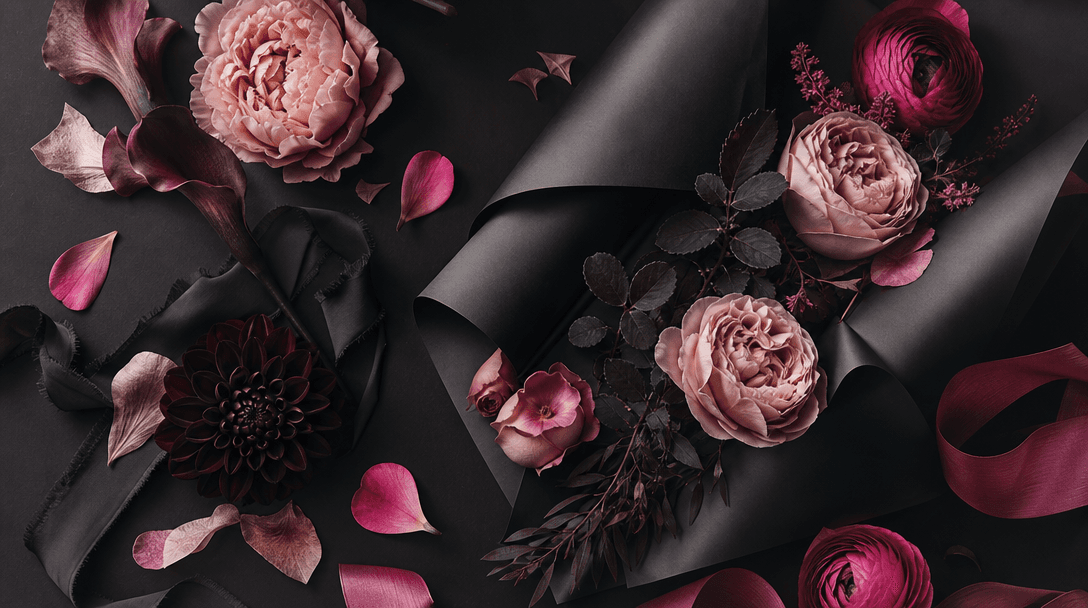
Wide atmospheric brand scene with petals, silk ribbon, matte wrapping paper, and sculptural flowers arranged as a sophis
F · 04

Create a Polished Floral Identity

Turn ordinary bouquet imagery into a more deliberate fashion-led campaign asset with controlled framing and studio atmosphere. The resulting visual can support product pages, social campaigns, advertisements, lookbooks, and premium flower-shop branding.

Showcase

See it in action

Real outputs generated by our pipeline — no curated cherry-picks.

Square luxury flower-shop campaign image featuring a faceless model in a structured black blazer holding a vivid red ros
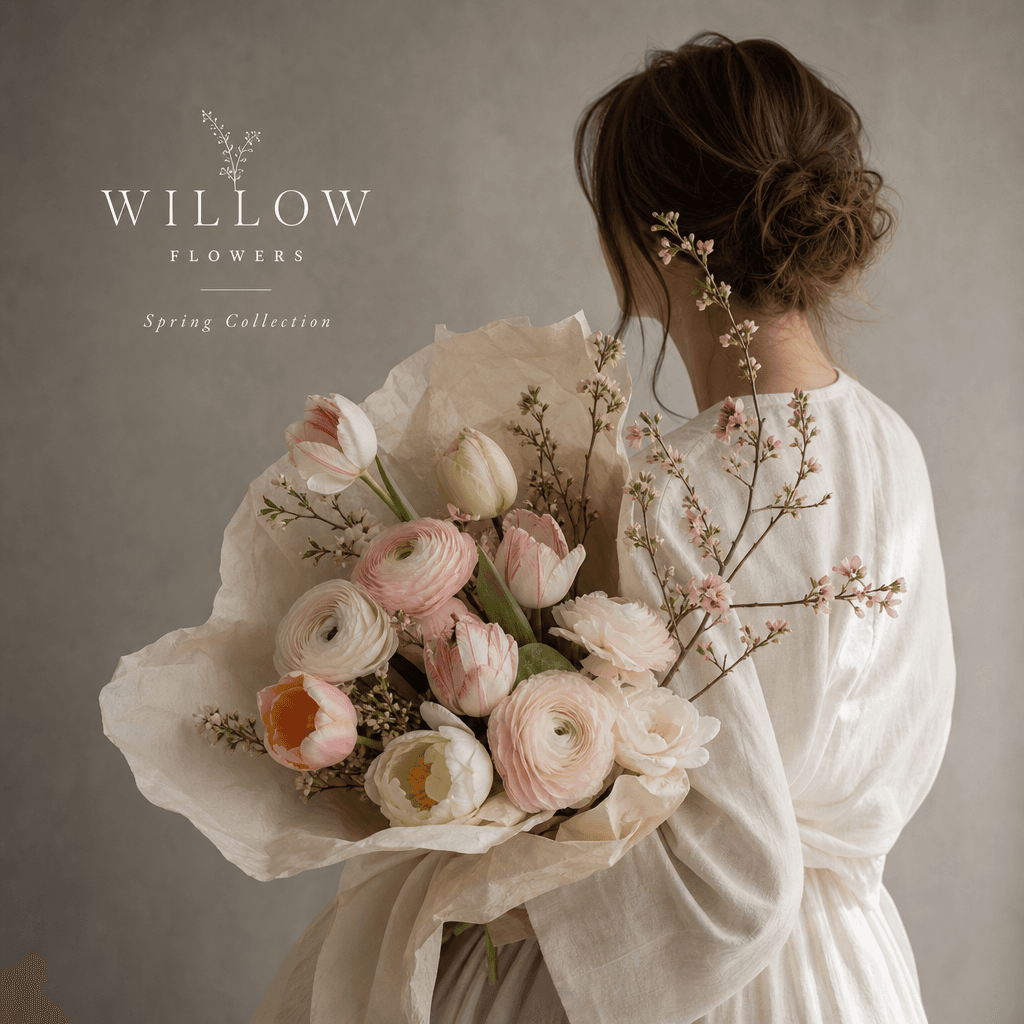
Square spring floral advertisement with an anonymous model in soft off-white clothing carrying a loose pastel bouquet of
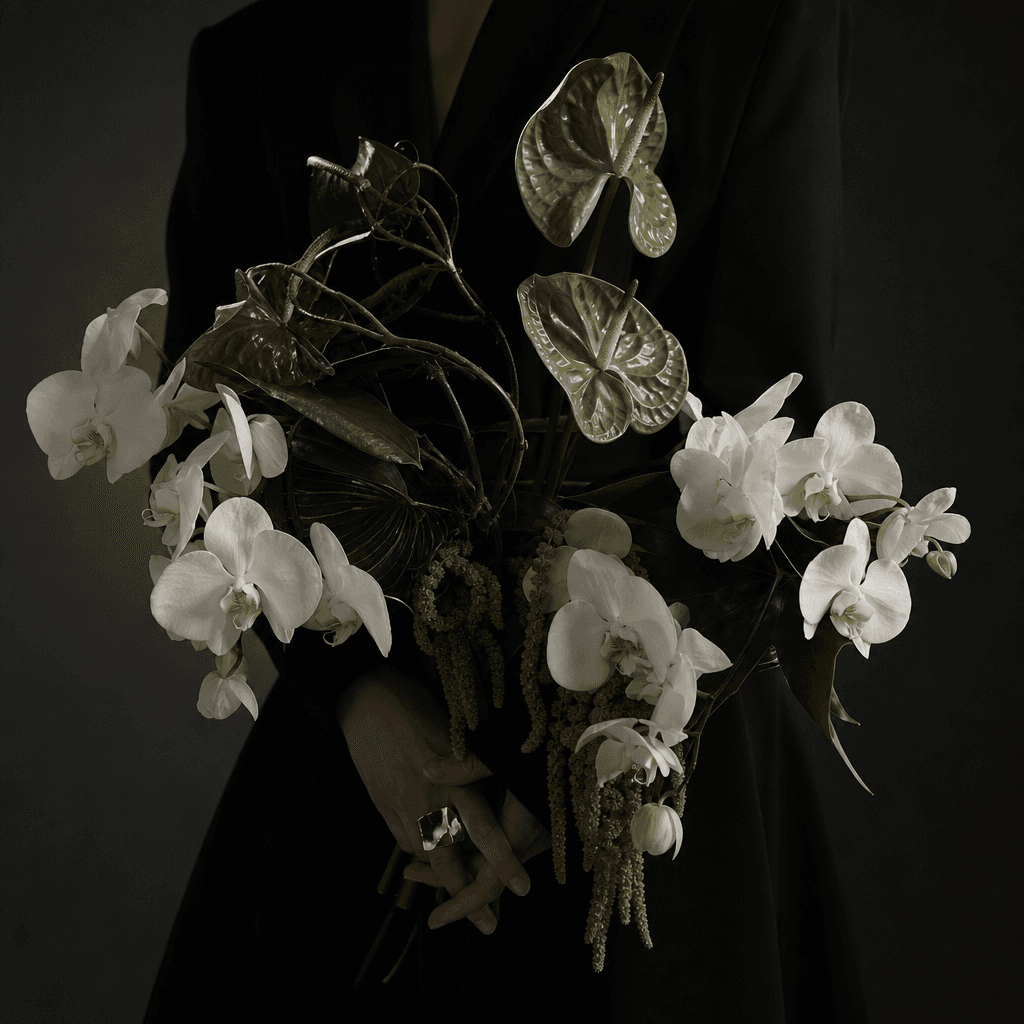
Square avant-garde bouquet portrait showing only the torso and hands of a faceless studio model, sculptural white orchid
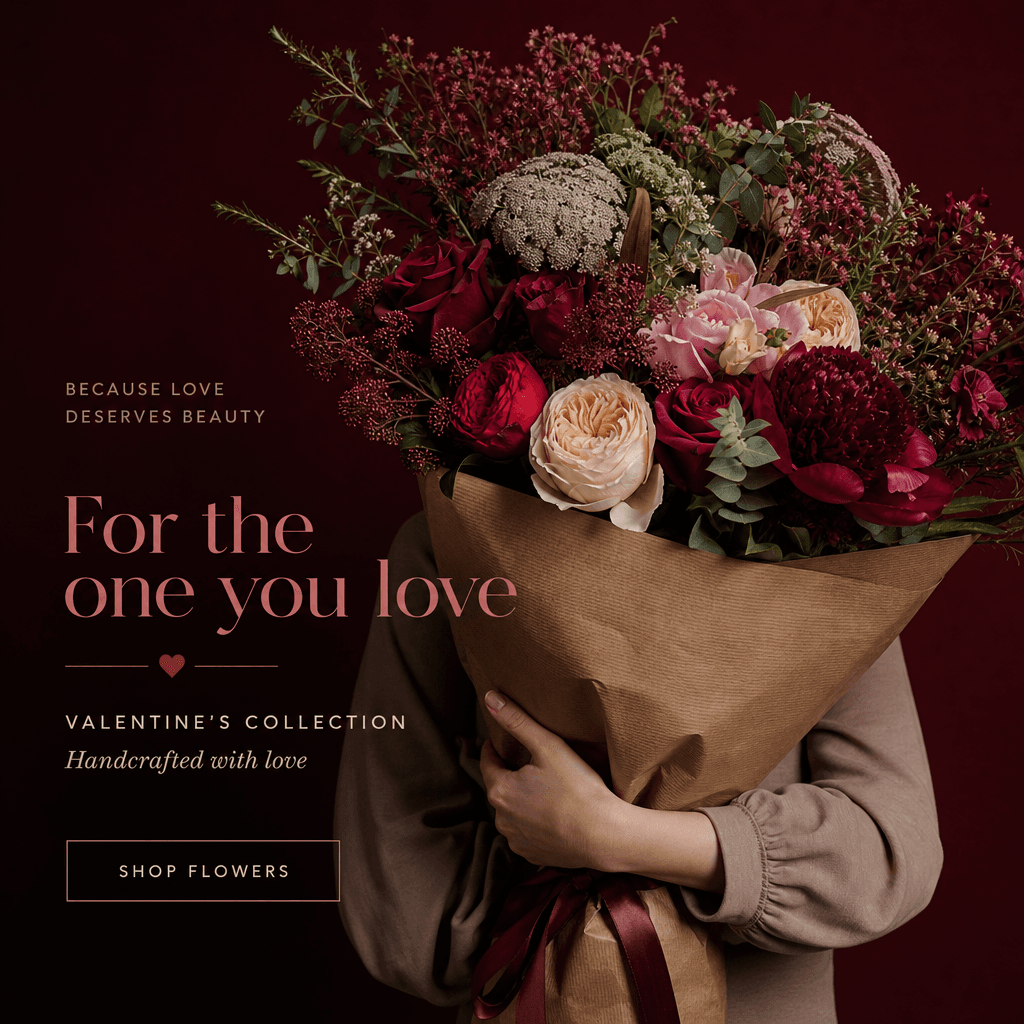
Square romantic flower delivery campaign with an anonymous model embracing an oversized bouquet wrapped in textured kraf
Ready to ship

Pick a template, customize, publish.

Use cases

Made for every workflow

  • Flower Shops

    Present signature bouquets in a polished model-led setting that feels more distinctive than a standard product photograph. Create coordinated visuals for new collections, delivery campaigns, and storefront promotions.

  • Floral Designers

    Showcase composition, scale, texture, and wrapping choices through an editorial image that keeps the arrangement in focus. Use the template to explore portfolio concepts before commissioning a full production.

  • Ecommerce Sellers

    Add aspirational lifestyle context to bouquet listings while preserving clear visual emphasis on the product. Produce campaign assets for product pages, marketplace listings, email promotions, and seasonal collections.

  • Social Marketers

    Generate visually consistent floral content for launch posts, paid social, carousels, and campaign calendars. The faceless treatment makes it easier to reuse the concept across channels without depending on creator identity.

  • Event Florists

    Visualize premium arrangements for weddings, celebrations, corporate gifting, and editorial event concepts. Model-led scale helps prospective clients understand the presence and proportion of a bouquet.

  • Creative Agencies

    Develop floral campaign directions quickly for client presentations and production planning. Compare styling, palette, wardrobe, and atmosphere before selecting a final creative route.

How it works

From idea to result in seconds

  1. Step · 01

    Choose Your Bouquet

    Start with the floral arrangement or bouquet reference you want to place at the center of the studio campaign.

  2. Step · 02

    Set the Direction

    Define the desired palette, wardrobe mood, background, and editorial character while preserving the faceless model concept.

  3. Step · 03

    Generate Your Campaign

    Create a polished image, review the bouquet details and composition, then generate variations for your preferred channels.

FAQ

Frequently asked questions

  • Faceless is a Nim template designed to showcase a bouquet with a studio model whose face is not the visual focus. It combines human scale and editorial styling with a product-first floral composition.

  • You open the template, provide the relevant bouquet input and creative direction, then generate the composition using available settings. Nim applies the template's curated concept to create a model-led studio image centered on the flowers.

  • It is designed for flower shops, floral designers, ecommerce sellers, event florists, marketers, and agencies. It is particularly useful when a bouquet needs lifestyle context without a recognizable model becoming the campaign's main subject.

  • This template is intended primarily for generating a polished still-image campaign concept. You can use Nim's wider image and video creation tools separately when building additional motion assets around the resulting floral direction.

  • Use a clear bouquet input when the template workflow provides an image-reference field. Well-lit source material with visible flower shapes, wrapping, and color details gives the generation model stronger visual information to work from.

  • You can direct the creative treatment through the inputs and controls available in the template. Adjusting wardrobe mood, palette, lighting, or setting can help the result align with a seasonal collection or established flower-shop identity.

  • Nim is a multi-model platform that brings together leading image and video generation options such as Flux, Sora, Veo, Kling, and Pika. The models available for a particular template or workflow may vary by media type and current platform support.

  • Generation requires purchased credits, and credit usage can vary by model and settings. Current plan and credit information is available on Nim's subscription page before you generate.

  • Many generations complete in seconds or under a minute, although timing depends on the selected model, settings, queue, and output complexity. Creating several variations may take longer than producing a single image.

  • Nim's curated templates are built for commercial creative workflows, but usage remains subject to the applicable plan terms, model terms, and rights to any uploaded material. You should only upload bouquet photography, logos, and brand assets you are authorized to use.

Get started

See what you can make

Explore more

Discover more AI tools