
Apps & Websites · Template

Floating UI Animation Template

Paste your site URL and Nim renders a cinematic floating UI animation — production-ready for ads, product launches, and social campaigns.

Browse templates
Browse all 400+ templates

Everything you need

Built for creators, marketers, and teams shipping AI video at scale.

01

Website URL as Input

Paste any live site link and the template automatically captures your interface's visual identity to start the animation.

02

Premium Floating Style

UI elements lift and hover with cinematic depth, parallax layering, and precisely rendered elevation shadows.

03

Production-Ready Output

Every export is calibrated for paid ads, App Store previews, landing page hero sections, and social placements.

04

Fast Rendering

Get a finished animation in seconds without touching a timeline editor or any motion design software.

05

No Design Skills Required

The template handles composition, motion timing, and visual styling automatically — you supply the URL.

06

Commercial Use Licensed

Output generated on a paid Nim plan is fully licensed for brand campaigns, ads, and product marketing.

07

Multi-Model Platform

Nim routes each job through the best-fit AI rendering model for consistent, high-quality visual output.

08

Apps & Websites Category

Part of Nim's curated library of web and app-focused templates built specifically for tech and SaaS brands.

Features

Built to ship

Abstract scene of a glowing URL-shaped light line transforming into floating geometric interface cards with a motion tra
F · 01

URL-to-Animation in One Step

Paste your website URL and Nim's pipeline captures your site's visual identity, mapping it into a polished floating UI animation sequence. No screenshots, no manual asset prep, no timeline work required — the entire creative process collapses to a single input field, making it accessible to founders, marketers, and developers who have no video production background.
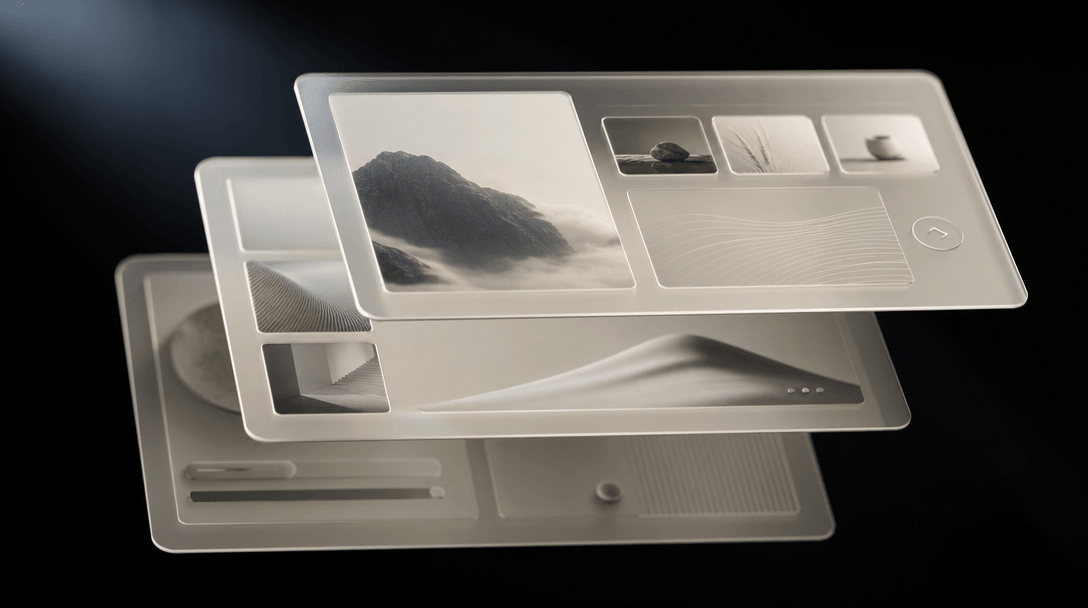
Three layered translucent UI panels floating at different depths in a dark editorial environment, each casting a precise
F · 02

Cinematic Floating Motion Language

The floating UI aesthetic uses depth-layered parallax and subtle elevation shifts to give your interface a three-dimensional, premium feel. Each panel lifts with a precise drop shadow and settles with eased motion that reads as high-production-value brand content — something a basic screen recording or static screenshot simply cannot achieve. The result positions your product as polished before a prospect reads a single word.

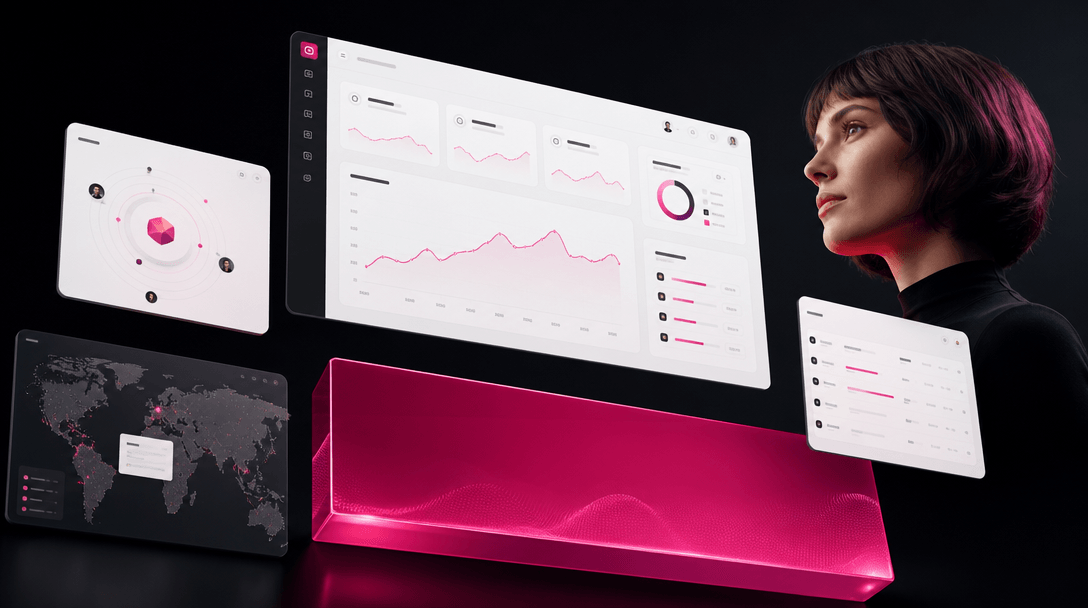
High-contrast performance creative composition: floating UI frames arranged in an advertisement-style layout against a d
F · 03

Built for Performance Creative

Output is calibrated for the placements that drive measurable results: Meta carousel ads, YouTube pre-rolls, App Store preview videos, and SaaS landing page hero sections. The motion cadence is engineered to hold attention through the first three seconds — the window that determines ad performance and skip rates. You get a creative asset that is immediately deployable, not a rough draft that needs post-production.

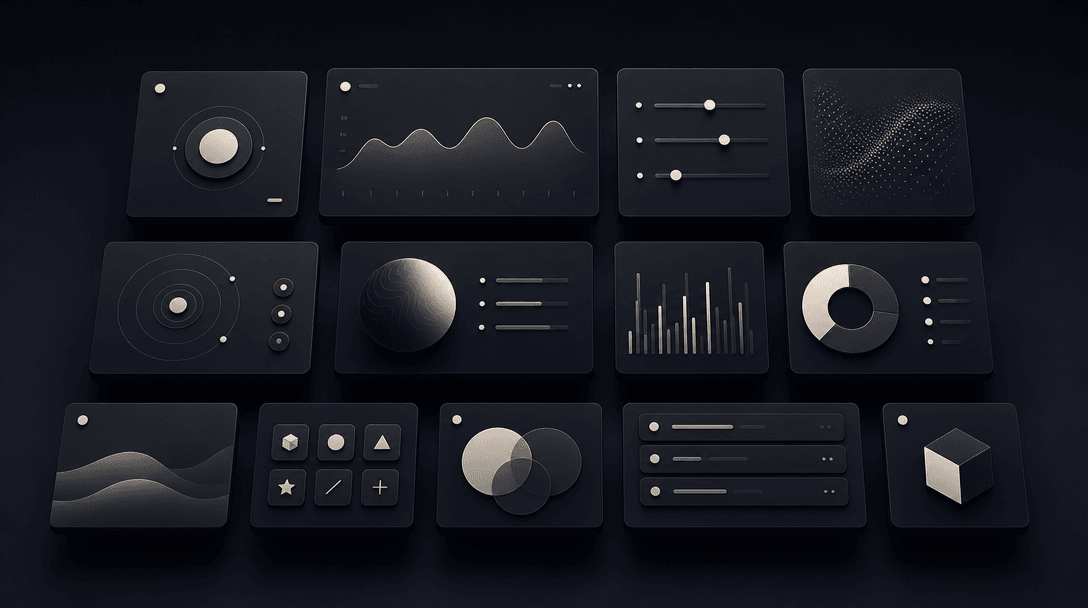
An organized grid of dark floating UI card shapes arranged in three rows at subtly varying depths, editorial overhead li
F · 04

Part of Nim's Apps & Websites Library

Floating UI sits inside Nim's growing Apps & Websites template collection, designed specifically for tech products, SaaS platforms, and digital tools. Pair it with other templates in the same category to build a complete creative suite — product demo, onboarding walkthrough, feature highlight reel — all sharing consistent visual language. One platform, one billing relationship, a full motion creative stack.

Showcase

See it in action

Real outputs generated by our pipeline — no curated cherry-picks.

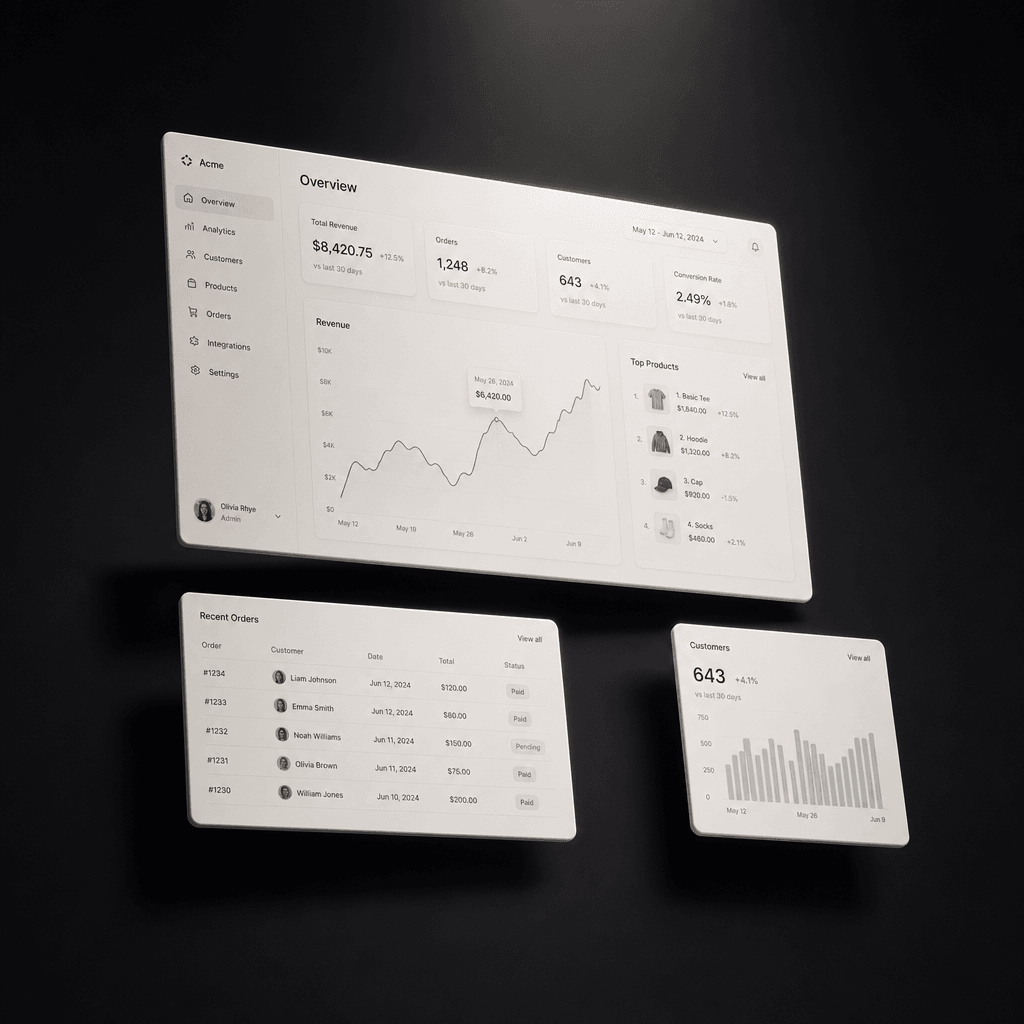
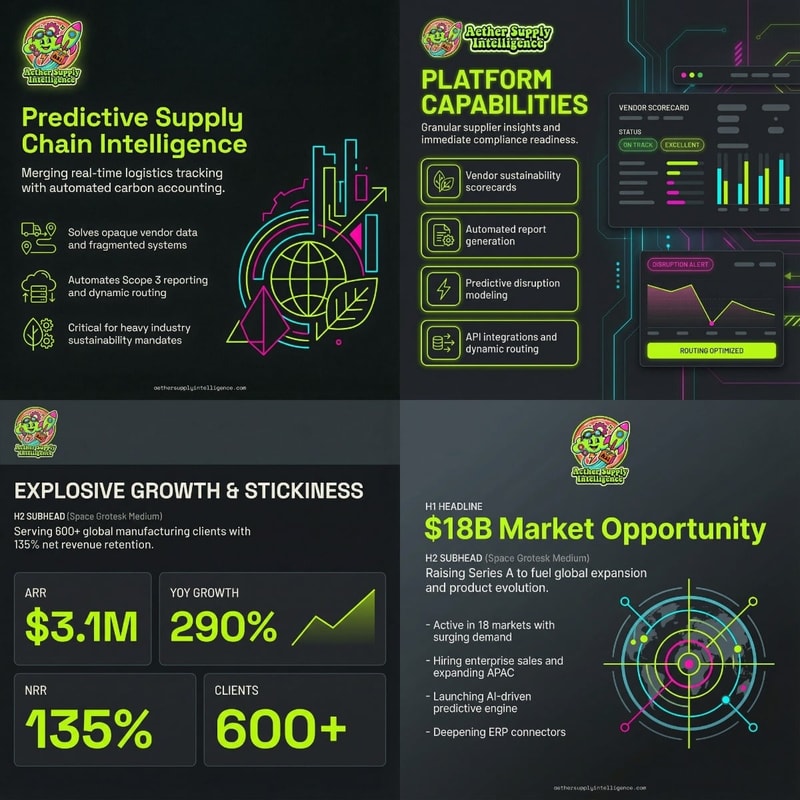
Minimal SaaS dashboard rendered as glowing off-white UI cards floating above a deep matte black surface. Clean sans-seri
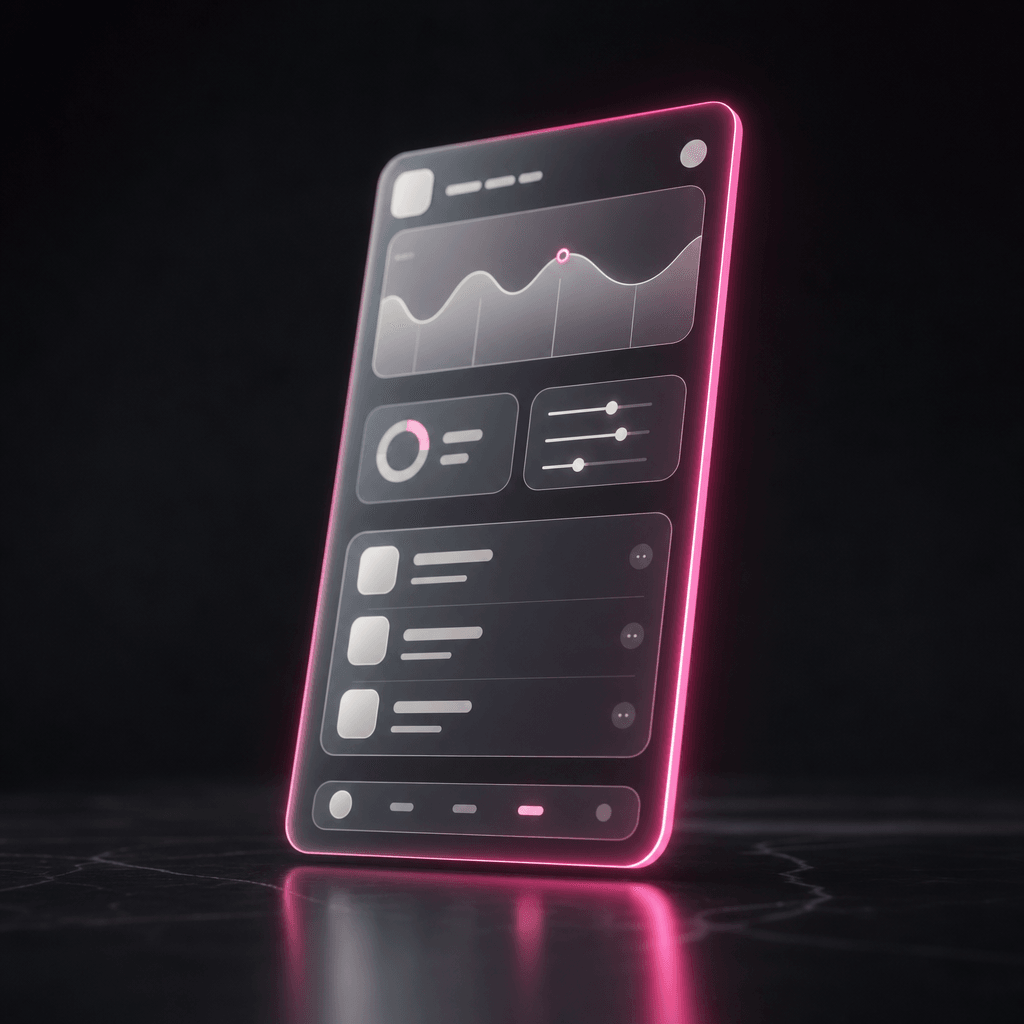
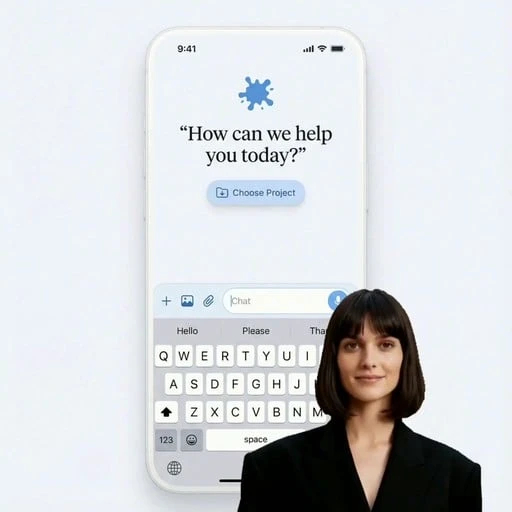
A mobile app interface abstracted as a floating translucent rectangular panel hovering above a dark reflective plane. Of
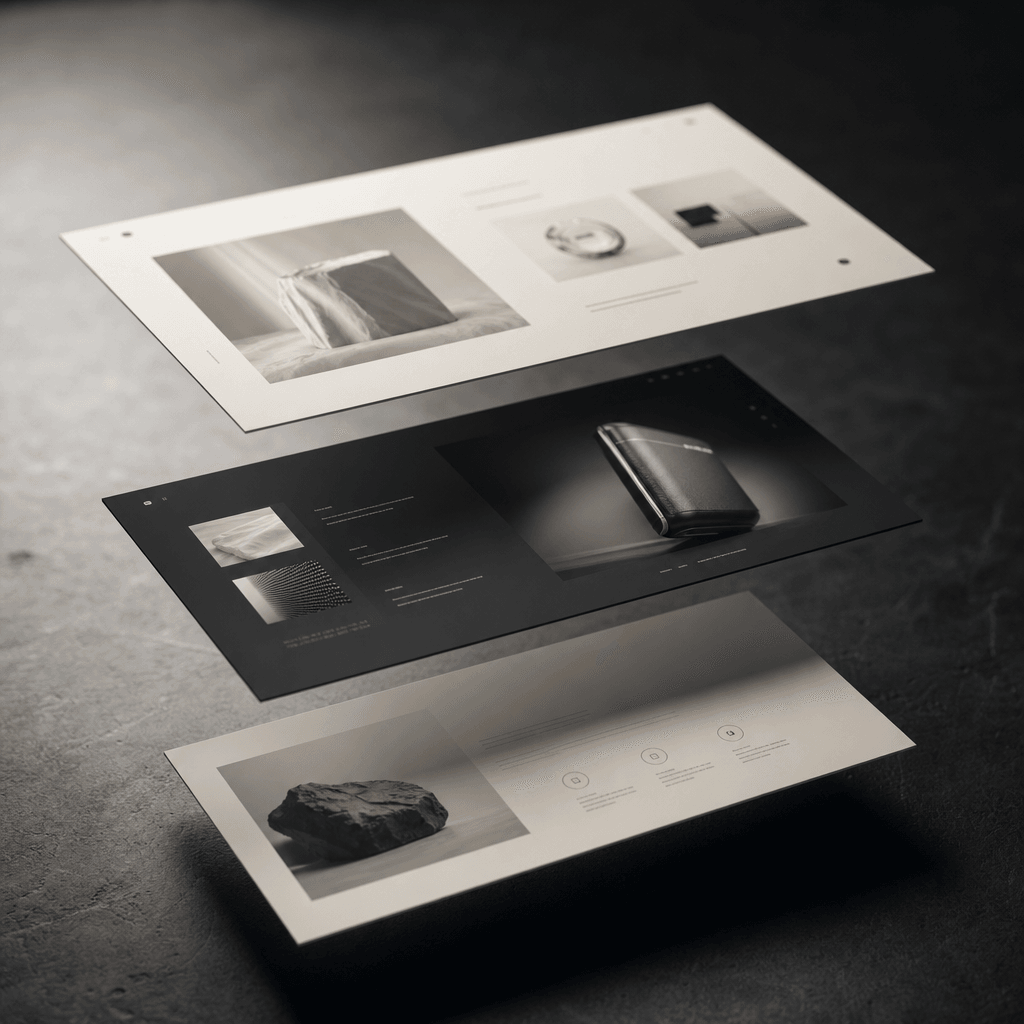
A landing page layout abstracted into three layered floating rectangles at varying depths above a dark surface. Cool dir
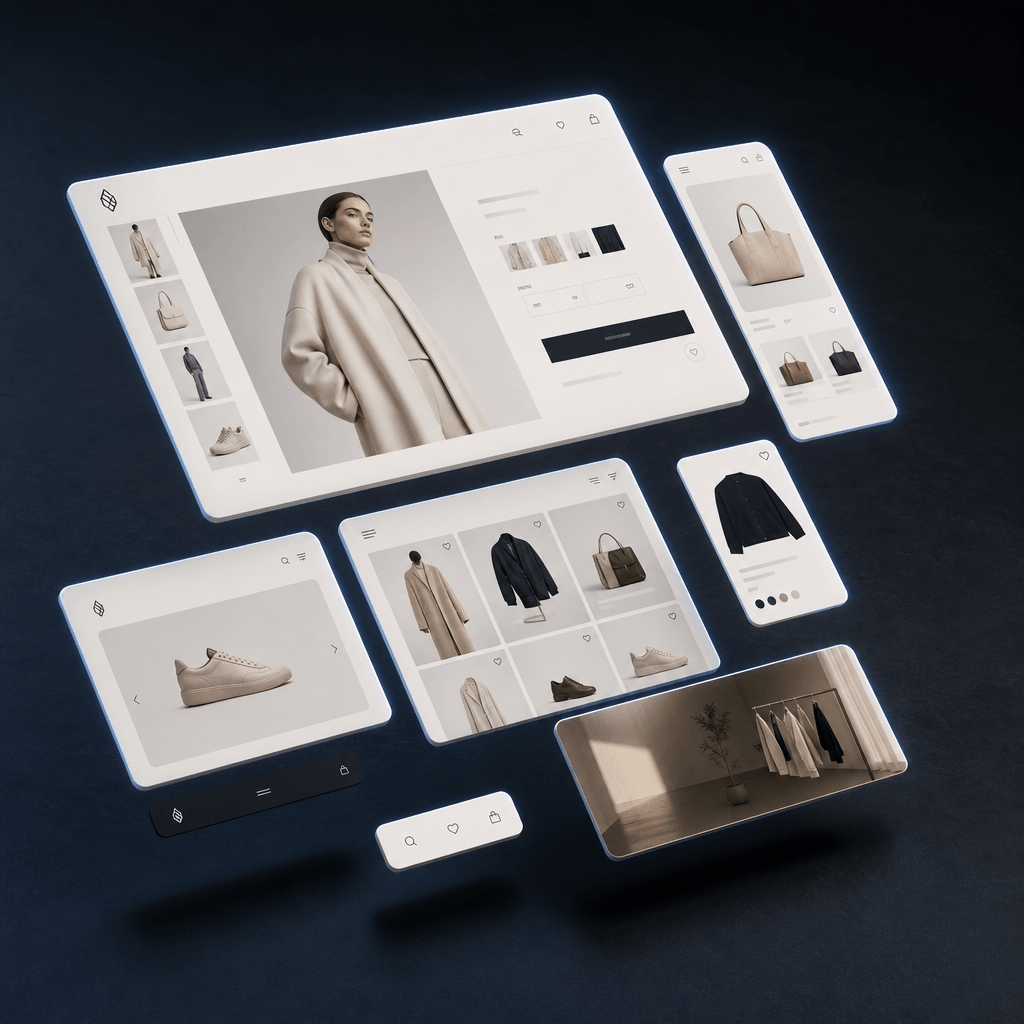
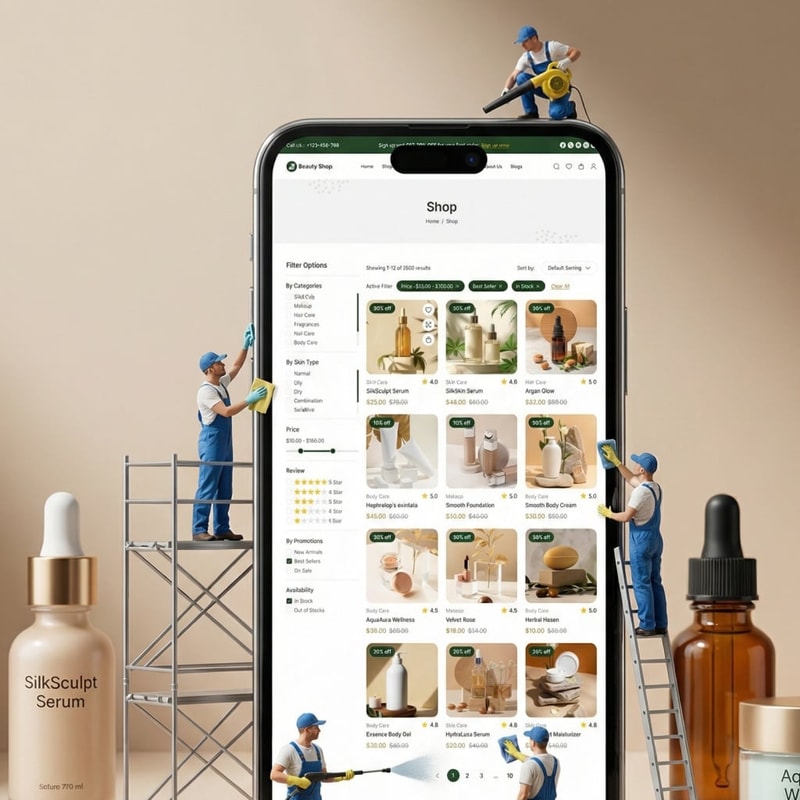
An e-commerce website interface shown as floating UI panels in an asymmetric dynamic composition above a deep dark surfa
Ready to ship

Pick a template, customize, publish.

Use cases

Made for every workflow

  • SaaS Founders

    Showcase your product UI in motion for launch announcements, Product Hunt posts, and investor decks — without hiring a motion designer or spending days in After Effects. A polished floating UI animation communicates product sophistication at a glance.

  • Performance Marketers

    Generate scroll-stopping app demo creatives for paid social and search campaigns in minutes, not days. Each output is ad-spec-ready for Meta, TikTok, and Google placements, with motion engineered to hold attention through the first critical seconds.

  • App Developers

    Produce App Store preview videos and Google Play promo animations that communicate feature value instantly. The premium floating UI treatment elevates your listing above competitors relying on static screenshots or low-production screen recordings.

  • Social Media Managers

    Turn a UI redesign, feature release, or product update into shareable animated content for LinkedIn, X, and Instagram — no video editing software or motion design experience required. Post-ready output in the time it takes to write a caption.

  • Landing Page Designers

    Embed a cinematic floating UI animation as your hero section background or feature showcase to instantly elevate perceived product quality. Motion-first landing pages consistently outperform static ones on time-on-page and conversion metrics.

How it works

From idea to result in seconds

  1. Step · 01

    Paste Your Website URL

    Submit your live website link into the Floating UI template — Nim uses it as the visual source for your animation.

  2. Step · 02

    Nim Renders the Animation

    The template captures your site's visual identity and applies the floating UI motion treatment through Nim's AI rendering pipeline, adding depth, parallax, and cinematic elevation automatically.

  3. Step · 03

    Download and Deploy

    Receive your production-ready floating UI animation and deploy it immediately in ads, product demos, App Store listings, or landing pages.

FAQ

Frequently asked questions

  • The Floating UI template is a Nim AI animation template that accepts your website URL as input and produces a cinematic floating UI animation video. It renders your web interface with premium depth, parallax, and elevation effects — making it immediately usable in marketing campaigns, product launches, and social content without any manual video editing.

  • Nim's pipeline captures your site's visual layout from the URL you provide and applies a professionally designed floating UI motion treatment. It layers depth, parallax movement, and precise elevation shadows to construct the animation. No manual editing, no frame-by-frame work, and no design skills are required on your end.

  • You receive a video file of your floating UI animation, suitable for digital placements including social media ads, App Store preview videos, product demo reels, and website hero sections. Exact resolution and format options are available in your Nim workspace after generation.

  • No. The Floating UI template handles composition, motion timing, depth layering, and visual styling automatically. You supply the website URL and Nim handles the rest — from capturing the interface to delivering a polished final output.

  • Yes. All content generated on Nim through a paid plan is commercially licensable for brand campaigns, paid advertising, and product marketing. No additional licensing fees apply for standard commercial use.

  • Credits are required to generate content on Nim — there is no free generation tier. Nim offers paid subscription and credit plans that cover commercial use of all generated output, including floating UI animations produced with this template.

  • A manual screen recording requires capture software, video editing tools, and motion design skills to produce anything that looks premium. The Floating UI template produces a cinematic animated treatment from just a URL — with professional depth and parallax layering that a basic screen recording cannot replicate — in a fraction of the time.

  • Nim's Floating UI template is purpose-built for web and app interfaces — unlike general-purpose video generation tools. The template applies a specific, product-optimized motion language designed for SaaS and app marketing placements, rather than asking you to prompt your way to a result from scratch.

  • Nim's Apps & Websites template category includes a growing library of templates for product demos, UI walkthroughs, and brand visuals. Browse the full collection to build a complete creative suite for your product — all from the same platform.

Get started

See what you can make

Explore more

Discover more AI tools