


Premium Template

Scene Click Product Infographic Template

Transform a product into a cinematic lifestyle scene with interactive-style details, polished motion, and production-ready visual quality.

Create scene
Browse all 400+ templates

Everything you need

Built for creators, marketers, and teams shipping AI video at scale.

01

Interactive Visual Language

Present product details through cinematic in-scene cues that feel engaging without resembling a conventional slideshow.

02

Lifestyle Realism

Place your product in a believable editorial environment with natural materials, lighting, depth, and spatial context.

03

Product-Led Composition

Keep the featured item visually dominant while supporting details guide attention toward its design and practical value.

04

Cinematic Motion

Turn a static product asset into a polished sequence with controlled camera movement and satisfying visual transitions.

05

Premium Art Direction

Use a curated composition designed for elevated campaigns, product launches, landing pages, and social advertising.

06

Multi-Model Access

Create within Nim's multi-model platform using leading video and image models suited to different production needs.

07

Fast Creative Iteration

Explore alternate environments, visual moods, and product presentations without rebuilding the campaign concept from scratch.

08

Commercial Content Ready

Develop polished product visuals for creator, marketing, and ecommerce workflows using a professionally structured template.

Features

Built to ship

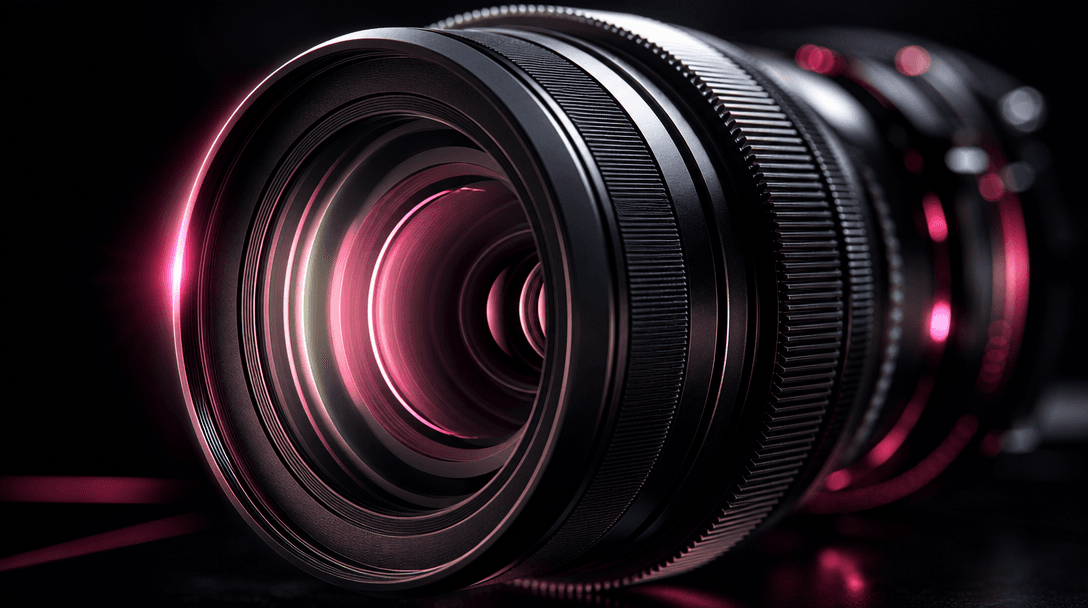
Macro commercial scene of a precision camera lens surrounded by narrow points of light that subtly draw attention to its
F · 01

Make Product Details Feel Discoverable

Scene Click frames product information as part of a cinematic visual experience instead of separating it into static feature cards. The composition creates the impression that viewers are exploring useful details within the scene, helping materials, controls, finishes, or functional areas attract attention naturally.
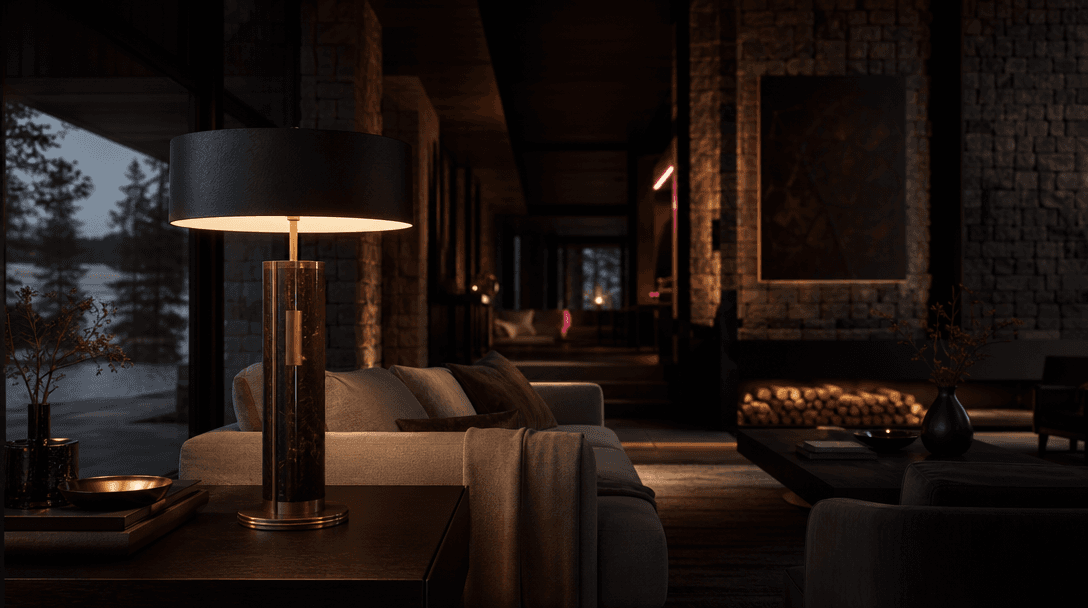
A premium table lamp integrated into a moody architectural living room, warm illumination revealing stone, dark timber,
F · 02

Build a Believable Lifestyle World

The template places the product inside an environment with realistic light, scale, surfaces, and depth. This added context helps customers imagine the item in use while preserving the controlled, elevated look expected from premium ecommerce and brand campaigns.

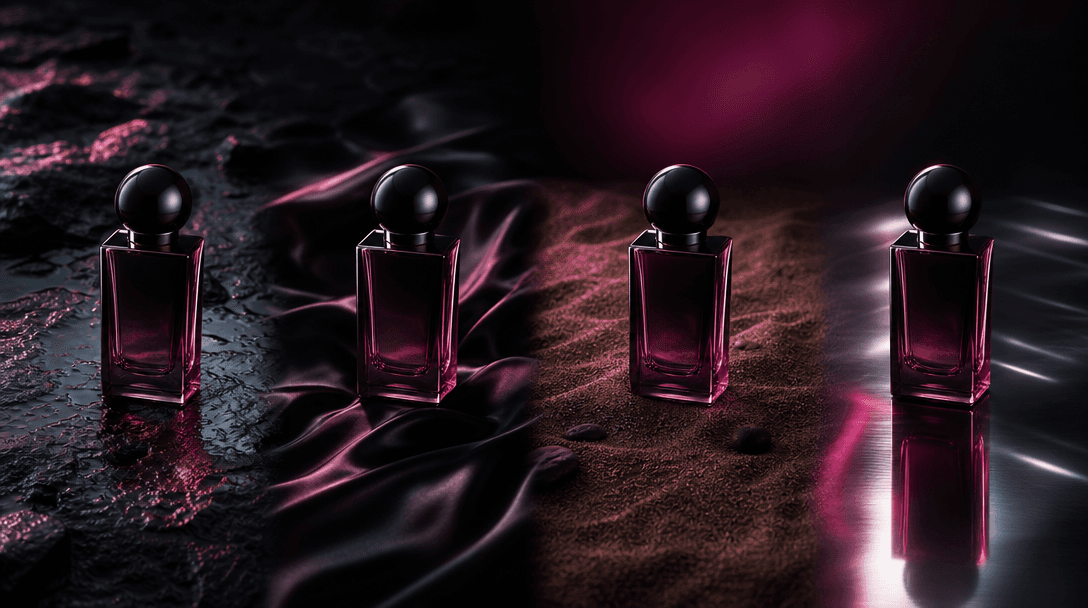
A single minimalist fragrance bottle repeated as four distinct atmospheric variations across one seamless dark studio la
F · 03

Turn One Asset Into Campaign Content

Start with a strong product image and adapt the result for launch teasers, paid social, product pages, presentations, or organic posts. Nim's curated template structure reduces setup work while leaving room to iterate on the scene, mood, product category, and creative direction.

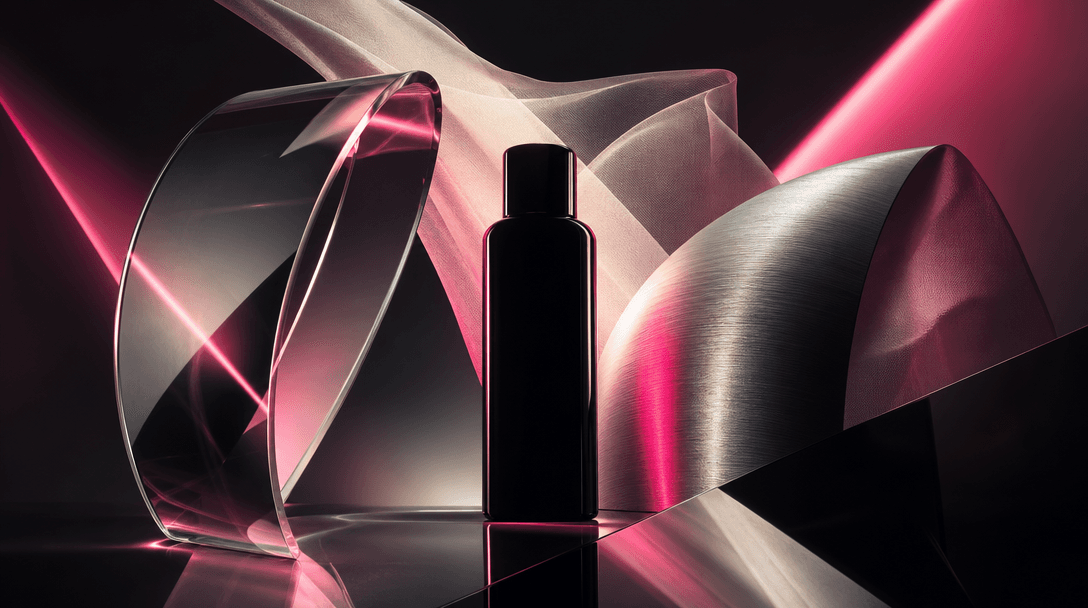
Abstract cinematic arrangement of several distinct optical materials surrounding one central product silhouette: curved
F · 04

Choose Models Around the Brief

Scene Click runs inside Nim's multi-model creation platform, where creators can work with models such as Sora, Veo, Kling, Pika, and Flux as available for the workflow. This makes it easier to match the model to the desired realism, motion character, image quality, or campaign format.

Showcase

See it in action

Real outputs generated by our pipeline — no curated cherry-picks.

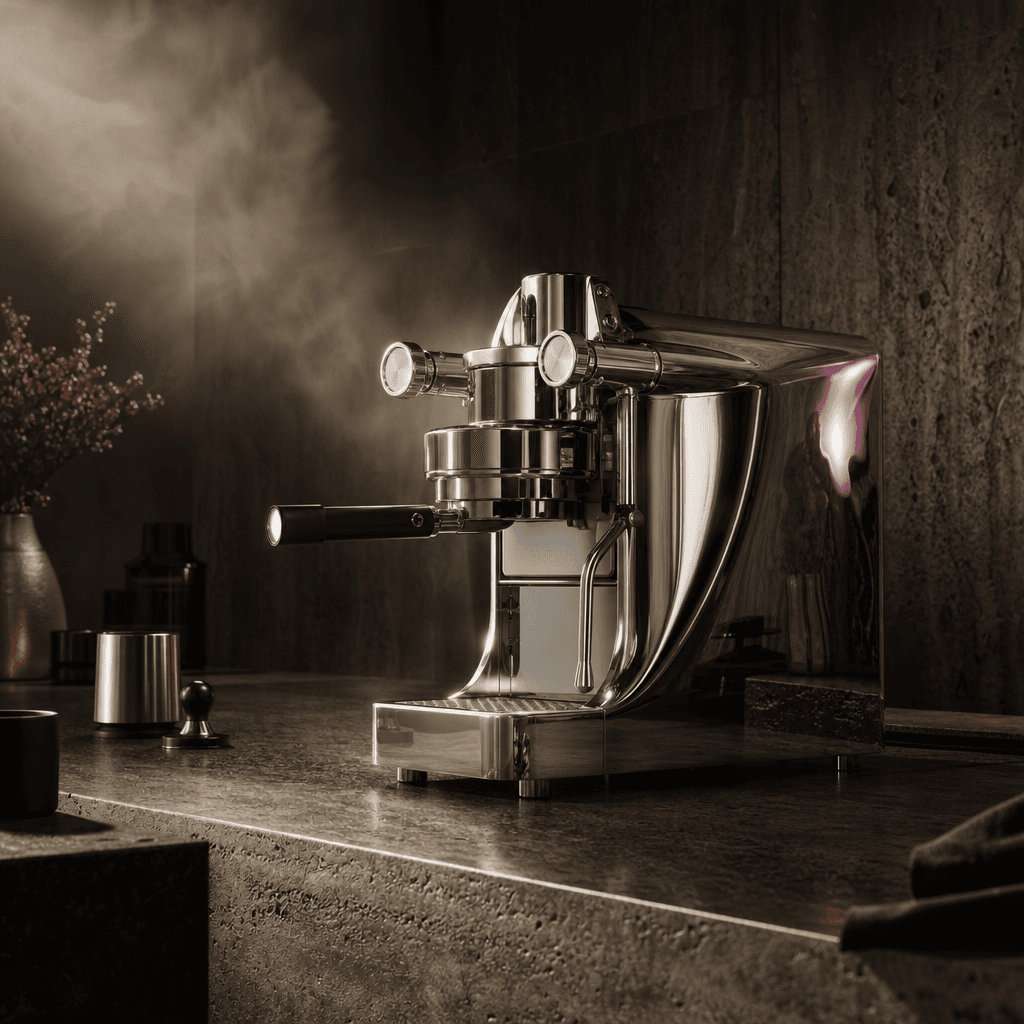
A sculptural espresso machine on a dark travertine kitchen counter, warm steam catching a narrow beam of cinematic light
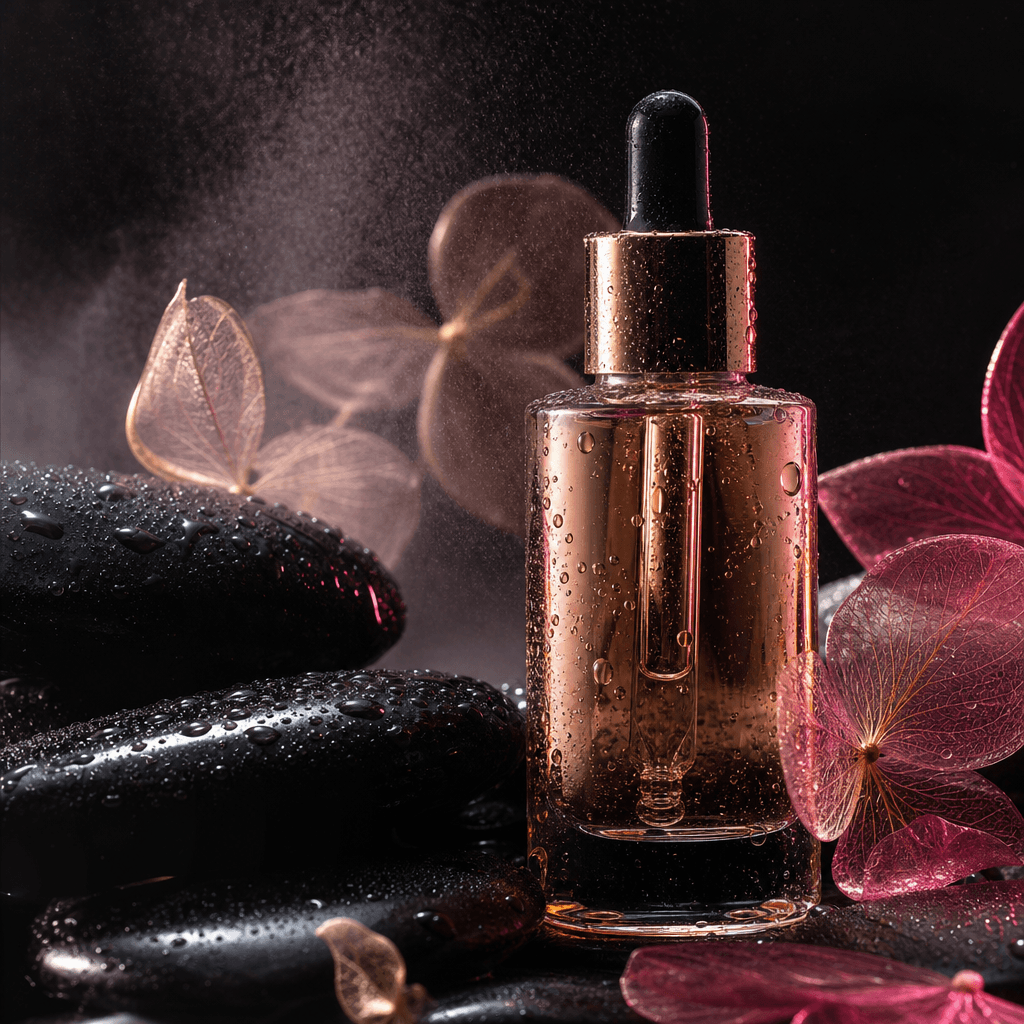
A luxury skincare serum bottle resting beside wet black stone and translucent botanical forms, precise droplets and soft
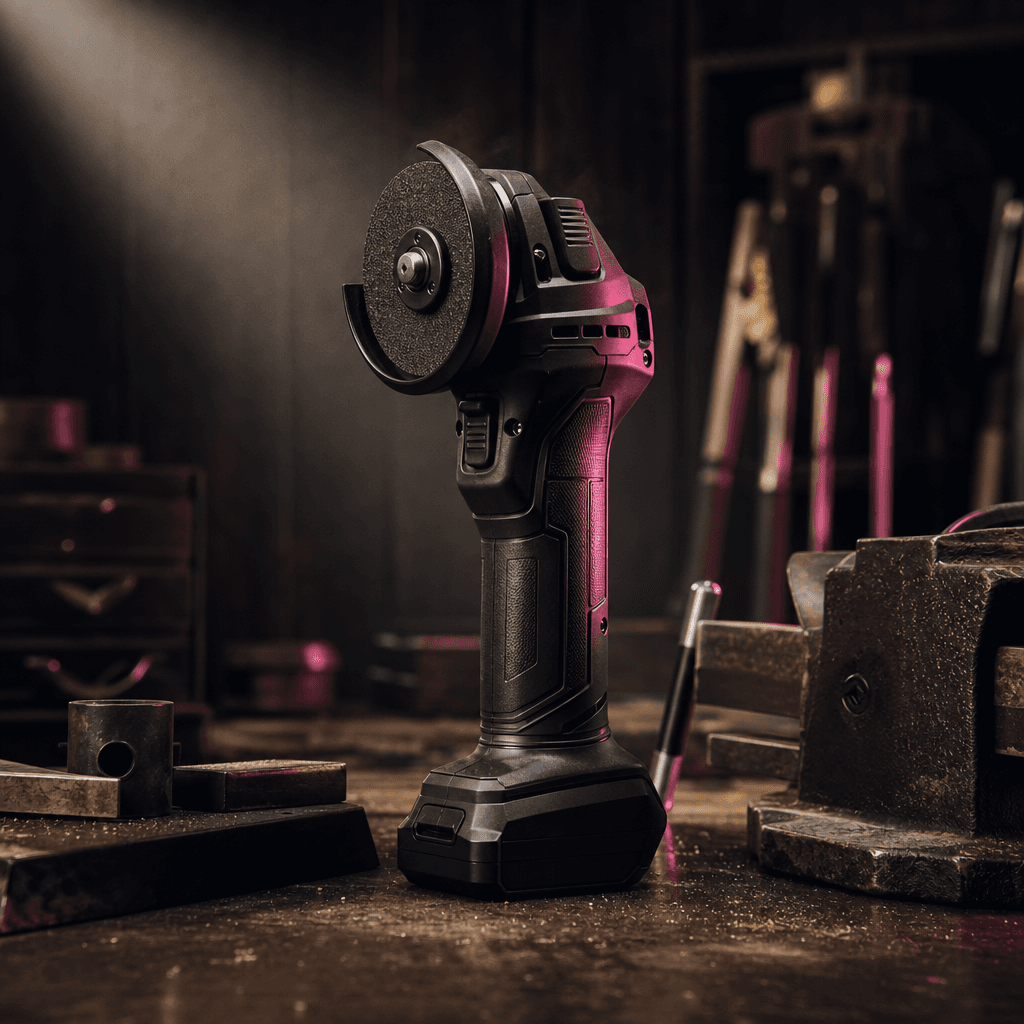
A compact cordless power tool placed in a sophisticated workshop lifestyle scene, dark wood, machined metal, and fine du
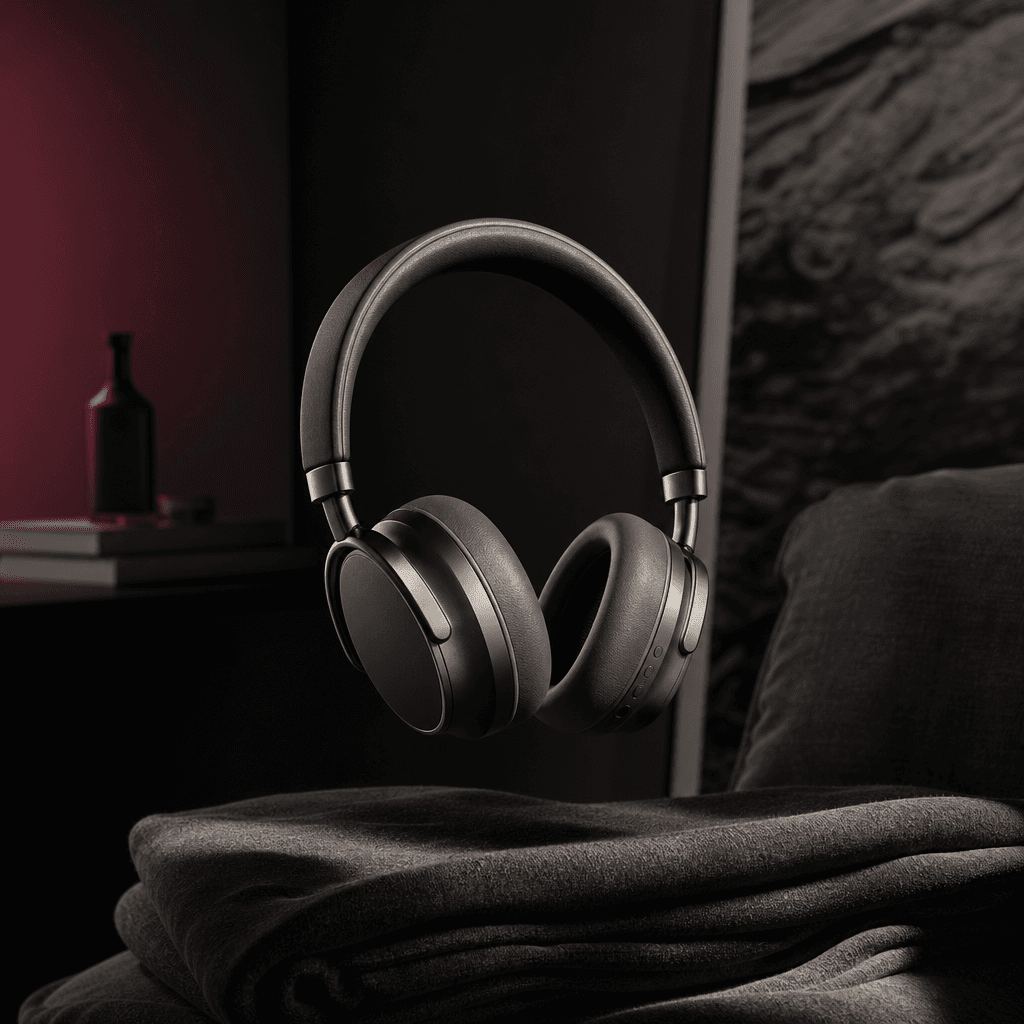
Minimal designer headphones suspended above folded charcoal fabric in a quiet apartment listening corner, ear cup materi
Ready to ship

Pick a template, customize, publish.

Use cases

Made for every workflow

  • Ecommerce Sellers

    Convert a clean catalog asset into a richer lifestyle presentation that communicates product value beyond a plain background. Use the result across storefront media, product launches, and performance campaigns.

  • Brand Marketers

    Create a premium campaign visual that combines product education with cinematic art direction. The interactive-style composition helps feature communication feel integrated rather than added as an afterthought.

  • Creative Studios

    Prototype visual directions for client pitches and produce polished variations without organizing a new lifestyle shoot for every concept. Different environments and moods can be explored from the same core product asset.

  • Social Creators

    Build visually immediate product content for short-form feeds where the opening composition must earn attention quickly. Cinematic movement and discoverable details provide a stronger narrative than a basic product spin.

  • Product Launches

    Reveal a new item through an atmospheric scene that introduces its design, material, and context in one cohesive sequence. The format works well for teasers, launch-day posts, and supporting campaign assets.

  • Affiliate Campaigns

    Present recommended products with more context than a standard packshot or talking-head insert. The scene can visually emphasize the qualities most relevant to the audience while maintaining an editorial finish.

How it works

From idea to result in seconds

  1. Step · 01

    Upload Your Product

    Choose a clear product image with a readable silhouette, visible materials, and enough resolution for a polished cinematic composition.

  2. Step · 02

    Shape the Scene

    Define the desired lifestyle setting, mood, lighting, and product qualities so the generated environment supports your campaign brief.

  3. Step · 03

    Generate and Refine

    Render the Scene Click sequence, review its realism and emphasis, then iterate until the output fits your channel and creative direction.

FAQ

Frequently asked questions

  • Scene Click is a premium Nim video template for creating an interactive-style product infographic inside a cinematic lifestyle scene. It combines product-focused composition, environmental realism, and motion to communicate useful details without relying on a conventional slide presentation.

  • You provide a suitable product asset and shape the creative direction with details about the environment, mood, lighting, and intended emphasis. Nim uses the selected workflow and generation model to build a cinematic scene around the product, after which you can review and refine the result.

  • The template is well suited to electronics, accessories, beauty products, home goods, packaged products, tools, and other objects with recognizable design details. Images with a clean silhouette, realistic perspective, visible materials, and limited obstruction generally provide the strongest starting point.

  • Generation requires a Nim account and purchased credits, with credit use depending on the model and generation settings selected. Paid plans remove watermarks from eligible outputs, while preview output may include a watermark.

  • Nim provides multi-model access across leading video and image generation systems, including options from Sora, Veo, Kling, Pika, and Flux workflows. Model availability and capabilities can vary, so the best choice depends on whether your priority is realism, motion, image preparation, or iteration speed.

  • Scene Click is designed to produce a cinematic product video that presents an item within a realistic lifestyle environment. The resulting creative can support social campaigns, ecommerce pages, launch teasers, client presentations, and other product-led marketing placements.

  • Your ability to use generated content depends on Nim's current terms, your plan, the selected model's terms, and the rights you hold to uploaded materials. For commercial campaigns, use product assets you own or are authorized to use and review the applicable terms before publication.

  • Standard tools often assemble fixed slides, stock transitions, and basic text panels. Scene Click is structured around an AI-generated lifestyle environment and interactive visual language, producing a more integrated piece of product storytelling while retaining Nim's access to multiple generation models.

  • Many generation stages can complete in seconds or under a minute, although timing varies with the selected model, resolution, queue conditions, and workflow complexity. Additional iterations may be useful when precise product geometry, materials, or environmental realism are important.

  • Yes, you can iterate with different environments, lighting directions, visual moods, and product emphasis. This makes it practical to explore several campaign concepts or create channel-specific variations while preserving the same underlying product story.

Get started

See what you can make

Explore more

Discover more AI tools