

Outdoor Product Visuals

Grass Shot Product Photos Made Indoors

Place your product in a convincing grass setting with production-ready detail, curated composition, and fast AI generation.

Create grass shot
Browse all 400+ templates

Everything you need

Built for creators, marketers, and teams shipping AI video at scale.

01

No Outdoor Shoot

Create a natural grass setting without transporting products, equipment, or a crew outside.

02

Realistic Ground Contact

Build convincing product placement with grass overlap, directional shadows, and grounded perspective.

03

Ecommerce Ready

Produce polished lifestyle assets for product pages, marketplaces, campaign banners, and social posts.

04

Weather Independent

Develop outdoor-looking visuals without waiting for suitable sunlight, dry ground, or seasonal conditions.

05

Curated Composition

Start with a template shaped around clear product hierarchy and premium advertising conventions.

06

Fast Variations

Explore lighting, framing, and grass treatments in seconds or under a minute per generation.

07

Broad Product Fit

Apply the look to sports gear, footwear, bottles, accessories, tools, and packaged goods.

08

Multi-Model Workflow

Continue your concept through Nim's selection of leading image and video generation models.

Features

Built to ship

F · 01

Build Convincing Outdoor Context

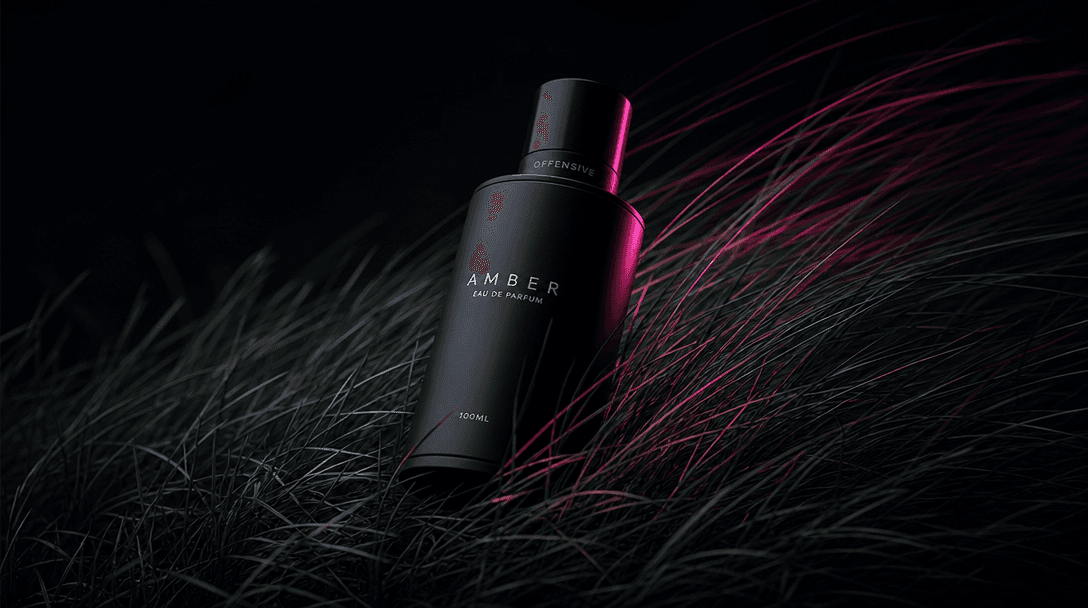
The Grass shot template places your product within a styled natural surface instead of dropping it over a generic background. Grass texture, depth, foreground overlap, and environmental light work together to make the placement feel physically grounded.
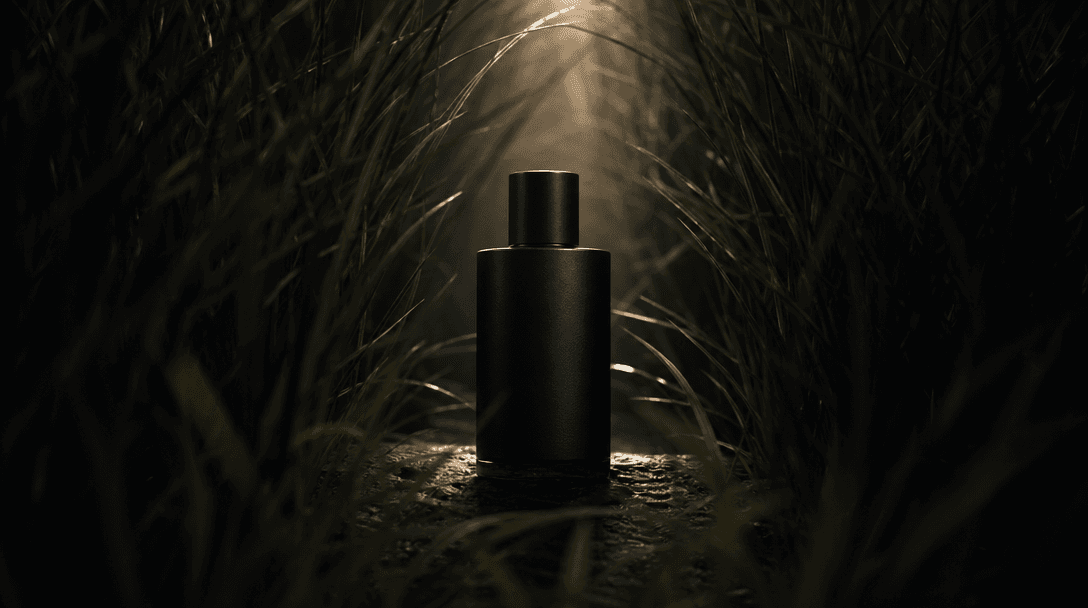
A single product silhouette illuminated through a narrow clearing in dense grass, foreground softly blurred and subject
F · 02

Protect Product Visual Priority

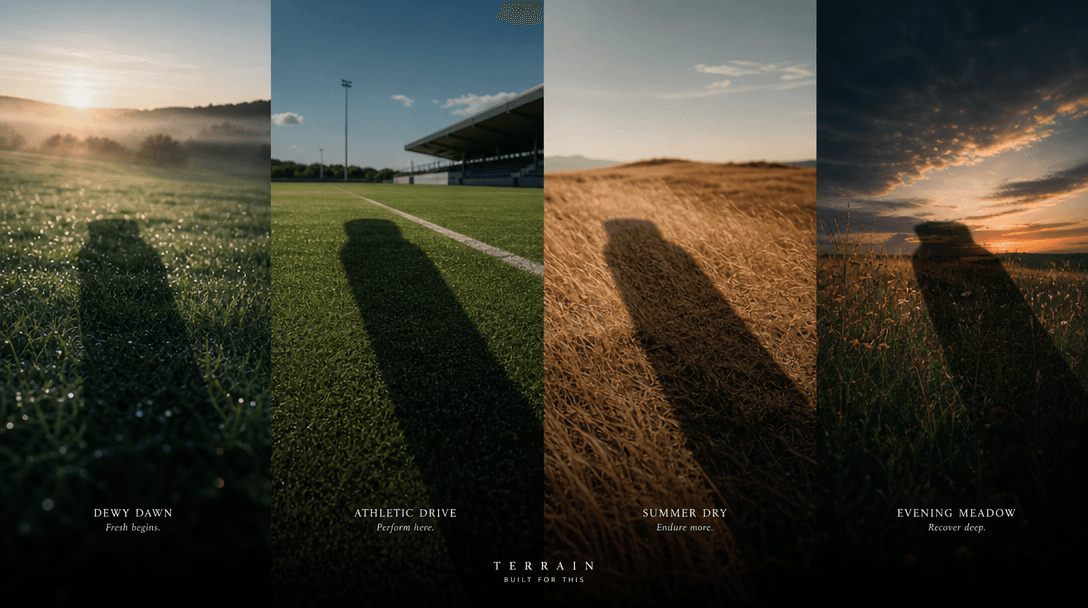
Outdoor scenes can become visually busy, especially when fine grass competes with packaging or small details. The curated composition keeps the product dominant through controlled focus, contrast, scale, and camera angle while retaining the organic setting.

Four distinct grass environments arranged as a continuous cinematic landscape: dewy dawn, bright athletic turf, dry summ
F · 03

Produce Campaign Variations Faster

Create alternate treatments for launch ads, seasonal promotions, organic social posts, and product detail pages without repeating a location shoot. Teams can test dewy morning light, bright athletic energy, or restrained editorial shadows from the same source product.

A sleek product form emerging through wind-swept grass as streaks of cinematic light suggest transformation from still p
F · 04

Extend Stills Into Motion

Nim combines templates with multiple image and video models in one production environment. After finding a strong grass-shot direction, creators can explore motion concepts such as passing light, wind through the grass, or a cinematic product reveal.

Showcase

See it in action

Real outputs generated by our pipeline — no curated cherry-picks.

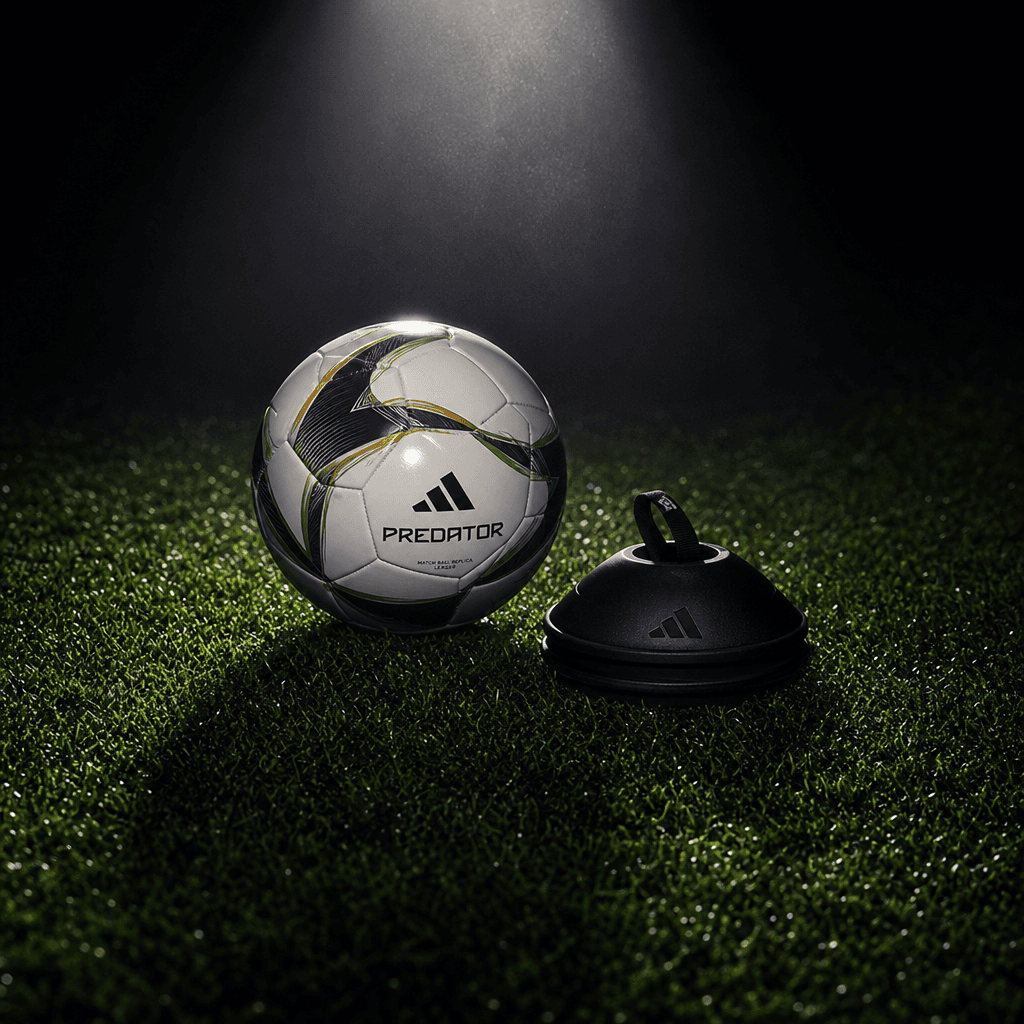
A polished soccer ball and compact training accessory arranged on deep green stadium grass under a narrow overhead spotl
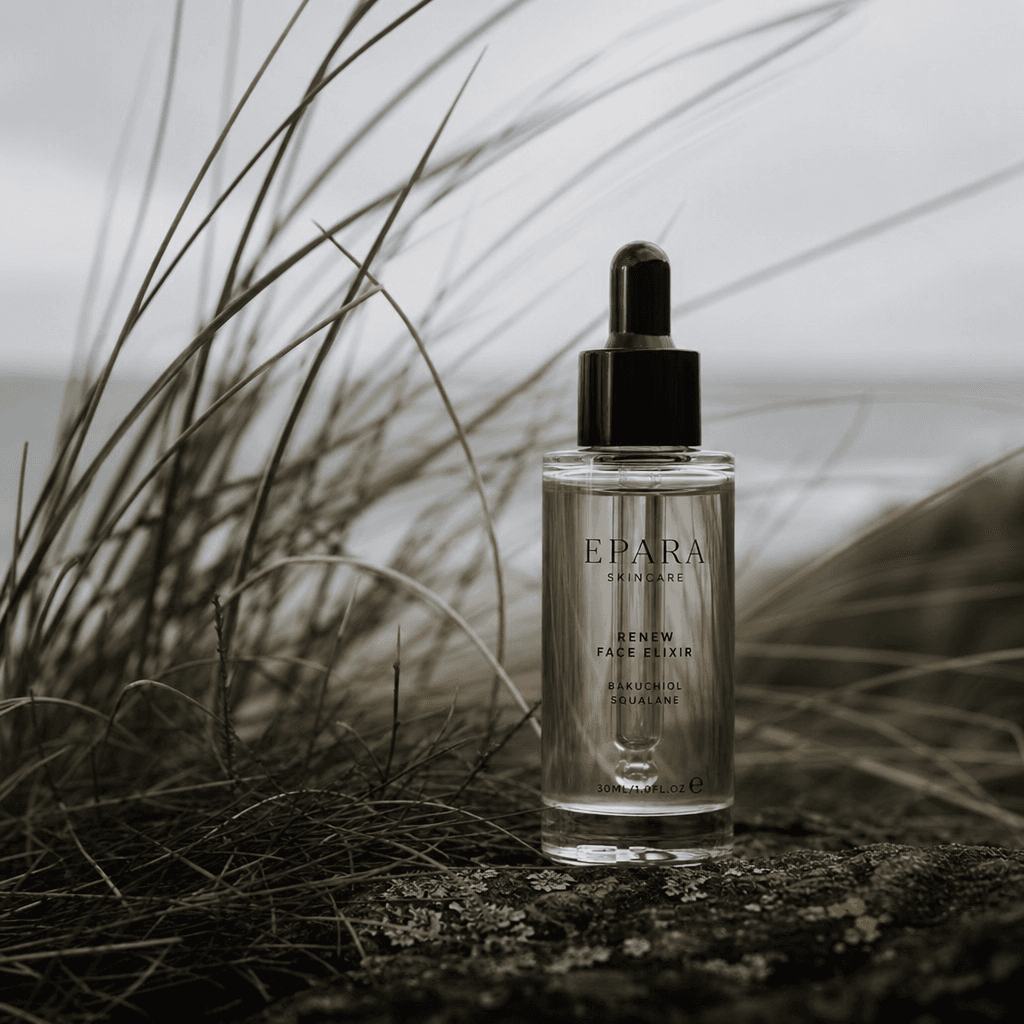
A small luxury skincare bottle standing among soft coastal grass, wind-shaped blades, overcast cinematic daylight, muted
Ready to ship

Pick a template, customize, publish.

Use cases

Made for every workflow

  • Sports Brands

    Present shoes, balls, hydration products, and training accessories in an energetic field-inspired setting.

  • Ecommerce Sellers

    Add lifestyle context to catalog products without the logistics and cost of an outdoor production day.

  • Wellness Products

    Place supplements, skincare, or reusable bottles in a fresh natural environment that supports active-lifestyle positioning.

  • Social Marketers

    Generate square campaign assets and creative variations for launch posts, promotions, and seasonal content.

  • Creative Agencies

    Prototype outdoor campaign directions before committing budget to photography, styling, and location permits.

  • Local Retailers

    Create a polished natural product image when access to studio equipment or suitable outdoor space is limited.

How it works

From idea to result in seconds

  1. Step · 01

    Upload Your Product

    Choose a clear product image with visible shape, branding, materials, and edges.

  2. Step · 02

    Set the Direction

    Apply the Grass shot template and select references that match your preferred light and campaign mood.

  3. Step · 03

    Generate the Scene

    Create the outdoor-style product shot, inspect placement and detail, and generate variations as needed.

FAQ

Frequently asked questions

  • Grass shot is a curated Nim template that presents a product as if it were photographed on grass. It is designed for realistic outdoor context without requiring an actual location shoot.

  • You provide a clear product reference, and the template guides the selected model toward a grass-based composition. The AI generates environmental texture, lighting, depth, shadows, and foreground interaction around the product.

  • It is particularly suitable for sports equipment, footwear, outdoor accessories, drinks, supplements, beauty packaging, pet products, and tools. Products with a clear silhouette and readable material details generally produce the strongest results.

  • An account and purchased credits are required to generate. The number of credits used depends on the selected model and generation settings, and paid plan access is required for output without the preview watermark.

  • Nim provides a multi-model workflow with leading image and video model families, including Flux, Kling, Pika, Veo, and Sora where available. Model availability and capabilities can differ by output type.

  • The template is intended to produce a polished product image that can be adapted to ecommerce, advertising, and social layouts. You can also use Nim's broader model selection to develop compatible motion concepts.

  • Commercial use depends on Nim's current terms, your plan, the selected model, and your rights to the uploaded product assets. Brands should also review generated labels and logos before publishing.

  • A background remover only isolates or replaces the area behind a product. The Grass shot template aims to reconstruct a complete scene with environmental lighting, ground contact, grass overlap, depth, and advertising-oriented composition.

  • Many outputs render in seconds or under a minute, depending on model demand and settings. Complex reflective materials, transparent packaging, or intricate logos may benefit from additional variations.

Get started

See what you can make

Explore more

Discover more AI tools