Jewelry · AI Try-On

Jewelry Try-On: AI-Powered Product Shots

Upload your piece, select a pro template, and generate photorealistic try-on imagery ready for ecommerce listings, ad campaigns, and brand lookbooks.

Browse templates
Browse all 400+ templates

Everything you need

Built for creators, marketers, and teams shipping AI video at scale.

01

Upload any piece

Rings, necklaces, earrings, bracelets — any jewelry product photo you upload becomes a try-on-ready asset in seconds.

02

Photorealistic renders

AI generates lifelike skin texture, natural light reflections, and material-accurate metal and gemstone finishes on every output.

03

Commercial-ready output

Every generated image is licensed for commercial use and ready to drop directly into product listings, paid ads, or social posts.

04

No studio required

Skip expensive photoshoots and produce ecommerce-quality visuals directly from a single product photo.

05

Pro template library

Curated try-on templates crafted by professional photographers and art directors for maximum visual impact and conversion.

06

Multi-model AI engine

Powered by Flux, Kling, and other frontier models — the platform routes each job to the engine best suited for your selected style.

07

Fast generation

Results arrive in under a minute, letting you iterate across styles, backgrounds, and compositions without long waits.

08

Every jewelry category

Templates span fine jewelry, fashion accessories, and bridal — covering rings, pendants, earrings, cuffs, chokers, and more.

Features

Built to ship

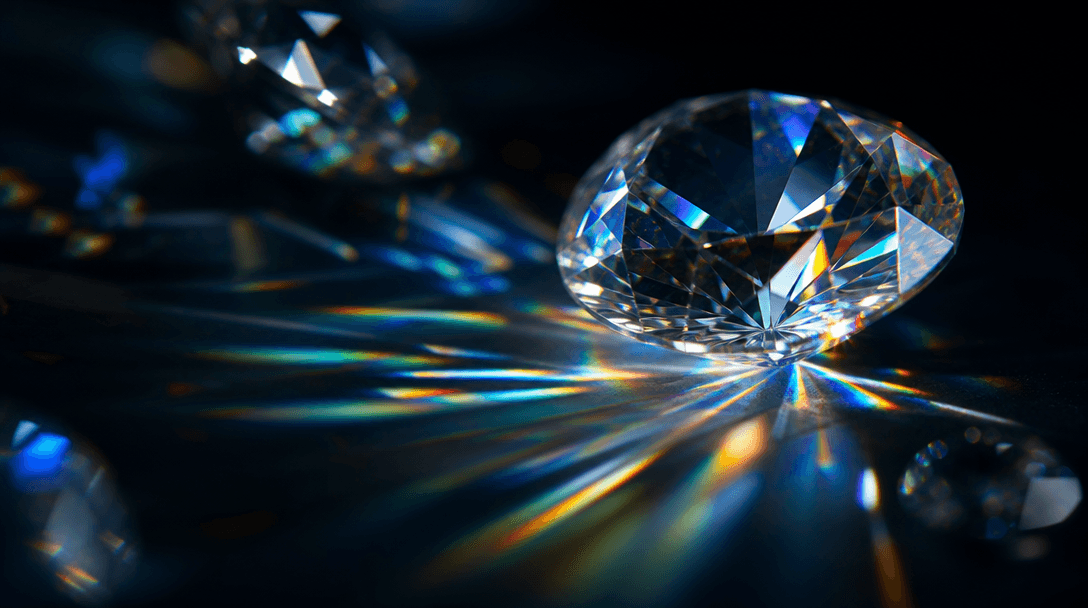
Abstract macro scene: faceted diamond surfaces catching prismatic light rays against a near-black background, cinematic
F · 01

Photorealistic Try-On Rendering

Nim composites your jewelry onto lifelike model renders with physically accurate material simulation — gold gleam, diamond sparkle, gemstone refraction, and brushed-metal depth. The output is designed to be indistinguishable from a high-end studio shoot. Upload a clean product photo and receive a publish-ready image in under a minute, with no manual retouching required.

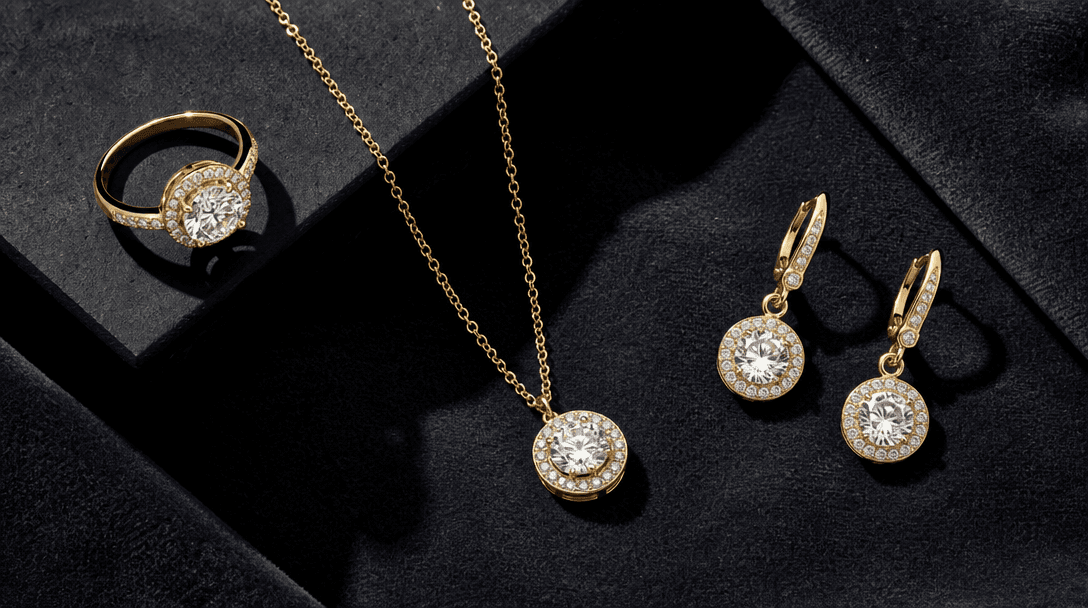
Flat-lay editorial composition: a ring, a necklace, and a pair of earrings arranged on deep charcoal velvet under crisp
F · 02

Curated Pro Templates for Every Style

Every try-on template is built by professional art directors, not auto-generated presets. Choose from editorial lookbook, clean white ecommerce, luxury dark-background, and lifestyle scene styles. Each template is purpose-optimized for a specific placement — PDP hero, Instagram square, Pinterest vertical, or paid ad banner — so you always get a layout that fits its destination without cropping guesswork.

Abstract macro: polished gold chain links in sharp focus against a warm dark editorial background, cinematic film grain,
F · 03

Commercial License on All Outputs

Every image generated through Nim's jewelry try-on template is covered by a commercial use license on paid plans. Deploy outputs directly in paid advertising campaigns, marketplace product listings, wholesale lookbooks, or retail partner assets without additional rights clearance. Full license terms are published at about.nim.video/terms.

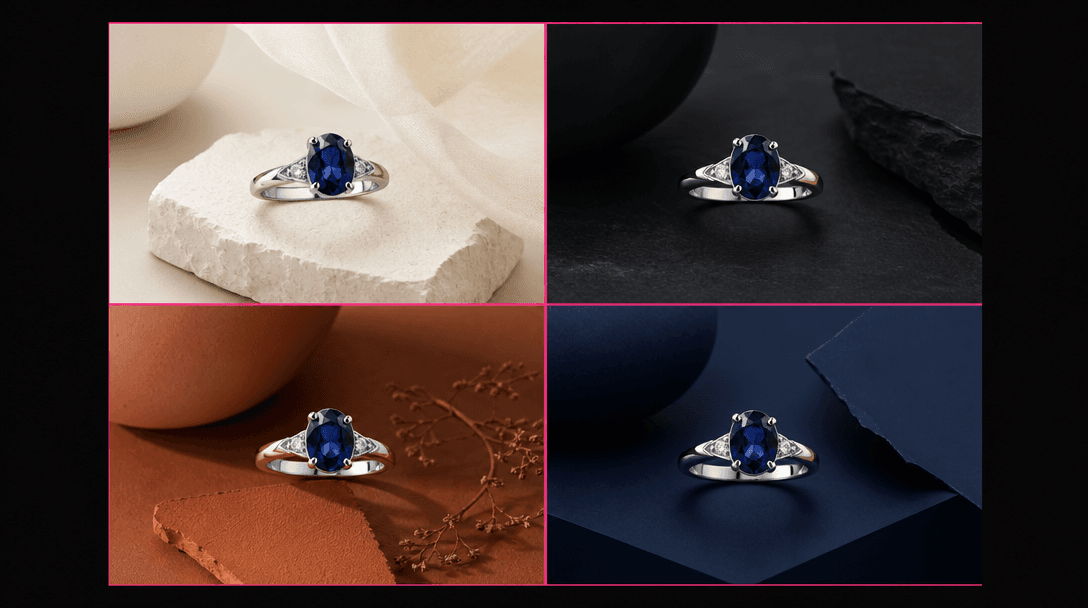
Abstract dark-grid composition: four variations of the same sapphire ring rendered against four different editorial back
F · 04

Multi-Model Platform, One Workflow

Nim is a multi-model platform that routes each generation to the highest-quality available engine — Flux for sharp image fidelity, Kling for dynamic compositional variety, and additional frontier models as they are integrated. You are never locked into a single AI provider, and as generation quality improves across the industry, Nim's templates stay current automatically without requiring any workflow changes on your end.

Showcase

See it in action

Real outputs generated by our pipeline — no curated cherry-picks.

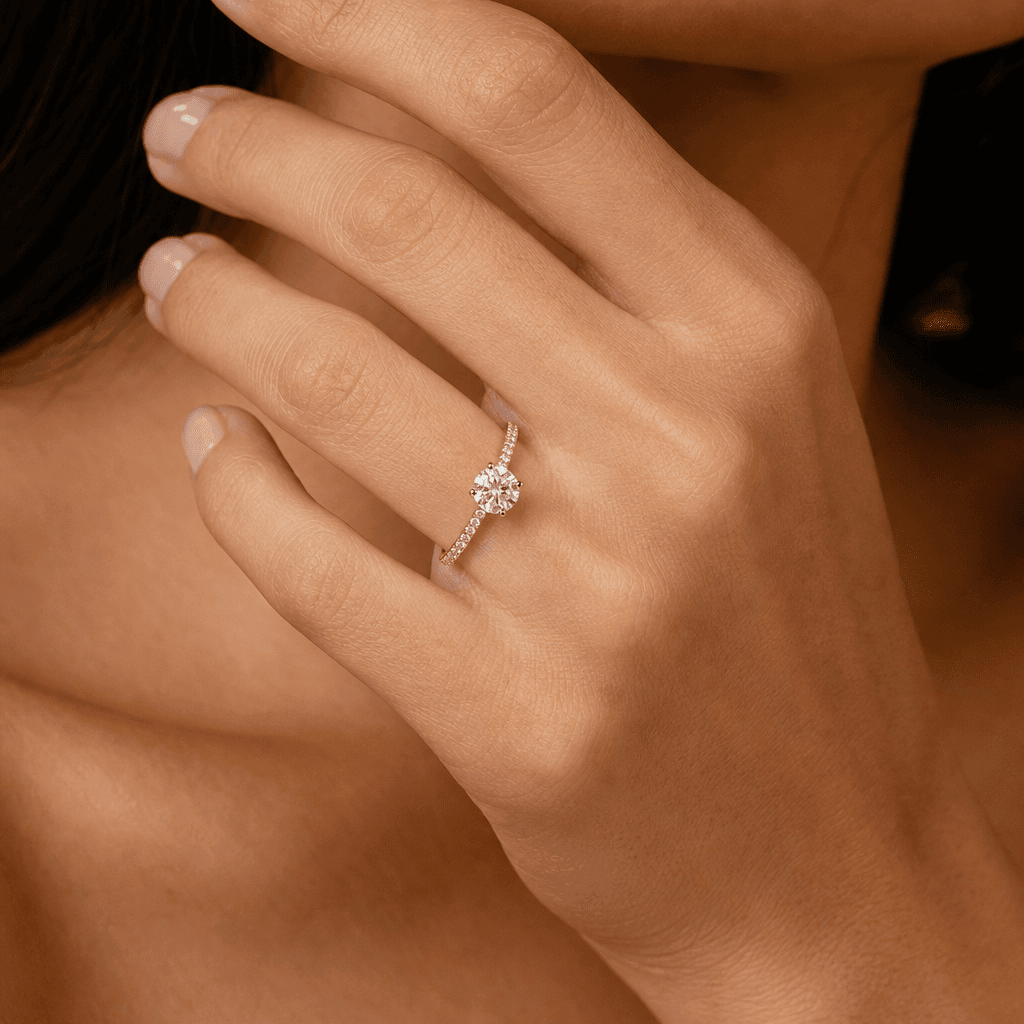
Photorealistic jewelry try-on: a thin gold pavé band ring with a round brilliant diamond solitaire worn on a slender han
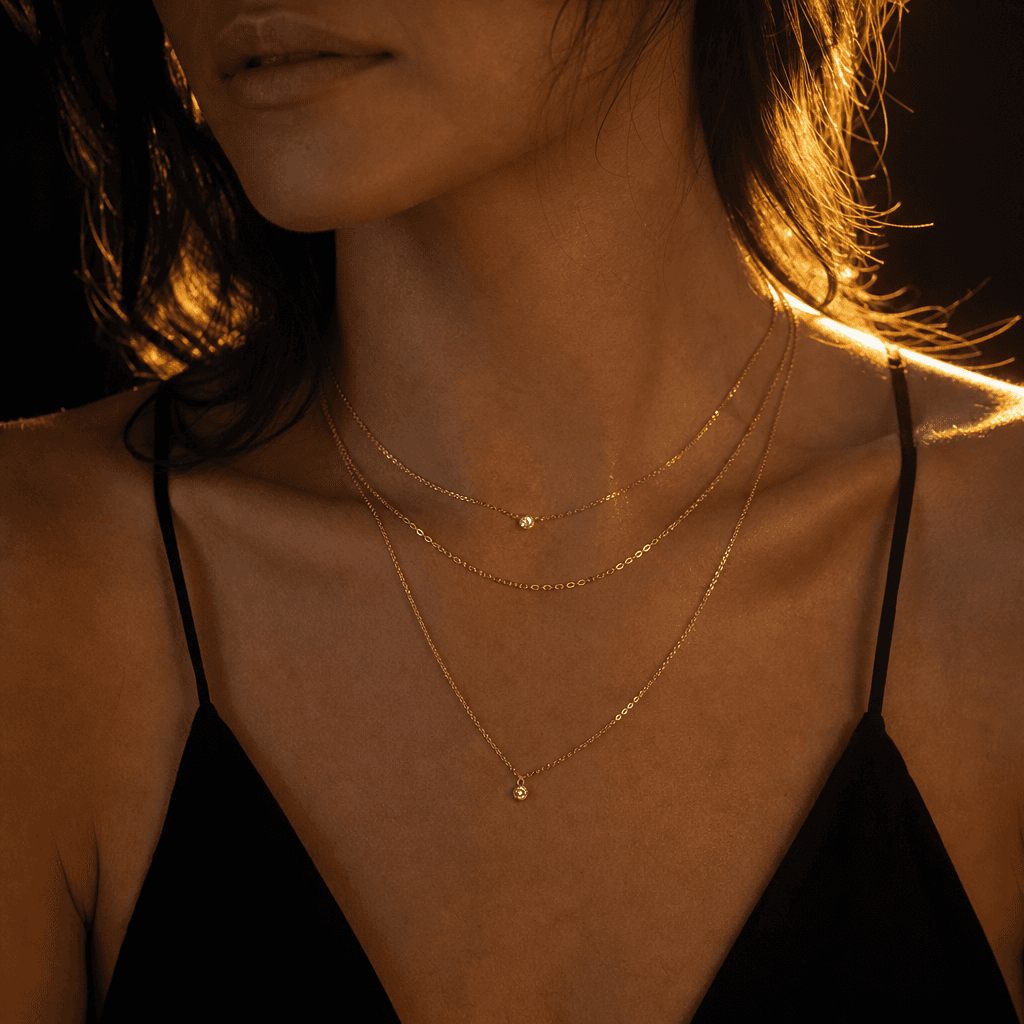
Photorealistic jewelry try-on: layered delicate gold chain necklaces draped at the collarbone, warm golden-hour backligh
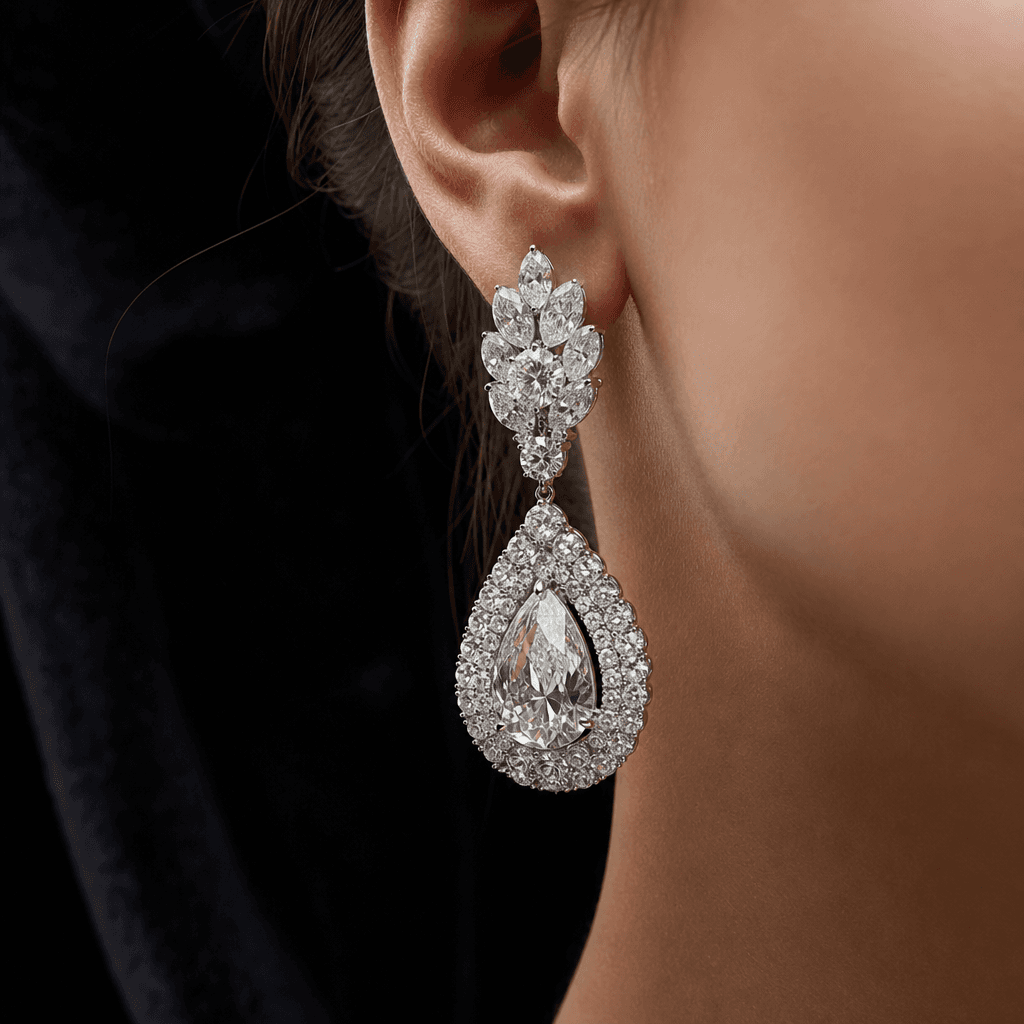
Photorealistic jewelry try-on: close-up macro editorial of statement drop earrings with pavé diamonds worn at the ear, s
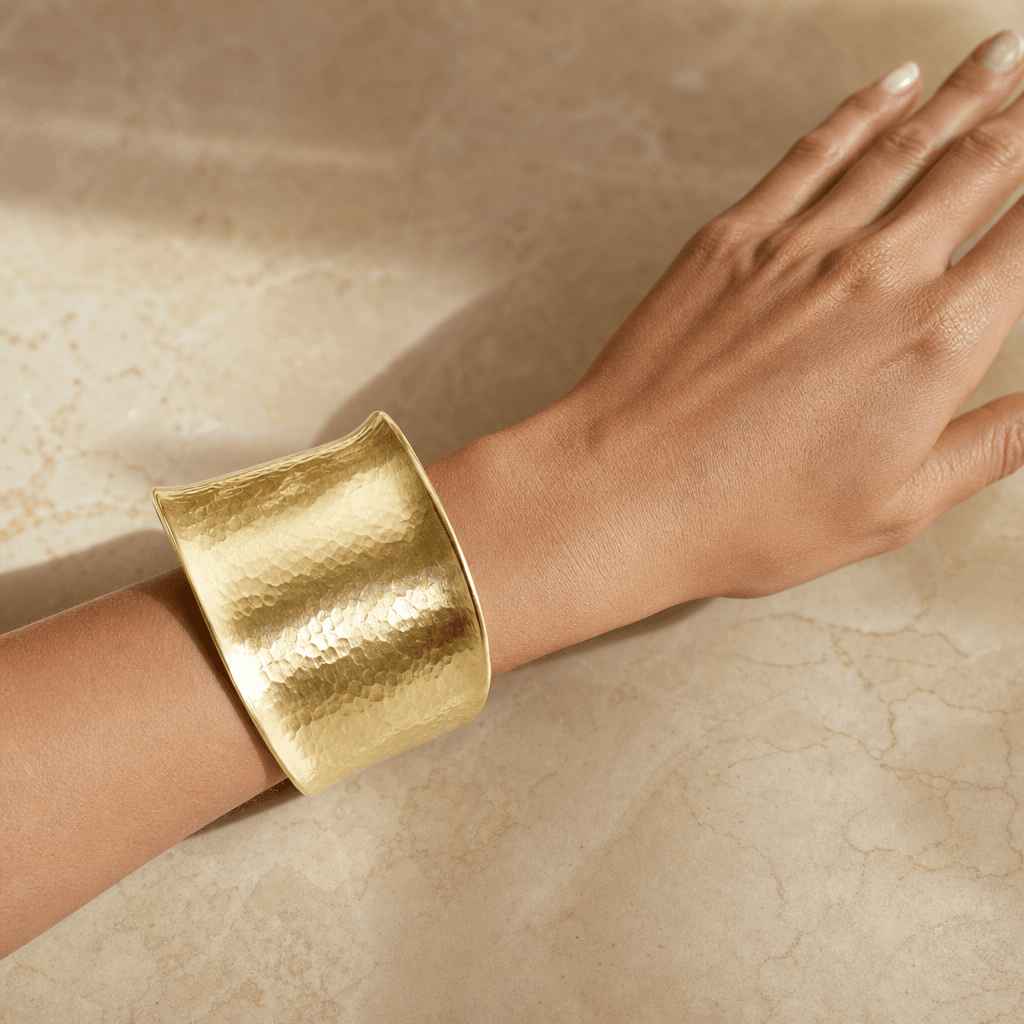
Photorealistic jewelry try-on: a wide hammered gold cuff bracelet on a model's wrist resting against a warm marble surfa
Ready to ship

Pick a template, customize, publish.

Use cases

Made for every workflow

  • Jewelry Brands

    Produce consistent campaign-quality imagery across your entire catalog without scheduling models, stylists, or photographers. Maintain visual cohesion across hundreds of SKUs at a fraction of traditional shoot costs — and iterate on art direction in minutes, not weeks.

  • Ecommerce Sellers

    Generate multiple lifestyle and on-model shots per SKU to lift product page conversion rates. A/B test model aesthetics, backgrounds, and lighting styles quickly to find the combination that performs best for your specific audience and platform.

  • Social Media Marketers

    Create scroll-stopping content for Instagram, TikTok, and Pinterest in minutes. Go from a raw product photo to a polished try-on image or story-format asset without assembling a production team or booking a shoot day.

  • Independent Designers

    Solo studios and small-batch makers can compete visually with larger brands by presenting handcrafted pieces in professional editorial settings that would otherwise require significant budgets and logistics to produce.

  • Wholesale & Retail Buyers

    Produce lookbook and line-sheet imagery for buyer presentations, trade show booths, and wholesale portals quickly and at scale — without waiting for sample photography cycles to complete before showing new collections.

How it works

From idea to result in seconds

  1. Step · 01

    Upload your jewelry

    Drop in a clean product photo of your ring, necklace, earring, or bracelet — Nim's AI reads the piece's material, shape, and finish to prepare it for compositing.

  2. Step · 02

    Select a template

    Browse the curated jewelry try-on library and choose a style that fits your brand — editorial, clean ecommerce, luxury dark-background, or lifestyle scene.

  3. Step · 03

    Download your shot

    Nim generates a photorealistic, commercially licensed try-on image in under a minute, ready for your product listing, ad campaign, or brand content.

FAQ

Frequently asked questions

  • It is an AI-powered template on nim.video that composites your jewelry product photo onto a realistic model render, producing studio-quality try-on imagery without a physical photoshoot. You upload a product photo, select a template style, and receive a commercial-ready output image.

  • The template supports rings, necklaces, earrings, bracelets, pendants, cuffs, anklets, and most accessory pieces. For the best results, upload a clean, well-lit product photo against a neutral or white background so the AI can accurately read the material and geometry of the piece.

  • Nim uses frontier image generation models that simulate physical material properties — metal reflection, gemstone refraction, and surface micro-detail. Outputs are designed to meet ecommerce and editorial quality standards. Result quality is closely correlated with the clarity and resolution of your input product image.

  • Yes. A Nim account is required to generate images. Sign up at nim.video and purchase generation credits to run any template, including the jewelry try-on.

  • Generation requires purchased credits — there is no free generation tier. Output images on paid plans are delivered without a watermark. Nim's subscription and credit options are detailed on the pricing page.

  • Yes. Images generated on paid plans include a commercial use license, covering use in product listings, paid advertising, print campaigns, and brand materials. The full license is published at about.nim.video/terms.

  • A traditional jewelry photoshoot requires a model, photographer, stylist, and studio — often costing hundreds to thousands per SKU with multi-day lead times. Nim produces comparable visual quality in under a minute per image, with the flexibility to generate multiple style variants instantly and iterate without rebooking.

  • Nim is a multi-model platform. Jewelry try-on templates primarily leverage Flux for high-fidelity image generation, with access to additional frontier models as templates are updated. You benefit from model quality improvements automatically as Nim integrates new engines.

  • Most outputs are ready in under a minute, with many completing in seconds depending on the selected template and current system load.

  • Each template provides a specific preset aesthetic designed by professional art directors. Browse the jewelry template library to find the style that fits your brand — options include editorial dark background, white ecommerce, warm lifestyle, and luxury neutral tones. Selecting different templates is the fastest way to explore style variations.

Get started

See what you can make

Explore more

Discover more AI tools