

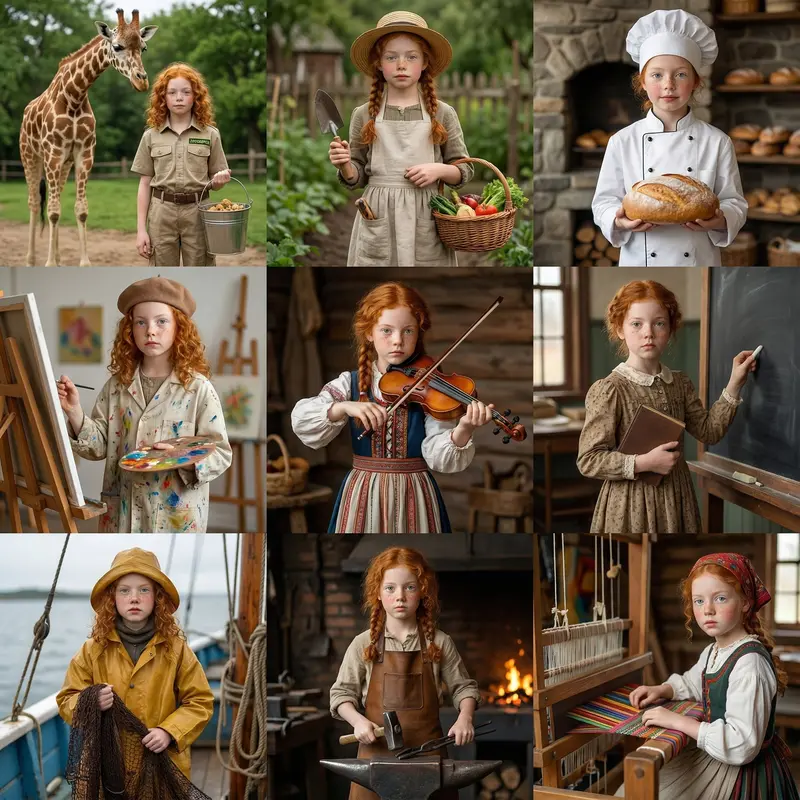

Kids & Family · AI Video

AI Kids & Family Video Templates

Turn family moments into cinematic stories with pro-grade AI templates. Access Sora, Kling, and Veo for production-ready results in under a minute.

Browse templates
Browse all 400+ templates

Everything you need

Built for creators, marketers, and teams shipping AI video at scale.

01

Birthday & Party Highlights

Animate birthday photos and party clips into shareable cinematic highlight reels using a single curated template.

02

Multi-Model Rendering

Access Sora, Kling, Veo, and Pika — pick the AI model that best matches your family's visual story and style.

03

Milestone Templates

First day of school, graduations, recitals — purpose-built templates designed for every childhood milestone.

04

Holiday Memory Reels

Seasonal and holiday templates crafted for warm, nostalgic family storytelling across every occasion of the year.

05

Social-Ready Formats

Portrait, square, and landscape outputs optimized for Instagram, TikTok, YouTube, and direct family shares.

06

Moderated, Safe Pipeline

All Kids & Family renders pass through content safety filters scoped to family-appropriate generation outputs.

07

Commercial Use Cleared

Templates are licensed for commercial use — ideal for children's brands, parenting creators, and family product campaigns.

08

Curated Pro Templates

Every template is hand-selected and paced by professional cinematographers for polished, production-grade results.

Features

Built to ship

Abstract editorial gallery scene: a row of small matching frames with warm amber-lit interiors — contents intentionally
F · 01

Milestone Templates for Every Stage

From first steps to graduation, every template in the Kids & Family collection is purpose-built for real family stories. Professional motion styles, warm color grading, and precise pacing are embedded into each template so your output looks production-ready — not like a phone slideshow. No editing skill required to get a result worth keeping for decades.

Abstract technology editorial: multiple translucent film-strip ribbons suspended mid-air with inner warm amber glow, ove
F · 02

Multi-Model Access on One Platform

Nim routes your family content through best-in-class AI video models — Sora for sweeping cinematic motion, Kling for hyper-realistic detail, Veo for fluid naturalistic movement — all from a single dashboard. Each Kids & Family template recommends the optimal model, or you can manually choose based on your creative preference. No juggling separate subscriptions, separate exports, or separate accounts.

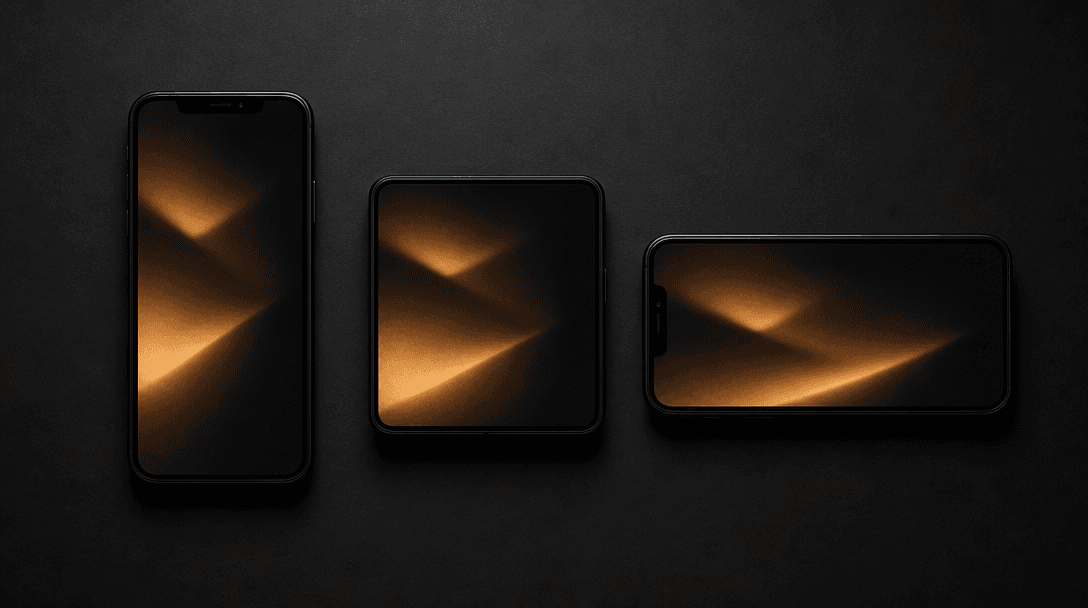
Dark editorial flat-lay of three matte-black smartphones arranged in portrait, square, and landscape orientations on a b
F · 03

Every Social Format, Rendered Right

Nim outputs Kids & Family videos in every format families actually post: 9:16 for TikTok and Instagram Stories, 1:1 for grid posts, 16:9 for YouTube and home screens. Format selection happens before render, so your output is correctly proportioned from the first frame. No cropping after the fact, no quality loss on re-export, no manual resize work.

Abstract warmth and safety concept: soft amber light filtering slowly through frosted architectural glass panels, castin
F · 04

Safe, Moderated for Family Content

Every render in the Kids & Family category runs through Nim's content moderation pipeline. Generation is filtered to family-appropriate outputs — giving parents, teachers, children's brands, and parenting influencers a platform they can trust for content that will be publicly shared. Safety filtering is applied at the model-routing layer, not as an afterthought or optional toggle.

Showcase

See it in action

Real outputs generated by our pipeline — no curated cherry-picks.

Cinematic editorial close-up of a child's brightly frosted birthday cake with lit candles on a dark matte surface, warm
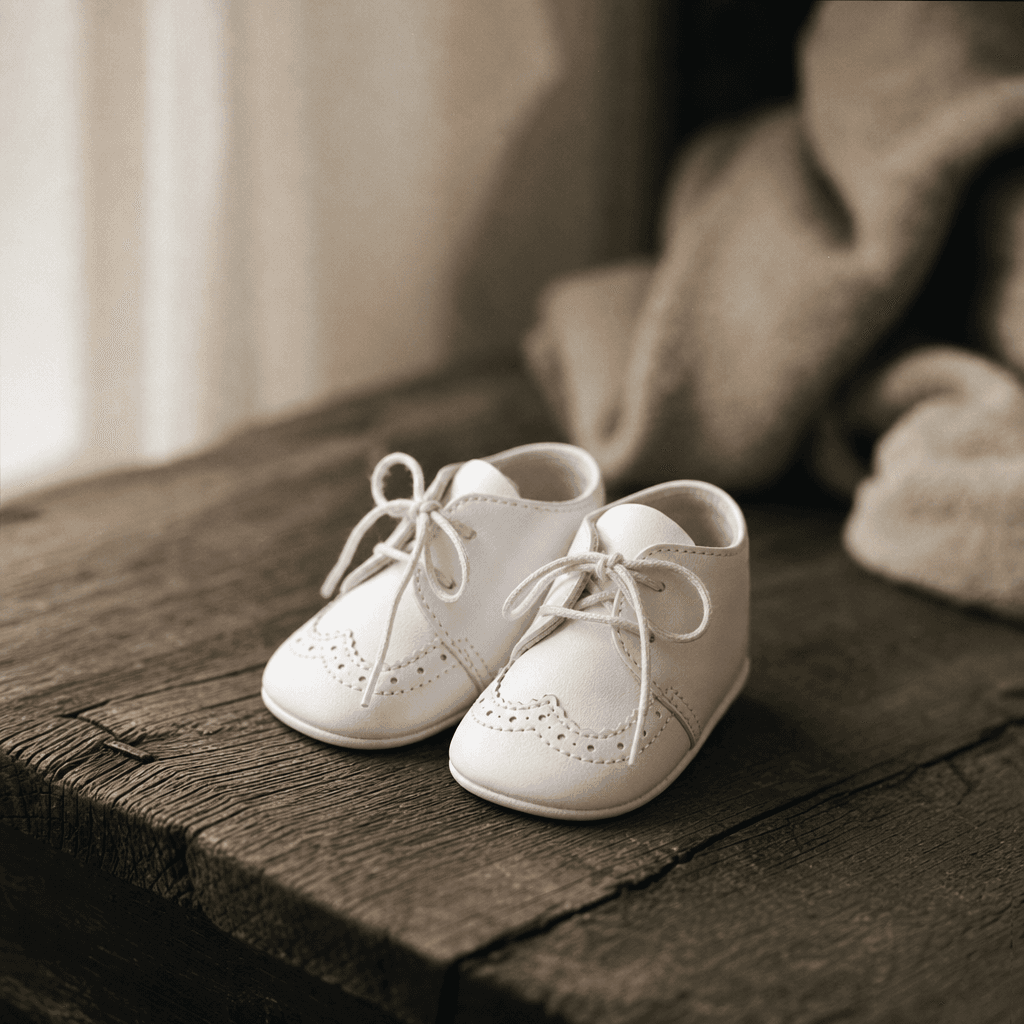
Editorial macro shot of a tiny pair of white baby shoes resting on weathered dark oak, soft diffused window light from t
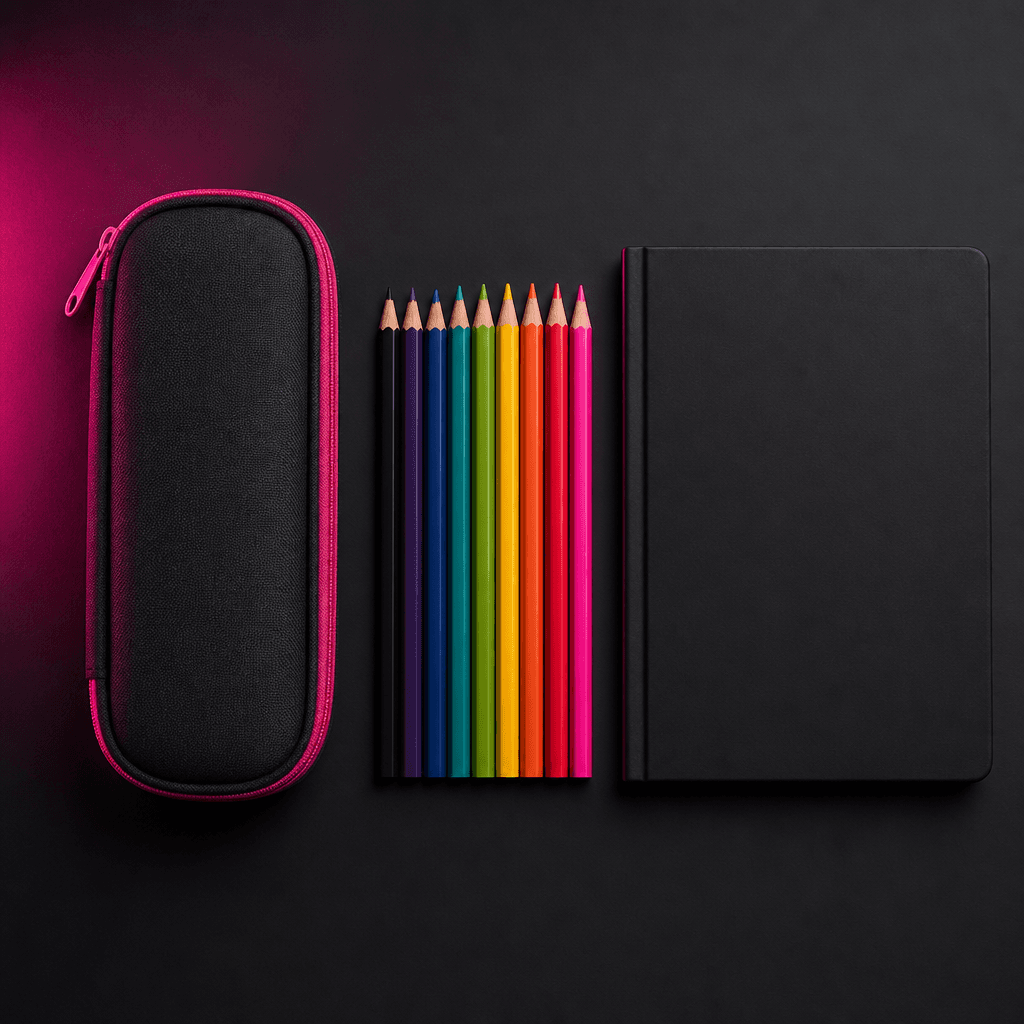
Dark studio flat-lay of school supplies — a pristine pencil case, a set of colored pencils, and a blank hardcover notebo
Cinematic close-up of holiday gifts wrapped in textured kraft paper with simple twine bows, stacked on dark slate, warm
Ready to ship

Pick a template, customize, publish.

Use cases

Made for every workflow

  • Family Creators

    Parents and family vloggers use Nim's kids templates to transform raw photos and clips into polished social videos — without expensive editing software or production crews eating into their time.

  • Children's Brands

    Toy companies, children's clothing labels, and kids' content studios use family templates to produce warm, playful product videos that feel brand-consistent and campaign-ready on tight timelines.

  • Event Photographers

    Birthday party and school event photographers deliver extra value with AI-generated highlight reels produced directly from shoot photos using Nim's milestone and party templates.

  • Parenting Influencers

    Parenting creators on TikTok and Instagram maintain a consistent posting cadence with polished AI-generated family content rendered from their own photos and everyday clips.

  • Schools & Educators

    Schools and early-childhood educators produce end-of-year slideshows, classroom highlight videos, and event recaps using kid-safe templates on Nim's moderated generation platform.

How it works

From idea to result in seconds

  1. Step · 01

    Choose a Template

    Browse the Kids & Family gallery and select a template — birthday highlight, milestone reel, holiday memory, or seasonal story — matched to your occasion.

  2. Step · 02

    Upload Your Media

    Upload your photos, short clips, or text prompts — Nim's pipeline prepares your inputs for the selected AI model's rendering requirements automatically.

  3. Step · 03

    Render & Share

    Nim generates your finished family video using your chosen AI model — download in your preferred format and share directly to your social platform of choice.

FAQ

Frequently asked questions

  • AI Kids & Family templates are pre-designed video production workflows that use AI models — including Sora, Kling, Veo, and Pika — to transform your photos and clips into polished, cinematic family videos. Each template sets the motion style, pacing, and visual treatment so you get a professional result without any manual editing work.

  • Generation requires purchased credits on Nim — there is no free generation tier. You can browse and preview templates before purchasing credits. Once you have a credit balance, rendering Kids & Family templates is straightforward and typically completes in under a minute.

  • Yes. All Kids & Family renders run through Nim's moderated content pipeline, which filters for family-appropriate outputs. The category is designed to be safe for parents, educators, and children's brands creating content intended for public sharing.

  • Nim provides access to Sora, Kling, Veo, Pika, and additional models on the platform. Each Kids & Family template may recommend a preferred model for best results, but you can also manually select the model that fits your creative vision and quality requirements.

  • Most family video renders complete in under a minute, depending on the model selected and current platform load. High-fidelity models like Sora may take slightly longer for complex motion outputs, but all renders run server-side so you don't need to keep the tab open.

  • Kids & Family templates on Nim are cleared for commercial use under Nim's standard license — suitable for children's brands, parenting influencers, and product campaigns. Review the full license terms at about.nim.video/terms before any commercial distribution.

  • Nim produces outputs in 16:9 for YouTube, 9:16 for TikTok and Instagram Reels, and 1:1 for Instagram grid posts. You select the format before rendering so your output is correctly sized from the first frame — no cropping, no re-exporting, no quality loss.

  • Unlike traditional editors that require manual timeline work, color grading, and transitions, Nim uses AI models to generate motion, cinematic effects, and pacing automatically from your inputs. You get production-quality family video in a fraction of the time, with access to multiple frontier AI models — Sora, Kling, Veo — on a single platform.

  • Yes. Schools and early-childhood educators use Nim's Kids & Family templates to create end-of-year highlight reels, event recaps, and classroom showcase videos. The moderated generation pipeline ensures outputs stay family-appropriate for content shared with parents and the broader school community.

Get started

See what you can make

Explore more

Discover more AI tools