Premium Reveal

Magic Box Product Reveal Template

Transform a product image into a polished video where the item magically appears inside a box, ready for campaigns, launches, and social ads.

Create your reveal
Browse all 400+ templates

Everything you need

Built for creators, marketers, and teams shipping AI video at scale.

01

Magical Box Reveal

Present your product through a cinematic box-opening moment designed to create anticipation and visual impact.

02

Product-First Composition

The reveal keeps the uploaded item at the center of the scene so its shape, packaging, and branding remain the focus.

03

Ready-Made Motion

Start from a curated animation concept instead of planning camera movement, staging, and reveal timing from scratch.

04

Fast Campaign Asset

Turn an existing product image into a polished promotional video in seconds or under a minute, depending on generation conditions.

05

Premium Visual Style

Use dramatic lighting, controlled movement, and an elevated reveal structure suited to high-value products and launches.

06

Flexible Product Types

Apply the concept to cosmetics, electronics, accessories, packaged goods, collectibles, and other clearly photographed products.

07

Social-Ready Concept

Create an attention-grabbing opening shot for paid ads, organic posts, product teasers, and ecommerce campaigns.

08

Multi-Model Platform

Continue creating in Nim with access to leading video and image models such as Sora, Veo, Kling, Pika, and Flux.

Features

Built to ship

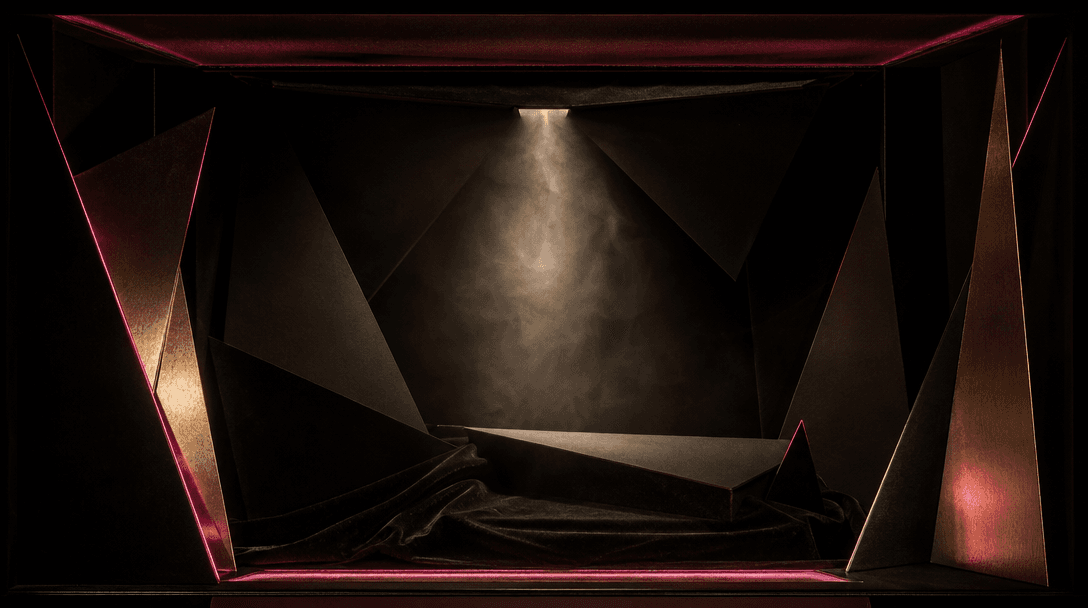
An abstract theatrical box interior built from black velvet, folded matte paper, and narrow metallic panels, illuminated
F · 01

Turn Packaging Into Theater

The Magic Box template converts a familiar unboxing idea into a focused cinematic reveal. Your product appears from inside a staged box, giving an ordinary catalog asset a stronger sense of arrival, suspense, and premium presentation.

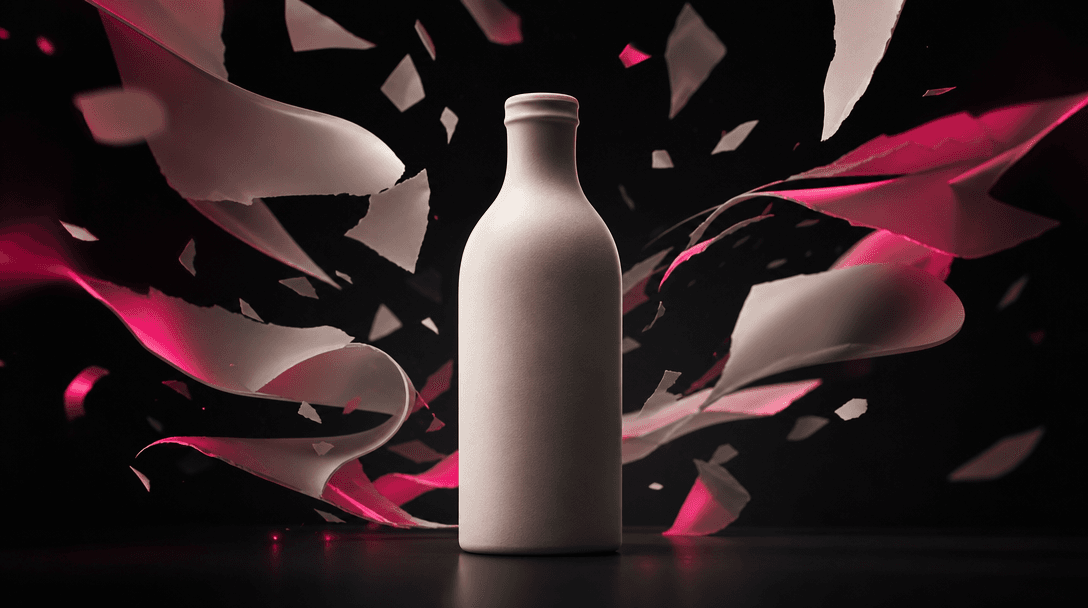
A single pristine product silhouette represented by an unbranded ceramic bottle on a seamless black studio surface, surr
F · 02

Build Ads From One Image

Begin with a clear product image rather than organizing a physical shoot, prop build, camera setup, and edit. The template supplies the core visual direction, helping marketers and ecommerce teams produce a motion asset from creative material they already have.

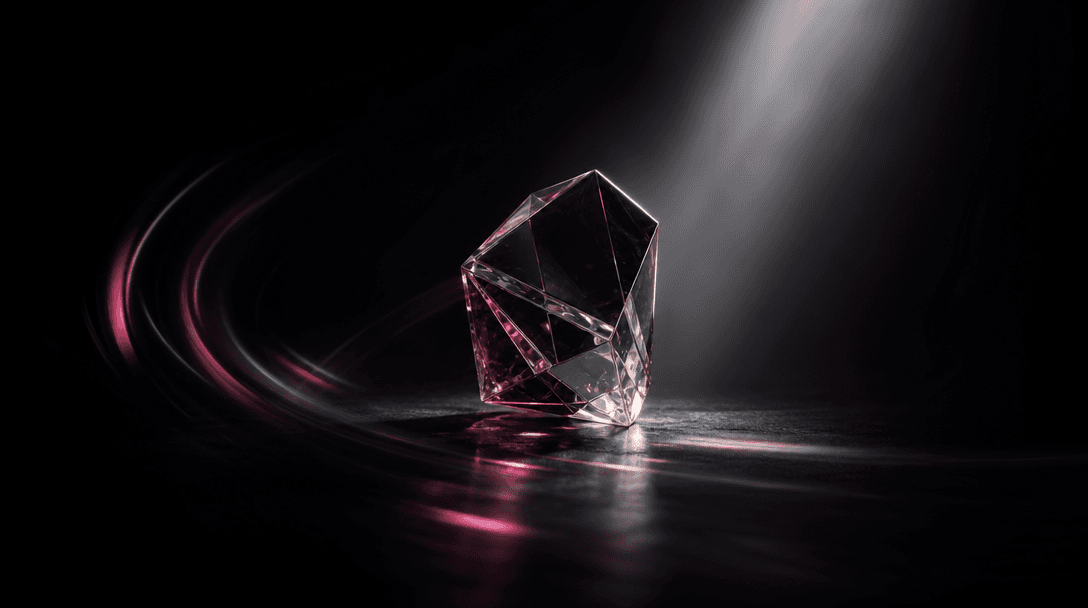
A focused cone of studio light illuminating a faceted glass object while the surrounding set disappears into near-black
F · 03

Keep Attention On Product

The composition is structured around the product rather than unnecessary narrative elements. Controlled lighting and reveal motion help viewers register the item quickly, making the result useful as an opening hook, launch teaser, or short product showcase.

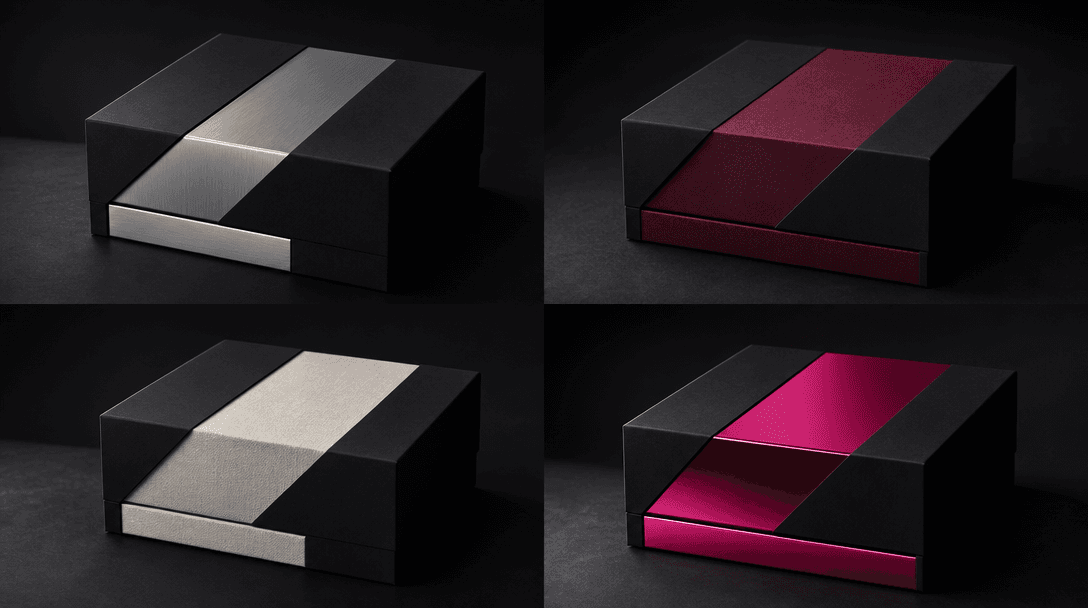
Four coordinated presentation boxes arranged as a sophisticated campaign series, each built from the same matte-black st
F · 04

Create Consistent Campaign Variants

Reuse the same reveal concept across multiple SKUs, colors, editions, or seasonal drops. A consistent visual structure makes it easier to build a recognizable campaign series while allowing each product to retain its own packaging, materials, and identity.

Showcase

See it in action

Real outputs generated by our pipeline — no curated cherry-picks.

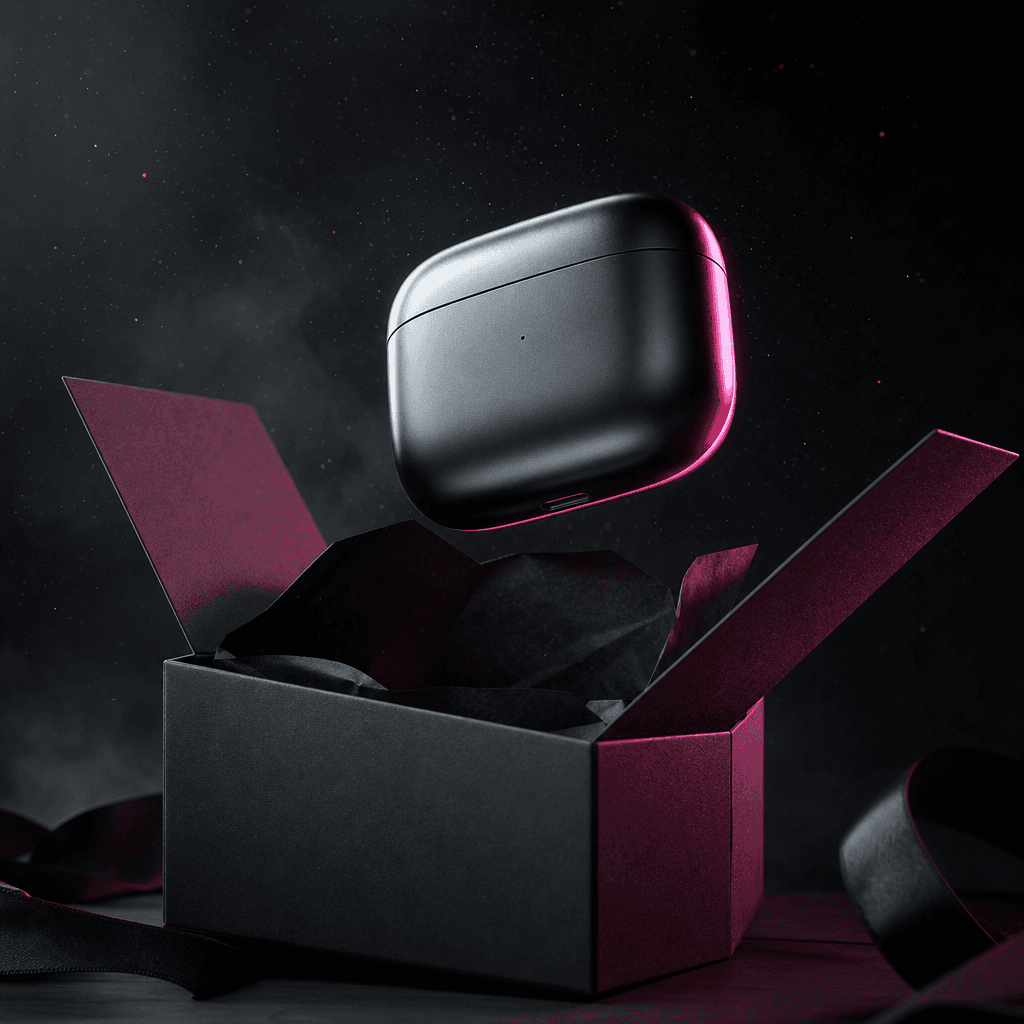
A sleek unbranded wireless earbud case emerging from an open charcoal gift box, photographed in a dark editorial style.
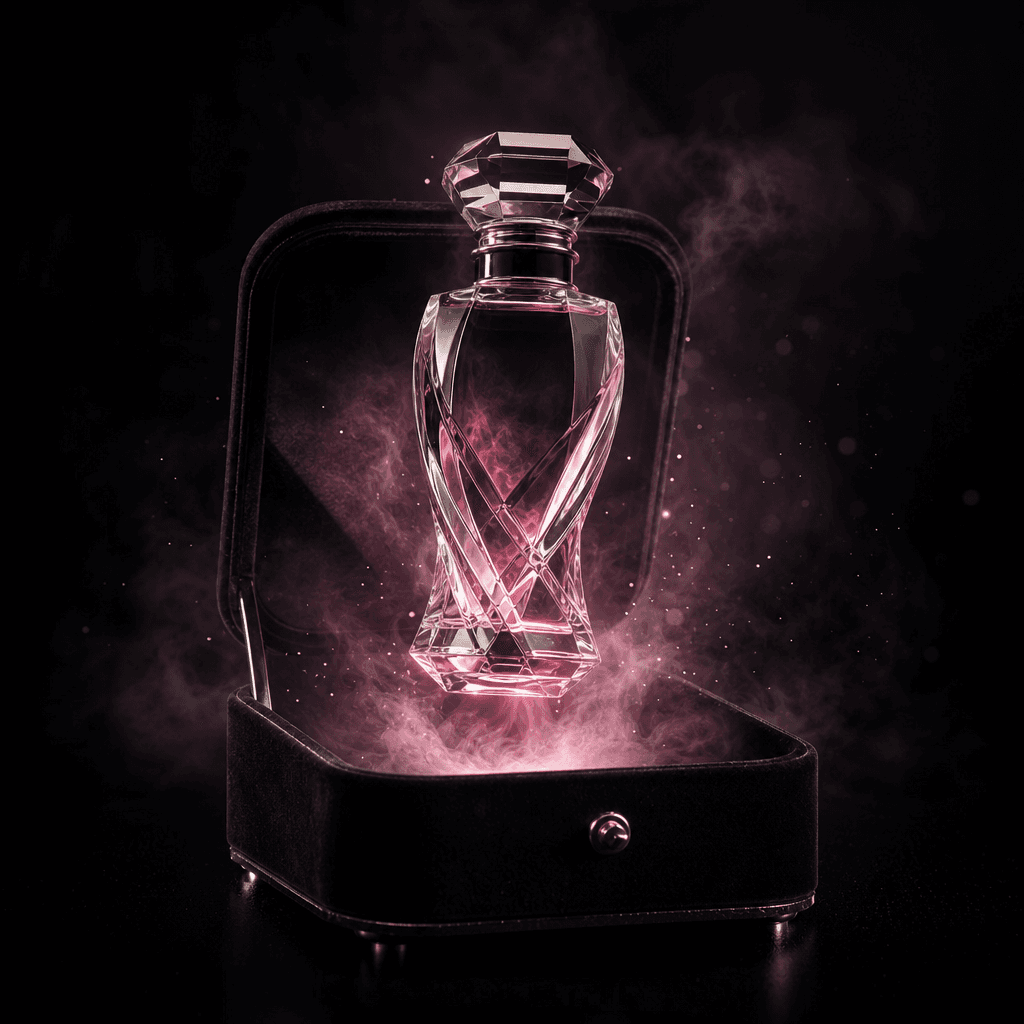
A sculptural perfume bottle magically rising from a black velvet jewelry box, surrounded by a restrained cloud of pale m
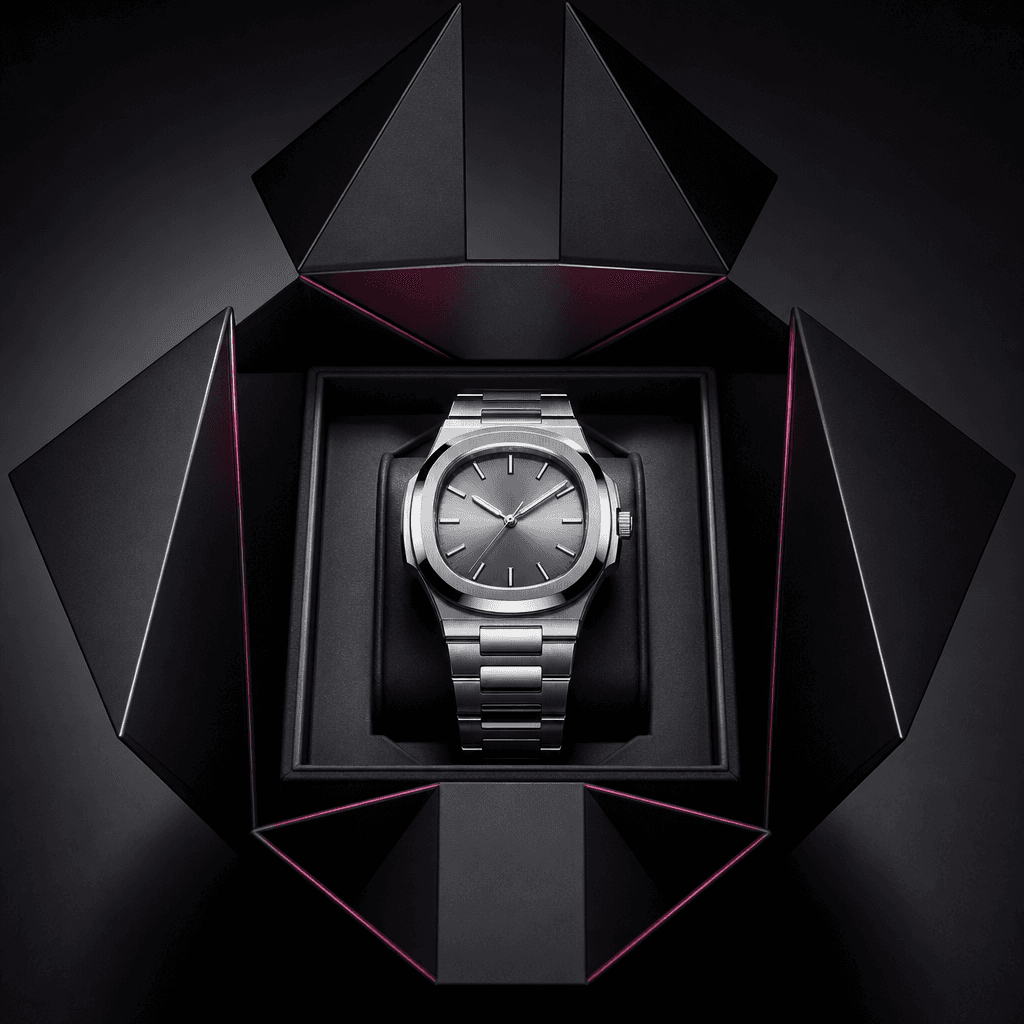
A polished silver wristwatch revealed inside a geometric dark presentation box, with folded panels framing the product l
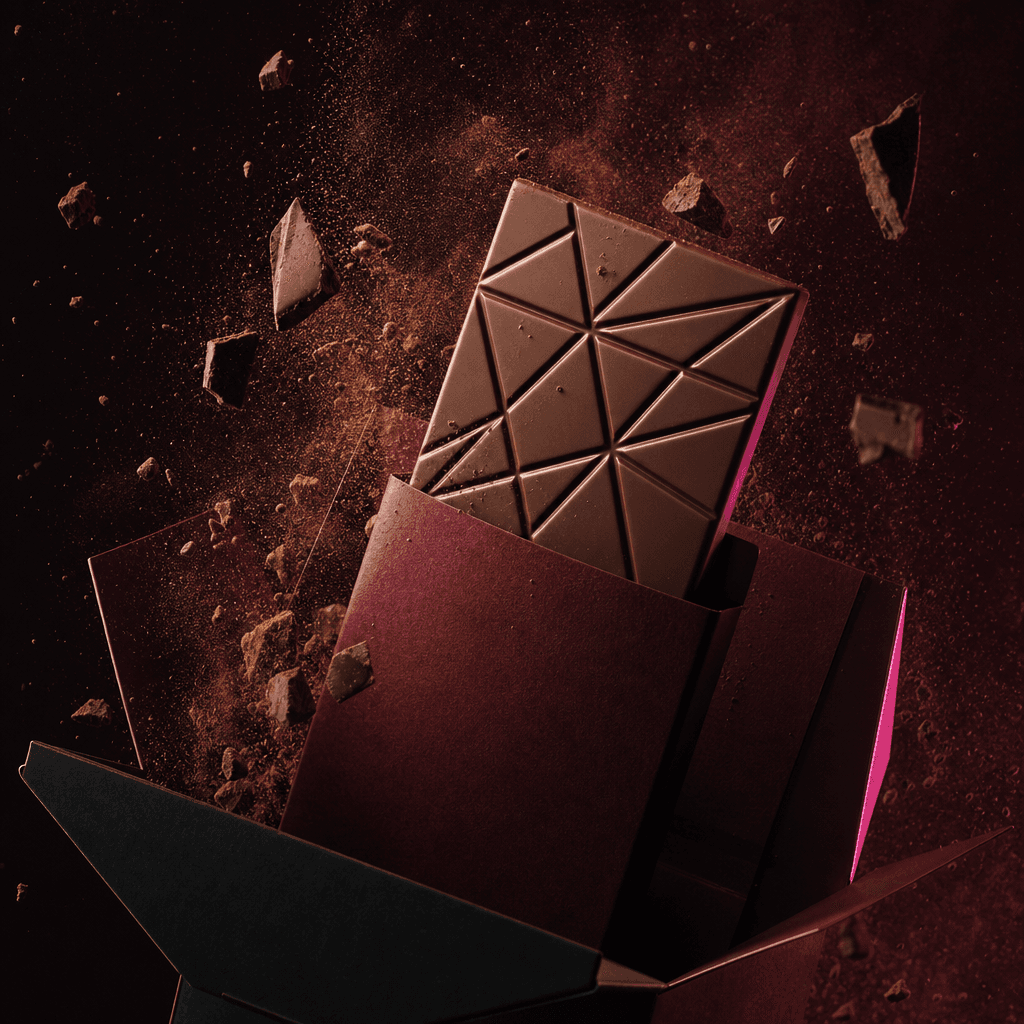
A premium chocolate bar in minimal unbranded packaging appearing from a deep burgundy and black gift box, surrounded by
Ready to ship

Pick a template, customize, publish.

Use cases

Made for every workflow

  • Ecommerce Sellers

    Turn clean listing images into motion-led product reveals for storefront promotions, retargeting ads, launch pages, and social channels. The template helps smaller teams add cinematic presentation without commissioning a separate shoot for every SKU.

  • Beauty Brands

    Reveal lipstick, fragrance, skincare, or cosmetic packaging with dramatic lighting and a premium unboxing mood. Use the output to introduce a new shade, limited edition, gift set, or seasonal collection.

  • Product Marketers

    Create a concise visual hook for campaign intros, announcement posts, and paid creative. The magical appearance gives viewers a clear focal event while keeping the promoted item central.

  • Creative Agencies

    Prototype elevated reveal concepts for client presentations or produce campaign variants from approved product imagery. The defined template structure supports repeatable execution across brands and deliverables.

  • Tech Launches

    Present headphones, wearables, compact devices, and accessories as anticipated objects emerging from premium packaging. The result can support reveal posts, preorder campaigns, and feature-launch teasers.

  • Gift Campaigns

    Frame products as desirable gifts through an opening-box moment that naturally communicates surprise and discovery. Adapt the concept for holiday promotions, bundles, anniversaries, and limited releases.

How it works

From idea to result in seconds

  1. Step · 01

    Upload Your Product

    Choose a sharp product image with a clear silhouette, visible packaging details, and minimal visual obstruction.

  2. Step · 02

    Generate The Reveal

    Run the Magic Box template to stage the product inside a cinematic box-opening sequence with coordinated motion and lighting.

  3. Step · 03

    Publish Your Video

    Review the generated result, download the preferred output, and use it in an ad, launch post, storefront, or campaign edit.

FAQ

Frequently asked questions

  • Magic Box is a Nim video template that transforms a product image into a scene where the item magically appears inside a box. It is designed for product launches, ecommerce promotions, social ads, and premium reveal content.

  • You upload a suitable product image and start the template generation after signing in and purchasing the required credits. Nim applies the template's established reveal direction to create a new video centered on your item.

  • Use a high-resolution image with one clearly visible product, a clean silhouette, and accurate packaging details. Images with heavy occlusion, extreme blur, tiny subjects, or multiple competing objects can make visual consistency more difficult.

  • The concept can work with cosmetics, jewelry, accessories, electronics, packaged food, beverages, collectibles, supplements, and many other compact products. Results depend on the clarity and composition of the source image.

  • Generation requires purchased Nim credits, and the exact credit cost is shown in the creation flow before you run the template. There are no free generation credits, while watermark handling depends on the applicable paid plan and output conditions.

  • Nim is a multi-model platform with access to systems such as Sora, Veo, Kling, Pika, and Flux. The compatible model or generation configuration available for a specific template can change as Nim improves quality and reliability.

  • It creates a short AI-generated product video built around a magical box reveal. The output is intended to function as a standalone social asset or as a product-focused shot within a longer advertisement or campaign edit.

  • Nim templates are curated for commercial creative workflows, but you must have the necessary rights to every image, logo, product design, and other asset you upload. Your permitted use of generated output is governed by Nim's current terms and the terms associated with your plan.

  • A generic prompt requires you to define the reveal, staging, motion, lighting, and composition yourself. Magic Box starts with a curated product-reveal concept, reducing setup work and making it easier to create related campaign variants with a consistent visual idea.

  • Many generations complete in seconds or under a minute, although latency can vary with model demand, source complexity, selected settings, and service conditions. The generation screen shows progress while the result is being produced.

Get started

See what you can make

Explore more

Discover more AI tools