

AI Portrait Template

Marble Gallery AI Portrait Template

Clone one portrait into a dramatic gallery of marble statues with a curated template, polished composition, and production-ready detail.

Create marble gallery
Browse all 400+ templates

Everything you need

Built for creators, marketers, and teams shipping AI video at scale.

01

One Portrait In

Start with a clear portrait and transform its defining features into a coordinated crowd of sculptural figures.

02

Statue Crowd Effect

Multiply your subject across a grand marble gallery while preserving a recognizable visual identity.

03

Curated Composition

The template organizes repeated statues into a balanced editorial scene with depth, scale, and visual rhythm.

04

Marble Material Detail

Sculpted surfaces, carved contours, and stone texture give the result a convincing museum-inspired finish.

05

Cinematic Lighting

Directional gallery light creates dramatic highlights and shadows across faces, columns, and polished stone.

06

Fast Creative Iteration

Generate alternate interpretations in seconds or under a minute to explore poses, framing, and atmosphere.

07

Multi-Model Workflow

Use Nim's model ecosystem to continue developing the concept across image and video generation workflows.

08

Commercial-Ready Concept

Create distinctive campaign, social, editorial, and promotional visuals from a professionally structured template.

Features

Built to ship

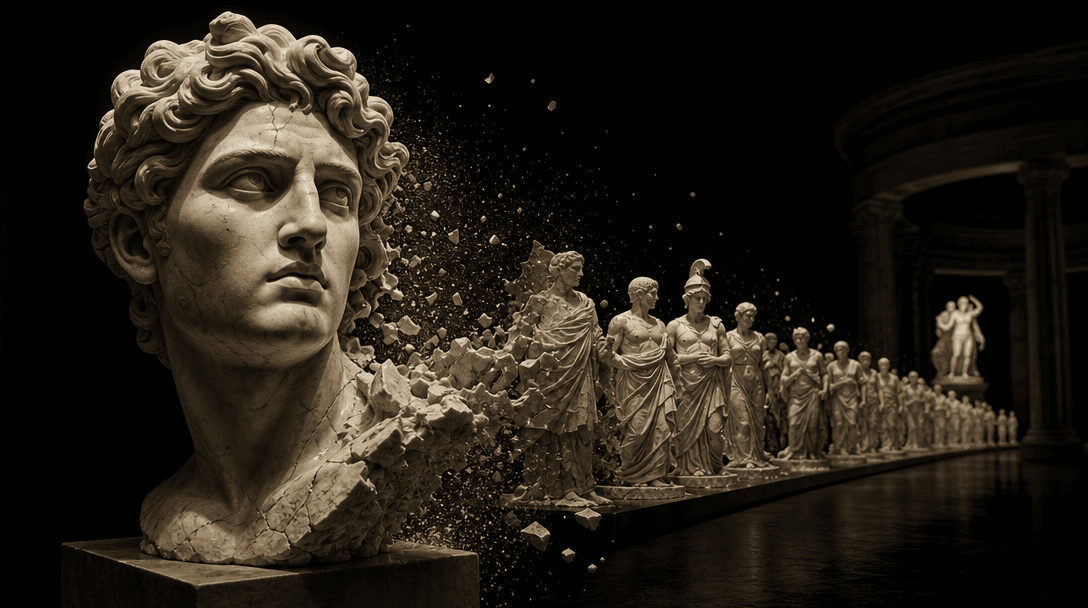
A single marble portrait bust dividing into a coordinated procession of sculptural forms across a dark museum chamber, v
F · 01

Clone Your Portrait Into Art

The Marble gallery template turns one portrait into a crowd of statues rather than applying a simple stone filter. Repetition, spacing, scale, and gallery context work together to create a scene that feels deliberately art-directed.
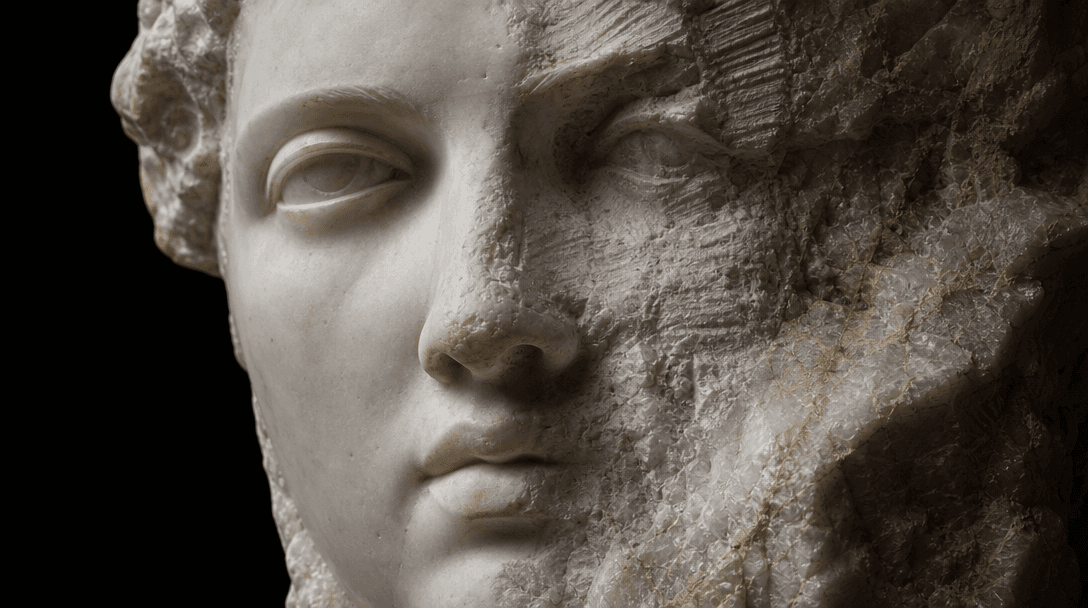
Extreme close-up of a realistic marble face emerging from a rough stone block, one half finely carved and recognizable,
F · 02

Preserve A Recognizable Subject

Your source portrait anchors the facial structure and overall character of the sculptural crowd. A sharp, evenly lit input helps the generated statues retain recognizable features while translating skin, hair, and clothing into carved marble.

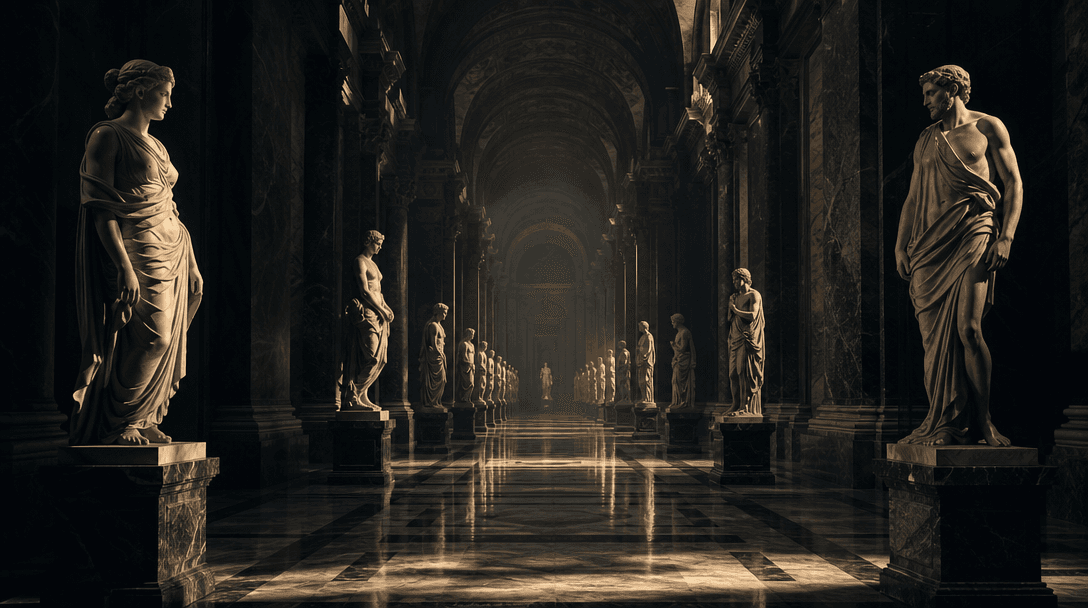
Rows of marble statues extending through a monumental gallery with strong foreground, middle-ground, and background sepa
F · 03

Build Dramatic Visual Depth

Foreground sculptures establish impact while receding figures create the impression of a much larger collection. Architectural framing, controlled shadows, and varied statue placement make the output feel expansive instead of mechanically duplicated.

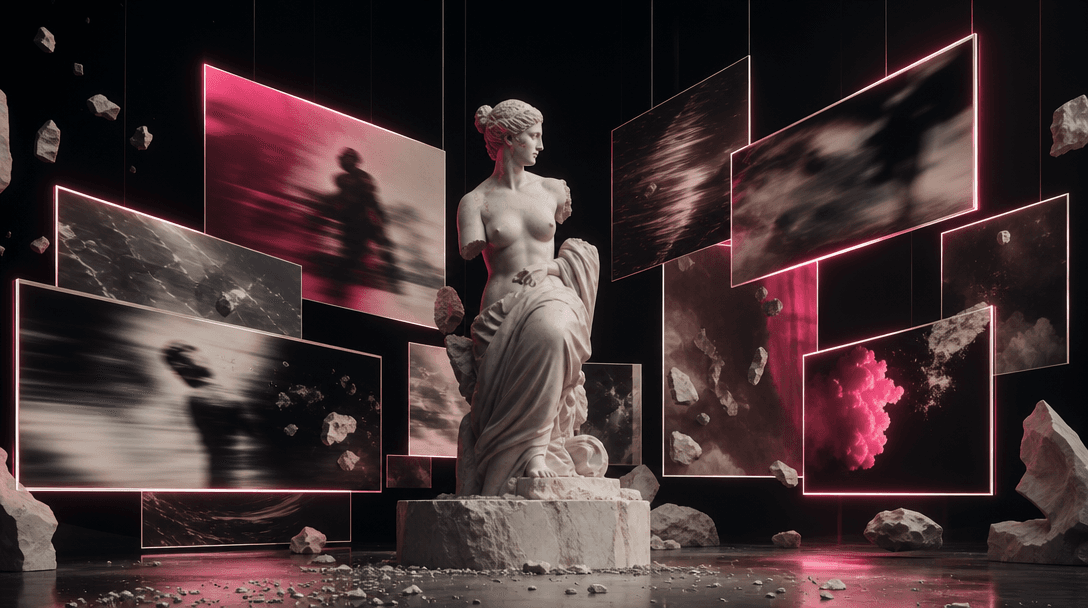
A marble sculpture surrounded by suspended cinematic frames made from light, each frame suggesting a different atmospher
F · 04

Extend The Idea Across Models

Nim brings image and video models such as Flux, Sora, Veo, Kling, and Pika into one creative platform. After generating the Marble gallery image, creators can develop related shots, motion concepts, or campaign variations without rebuilding the direction from scratch.

Showcase

See it in action

Real outputs generated by our pipeline — no curated cherry-picks.

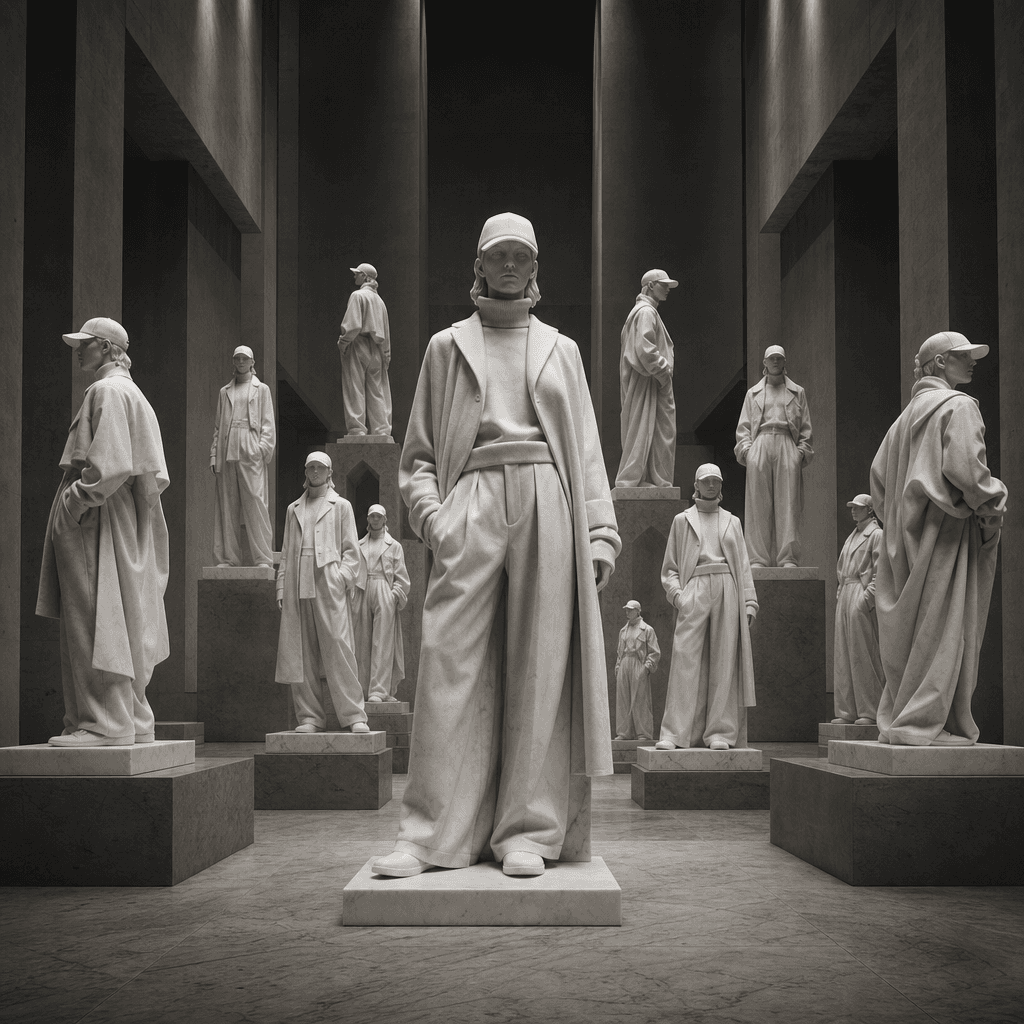
An anonymous fashion figure cloned into a symmetrical crowd of full-length white marble statues inside a brutalist museu
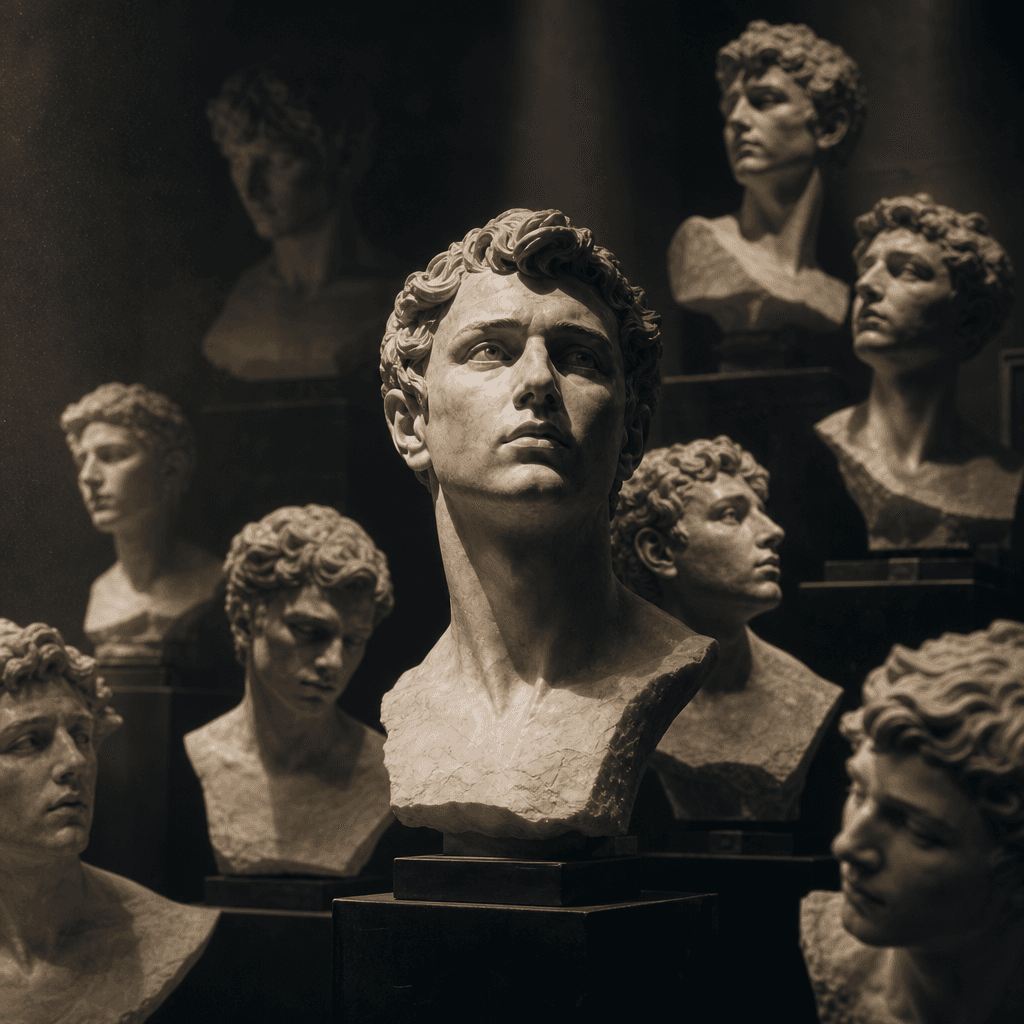
A close portrait of an anonymous creative professional represented by many marble busts arranged like an archival collec
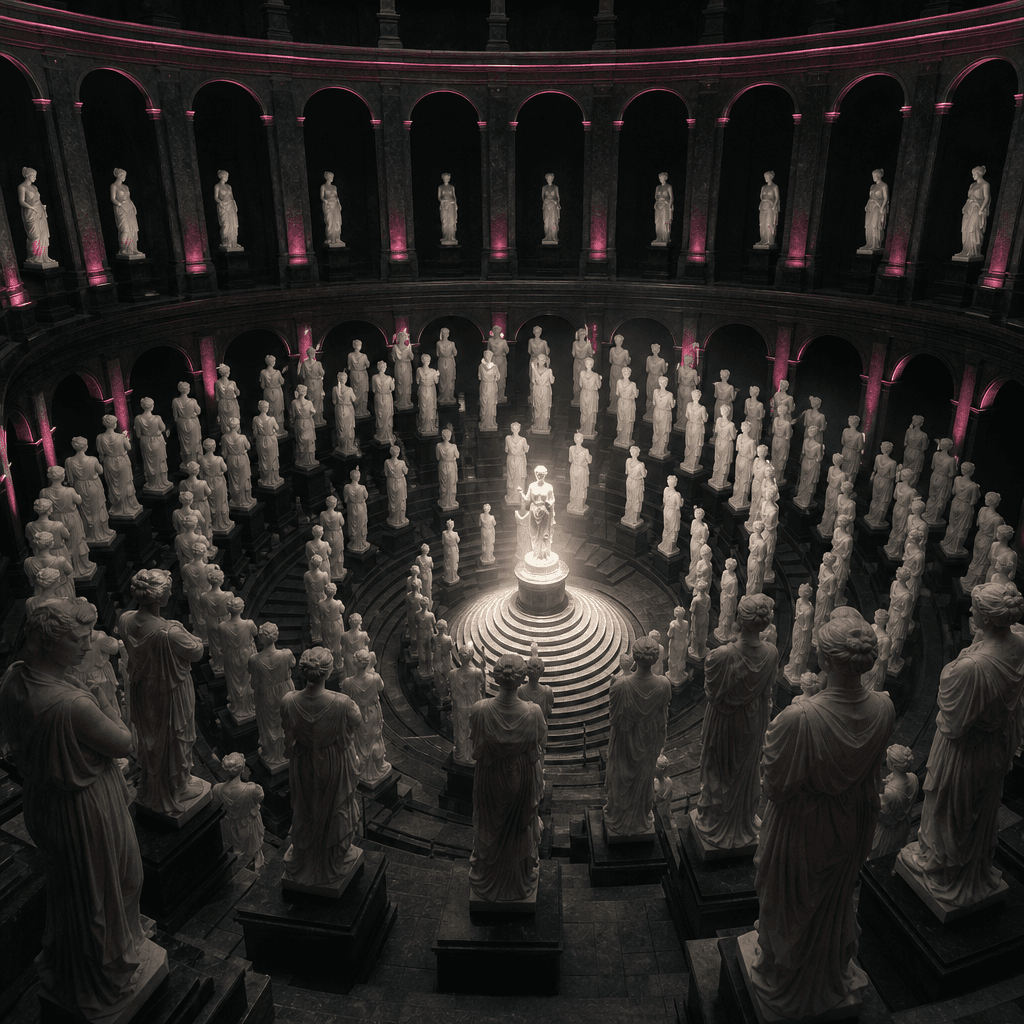
A surreal circular gallery containing a crowd of identical marble statues based on one anonymous subject, sculptures spi
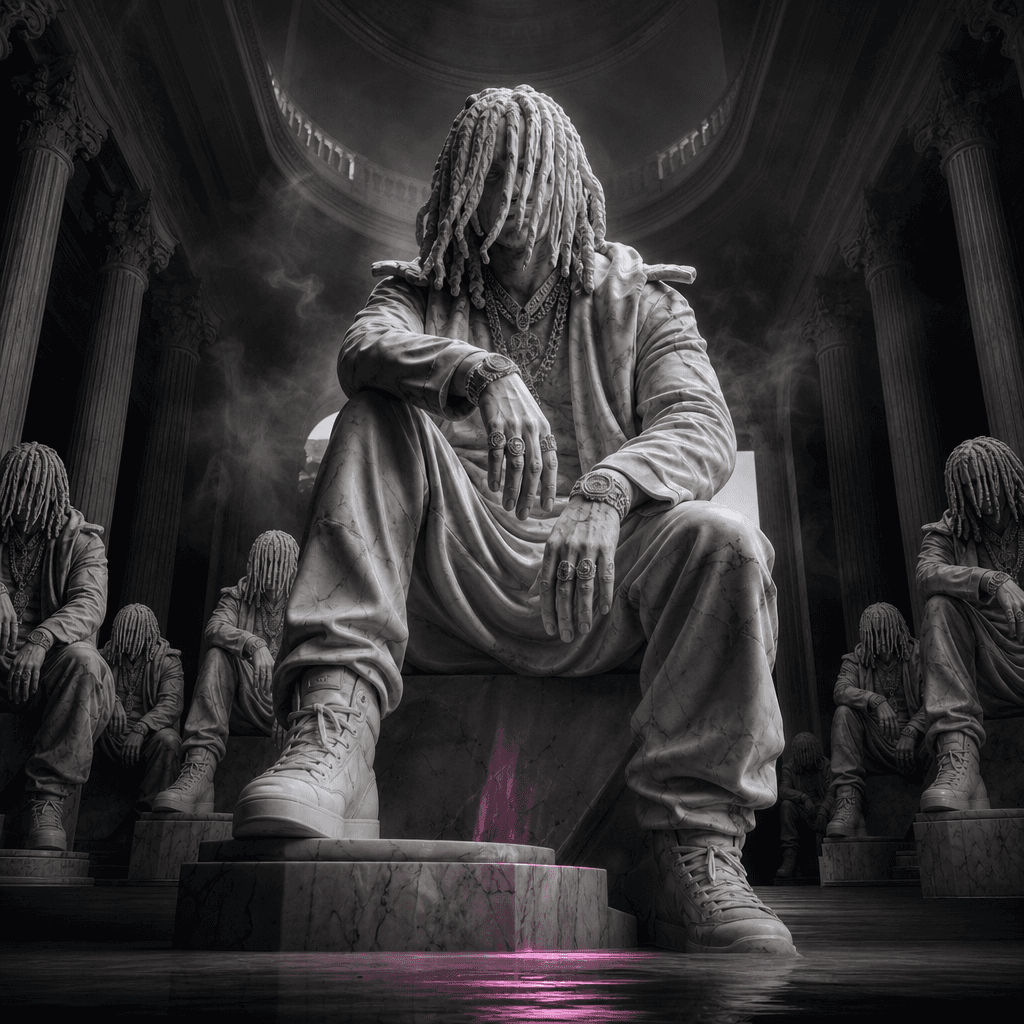
An anonymous musician reimagined as a monumental marble statue surrounded by smaller cloned sculptures, cavernous exhibi
Ready to ship

Pick a template, customize, publish.

Use cases

Made for every workflow

  • Social Creators

    Turn a familiar portrait into a surreal, high-impact post designed to interrupt routine social feeds and support trend-led storytelling.

  • Brand Campaigns

    Place a founder, model, or campaign character inside a monumental statue collection for launches, teasers, and bold editorial concepts.

  • Musicians

    Create sculptural cover imagery, announcement art, or visual-world references with a dramatic museum atmosphere.

  • Fashion Teams

    Translate a model and silhouette into carved forms for lookbook covers, campaign moodboards, and conceptual social assets.

  • Ecommerce Sellers

    Develop distinctive founder-led or model-led promotional imagery that gives seasonal campaigns a premium cultural angle.

  • Creative Agencies

    Produce rapid concept frames for client presentations, art-direction studies, and campaigns built around identity, legacy, or repetition.

How it works

From idea to result in seconds

  1. Step · 01

    Upload Your Portrait

    Choose a sharp, front-facing portrait with visible facial features and clean lighting for a stronger sculptural likeness.

  2. Step · 02

    Generate The Gallery

    Run the curated template to reinterpret your subject as a cinematic crowd of marble statues inside a grand exhibition space.

  3. Step · 03

    Refine Your Concept

    Generate variations and continue the strongest result through Nim's image or video models for your campaign, post, or presentation.

FAQ

Frequently asked questions

  • Marble gallery is a specific Nim portrait template that clones your subject into a crowd of statues. It combines repeated likenesses, carved stone styling, museum architecture, and cinematic lighting in one directed composition.

  • You provide a portrait, and the template uses it as the visual reference for multiple sculptural figures. The generation translates recognizable features into marble while arranging the statues across a dimensional gallery scene.

  • Use a high-resolution image with one clearly visible subject, balanced lighting, and minimal obstruction around the face. Front-facing or slightly angled portraits generally provide a stronger identity reference than distant group photos or heavily blurred images.

  • No. Generation requires an account and purchased credits, with credit usage depending on the selected model and settings. Paid plans remove watermarks from eligible outputs.

  • Nim provides access to multiple image and video model families, including Flux, Sora, Veo, Kling, and Pika. Availability and compatible controls can vary by workflow, model release, and output type.

  • The template is designed to create a finished Marble gallery image from your portrait. You can then use Nim's broader generation workflows to explore alternate stills or develop compatible video concepts from the visual direction.

  • Commercial use depends on Nim's current terms, your plan, the selected model's conditions, and your rights to the uploaded portrait. Only upload material you are authorized to use, especially for client, advertising, or resale projects.

  • A basic filter usually changes surface texture while leaving the original composition intact. Marble gallery constructs a new scene with a crowd of sculptural clones, architectural depth, repeated identity, and purpose-built editorial lighting.

  • Many renders complete in seconds or under a minute, although latency varies with model demand, output settings, and processing load. More complex generations or variations may take longer.

  • No AI generation guarantees an exact replica. The uploaded image guides identity and appearance, but facial detail, pose, clothing, statue placement, and marble texture may vary between results.

Get started

See what you can make

Explore more

Discover more AI tools