AI Motion Transfer

Motion Control: Animate Any Still Image

Upload a reference video and let Nim's AI extract its movement and apply it to your static image — cinematic, production-ready animations built for creators.

Browse templates
Browse all 400+ templates

Everything you need

Built for creators, marketers, and teams shipping AI video at scale.

01

Reference Motion Transfer

Extract movement patterns from any short video clip and apply them frame-accurately to your static image, producing fluid, intentional animation.

02

Multi-Model Access

Choose from top AI video models including Kling and Wan within a single platform to find the motion aesthetic that best suits your subject.

03

Commercial-Ready Output

Export animations formatted for feed ads, social campaigns, product showcases, and branded editorial content without post-processing.

04

Curated Pro Templates

Start from professionally designed motion control templates optimized for fashion, ecommerce, portrait, and product photography subjects.

05

Fast Cloud Rendering

Animations render in seconds on Nim's cloud infrastructure — no local GPU, no software installation, no hardware investment required.

06

Universal Image Compatibility

Works with product photos, fashion lookbooks, architectural renders, editorial portraits, and virtually any high-resolution still subject.

07

Source Fidelity Preserved

AI motion layering maintains the original sharpness, color accuracy, and detail of your source image throughout every synthesized frame.

08

Loop and Duration Control

Set loop behavior and clip length to match platform specs — square loops for Instagram, landscape clips for YouTube pre-roll or display ads.

Features

Built to ship

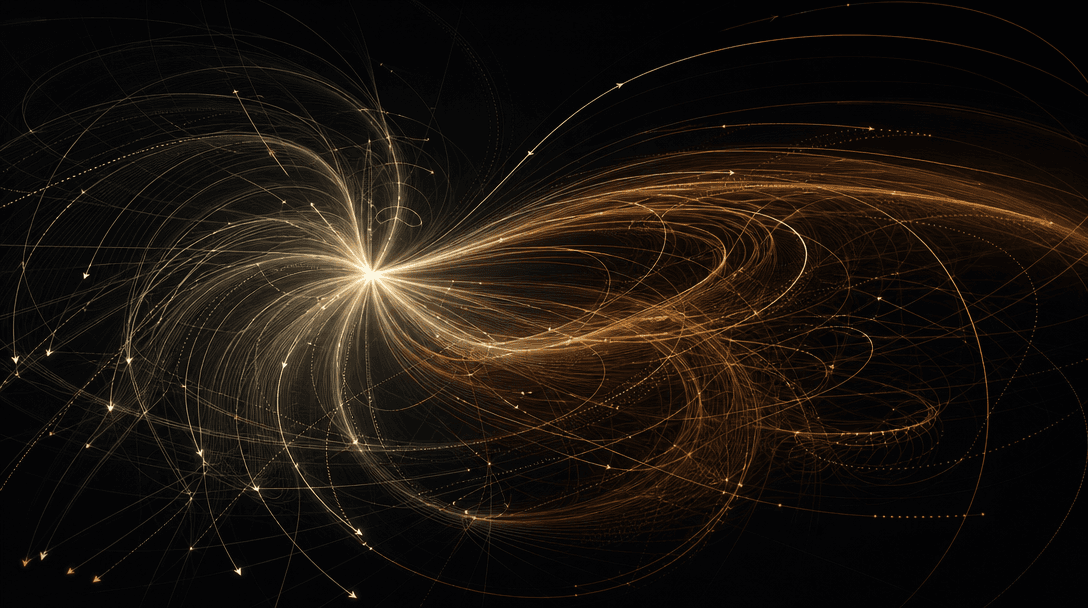
Abstract dark composition: layered translucent motion vectors and trajectory arcs flowing from a central luminous origin
F · 01

Reference Video Motion Extraction

Nim analyzes your reference video frame by frame to extract its precise motion signature — camera path, subject velocity, directional flow, and temporal rhythm. The extracted motion data is then mapped intelligently onto the depth and geometry of your static image so that the resulting animation feels native to your subject, not algorithmically overlaid. The difference is immediately visible: motion that reads as cinematic intent rather than digital manipulation.

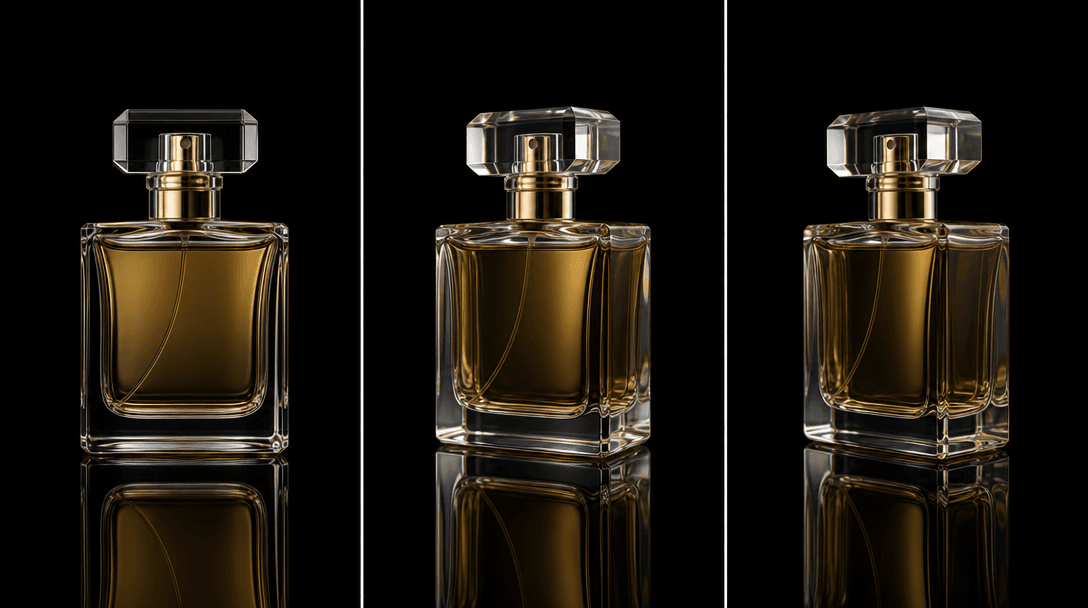
A triptych of ultra-sharp product photograph frames — a glass perfume bottle — arranged in a slight sequential perspecti
F · 02

AI Image Animation at Production Quality

The motion synthesis engine interpolates entirely new frames that don't exist in your original image, reconstructing texture continuity, perspective shift, and lighting response as the motion progresses. Output resolves at resolutions suitable for commercial placement — no upscaling artifacts, no temporal flickering, no ghosting on hard edges. Whether your source is a clean white-background product shot or a textured editorial portrait, the AI preserves the visual integrity of your brand assets across every synthesized frame.

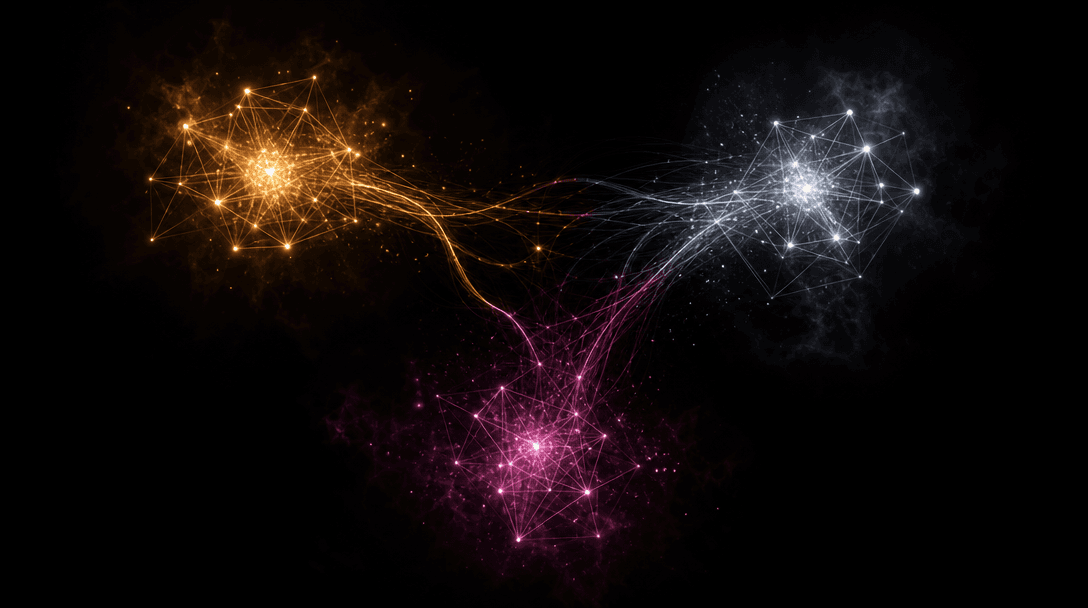
Abstract dark field with three distinct luminous geometric clusters arranged in a loose triangular composition against n
F · 03

Multi-Model Motion Engine in One Workspace

Nim provides access to best-in-class video generation models — including Kling, Wan, and emerging architectures — without requiring separate subscriptions, API credentials, or account management for each provider. You can switch models within the same project to compare motion outputs side by side, then choose the result that best fits your campaign's visual language. All generations are stored in one creator workspace with a unified export workflow, so nothing slips between platforms.

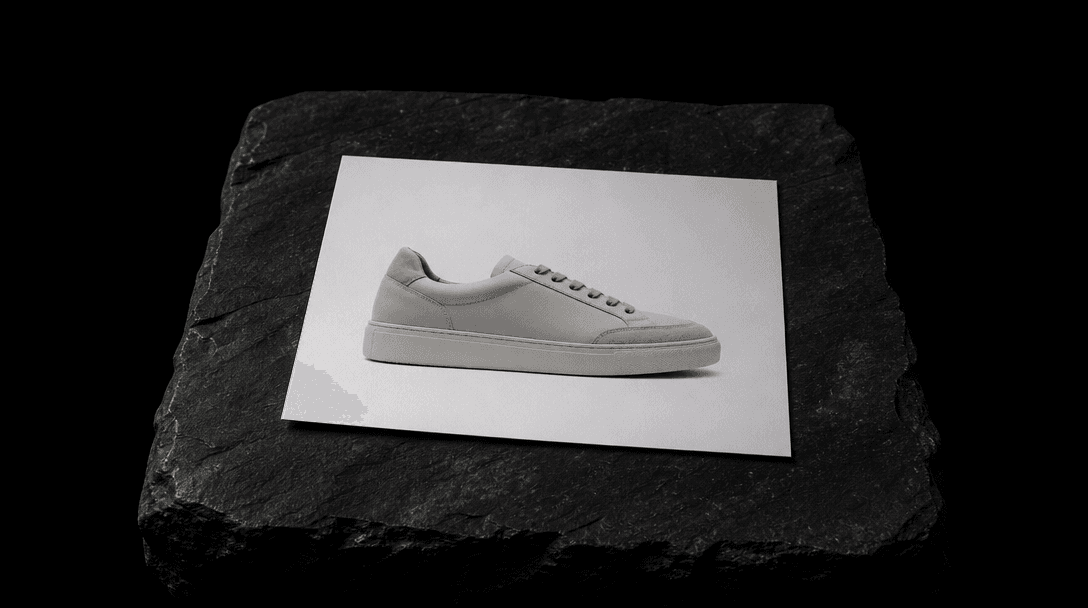
Dark editorial still life: a single sharp product photograph — a minimalist sneaker on a clean white surface — printed a
F · 04

Built for Creators, Not Engineers

Motion control on Nim requires no machine learning knowledge, no manual keyframing, no video compositing background, and no prompt engineering expertise for motion parameters. The template interface guides you through image upload, reference video selection, and generation in a direct three-step flow. Every output is immediately downloadable and deployment-ready — no codec conversion, no frame-by-frame cleanup, no manual compositing before handing off to a client or publishing to a paid campaign.

Showcase

See it in action

Real outputs generated by our pipeline — no curated cherry-picks.

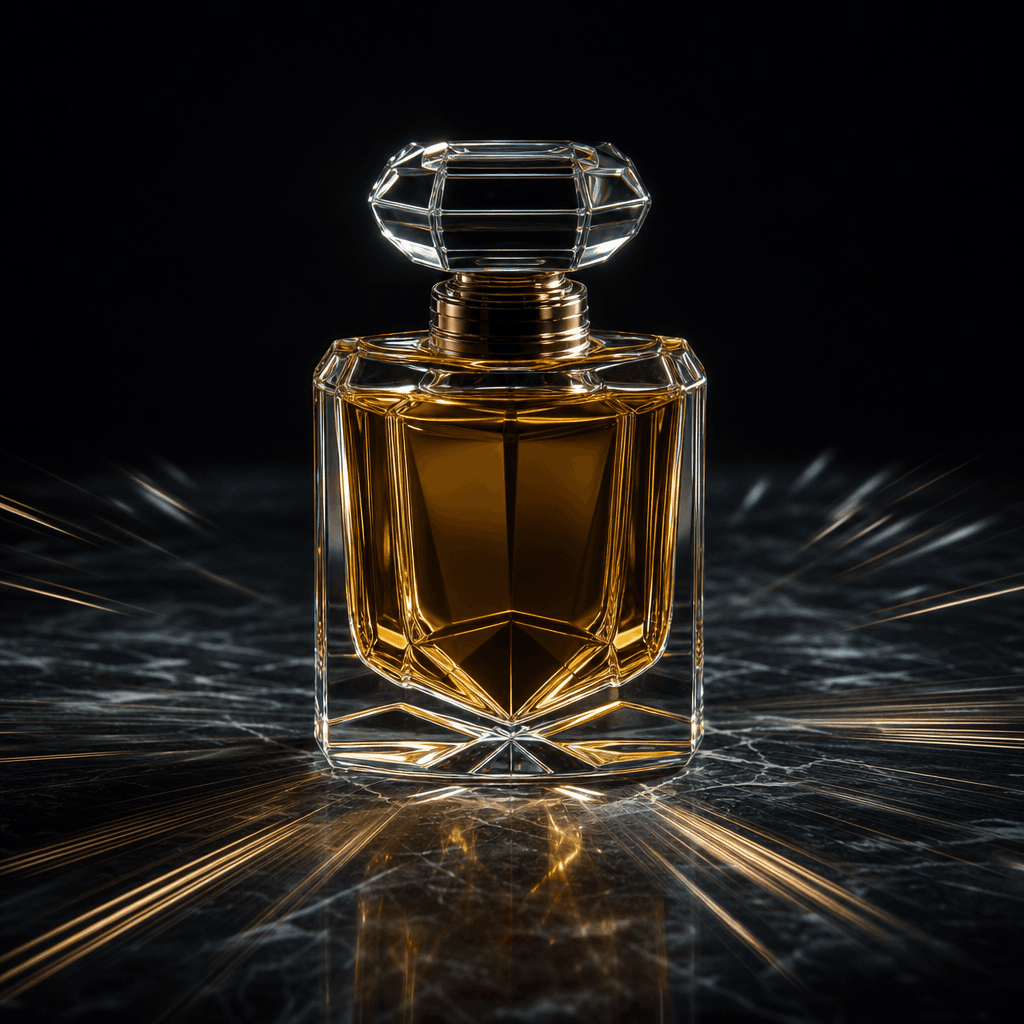
A single luxury perfume bottle centered on a dark polished stone surface, fine motion streak lines radiating outward fro
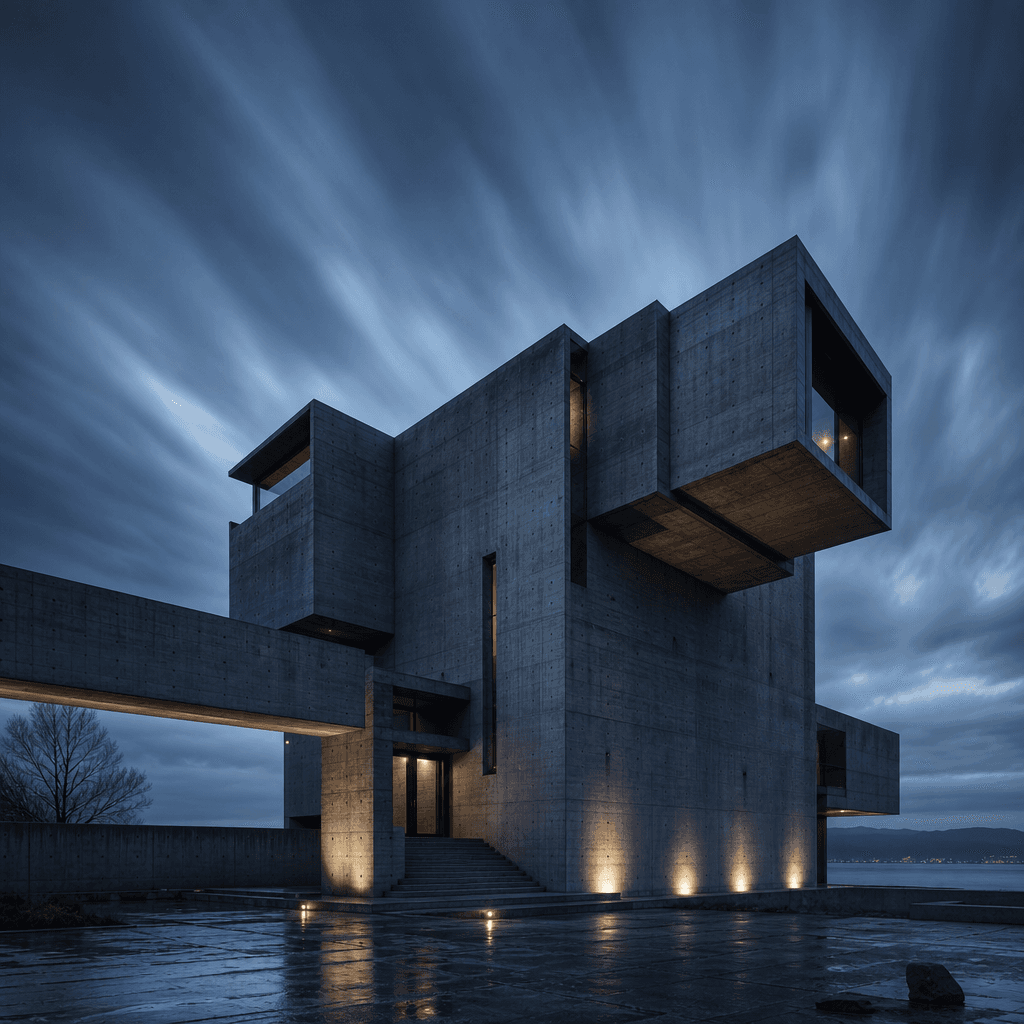
An architectural exterior render of a brutalist concrete building at blue-hour dusk, with subtle motion blur on cloud fo
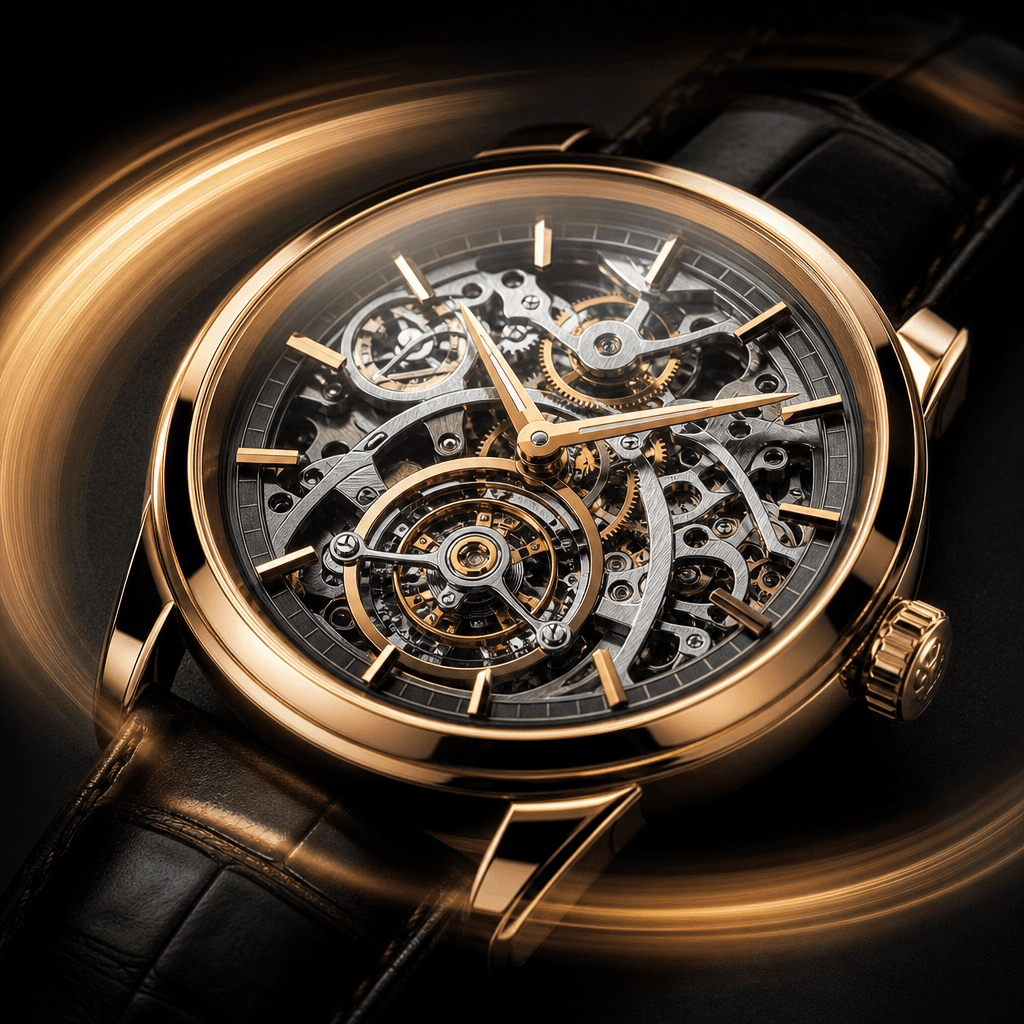
A close-up of a luxury mechanical watch face on a matte black surface, with soft light sweep motion trails across the po
Ready to ship

Pick a template, customize, publish.

Use cases

Made for every workflow

  • Ecommerce Sellers

    Transform flat product photography into looping motion clips that outperform static images in feed ads and product listings. Apply subtle parallax, push-in, or drift motion from a reference clip to make jewelry, footwear, skincare, or apparel products feel alive — without booking a full video production.

  • Fashion Brands

    Animate editorial lookbook images with runway-inspired motion references to produce premium, motion-rich content for Instagram Reels, TikTok, and campaign microsites — at a fraction of the cost of a video shoot for every collection drop.

  • Social Media Marketers

    Repurpose existing high-quality brand photography into short-form video assets that meet platform specs for Reels, Shorts, and Stories. A single hero image can generate multiple motion variants simply by swapping the reference video, dramatically multiplying creative output without new photography.

  • Content Creators

    Apply dramatic cinematic motion — slow-motion drift, sweeping parallax, dynamic zoom — from reference clips to portrait photography, travel imagery, or concept art to produce attention-holding thumbnails, intros, and B-roll for editorial content.

  • Real Estate and Architecture

    Bring architectural renders and property exterior shots to life with subtle environmental motion — drifting cloud formations, ambient light transitions, gentle atmospheric movement — drawn from a nature reference clip to make listings and pitch decks significantly more immersive.

  • Ad Agencies and Freelancers

    Scale motion content production across multiple clients without scaling headcount. Generate motion variants per brand quickly using client-supplied imagery and motion reference clips, then export directly into campaign-ready files across platforms without bespoke post-production for each asset.

How it works

From idea to result in seconds

  1. Step · 01

    Upload your still image

    Select any high-resolution static image — a product shot, editorial portrait, architectural render, or illustration — as the canvas that will receive the transferred motion.

  2. Step · 02

    Provide a reference video

    Upload a short video whose movement you want to transfer onto your image: a slow cinematic zoom, a lateral camera pan, a natural parallax drift, or any motion style that suits your creative intent.

  3. Step · 03

    Generate and export

    Nim's AI synthesizes the reference motion onto your image and delivers a production-ready animated clip in seconds, available to download and deploy directly into your campaign or content pipeline.

FAQ

Frequently asked questions

  • AI motion control is a technique where a video generation model analyzes the movement patterns in a reference video — camera trajectory, subject velocity, parallax depth — and applies that motion to a static image to produce a short animated clip. The result looks as though the image itself was filmed with intentional camera movement, rather than digitally manipulated after the fact.

  • You upload a static image and a short reference video. Nim's AI extracts the motion signature from the reference clip and synthesizes new frames that animate your image to follow that movement. Generation typically completes in under a minute and delivers a downloadable video file immediately ready for use in campaigns or content.

  • High-resolution images with clearly defined subjects and good contrast tend to produce the strongest results — product photography, editorial portraits, architectural renders, and fashion lookbook images are all strong candidates. Highly cluttered compositions or very low-resolution source files may produce less coherent motion synthesis.

  • Short clips with clearly readable motion paths work best — a steady pan, a smooth push-in, a slow orbital drift, or a controlled zoom. Well-lit reference footage with minimal noise gives the AI the clearest motion signal to extract and transfer. Highly erratic, shaky, or blurry reference videos may produce less predictable motion results.

  • Nim provides access to multiple top-tier video generation architectures including Kling and Wan, among others. You can compare motion outputs across models within the same workspace to select the aesthetic that best fits your content.

  • Generation on Nim requires purchased credits — there is no free generation tier. Credit pricing is available on the subscription page at nim.video/subscription. Pro plans offer the best per-generation value for creators and agencies with high output volume.

  • Most generations complete in under a minute on Nim's cloud infrastructure. Exact render time varies by selected model, output resolution, and platform load — but results typically arrive in seconds to less than a minute.

  • Yes. Content generated on Nim using your own source images and reference videos is yours to use commercially. Please review the full licensing terms at about.nim.video/terms for complete details.

  • Outputs on paid Nim plans are delivered without a watermark. Watermarks are removed upon upgrading to a paid plan.

  • Manual motion control in After Effects requires keyframing, 3D camera tracking, or parallax layer splitting — a process that can take hours per image even for experienced compositors. Nim's AI motion control achieves comparable cinematic results in under a minute using a reference video as the motion driver, with no compositing skills or video editing software required.

Get started

See what you can make

Explore more

Discover more AI tools