Creative · Template

Create Multi-Angle Design Sheets

Transform any photo or artwork into a professional multi-view composition in seconds. Ideal for portfolios, product displays, and creative presentations.

Create multiview
Browse all 400+ templates

Everything you need

Built for creators, marketers, and teams shipping AI video at scale.

01

Instant Layouts

Generate multi-angle compositions automatically from a single image in under a minute.

02

Portfolio Ready

Create professional design sheets perfect for showcasing work across multiple angles and perspectives.

03

Product Showcases

Display products from different viewpoints without shooting multiple angles individually.

04

Art Multiplication

Turn one artwork or photo into a beautiful grid of variations and perspectives automatically.

05

Multiple Design Styles

Generate different layout variations—grids, cascades, or editorial arrangements—from the same source.

06

Commercial Quality

Outputs are high-resolution and production-ready for printing, portfolios, and online presentation.

07

Zero Design Skills

No layout expertise needed—the template handles framing, composition, and visual balance automatically.

08

Instant Regeneration

Create unlimited sheet variations by regenerating or swapping source images in seconds.

Features

Built to ship

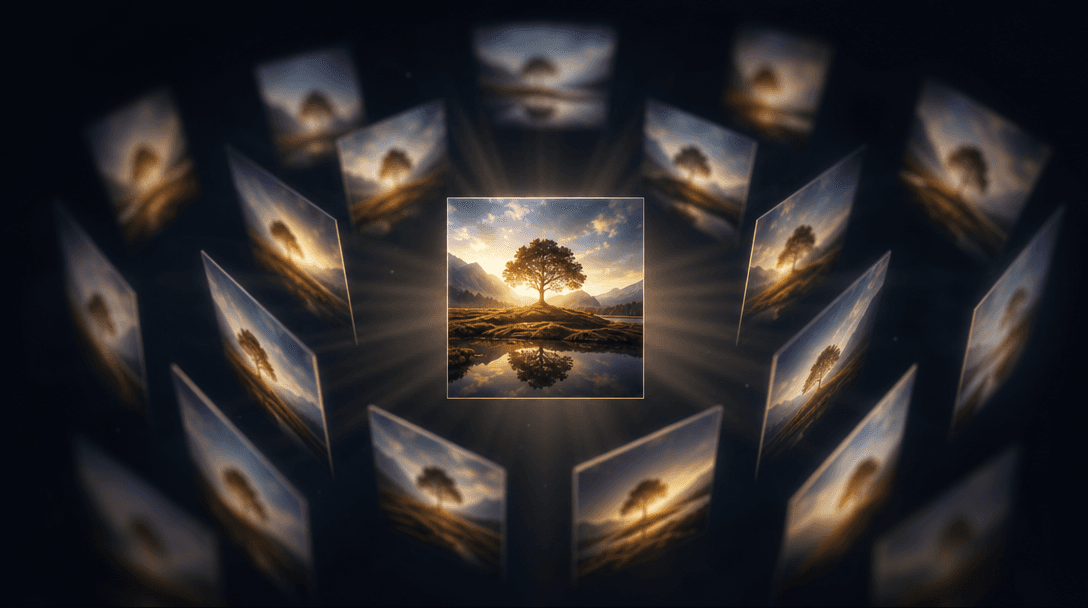
Abstract visualization of intelligent perspective generation: a single central image surrounded by soft-focus variations
F · 01

Intelligent Perspective Generation

The template doesn't just repeat your image—it intelligently generates complementary angles, rotations, and framing variations that create visual interest and depth. Each viewpoint is optimized for composition balance, ensuring the final multi-view sheet feels cohesive and professionally designed, whether your source is a product, artwork, portrait, or landscape.
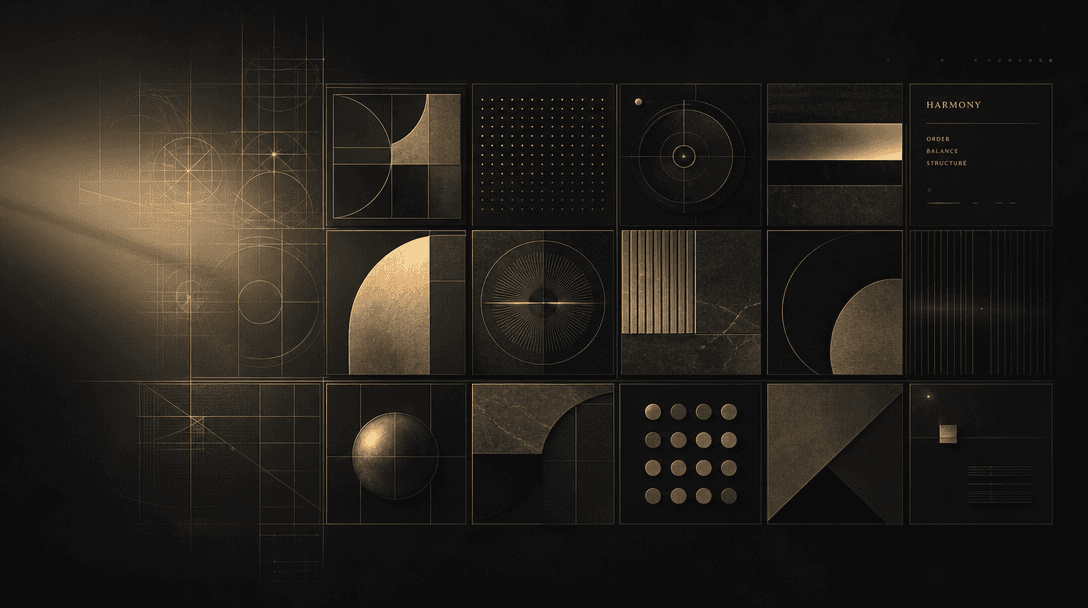

Beautiful grid composition coming into focus: abstract geometric patterns and layouts assembling from light into sharp,
F · 02

Flexible Layout Composition

Choose from multiple grid and arrangement styles: classic grid, asymmetric cascade, editorial layout, or gallery-style triptych. Each layout emphasizes different visual aspects of your image and can be regenerated independently, giving you countless aesthetic options without recreating the underlying design.

Artistic color grading and styling flowing across a series of images: each panel receiving slightly different treatment—
F · 03

Editorial Aesthetic Control

Apply different visual treatments to each panel—color grading, texture overlays, framing styles, and border effects—to create a unified yet dynamic multi-view sheet. The AI ensures consistency in mood and tone across all angles while maintaining visual separation between panels.

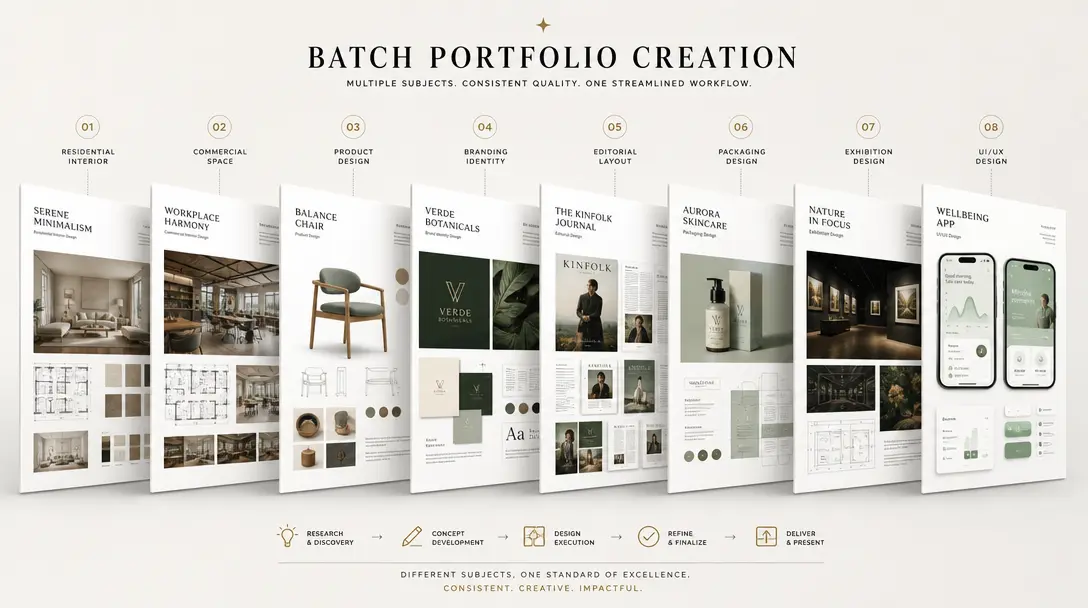
Multiple completed design sheets arranged in a gallery-like timeline or cascade, showing batch portfolio creation. Each
F · 04

Batch Portfolio Creation

Process multiple artworks, products, or photos in a single session to build an entire portfolio or product catalog of multi-view sheets. Output all sheets in consistent formats for unified branding and professional presentation.

Showcase

See it in action

Real outputs generated by our pipeline — no curated cherry-picks.

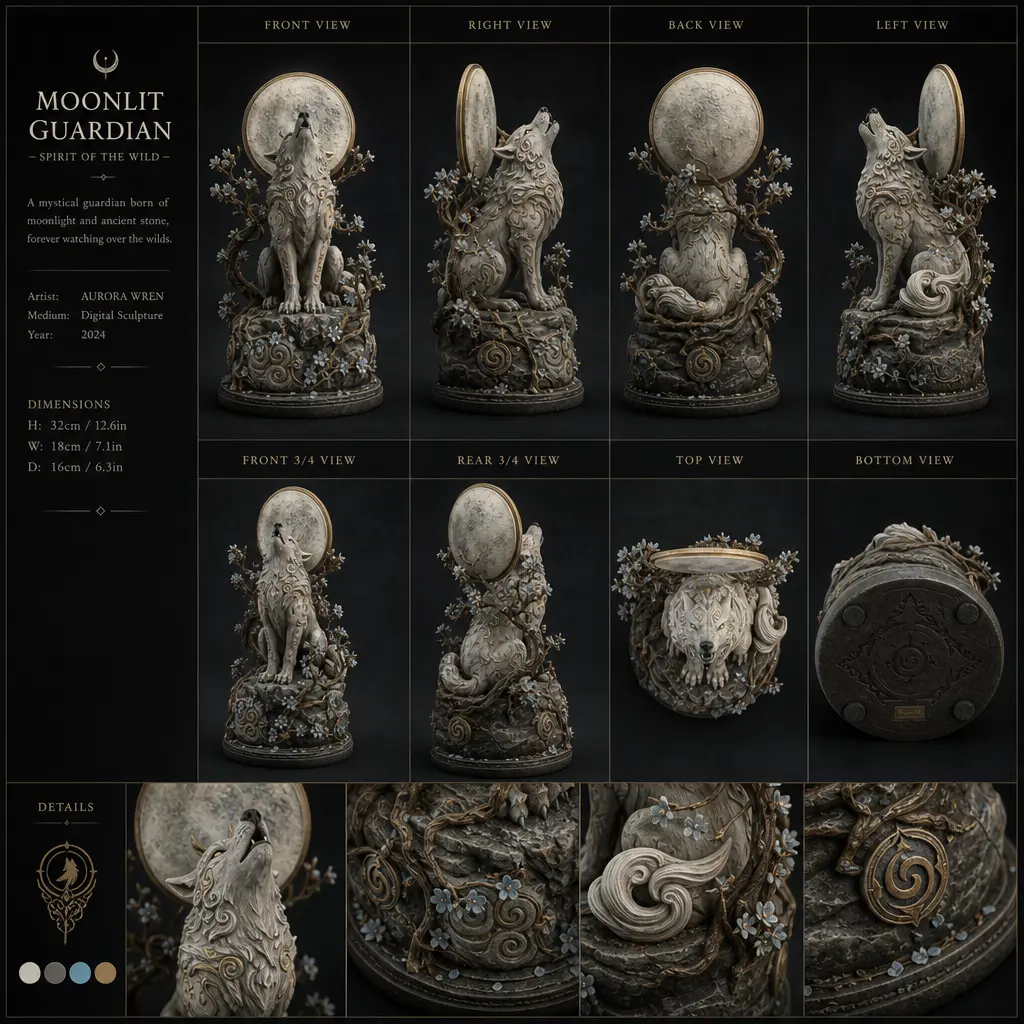
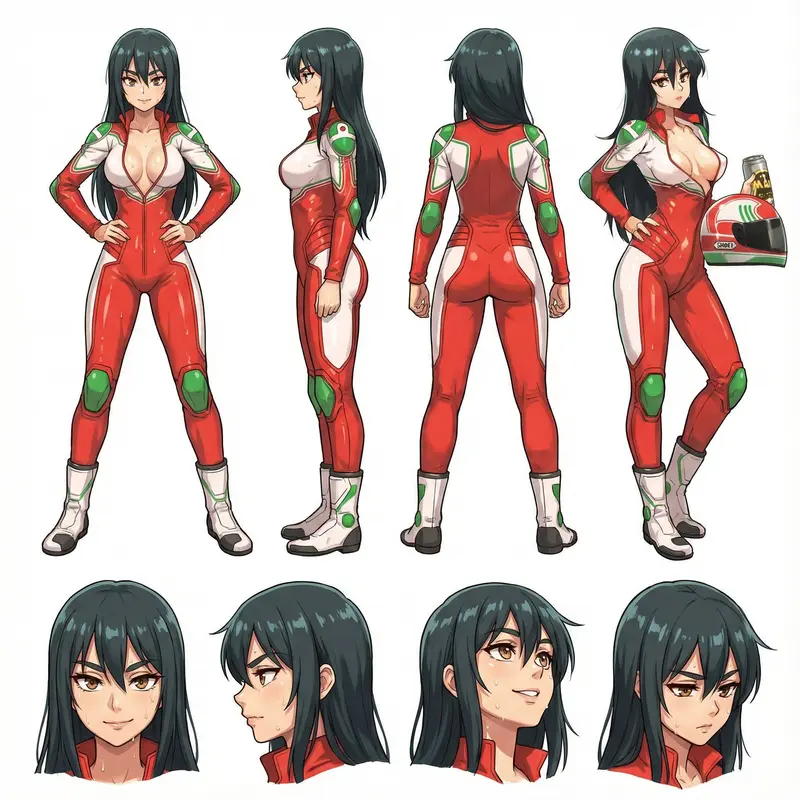
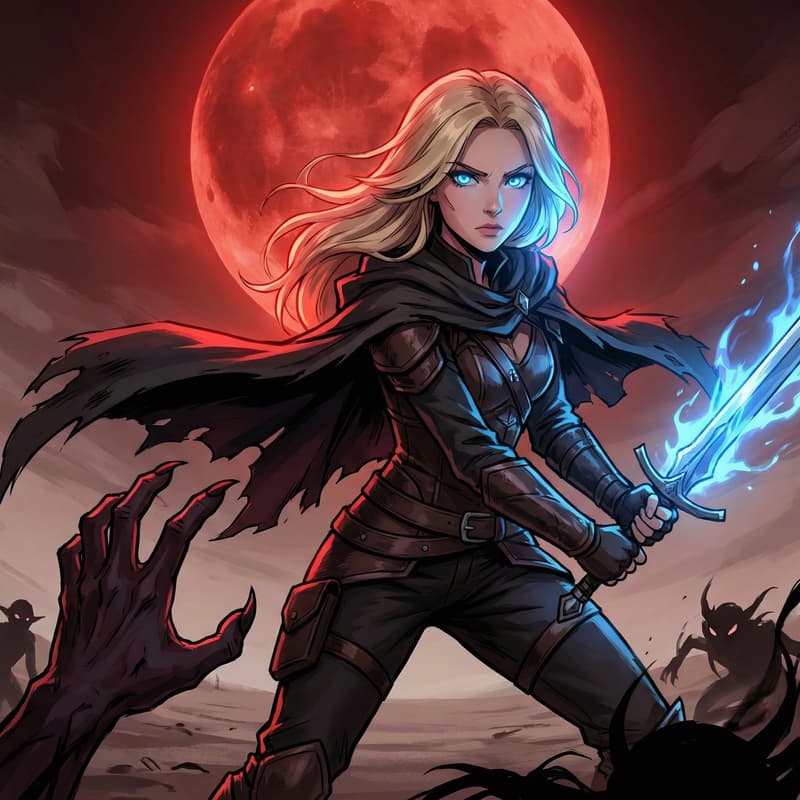
A completed multiview sheet featuring an artwork or illustration displayed from multiple angles and perspectives in a cl
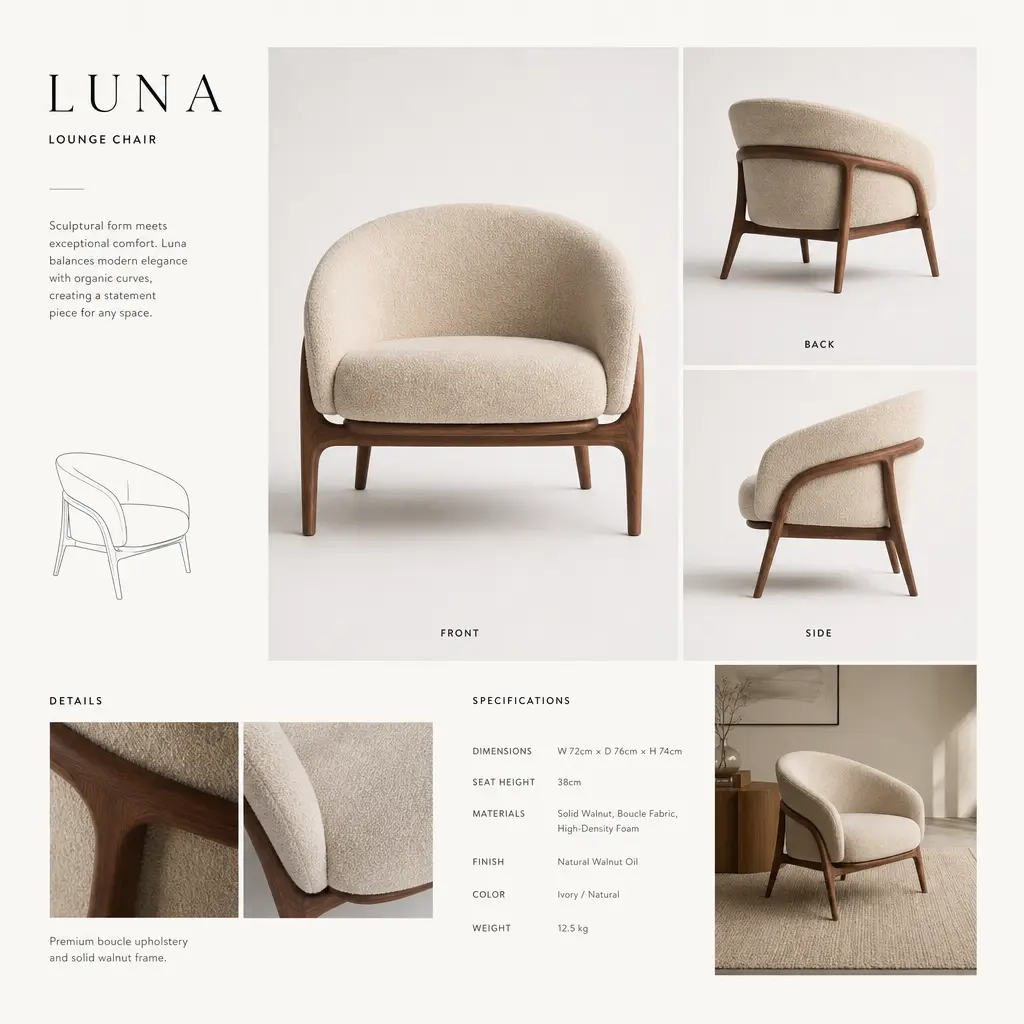
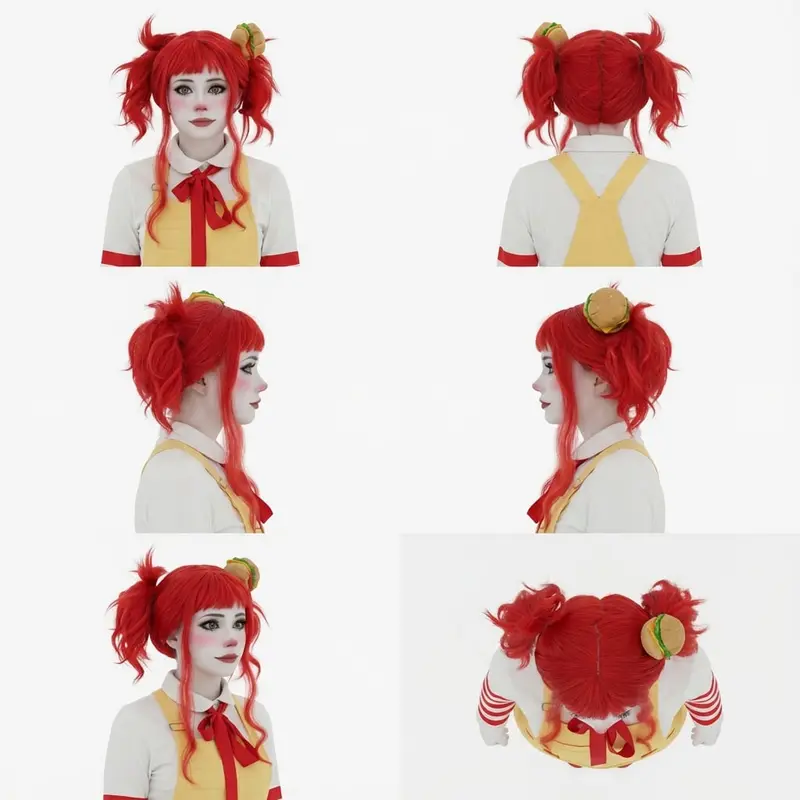
A multiview product sheet showing the same item (furniture, apparel, or object) displayed from front, back, side, and de
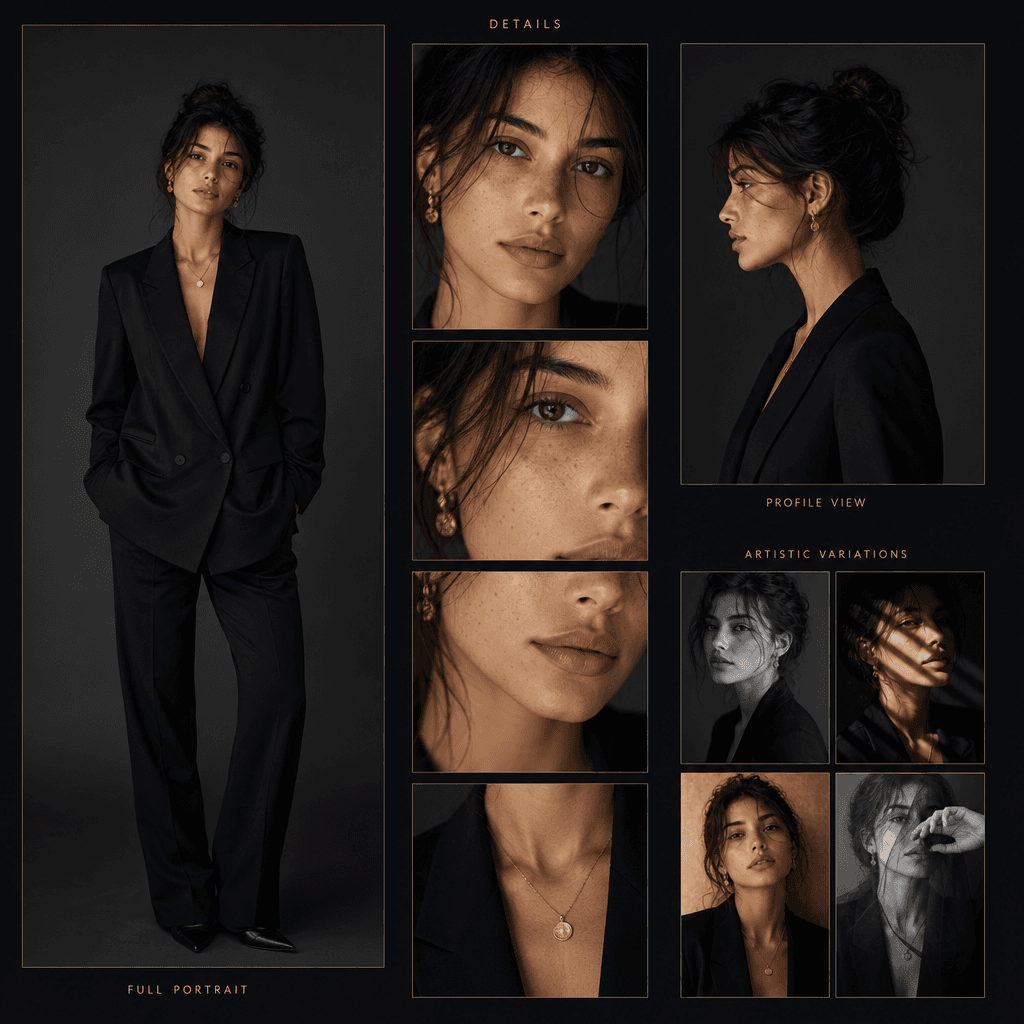
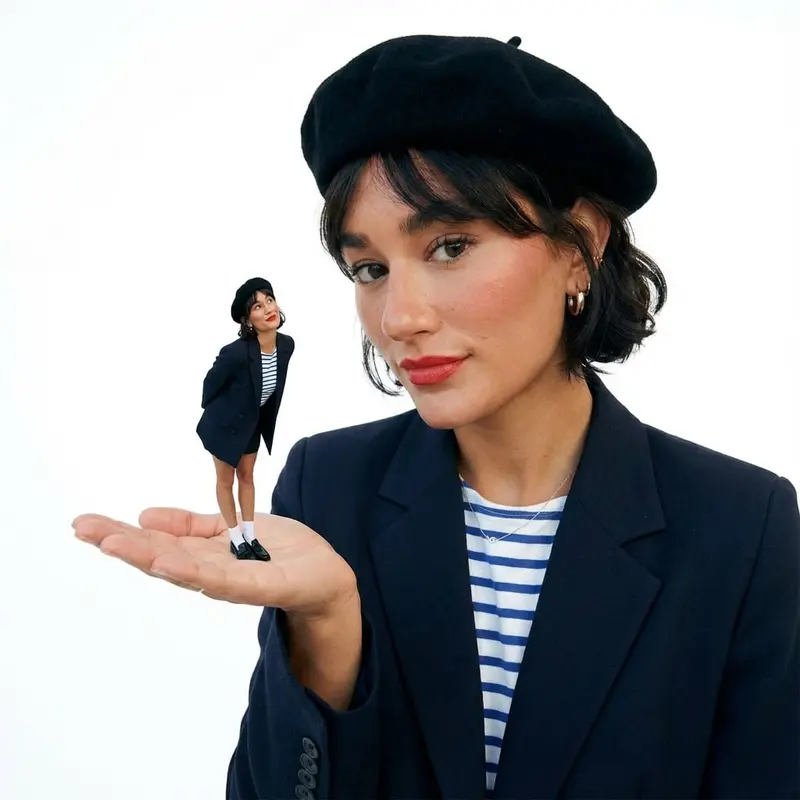
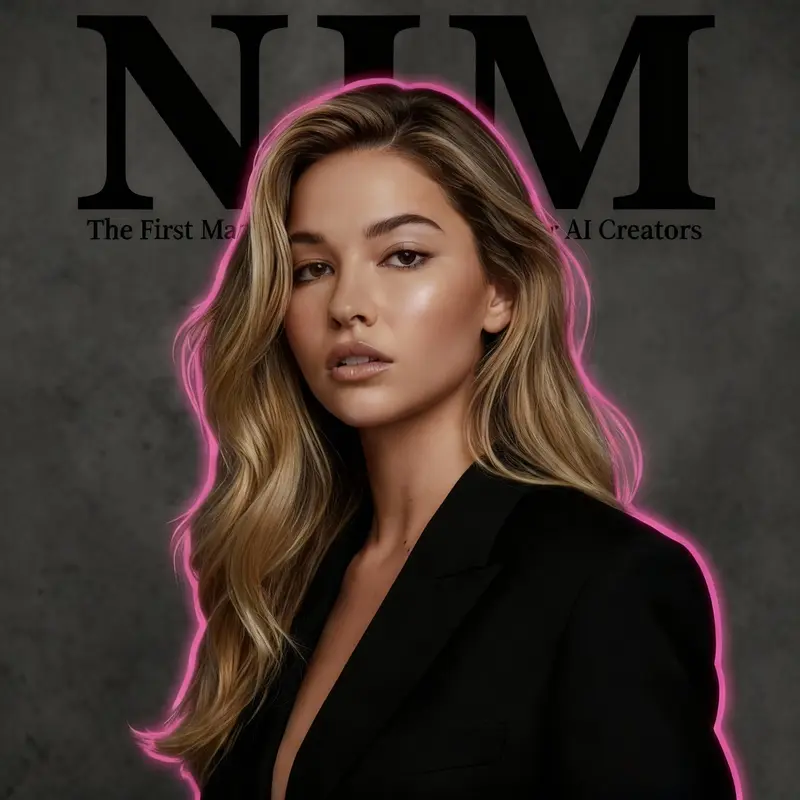
A creative multiview sheet featuring a portrait photo arranged in a gallery-style cascade: full portrait, close-up detai
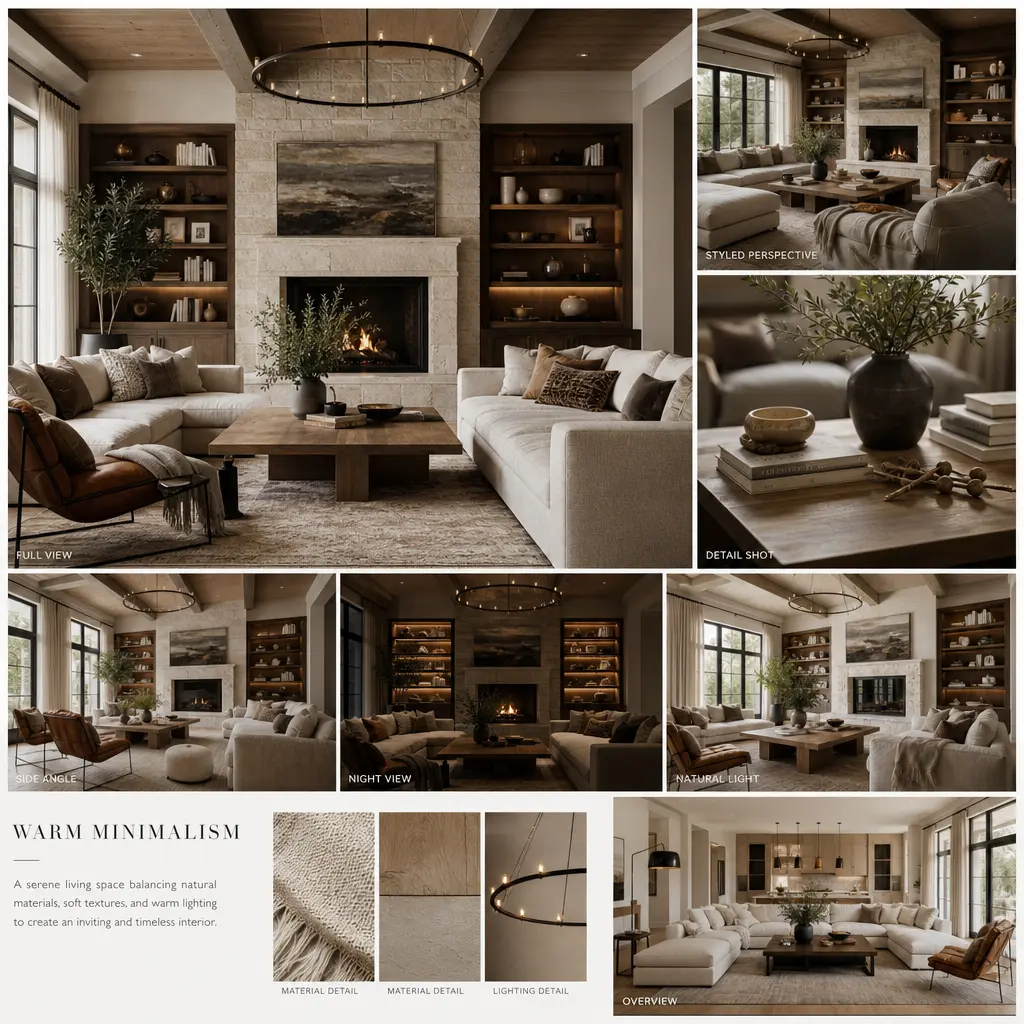
A multiview interior design sheet showing the same room or space from multiple angles: full view, detail shots, differen
Ready to ship

Pick a template, customize, publish.

Use cases

Made for every workflow

  • Creative Portfolios

    Artists, designers, and photographers can showcase their work across multiple perspectives in one sheet. Perfect for portfolio websites, print portfolios, and creative résumés.

  • Product Displays

    E-commerce sellers and manufacturers can create stunning product multi-view sheets without shooting multiple angles. Great for online stores, catalogs, and promotional materials.

  • Fashion & Apparel

    Clothing designers and fashion brands can display garments from front, back, detail, and styled perspectives on a single sheet for lookbooks and catalogs.

  • Interior & Architecture

    Interior designers and architects can create multi-angle room or space showcases on a single sheet for presentations, portfolios, and client pitch materials.

  • Social Media Content

    Content creators can generate eye-catching multi-view sheets for Instagram, TikTok, and Pinterest that showcase more angles and details than a single image.

How it works

From idea to result in seconds

  1. Step · 01

    Upload Your Image

    Select any photo, artwork, product shot, or design you want to transform into a multi-view sheet.

  2. Step · 02

    AI Generates Perspectives

    The template instantly creates multiple perspectives, angles, and layout variations that work together as a cohesive multi-view composition.

  3. Step · 03

    Download & Customize

    Review the generated sheets, pick your preferred layout and style, fine-tune details, and download the high-resolution file ready for printing or publishing.

FAQ

Frequently asked questions

  • Product photos, artwork, portraits, interiors, and landscapes all work beautifully. Avoid overly blurry or very low-resolution images. Clear, well-composed source images produce the best multi-view results.

  • Depending on the layout chosen, sheets typically include 4–9 perspectives or variations of your source image, arranged for visual balance and storytelling flow.

  • Yes. The template offers multiple composition options—grids, cascades, asymmetric layouts, and editorial arrangements. Each creates a different visual mood and emphasis.

  • Absolutely. All multiview sheets are generated in print-ready resolution with proper color profiles and dimensions for professional printing.

  • Yes. With Nim Pro, the generated sheets are yours to use commercially for portfolios, product sales, marketing, and any other business purpose.

  • Most sheets are created in 20–40 seconds. Larger or more complex layouts may take up to a minute.

  • Yes. You can regenerate unlimited times with different layout styles, color treatments, or AI settings to find your perfect composition.

  • This template automates composition, perspective variation, and layout balance instantly. No design software or manual arrangement skills are required—the AI handles all creative decisions.

Get started

See what you can make

Explore more

Discover more AI tools