
Floral Portrait

Name in Roses Romantic Portrait

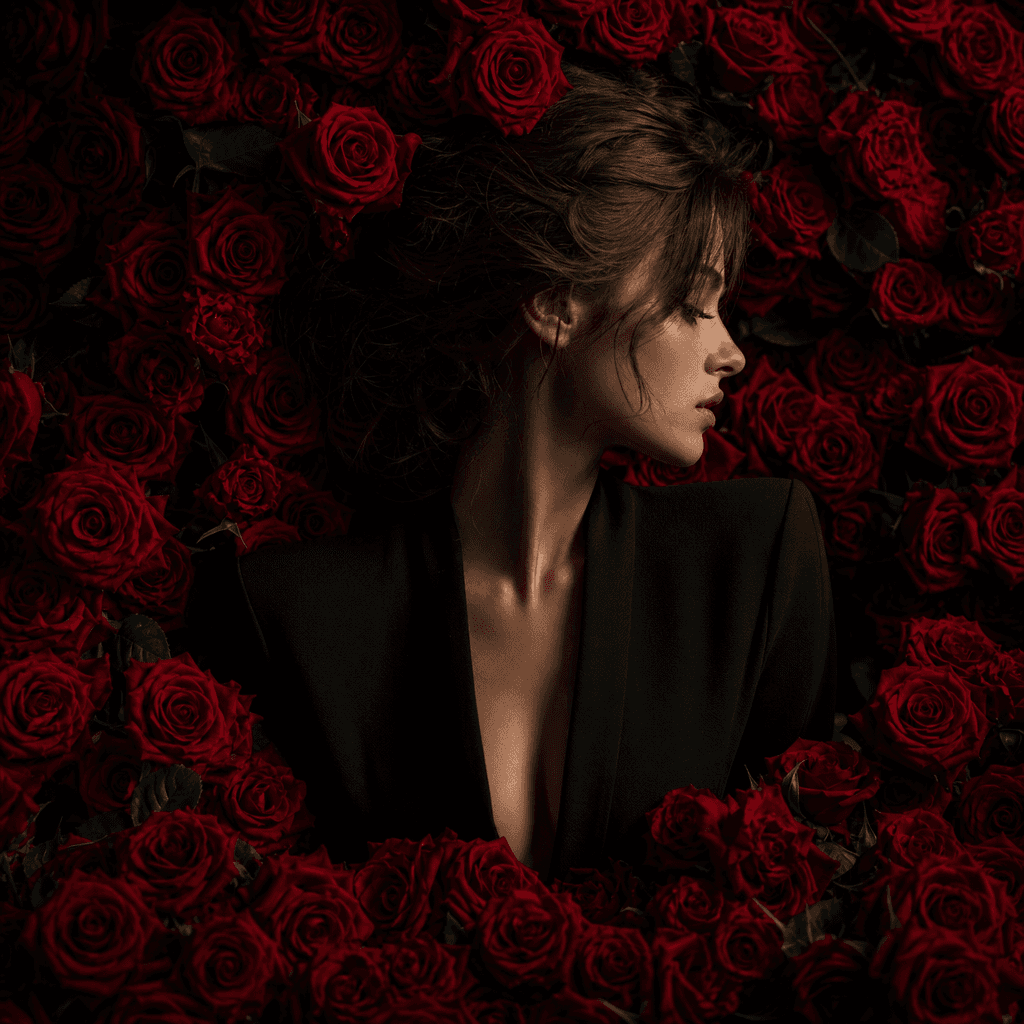
Transform your photo into a cinematic portrait surrounded by rich red roses using a curated, production-ready floral treatment.

Create your portrait
Browse all 400+ templates

Everything you need

Built for creators, marketers, and teams shipping AI video at scale.

01

Rose-Framed Portrait

Surround the subject with layered red roses and a dramatic floral composition.

02

Romantic Editorial Mood

Combine deep crimson tones, soft shadows, and polished portrait lighting.

03

Curated Floral Styling

Skip complex prompt building with an art direction designed around roses.

04

Personalized Centerpiece

Keep the uploaded subject at the center of the final visual story.

05

Rich Botanical Detail

Generate dimensional petals, layered foliage, and tactile floral textures.

06

Fast Creative Output

Produce a refined floral concept in seconds or under a minute under typical conditions.

07

Multi-Model Workflow

Explore additional still and motion assets through Nim's collection of leading models.

08

Campaign-Ready Concept

Adapt the result for romantic promotions, personal posts, gifts, or event creative.

Features

Built to ship

A vast wall of layered crimson roses opening around a single softly lit portrait silhouette, dark studio floor, cinemati
F · 01

A Breathtaking Floral Composition

Name in roses rebuilds a portrait within a dense arrangement of vivid red flowers, giving the image immediate depth and emotional focus. The curated treatment balances the subject against the petals so the result reads as a complete editorial scene.


Red rose petals suspended in a controlled spiral through a near-black studio, each petal catching precise cinematic ligh
F · 02

Romance Without Complex Prompting

Creating convincing botanical portraits manually can require detailed instructions about flower placement, light, color, depth, and facial emphasis. This template packages those decisions into a focused starting point that is faster to run and easier to repeat.

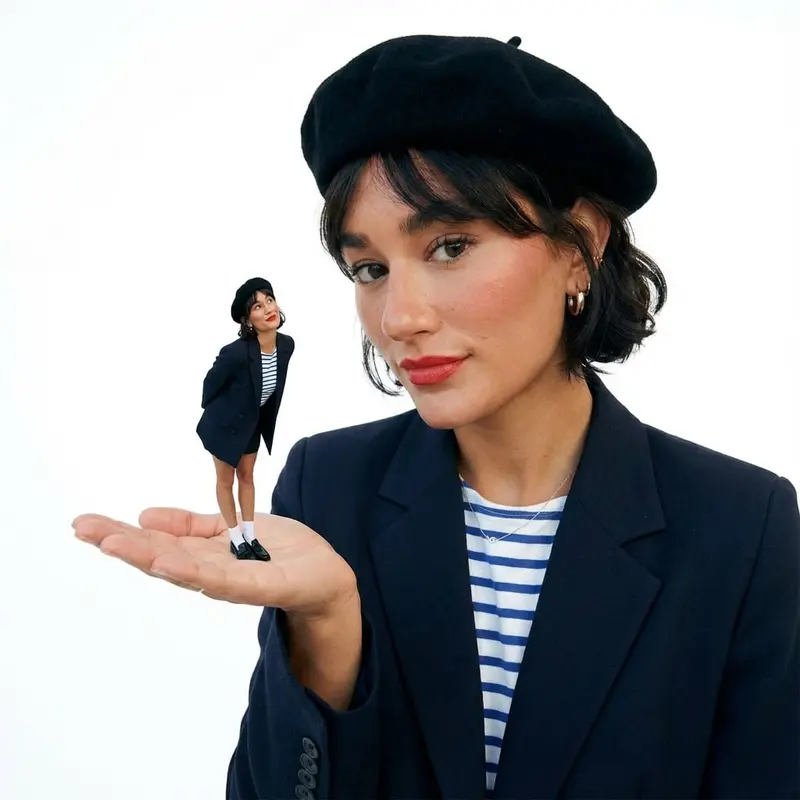
Personalized romantic still life with a blank photographic portrait card nestled among red roses, black satin and a mini
F · 03

Made for Personalization

The uploaded portrait supplies the central subject while the template supplies the rose-filled visual language. This combination is useful for personalized gifts, romantic announcements, creator posts, beauty concepts, and seasonal campaign imagery.

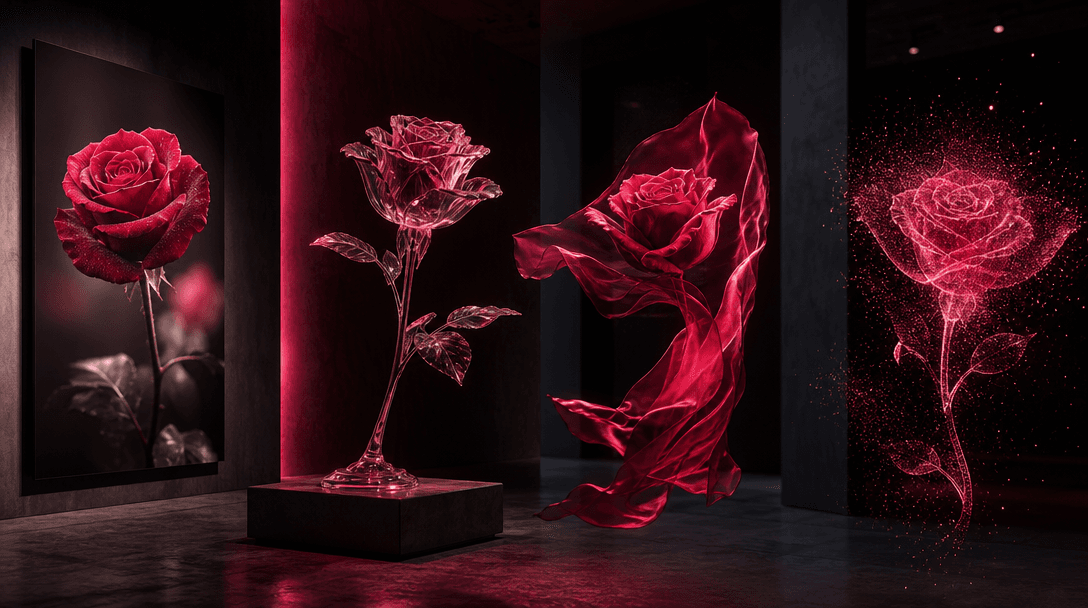
A single red rose interpreted across photography, translucent sculpture, silk, and glowing particles in a dark gallery-l
F · 04

Extend the Floral Direction

Nim connects curated templates with a broader multi-model creation environment. After generating the portrait, teams can develop supporting imagery or motion concepts using available models such as Flux, Sora, Veo, Kling, and Pika.

Showcase

See it in action

Real outputs generated by our pipeline — no curated cherry-picks.

Anonymous woman in a black structured outfit framed by hundreds of crimson roses, cinematic side light, deep shadows, re
Anonymous man in a dark tailored suit surrounded by red garden roses and subtle thorny stems, focused studio spotlight,
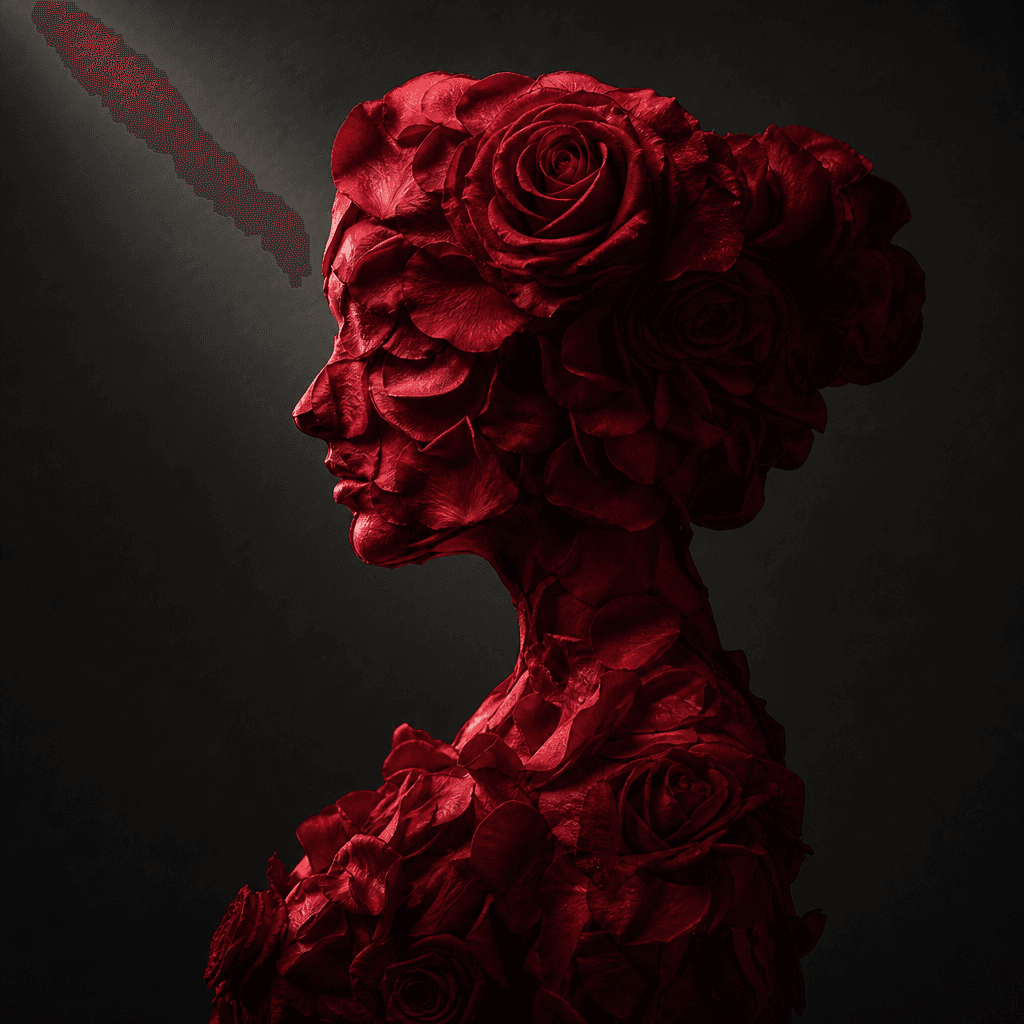
Surreal floral portrait silhouette formed entirely from deep crimson rose petals against a charcoal studio background, a
Ready to ship

Pick a template, customize, publish.

Use cases

Made for every workflow

  • Personal Creators

    Create a striking floral portrait for social profiles, commemorative posts, personal art, or a distinctive digital keepsake.

  • Beauty Brands

    Explore rich red botanical imagery for lipstick, fragrance, skincare, or romantic seasonal campaign concepts.

  • Flower Shops

    Develop portrait-led promotional visuals that connect bouquets and red roses with gifting moments.

  • Event Marketers

    Produce dramatic imagery for Valentine's events, anniversaries, engagements, invitations, or themed activations.

  • Gift Sellers

    Use a personalized rose portrait as creative inspiration for prints, cards, keepsakes, and custom product listings.

  • Photographers

    Previsualize a flower-heavy editorial set before sourcing roses, arranging the backdrop, and booking studio production.

How it works

From idea to result in seconds

  1. Step · 01

    Upload a Portrait

    Choose a clear source photo with a visible face and enough separation around the subject.

  2. Step · 02

    Grow the Roses

    Apply the template to reinterpret the portrait within a layered red floral environment.

  3. Step · 03

    Export the Favorite

    Review the generated variations and download the composition that best fits your project.

FAQ

Frequently asked questions

  • Name in roses is a specific Nim image template that turns an uploaded photo into a dramatic portrait surrounded by red roses. It provides a curated floral composition rather than a general-purpose generation setup.

  • The catalog concept focuses on transforming your photo into a portrait surrounded by red roses. Do not rely on the model to generate accurate typography; add precise names or campaign copy later in a design tool when needed.

  • Upload a portrait, sign in, purchase the necessary credits, and run the template. The model uses the source as guidance while generating the red-rose environment and editorial lighting.

  • Use a sharp portrait with a clearly visible subject, balanced exposure, and limited obstruction around the face. The generated composition can vary, so trying another suitable source may change the outcome.

  • Nim generation requires purchased credits, and usage varies with the model and settings offered for the template. Consult the subscription page for current credit and plan details.

  • Nim provides multi-model access across leading image and video families, including Flux, Sora, Veo, Kling, and Pika. Specific template and model availability may change over time.

  • The template generates a still portrait with the subject integrated into a red-rose composition. Exact flower placement, facial details, lighting, and framing may differ across generations.

  • Commercial eligibility depends on your Nim plan, applicable model terms, and your rights to the source material. Verify current terms before using an output in advertising, merchandise, or paid client work.

  • The template starts from a curated rose portrait direction, reducing the need to describe every visual decision manually. Nim also lets creators continue working across multiple image and video model families.

  • Many generations complete in seconds or under a minute. Actual processing time varies with model demand, source complexity, and current service conditions.

Get started

See what you can make

Explore more

Discover more AI tools