

Product Collage

Pantone Collage for Product Photos

Turn one product image into a polished collage of close-up details and coordinated color swatches using Nim's production-ready template.

Create your collage
Browse all 400+ templates

Everything you need

Built for creators, marketers, and teams shipping AI video at scale.

01

Matched Color Swatches

Build a coordinated palette around the dominant and supporting colors in your product.

02

Detailed Close-Ups

Highlight petals, packaging, textures, materials, and other details that establish product quality.

03

Editorial Grid

Arrange the product, macro details, and color references in a balanced Pantone-inspired composition.

04

One Product Focus

Keep visual attention on a single hero product while adding useful color and texture context.

05

Commercial Styling

Create a polished asset suited to campaigns, product pages, catalogs, and social content.

06

Curated Template

Start from a professional composition instead of planning every crop and visual relationship manually.

07

Multi-Model Platform

Continue developing campaign imagery with Nim's broader selection of leading image and video models.

08

Fast Production

Move from an uploaded product image to a refined creative direction in seconds or under a minute.

Features

Built to ship

An abstract still life of stacked matte color cards derived from deep red petals, pale cream paper, sage leaves, and cha
F · 01

Turn Product Color Into Structure

The Pantone collage template uses color as an organizing system rather than a decorative afterthought. Coordinated swatches support the hero image and close-up crops, giving the final composition the logic of an art-directed brand board.

Extreme macro landscape of flower petals, woven ribbon, embossed paper, and a glossy product surface arranged in distinc
F · 02

Reveal Details Customers Notice

Close-up panels can draw attention to flower texture, label printing, surface finish, craftsmanship, or packaging materials. This gives viewers more product information while preserving a clean editorial presentation.

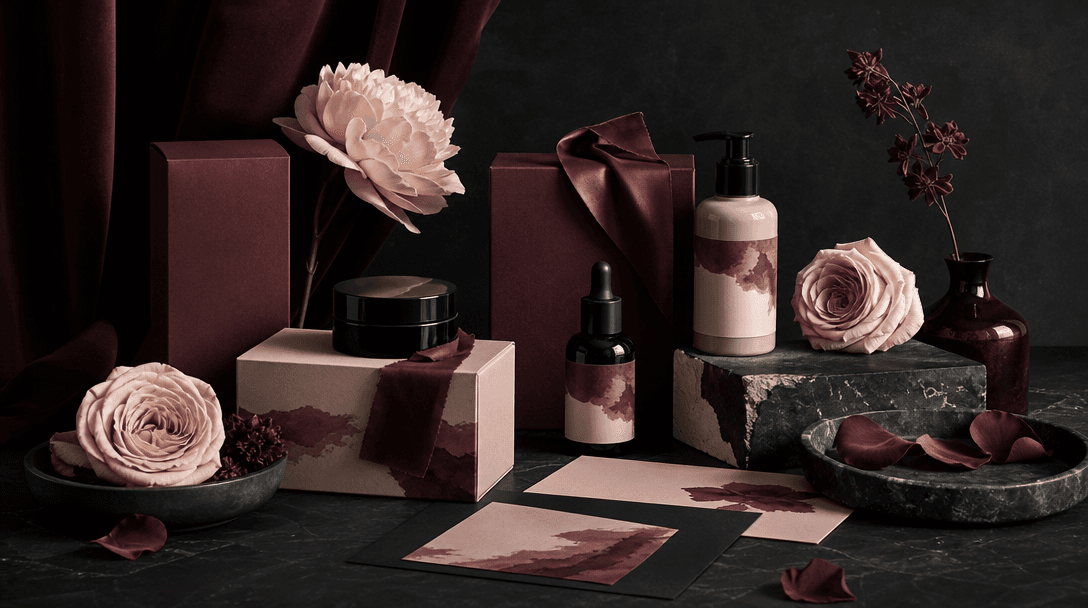
A cohesive campaign still life where packaging, petals, fabric, and paper all share a restrained burgundy, blush, ivory,
F · 03

Build Campaign-Ready Visual Consistency

Use the collage as a reference point for social posts, product launches, moodboards, and supporting campaign assets. Its controlled palette makes it easier to maintain a recognizable visual direction across multiple channels.

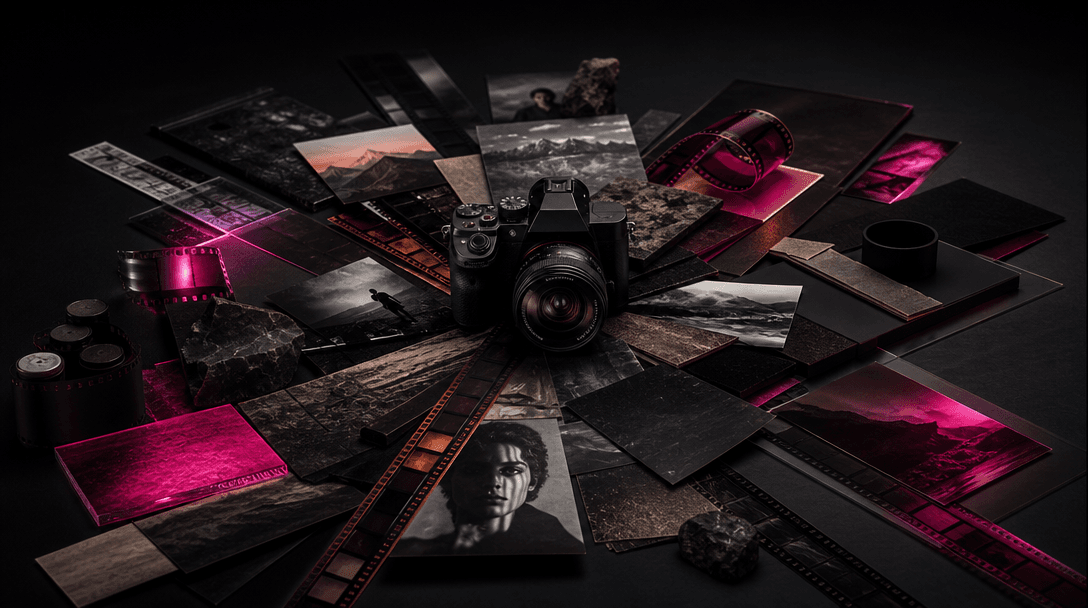
A hero product at the center of an expanding creative world: photographic prints, cinematic film frames, textured materi
F · 04

Expand Beyond One Static Asset

Create the core collage with this curated template, then use Nim's multi-model workspace to explore related product scenes, campaign stills, or motion concepts. Creators and marketers can keep more of the production process within one platform.

Showcase

See it in action

Real outputs generated by our pipeline — no curated cherry-picks.

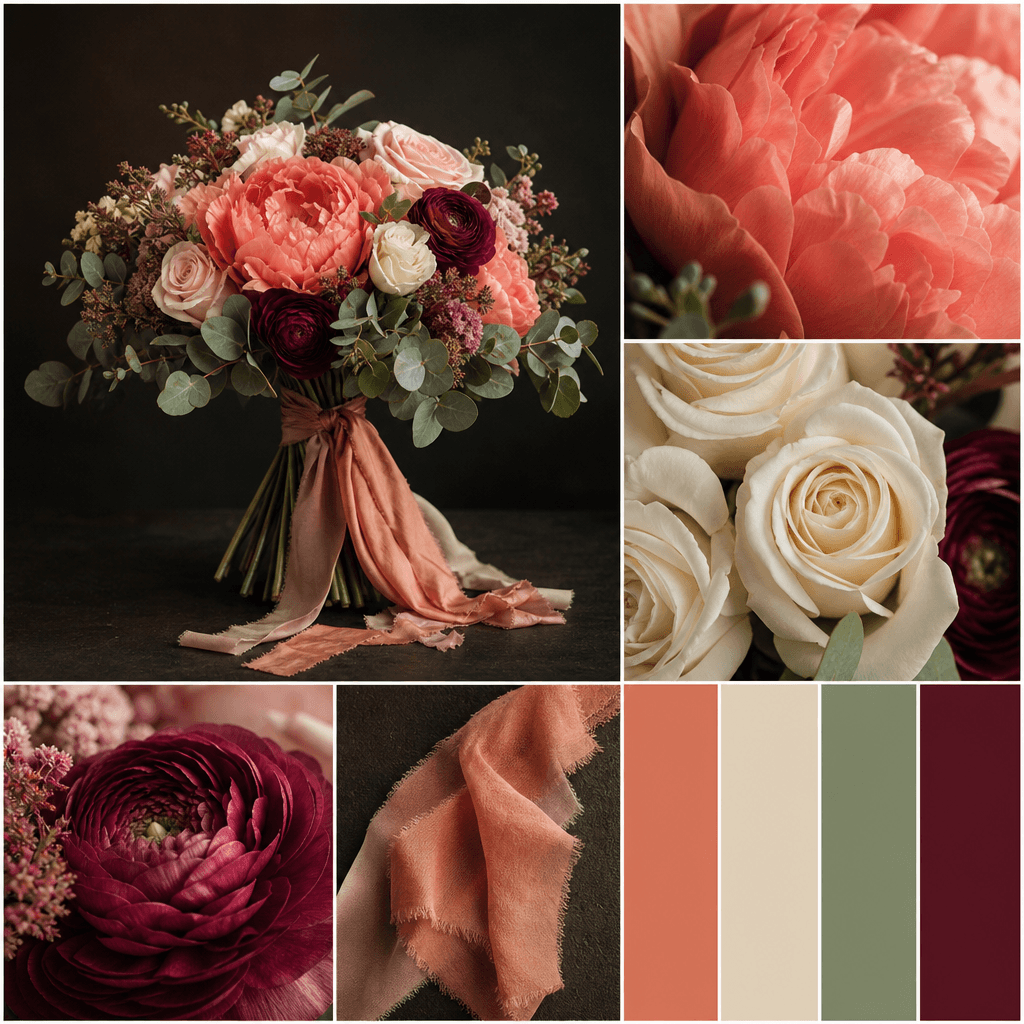
An elegant hand-tied bouquet presented in a square Pantone-style collage, combining a clean hero view, extreme close-ups
A minimalist skincare jar in a square color-study collage with macro views of frosted glass, cream texture, embossed pac
A statement handbag arranged as a square Pantone-inspired fashion collage, featuring the full bag, macro leather grain,
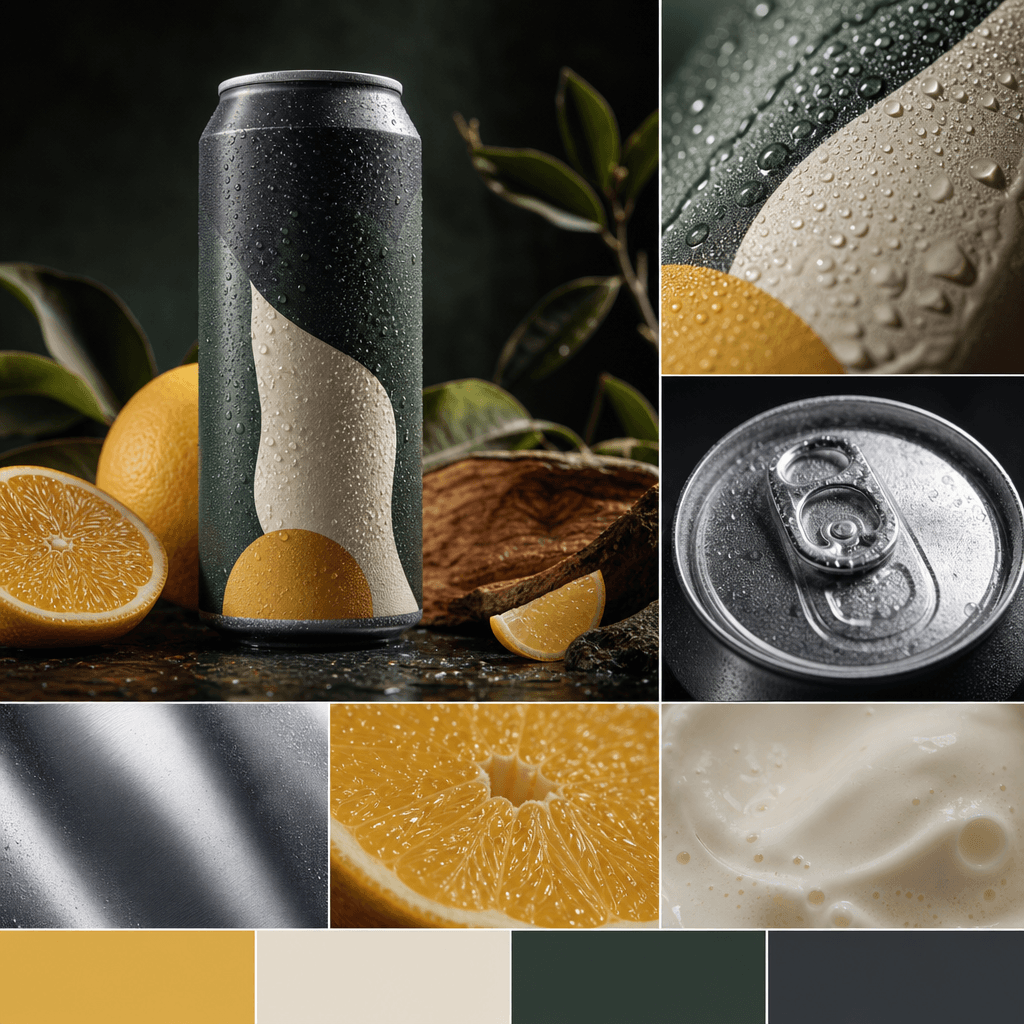
An artisan beverage can presented in a square product collage with a hero packshot, condensation close-up, aluminum text
Ready to ship

Pick a template, customize, publish.

Use cases

Made for every workflow

  • Flower Shops

    Present bouquets, arrangements, and seasonal flowers through macro petal details and coordinated swatches that reinforce the natural palette.

  • Ecommerce Sellers

    Add an editorial product asset to listings, storefront banners, email campaigns, or launch pages without relying on a conventional packshot alone.

  • Brand Marketers

    Translate a product's colors and materials into a concise visual system for campaign planning, creative reviews, and social publishing.

  • Social Creators

    Produce a polished collage for feeds, carousels, launch announcements, and mood-led product storytelling.

  • Beauty Brands

    Show packaging, pigments, applicator details, and finish references in a composition that feels precise and editorial.

  • Design Studios

    Use the output as a compact presentation of product form, texture, and palette during concept development or client review.

How it works

From idea to result in seconds

  1. Step · 01

    Upload Your Product

    Choose a clear product photo with visible colors, materials, and details worth featuring.

  2. Step · 02

    Generate The Collage

    Run the Pantone collage template to create coordinated close-ups, swatches, and an editorial product composition.

  3. Step · 03

    Publish Your Asset

    Review the result and use it across social posts, product pages, campaign concepts, or brand presentations.

FAQ

Frequently asked questions

  • Pantone collage is a Nim product-image template that combines a hero product view, close-up details, and coordinated color swatches. It creates an editorial composition inspired by structured color-reference layouts.

  • Upload a suitable product image, select the template, and generate the composition. Nim uses the source image and template direction to produce a cohesive collage centered on the product's colors and details.

  • No. The template is especially effective for bouquets and floral products, but it can also support beauty, fashion, accessories, food packaging, home decor, and other visually distinctive products.

  • Generation requires purchased credits, and credit usage can depend on the selected generation setup. Current plan and credit information is available on Nim's subscription page.

  • Yes. Signup is required before generating with the Pantone collage template, and generation uses purchased credits.

  • Nim provides multi-model access across image and video workflows, including models from families such as Flux, Sora, Veo, Kling, and Pika. Model availability may vary by task and product configuration.

  • Use a sharp, well-lit product photo with a clear silhouette and visible surface details. Simple backgrounds and accurate product colors generally give the template stronger material, crop, and palette references.

  • Many generations complete in seconds or under a minute, although latency can vary with model demand, source-image complexity, and generation settings.

  • The template is designed for production-ready commercial creative workflows. You remain responsible for having the necessary rights to uploaded products, logos, photography, and other source assets, and should review the terms associated with your plan.

  • A manual collage requires separate cropping, palette selection, spacing, and art direction. This template begins with a curated professional composition, reducing repetitive layout work while keeping the product and its visual identity central.

Get started

See what you can make

Explore more

Discover more AI tools