Vintage Photo Strip

Photo Booth Template for 6-Frame Strips

Turn one portrait into a production-ready vintage photobooth strip using a curated Nim template built for fast, consistent results.

Create photo strip
Browse all 400+ templates

Everything you need

Built for creators, marketers, and teams shipping AI video at scale.

01

Six-Frame Layout

Transform a single portrait into a classic vertical strip containing six coordinated frames.

02

Vintage Booth Look

Recreate the nostalgic contrast, grain, and candid energy associated with analog photobooths.

03

One Photo Input

Start with one clear portrait instead of planning and shooting six separate images.

04

Consistent Identity

Keep the subject visually recognizable across the complete sequence.

05

Curated Styling

Use a professionally designed visual treatment without building a prompt from scratch.

06

Fast Generation

Produce a polished strip in seconds or under a minute, depending on demand and model availability.

07

Social-Ready Format

Create a vertical composition suited to posts, stories, digital invitations, and personal keepsakes.

08

Multi-Model Platform

Create within Nim alongside leading image and video models available across the wider platform.

Features

Built to ship

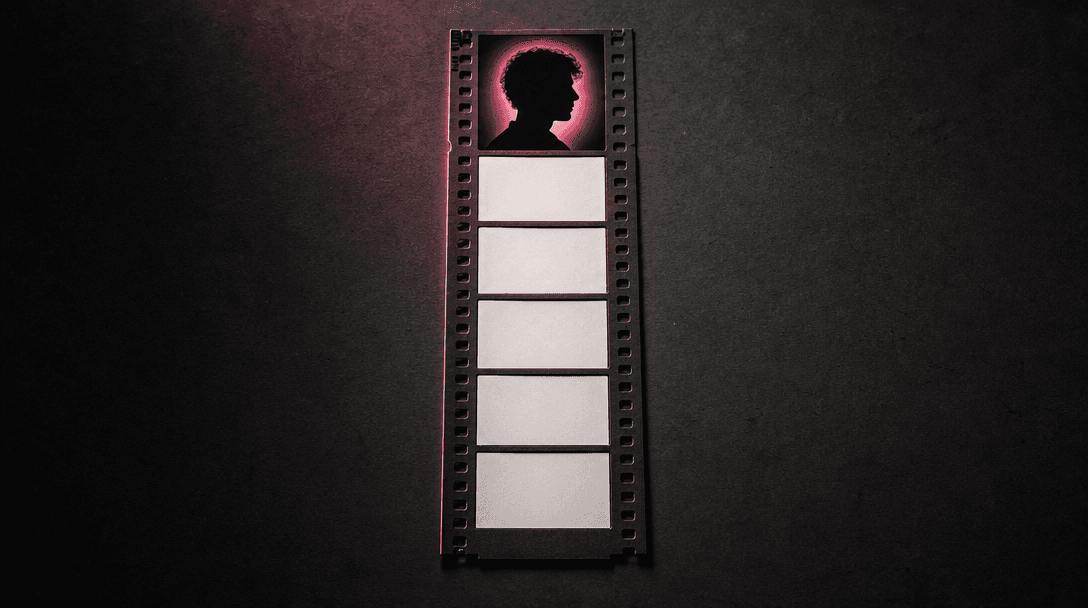
Six blank photographic frames emerging sequentially from a single illuminated portrait silhouette, arranged as one verti
F · 01

One Portrait, Complete Photo Strip

Skip the physical booth and begin with a single portrait from your camera roll. The Photo booth template develops it into a cohesive six-frame sequence with the compact composition and spontaneous character of a real vintage session.
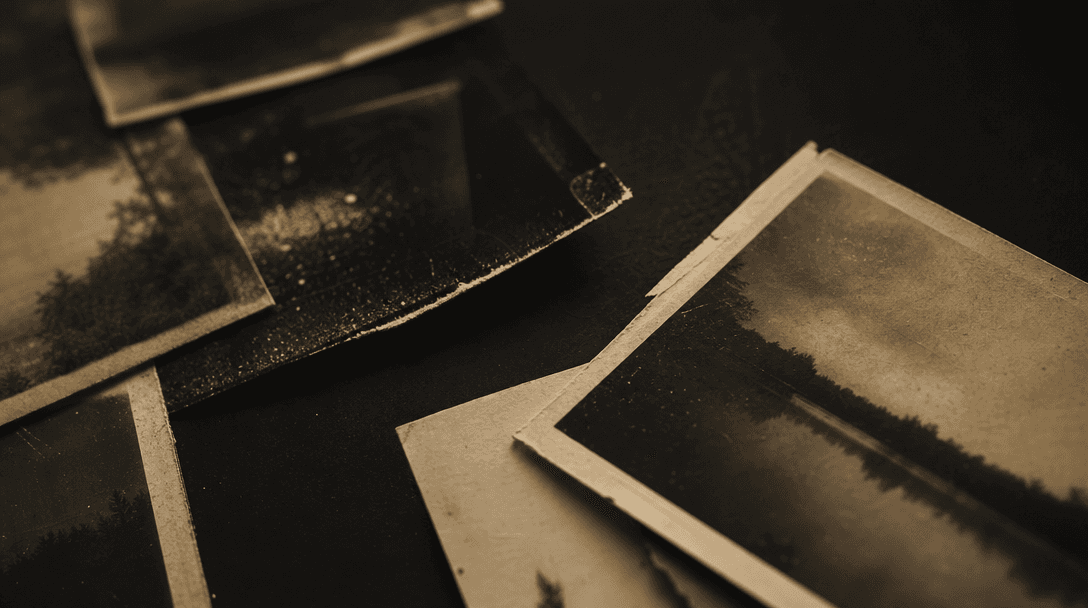
Macro still life of vintage photographic paper, fine film grain, dust, soft scratches, and slightly faded emulsion layer
F · 02

Nostalgic Style Without Manual Editing

The template handles the creative direction behind the result, including analog-inspired texture, restrained color, and booth-like framing. You get a finished visual concept without manually assembling six crops, matching treatments, or simulating film grain.

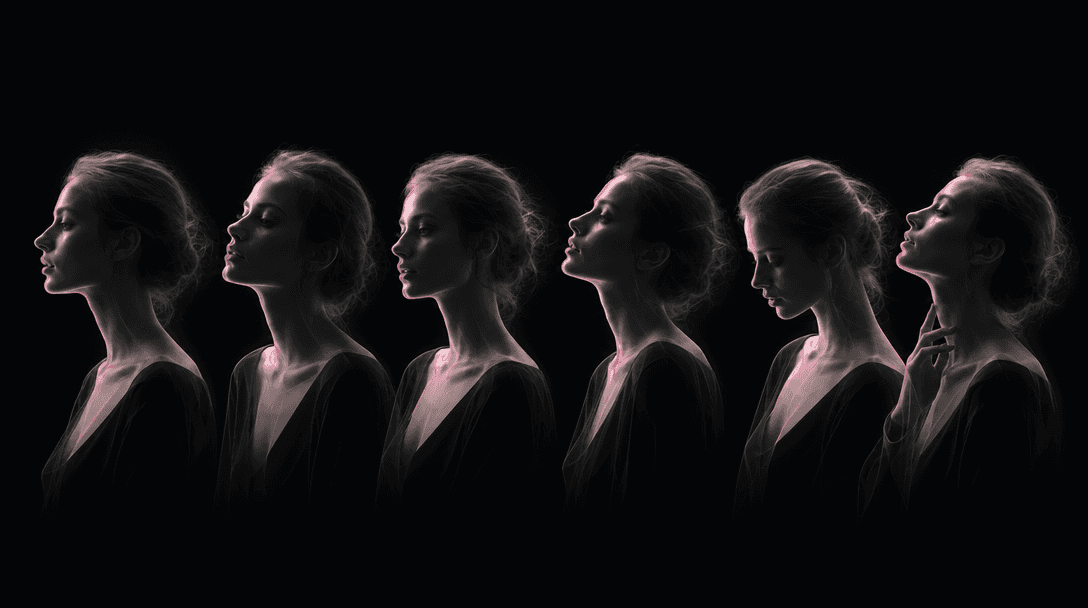
Six translucent portrait silhouettes aligned across a continuous strip, each pose subtly different while facial proporti
F · 03

Identity Across Every Frame

A photobooth strip works only when the person remains recognizable from top to bottom. The template is designed to preserve the portrait's defining characteristics while creating enough visual variation to make the sequence feel lively rather than duplicated.

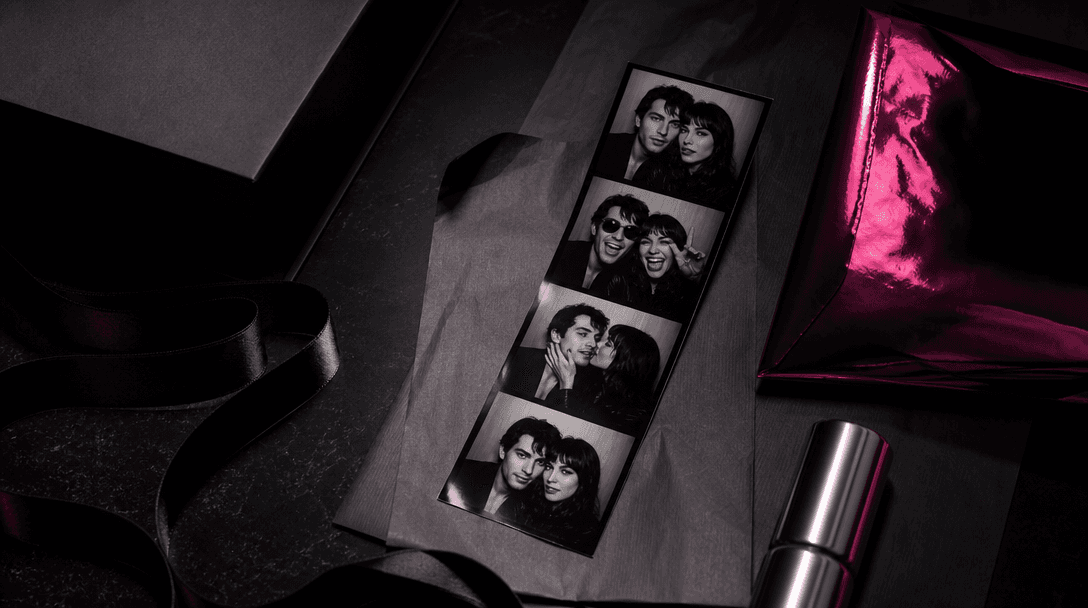
A finished photobooth strip integrated into an elegant campaign still life with folded editorial paper, satin ribbon, me
F · 04

Production-Ready Creative for Campaigns

Use the generated strip as a finished asset or as the centerpiece of a larger design. Its distinctive vertical format fits social campaigns, event promotions, creator posts, brand moodboards, and ecommerce inserts that need a personal, nostalgic visual.

Showcase

See it in action

Real outputs generated by our pipeline — no curated cherry-picks.

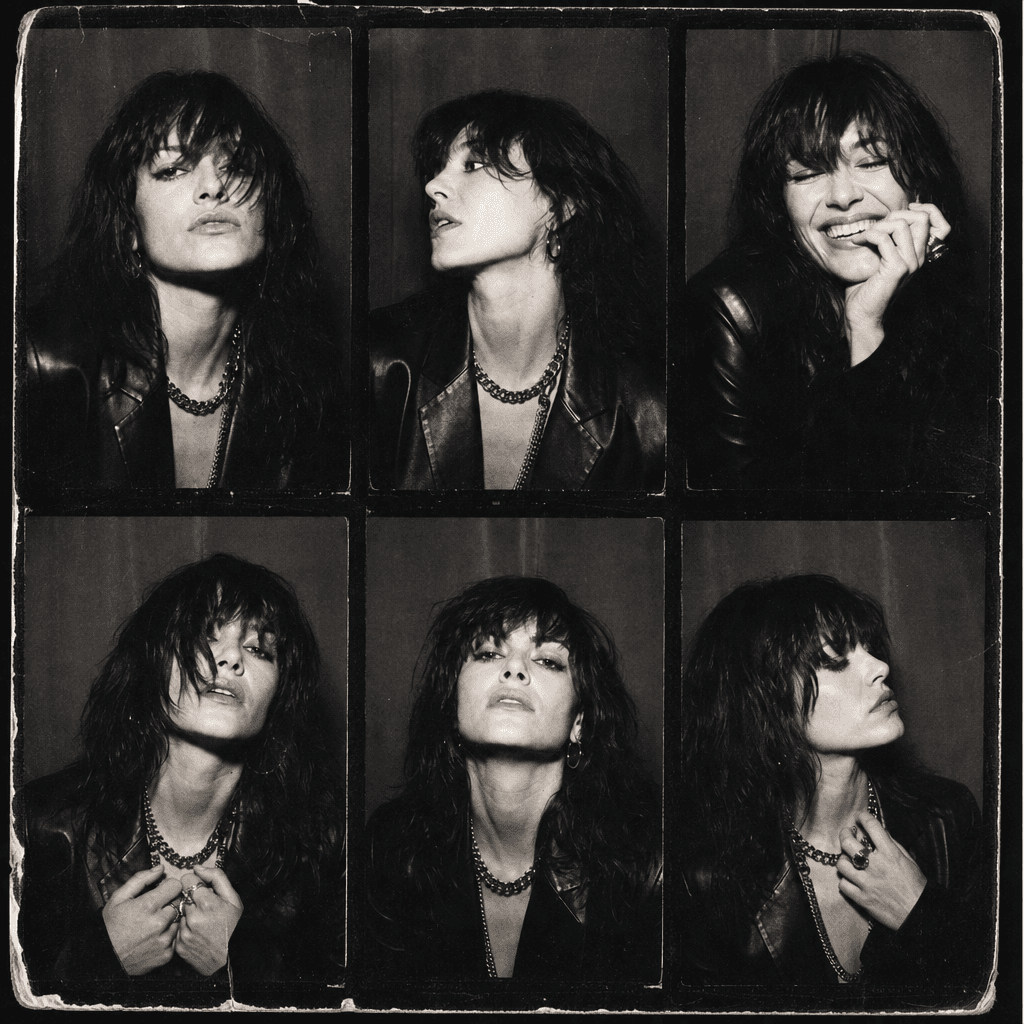
A square editorial composition featuring a vintage six-frame photobooth strip of an anonymous fashion-forward adult, hig
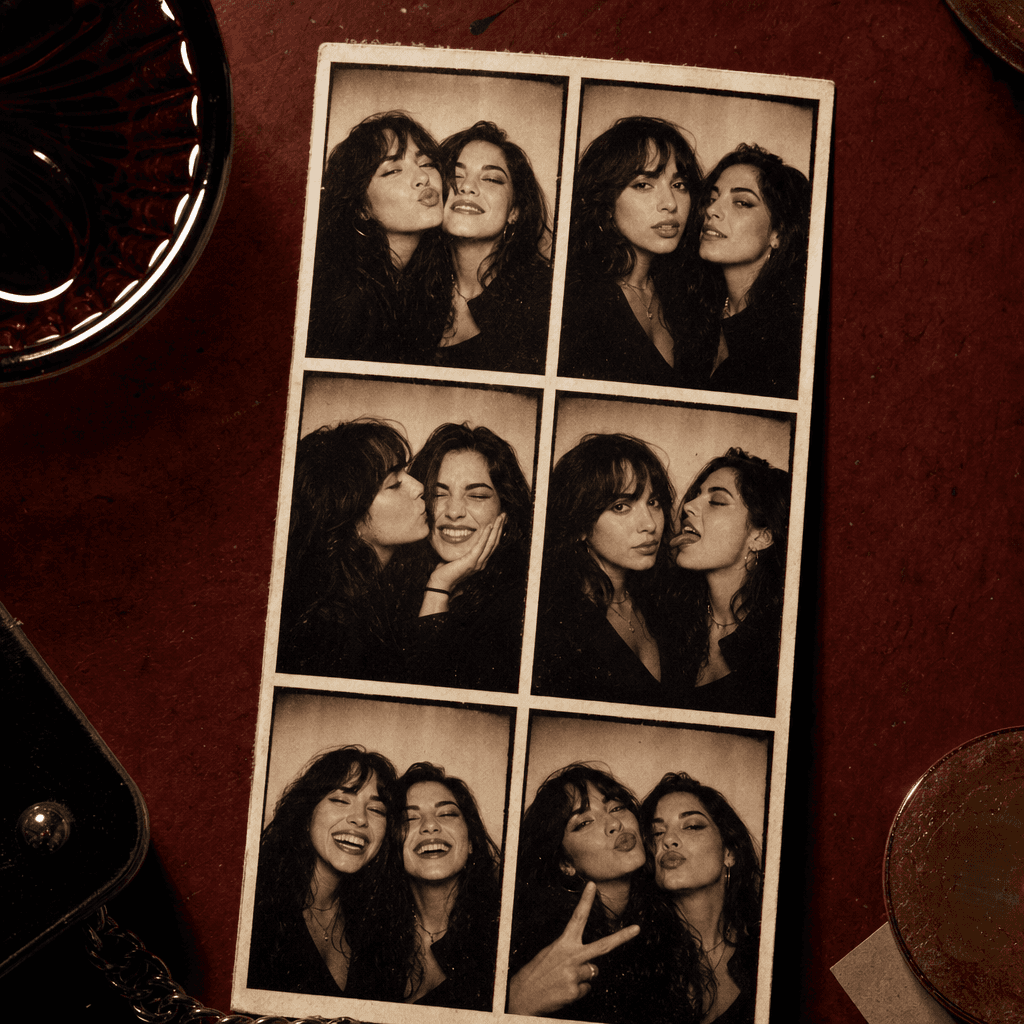
A playful vintage photobooth strip featuring two anonymous friends sharing candid expressions across six coordinated fra
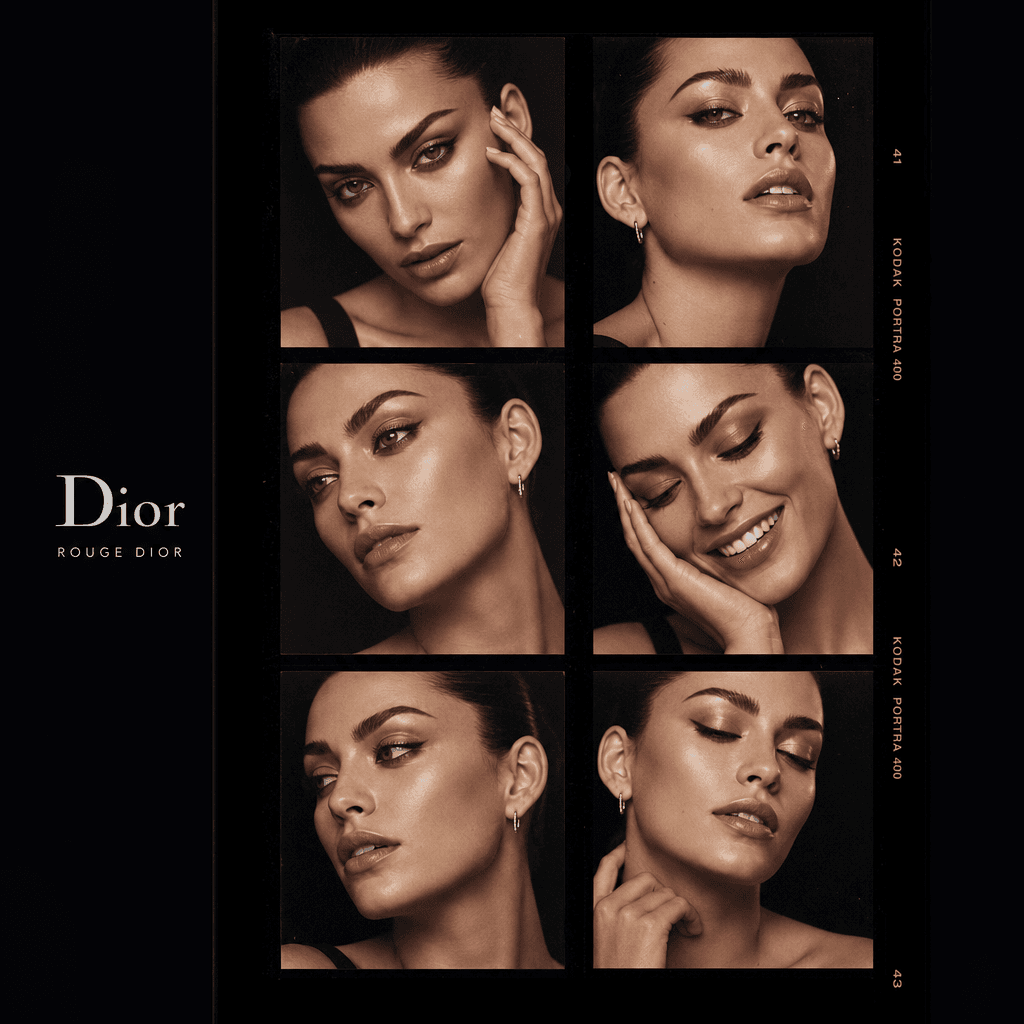
A premium beauty campaign interpretation of a six-frame photobooth strip, anonymous adult model with elegant makeup and
Ready to ship

Pick a template, customize, publish.

Use cases

Made for every workflow

  • Social Creators

    Turn a favorite portrait into a distinctive vertical post that feels more expressive than a standard selfie.

  • Event Marketers

    Create nostalgic visuals for party announcements, invitations, recaps, and promotional content without arranging an on-site booth.

  • Ecommerce Brands

    Build personality-led campaign assets for product launches, packaging inserts, newsletters, and lifestyle social posts.

  • Couples and Friends

    Convert personal portraits into playful digital keepsakes for anniversaries, celebrations, and shared photo collections.

  • Creative Teams

    Generate fast concept art for retro campaigns, editorial layouts, moodboards, and pitch presentations.

How it works

From idea to result in seconds

  1. Step · 01

    Upload Your Portrait

    Choose a clear photo with a visible face and balanced lighting for a stronger six-frame result.

  2. Step · 02

    Generate the Strip

    Run the curated Photo booth template to develop your portrait into a coordinated vintage sequence.

  3. Step · 03

    Download and Publish

    Review the finished strip, download your preferred output, and place it in your social, event, or campaign creative.

FAQ

Frequently asked questions

  • Photo booth is a specific Nim image template that turns one portrait into a vintage six-frame photobooth strip. It is designed to deliver a cohesive, nostalgic composition without requiring manual layout work.

  • Upload a clear portrait, select the template, and start the generation. Nim processes the image using the template's curated creative direction and returns a finished six-frame strip.

  • No. The template starts from one portrait and creates the complete six-frame composition, so you do not need to photograph or arrange each frame separately.

  • Generation requires purchased credits, and the credit cost is shown in Nim before you run the template. Paid plan options and current pricing are available on the subscription page.

  • Nim is a multi-model platform offering access to leading image and video model families such as Flux, Sora, Veo, Kling, and Pika. The model used or available for a specific template can vary as the catalog is updated.

  • It creates a single image styled as a vertical vintage photobooth strip with six coordinated frames. The output can be used directly or incorporated into a larger social, print, or campaign design.

  • Nim templates are curated for commercial creative workflows. Your ability to use an output depends on your rights to the uploaded portrait and the applicable Nim plan and model terms.

  • A physical booth requires a live session, while a basic collage app only arranges photos you already have. This template uses one portrait to create a complete AI-styled sequence with consistent vintage art direction.

  • Most renders complete in seconds or under a minute. Actual latency can vary with model demand, image complexity, and service availability.

  • Yes, an account and purchased credits are required to generate. Preview outputs may include a watermark, while watermark removal is available on paid plans.

Get started

See what you can make

Explore more

Discover more AI tools