
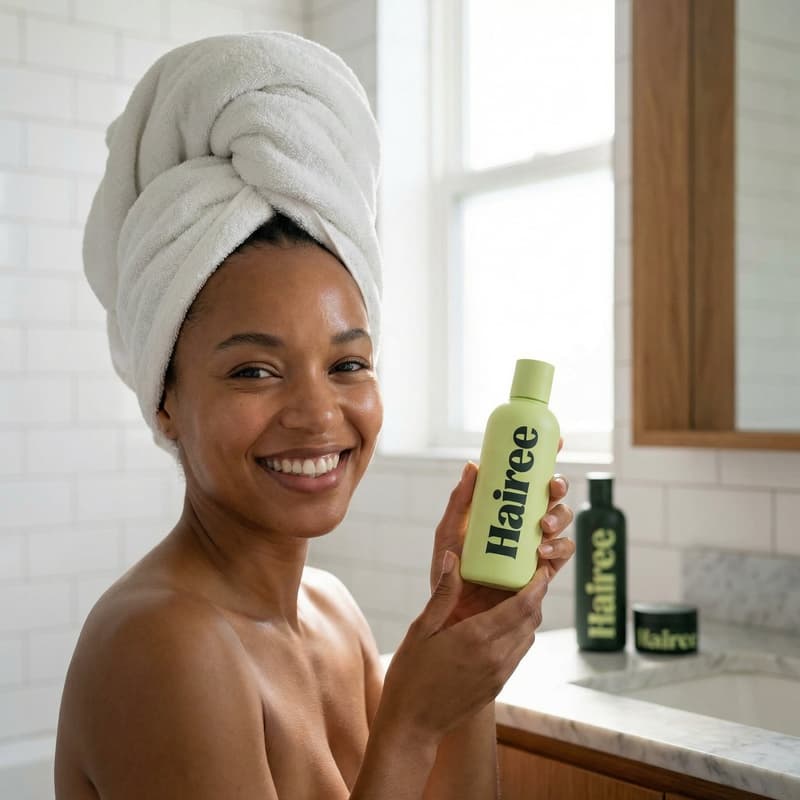
Beauty UGC

Photobooth UGC Video Template

Turn one product photo into a trendy photobooth-style UGC video with polished motion and production-ready quality for beauty campaigns.

Create your video
Browse all 400+ templates

Everything you need

Built for creators, marketers, and teams shipping AI video at scale.

01

Photo To Video

Transform a still product image into an energetic photobooth-inspired UGC video.

02

Trend-Led Format

Use a contemporary visual treatment designed for fast-moving beauty and lifestyle feeds.

03

Product-Led Motion

Keep the uploaded product at the center of the composition as the scene comes alive.

04

Polished UGC Look

Combine the immediacy of creator content with a more controlled commercial finish.

05

Fast Creative Testing

Produce campaign variations in seconds or under a minute without organizing a new shoot.

06

Vertical-Ready Concept

Build attention-grabbing creative suited to short-form social placements and mobile audiences.

07

Curated Template Direction

Start with a professionally designed concept instead of writing a complex prompt from scratch.

08

Commercial Campaign Utility

Create visual assets for product launches, organic posts, paid ads, and promotional experiments.

Features

Built to ship

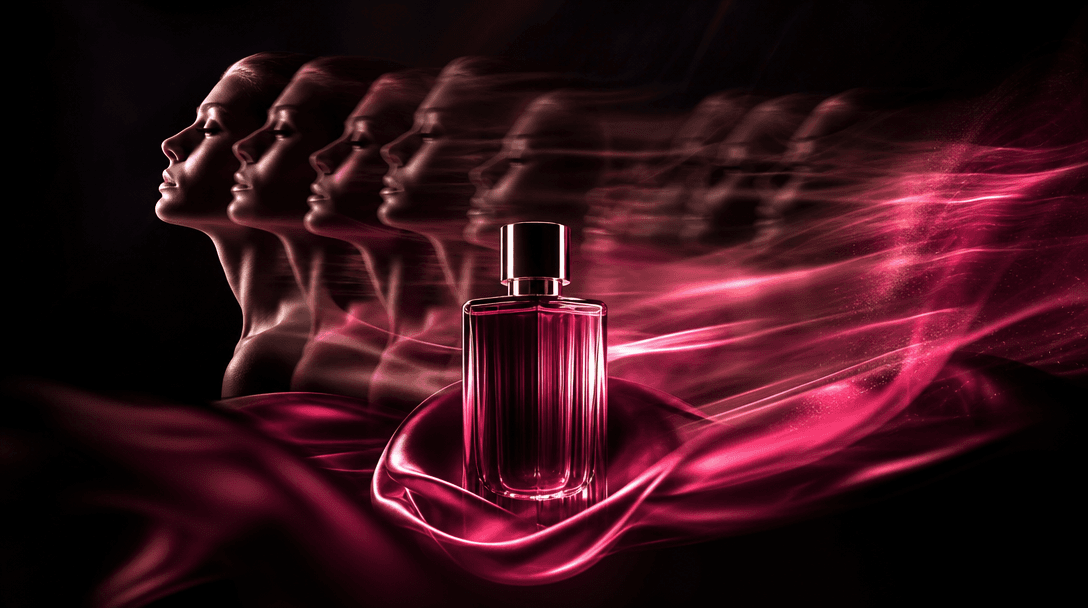
A static beauty packshot transforming visually into flowing motion through repeated silhouettes, directional light trail
F · 01

Turn Packshots Into Social Motion

Upload a clear product photo and use the Photobooth UGC template to convert a static asset into a dynamic social video. It gives existing catalog photography a trend-aware format that feels more active in a crowded beauty feed.
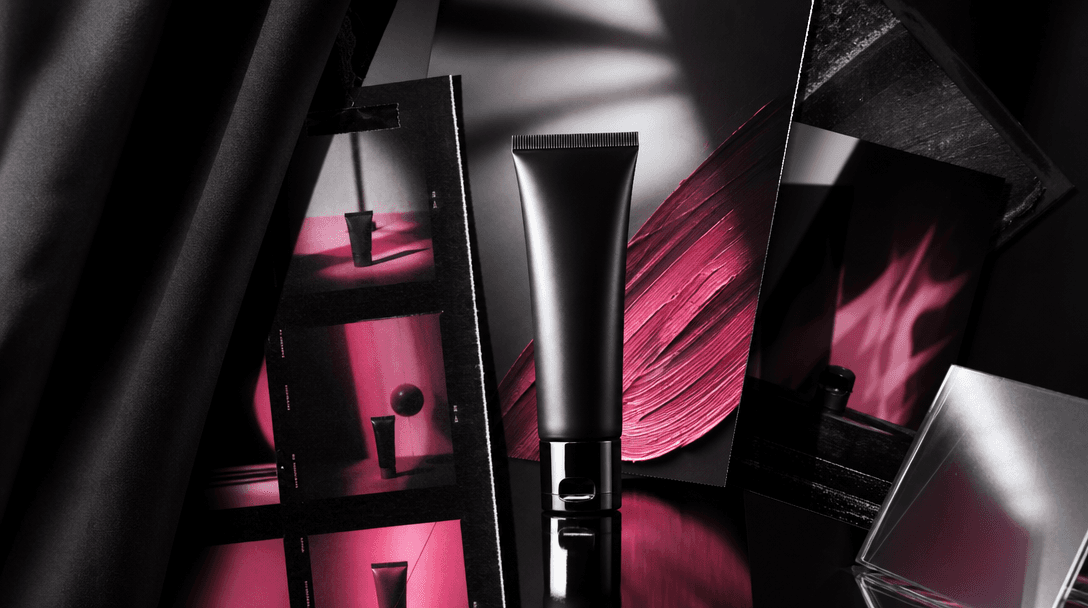
An abstract balance between spontaneous UGC energy and refined commercial craft: a cosmetic tube under a sharp studio fl
F · 02

Balance UGC Energy With Polish

The template draws on spontaneous photobooth aesthetics while maintaining deliberate product presentation. This balance helps brands create approachable content without making the result feel visually unfinished or disconnected from a campaign.

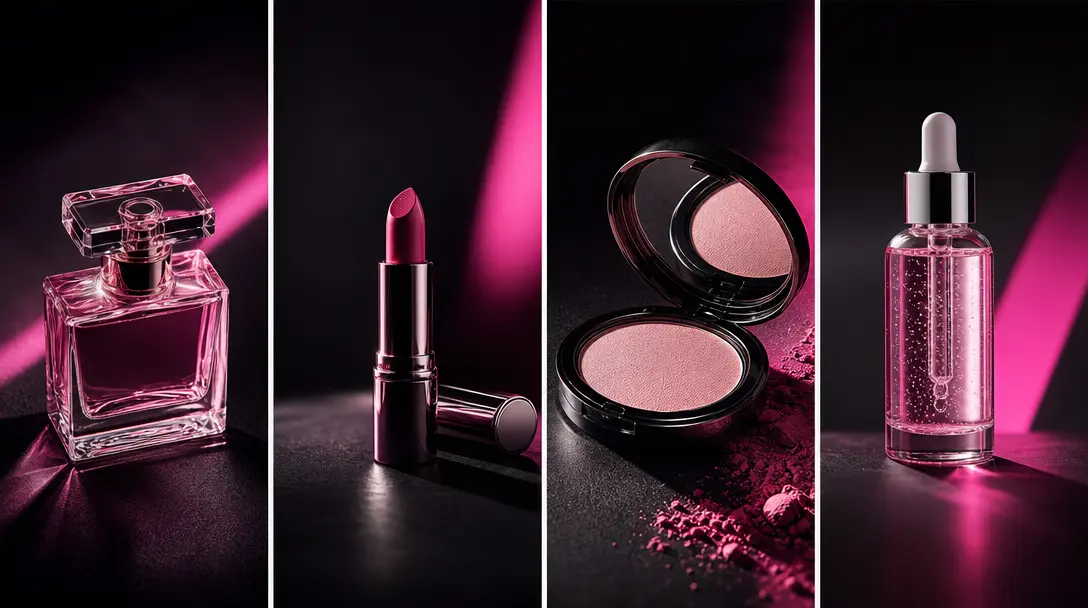
Four distinct beauty products arranged in a rhythmic campaign series across a dark studio table, each receiving a differ
F · 03

Launch More Creative Variations

Reuse the template with different products, packshots, colors, or campaign assets to explore multiple creative directions. Faster iteration gives marketers more material for testing hooks, product lines, seasonal edits, and audience-specific placements.

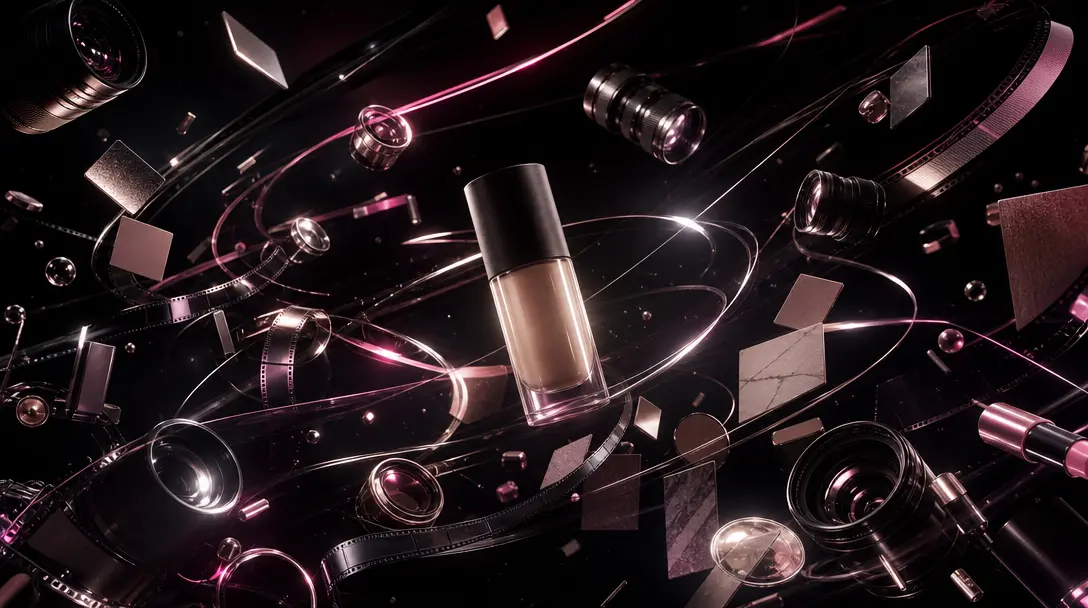
A cinematic constellation of camera lenses, film strips, polished cosmetic objects, and luminous material swatches orbit
F · 04

Create Inside A Multi-Model Platform

Produce the template in Nim alongside a wider toolkit for AI video and image generation, including access to models such as Sora, Veo, Kling, Pika, and Flux where available. Creators can move from this focused template to other production-ready workflows without rebuilding their process across separate tools.

Showcase

See it in action

Real outputs generated by our pipeline — no curated cherry-picks.

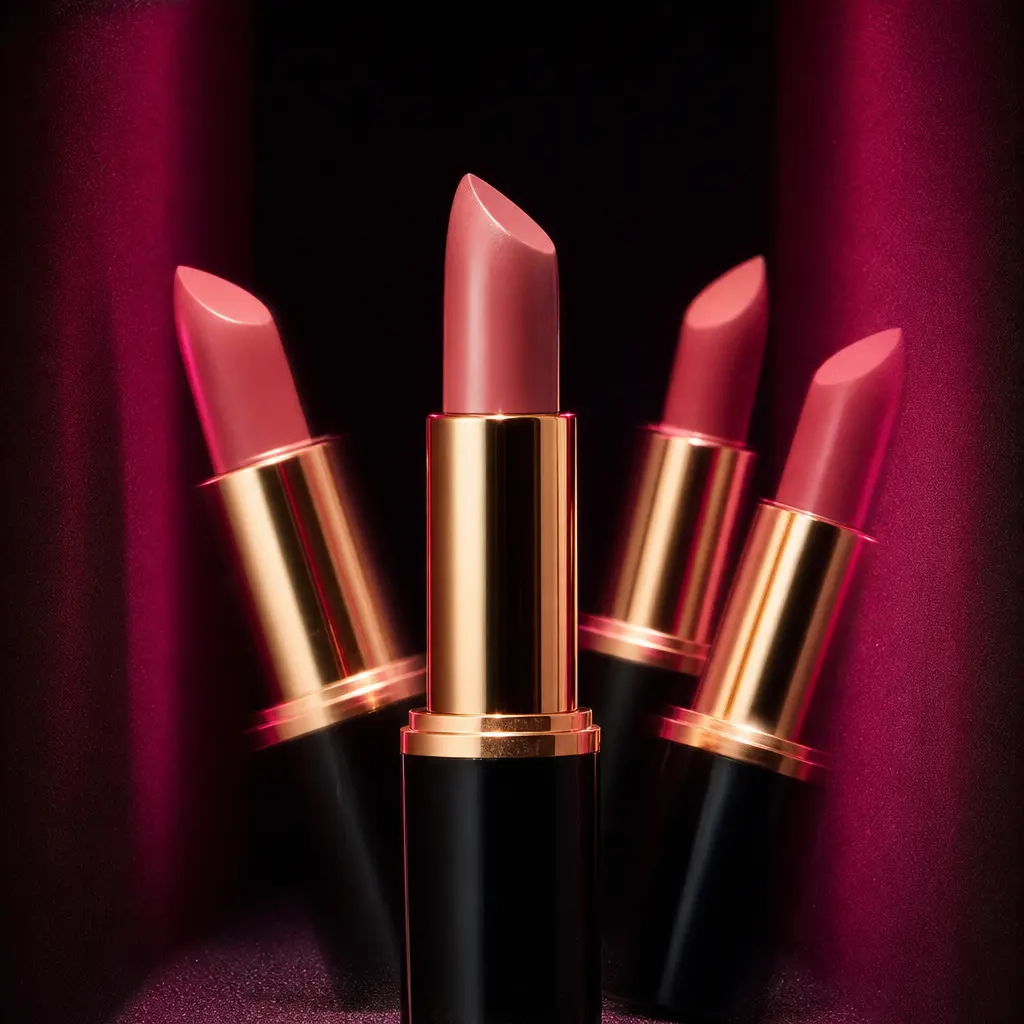
Luxury lipstick posed in a compact photobooth environment with deep black walls, saturated hot pink side lighting, crisp
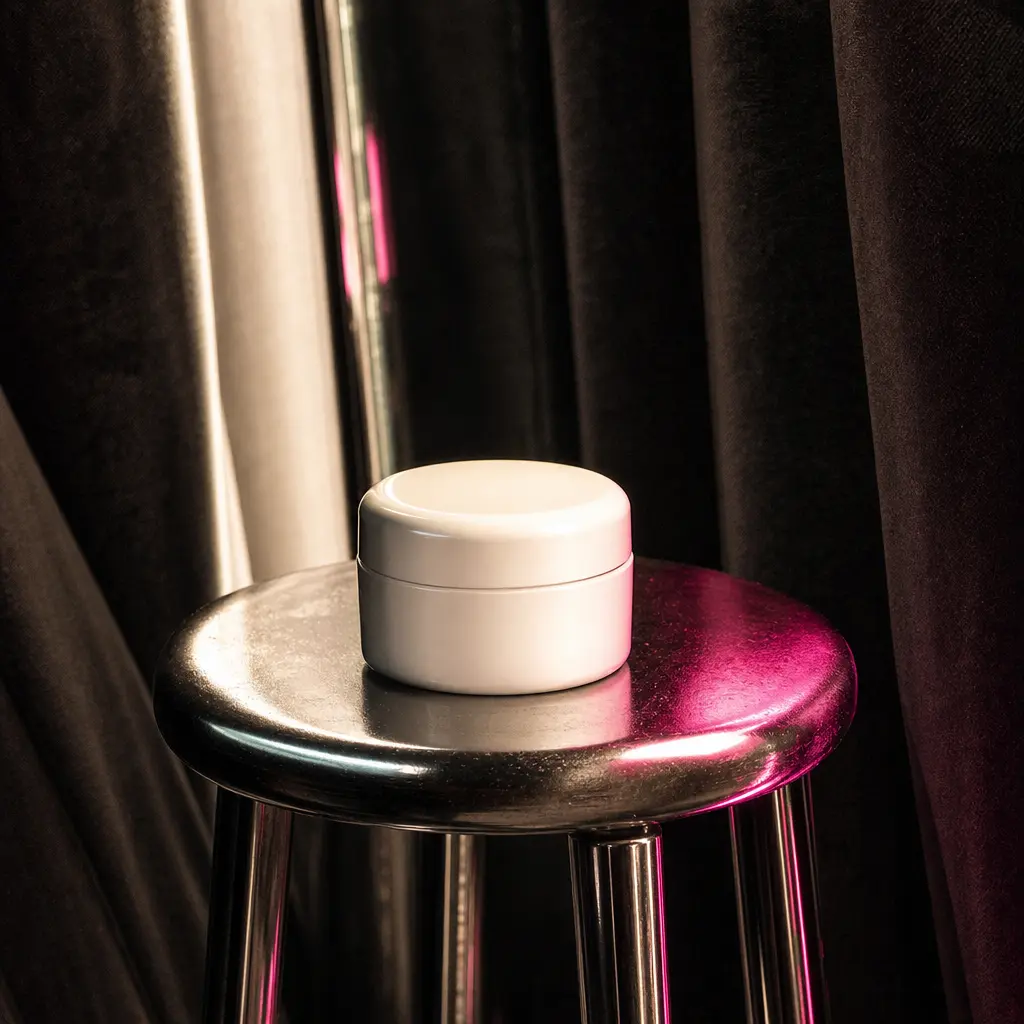
Minimal skincare jar on a chrome stool within a dark photobooth, surrounded by soft curtain folds and rhythmic flash ref
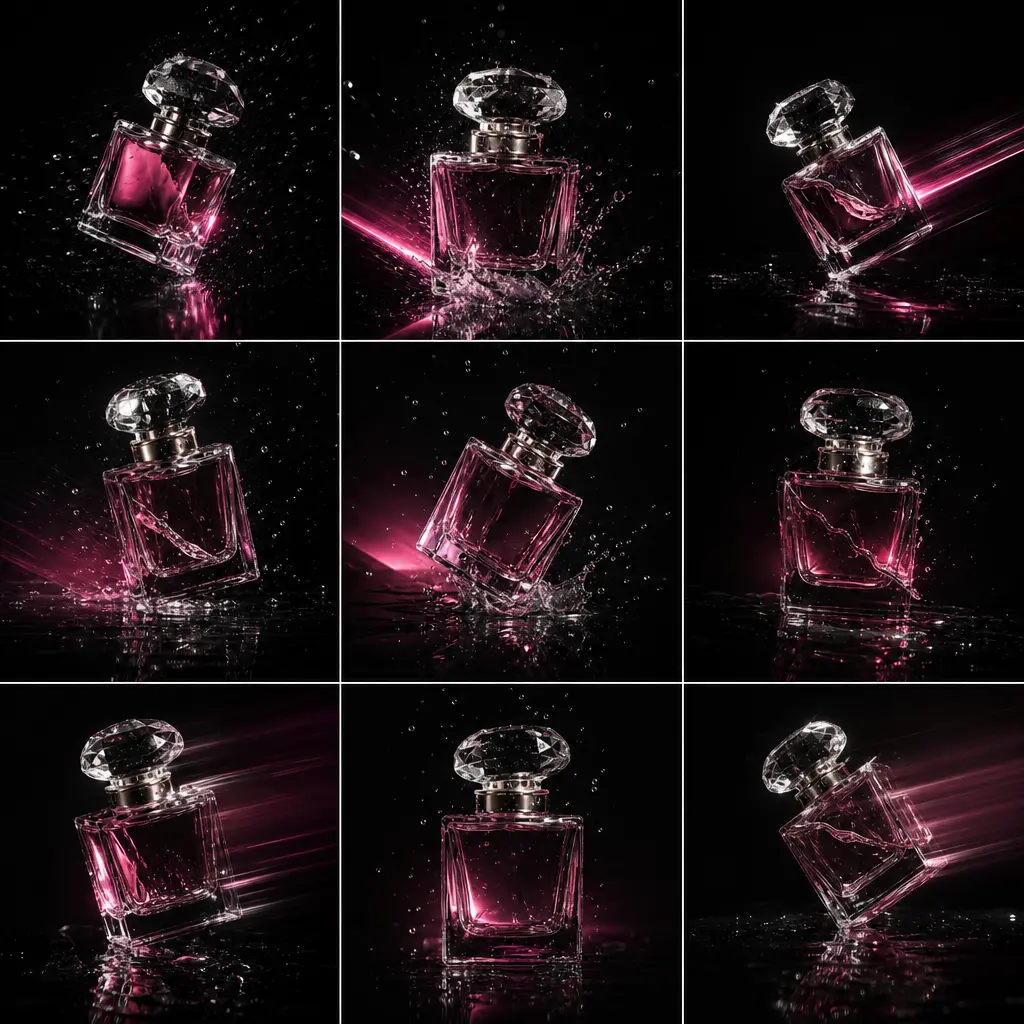
A fragrance bottle captured as a sequence of energetic photobooth moments, with layered shadows, tiny suspended droplets
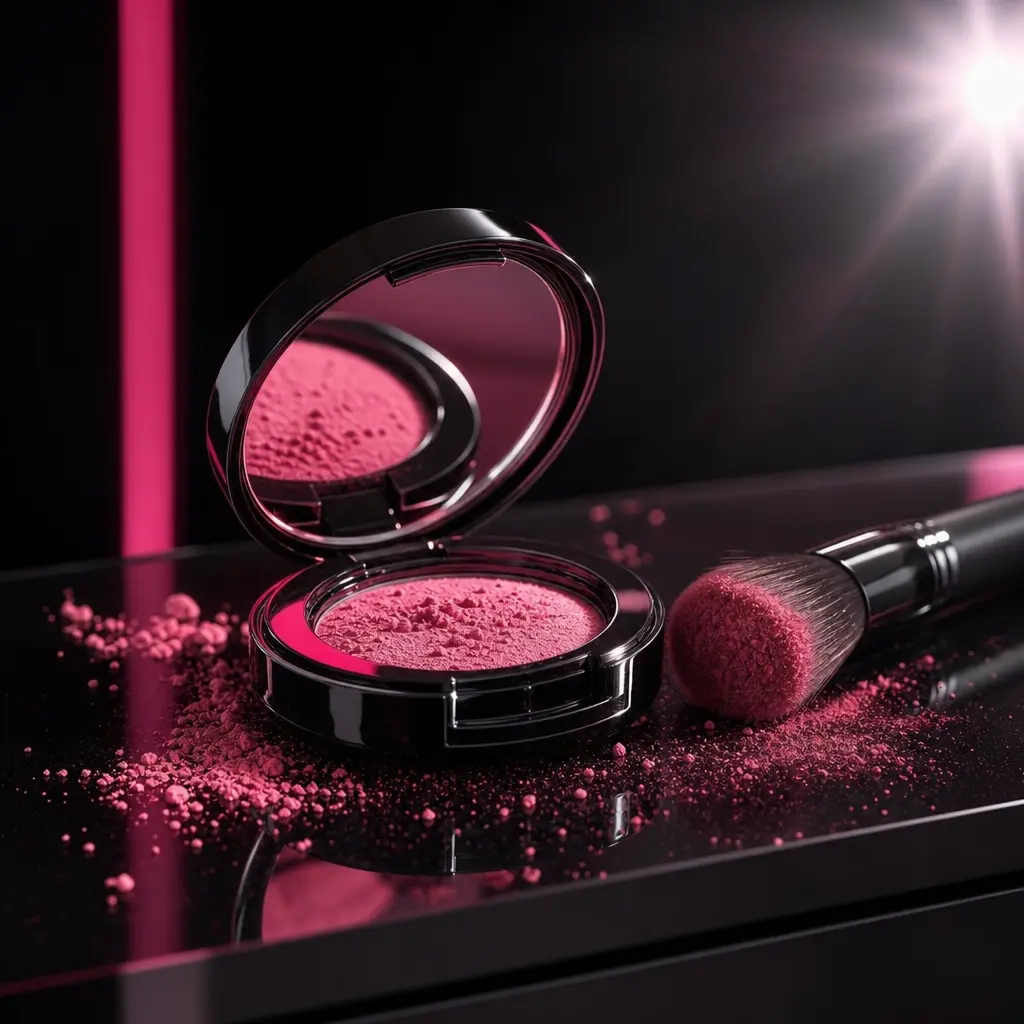
Colorful makeup compact and brush arranged on reflective black acrylic inside a modern photobooth. Repeating flash burst
Ready to ship

Pick a template, customize, publish.

Use cases

Made for every workflow

  • Beauty Brands

    Turn polished cosmetic packshots into lively UGC-style videos for launches, product drops, and always-on social calendars.

  • Ecommerce Sellers

    Give static listing photography a second life as motion creative for social discovery, retargeting, and promotional campaigns.

  • Performance Marketers

    Generate additional visual variants for testing without commissioning a separate photobooth shoot for every product or offer.

  • Content Creators

    Build trend-aware product content with a directed visual concept while retaining control over the source image and featured item.

  • Creative Agencies

    Develop quick campaign concepts and client-ready variations across beauty, skincare, fragrance, and lifestyle product accounts.

How it works

From idea to result in seconds

  1. Step · 01

    Upload Product Photo

    Choose a sharp product image with a clear subject, clean silhouette, and enough detail for a strong transformation.

  2. Step · 02

    Apply Photobooth Style

    Use the curated Photobooth UGC template to give the product a trendy, energetic, creator-inspired visual treatment.

  3. Step · 03

    Generate And Publish

    Render the video, review the result, and use the finished asset in your social, ecommerce, or advertising workflow.

FAQ

Frequently asked questions

  • Photobooth UGC is a specific Nim video template that turns a product photo into a trendy photobooth-style UGC video. It is designed for beauty, ecommerce, and social campaigns that need creator-inspired energy with a polished product focus.

  • You upload a suitable product image, select the template, and generate the transformation using purchased credits. Nim applies the template's directed visual concept to create motion from the still source while keeping the product central to the scene.

  • Use a high-resolution image where the product is sharp, unobstructed, and easy to distinguish from the background. Clean packshots, beauty still lifes, and simple lifestyle product images generally provide the model with stronger visual information.

  • No. An account and purchased generation credits are required to create output in Nim. Preview availability and watermark behavior can depend on the current plan, while paid plans remove the watermark from eligible output.

  • Nim is a multi-model platform offering workflows across leading video and image model families such as Sora, Veo, Kling, Pika, and Flux, subject to current availability. This page focuses on the curated Photobooth UGC template, which uses the supported generation workflow configured for that template.

  • The output can support organic social posts, product-launch creative, paid-ad experiments, ecommerce promotion, mood boards, and campaign presentations. Check the generated result against each channel's format requirements before publishing.

  • The template is designed for commercial creative workflows, including brand and ecommerce content. Your ability to use an uploaded asset and the generated output still depends on having the necessary rights to the product photo, branding, people, and other source material.

  • You retain responsibility for the images you upload and must have permission to use them. Upload original photography, licensed campaign assets, or other material your brand is authorized to process.

  • A traditional production may require a creator, location, camera setup, samples, editing, and coordination. Photobooth UGC instead creates a directed video concept from an existing product photo, making it useful for rapid ideation and additional campaign variations, though it does not replace every live-action use case.

  • Many renders complete in seconds or under a minute, although timing can vary with model demand, source complexity, and generation settings. Review the output carefully because AI-generated motion may differ between runs.

Get started

See what you can make

Explore more

Discover more AI tools