

UGC Ads · App Review

App Review Videos from Screenshots

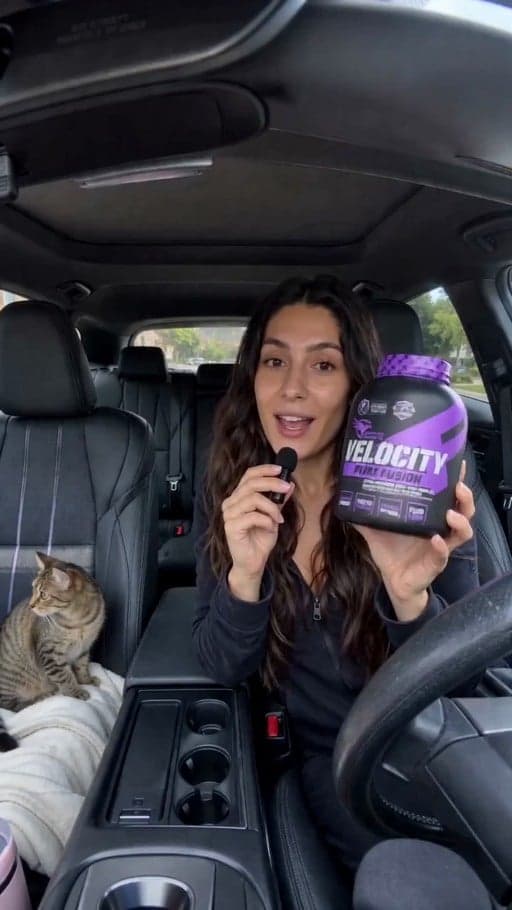
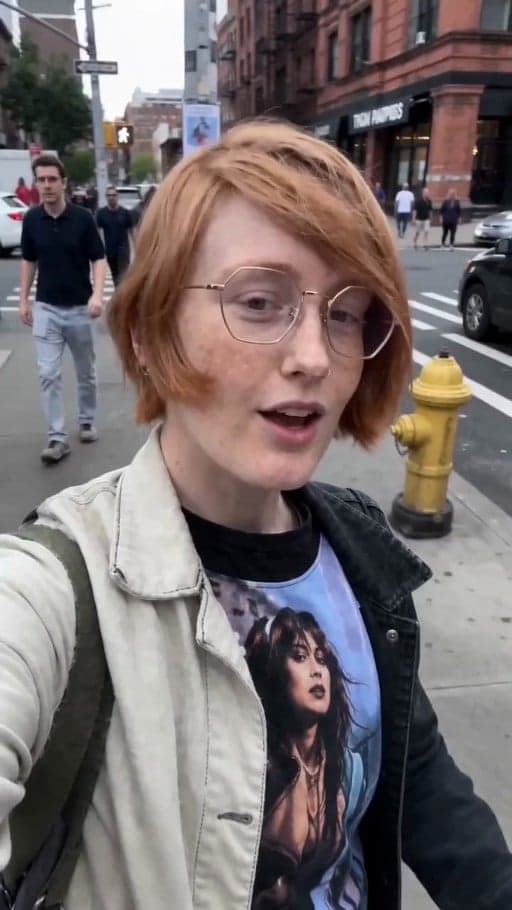
Transform app and website screenshots into authentic UGC-style review videos. Professional quality, ready for TikTok, Instagram, and YouTube in seconds.

Create review video
Browse all 400+ templates

Everything you need

Built for creators, marketers, and teams shipping AI video at scale.

01

Screenshot to video

Convert any app screenshot into a realistic UGC-style review video in under a minute.

02

Authentic UGC style

Genuine, non-corporate review format that viewers trust and engage with organically.

03

Multi-angle showcase

Automatically generate multiple camera angles and perspectives of your app interface.

04

Mobile-optimized

Ready-to-post vertical or landscape format for TikTok, Instagram Reels, and YouTube Shorts.

05

Zero editing needed

Output is fully polished and ready to upload—no video software required.

06

Commercial-grade quality

Production-ready video that competes with hired creators and agencies.

07

Instant customization

Adjust pacing, focus points, lighting style, and commentary per clip in seconds.

08

Royalty-free results

Full ownership and commercial rights. Monetize, resell, or redistribute without restrictions.

Features

Built to ship

Macro close-up of smartphone screen displaying app interface with realistic human hand gestures visible in frame. Warm g
F · 01

Authentic UGC authenticity

This template captures apps and websites exactly how real users experience them—no corporate voiceover, no stock footage. The result feels organic, relatable, and trustworthy to viewers, which translates to higher engagement and conversion on TikTok, Instagram, and YouTube. Perfect for app installs and SaaS demos.

Abstract cinematic visualization of video rendering: bright particles and light rays streaking dynamically across dark d
F · 02

Instant professional results

Screenshot-to-video rendering happens in 30–60 seconds using production-grade AI cinematography. No editing software, no learning curve, no setup. Upload, configure in our template editor, and download a fully polished review video ready for your feed. What takes a videographer weeks costs nothing and takes minutes.

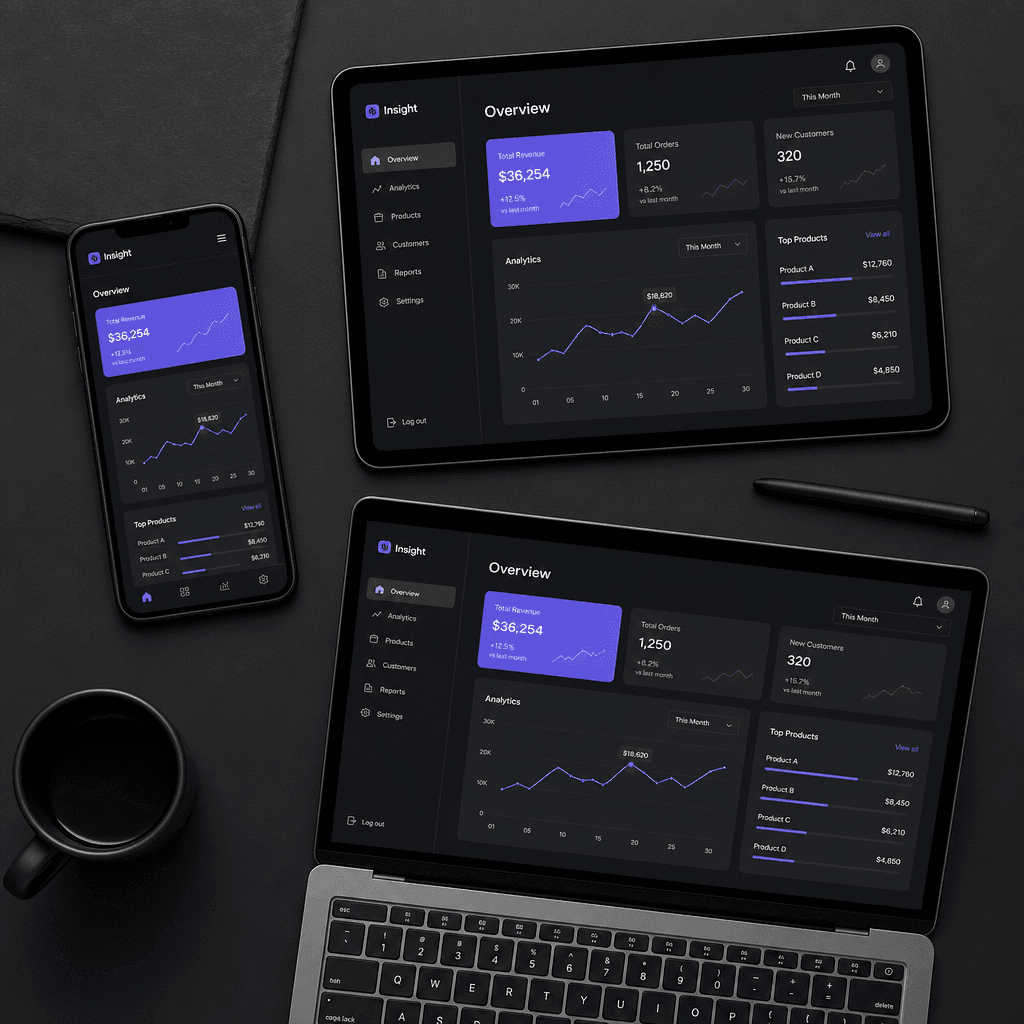
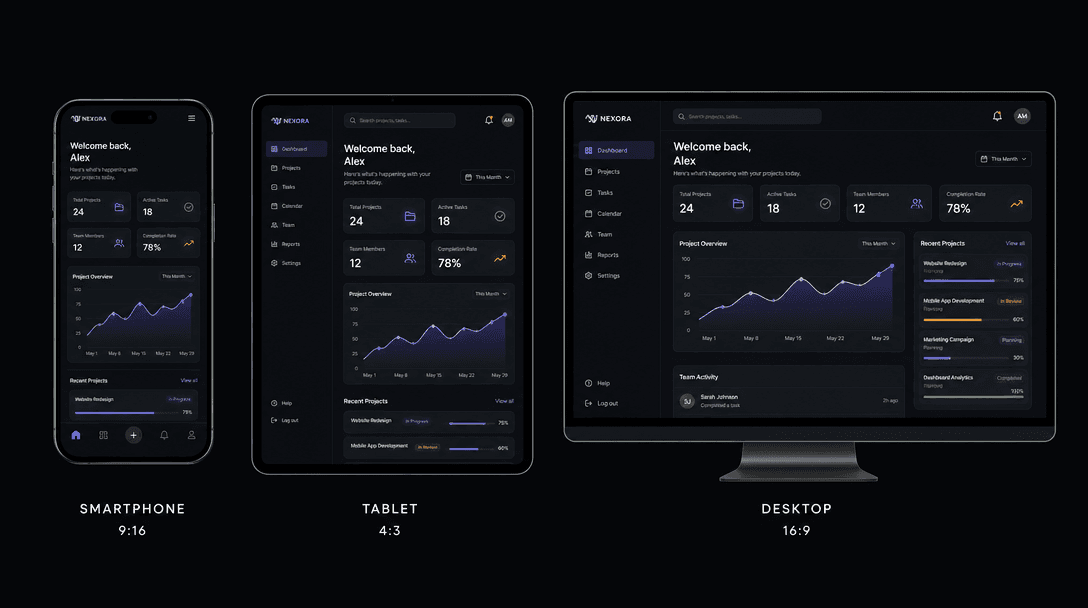
Split-screen composition displaying same sleek interface across three device frames: smartphone (9:16), tablet (4:3), an
F · 03

Multi-format compatibility

Export automatically to TikTok (9:16), Instagram (1:1, 9:16, 16:9), YouTube (16:9), LinkedIn, and web. Aspect ratios and bitrates are optimized for each platform out of the box. One screenshot generates multiple social-ready versions with a single click.

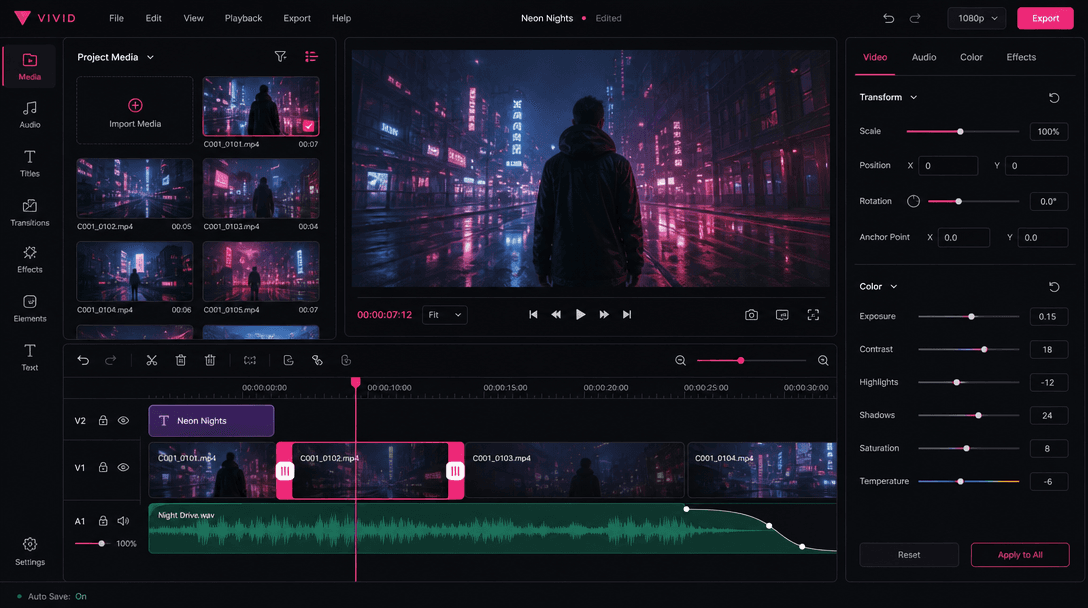
Dark mode video timeline editor mockup showing video clips, trim handles, and adjustment sliders. Hot pink highlight acc
F · 04

Customizable template options

Choose lighting styles (studio, natural, neon), camera angles (overhead, side, close-up), pacing (slow reveal, fast-cut), and commentary tone. Adjust transition speed, focus points, and clip duration on-canvas with simple sliders. Save presets for bulk generation.

Showcase

See it in action

Real outputs generated by our pipeline — no curated cherry-picks.

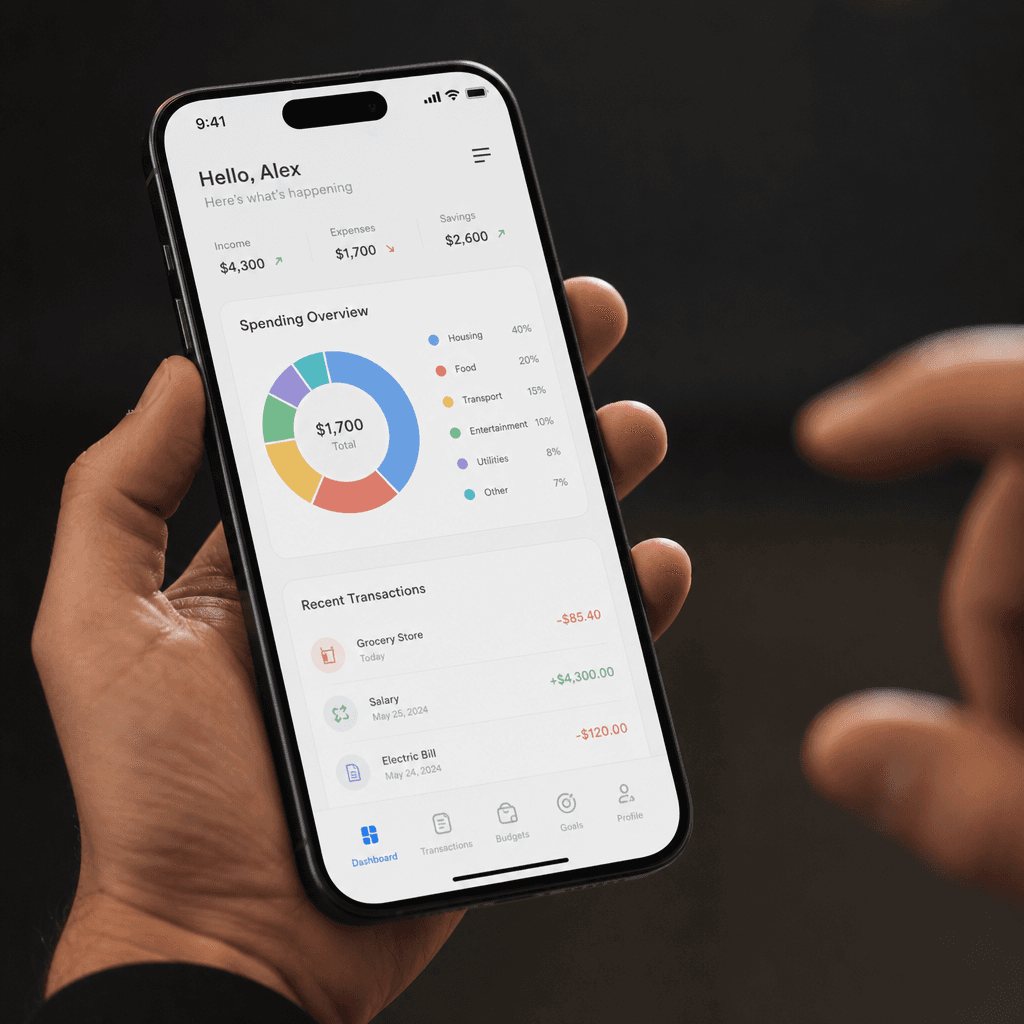
Close-up of realistic smartphone held at angle showing clean app dashboard interface. Warm natural studio lighting illum
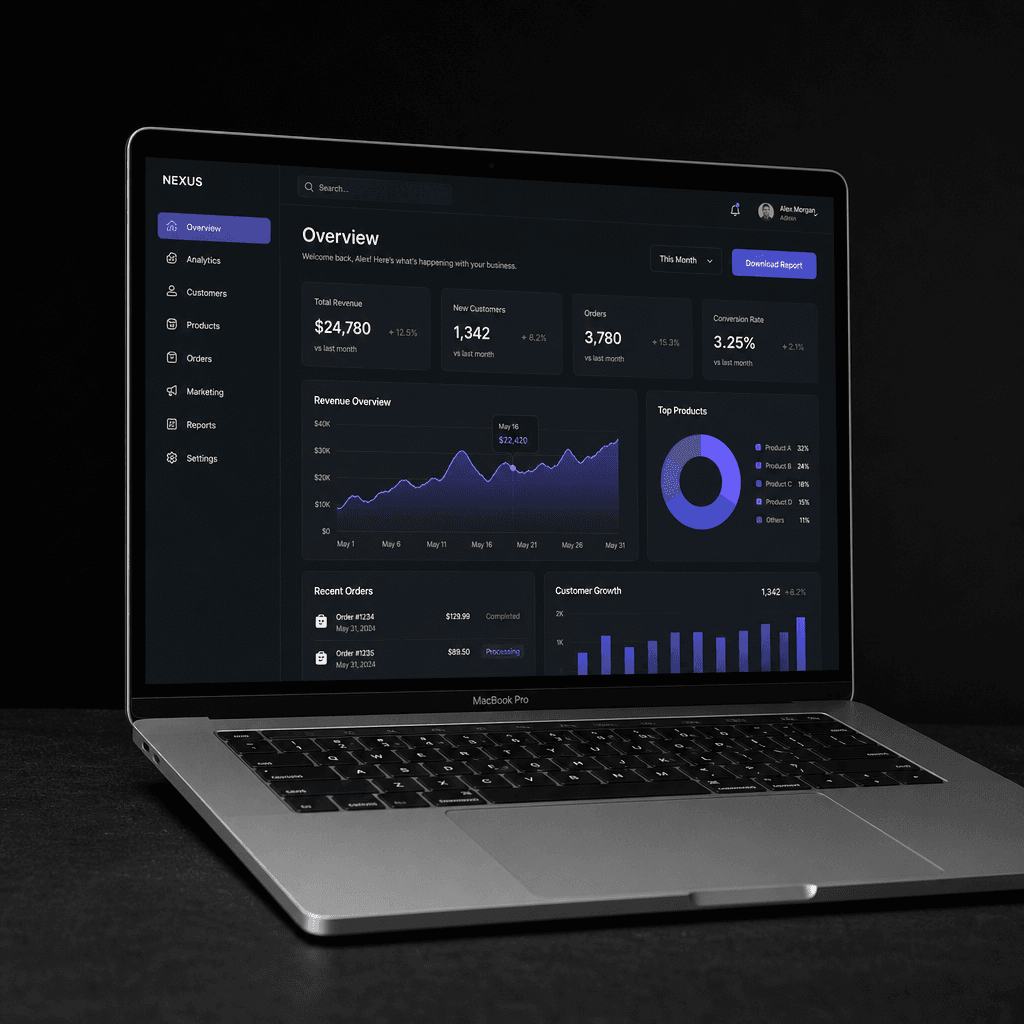
Apple MacBook Pro laptop at slight angle on dark surface, displaying polished web dashboard with data visualization. Dra
Flat-lay composition showing three digital devices at staggered angles: smartphone, tablet, and laptop, each displaying
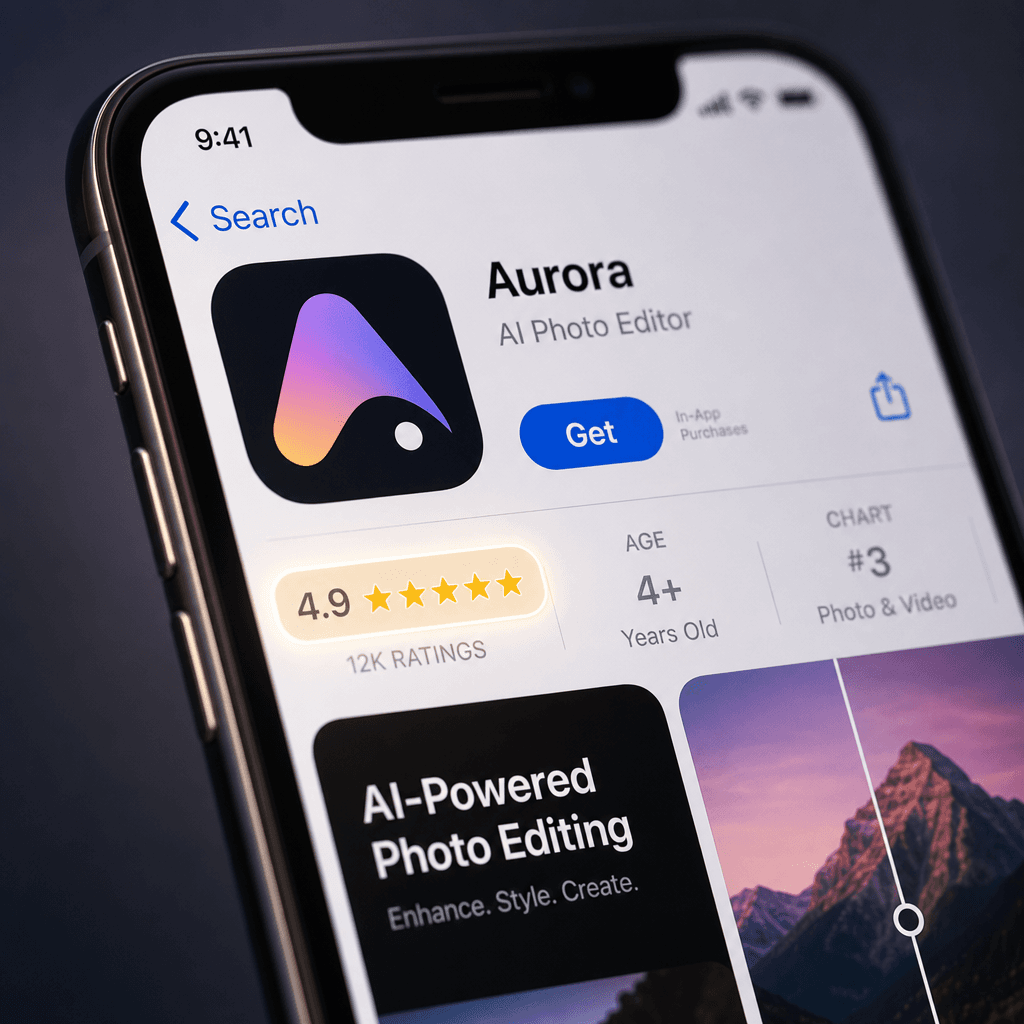
App store interface screenshot on smartphone screen, macro close-up showing five-star rating badge glowing subtly. Clean
Ready to ship

Pick a template, customize, publish.

Use cases

Made for every workflow

  • App developers

    Showcase new features and drive app installs with authentic user-perspective reviews. Replace expensive UA videos with AI-generated UGC that hits higher ROAS.

  • SaaS makers

    Demo product workflows and feature capabilities through realistic, relatable review videos. Build trust with free-tier users before paywall.

  • Content creators

    Bulk-produce app unboxing, review, and sponsorship videos without hiring videographers. Maintain consistent output during tight content calendars.

  • E-commerce sellers

    Present shopping apps and order management tools through authentic reviews. Drive app downloads and reduce cart abandonment with UGC social proof.

  • Marketing agencies

    Scale client UGC production 10x faster and cheaper than traditional shooting. Deliver fresh, on-brand review content weekly.

How it works

From idea to result in seconds

  1. Step · 01

    Upload screenshot

    Provide a clean, well-composed app or website screenshot at high resolution (1920px+). Pro tip: show the interface at readable zoom and remove notifications for best results.

  2. Step · 02

    Generate video

    AI produces a realistic UGC-style review video in 30–60 seconds. Multi-angle cinematography, contextual lighting, natural motion, and optional voiceover.

  3. Step · 03

    Customize & export

    Trim clips, adjust pacing, change lighting style, and reorder shots using our on-canvas editor. Export to your platform in optimal aspect ratio—TikTok, Instagram, YouTube, or web.

FAQ

Frequently asked questions

  • Clean, well-composed screenshots at high resolution (1920px+) yield the best cinematic results. Show the interface at readable zoom level and remove system notifications. Bright, colorful interfaces tend to look better than dark gray dashboards.

  • Yes. Choose from preset lighting styles (studio, natural, moody), camera angles (overhead, close-up, side), and pacing (slow reveal, fast-cut, montage). Adjust focus points and transition speed per clip.

  • No. Upload your screenshot and the template handles all cinematography and motion. Customize using our simple on-canvas timeline and adjustment sliders—no software required.

  • 16:9 (YouTube), 9:16 (TikTok/Reels/Shorts), 1:1 (Instagram feed/LinkedIn), and custom aspect ratios. All download as MP4 with transparent optional backgrounds.

  • Most renders complete in 30–60 seconds. Longer videos or videos with heavy effects may take 2–3 minutes depending on the AI model and complexity.

  • Yes. Generated videos are yours to monetize, redistribute, or resell based on your Nim subscription. Full commercial rights included.

  • Free preview renders include a watermark. Remove it with a Nim subscription—no per-generation fees, just one flat monthly cost for unlimited renders.

  • Sora, Veo 2, Pika, Kling, and Flux. Models available depend on your subscription tier. All deliver commercial-grade, production-ready quality.

  • Yes. Queue up to 10 screenshots and generate all at once, apply the same settings across the batch, or customize each individually before rendering.

  • All videos render at 1080p (Full HD) with adaptive bitrates optimized for each platform. Premium tiers support 4K output.

Get started

See what you can make

Explore more

Discover more AI tools