Apps & Websites · Template

Turn App Screenshots Into Polished Ads

Upload any UI screenshot and watch tiny worker characters transform it into a scroll-stopping product ad — production-ready quality for app builders.

Create now
Browse all 400+ templates

Everything you need

Built for creators, marketers, and teams shipping AI video at scale.

01

Screenshot to ad

Drop in any app UI screenshot and get a production-ready product ad without opening a design tool.

02

Tiny worker characters

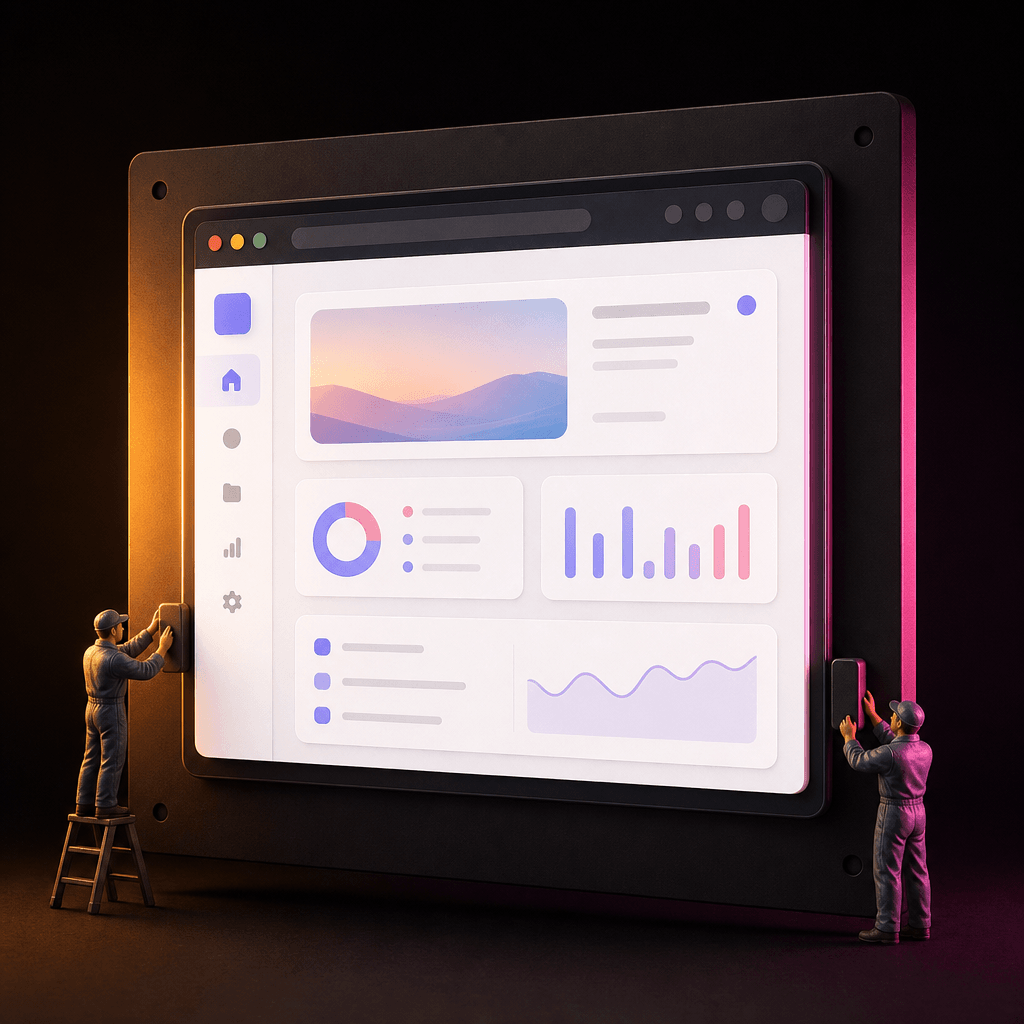
Miniature figurine workers populate your screenshot scene, adding personality and stopping scroll on any feed.

03

No design skills needed

The template handles composition, lighting, and depth — you supply the screenshot, Nim does the rest.

04

App Store ready

Output visual polish and resolution meet App Store and Google Play listing requirements out of the box.

05

Product Hunt launch asset

Generate eye-catching gallery images that convert browsers into upvoters on launch day.

06

Any UI works

Mobile apps, SaaS dashboards, browser extensions — the template adapts to any screenshot shape and style.

07

Commercial use included

Every generated image is licensed for commercial use in paid ads, listings, and marketing collateral.

08

Multi-model rendering

Powered by Flux and top-tier diffusion models for crisp, detail-perfect output at every resolution.

Features

Built to ship

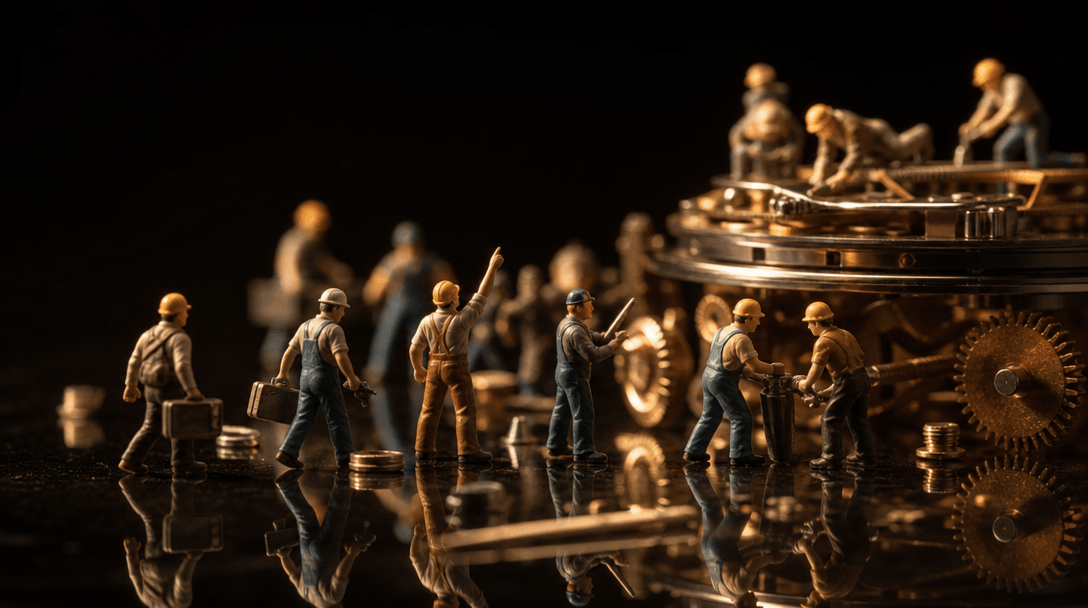
Wide editorial macro scene. A collection of miniature worker figurines on a dark polished reflective surface — some carr
F · 01

Worker Characters That Bring UI to Life

Tiny figurine workers interact directly with your app's interface elements — tapping buttons, carrying data cards, appearing to assemble the UI itself. The result is a whimsical yet professional visual language that makes your product instantly memorable. This character-driven style consistently outperforms plain device mockups in social engagement by making the abstract tangible and human.
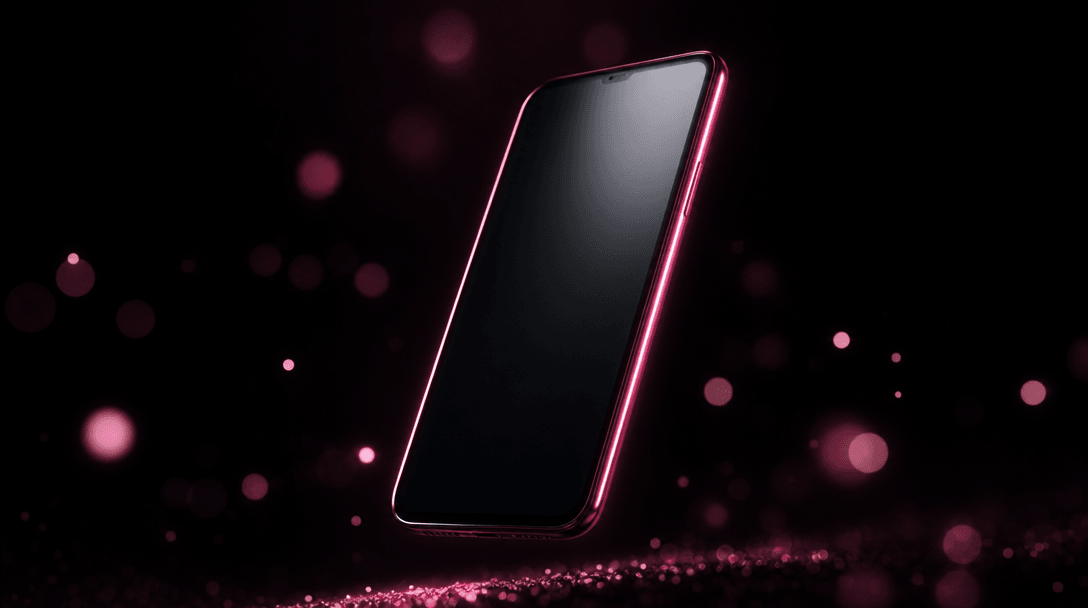
Wide atmospheric product photography. A sleek smartphone rising from absolute darkness, illuminated by a thin hot pink r
F · 02

Cinematic Depth and Studio-Grade Lighting

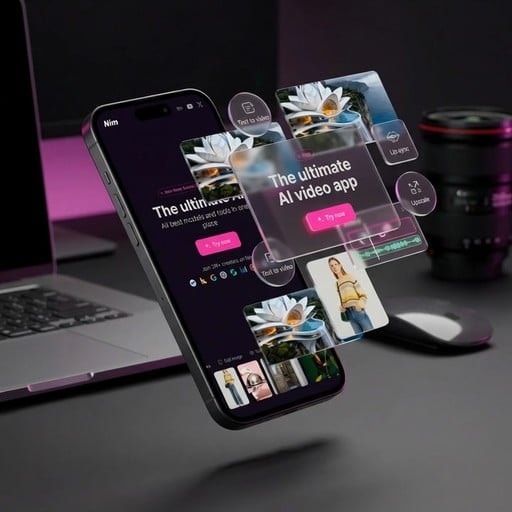
Each generated ad places your screenshot inside a three-dimensional scene with realistic depth of field, rim lighting, and surface reflections. The output looks like a professional product photography session — not a cropped screenshot pasted onto a gradient. Dark editorial backgrounds make app UI colors pop and direct the viewer's eye exactly where you need it.

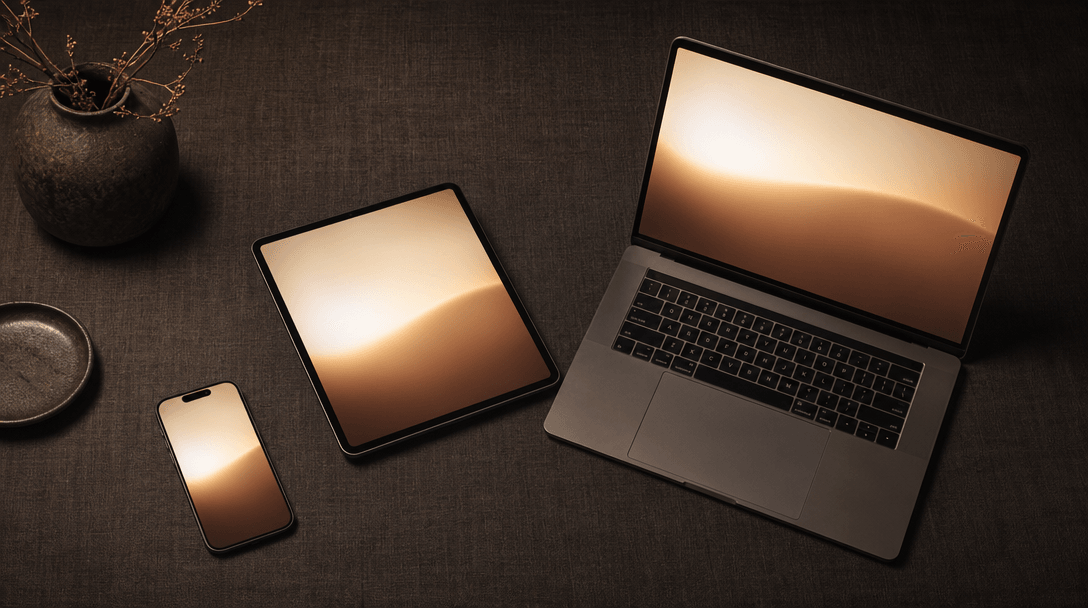
Wide editorial flat-lay. Multiple device forms — a smartphone, a compact tablet, and a small laptop — arranged on a dark
F · 03

Built for Every App Launch Channel

Whether you're preparing App Store previews, a Product Hunt gallery, a Twitter/X launch thread, or paid Meta ads, the template outputs polished visuals suited to each channel's creative standard. One input screenshot generates assets that work across your entire launch stack without requiring a separate design pass for each placement.

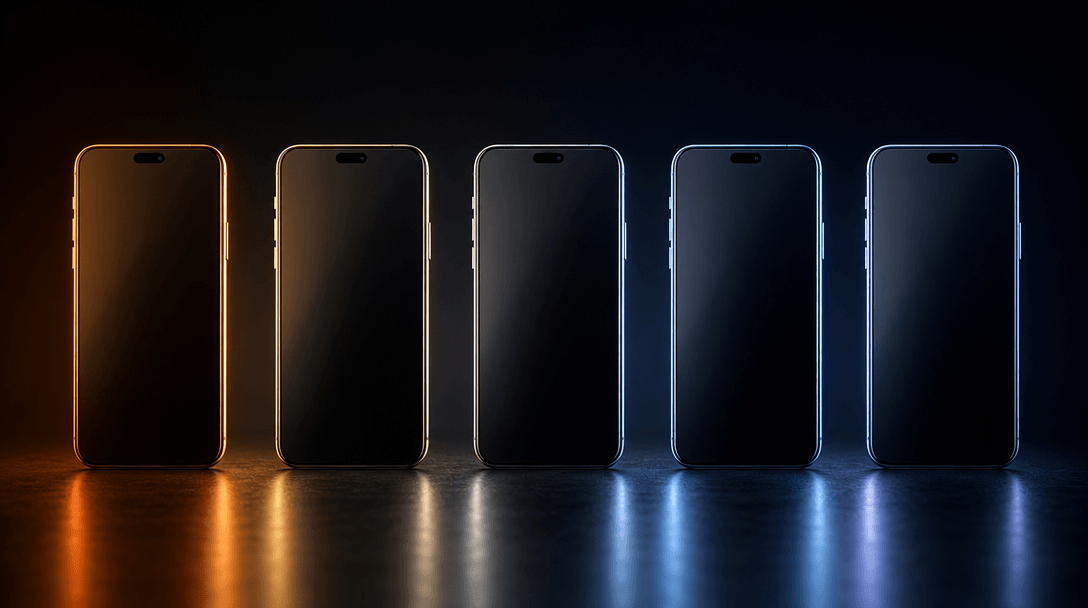
Wide studio abstract scene. A row of five identical sleek smartphone forms on a dark reflective surface, each illuminate
F · 04

Rapid Variants for Creative A/B Testing

Generate multiple ad variants from the same screenshot in a single session — varying worker placement, background tone, or composition angle to find the creative that converts best. Each render completes in under a minute, letting you ship a full creative test set before your Product Hunt listing goes live or your ad campaign launches.

Showcase

See it in action

Real outputs generated by our pipeline — no curated cherry-picks.

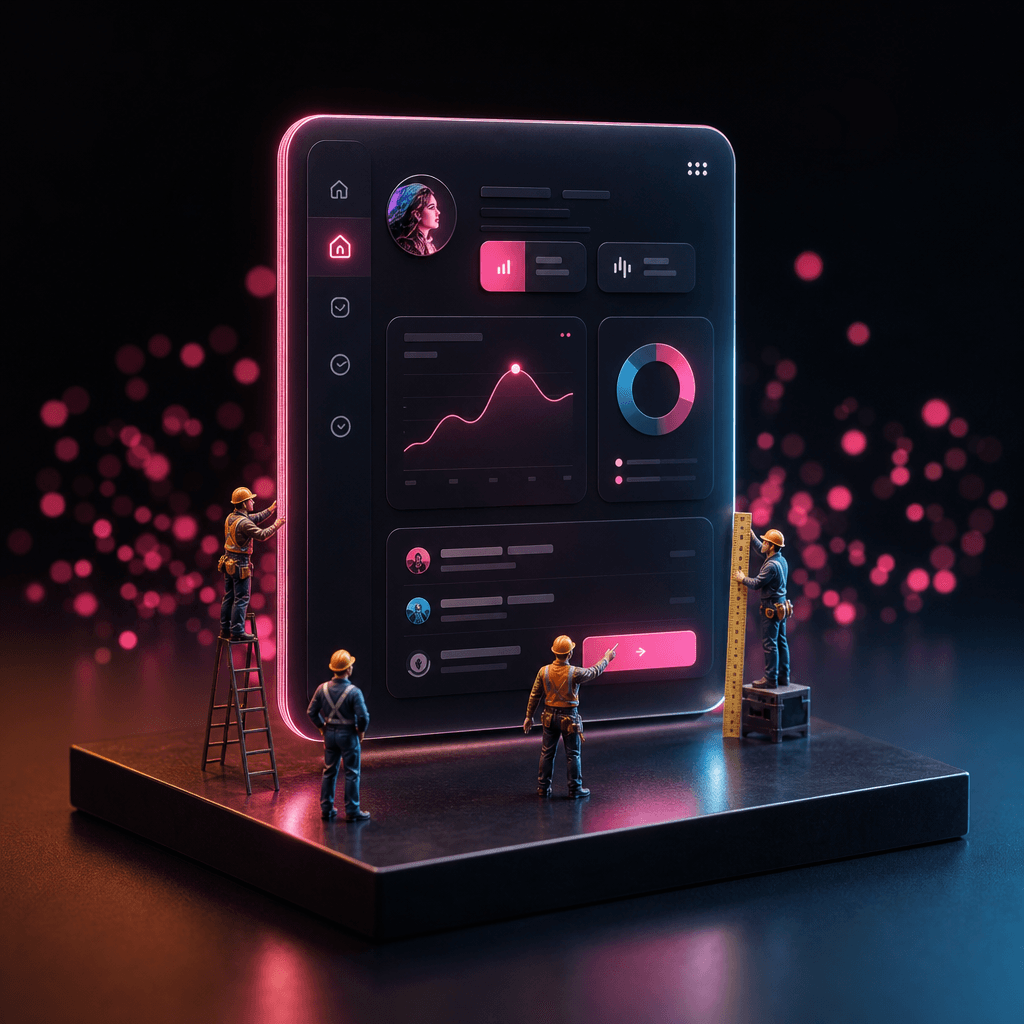
Square-format dark editorial product ad. A mobile app interface displayed on a floating luminous panel. Several tiny fig
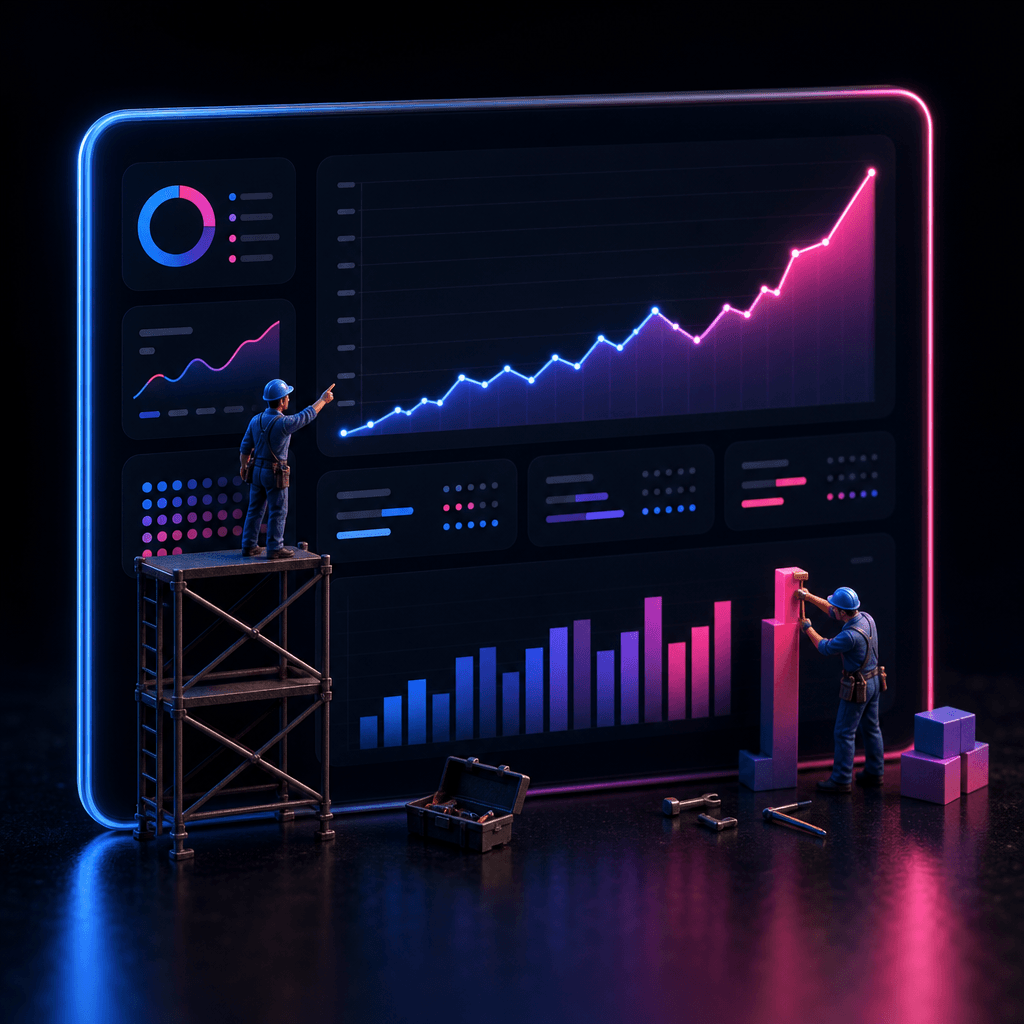
Square-format studio product shot. A SaaS analytics dashboard screenshot embedded in a glowing dark panel. Miniature wor
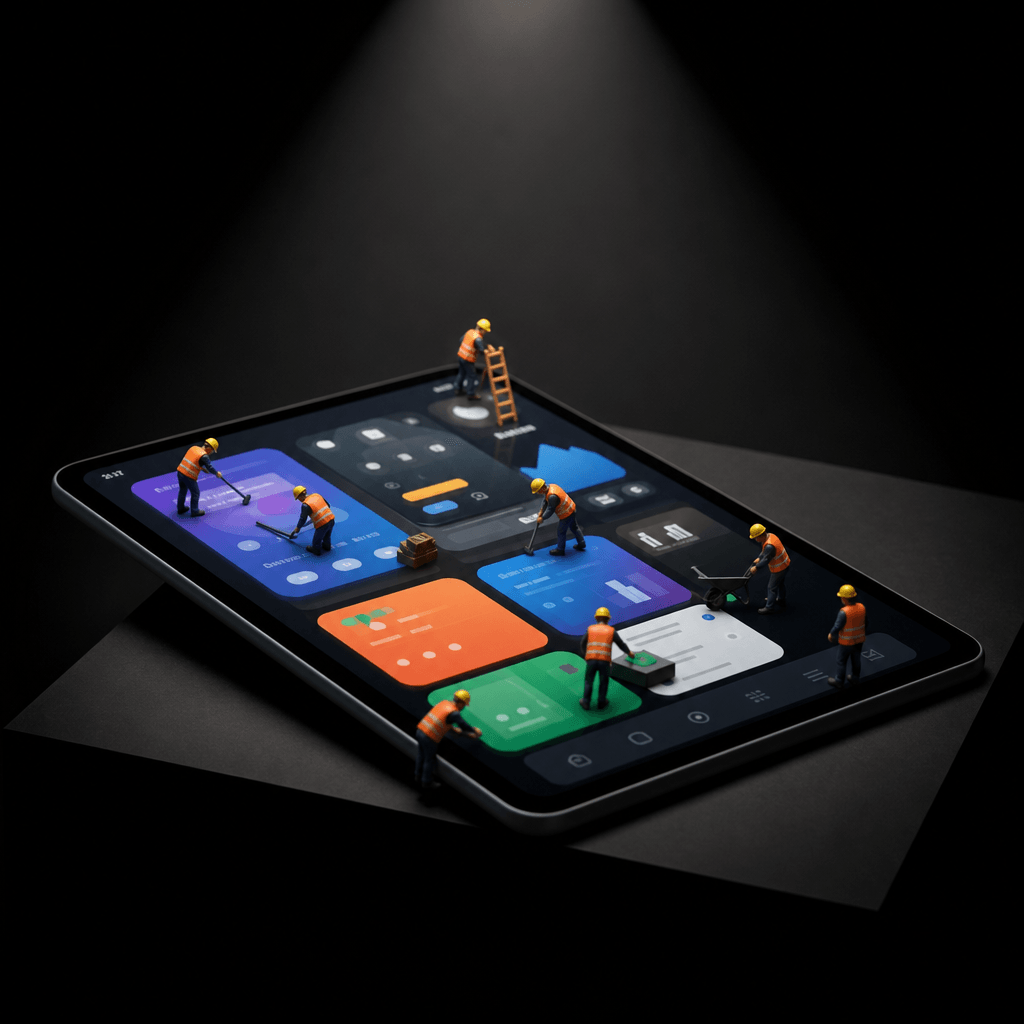
Dark editorial product photography, square crop. A tablet displaying a colorful mobile app on a sleek angled dark pedest
Square editorial product shot. A desktop browser window screenshot glowing against a pitch-dark background, displayed on
Ready to ship

Pick a template, customize, publish.

Use cases

Made for every workflow

  • Mobile App Developers

    Turn raw iOS and Android screenshots into App Store gallery images that communicate value at a glance. Tiny workers highlight key features and guide the viewer's eye through your app's core flows without requiring a marketing team or a designer on retainer.

  • SaaS Founders

    Transform dashboard screenshots into compelling hero visuals for landing pages and Product Hunt launches. The character-driven aesthetic signals craft and attention to detail — qualities SaaS buyers associate with trustworthy, well-maintained software.

  • Indie Hackers

    Launch faster with zero-budget marketing visuals that rival funded startup creative. Drop in a screenshot the evening before launch and export a full set of polished product ads ready to go live across every channel by morning.

  • Product Marketers

    Refresh stale feature announcement visuals without briefing a designer. The template keeps your screenshot as the hero while adding the polish and personality needed to stop the scroll in crowded social and search feeds.

  • App Store Optimization Specialists

    Generate high-conversion screenshot variants to A/B test in your App Store listing. Visual differentiation between variants is straightforward to control, making it easy to isolate which composition or lighting mood drives the most installs.

How it works

From idea to result in seconds

  1. Step · 01

    Upload your screenshot

    Paste or upload any app UI screenshot — mobile, tablet, or desktop — and the template instantly analyzes the interface layout to plan the worker scene and composition.

  2. Step · 02

    Generate your ad

    Nim's multi-model pipeline renders tiny worker characters interacting with your UI inside a cinematic, studio-lit product scene, completing in under a minute.

  3. Step · 03

    Export and publish

    Download your production-ready product ad and deploy it to App Store listings, Product Hunt galleries, paid ads, or social media — no further editing required.

FAQ

Frequently asked questions

  • It's a Nim AI template that takes any app UI screenshot as input and outputs a polished product ad featuring tiny worker characters interacting with the interface. It's designed for app developers, SaaS founders, indie hackers, and product marketers who need high-quality launch visuals quickly and without a design team.

  • The template works with mobile app screenshots (iOS and Android), SaaS web dashboards, browser extensions, and desktop applications. Clean, high-resolution screenshots with clearly visible UI elements yield the best character placement and most balanced scene composition.

  • Yes. All images generated on Nim are licensed for commercial use, including app store listings, paid advertising, and marketing collateral. Output resolution and visual quality are suited to all major publishing platforms.

  • Most mockup tools drop your screenshot into a static device frame. The Screenshot Workers template creates a fully composed product ad scene — complete with tiny character figures, studio lighting, depth of field, and editorial styling — that communicates your app's personality and value rather than just displaying its interface.

  • Most generations complete in under a minute. The exact time depends on the current rendering queue, but you'll typically have a production-ready asset faster than it would take to open a design tool and start a blank canvas.

  • Yes. Images generated on Nim are yours to use commercially. Your uploaded screenshots remain private and are not used to train models. Full license terms are available at about.nim.video/terms.

  • Absolutely. You can run the template multiple times from the same input to get different worker arrangements, lighting moods, and compositions — ideal for A/B testing creatives across ad platforms or filling multiple App Store listing slots with distinct visuals.

  • Yes. The template is optimized for any app UI, including web dashboards, admin panels, and analytics interfaces. Wider desktop screenshots are automatically composed so the scene feels balanced and visually engaging rather than letterboxed.

  • Yes, an account and generation credits are required to produce images. You can explore the template and browse output examples before signing in, but generating your own output requires a Nim account with credits.

  • The Screenshot Workers template runs through Nim's multi-model pipeline, which includes Flux and other leading diffusion models selected automatically to deliver the highest quality output for this specific creative style and use case.

Get started

See what you can make

Explore more

Discover more AI tools