

Cinematic Trend · AI

Police Stop Videos With Cinematic Impact

Create a clearly fictional traffic-stop scene with an original character, dramatic vehicle styling, and polished cinematic direction.

Create scene
Browse all 400+ templates

Everything you need

Built for creators, marketers, and teams shipping AI video at scale.

01

Fictional Traffic Stop

Generate a staged roadside encounter built for entertainment rather than documentation or deception.

02

Original Character Casting

Describe an invented hero, creature, archetype, or costumed persona appearing inside the vehicle.

03

Custom Vehicle Direction

Choose the vehicle class, color, condition, era, and visual personality of the scene.

04

Cinematic Roadside Mood

Control weather, time of day, location, camera movement, and dramatic lighting.

05

Viral Reveal Structure

Use the traffic stop as a familiar setup before revealing an unexpected driver or passenger.

06

Multi-Model Video

Explore the concept through supported models such as Sora, Veo, Kling, and Pika.

07

Fast Concept Variations

Test alternative characters and environments in seconds or under a minute.

08

Production-Ready Direction

Start with a curated scene format designed for polished short-form video.

Features

Built to ship

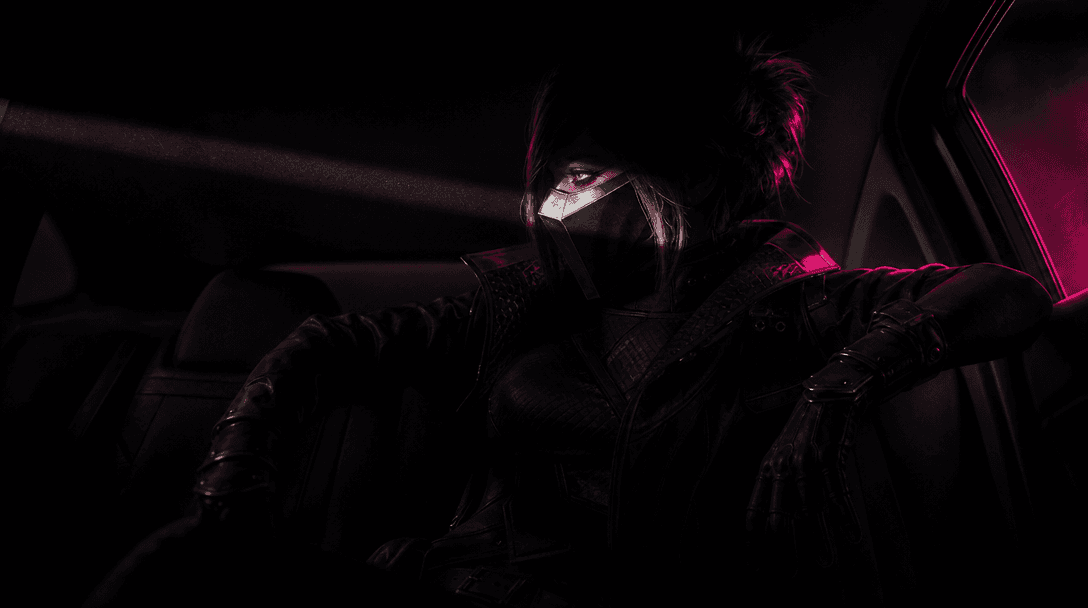
An original character silhouette slowly revealed inside a vehicle by a narrow sweep of cinematic light, with distinctive
F · 01

Build the Reveal Around Character

The template uses a recognizable roadside stop as the setup, then places visual emphasis on the unexpected person or creature inside the vehicle. Describe an original character's clothing, silhouette, behavior, and attitude to make the reveal specific without impersonating a real person.
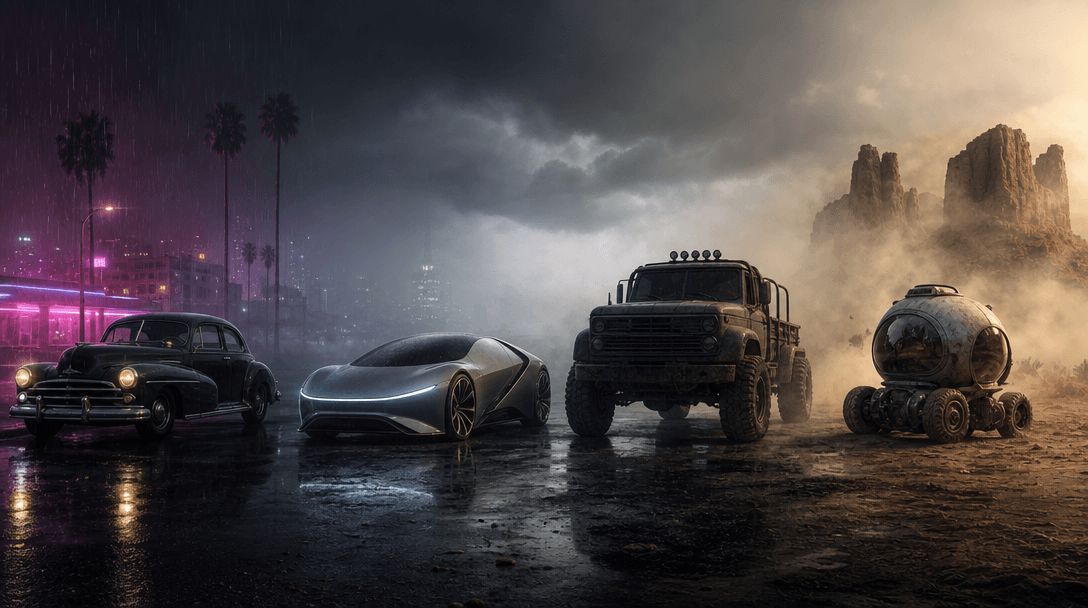
A line of dramatically different fictional vehicles parked across one cinematic roadside panorama: vintage coupe, futuri
F · 02

Direct a Cinematic Vehicle Scene

Specify a sports car, vintage sedan, utility vehicle, motorcycle, or surreal custom machine, then define road conditions and atmosphere. Night rain, desert heat, urban neon, or quiet suburban daylight can completely change the tone of the same premise.

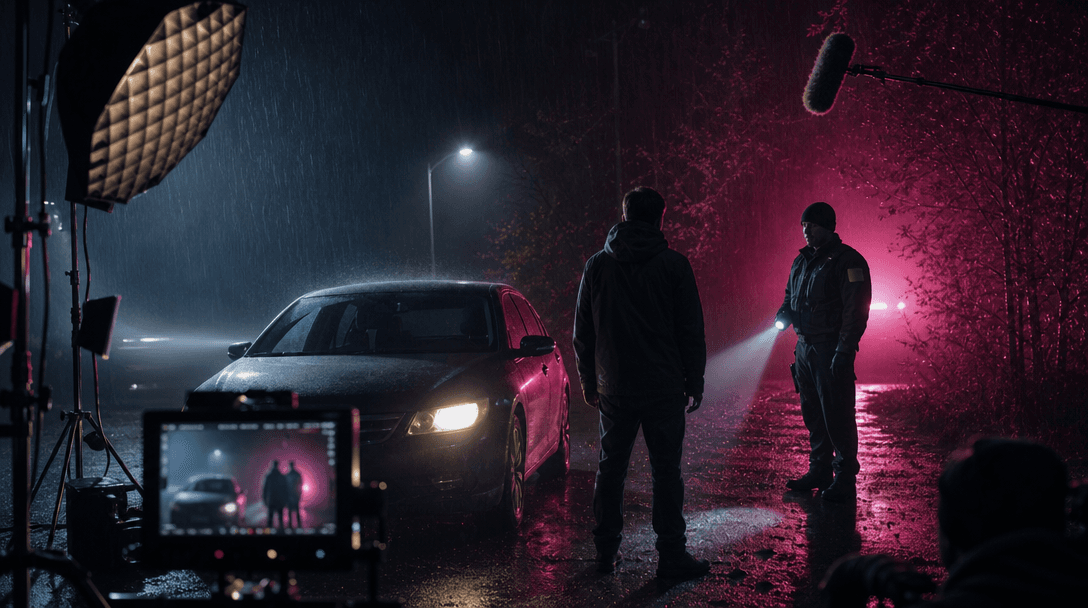
A staged film set interpretation of a fictional roadside encounter, showing controlled lights, atmospheric rain, an unma
F · 03

Create Fiction Without Misleading Viewers

Use invented characters, fictional agencies, and clearly entertainment-oriented situations rather than presenting generated footage as a real police incident. Avoid real badges, identifiable officers, real license plates, or claims that a fabricated encounter actually occurred.

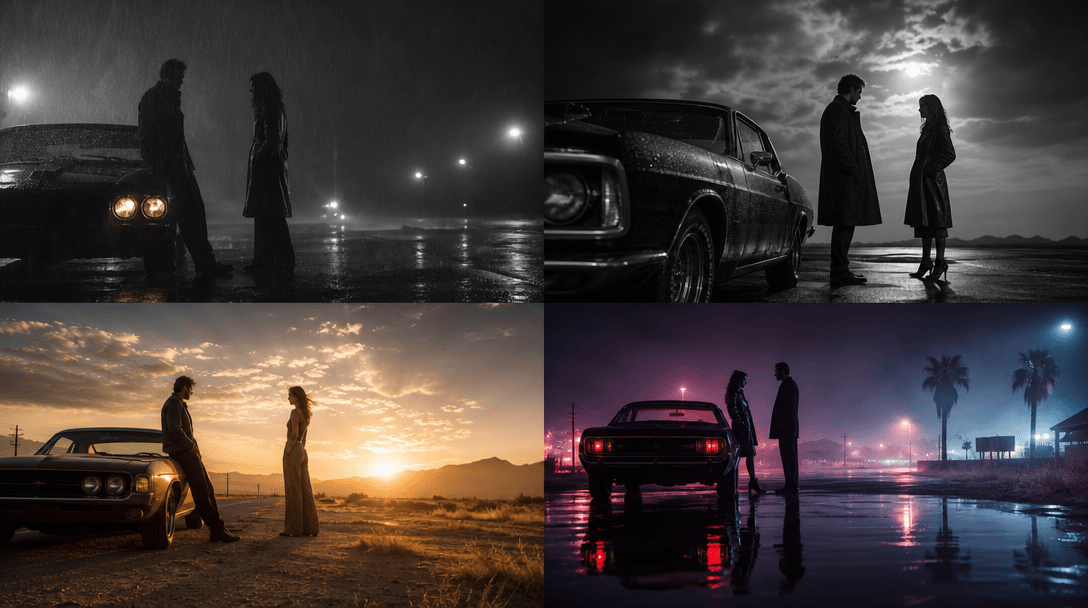
The same fictional car-stop moment visualized through layered cinematic treatments: realistic rain, graphic film noir, w
F · 04

Compare Leading Video Models

Nim provides one workflow for supported models including Sora, Veo, Kling, and Pika. Try another model when a concept needs better vehicle motion, character consistency, atmospheric realism, or more stylized cinematic behavior.

Showcase

See it in action

Real outputs generated by our pipeline — no curated cherry-picks.

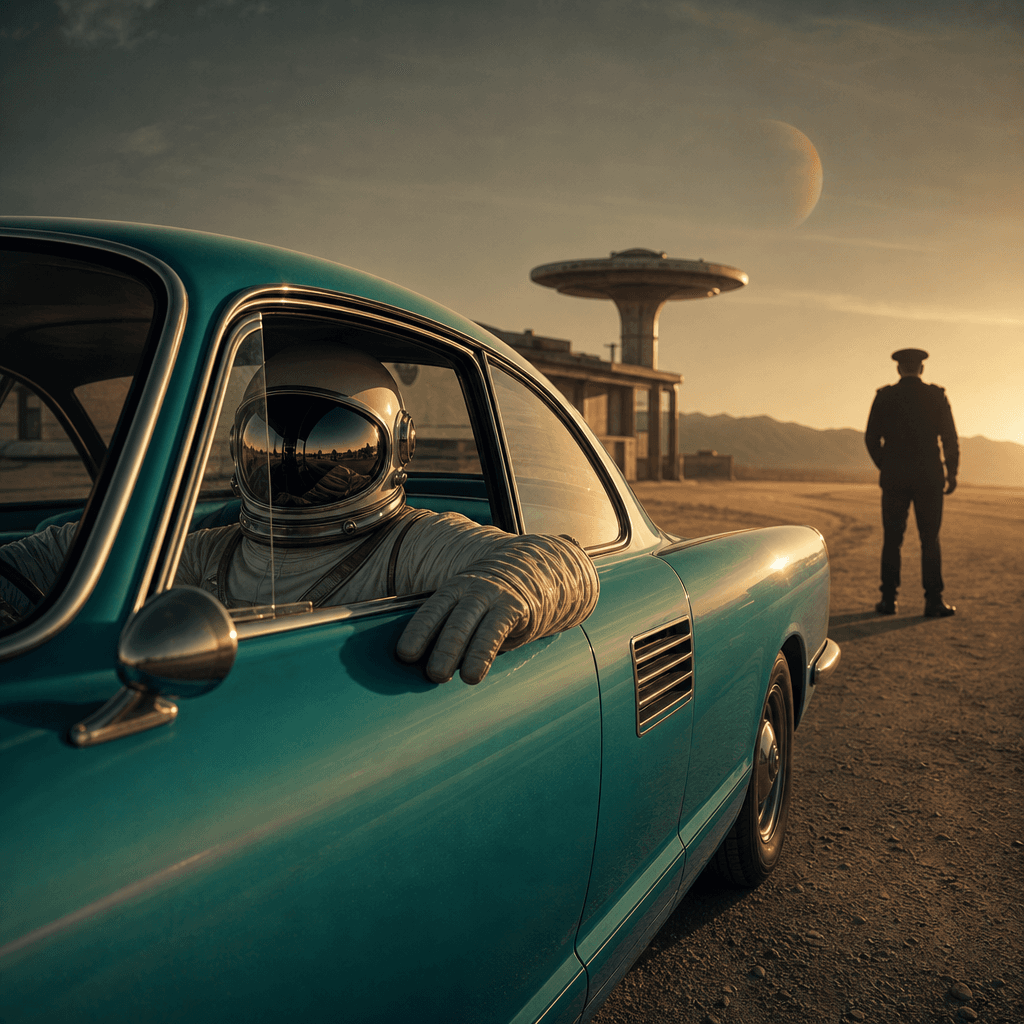
An original retro-futurist astronaut calmly seated in a turquoise classic coupe during a fictional desert roadside stop.
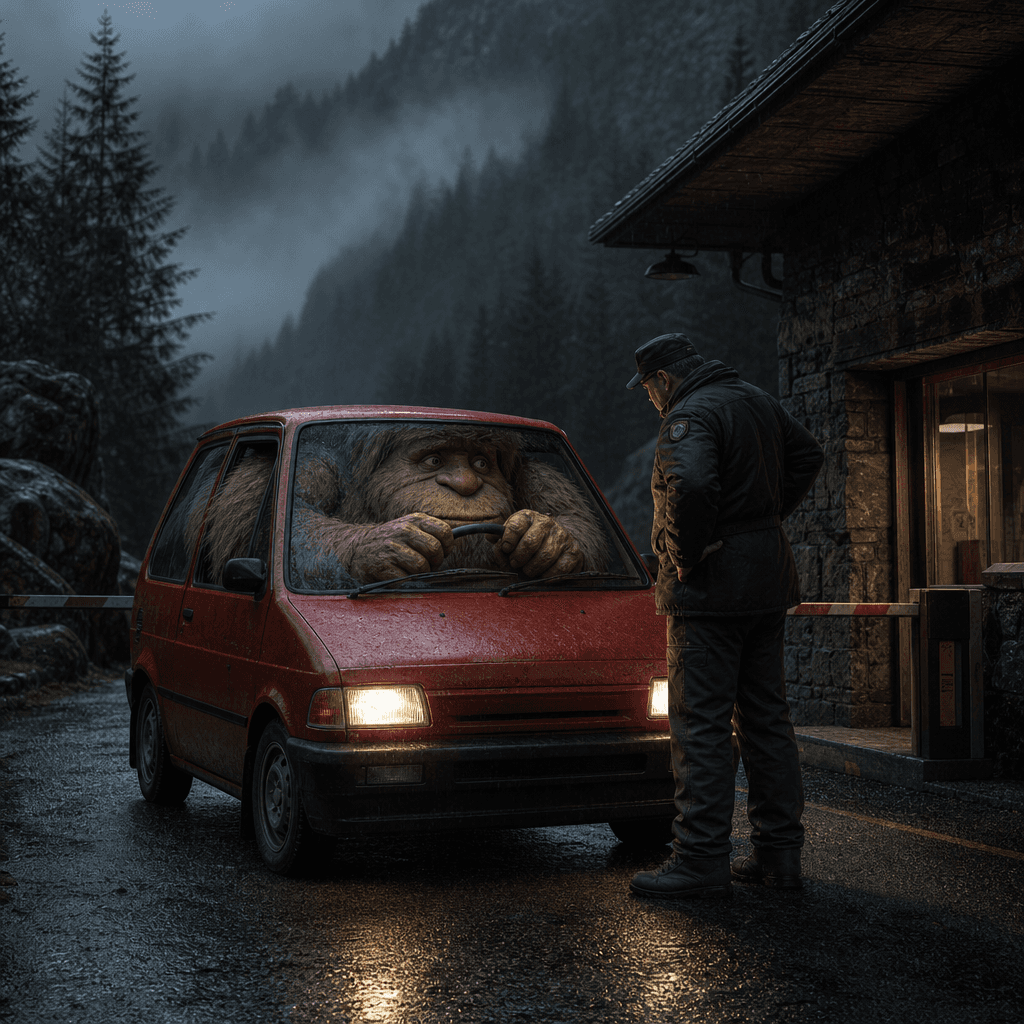
A giant gentle forest creature squeezed behind the wheel of a tiny red hatchback on a misty mountain road, facing an imp
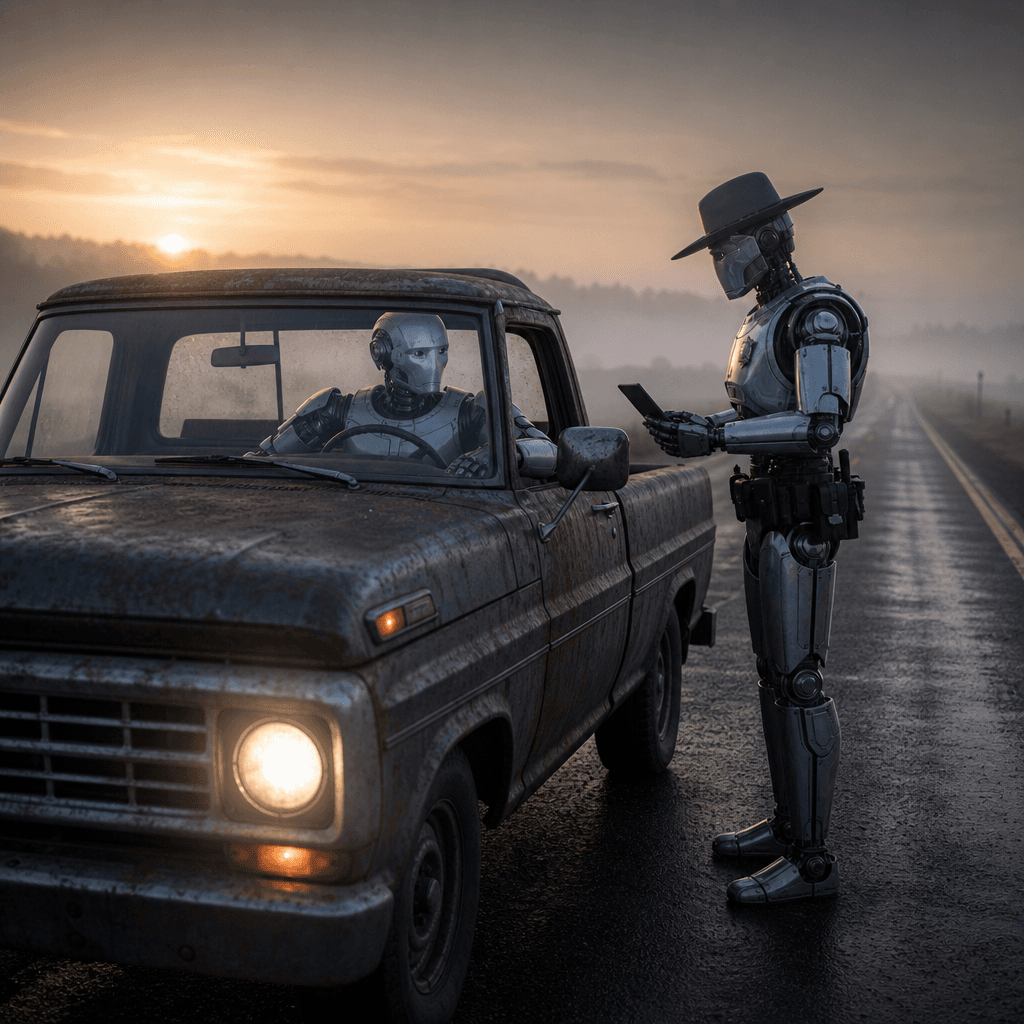
A polished humanoid robot driving a weathered pickup truck on an empty rural highway at dawn, paused in a clearly fictio
Ready to ship

Pick a template, customize, publish.

Use cases

Made for every workflow

  • Viral Creators

    Create a familiar setup with an unexpected fictional reveal for Shorts, Reels, TikTok, and meme-driven channels.

  • Comedy Pages

    Turn absurd character and vehicle combinations into concise visual jokes with cinematic presentation.

  • Car Communities

    Explore fictional scenarios built around unusual vehicles, enthusiast references, and automotive archetypes.

  • Creative Agencies

    Develop speculative concepts for entertainment campaigns while keeping the scenario clearly staged and brand-appropriate.

  • Storytellers

    Use the roadside encounter as an opening beat for a larger fictional character or action sequence.

  • Meme Marketers

    Adapt topical jokes into original scenes without relying on footage of real incidents or identifiable people.

How it works

From idea to result in seconds

  1. Step · 01

    Describe the Character

    Create an original driver or passenger with distinctive clothing, behavior, and visual personality.

  2. Step · 02

    Set the Stop

    Choose the vehicle, road, weather, lighting, camera perspective, and fictional encounter details.

  3. Step · 03

    Generate the Reveal

    Render the video and refine the prompt until the setup, character reveal, and cinematic tone read clearly.

FAQ

Frequently asked questions

  • Police stop is a Nim video template for creating fictional roadside-stop scenes with an unexpected character inside a vehicle. It is designed as an entertainment format, not as a tool for fabricating evidence or reporting false incidents.

  • Describe the original character, vehicle, roadside location, weather, lighting, and reveal. The template provides the core traffic-stop structure while the selected AI model generates the scene.

  • Use original characters or generic fictional archetypes that you have the right to depict. Avoid impersonating real people or copying protected characters in ways that could violate publicity, intellectual-property, platform, or model rules.

  • The model may produce cinematic or realistic imagery, but the result should remain clearly fictional and must not be presented as authentic evidence, news, or documentation. Avoid real agency insignia, identifiable officers, and misleading contextual claims.

  • Nim offers supported models such as Sora, Veo, Kling, and Pika in one multi-model platform. Availability and strengths vary across motion, realism, duration, camera control, and prompt adherence.

  • Generation requires signup and purchased credits. Credit usage varies by model, duration, output quality, and other selected settings.

  • Many generations finish in seconds or under a minute, although model queues, duration, quality settings, and demand can affect latency.

  • Available dimensions, duration, and download options depend on the selected video model and current Nim settings. Choose a composition suited to the intended social, presentation, or campaign placement.

  • Usage rights depend on Nim's current terms, your plan, the selected model, and the rights associated with any source or referenced material. You remain responsible for ensuring that characters, brands, vehicles, and publication context are lawful.

  • This template supplies a curated reveal structure specifically for fictional traffic-stop videos. Nim also lets creators compare multiple leading models and continue working with other production-focused templates in one platform.

Get started

See what you can make

Explore more

Discover more AI tools