

Fashion · AI Video

Trendy street-style outfit videos

Upload your outfit photo and get professional street-style fashion videos. Fast AI generation, perfect for fashion brands and influencers.

Create now
Browse all 400+ templates

Everything you need

Built for creators, marketers, and teams shipping AI video at scale.

01

Urban street backgrounds

Authentic city settings with natural street-style aesthetics and trending locations.

02

Realistic outfit display

Your clothing is shown naturally on AI-generated figures or proportioned models.

03

Professional lighting

Fashion photography-grade soft and flattering light that makes outfits look premium.

04

Multiple angles

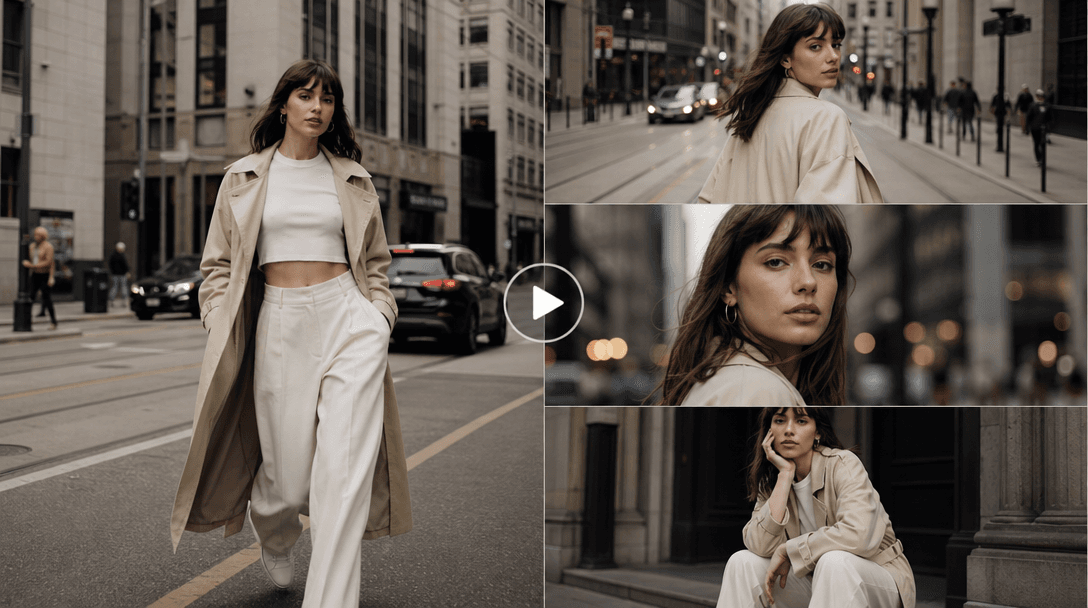
Outfit shown from front, side, and full-body perspectives in a single video.

05

Trendy styling

Poses and settings match current fashion photography trends and Instagram aesthetics.

06

Quick renders

Professional street-style videos generated in under a minute.

07

Social media ready

Perfect for Instagram Reels, TikTok, YouTube Shorts, and fashion blogs.

08

Commercial license

Use for brand marketing, influencer content, ecommerce, and professional portfolios.

Features

Built to ship

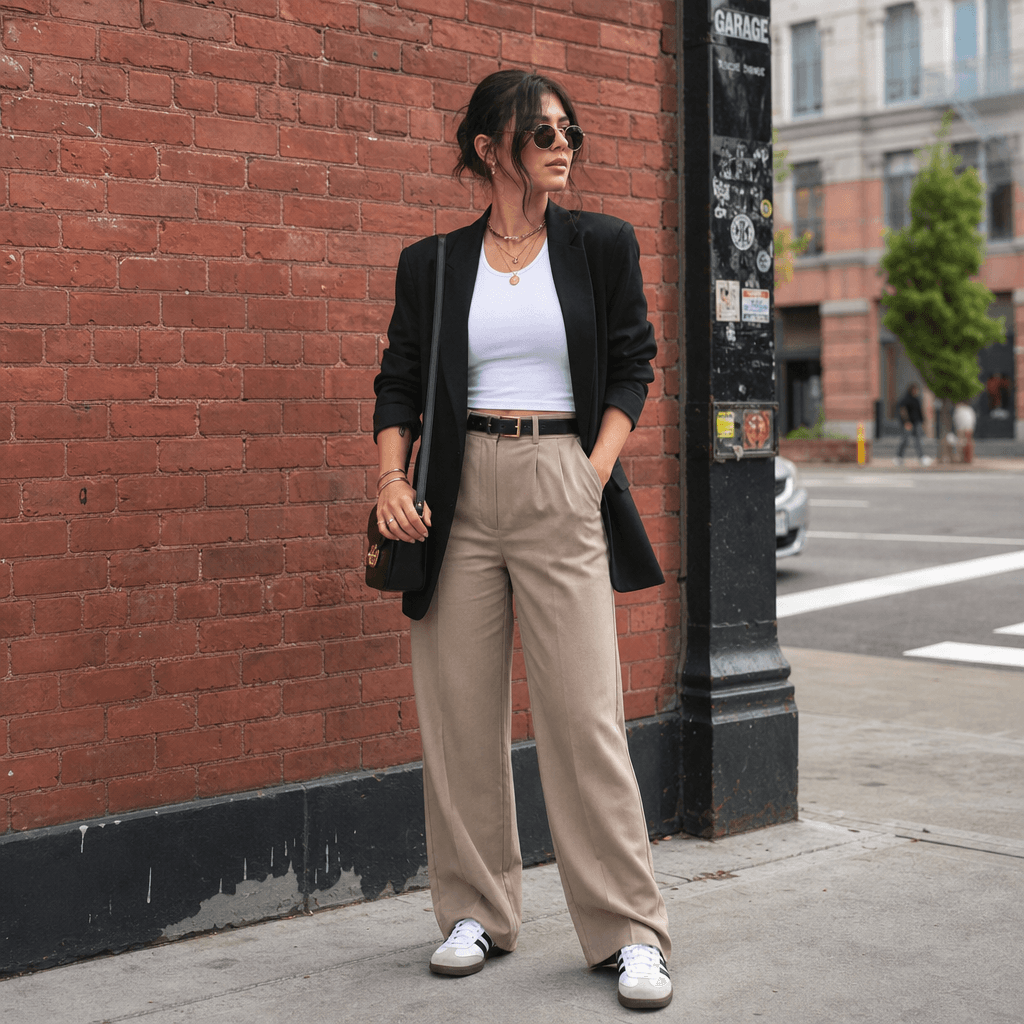
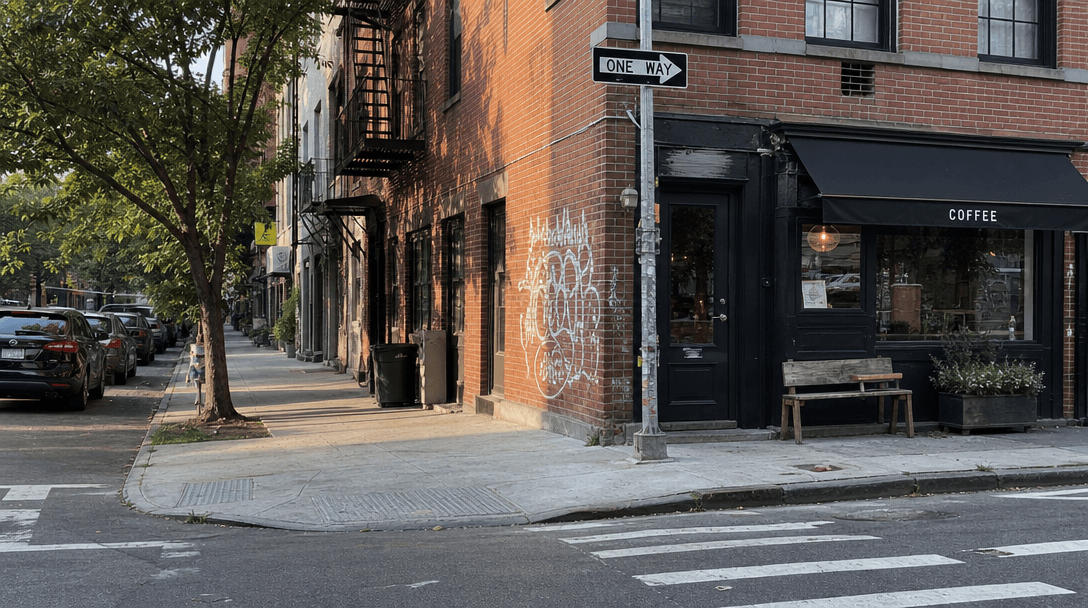
Urban street corner with natural sunlight and authentic city textures. Brick, pavement, natural shadows. Street-style at
F · 01

Authentic Urban Environments

Backgrounds include diverse city settings: brick walls, street corners, parks, storefronts, and sidewalk scenes. Lighting is natural and realistic, matching the setting (golden hour, midday sun, soft overcast). No staged studio look—results feel authentically street-style.
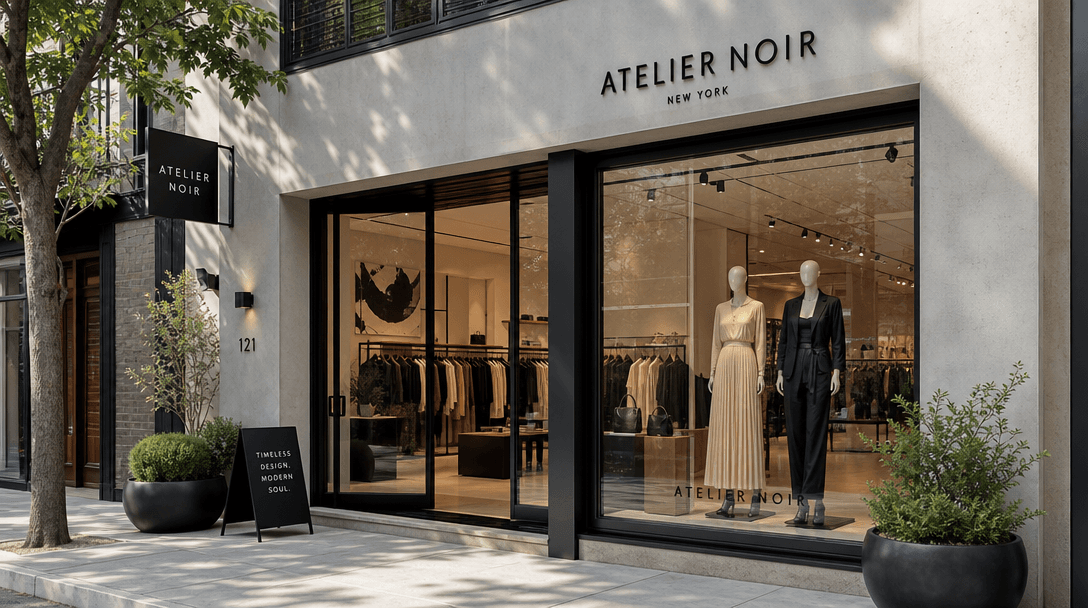
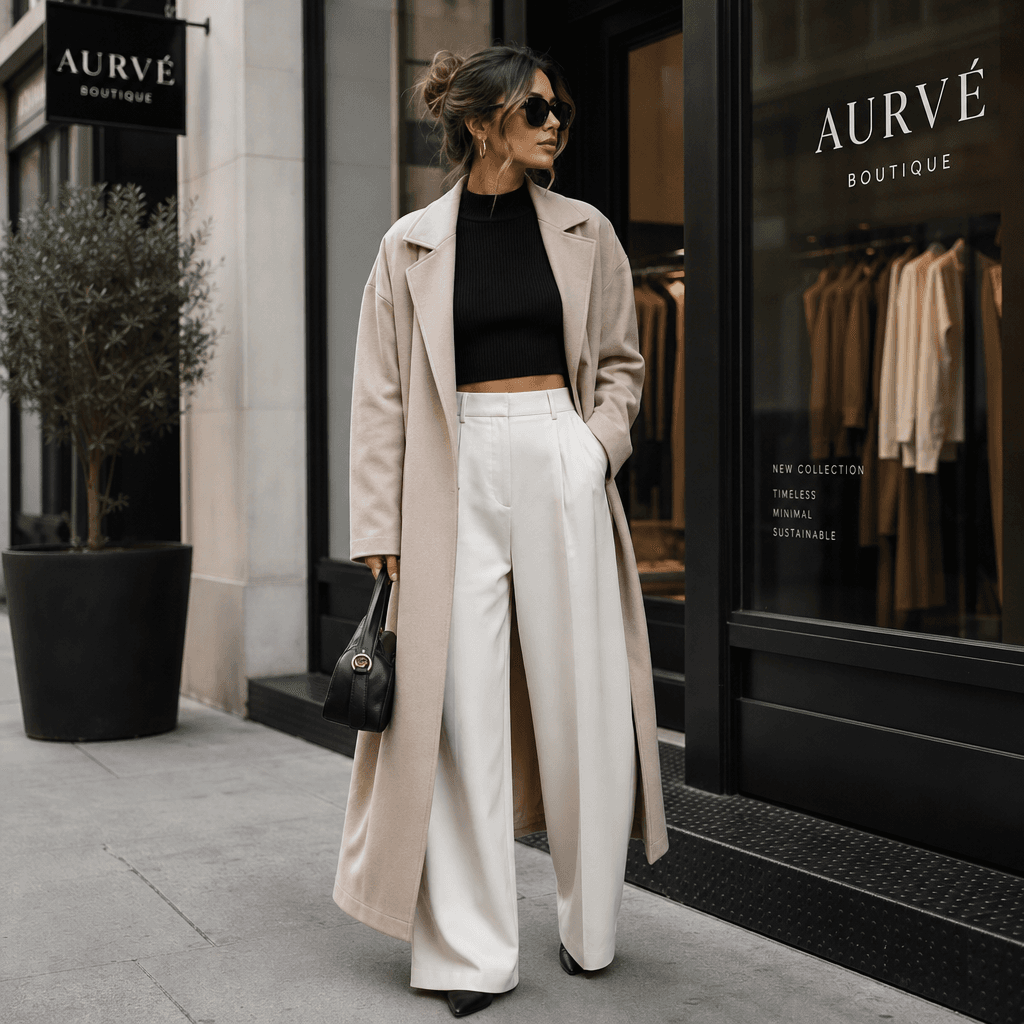
Boutique storefront with modern architectural details. Fashion-forward setting with natural light and clean lines. Upsca
F · 02

Realistic Outfit Presentation

Your clothing is displayed on realistically proportioned figures or style stands. Fabric drapes naturally. Accessories are visible and properly placed. The overall composition matches professional fashion photography and runway styling.

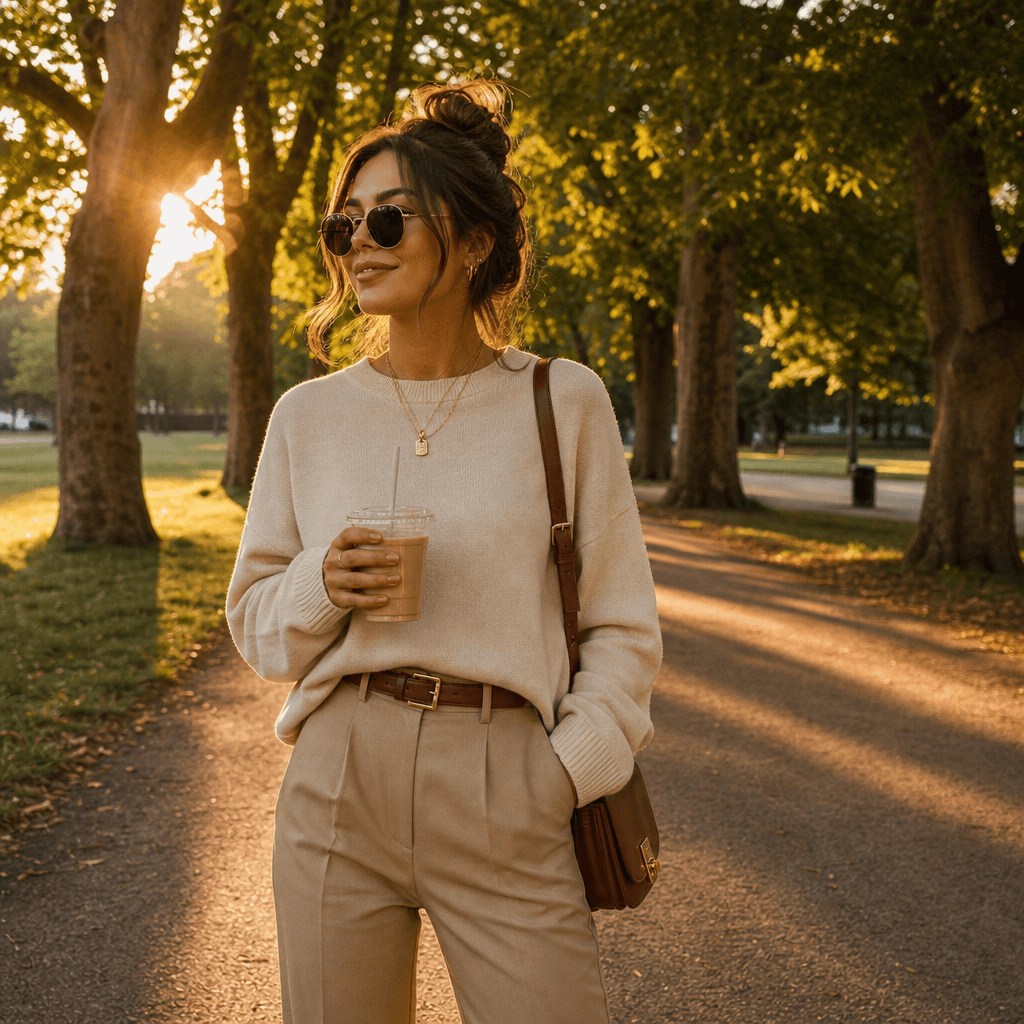
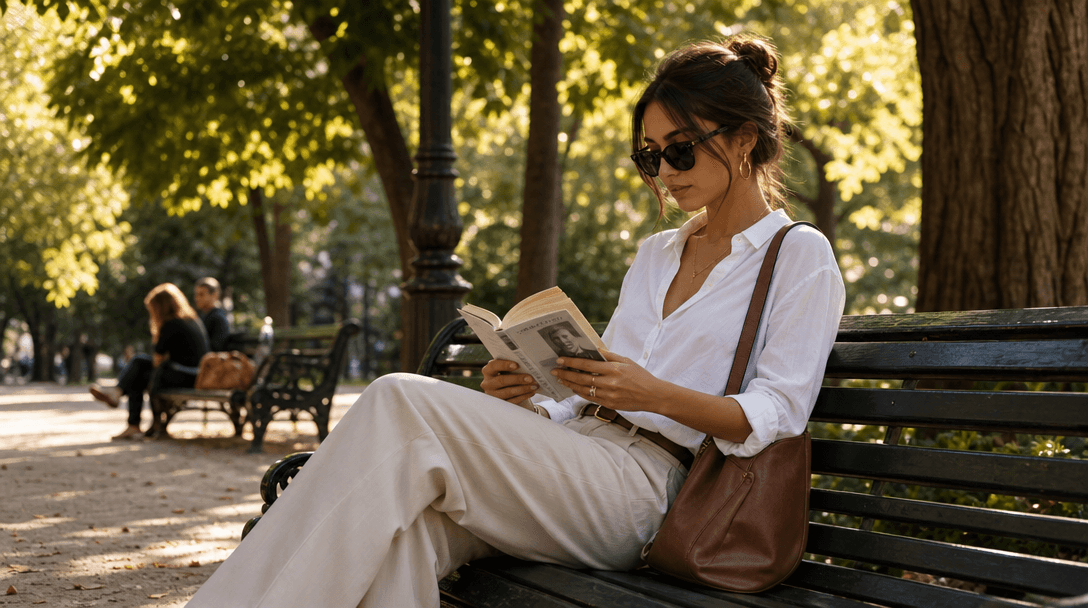
Park setting with natural greenery and casual-chic vibes. Golden hour soft light, trees, benches. Relaxed fashion photog
F · 03

Dynamic Fashion Photography

Videos include subtle camera movement: slow pans, gentle rotation, walking shots. The outfit is revealed progressively, building visual interest. Motion is smooth and elegant, never jerky or amateurish.

Dynamic street-style video sequence. Figure in outfit moving through urban setting. Subtle camera motion, professional f
F · 04

Influencer and Brand Ready

Downloads are high-resolution MP4, perfect for Instagram Stories, Reels, TikTok, and fashion websites. Watermark-free on pro plans. One outfit generates multiple video angles and variations automatically.

Showcase

See it in action

Real outputs generated by our pipeline — no curated cherry-picks.

Fashionable outfit on figure in downtown street corner. Brick wall background, natural daylight. Trendy accessories visi
Stylish person wearing coordinated outfit in park setting. Golden hour light, trees in background. Casual-chic fashion a
Trendy outfit displayed on figure near boutique storefront. Urban modern setting, soft natural light. High-fashion stree
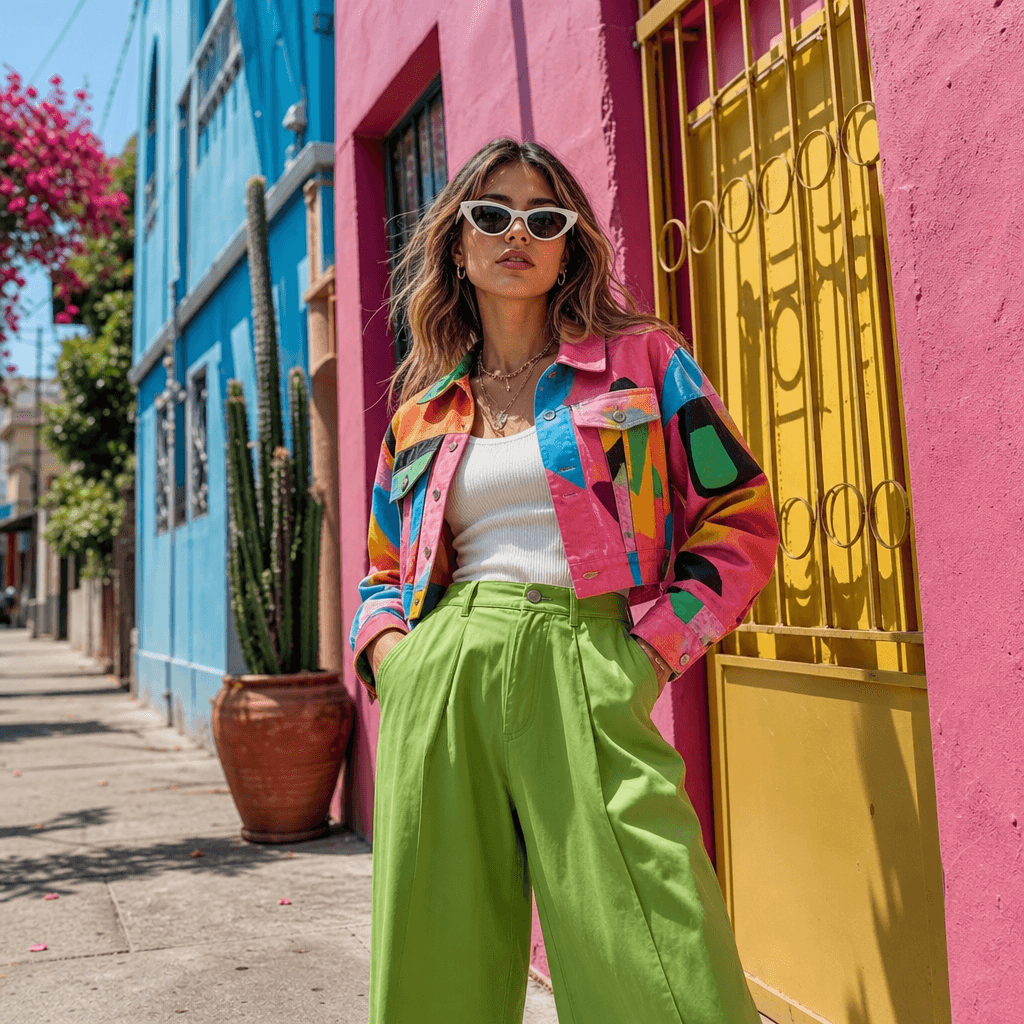
Fashion-forward outfit in neighborhood street setting. Colorful building background, midday light. Contemporary street-s
Ready to ship

Pick a template, customize, publish.

Use cases

Made for every workflow

  • Fashion Brands

    Showcase collections with professional street-style videos for social media, ecommerce, and marketing campaigns.

  • Personal Stylists

    Create outfit inspiration content and style guides for clients without hiring photographers or models.

  • Fashion Influencers

    Generate daily outfit-of-the-day videos without professional photographers or models.

  • Thrift and Vintage Shops

    Present unique finds in aspirational street-style settings to attract trend-conscious shoppers.

  • Clothing Retailers

    Display items in context with other pieces for coordinated looks and complete outfit inspiration.

How it works

From idea to result in seconds

  1. Step · 01

    Upload outfit photo

    Provide a clear photo of your outfit from the front or full-body view.

  2. Step · 02

    Choose street setting

    Select from trendy urban locations: downtown, park, boutique street, or casual neighborhood.

  3. Step · 03

    Generate video

    AI creates a professional street-style video with your outfit in seconds.

FAQ

Frequently asked questions

  • A professional street-style video showing your outfit in an urban setting with fashion photography-grade lighting and posing.

  • You can provide a photo of the outfit on a person, dress form, or mannequin. The AI adapts accordingly to create realistic presentation.

  • Yes. Options include downtown districts, parks, boutique streets, casual neighborhoods, and other trending urban settings.

  • The AI generates or enhances realistic proportions and natural posing. You don't need to hire a professional model.

  • Videos are typically 5–15 seconds, showing the outfit from multiple angles in the urban setting with dynamic camera movement.

  • Yes, on pro plans. Free preview outputs include a watermark. Paid plans offer watermark-free commercial licenses for retail and marketing.

  • High-resolution, well-lit photos of your outfit work best. Phone photos are acceptable if they're clear and properly lit.

  • The template focuses on one outfit per video. Generate separate videos for different looks and styling variations.

  • Videos render at up to 4K resolution in MP4 H.264 format, suitable for all social platforms and ecommerce sites.

  • Yes. MP4 downloads can be edited in any video editor like Adobe Premiere, DaVinci Resolve, CapCut, or your platform of choice.

Get started

See what you can make

Explore more

Discover more AI tools