

AI Fashion Styling

Subway photoshoot generator

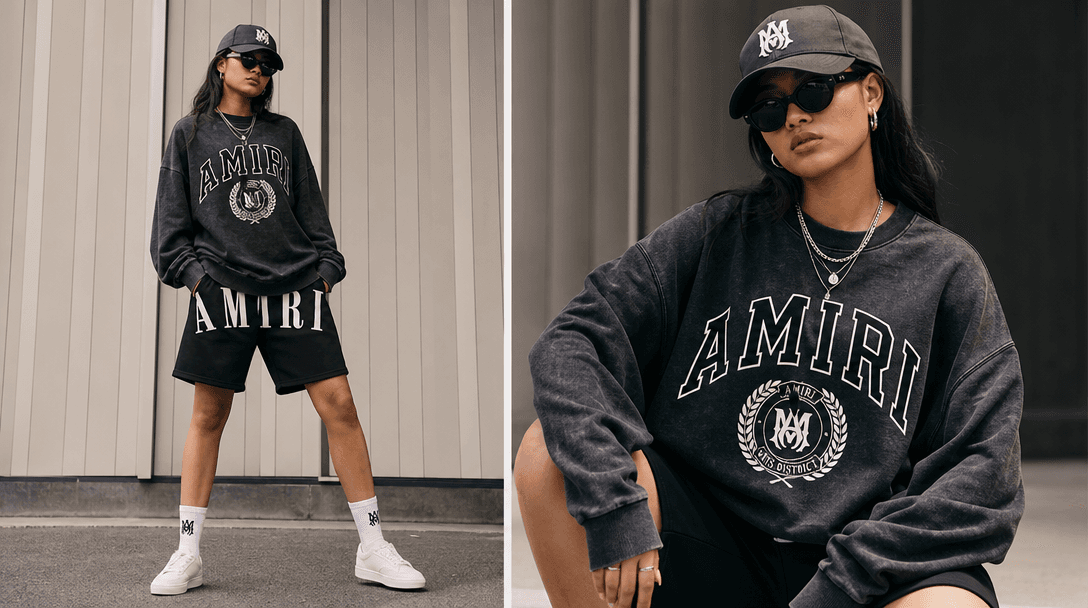
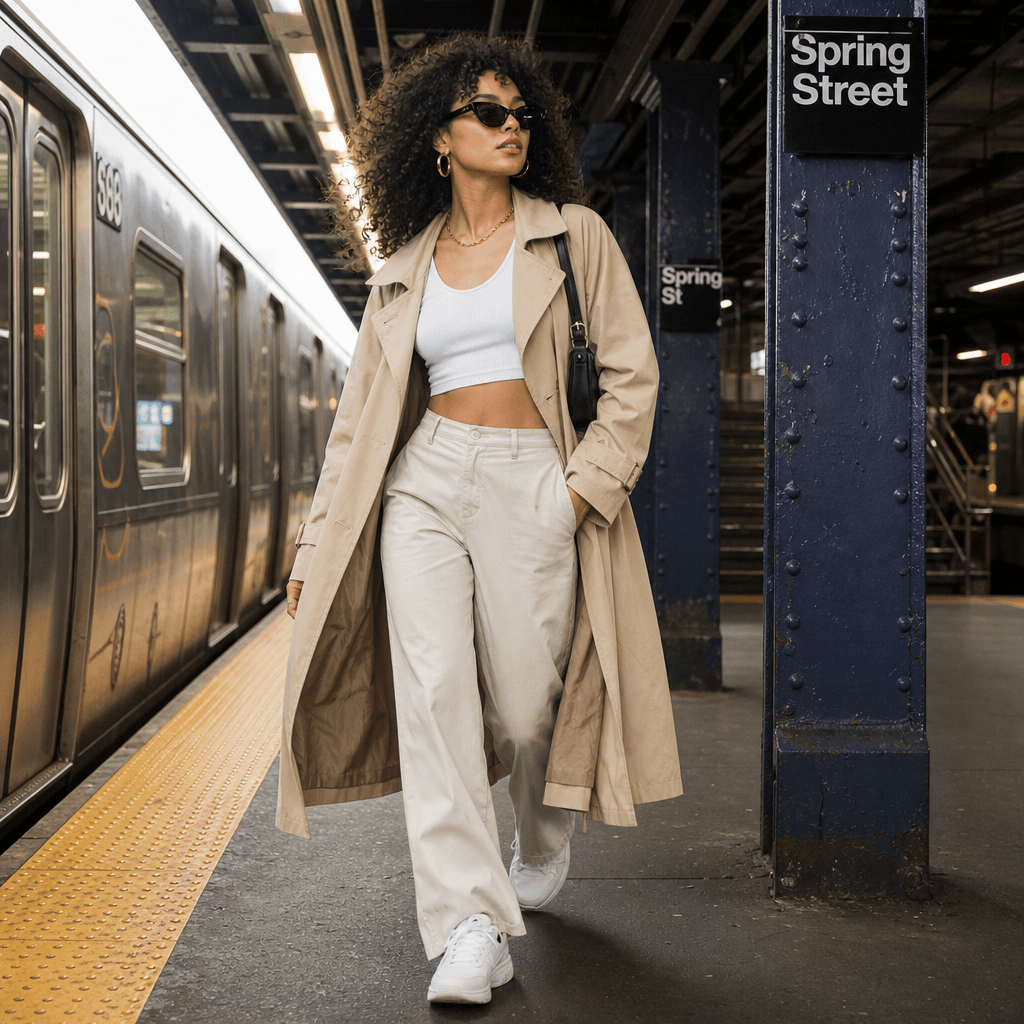
Create trendy fashion photos in vibrant subway settings. AI generates 3 stylish outfit mockups in urban environments—perfect for brands and creators.

Create subway shots
Browse all 400+ templates

Everything you need

Built for creators, marketers, and teams shipping AI video at scale.

01

Trendy subway settings

Vibrant urban transit environments with authentic architectural details.

02

Urban fashion backdrop

Graffiti, tiles, and street aesthetic perfect for streetwear brands.

03

3 unique compositions

Close-ups, full-body, and dynamic angles from single outfit upload.

04

Optional model integration

Add a model or generate outfit-only shots instantly.

05

Fast generation

Get 3 professional shots in 2-3 minutes without studio setup.

06

Professional styling

Editorial-quality photography with perfect lighting and proportions.

07

Brand-ready output

High-resolution images ready for Instagram, TikTok, and e-commerce.

08

Multiple angle variations

Test different styled looks and poses for maximum creative options.

Features

Built to ship

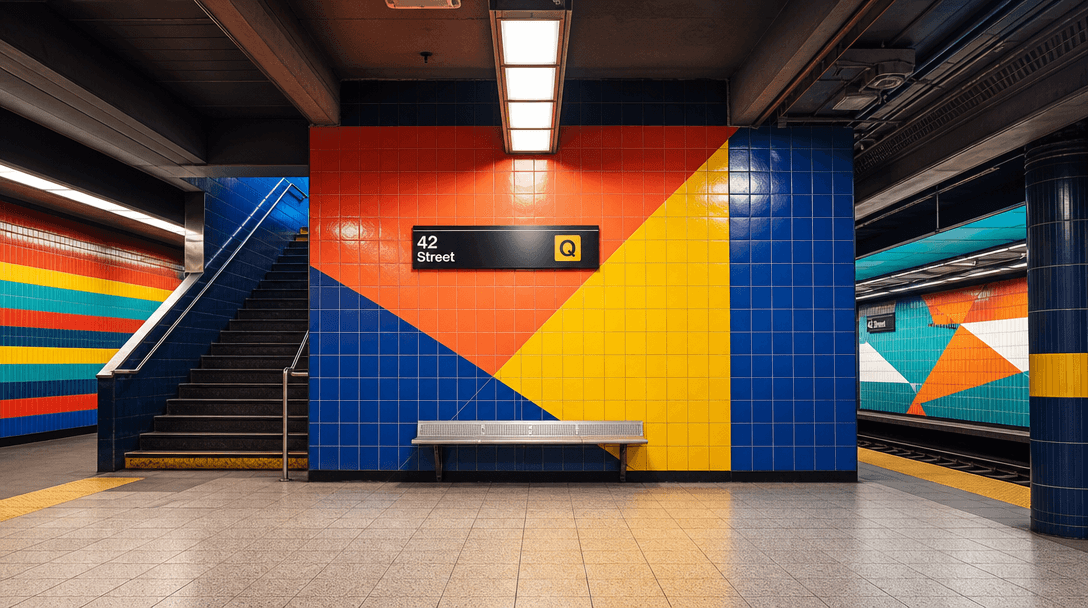
Vibrant subway station tiled walls and urban architecture. Geometric patterns and bright colors. Underground transit aes
F · 01

Three unique subway compositions

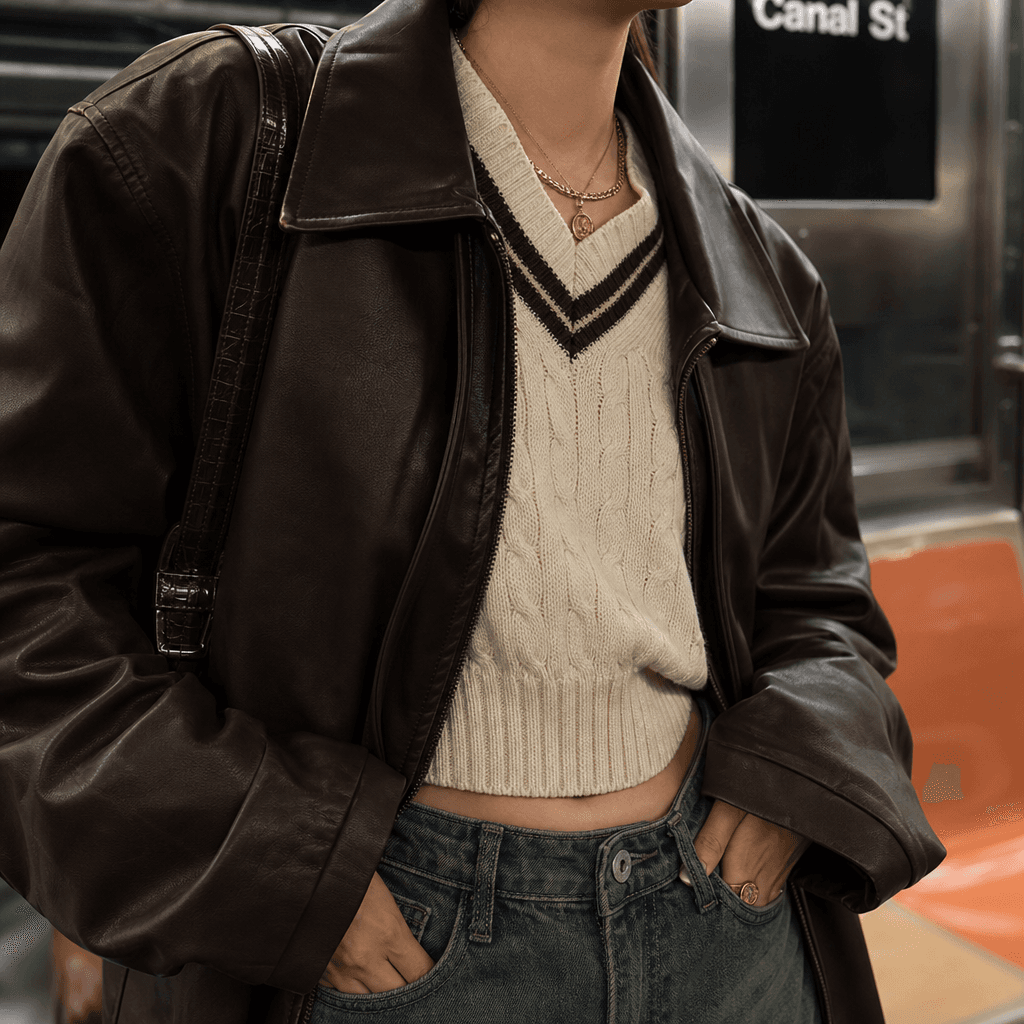
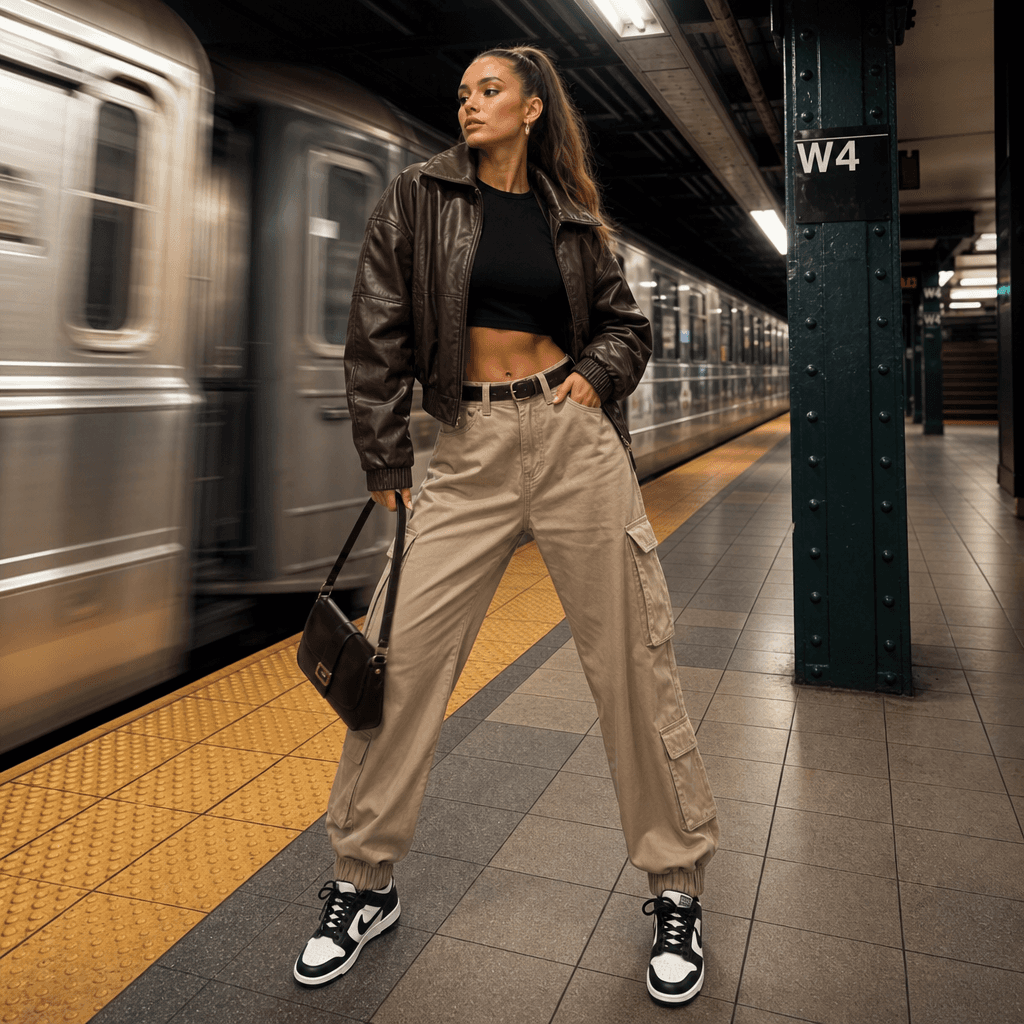
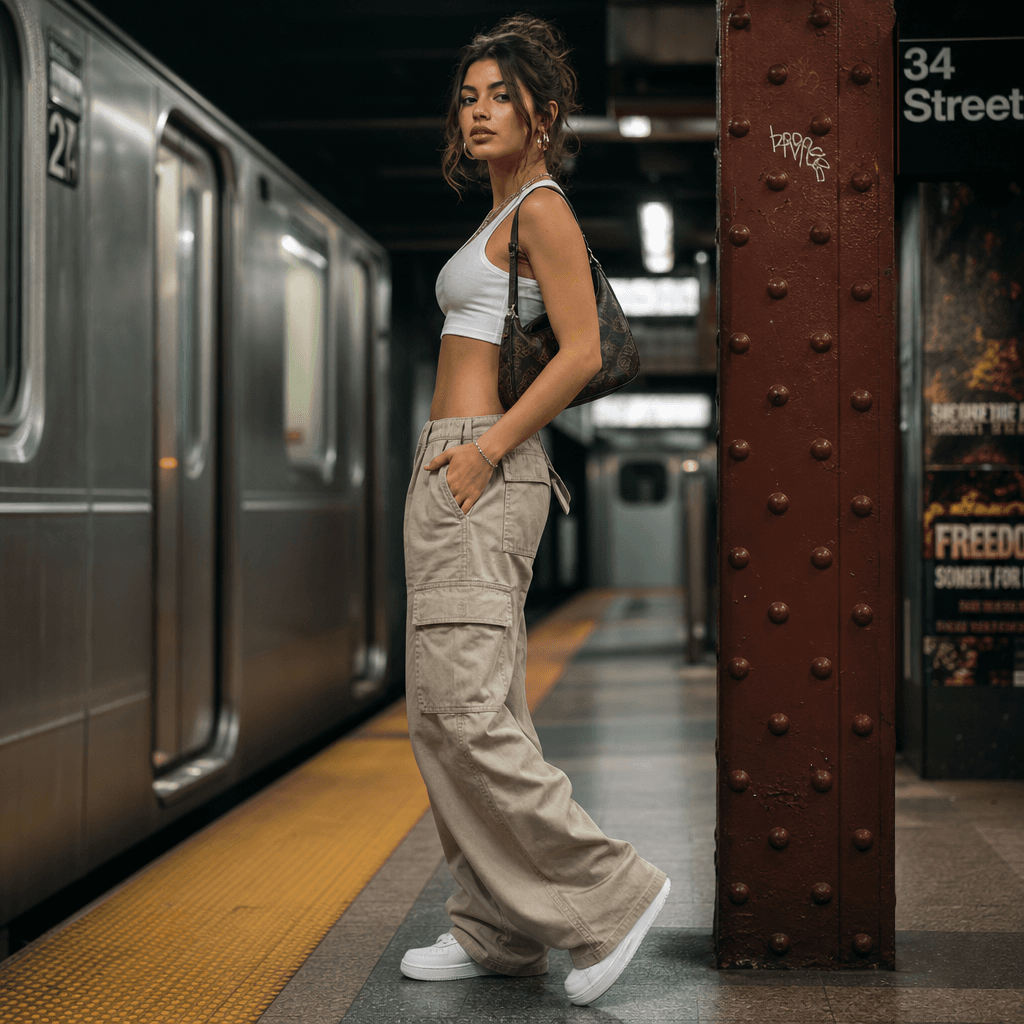
The template generates three distinct poses and framings within a vibrant subway environment. Includes close-ups highlighting fabric details, full-body shots showing complete outfit, and dynamic movement angles. Maximum variety from one upload means richer content for social media and product pages.
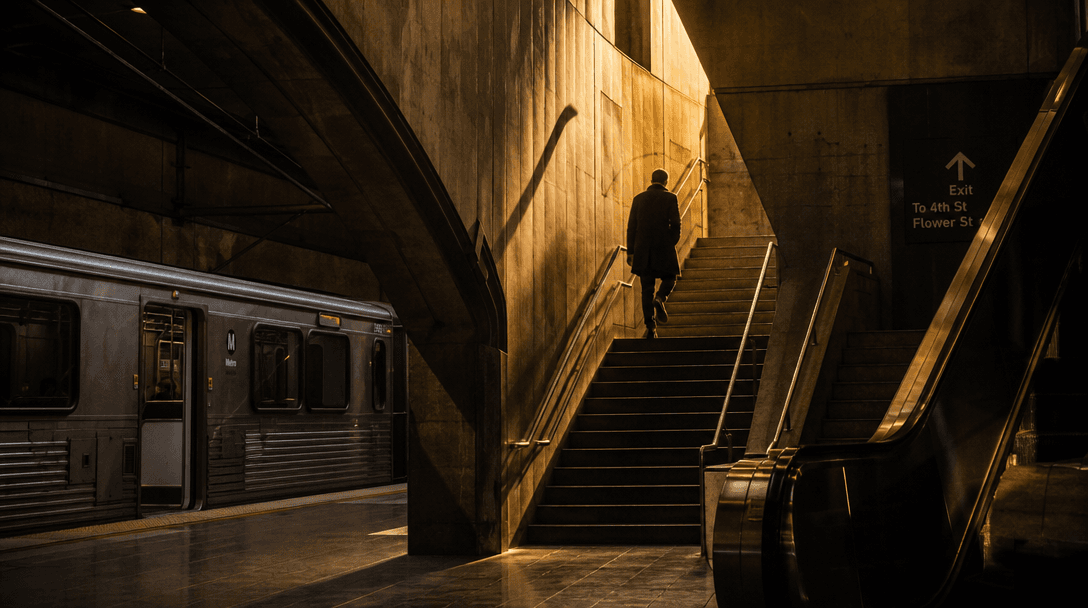
Dramatic warm lighting in underground transit setting. Light and shadow play on architectural surfaces. Urban mood.
F · 02

Optional model integration

Add a model photo to see your outfit styled in realistic context. Or go model-free for pure outfit focus. Both approaches render with professional lighting and proportions. Seamlessly combines outfit images with model photos to create convincing lookbooks.

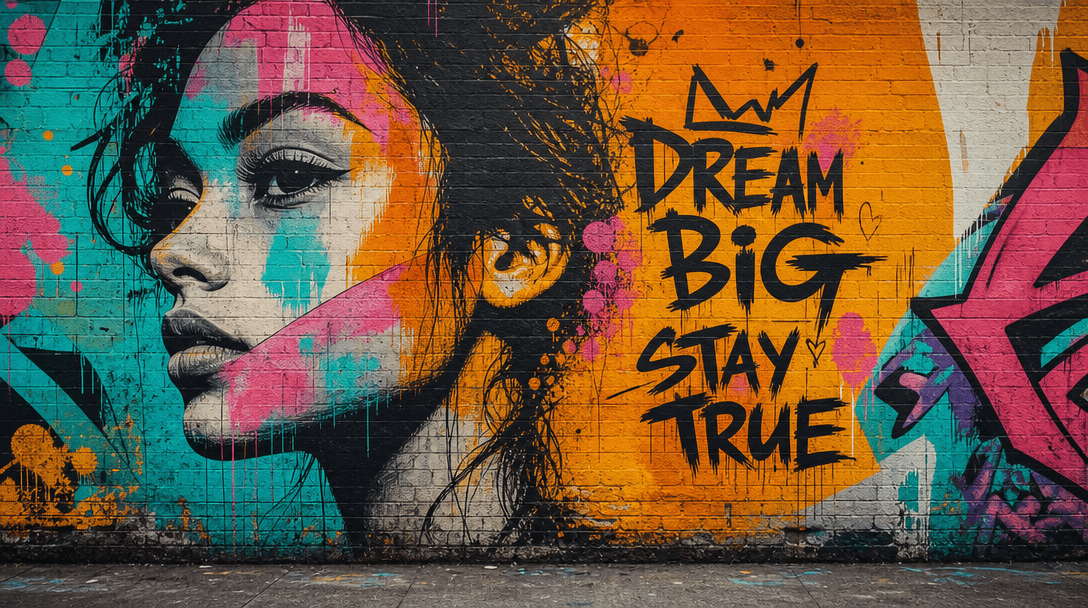
Graffiti and artistic urban wall textures. Street art aesthetic. Bold colors and creative urban expressions.
F · 03

Authentic urban aesthetics

Subway settings include realistic tiling, lighting, graffiti, and environmental details. Your fashion product looks elevated and editorial, not artificially placed. Perfect for streetwear, casual wear, and trend-driven brands targeting urban audiences.

Trendy streetwear styled in editorial fashion composition. Quality clothing and accessories. Professional fashion photog
F · 04

Production-ready output

Every shot is high-resolution, color-graded for social media, and immediately usable for Instagram, TikTok, or e-commerce. No retouching needed. Suitable for premium brand campaigns and high-end fashion marketing.

Showcase

See it in action

Real outputs generated by our pipeline — no curated cherry-picks.

Stylish outfit close-up in subway setting with trendy aesthetic. Detail shot showing fabric and styling. Urban backgroun
Full-body fashion shot in urban subway environment with dynamic stance. Complete outfit visible. Professional styling.
Sideways pose showing outfit detail in trendy subway photoshoot style. Confident stance. Urban aesthetic background.
Dynamic walking pose in trendy subway photoshoot. Fashion-forward styling. Movement and energy visible. Urban location.
Ready to ship

Pick a template, customize, publish.

Use cases

Made for every workflow

  • Fashion e-commerce

    Create product shots for streetwear, casual wear, and trend-driven collections without expensive studio shoots. Fast iteration for seasonal drops and new arrivals.

  • Fashion influencers

    Generate on-trend outfit content for feed posts and stories. Test different styling combinations to maintain consistent aesthetic across content calendar.

  • Streetwear brands

    Showcase collections in authentic urban environments. The subway aesthetic aligns perfectly with urban culture and Gen Z fashion preferences.

  • Model agencies

    Create digital lookbooks with model photos and various outfit combinations. Reduce shooting time and location costs while increasing portfolio variety.

How it works

From idea to result in seconds

  1. Step · 01

    Upload outfit photo

    Share a clean outfit or clothing product image. Optionally add a model photo to show how the outfit looks when worn and styled.

  2. Step · 02

    Select composition

    Choose from three unique subway frame styles—close-up detail shot, full-body pose, and dynamic angle. Each setting renders with different environmental details and lighting.

  3. Step · 03

    Download all three

    Get 3 high-resolution subway photoshoot images ready for Instagram, e-commerce, or digital lookbooks. No licensing restrictions on paid plans.

FAQ

Frequently asked questions

  • Yes. Share a clear clothing item, product photo, or full outfit image. Background removal is automatic—just provide a clean shot on neutral background for best results.

  • No, it's optional. You can generate outfit mockups solo for close-up and detail shots, or pair with a model photo for worn/styled looks. Both approaches render naturally in the subway setting.

  • The template handles it seamlessly. Your model integrates into the subway scene, and the original background is automatically replaced with the vibrant subway environment.

  • One outfit per generation produces 3 unique subway compositions with different angles and poses. Each variation is separately downloadable for maximum flexibility.

  • Yes, production-ready. Lighting, proportions, and environmental details are photorealistic and suitable for high-end fashion marketing, e-commerce, and premium brand campaigns.

  • 2-3 minutes for all 3 compositions. Fast enough to test multiple outfit variations in a single creative session and iterate on styling.

  • Fully. All generated images are yours on paid plans. No watermark, no restrictions on commercial resale, advertising, merchandise, or any business use.

  • The template is highly optimized for fashion items. If results need adjustment, try uploading a cleaner source image or adjusting model positioning, then regenerate. Support is available for troubleshooting.

Get started

See what you can make

Explore more

Discover more AI tools