

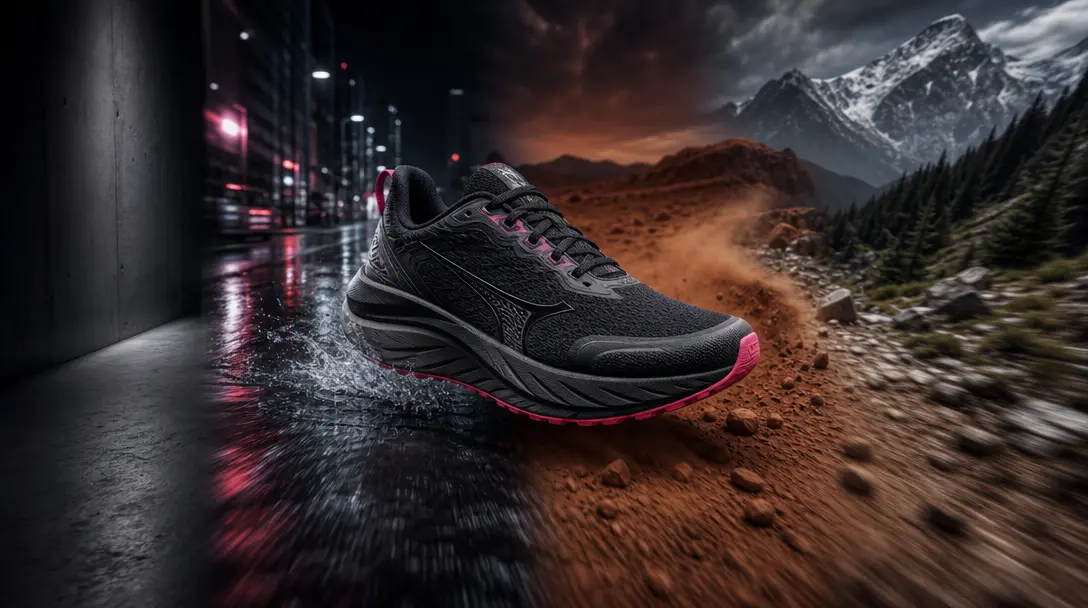
Build a Story Across Scenes
Transform a static product asset into a short visual journey that moves through contrasting environments. Each scene adds context, energy, and variety while keeping the featured item central to the narrative.
Multi-Scene Product Video
Turn one product into a cinematic mini story across changing scenes, with fast renders and production-ready quality from Nim's AI models.
Built for creators, marketers, and teams shipping AI video at scale.
Present the same product across distinct environments within one cohesive video story.
Connect each setting with energetic visual changes that keep the product at the center.
Build a sequence around one recognizable product while the surrounding scene evolves.
Start with a curated narrative format instead of planning every shot from scratch.
Generate alternate scene combinations for campaigns, launches, and social content.
Create fast-moving product storytelling suited to Reels, Shorts, and TikTok campaigns.
Access Nim's selection of leading AI video models through a single creative platform.
Produce polished visual concepts for ecommerce, fitness, lifestyle, and brand marketing.
Transform a static product asset into a short visual journey that moves through contrasting environments. Each scene adds context, energy, and variety while keeping the featured item central to the narrative.
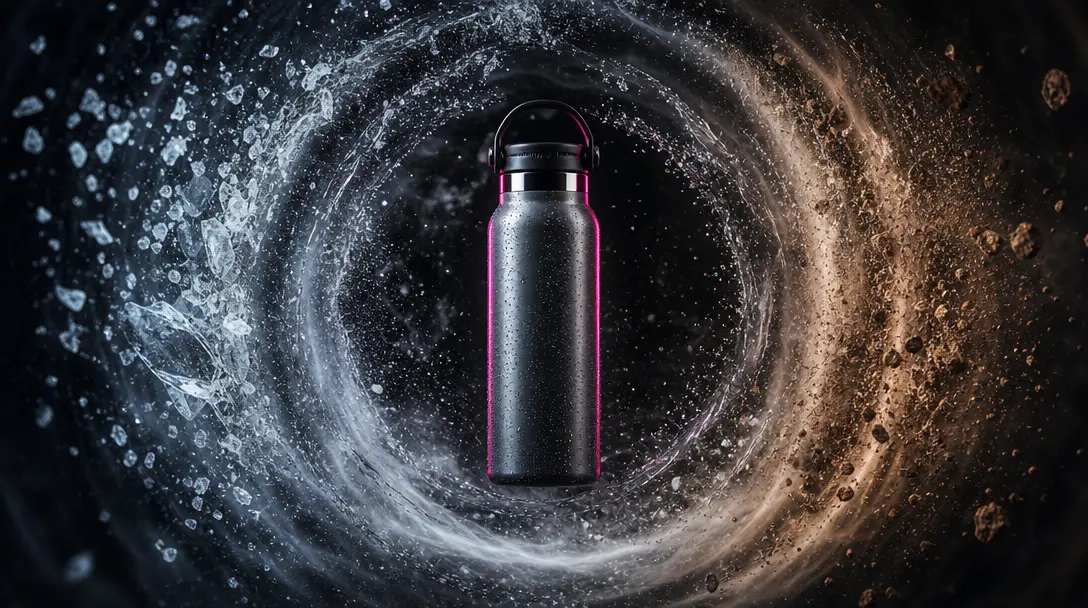
The template is structured around a clear hero object, helping the sequence feel like one campaign rather than unrelated clips. This makes it useful for recognizable packaging, sports equipment, accessories, and fitness products.
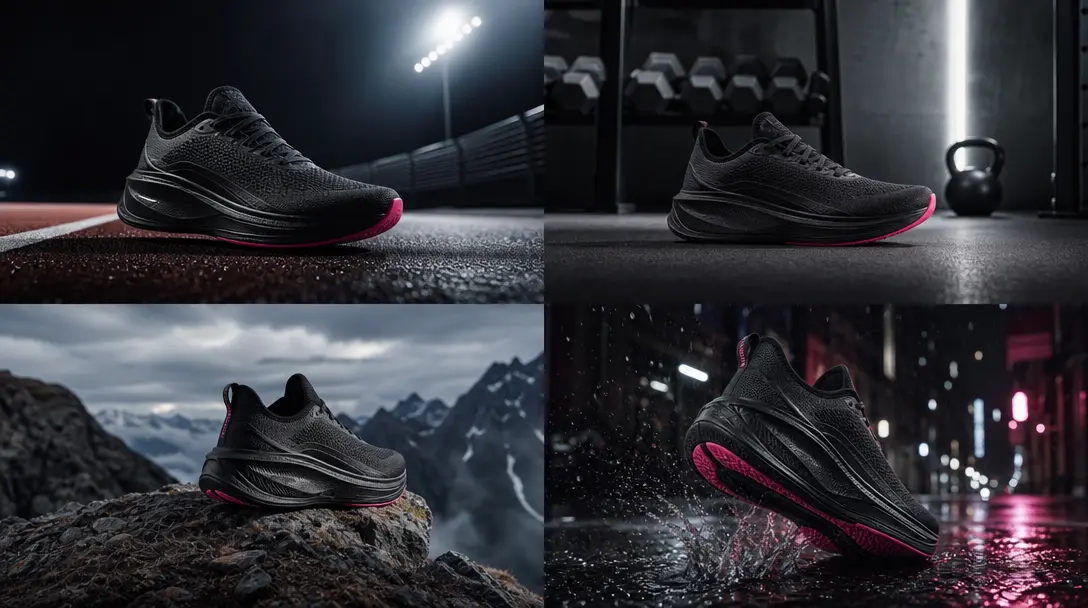
Explore different settings and moods without organizing multiple physical shoots. Generate variations for creative testing, seasonal promotions, launch teasers, and platform-specific edits from the same core product concept.
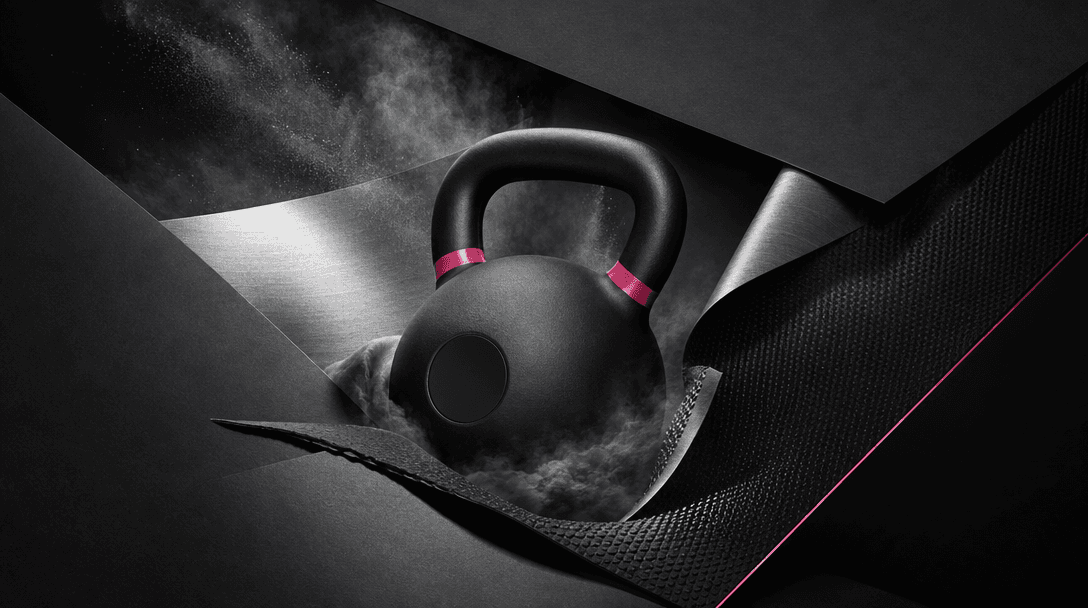
Use a curated professional template to reduce creative setup and reach a polished direction faster. Nim combines guided production with access to video models such as Sora, Veo, Kling, and Pika in one workflow.
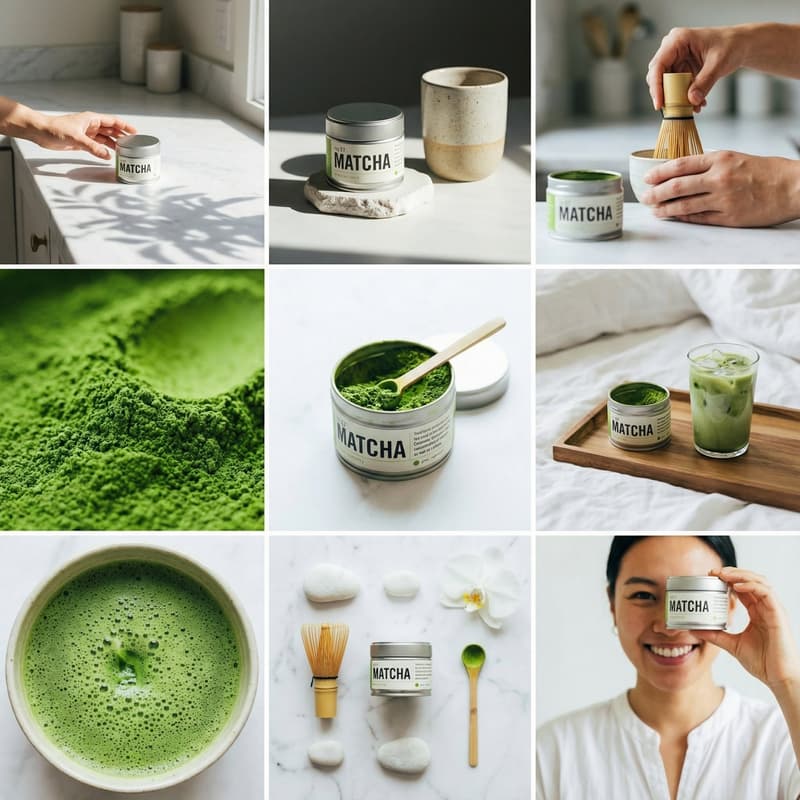
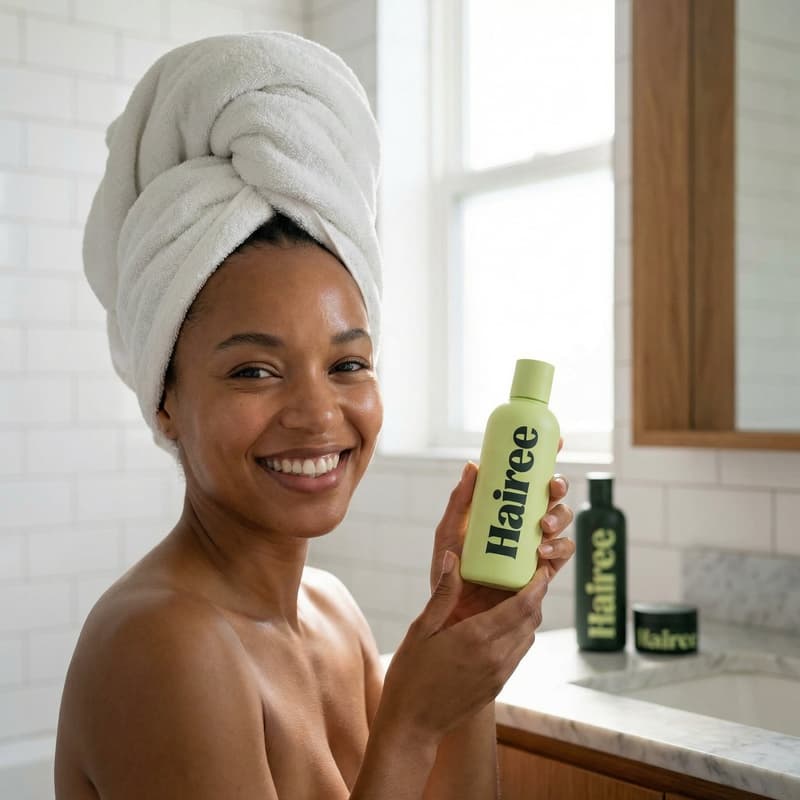
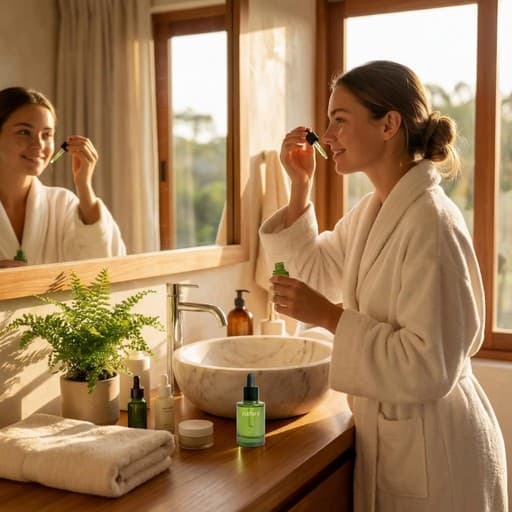
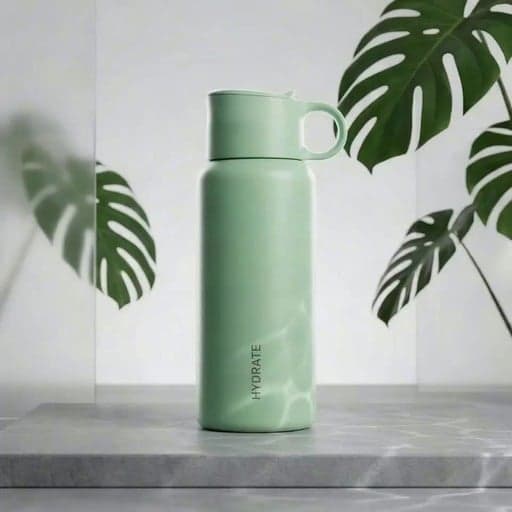
Real outputs generated by our pipeline — no curated cherry-picks.
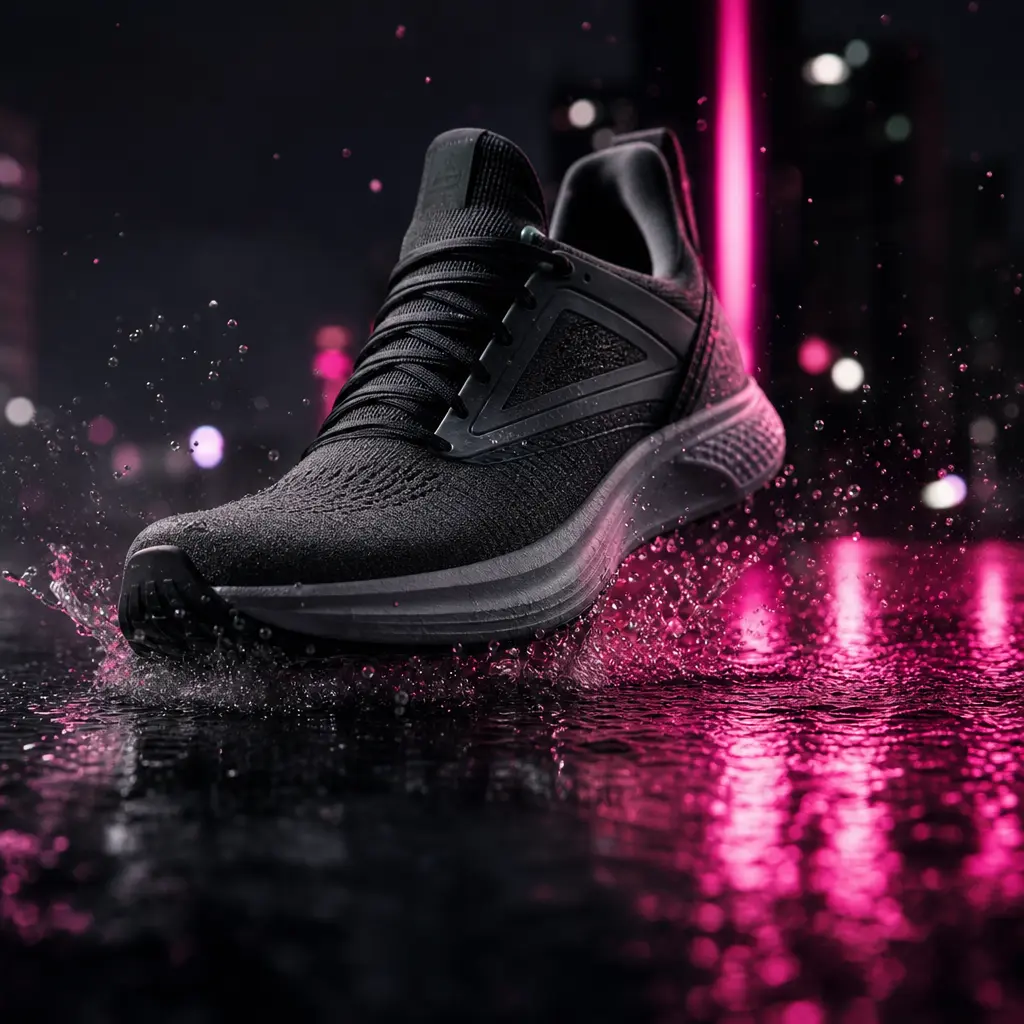
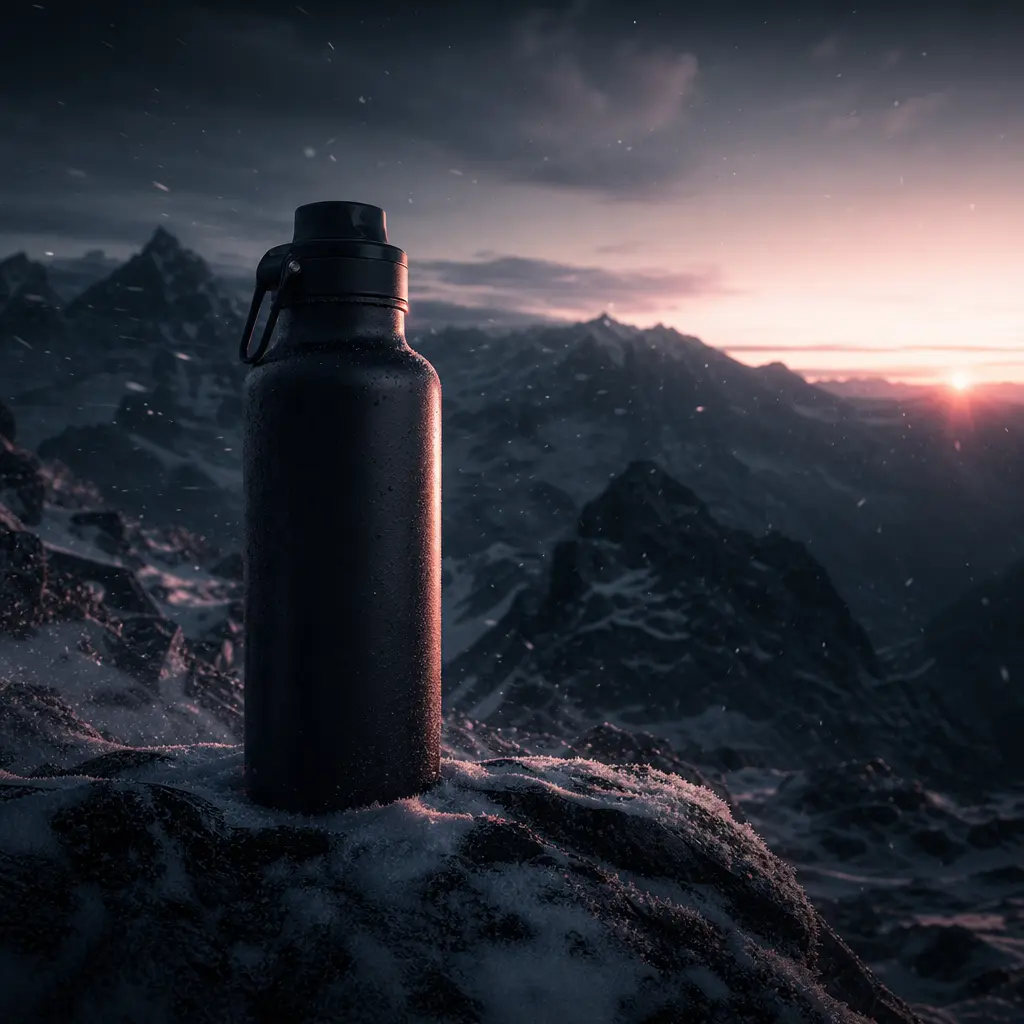
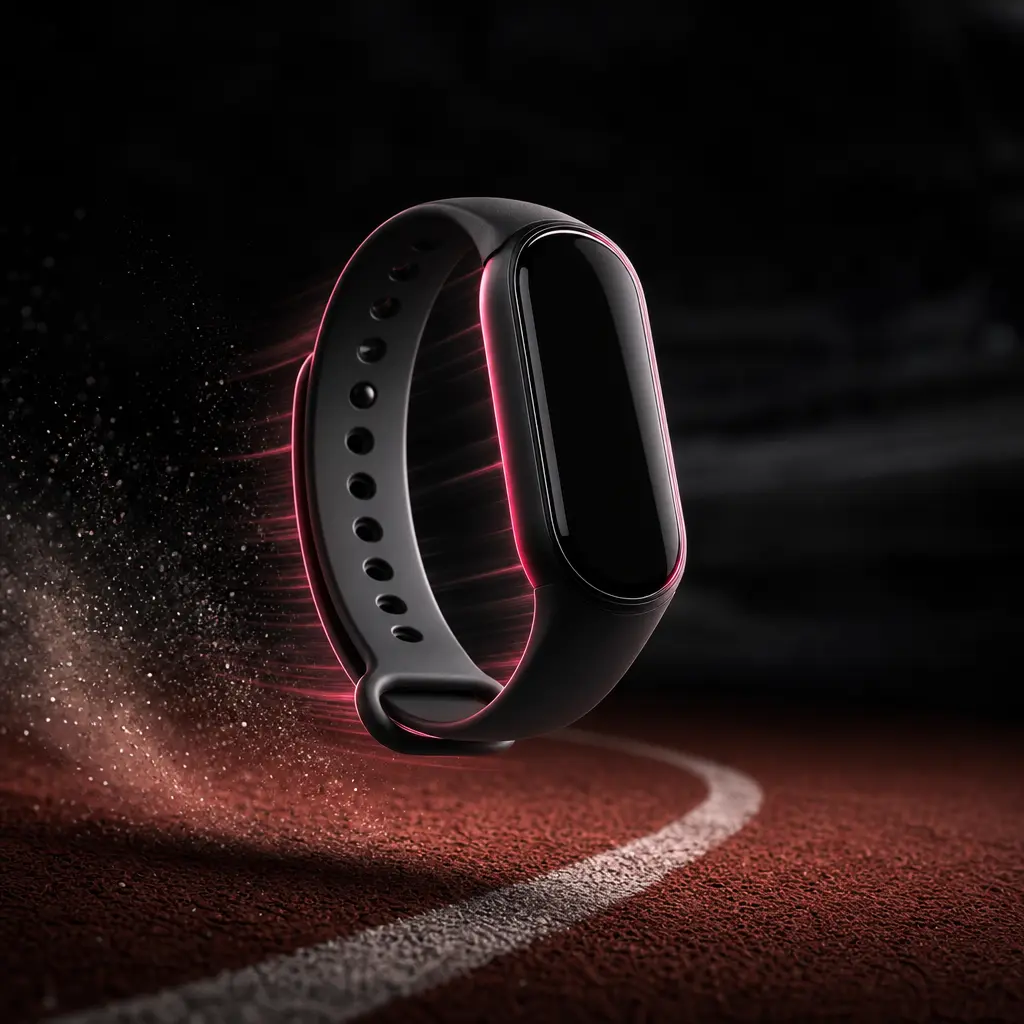
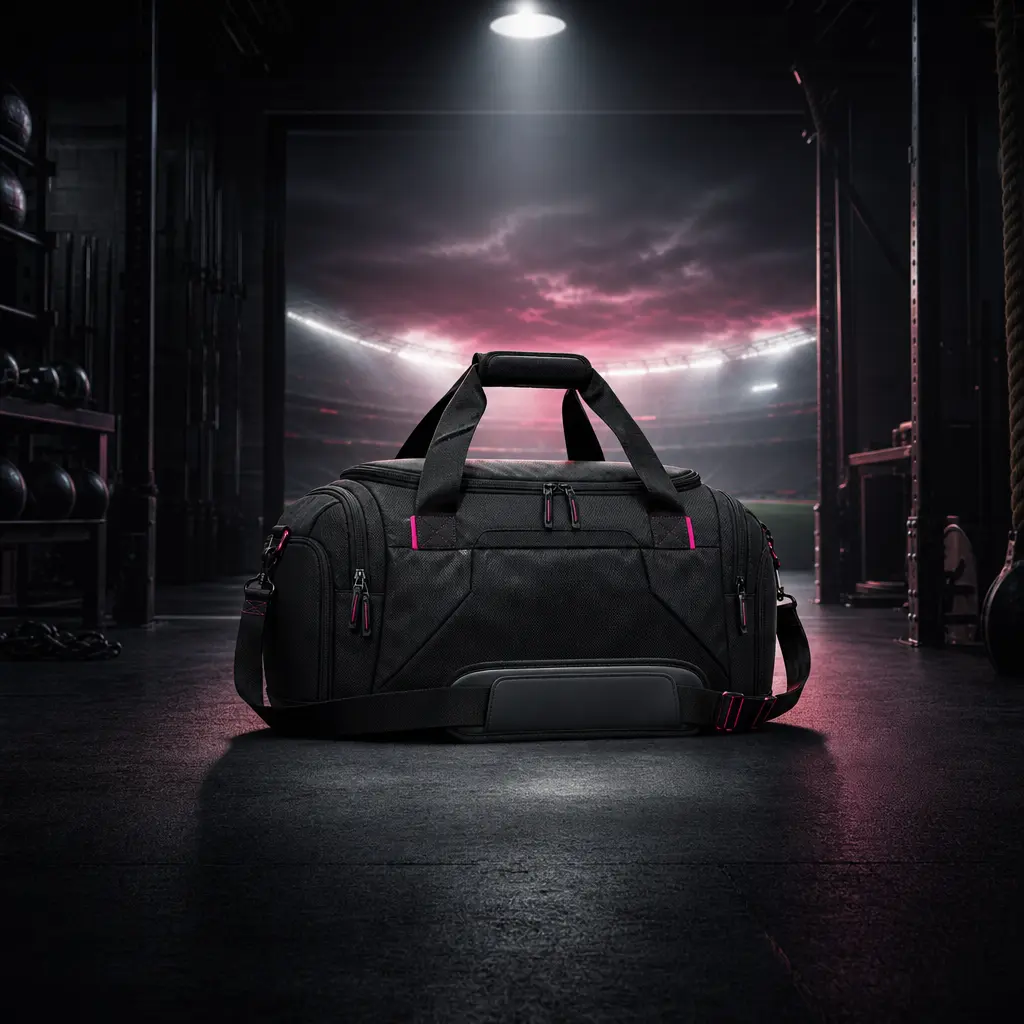
Place footwear, equipment, apparel, or accessories into changing training and lifestyle environments to communicate motion and versatility.
Create energetic campaign visuals for product drops, paid social ads, seasonal promotions, and short-form content calendars.
Turn a product image into a more engaging mini story that adds visual context beyond a standard catalog shot.
Develop multiple campaign directions quickly for pitches, concept testing, and client-ready social executions.
Produce visually varied product features for Reels, Shorts, TikTok posts, and sponsored brand content.
Build anticipation by revealing the same hero item across a sequence of dramatic, contrasting scenes.
Upload a clear product image that can serve as the visual anchor throughout the scene-switching sequence.
Choose your creative direction and generate a multi-scene interpretation using the Product scenes template.
Review the rendered result, refine the concept when needed, and export it for your campaign or content channel.
Product scenes is a Nim video template that creates a short visual story featuring one product across multiple changing environments. It is designed for dynamic advertising, ecommerce content, and social campaigns.
You provide a clear product image and use the template's structured creative direction to generate a cohesive multi-scene video. Nim processes the concept with an available AI video model and produces a rendered sequence for review.
Products with a clear silhouette and clean source image generally provide the strongest visual anchor. Sports gear, footwear, fitness accessories, packaged goods, electronics, and lifestyle products are practical candidates.
The template is built for commercial creative workflows, including paid social, ecommerce campaigns, product launches, and branded content. Confirm that you own or have permission to use every uploaded product image, logo, and brand asset.
Nim provides multi-model access that can include leading systems such as Sora, Veo, Kling, and Pika, alongside image models such as Flux. Model availability and supported settings may vary by workflow.
Generation requires purchased credits, and the credit cost can vary by model and output settings. Current plan and credit details are available on Nim's subscription page before you generate.
Many generations complete in seconds or under a minute, although timing depends on the selected model, settings, and service demand. More complex outputs can require additional processing time.
The template produces a short AI-generated product video built around scene changes and a consistent hero item. Final composition and motion depend on the source asset, creative direction, and selected generation model.
Your usage rights depend on Nim's current terms, your plan, the selected model, and your rights to the uploaded assets. You remain responsible for securing permission to use any products, trademarks, people, or third-party material.
A traditional shoot requires locations, sets, equipment, and production coordination, while this template generates scene concepts from a product asset. It is particularly useful for rapid ideation, campaign variations, and content that would be costly to stage physically.