

AI Timelapse · Real Estate

AI Building Timelapse Video Generator

Turn any exterior building photo into a cinematic timelapse — day-to-night shifts, seasonal cycles, and weather transitions rendered with production-ready quality.

Browse templates
Browse all 400+ templates

Everything you need

Built for creators, marketers, and teams shipping AI video at scale.

01

Day-to-Night Transitions

Watch your building transform from golden-hour warmth through dusk to a glowing nighttime scene in one continuous cinematic clip.

02

Seasonal Change Cycles

Spring bloom, summer canopy, autumn color, and winter frost — rendered as a seamless time-lapse sequence from a single source photo.

03

Multi-Model AI Engine

Powered by leading video generation models including Kling, Veo, and Runway for maximum visual fidelity on every render.

04

Production-Ready Output

Receive high-resolution video files ready for MLS listings, investor decks, and social media without post-processing or re-encoding.

05

Cinematic Motion Quality

Smooth, physically plausible motion that rivals real time-lapse photography — without months of camera setup or site revisits.

06

Commercial License Included

All timelapse videos generated on paid plans are cleared for commercial use in client presentations, listings, and paid advertising.

07

No Drone or Rig Required

A single exterior photo is all you need — no return site visits, no camera equipment, and no dependency on actual weather conditions.

08

Real Estate Optimized Templates

Presets built specifically for residential properties, commercial buildings, architectural renders, and construction progress documentation.

Features

Built to ship

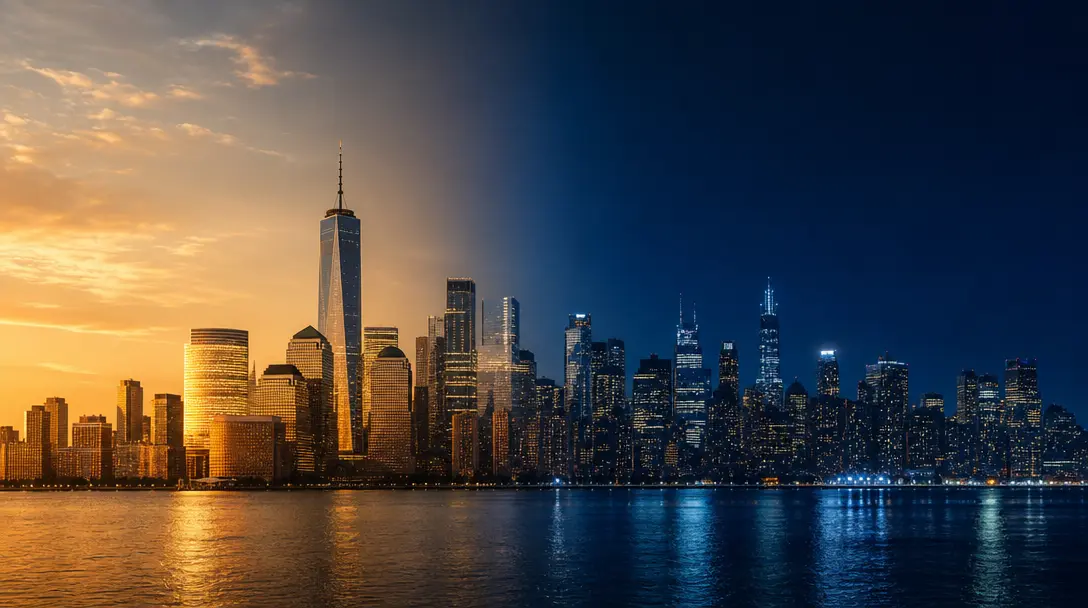
Abstract split-frame editorial image of the same city skyline divided vertically — left half bathed in warm afternoon go
F · 01

Day-to-Night Building Transformation

Nim's AI video engine reads the lighting geometry of your exterior photo and extrapolates a smooth, physically plausible transition from bright daylight through magic hour to full night. Interior lights appear to switch on, windows begin to glow, and long shadows stretch across the facade — all rendered automatically without touching video editing software. The result is a 5–10 second clip that transforms a static listing image into a living, immersive property showcase that commands attention in any feed.
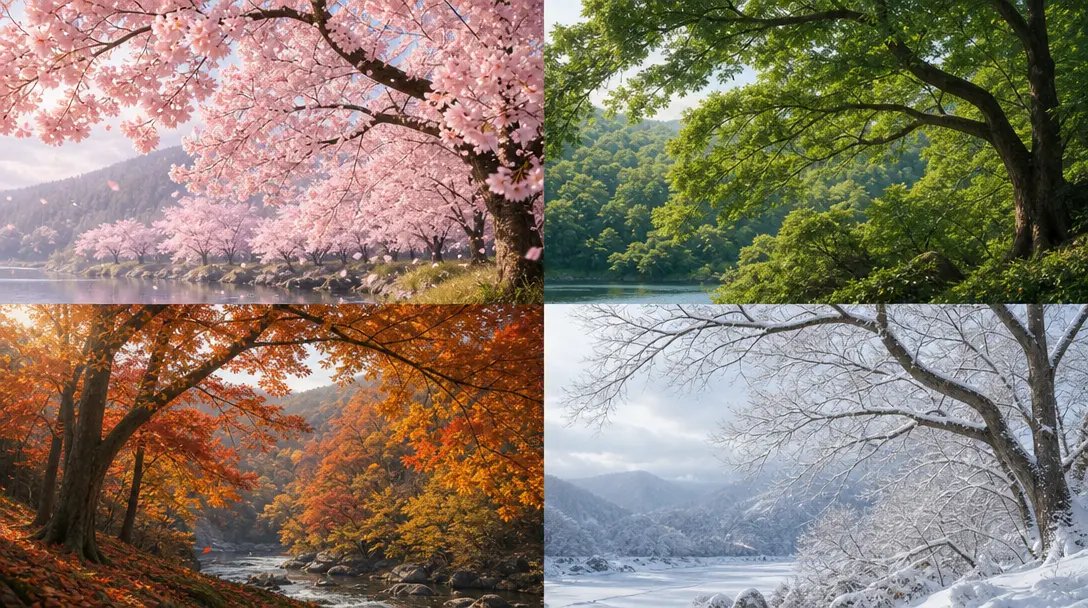

Four landscape quadrants in soft editorial arrangement — top-left cherry blossom pink spring, top-right dense green summ
F · 02

Seasonal Foliage & Weather Cycles

From bare winter branches to dense summer canopies, the seasonal transition template re-renders your building's surroundings through four distinct climate states in a single continuous video. Each seasonal pass is tuned to preserve sharp property detail while layering in foliage, sky tone, and ambient light that tell the full year-round story of your location. Deliver four seasons of visual appeal to buyers and investors in under a minute of generation time.

Abstract dark editorial image of multiple converging light beams against a near-black #0A0A0F background — white and hot
F · 03

Multi-Model AI Video Generation

Unlike single-model tools, Nim routes your timelapse job through the strongest available foundation model for the specific motion style, resolution, and transition type you select. You get simultaneous access to Kling, Veo, Runway, and other leading video generators under one platform — no separate accounts, no separate billing, no juggling API keys. Quality routing runs automatically so every render defaults to the highest-output model for your use case.

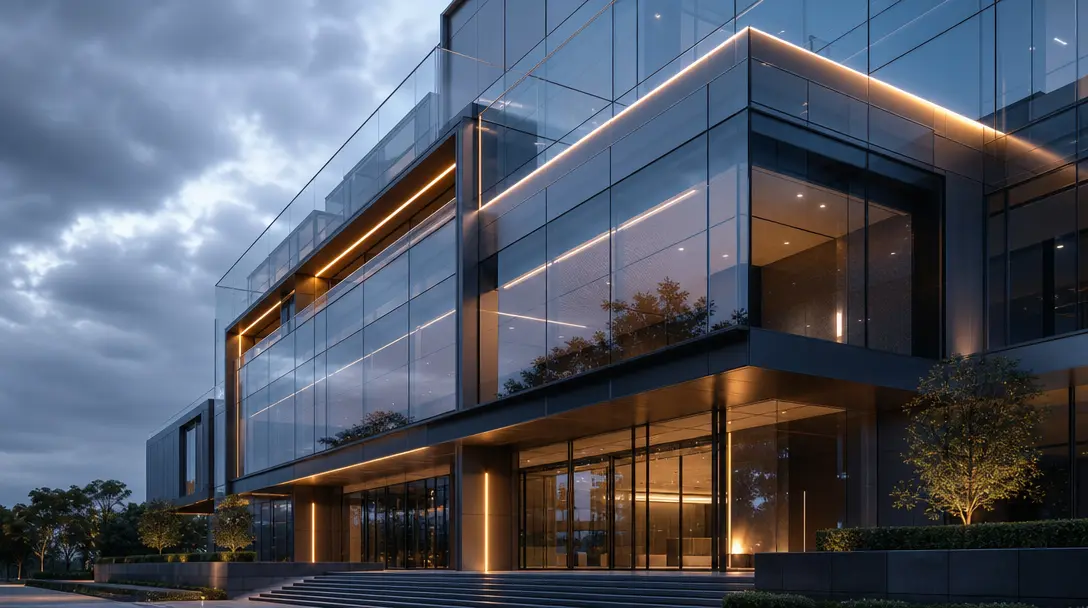
Hyper-detailed architectural print-quality hero shot of a modern glass commercial building facade — ultra-crisp curtain-
F · 04

Commercial-Ready Delivery Pipeline

Every timelapse generated through Nim arrives at publish-ready resolution with a commercial license covering MLS uploads, social media advertising, investor pitch decks, and developer marketing materials. Output files are formatted for direct delivery on paid plans — no watermarks, no re-encoding, no manual export steps. From a single photo to a polished video asset in minutes, not production days.

Showcase

See it in action

Real outputs generated by our pipeline — no curated cherry-picks.

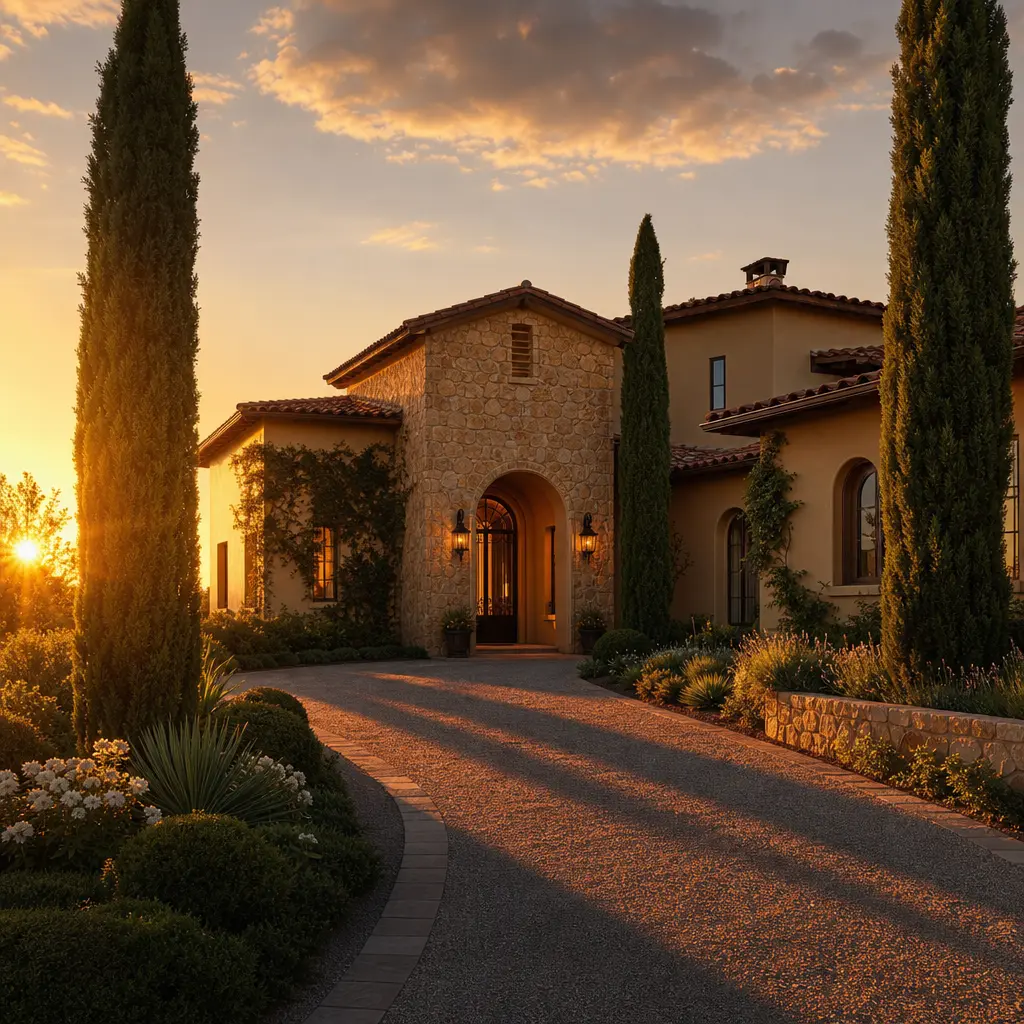
Luxury residential villa exterior at peak golden hour, warm raking sunlight across stone and render facade, long dramati
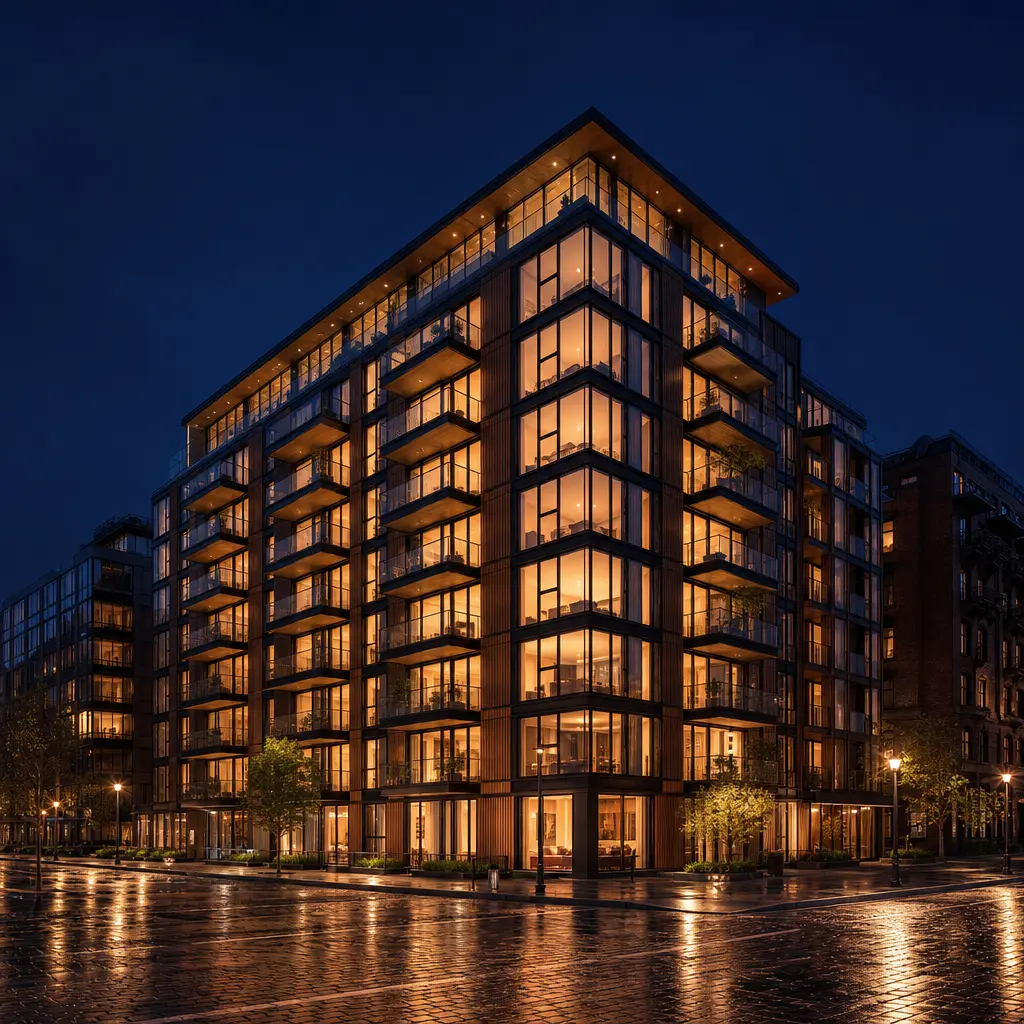
Contemporary urban apartment building at night, every floor lit warmly from within against a deep indigo sky, wet cobble
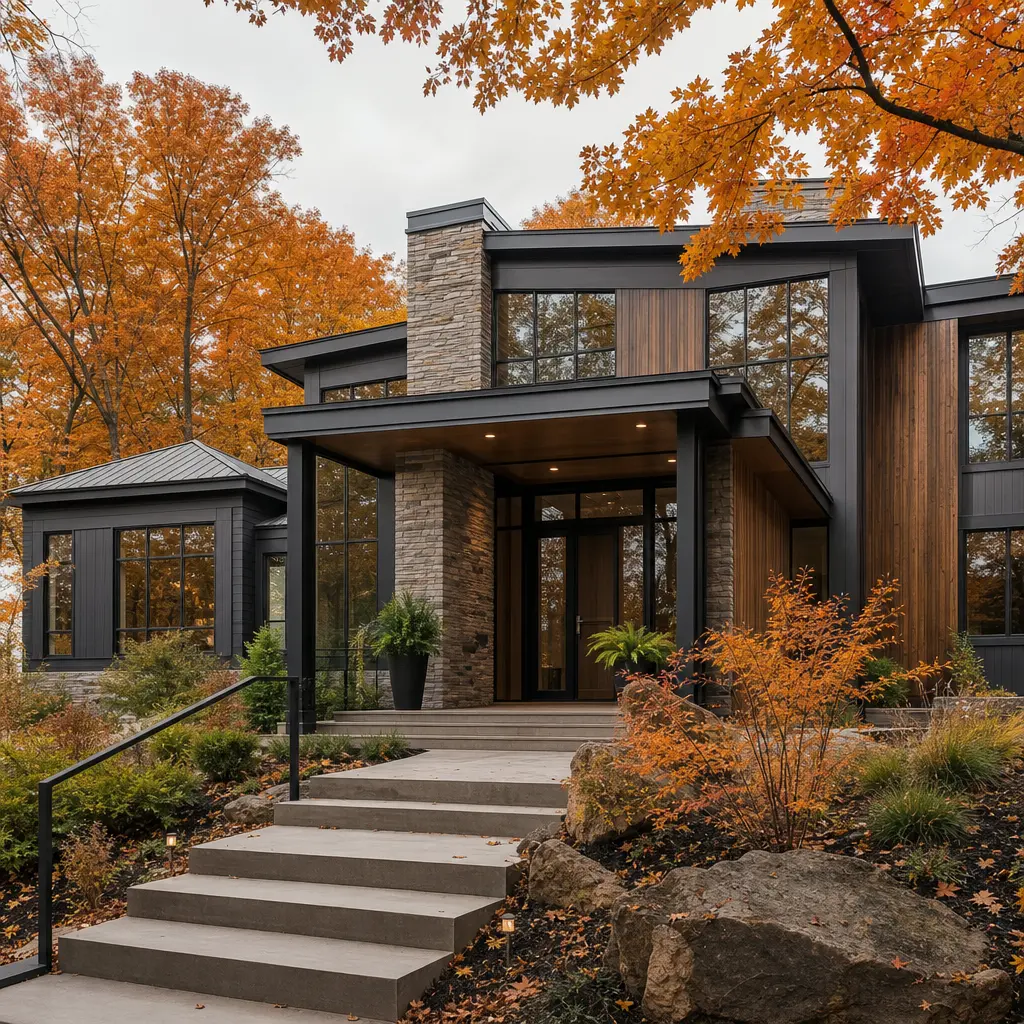
Modern residential property surrounded by peak autumn foliage — vivid orange and amber tree canopy framing the facade, o
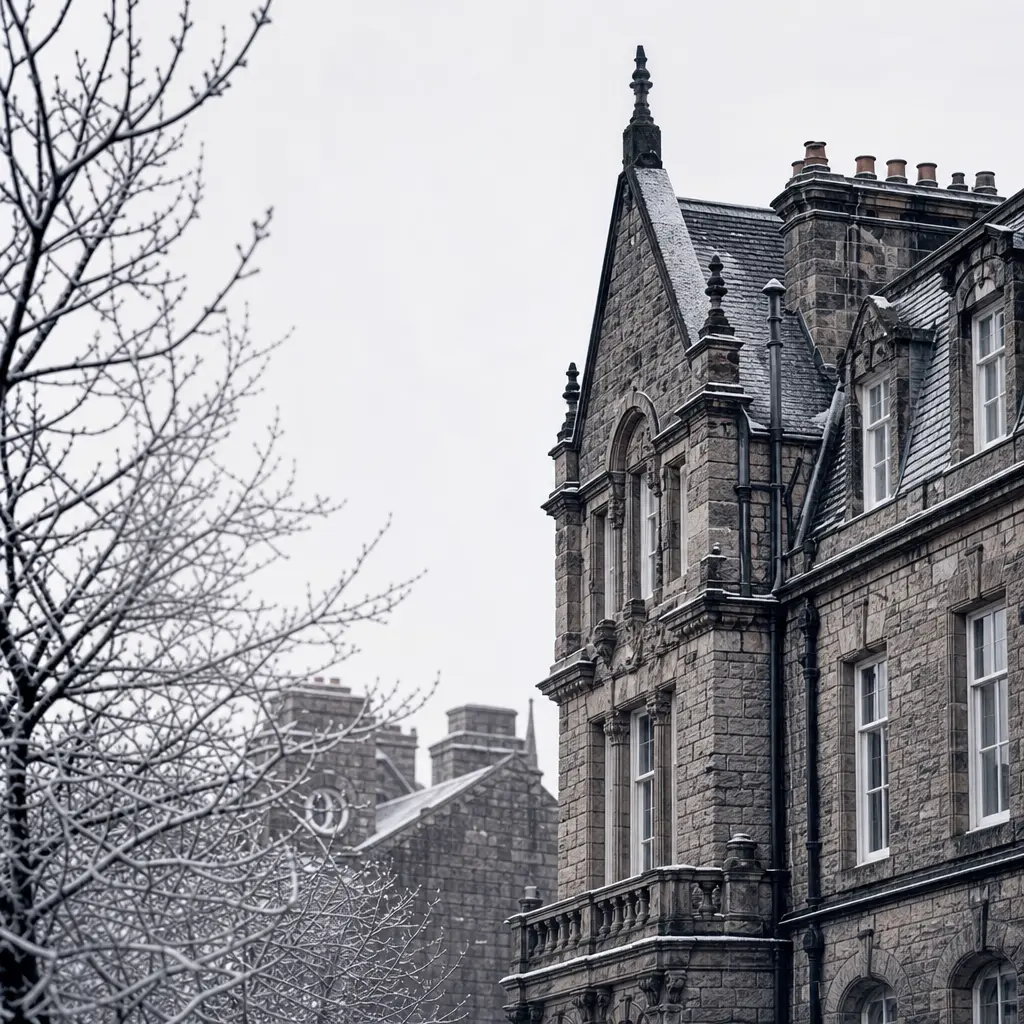
Classic European stone townhouse dusted with light snow, bare winter branches in foreground, pale flat grey sky, high co
Ready to ship

Pick a template, customize, publish.

Use cases

Made for every workflow

  • Real Estate Agents

    Upgrade static listing photos with a day-to-night or seasonal timelapse that makes properties stand out in crowded MLS feeds and social media. A single cinematic clip can increase listing engagement and accelerate buyer interest before the first showing.

  • Property Developers

    Showcase a building's seasonal character to investors and buyers before construction completes, using architectural renders as the source image. Timelapse visuals in pitch decks signal a professional-grade marketing operation from the earliest project stage.

  • Architecture Firms

    Bring CGI building visualizations to life for client presentations. A day-to-night or seasonal timelapse of a rendered model adds depth, atmosphere, and narrative that static renders simply cannot deliver in a boardroom or proposal PDF.

  • Social Media Managers

    Create scroll-stopping short-form video for Instagram Reels, TikTok, and LinkedIn without a film crew or post-production budget. A cinematic 7-second timelapse outperforms a photo carousel on every engagement metric.

  • Interior Designers & Stagers

    Demonstrate how natural light transforms a property's exterior and key interior-facing elevations throughout the day — a compelling addition to any staging presentation, client proposal, or design portfolio site.

How it works

From idea to result in seconds

  1. Step · 01

    Upload your building photo

    Start with any clear exterior shot of your property — a smartphone image, a professional listing photo, or a CGI architectural render all work as source material.

  2. Step · 02

    Choose your transition style

    Select day-to-night, seasonal cycle, or weather variation from the curated presets, and the AI adapts the lighting, shadows, foliage, and sky conditions to match.

  3. Step · 03

    Render and download

    Nim generates your cinematic timelapse in seconds and delivers a production-ready video file you can drop straight into a listing, investor deck, or social post.

FAQ

Frequently asked questions

  • An AI timelapse video uses generative video models to animate a single static exterior photo through time — simulating transitions like day-to-night lighting shifts or four-season foliage changes. It produces a short cinematic clip without requiring a physical time-lapse camera rig, multiple site visits, or months of footage capture.

  • The Nim Timelapse template supports day-to-night transitions (golden hour through dusk to full nighttime glow), seasonal change cycles (spring, summer, autumn, and winter foliage states), and weather variations. Each preset is tuned specifically for exterior building and property photography to maintain architectural detail throughout the animation.

  • Most timelapse videos render within seconds to a couple of minutes depending on the model selected and current platform load. You do not need to wait hours as you would with traditional 3D rendering pipelines.

  • No editing experience is required. The Timelapse template is a guided, step-based workflow — upload a photo, select a transition preset, and the AI handles the rest. The output is a polished, ready-to-use video file that requires no further editing.

  • Nim is a multi-model platform with access to Kling, Veo, Runway, and other leading video generation models. The platform routes each job to the strongest available model for the requested motion style and resolution, so you get top-tier quality without managing multiple accounts or API subscriptions.

  • Yes. Videos generated on paid Nim plans carry a commercial license covering MLS listings, client pitch decks, social media advertising, and developer marketing materials. Review the full terms at about.nim.video/terms.

  • Watermark-free output is available on paid plans. Free preview outputs may carry a watermark. Upgrading to a paid plan removes the watermark from all generated content.

  • Traditional time-lapse photography requires a camera rig on location, days or entire seasons of capture time, and significant post-production editing. AI timelapse generates an equivalent visual result from a single photo in under a minute. While it is a simulation rather than a literal time capture, the output is cinematic, architecturally credible, and visually compelling for all marketing and presentation applications.

  • The template accepts standard image formats including JPEG, PNG, and WEBP. For best results, use a well-exposed exterior shot where the building facade and surrounding environment are clearly visible. Higher-resolution source images generally produce sharper, more detailed output.

  • Yes, a Nim account is required to generate videos. Generation uses purchased credits — there is no free generation tier. Create an account to explore the platform and select the credit plan that fits your production volume.

Get started

See what you can make

Explore more

Discover more AI tools