
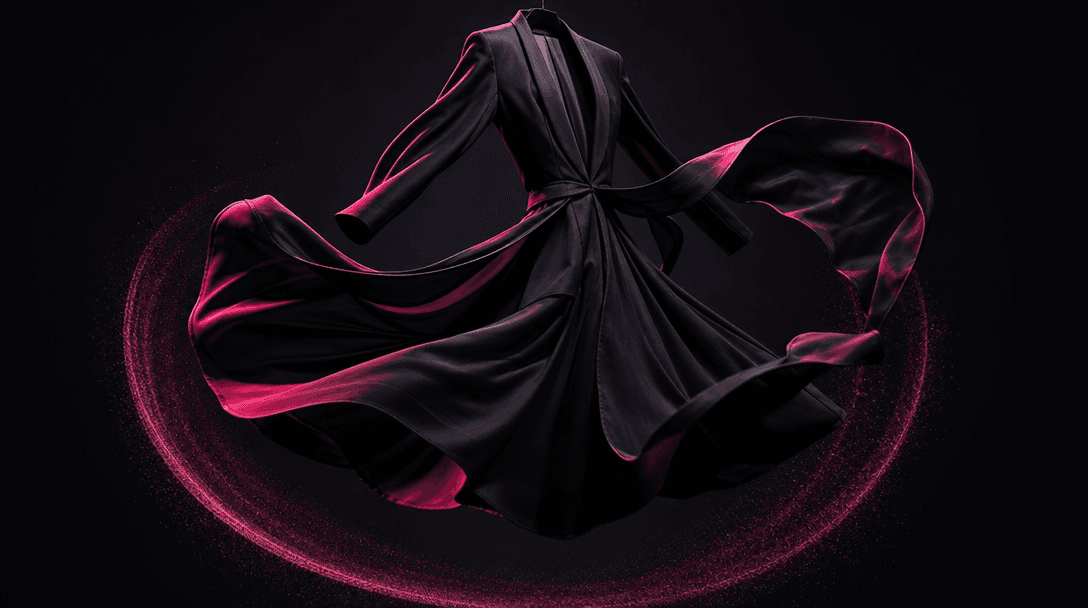
Turn Static Try-Ons Into Motion
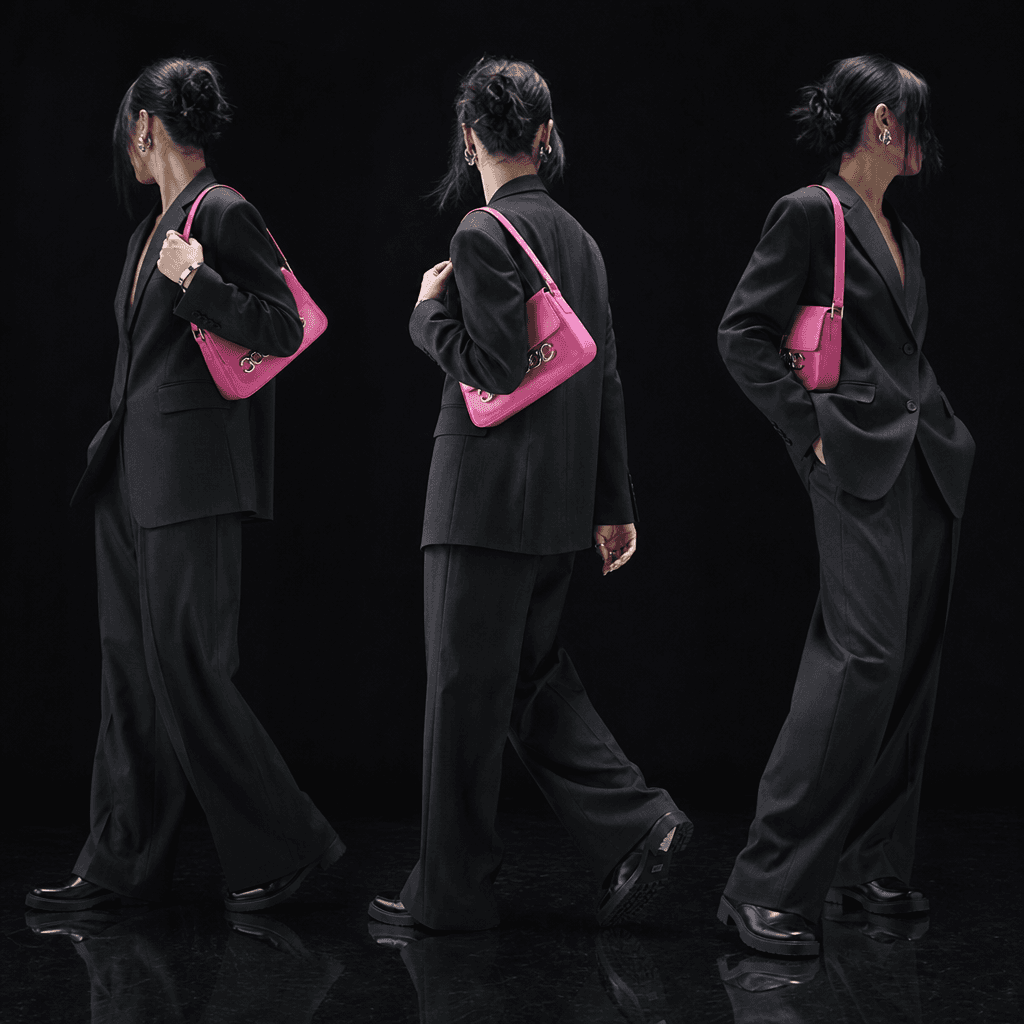
Give a single fashion photo the energy of a short campaign video through a controlled rotating presentation. The template emphasizes the outfit and silhouette while preserving the source image as the creative anchor.
Fashion Motion
Turn a single try-on photo into a polished rotating showcase video, using Nim's production-ready template and multi-model workflow.
Built for creators, marketers, and teams shipping AI video at scale.
Animate one try-on photo into a fluid fashion showcase without organizing a traditional video shoot.
Present the outfit through controlled rotational movement that reveals its silhouette, styling, and overall fit.
Start with a curated motion concept designed specifically for fashion try-on imagery.
Produce campaign-ready motion in seconds or under a minute, depending on the selected model and settings.
Use an existing product, model, creator, or customer try-on photo as the visual foundation.
Create within Nim's broader platform for leading video and image models, including Kling, Veo, Sora, Pika, and Flux.
Build attention-grabbing fashion motion suited to social feeds, product launches, and ecommerce campaigns.
Move from a static fashion asset to polished promotional content through a creator-focused production workflow.
Give a single fashion photo the energy of a short campaign video through a controlled rotating presentation. The template emphasizes the outfit and silhouette while preserving the source image as the creative anchor.
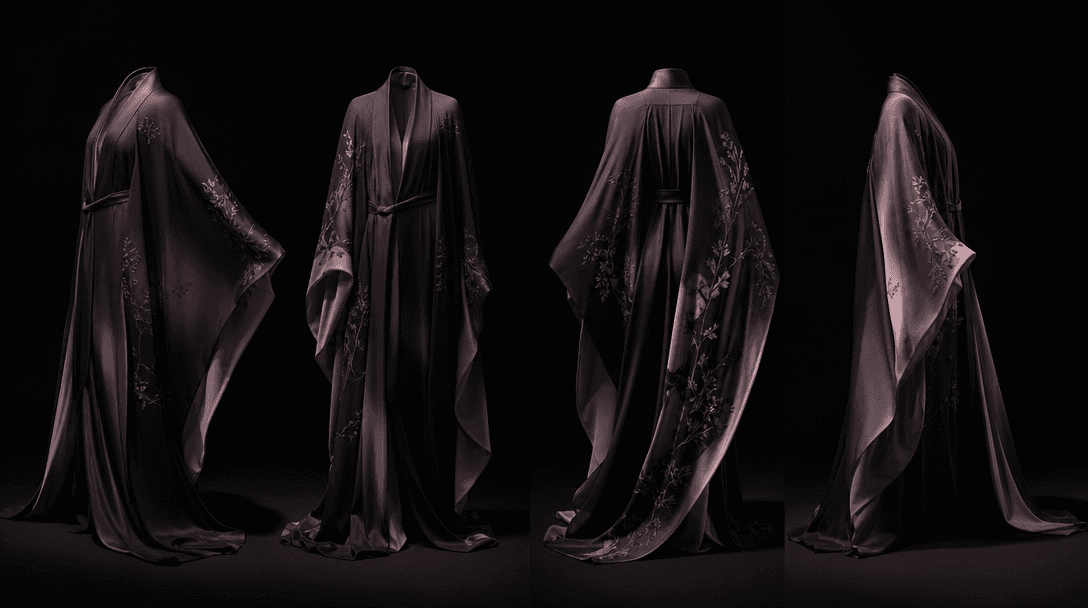
Rotation creates a stronger sense of shape, drape, proportion, and styling than a static frame alone. Use the resulting video to make product details easier to notice while giving viewers a more dynamic impression of the complete look.
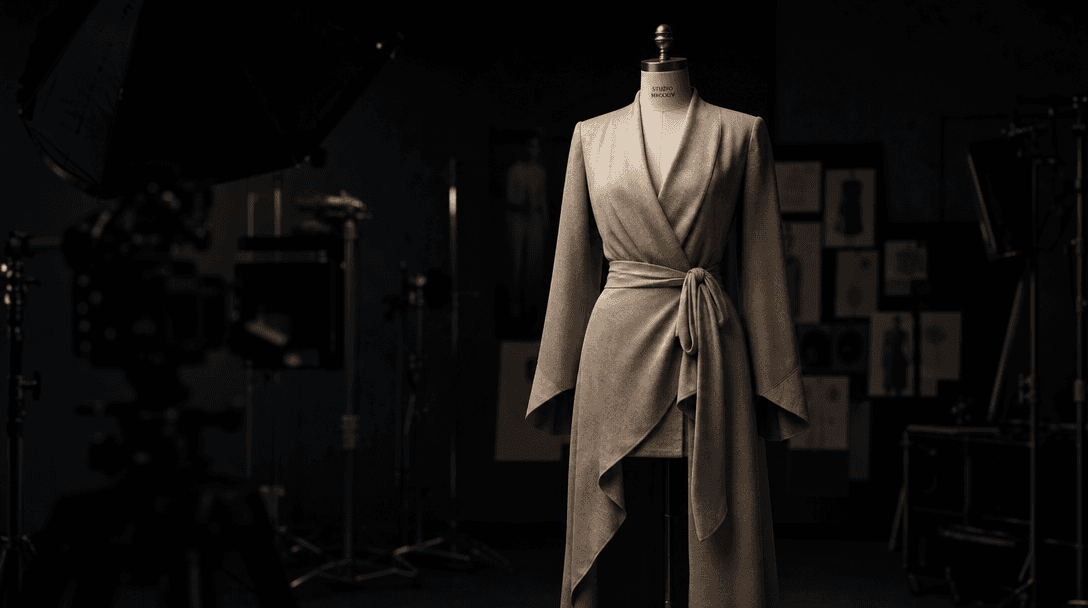
Reuse approved try-on photography, creator content, or catalog imagery instead of coordinating another location, crew, and camera setup. This makes it practical to add motion to more products, colorways, seasonal edits, and campaign variations.
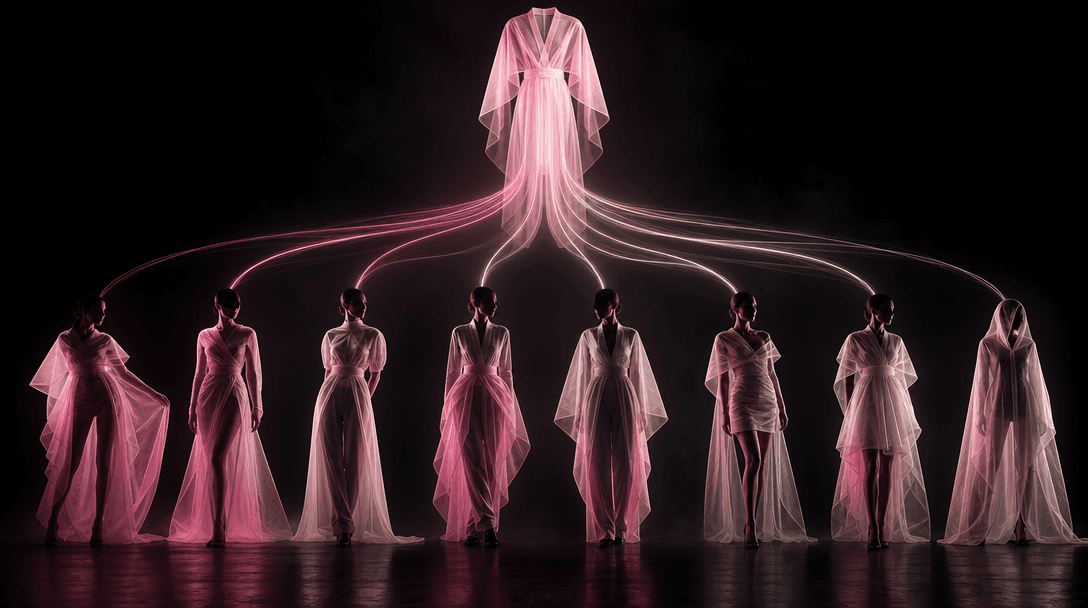
Generate multiple animated interpretations from a consistent source asset and select the result that best matches your channel. Nim combines this focused template with access to multiple generation models, helping creative teams explore motion without rebuilding the concept from scratch.
Real outputs generated by our pipeline — no curated cherry-picks.
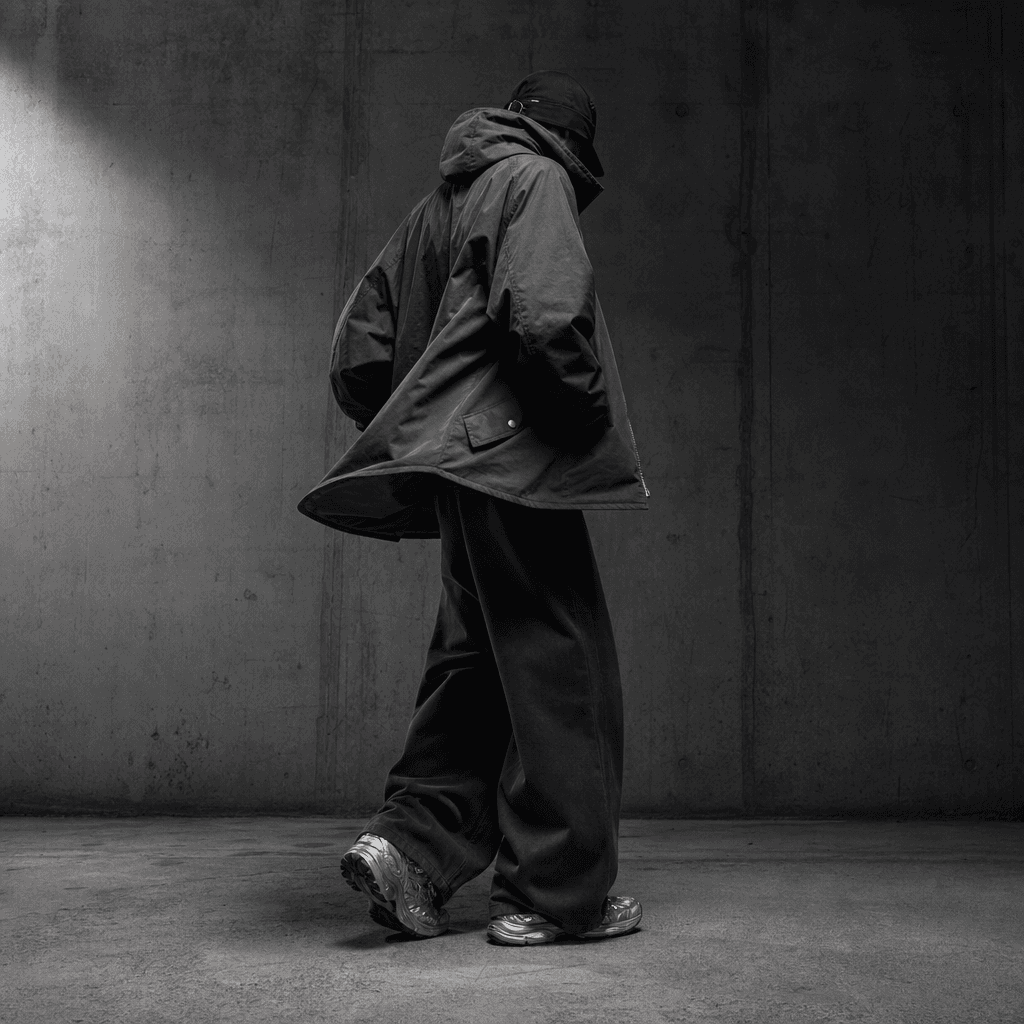
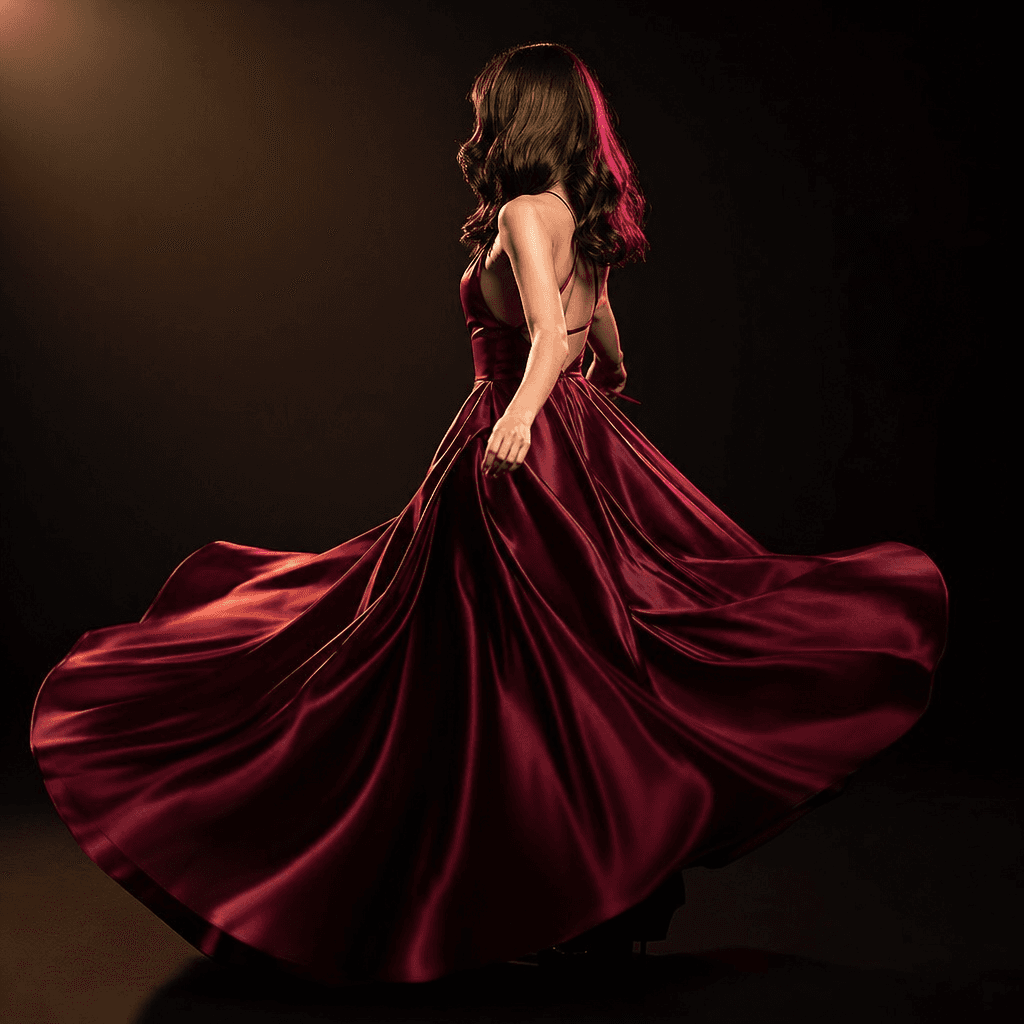
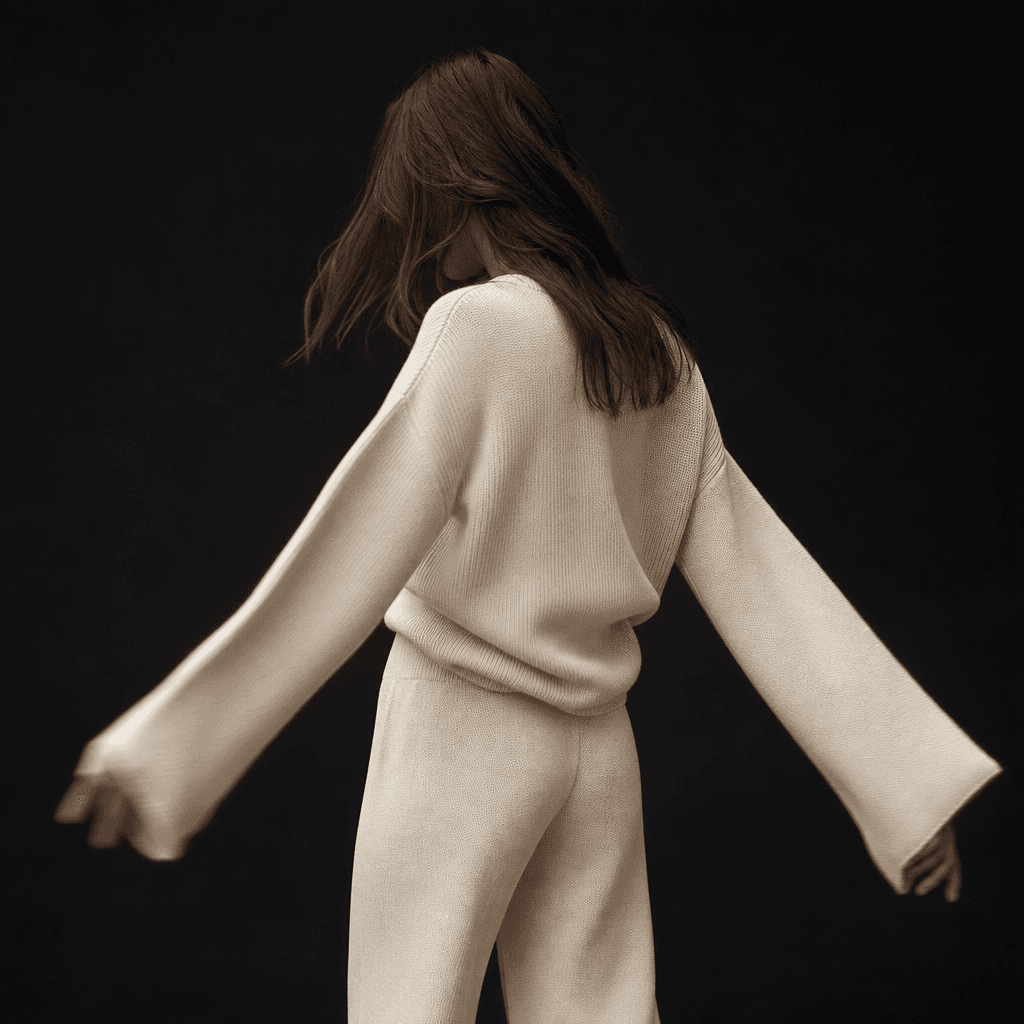
Transform approved lookbook and campaign photos into rotating videos for collection launches, social posts, and paid creative.
Add motion to product-page imagery and promotional assets so shoppers can engage with a more dimensional presentation of each outfit.
Animate outfit-of-the-day, styling, and try-on photos into short-form videos without filming a separate turntable sequence.
Develop more creative variants from the same source photography for testing across ads, organic social content, and seasonal campaigns.
Turn staff, customer, or model try-on photos into polished motion assets for new arrivals, curated edits, and weekly social promotions.
Extend still-photo deliverables with animation while maintaining a consistent concept across multiple garments and campaign placements.
Choose a clear fashion image that shows the person, outfit, and silhouette you want to animate.
Run the Try-on animation template to create a rotating showcase based on your source composition.
Review the generated motion and use your selected output in social, ecommerce, advertising, or campaign content.
Try-on animation is a Nim fashion template that transforms a single try-on photo into a rotating showcase video. It is designed to add polished motion to outfit images without requiring a separate video shoot.
You provide a try-on image, and the template uses generative video processing to infer a smooth rotational presentation from that source. The original photo guides the subject, outfit, composition, and visual identity of the result.
Use a sharp, well-lit image with the full outfit clearly visible and minimal obstruction around the body. A clean silhouette and sufficient space around the subject give the model stronger visual information for generating motion.
Yes. Fashion stores and ecommerce teams can animate catalog, lookbook, creator, or approved customer imagery for product promotion, collection launches, social content, and advertising.
Nim is a multi-model platform that provides workflows around leading video and image generation technologies such as Sora, Veo, Kling, Pika, and Flux. Model availability and suitability can vary by workflow and output type.
Generation requires purchased credits, and the exact credit cost depends on the model and generation settings used. Current plan and credit details are available on Nim's subscription page before you generate.
Many generations render in seconds or under a minute, although processing time can vary with the selected model, demand, and output settings. More complex generations may require additional time.
The template creates a short fashion video that presents the uploaded try-on image as a rotating showcase. The precise movement, framing, and visual details can vary between generations because the output is created by an AI model.
Nim's curated templates are built for commercial creative workflows, but you must have the necessary rights to every uploaded image, person, garment, logo, and brand asset. Review the terms associated with your Nim plan and the applicable model before publishing.
A filmed video captures real movement and exact garment behavior, while this template generates new motion from an existing still image. Try-on animation is useful when you need additional campaign variants quickly, but it should not replace factual product footage when exact fit or material behavior must be documented.