SMM Template · v1

YouTube thumbnail generator AI

Create professional YouTube thumbnails in seconds. Upload your photo, logo, or product image, add compelling text, and export ready-to-use PNG files optimized for maximum click-through rates.

Create now
Browse all 400+ templates

Everything you need

Built for creators, marketers, and teams shipping AI video at scale.

01

Fast generation

Create professional thumbnails in under 60 seconds from upload to download

02

Multi-element support

Add person photos, logos, product images, and custom text in one cohesive design

03

Template presets

Choose from proven thumbnail designs that maximize engagement and click rates

04

YouTube optimized

Every thumbnail is automatically formatted to YouTube's recommended 1280×720 dimensions

05

Text customization

Add compelling headlines and text that stand out and grab viewer attention instantly

06

Brand consistency

Maintain your channel's colors, fonts, and visual identity across all thumbnails

07

Batch creation

Generate multiple thumbnail variations to test and optimize what works best

08

Direct export

Download as PNG and upload directly to YouTube Studio — no additional tools needed

Features

Built to ship

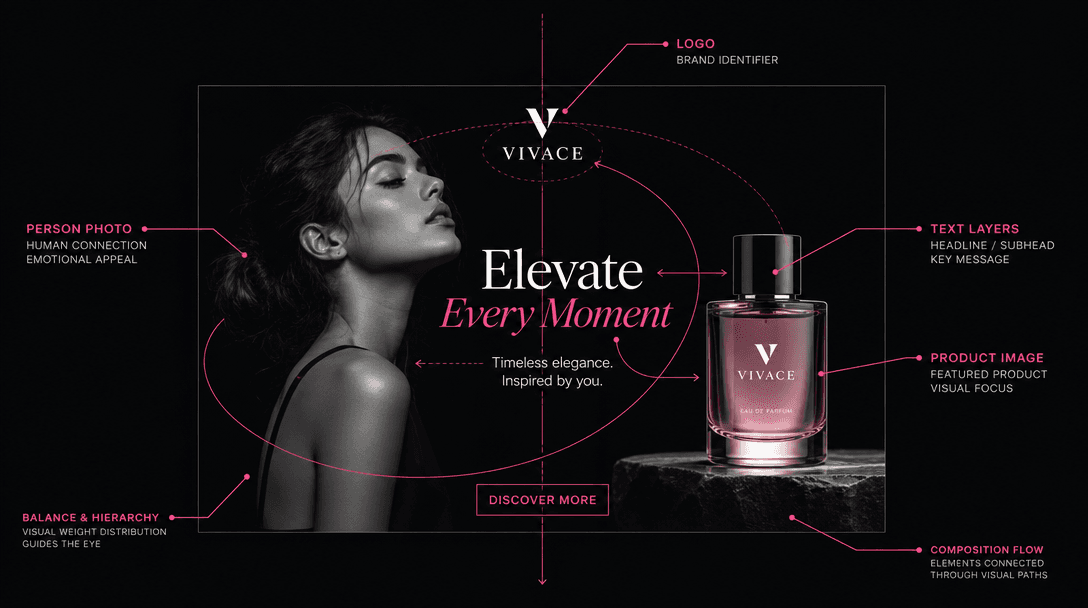
Abstract visualization of composition elements: person photo, logo, product image, text layers arranged in balanced spat
F · 01

Multi-media composition

Combine your photo, logo, and product images in a single unified thumbnail design. The AI understands spatial relationships and creates balanced compositions that aren't crowded. Upload person photos, brand logos, product shots, and the template intelligently arranges them for maximum visual impact and readability.
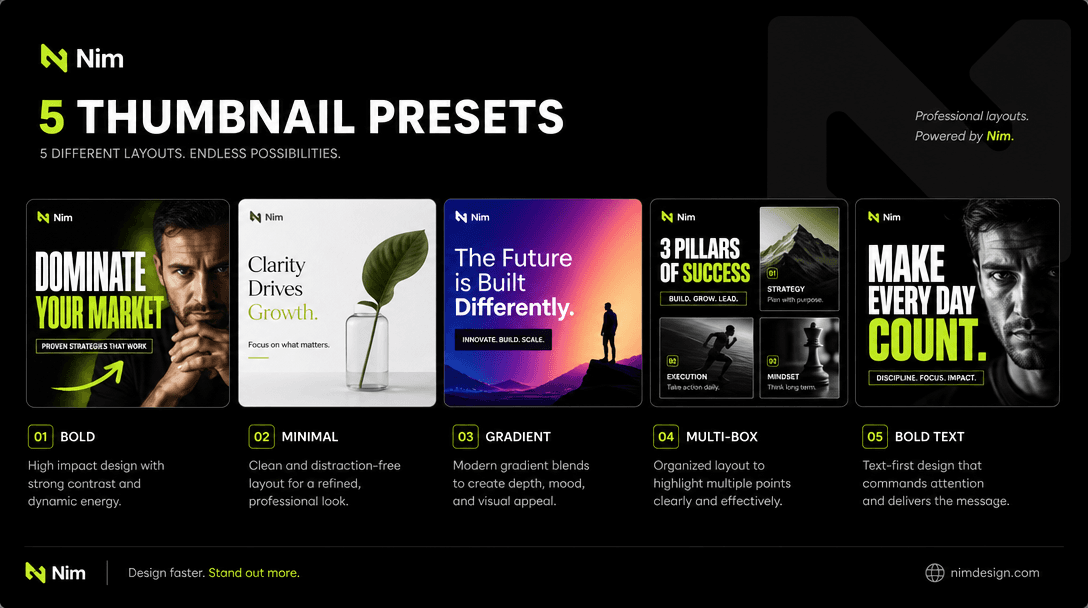
Template preset showcase: 5 different professional YouTube thumbnail layouts displayed side-by-side, each showing differ
F · 02

Proven template presets

Choose from professionally designed thumbnail layouts created by YouTube strategy experts. Each preset is designed to maximize viewer attention and click-through rates. Options include bold title cards, multi-box layouts, gradient overlays, and dynamic framing techniques that work across different content types.

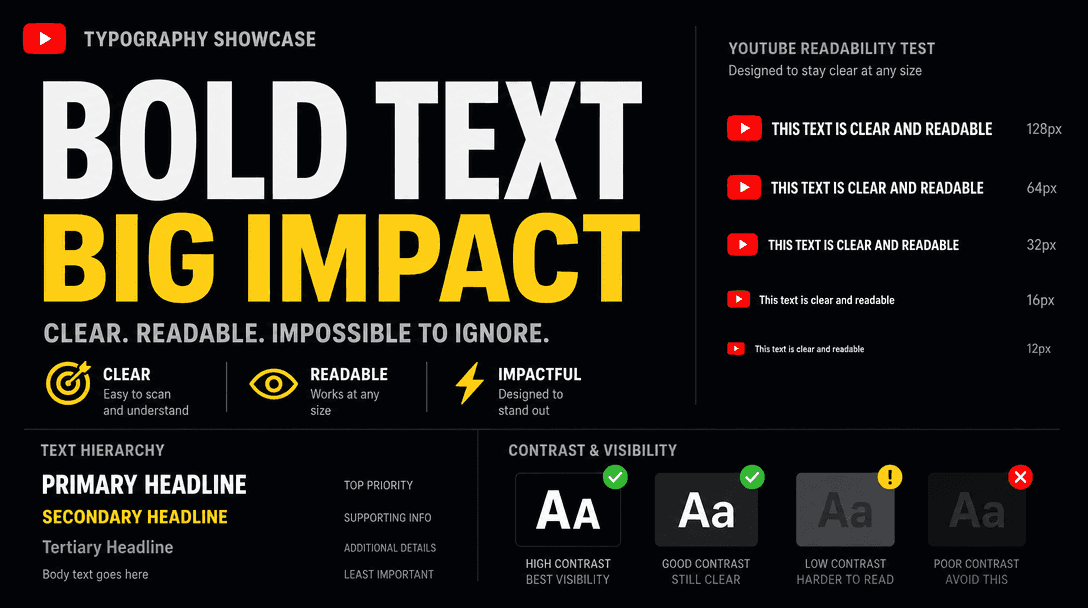
Typography showcase: Bold, clean sans-serif text at multiple sizes and placements, demonstrating YouTube readability at
F · 03

Full text customization

Write custom headlines and body text that will appear prominently on your thumbnail. The AI renders text at sizes optimized for YouTube's compression and for visibility at small player sizes. Choose from multiple font styles and text placements to match your channel brand.

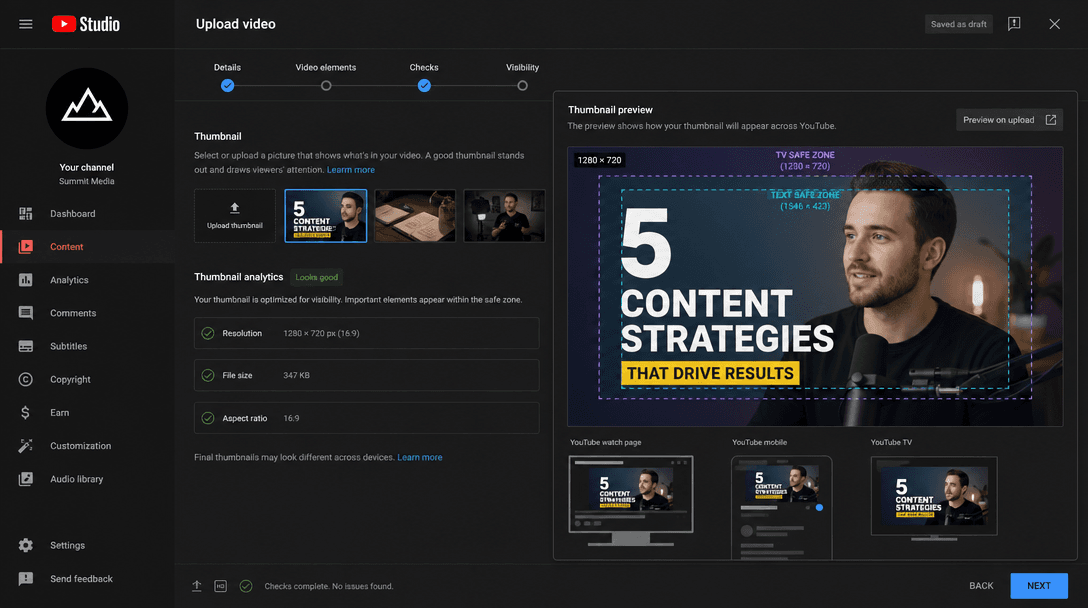
YouTube Studio upload interface mockup: Thumbnail preview showing optimized 1280×720 dimensions, safe zones highlighted,
F · 04

YouTube dimension optimization

Every thumbnail exports at YouTube's recommended 1280×720 resolution. The template automatically manages safe zones and ensures your text remains readable in all contexts — YouTube's platform, search results, embedded players, and mobile. No manual resizing needed.

Showcase

See it in action

Real outputs generated by our pipeline — no curated cherry-picks.

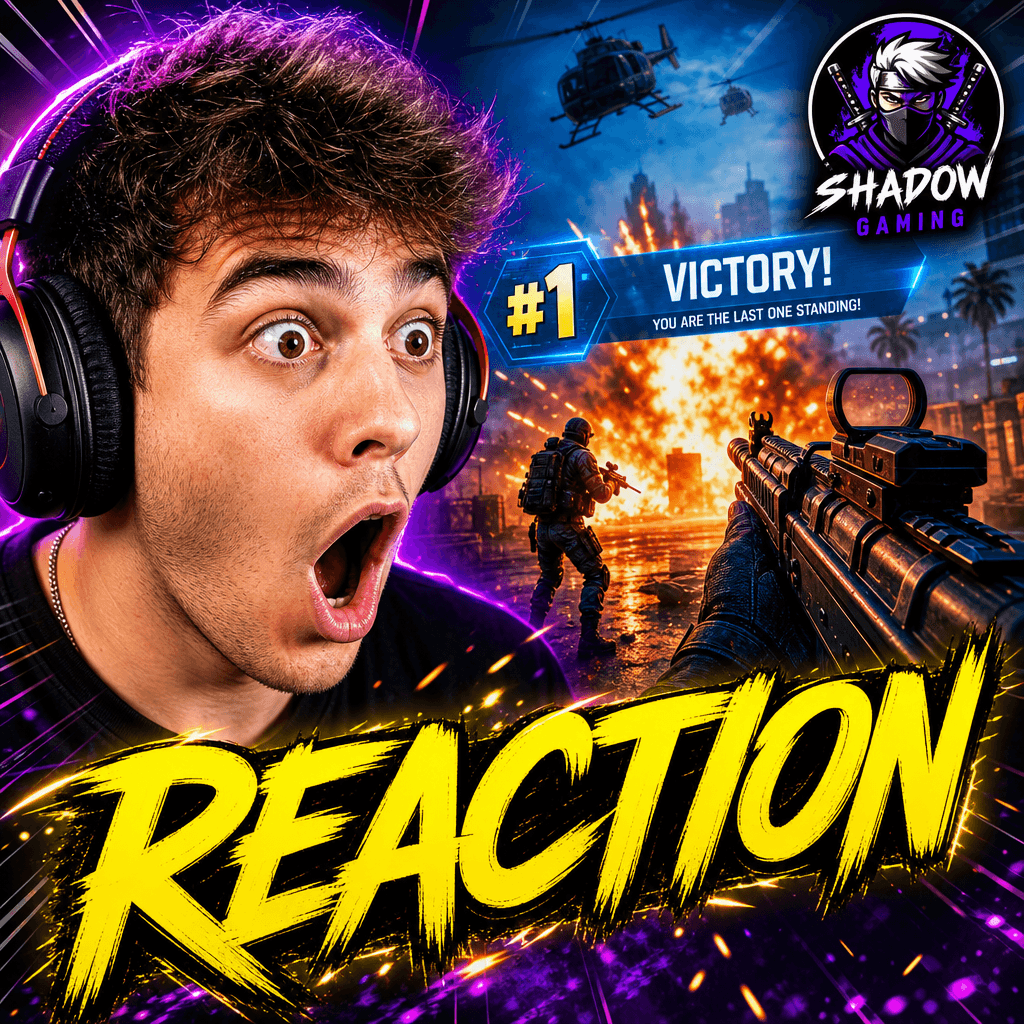
YouTube gaming thumbnail: Intense gamer reaction face, vibrant neon colors, game screenshot in background, bold yellow '
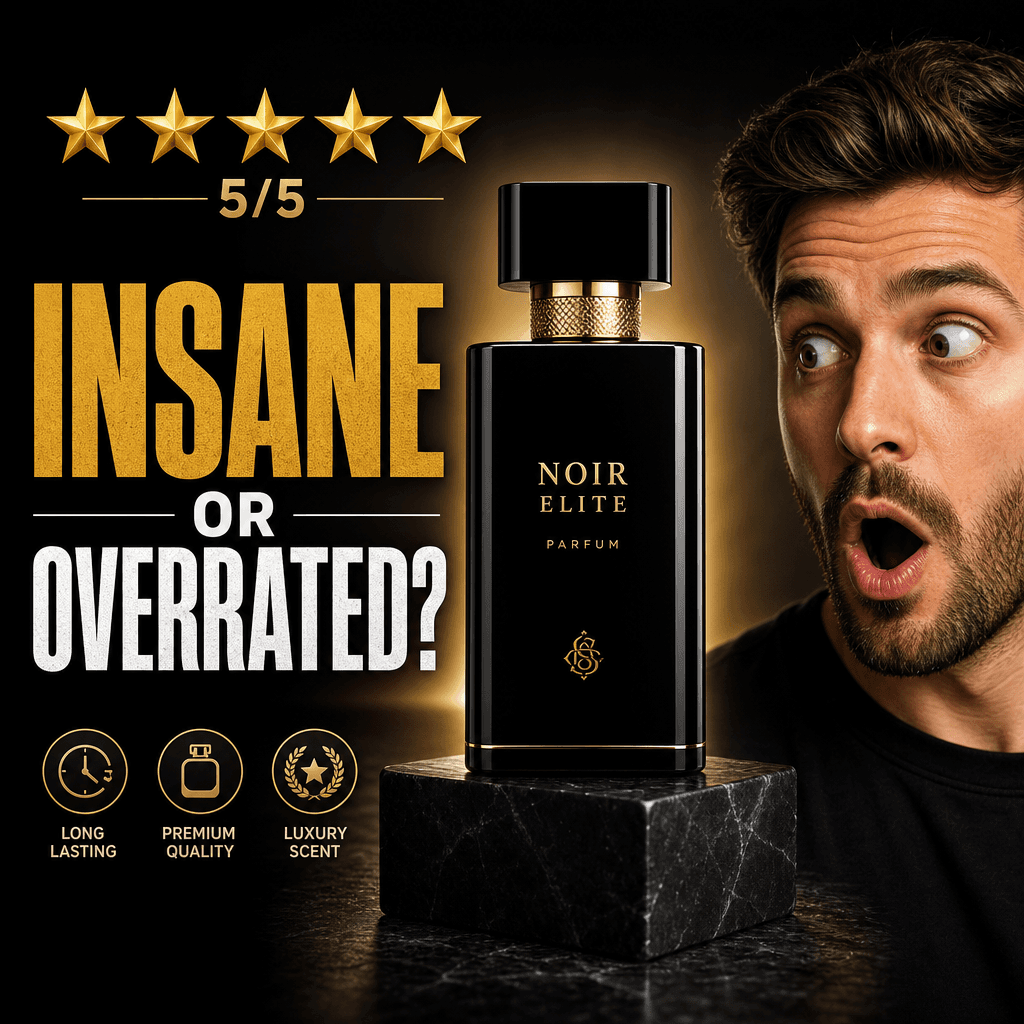
Product review thumbnail: Sleek product photo center, surprised reaction face, star rating (5/5), bold text 'INSANE OR O
Educational content thumbnail: Illustrated concept graphic, instructor photo, key topic text in white, blue and orange a
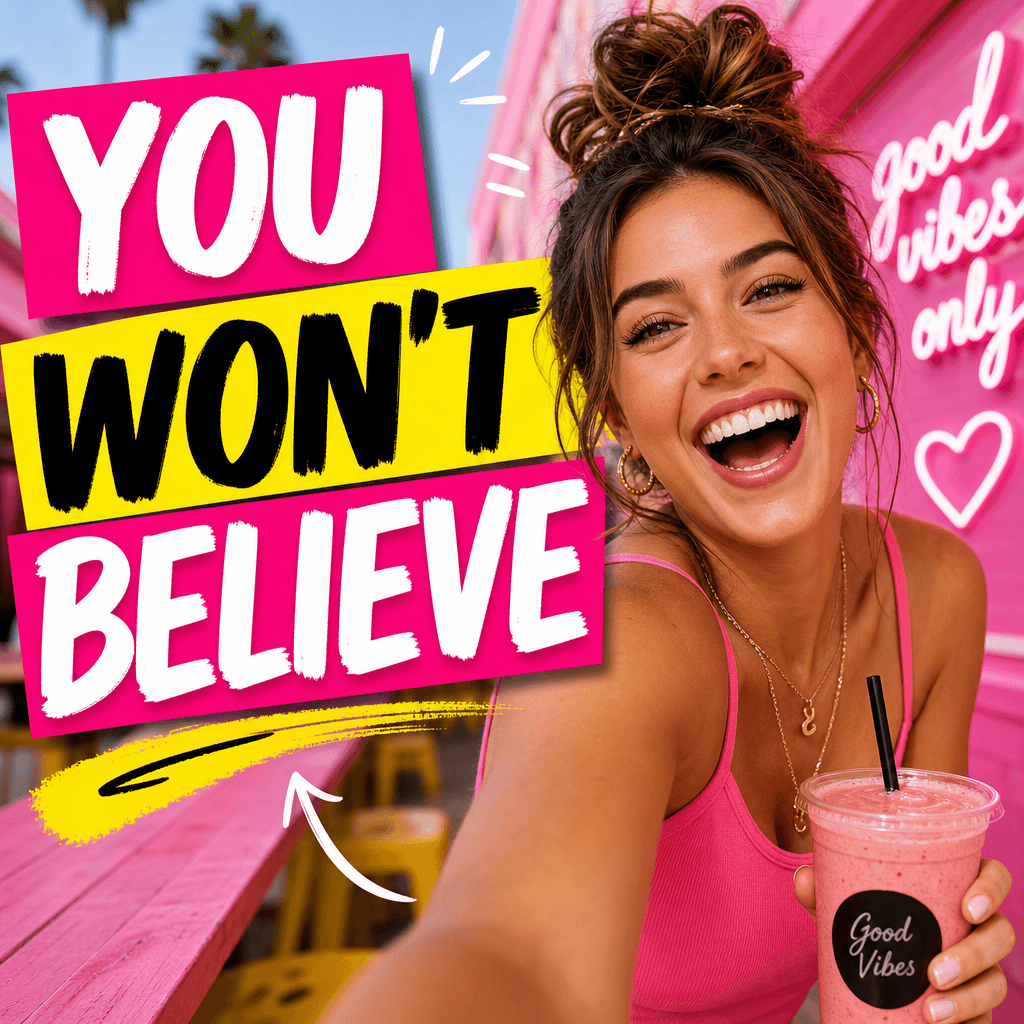
Vlog thumbnail: Candid lifestyle moment, person laughing, vibrant background, text overlay reading 'YOU WON'T BELIEVE',
Ready to ship

Pick a template, customize, publish.

Use cases

Made for every workflow

  • Gaming channels

    Create dynamic thumbnails featuring gameplay screenshots, character art, or in-game moments combined with expressive faces and bold text. Perfect for weekly uploads and series thumbnails.

  • Educational content

    Design professional thumbnails that communicate your video topic clearly. Combine relevant images, icons, and text that helps viewers quickly understand what they'll learn.

  • Product channels

    Showcase your product or service with your logo and product shots. Create consistent branded thumbnails that build recognition and encourage clicks.

  • Vlog creators

    Feature yourself with expressive poses and reactions. Mix personal photos with vibrant text callouts to create engaging lifestyle and daily content thumbnails.

  • Tech reviewers

    Combine product photos with your reaction face and rating/verdict text. Perfect for unboxing, review, and comparison videos.

  • Content creators on budget

    Skip expensive design software and outsourced designers. Generate professional thumbnails whenever you need them, on whatever schedule your channel demands.

How it works

From idea to result in seconds

  1. Step · 01

    Upload elements

    Add your person photo (optional), logo, product image (optional), and any other visual elements you want featured on your thumbnail.

  2. Step · 02

    Add text and customize

    Write your headline text, choose a template preset layout, select colors, and adjust the composition until it matches your vision and channel branding.

  3. Step · 03

    Download and publish

    Export your thumbnail as a PNG file at 1280×720 resolution and upload it directly to YouTube Studio. Your thumbnail is ready immediately.

FAQ

Frequently asked questions

  • The YouTube thumbnail template generates professional, clickable thumbnails optimized for YouTube. You upload your photos, logos, or product images, add text, choose a design layout, and the AI creates a complete thumbnail ready to upload to your channel.

  • All thumbnails are generated at YouTube's recommended dimensions: 1280×720 pixels. This ensures your thumbnail looks great on all devices — desktop, mobile, embedded players, and search results.

  • Yes. You can upload a person photo, your channel logo, product images, and other visual elements. The template intelligently arranges them into a balanced, professional composition.

  • Completely. Write whatever headline or text you want. Choose from multiple font styles and text placements. The AI ensures text remains readable at small sizes and across all YouTube contexts.

  • Typically under 60 seconds from uploading your images to having a finished, downloadable thumbnail.

  • Upload images in PNG or JPG format. Your finished thumbnail downloads as a PNG file optimized for YouTube.

  • Yes. Generate multiple thumbnail variations using the same elements but different layouts, colors, or text. Test A/B variations to see which drives the most clicks.

  • Absolutely. Every thumbnail follows YouTube's official best practices: correct aspect ratio, dimensions, safe text zones, and readable at small sizes. You can upload them directly to your channel.

  • Not at all. The template handles all design work. Just upload your images, write your text, and let the AI create a professional thumbnail. No design software needed.

Get started

See what you can make

Explore more

Discover more AI tools