Visual Learning

Analogy Map for Clear Visual Learning

Turn a difficult concept into a polished side-by-side analogy diagram using a curated template and Nim's production-ready image models.

Create analogy map
Browse all 400+ templates

Everything you need

Built for creators, marketers, and teams shipping AI video at scale.

01

Side-by-Side Clarity

Present an unfamiliar idea beside a relatable comparison so viewers can understand the connection at a glance.

02

Abstract Made Concrete

Translate invisible systems, complex processes, and conceptual relationships into an approachable visual structure.

03

Consistent Visual Language

Keep both sides of the analogy stylistically aligned for a diagram that feels intentional rather than assembled.

04

Curated Composition

Start with a professional comparison layout designed to establish hierarchy, balance, and a clear reading path.

05

Flexible Subject Matter

Adapt the template to science, language, business, technology, family learning, or creative storytelling.

06

Presentation-Ready Output

Generate a polished visual suitable for lesson materials, explainers, social posts, and presentation slides.

07

Multi-Model Creation

Use Nim's selection of advanced image models to find the visual treatment that best supports your analogy.

08

Fast Creative Iteration

Explore alternative subjects, compositions, and art directions in seconds or under a minute per generation.


Features

Built to ship

Two abstract systems connected by a single luminous thread: a complex cloud of geometric fragments on the left resolving
F · 01

Explain Difficult Ideas Visually

The Analogy map template gives abstract concepts a concrete visual counterpart, helping audiences connect new information to something they already recognize. Its side-by-side structure makes relationships, similarities, and functional parallels easier to scan and remember.

A carefully arranged diptych framework built from textured paper, carved wood, and thin metallic dividers, with two empt
F · 02

Build From a Curated Framework

Begin with a professional template shaped specifically for visual comparison instead of designing an explanatory diagram from an empty canvas. The established composition helps maintain hierarchy and cohesion while leaving room to adapt the subjects, environment, color direction, and illustrative style.

One central symbolic object transforming across three visual treatments: playful paper craft, refined editorial sculptur
F · 03

Match Style to Audience

Create a playful educational illustration for younger learners, a refined editorial graphic for a presentation, or a cinematic conceptual image for social media. Nim's multi-model platform lets creators test different visual interpretations while preserving the analogy at the center of the composition.

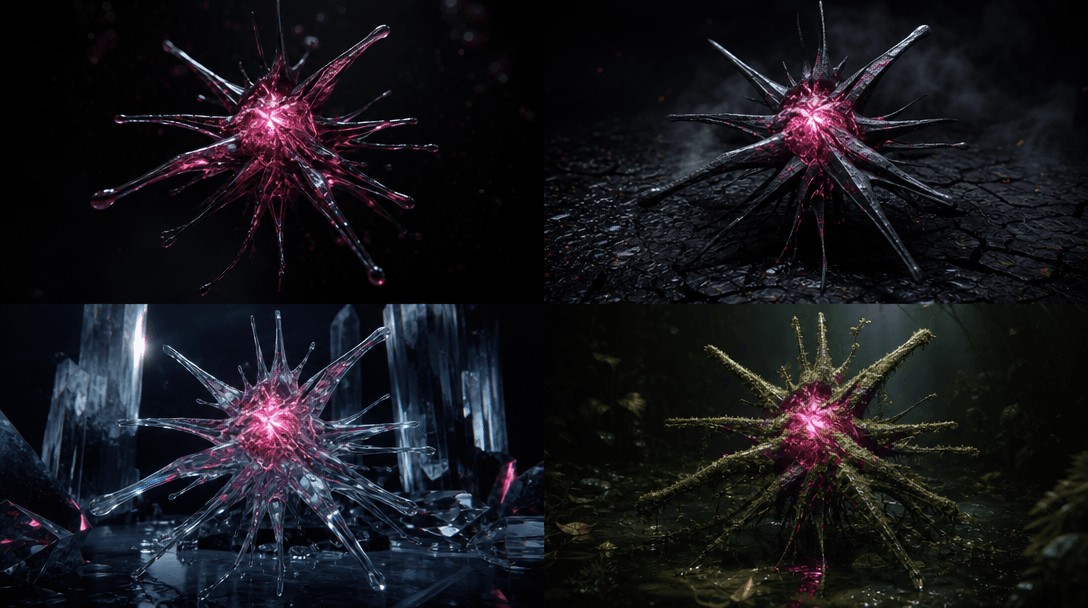
A collection of four coordinated conceptual images emerging from one central glowing form, each variation changing color
F · 04

Produce Campaign-Ready Variations

Develop multiple treatments of the same comparison for lessons, carousels, articles, pitch decks, and branded explainers. Fast rendering makes it practical to refine visual emphasis, subject clarity, and tone before selecting the strongest production-ready result.

Showcase

See it in action

Real outputs generated by our pipeline — no curated cherry-picks.

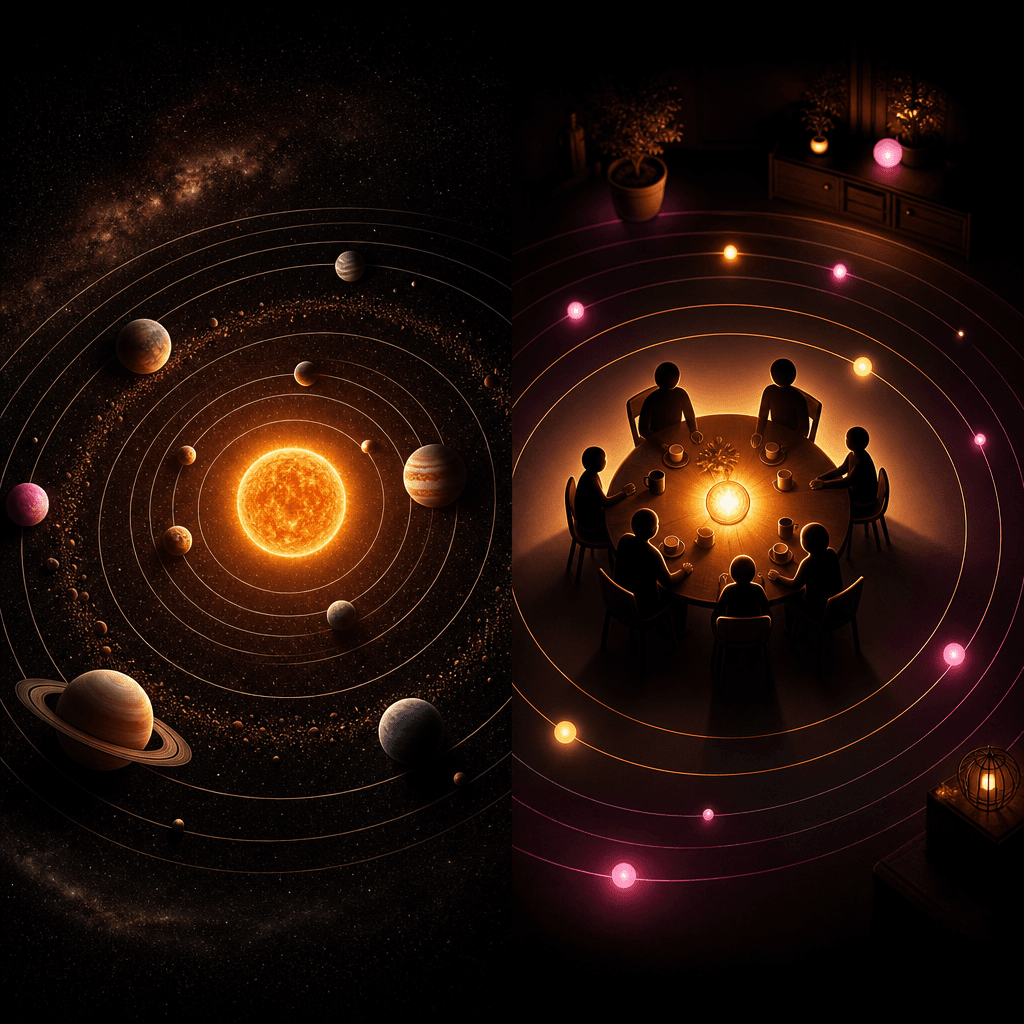
A square educational analogy scene comparing the solar system with a family gathered around a warm central table, expres
A square conceptual analogy comparing computer data flow with a luminous city transport network, cables becoming roads a
A square visual analogy comparing emotional resilience with a lighthouse standing through a powerful storm, the beam mir
A square playful analogy comparing plant growth with a child-sized staircase of progressively larger building blocks, ea
Ready to ship

Pick a template, customize, publish.

Use cases

Made for every workflow

  • Teachers

    Turn complex classroom topics into memorable comparisons that help students connect unfamiliar material with everyday objects, places, or systems.

  • Parents

    Create engaging learning visuals that explain emotions, routines, nature, technology, and other abstract subjects in a family-friendly format.

  • Content Creators

    Build visual explainers and educational carousel assets that communicate a strong idea quickly without relying on dense paragraphs.

  • Marketing Teams

    Clarify product value, customer journeys, or technical processes through an accessible comparison designed for campaigns and presentations.

  • Coaches

    Illustrate frameworks, mindset concepts, and strategic relationships with polished imagery that supports workshops and learning materials.

  • Editorial Designers

    Create conceptual visuals for articles, reports, and feature stories where a literal photograph would not explain the underlying relationship.

How it works

From idea to result in seconds

  1. Step · 01

    Define Your Analogy

    Describe the abstract idea, the familiar comparison, and the relationship that the finished diagram should make immediately clear.

  2. Step · 02

    Choose Visual Direction

    Set the subjects, mood, color palette, and illustrative treatment that best fit your audience and publishing context.

  3. Step · 03

    Generate and Refine

    Create the analogy map, review how clearly it communicates, and generate focused variations until the comparison reads correctly.

FAQ

Frequently asked questions

  • Analogy map is a curated Nim template for depicting an abstract idea beside a familiar comparison. It creates a structured visual relationship that can make difficult concepts easier to explain, discuss, and remember.

  • You provide the concept, comparison, and desired visual direction, then generate an image through Nim. The template guides the output toward a cohesive side-by-side analogy rather than an unrelated collection of objects.

  • Name the two subjects clearly and explain the exact relationship between them, such as shared structure, behavior, purpose, or sequence. Add the intended audience, visual style, environment, and mood so the model can make appropriate creative decisions.

  • Yes, the template is well suited to lessons, study materials, family learning activities, educational posts, and presentation slides. Review every generated visual for factual accuracy before using it to teach a technical, scientific, medical, or historical subject.

  • Nim is a multi-model platform offering access to leading video and image generation families such as Sora, Veo, Kling, Pika, and Flux, with availability depending on the workflow. Different models can produce different levels of realism, illustration, composition, and stylistic control.

  • Generation requires an account and purchased credits, with credit usage depending on the selected model and settings. Current plan and credit details are available on Nim's subscription page before you generate.

  • The template produces a polished visual comparison that can support educational materials, presentations, social content, articles, and creative briefs. Results vary with the selected model, prompt detail, aspect ratio, and requested art direction.

  • Many generations complete in seconds or under a minute, although latency can vary by model, settings, demand, and output complexity. Detailed concepts may benefit from several iterations to improve the visual relationship.

  • A conventional diagram maker typically requires you to place and style each component manually, while this template generates an expressive visual interpretation from your concept. It is designed for fast creative exploration and polished imagery rather than precise data visualization or technical drafting.

  • Commercial use depends on your Nim plan, the selected model, the source material you provide, and the applicable terms. Confirm that you have rights to uploaded references and review the current usage terms before publishing or selling generated work.

Get started

See what you can make

Explore more

Discover more AI tools