


Animated Triptych Template

Create Animated Triptychs

Turn your jewelry photos into cinematic multi-angle animations. Editorial-grade triptych reveals, AI-powered transitions, ready for commerce.

Browse template
Browse all 400+ templates

Everything you need

Built for creators, marketers, and teams shipping AI video at scale.

01

Multi-angle reveals

Show your jewelry from 3 perspectives in one flowing animation.

02

Cinematic quality

Editorial-grade transitions, studio lighting, production-ready output.

03

Jewelry-optimized

Pacing and framing designed specifically for product showcase.

04

Seconds to create

AI generates the animation from a single photo instantly.

05

Commercial-ready

No watermark on paid accounts; export for social, web, ads.

06

Smart transitions

AI morphs between angles smoothly—no hand-keyed animation needed.

07

Curated templates

Professional jewelry-focused presets ready to customize.

08

Multiple formats

Export 9:16, 16:9, 1:1 for Instagram, TikTok, Pinterest, web.

Features

Built to ship

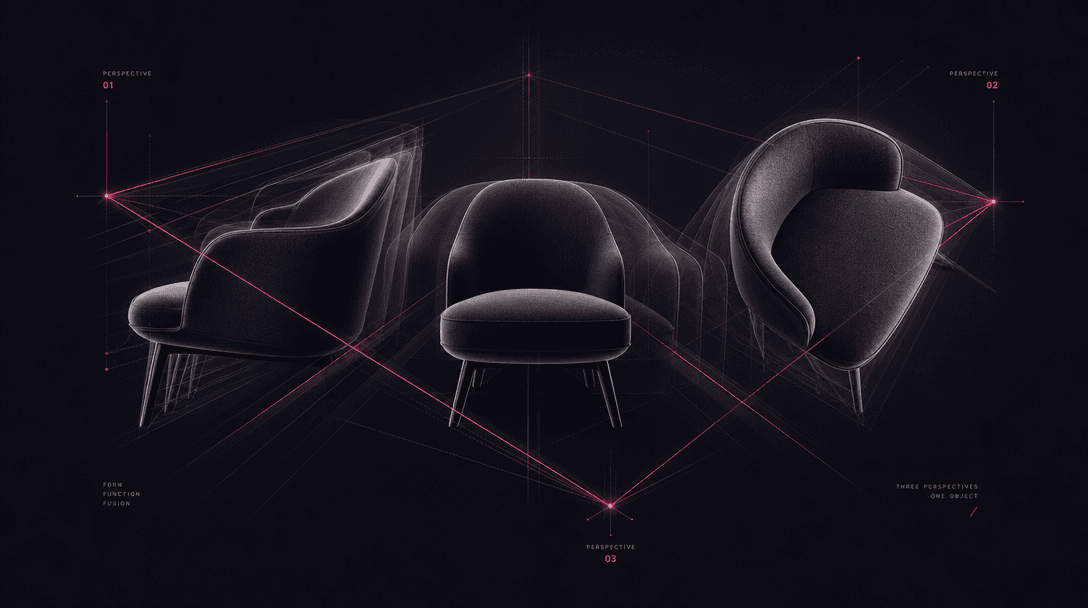
Abstract three-perspective geometry visualization with three overlapping product silhouettes, premium gradient dark back
F · 01

Multi-Perspective Animation

The animated triptych shows three carefully composed angles of your jewelry in one seamless video. Each perspective reveals different details—front profile, side angle, close-up detail—creating visual interest and building confidence in your product. Perfect for jewelry sellers on e-commerce platforms, Instagram, and TikTok where movement drives engagement and conversion.
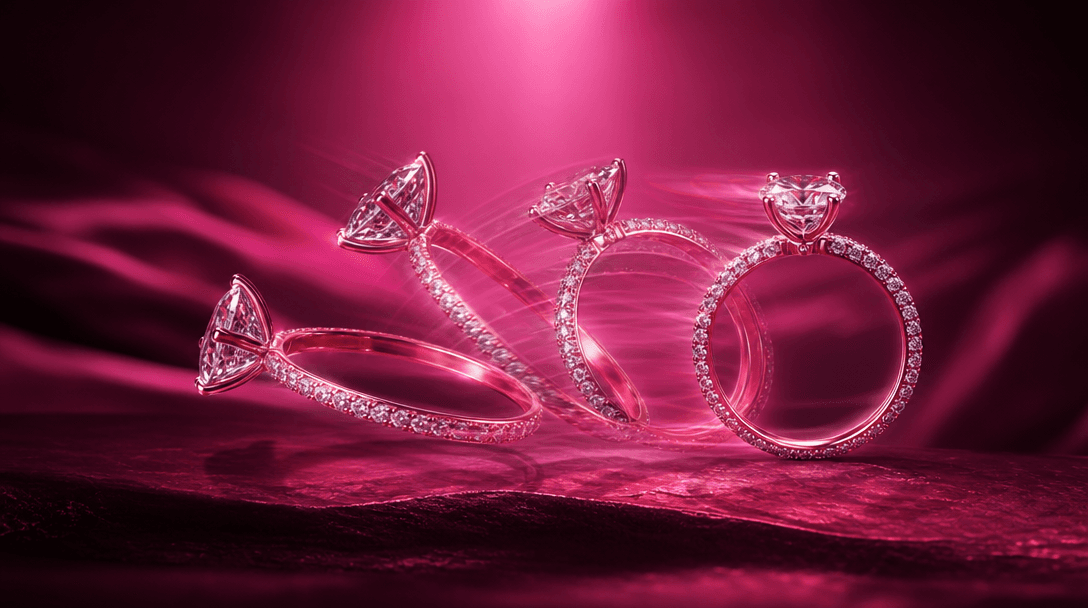
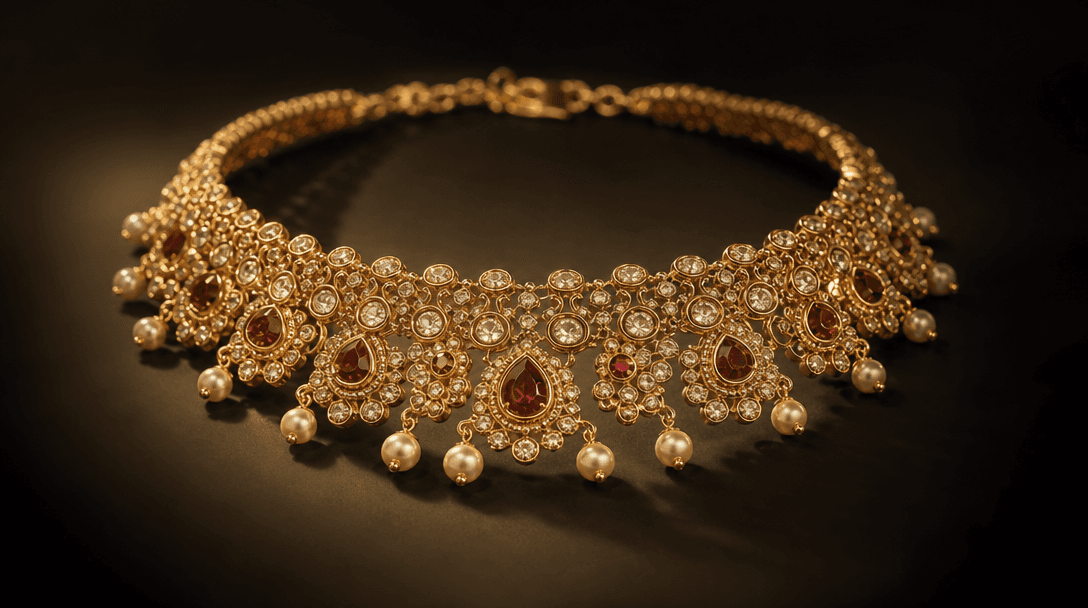
Smooth morphing transition between two jewelry poses, diamond ring rotating mid-motion blur with light refraction trails
F · 02

Cinematic AI Transitions

Watch your static photo transform into editorial-grade motion. Our AI understands jewelry geometry and creates smooth, natural morphs between perspectives. No jittery interpolation, no unnatural warping—the result looks like professional studio cinematography. Transitions are quick enough to hold attention (5-8 seconds) but luxurious enough for brand positioning.

Studio lighting setup for precious jewelry, three point lights creating soft shadows on a luxury necklace, warm gold ref
F · 03

Production-Ready Output

Generate videos without watermarks on paid plans. Exports arrive in multiple aspect ratios (vertical for social, horizontal for web) with adjustable duration, color grading, and music. Ready to drop into your Shopify, Amazon, TikTok Shop, or ads account. No post-production needed—just upload and sell.

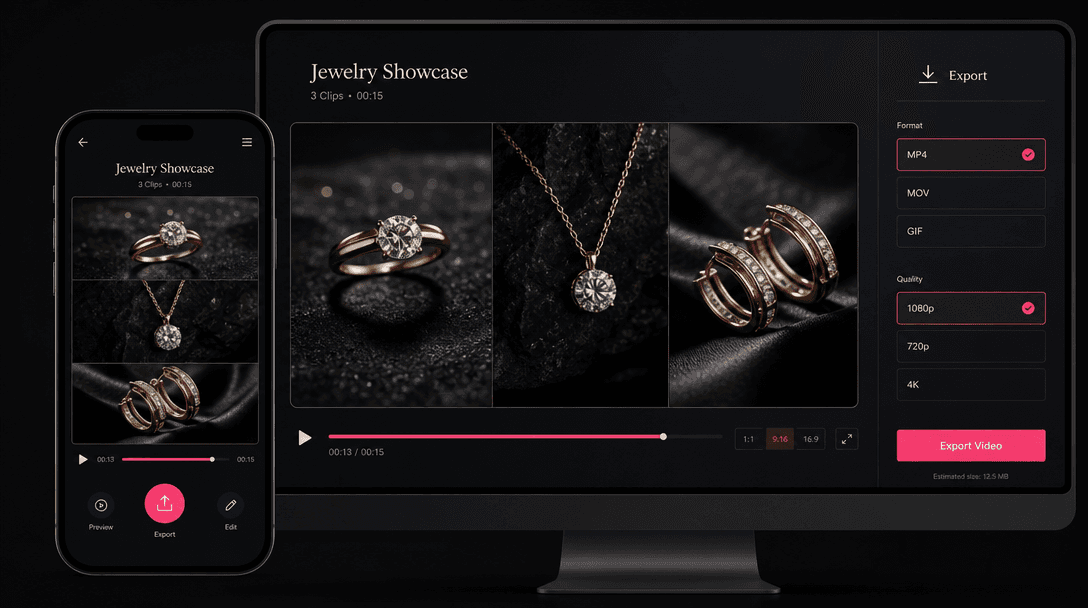
Animated triptych video displayed on smartphone and desktop displays, jewelry video playing with motion effect, minimal
F · 04

Jewelry-Specific Workflows

This template is engineered for jewelry. Automatically handles reflective surfaces, precious metals, and gemstone sparkle. Lighting is calibrated for diamonds, gold, silver, pearls, and stones. Perspective selection emphasizes size, craftsmanship, and detail—the exact details that influence jewelry buying decisions.

Showcase

See it in action

Real outputs generated by our pipeline — no curated cherry-picks.

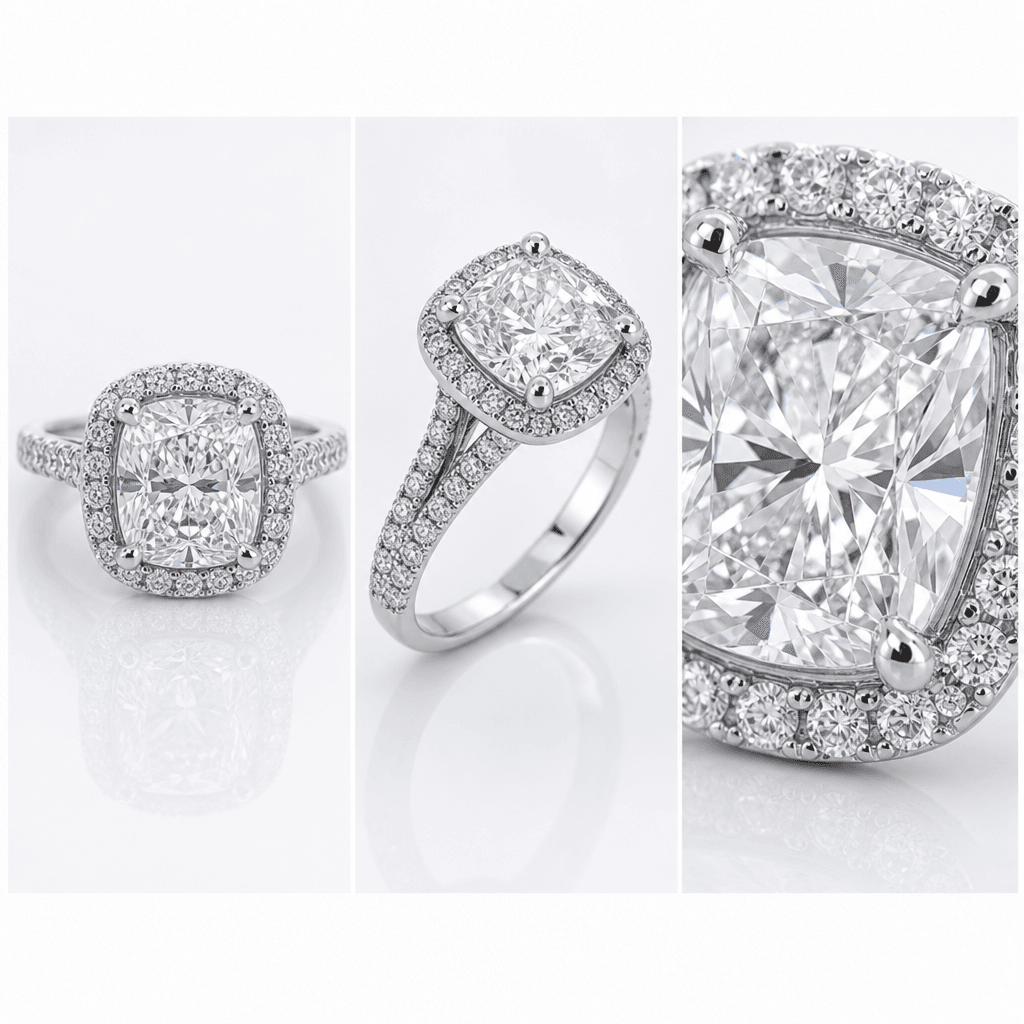
Luxury engagement ring triptych: front center setting, side 45-degree profile, close-up diamond detail, three frames arr
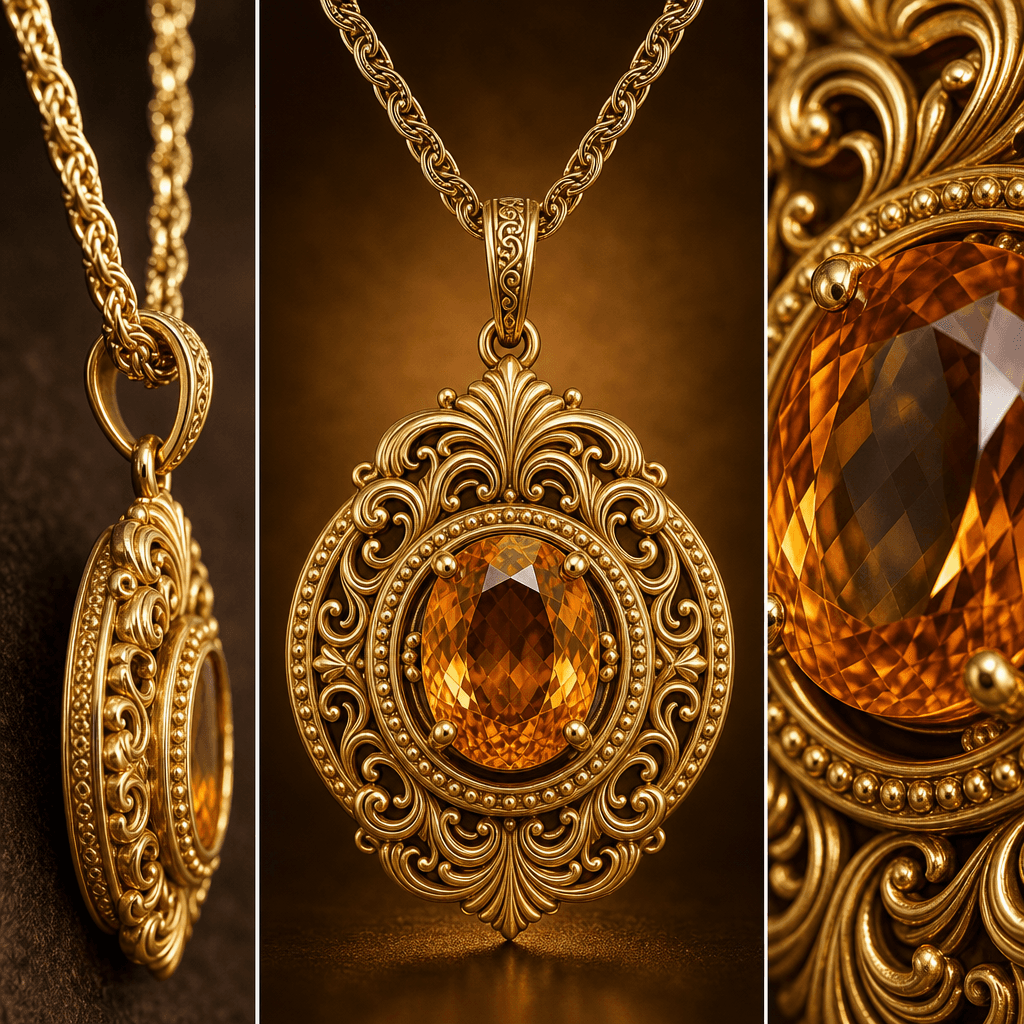
Gold pendant necklace triptych: full pendant centered, chain detail side angle, gemstone close-up macro, three frame com
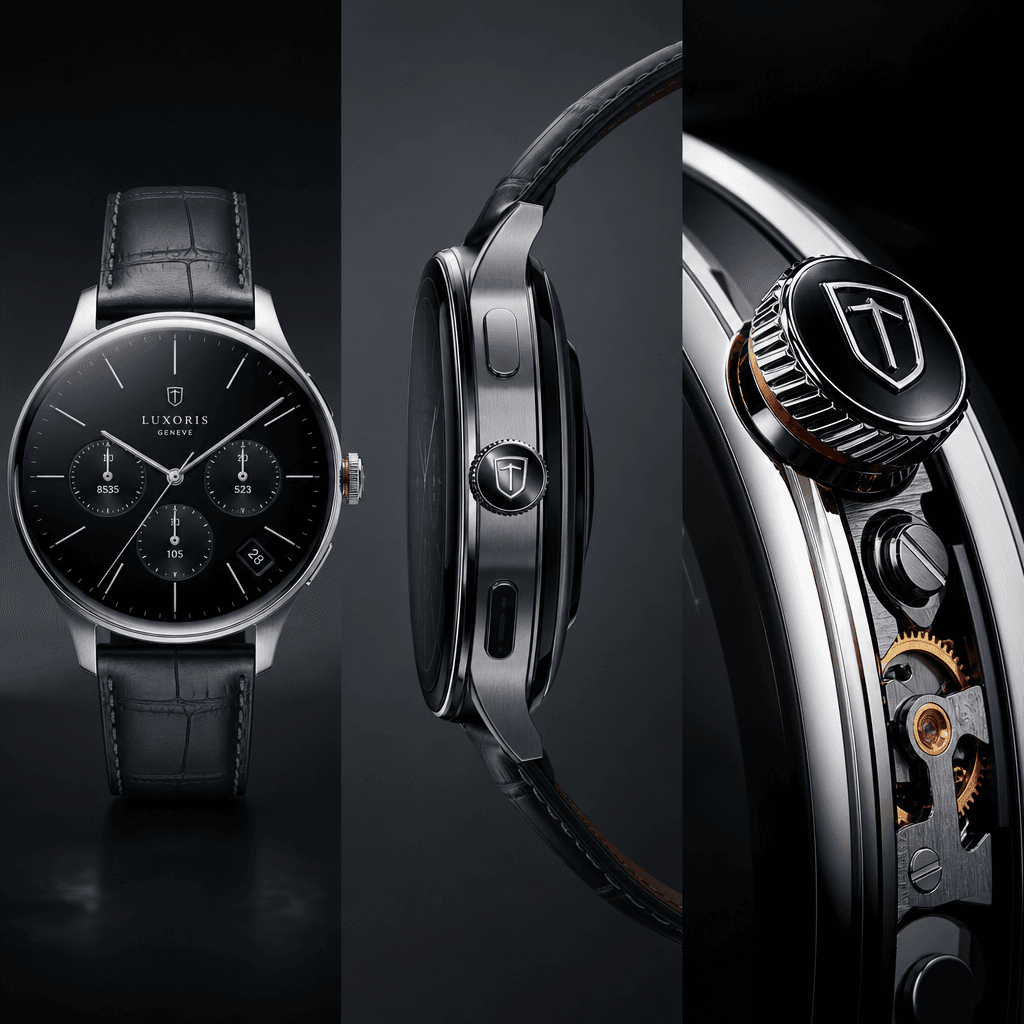
Luxury smartwatch triptych animation frame: watch face front, side profile showing band detail, crown and mechanism clos
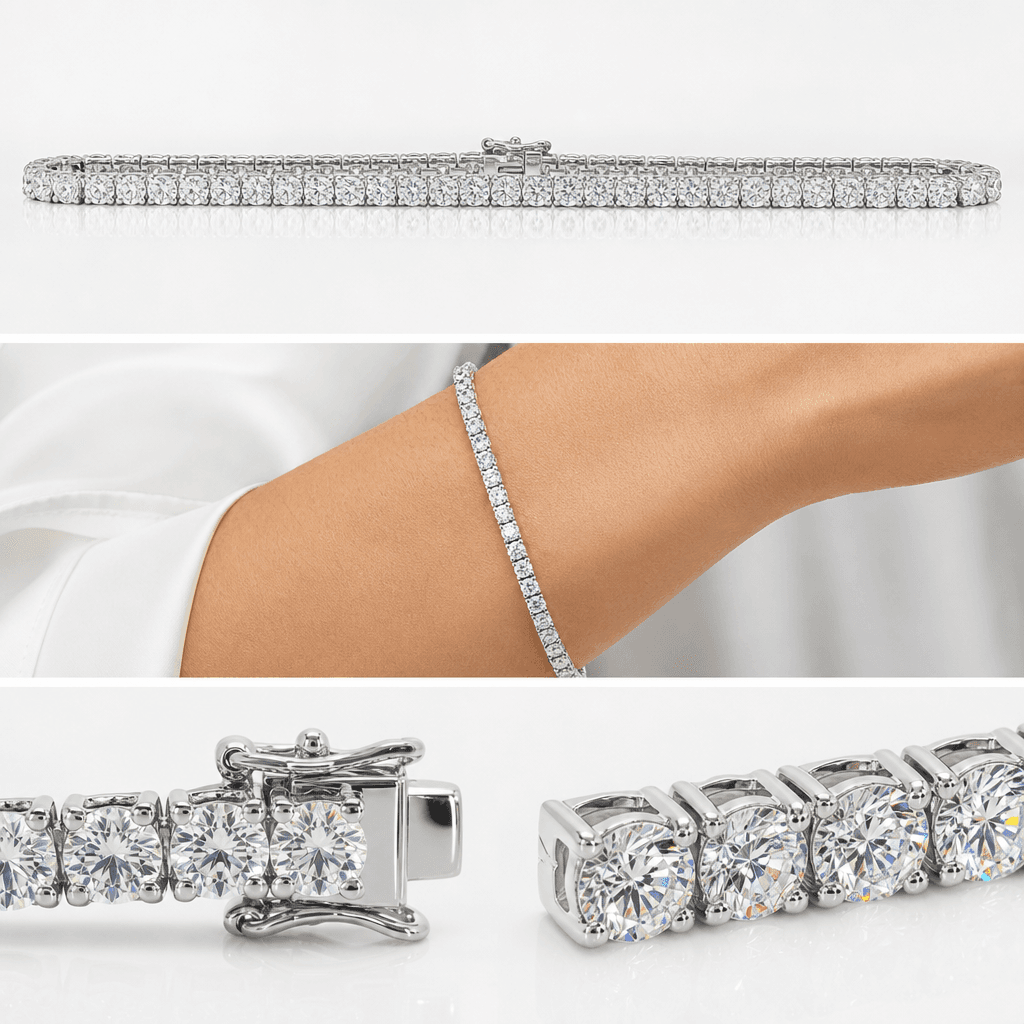
Diamond tennis bracelet triptych: full bracelet laid straight, curved arm position, clasp and stone detail macro, three
Ready to ship

Pick a template, customize, publish.

Use cases

Made for every workflow

  • Jewelry Retailers

    E-commerce brands and independent jewelers use animated triptychs to showcase engagement rings, necklaces, bracelets, and earrings. Multi-angle videos dramatically increase conversion rates compared to static photos.

  • Luxury Watch Brands

    Showcase mechanical watches, smart watches, and luxury timepieces from crown detail to full face. The triptych format highlights craftsmanship, dial complexity, and band quality in a single compelling video.

  • E-Commerce Sellers

    Accelerate sales on Amazon, Etsy, Shopify, and Poshmark with product videos that stand out. Animated triptychs increase time-on-product, reduce returns, and improve SEO in shopping feeds.

  • Social Media Creators

    TikTok, Instagram Reels, and Pinterest thrive on motion. Repost triptych videos weekly to drive traffic to your shop, affiliate links, or brand partnerships. Highly rewatchable format—users share multi-angle jewelry videos.

  • Jewelry Photographers

    Build on your existing photography work by adding motion. Turn your still shots into video assets for clients without learning video production.

  • Dropshippers & Resellers

    Differentiate bulk product listings with custom video. Animated triptychs cost less than commissioning a videographer and perform better than supplier photos.

How it works

From idea to result in seconds

  1. Step · 01

    Upload your jewelry photo

    Select a clear, well-lit jewelry photo. Works best with studio lighting, but natural light images are fine too.

  2. Step · 02

    Choose perspective angles

    Pick three angles you want to show—front, side, back, detail, or let AI suggest the best combination for your jewelry type.

  3. Step · 03

    Generate and export

    AI creates smooth cinematic transitions between angles in seconds. Export as 9:16 (social), 16:9 (web), or 1:1 (ads). Download and publish.

FAQ

Frequently asked questions

  • A triptych is a three-part composition. An animated triptych video shows three angles or perspectives of your jewelry in one fluid motion—front view → side angle → detail shot, with AI-powered smooth transitions between each. It combines the static detail of product photography with the engagement of video.

  • No. Upload a single, clear jewelry photo. Our AI understands product geometry and extrapolates the side and detail angles, then animates transitions between them. For best results, use a well-lit, high-resolution photo (at least 1080px on the longest edge).

  • Yes. After uploading, you can rotate, zoom, and manually select which perspective goes in which position of the triptych. You can also adjust transition speed, add music, change colors, and set duration.

  • Most triptych videos render in 30–60 seconds, depending on resolution and transition complexity. You'll see a preview while it's processing.

  • Free preview renders include a small Nim watermark. When you purchase credits or upgrade to a paid plan, all exports are watermark-free and ready for commercial use.

  • Export as MP4 (most compatible), WebM (web), or MOV (professional editing). Choose aspect ratios: 9:16 vertical (TikTok, Instagram Reels, Pinterest), 16:9 horizontal (websites, YouTube), or 1:1 square (Instagram Feed, ads).

  • Yes, in different ways. A 360° rotation shows all sides but can feel repetitive. A triptych shows exactly three curated angles, designed to highlight key details in quick, punchy cuts. It's ideal for e-commerce because it doesn't overwhelm—it communicates instantly on mobile.

  • Absolutely. While optimized for jewelry, the template works great for watches, handbags, shoes, accessories, perfume, and other luxury products. Any item that benefits from multi-angle showcase works well.

  • Our AI enhances lighting during processing. Shadows are softened, highlights are balanced, and colors are normalized. Even phone photos turn into professional-looking videos. For best results, avoid extreme backlight or harsh shadows.

  • Yes. After generation, you can layer music from our library, add voiceover, overlay text, or download the raw video and edit in your preferred software (Adobe Premiere, CapCut, DaVinci Resolve).

Get started

See what you can make

Explore more

Discover more AI tools