


Jewelry · Studio Shot

Studio Close-Up Jewelry Template

Transform any jewelry piece into a warm, editorial studio close-up with AI-driven lighting and depth that rivals professional photography.

Browse templates
Browse all 400+ templates

Everything you need

Built for creators, marketers, and teams shipping AI video at scale.

01

Warm Studio Lighting

Replicates professional softbox warmth to flatter gold, silver, and gemstone surfaces without harsh overexposure.

02

Macro-Level Detail

Renders gemstone facets, metal grain, and surface finish at razor-sharp resolution that holds up under buyer zoom.

03

Shallow Depth of Field

Generates creamy bokeh that isolates your piece against a clean, distraction-free gradient background.

04

Commercial-Ready Output

Produces high-resolution assets suitable for e-commerce listings, editorial spreads, and print campaigns.

05

Flexible Background Tones

Guide warmth and neutral tone through the prompt field to stay consistent across an entire product collection.

06

Seconds, Not Hours

AI generation delivers studio-quality results in under a minute per asset — no scheduling or retouching queue.

07

No Studio Required

Skip the rental, lighting rig, and photographer — a single product photo is all the template needs as input.

08

Multi-Platform Ready

Outputs are sized and optimized for web storefronts, social feeds, lookbooks, and standard print workflows.

Features

Built to ship

Abstract visualization of warm diffused studio light falling across a polished gold sphere. Multiple soft catchlights vi
F · 01

Warm Editorial Lighting Engine

The Studio Close-Up template applies a diffused, warm-spectrum lighting model tuned specifically for reflective jewelry surfaces. It simulates the behavior of real softboxes — wrapping light around curved metal, igniting internal fire in gemstones, and avoiding harsh hot spots that flatten a piece. The result matches what a skilled product photographer produces in a full-day shoot, generated in seconds without any physical lighting setup.
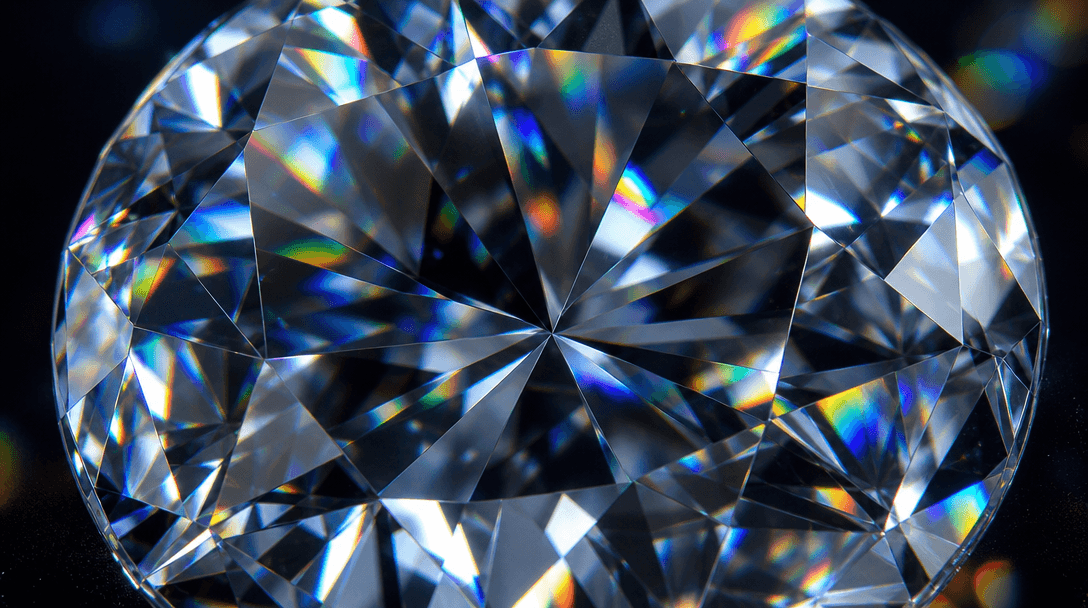
Extreme macro of a brilliant-cut diamond almost filling the entire frame. Each triangular facet refracts light into dist
F · 02

Razor-Sharp Macro Rendering

Jewelry lives and dies by the clarity of its details. This template is built to prioritize micro-texture: the grain of brushed platinum, the pavilion facets of a brilliant-cut diamond, the subtle inclusions inside a natural emerald. Every asset is generated at a resolution that holds up under zoom — essential for product pages where buyers inspect closely before they purchase, and for print use cases where softness is unacceptable.

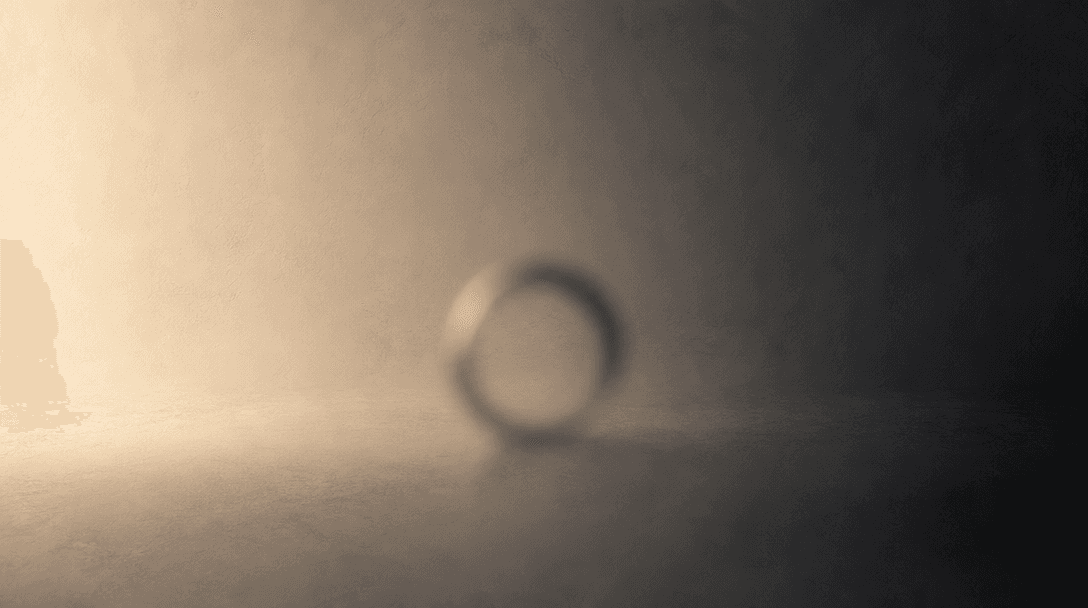
Abstract gradient study of a studio background: a smooth transition from warm ivory cream at left to deep charcoal at ri
F · 03

Selective Depth and Background Control

Shallow depth of field is a signature of high-end jewelry photography, and the Studio Close-Up template reproduces it faithfully. The subject stays tack-sharp while the background melts into a smooth neutral gradient — creamy warm tones that complement gold, cool whites that suit silver, and deep neutrals for statement pieces. Background tone can be steered through the prompt field to match any brand identity without reshooting.

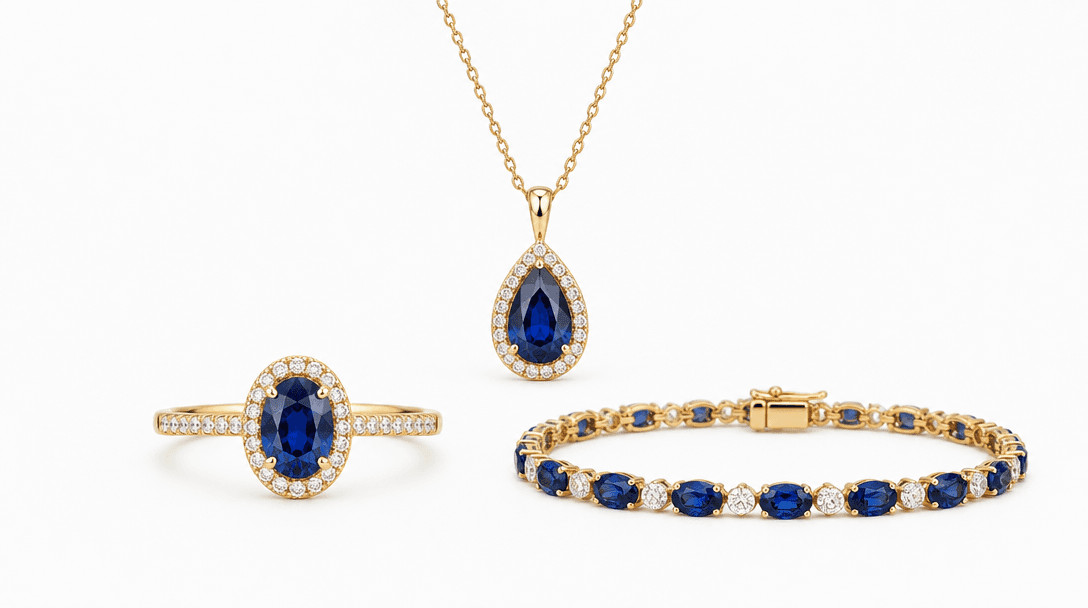
Three jewelry pieces — a ring, a pendant, and a bracelet — arranged in a precise symmetrical composition on a clean matt
F · 04

Production-Ready Export for Commerce

Every generated image is delivered at full resolution with clean, artifact-free rendering. Assets drop directly into Shopify, Amazon, Etsy, or any e-commerce platform without additional retouching. For print or editorial use, the output resolves finely enough for full-page bleed at standard print DPI. This is the final step between your product and a live, revenue-generating listing — no intermediate post-production required.

Showcase

See it in action

Real outputs generated by our pipeline — no curated cherry-picks.

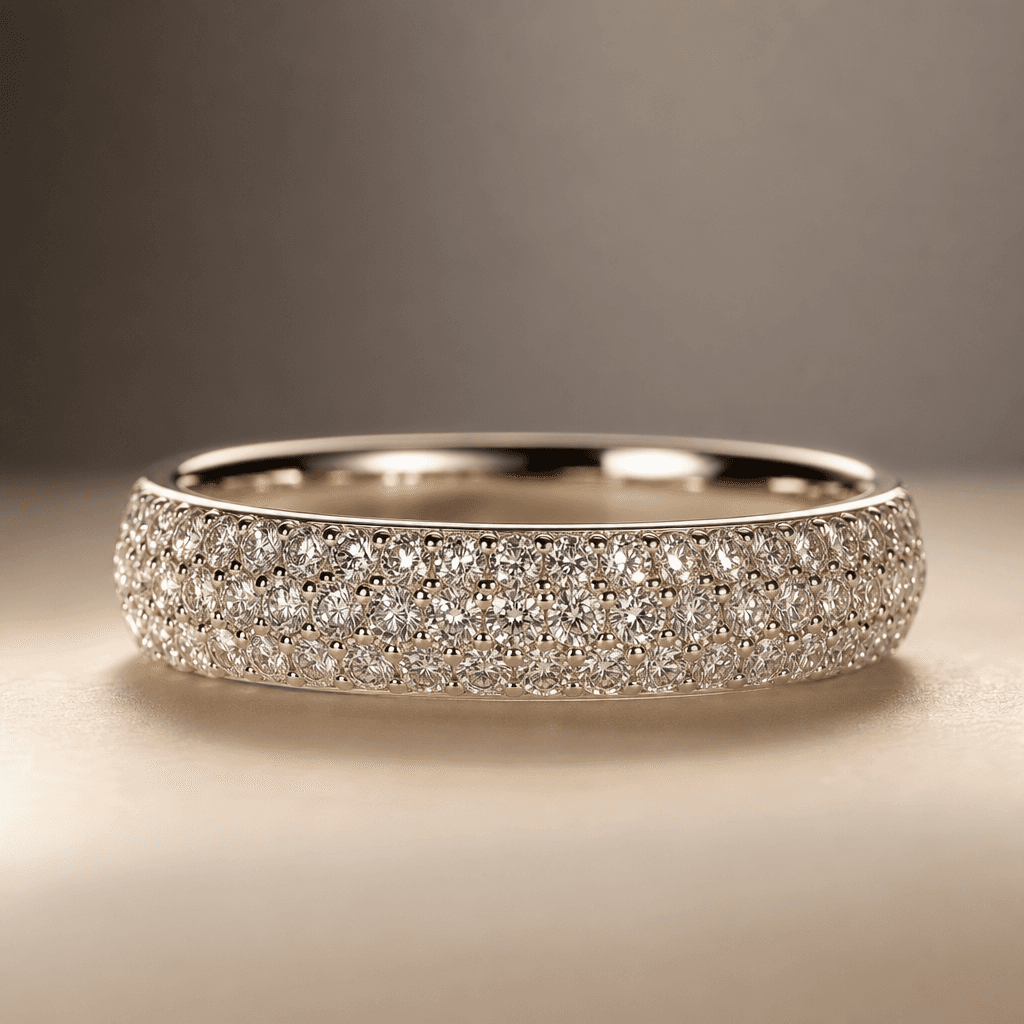
Studio close-up of a pavé diamond band ring on a warm cream surface. Diffused warm lighting, soft grey gradient backgrou
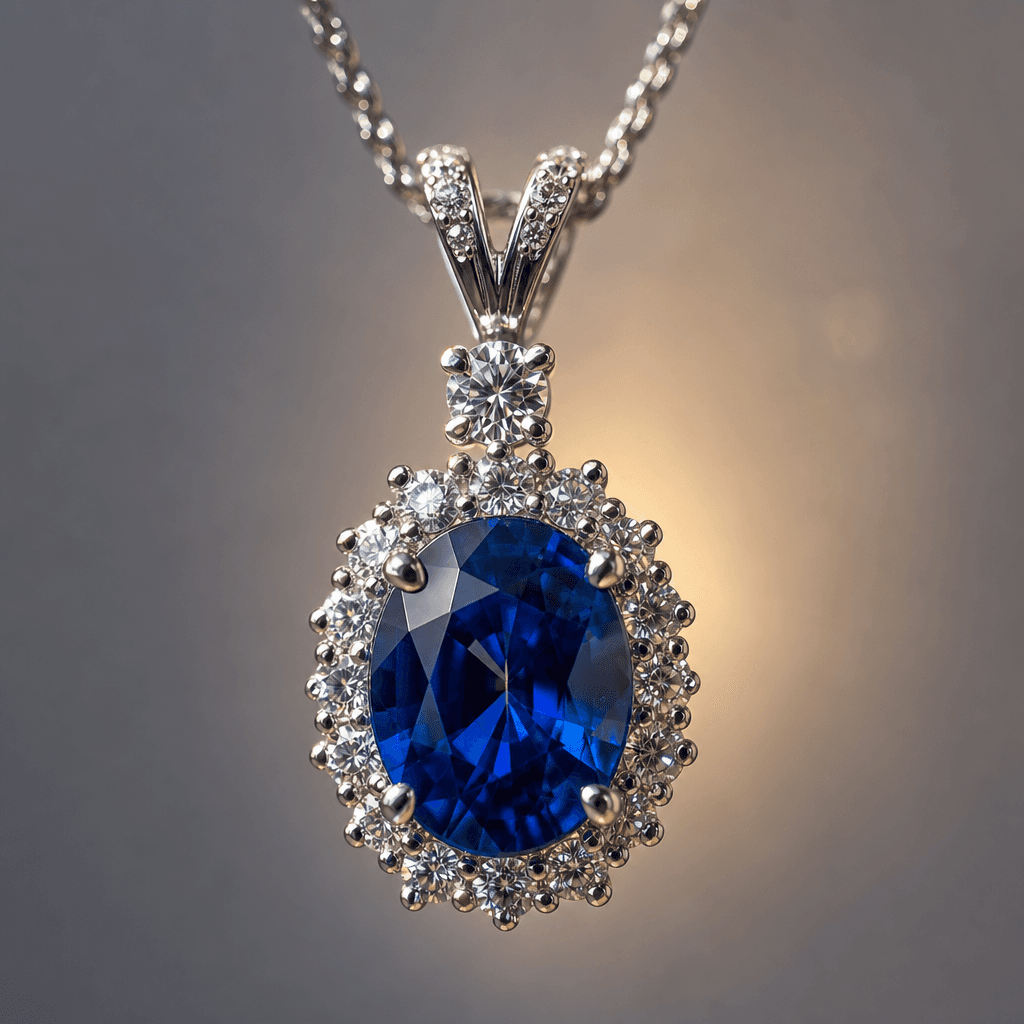
Macro studio close-up of a sapphire and white gold pendant necklace suspended mid-frame against a soft neutral grey back
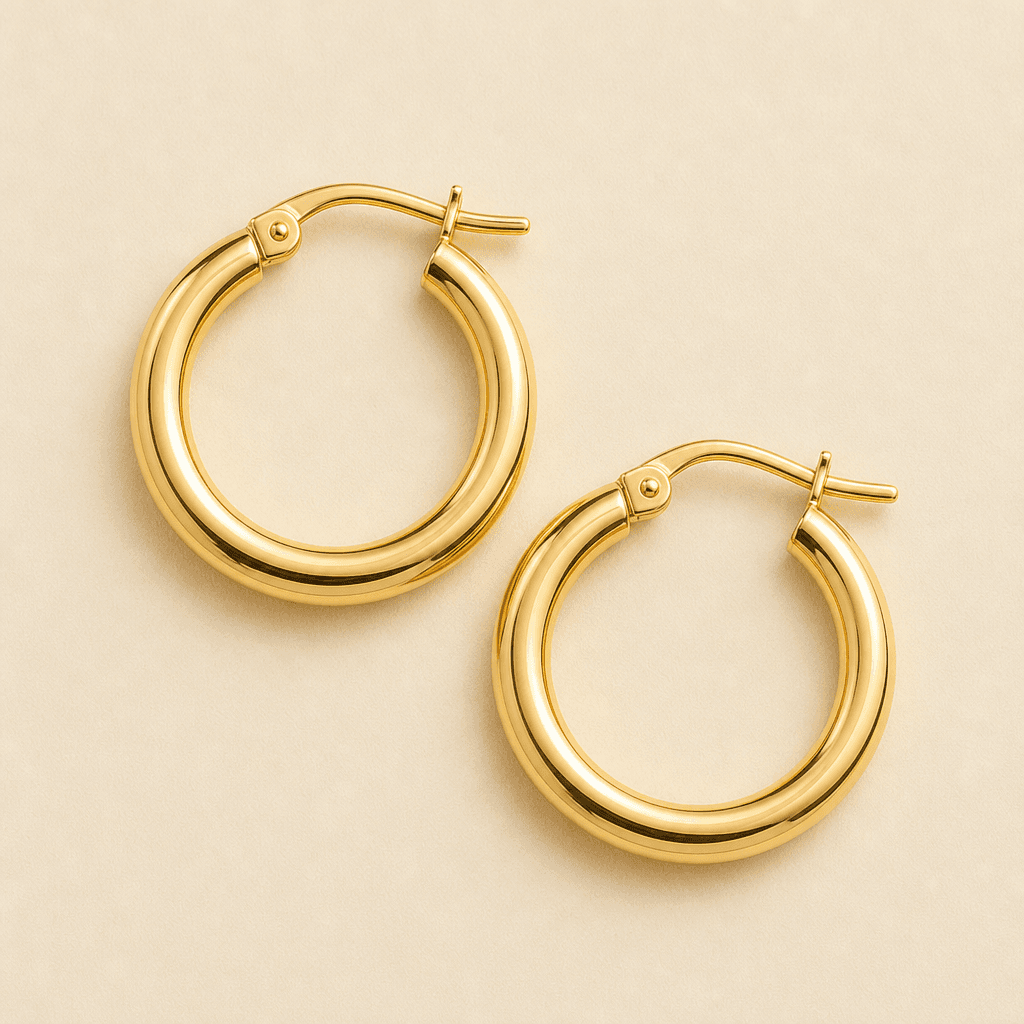
Overhead studio close-up of a pair of yellow gold hoop earrings arranged flat on a warm matte ivory surface. Softbox lig
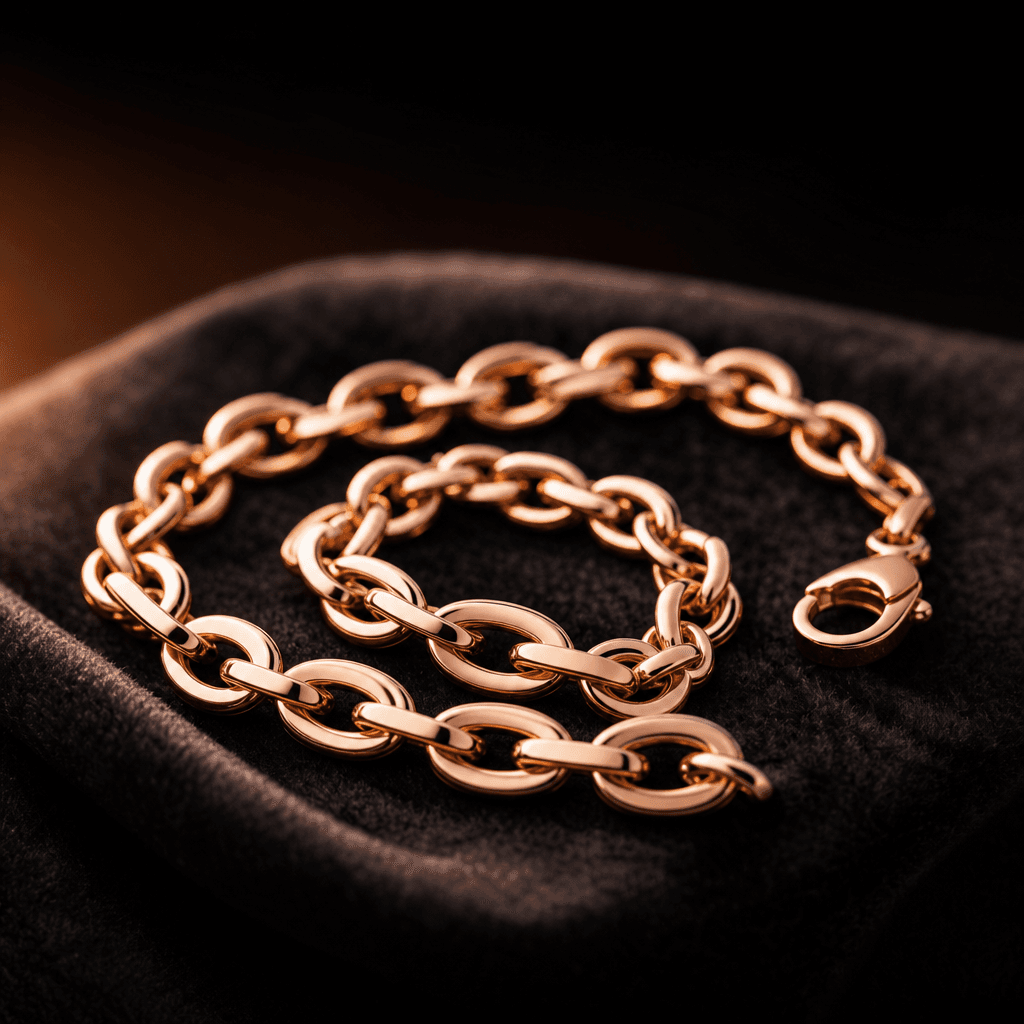
Close-up studio shot of a rose gold chain bracelet coiled loosely on dark charcoal velvet. Warm directional side lightin
Ready to ship

Pick a template, customize, publish.

Use cases

Made for every workflow

  • Fine Jewelry Brands

    Produce consistent, on-brand close-up imagery across an entire collection without booking a studio for every new piece. Scale catalog photography from days to minutes while maintaining luxury visual standards.

  • E-Commerce Sellers

    Replace flat, uninspiring product shots with warm editorial close-ups that increase click-through rates and reduce return rates by showing buyers the exact finish, texture, and scale of each piece.

  • Social Media Marketers

    Generate scroll-stopping close-up content for Instagram, Pinterest, and TikTok — a warm studio aesthetic that performs in paid and organic feeds without requiring a photography or retouching budget.

  • Independent Jewelry Designers

    Showcase handcrafted pieces with the same visual gravitas as established luxury brands, leveling the playing field for independent makers selling direct-to-consumer through their own storefronts.

  • Product Photographers

    Use AI-generated studio close-ups as rapid mood-board references or to fill gaps when a piece isn't available on set — then match the lighting and background tone in-studio for the final asset.

  • Lookbook and Editorial Teams

    Integrate warm studio close-ups into digital lookbooks alongside lifestyle imagery for a layered visual story that moves between context and detail without a second production day.

How it works

From idea to result in seconds

  1. Step · 01

    Upload your jewelry photo

    Add a clear image of your piece — even a basic product or phone photo provides enough input for the template to work from.

  2. Step · 02

    Apply Studio Close-Up

    Select the Studio Close-Up template and optionally adjust the prompt for background tone or lighting warmth to align with your brand identity.

  3. Step · 03

    Download your studio shot

    Receive a production-ready, high-resolution close-up in under a minute — ready for your storefront, lookbook, or paid campaign.

FAQ

Frequently asked questions

  • It is a curated AI image template designed to transform product images of jewelry into warm, editorial studio close-ups. The template applies professional-grade lighting simulation, shallow depth of field, and macro-level detail rendering to produce assets that match the output of a dedicated product photography studio — without any physical equipment or post-production.

  • The template performs well across rings, necklaces, earrings, bracelets, pendants, and brooches. Pieces with reflective metal surfaces — gold, silver, rose gold, platinum — and faceted gemstones such as diamonds, sapphires, and emeralds benefit most, since the warm lighting engine is specifically tuned to bring out internal fire and surface finish detail that flat ambient photography misses.

  • Nim uses a multi-model AI pipeline built on diffusion models trained on professional product photography. The Studio Close-Up template encodes a specific lighting and depth-of-field profile — warm, diffused, front-weighted softbox behavior — that the model applies directly to your input image. The output simulates real light physics rather than adding a flat filter on top of your original photo.

  • Yes. Assets generated on Nim under a paid plan are cleared for commercial use including e-commerce listings, advertising, editorial publication, and print. Review the current license terms at about.nim.video/terms for the precise scope before deploying assets in regulated or high-liability contexts.

  • Most generations complete in under a minute. Actual render time depends on current queue depth and input complexity, but the Studio Close-Up template is optimized for fast delivery — typical wait is 30 to 60 seconds per asset.

  • No. The template is designed so that a clear product photo — even captured on a phone under standard room lighting — is sufficient input. The AI handles lighting, background separation, and detail enhancement automatically. You can optionally add prompt guidance for background tone or warmth, but the default settings produce strong results without any technical photography knowledge.

  • Yes. The template accepts prompt input that guides background tone — from warm ivory and cream through cool neutral grey to deep black — and you can describe the desired lighting character (warmer, cooler, more directional, more diffused). This lets you maintain visual consistency across a full collection even when individual pieces have different metal tones or gemstone colorways.

  • A professional product photography session for jewelry typically costs several hundred to several thousand dollars per day, yields a limited number of final retouched assets, and requires scheduling, logistics, and turnaround time. Nim's Studio Close-Up template delivers comparable visual quality in under a minute per asset — especially valuable for high-SKU catalogs where traditional photography doesn't scale economically.

  • Output resolution is sufficient for full e-commerce product pages, social media at any display density, and standard print workflows. Exact pixel dimensions depend on the underlying model tier selected; premium model options generally output at higher resolutions. No additional upscaling is required for most commerce or editorial use cases.

  • Yes. Generating images on Nim requires an account and purchased generation credits. You can browse the template catalog and preview templates before creating an account, but generation itself requires sign-in and credits — there is no anonymous or free-generation tier.

Get started

See what you can make

Explore more

Discover more AI tools