
AI Jewelry · Studio

AI Jewelry Product Templates

Transform your jewelry into studio-grade commercial visuals with AI templates engineered for rings, necklaces, watches, and gemstones.

Browse templates
Browse all 400+ templates

Everything you need

Built for creators, marketers, and teams shipping AI video at scale.

01

Studio-Grade Quality

Every output matches professional jewelry photography standards for ecommerce listings and editorial campaigns.

02

Multi-Model Access

Generate with Flux, Kling, Sora, and Veo — all accessible from a single curated platform.

03

Curated Pro Templates

Hand-selected templates designed specifically for rings, necklaces, watches, bracelets, and fine gemstones.

04

Commercial-Ready Outputs

All generated visuals include commercial licensing, ready for product listings and paid marketing campaigns.

05

Fast Render Times

Produce polished jewelry product visuals in seconds — no 3D software or retouching workflow required.

06

Dark Editorial Aesthetic

Templates pre-tuned for dramatic dark backgrounds and reflective surfaces that elevate luxury jewelry presentation.

07

Ecommerce Optimized

Output sizes and aspect ratios matched for Amazon, Shopify, Instagram, and luxury brand style guides.

08

No 3D Skills Required

Upload a reference image and let the AI handle lighting direction, reflections, and compositional framing.

Features

Built to ship

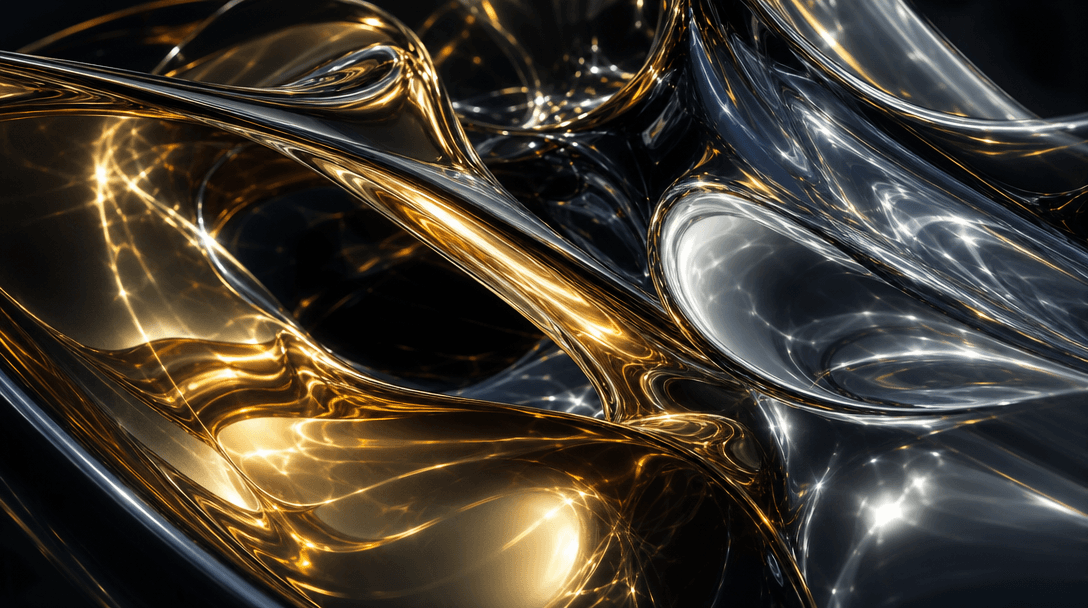
Abstract macro study of polished gold and mirror-finish silver metallic surfaces, complex overlapping reflections and ca
F · 01

Reflective Surface Mastery

Polished gold, silver, and platinum surfaces catch every stray photon — making jewelry photography among the most technically demanding disciplines in product visual work. Nim's jewelry templates encode the exact lighting setups professionals use: flag-controlled fills, parabolic rim lights, and gradient backdrops engineered to render metalwork that looks alive, not flat. The result meets editorial and ecommerce quality standards without requiring studio access or post-processing expertise.
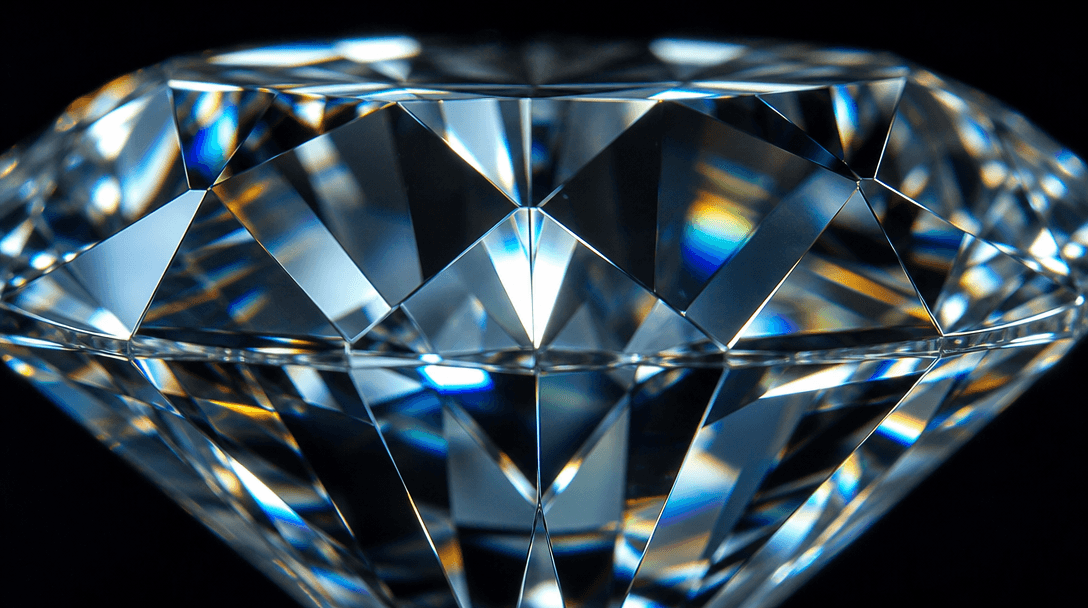
Extreme macro of brilliant-cut diamond facets refracting light into a subtle spectrum, ultra-sharp depth-of-field showin
F · 02

Gemstone Detail Rendering

Diamonds, sapphires, and rubies each interact with light differently — generic AI models flatten that nuance into muddy approximations. Nim's jewelry-specific templates preserve prismatic fire in cut stones, rendering table geometry and culet depth with the clarity a macro lens would capture. Shoppers convert when they can see refraction, color grading, and stone clarity at a glance — without waiting on a studio shoot.

Dark editorial luxury scene: deep charcoal velvet fabric with soft natural light creating gentle folds and shadows, scat
F · 03

Versatile Background Scenes

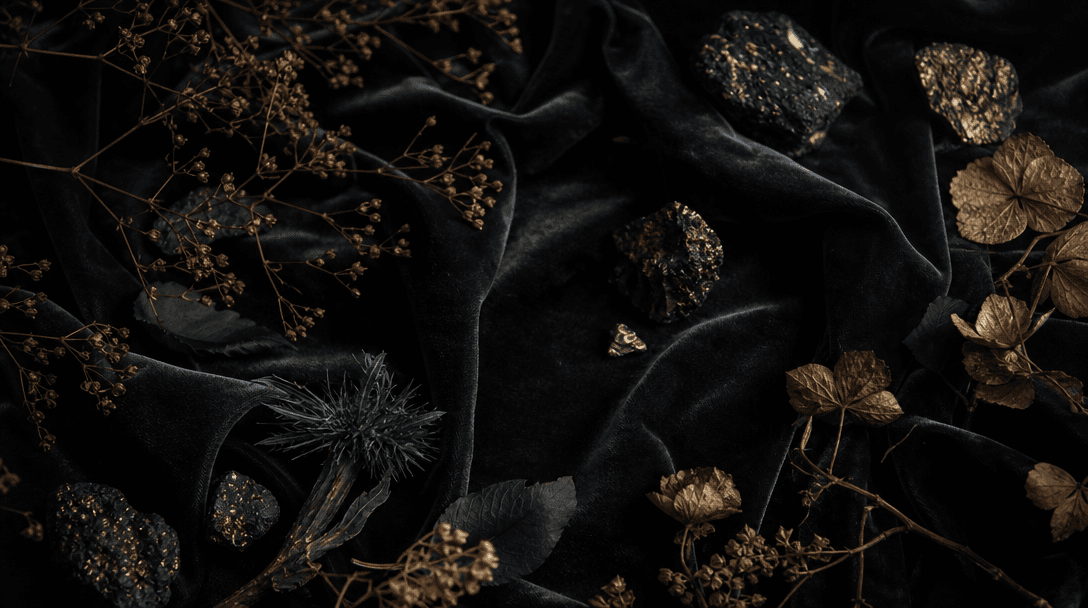
Context sells jewelry as powerfully as the piece itself — dark velvet editorial, frosted marble luxury, organic botanicals, and clean white catalog each serve different brand positioning. Nim's scene library is matched to jewelry category: solitaire rings on dark stone, layered necklaces in lifestyle vignettes, watches on textured industrial surfaces. Every background template is pre-tuned to the reflective and refractive demands of fine jewelry, not repurposed from generic product photography presets.

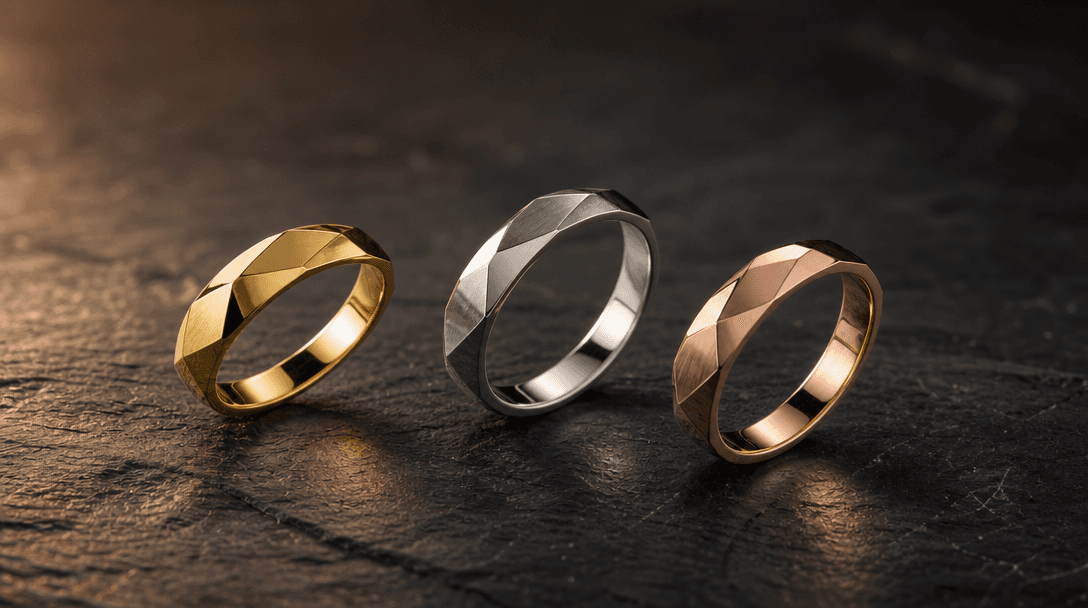
Three elegant ring forms — gold, silver, and rose gold — arranged in a subtle arc on dark stone surface, each caught at
F · 04

Multi-Angle & Multi-Product Views

A single jewelry listing needs a hero shot, a detail crop, a lifestyle context, and a group-set view — four assets that would take half a day in a conventional studio. Nim's batch workflow generates all four variants from one upload, maintaining lighting continuity across angles for PDP carousel, email headers, and paid social creatives. Consistent cross-asset lighting is what separates professional catalog photography from disconnected individual shoots.

Showcase

See it in action

Real outputs generated by our pipeline — no curated cherry-picks.

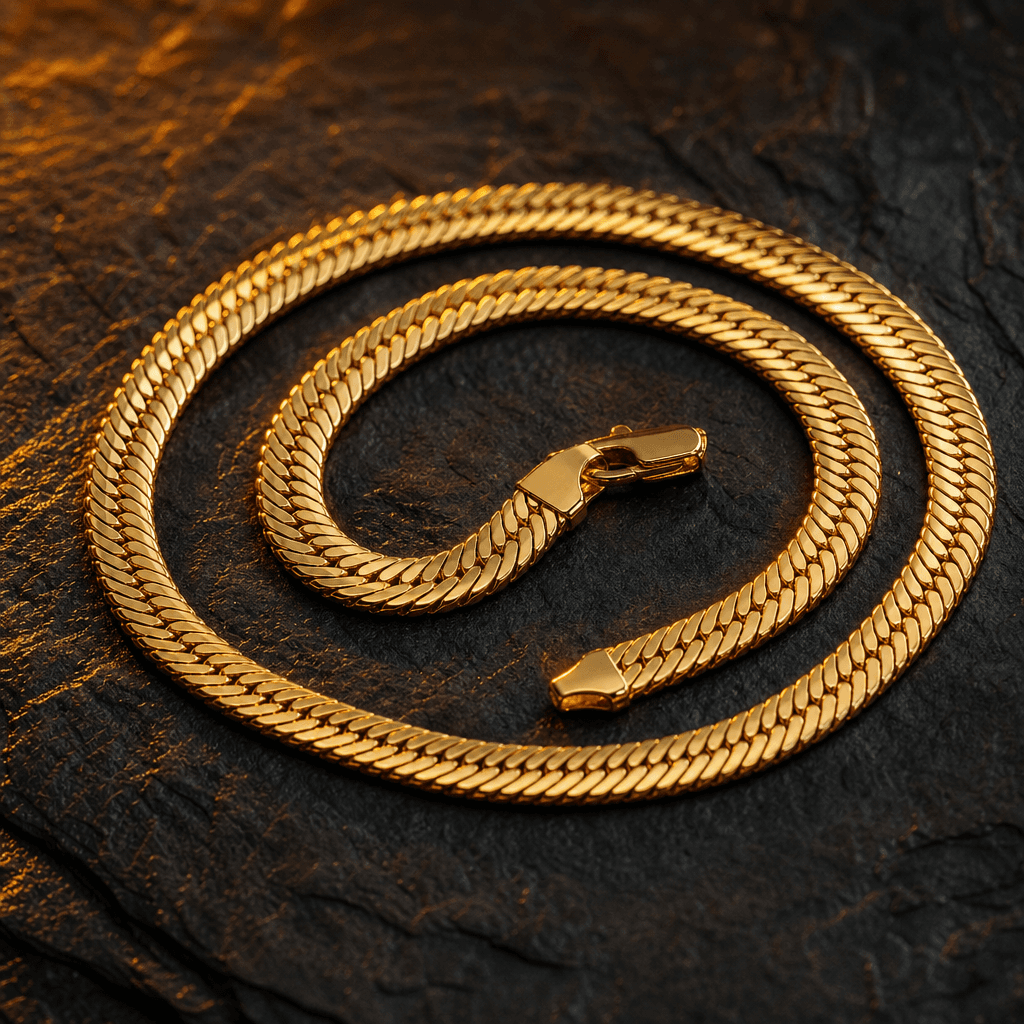
Gold herringbone chain necklace coiled on dark slate surface, warm amber rim lighting catching each individual link with
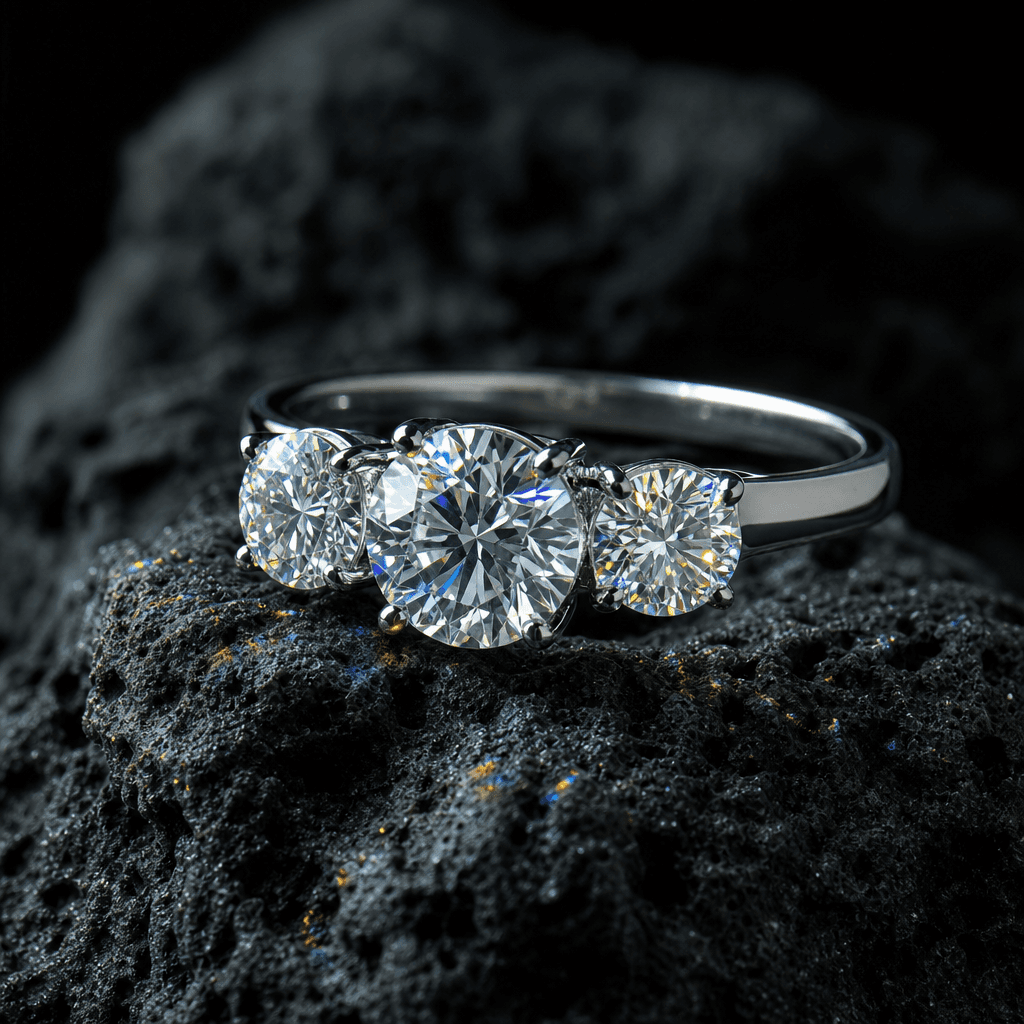
Platinum three-stone diamond ring on dark volcanic stone surface, cool directional side lighting creating prismatic disp
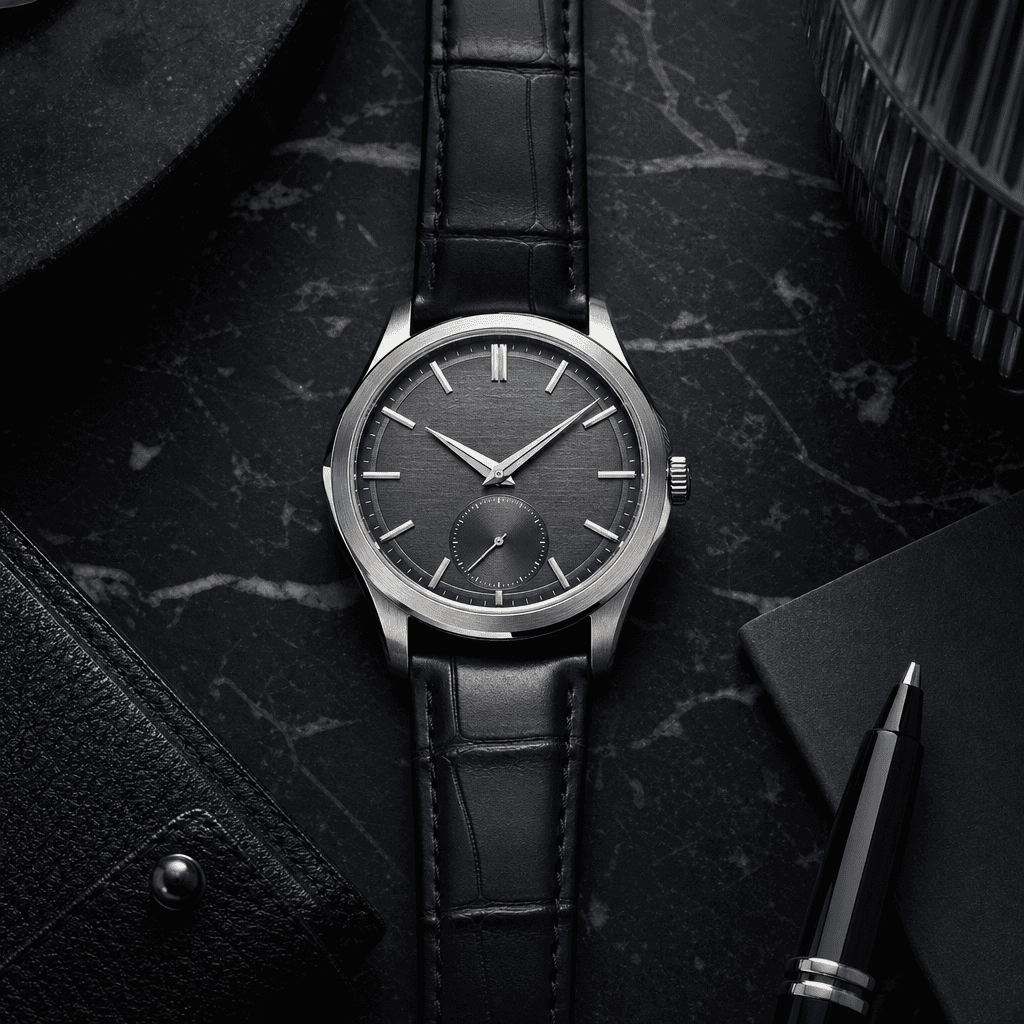
Luxury Swiss mechanical watch flat lay on dark marble slab, top-down editorial composition, cool directional light revea
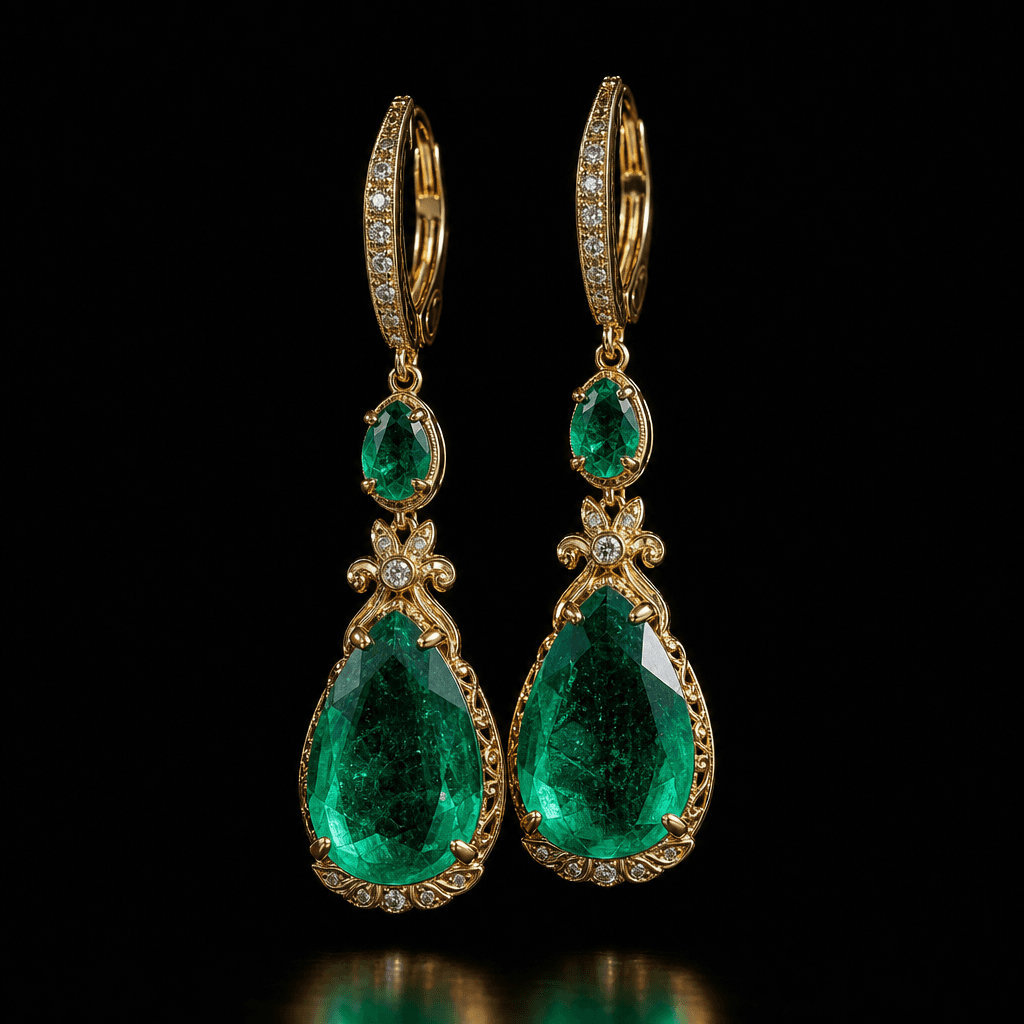
Pair of emerald drop earrings suspended against deep black background, split lighting revealing stone clarity and gold s
Ready to ship

Pick a template, customize, publish.

Use cases

Made for every workflow

  • Jewelry Brands

    Scale visual production without booking a studio for every SKU. Generate consistent, on-brand imagery for full collections in a single session, maintaining lighting and aesthetic continuity across hundreds of pieces.

  • Ecommerce Sellers

    Compete with luxury-tier product photography on any catalog size. High-converting visuals for Amazon, Etsy, and Shopify listings that meet platform image requirements and outperform plain white-background shots.

  • Social Media Managers

    Keep editorial calendars fed with fresh, campaign-ready jewelry visuals. Generate platform-optimized aspect ratios for Instagram, Pinterest, and TikTok without scheduling reshoots every time a collection drops.

  • Jewelry Photographers

    Use AI-generated hero shots for pre-visualization reference or to augment client deliverables with rapid variation sets — faster turnaround while maintaining the premium quality clients expect.

  • Luxury Retailers

    Maintain strict brand standards across a deep SKU catalog. Templates built around dark editorial aesthetics and precise lighting ensure every product image reflects the same premium positioning across all channels.

  • Product Designers

    Visualize new jewelry concepts before manufacturing. Generate photorealistic renders from reference sketches or descriptions to validate aesthetics with stakeholders and buyers before committing to production.

How it works

From idea to result in seconds

  1. Step · 01

    Pick a jewelry template

    Browse the curated jewelry template library and select the lighting style, background, and composition that matches your product category and brand aesthetic.

  2. Step · 02

    Upload your jewelry

    Add a reference photo or product description — the AI reads your piece's material, shape, and gemstone type to tailor lighting, reflections, and scene accordingly.

  3. Step · 03

    Export your visual

    Download a commercial-ready, high-resolution jewelry image sized for your platform — listing-ready in seconds, with no post-processing required.

FAQ

Frequently asked questions

  • AI jewelry templates are pre-engineered creative workflows optimized for generating studio-quality jewelry product visuals. Each template packages lighting setups, background scenes, and model parameters tuned specifically for rings, necklaces, watches, bracelets, and gemstone jewelry — so you get professional results without configuring each generation from scratch.

  • Nim is a multi-model platform. Jewelry templates draw on models including Flux for high-detail image generation, alongside Kling, Veo, and Sora for motion and video variations. The platform routes each template to the model best suited for the output type — still product photography versus cinematic product video.

  • Yes. All outputs generated through Nim on a paid plan are cleared for commercial use, including ecommerce listings, paid advertising, social media, and print. Review the full license terms at about.nim.video/terms before publishing.

  • Nim operates on a credits model — generation requires purchased credits. There is no free generation tier. Plans start with a credit bundle and scale up for high-volume commercial needs. See nim.video/subscription for current pricing.

  • No. The templates abstract away the technical complexity of jewelry photography — flag placement, specular control, gradient lighting. You provide a reference image or description; the AI handles the studio logic.

  • A professional jewelry shoot typically costs $300–$1,500+ per day and requires physical samples, studio booking, and post-processing time. Nim generates commercial-quality product visuals in seconds from a single upload, which is particularly valuable for large catalogs or pre-production visualization. It complements rather than replaces high-end editorial work for major campaign hero shots.

  • Yes. Beyond static product photography, Nim's jewelry section includes video templates for cinematic product reveals, rotation shots, and lifestyle vignettes — ideal for TikTok, Instagram Reels, and product detail page video. Video generation uses Kling, Veo, or Sora depending on the selected template.

  • Outputs on paid plans are delivered without a watermark. Free-tier preview outputs, if applicable, carry a watermark that is removed upon upgrading to a paid plan.

  • Nim's template system applies the same lighting parameters, background configuration, and model settings across every generation in a session, making it well-suited for catalog photography where visual consistency across SKUs is essential. For best cross-SKU consistency, use the same template and reference settings for each piece in the collection.

  • Create an account at nim.video, purchase a credit bundle, and navigate to the jewelry template category. Select a template, upload your reference, and generate. Account creation and credit purchase are required before generation begins.

Get started

See what you can make

Explore more

Discover more AI tools