

Jewelry · AI Template

Blazer Jewelry Close-Up Photography

Showcase fine jewelry on an editorial blazer model — cinematic close-ups that are production-ready for campaigns, lookbooks, and social.

Browse templates
Browse all 400+ templates

Everything you need

Built for creators, marketers, and teams shipping AI video at scale.

01

Editorial Blazer Styling

Renders jewelry against tailored blazer fabric for a high-fashion editorial aesthetic straight out of the box.

02

Cinematic Macro Detail

Captures gem facets, chain links, and metal finishes with sharp macro-level clarity — no blur, no smearing.

03

Production-Ready Output

Images come sized and quality-matched for lookbooks, ad creatives, and e-commerce product pages.

04

Fast Renders

Go from product photo to polished editorial close-up in seconds, not hours of post-production work.

05

Multi-Model Engine

Powered by leading image-generation models including Flux variants, configured by Nim for optimal jewelry rendering.

06

Commercial Licence Included

All outputs generated on a paid plan are cleared for commercial advertising, social, and e-commerce use.

07

No Studio or Models Required

Skip the casting call, stylist booking, and photography equipment — Nim handles the full production context.

08

Curated Jewelry Template Library

The Blazer Jewelry template sits inside Nim's purpose-built jewelry category, refined by professional creative directors.

Features

Built to ship

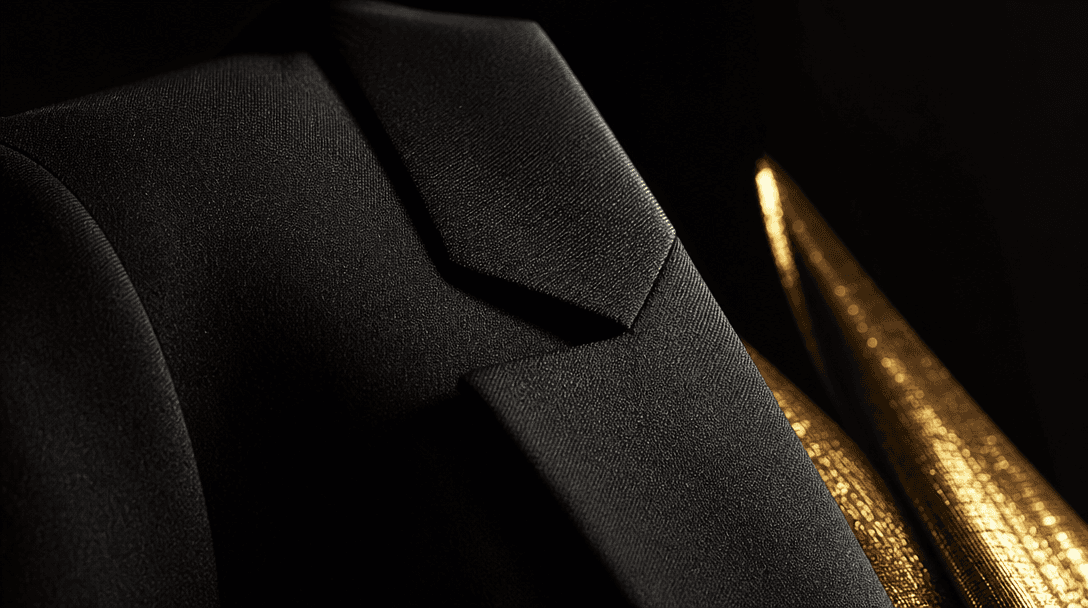
Abstract editorial fashion detail — extreme close-up of a perfectly tailored black blazer lapel in dramatic oblique side
F · 01

Blazer-Layer Editorial Realism

This template is fine-tuned to render blazer fabric drape, lapel texture, and jewelry lighting simultaneously in a single generation pass. The result reads like an accessories spread from a fashion magazine — fabric and metal coexisting in the same cinematic light, not composited separately. You get editorial credibility without a production budget.
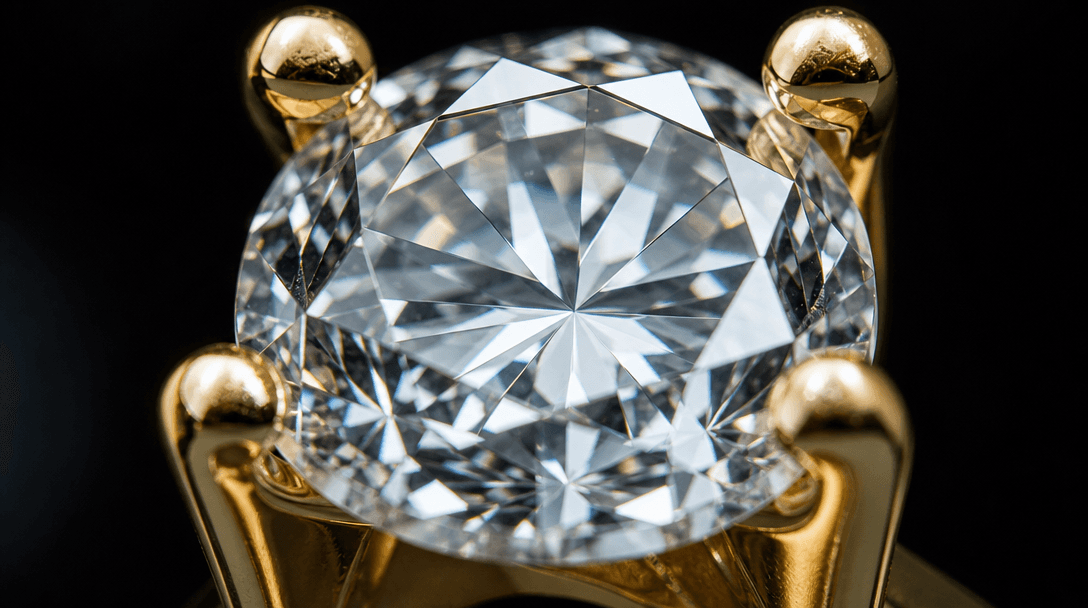
Extreme macro detail of a brilliant-cut diamond in a gold prong setting, catching refracted light against a near-black b
F · 02

Fine Jewelry Detail Preservation

Gem facets, prong settings, metal grain, and delicate chain links are rendered with high-fidelity macro sharpness. Cheaper image models tend to smear or hallucinate fine detail at close range — the Blazer Jewelry template is benchmarked specifically to preserve the features that make jewelry look valuable. Your stones stay brilliant and your metalwork stays precise.

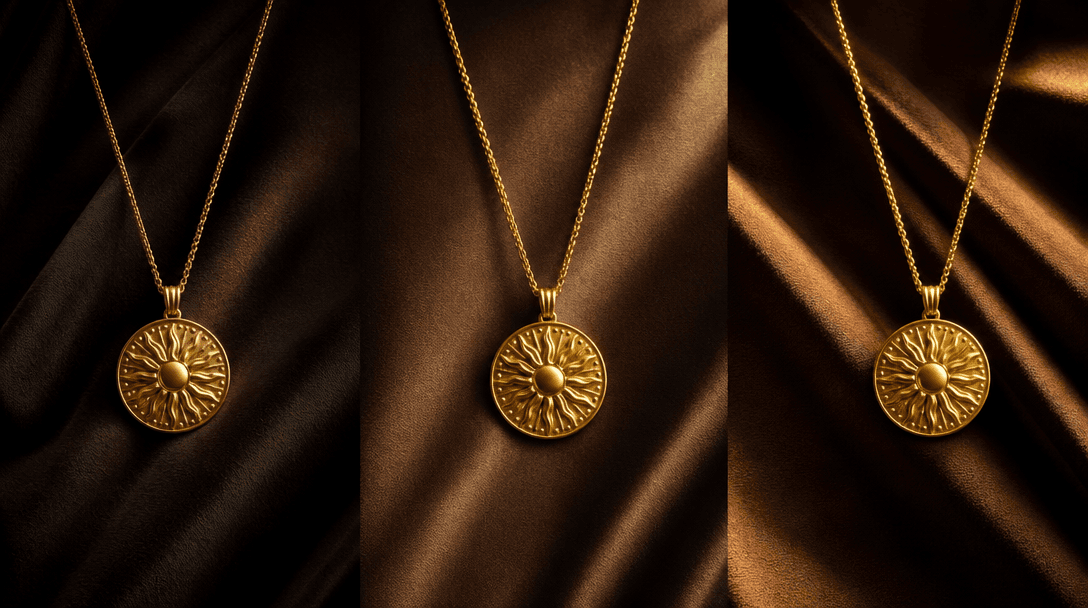
Abstract concept visual: three identical gold pendant necklaces arranged side by side on dark draped fabric, each under
F · 03

Consistent Variations Across SKUs

Submit a single product image and receive multiple close-up variations — different model tones, blazer colours, and shooting angles — with a consistent editorial look throughout. No re-prompting required for each iteration. Ideal for building a cohesive campaign visual language across an entire jewelry collection in one session.

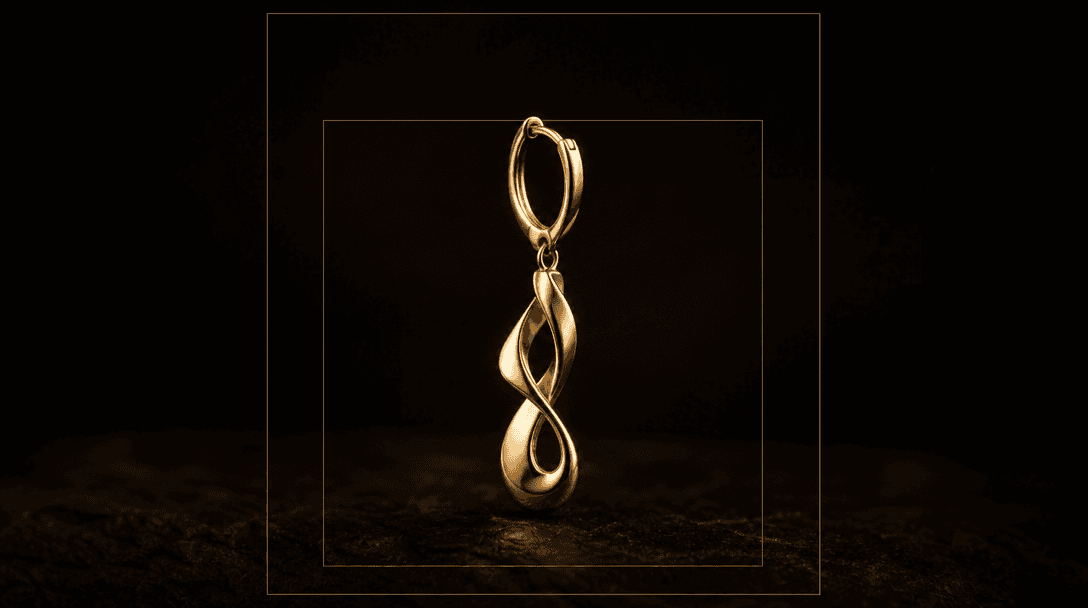
Abstract crop-format concept: a single elegant gold earring piece shown against deep dark background, surrounded by two
F · 04

Commercial-Ready Crop Formats

Outputs are generated in portrait (4:5) and square (1:1) crops, ready to drop directly into Shopify product pages, Instagram ads, Pinterest boards, and print lookbooks. No additional cropping, resizing, or Photoshop work is required before publication, which means your team goes from generation to live campaign in minutes.

Showcase

See it in action

Real outputs generated by our pipeline — no curated cherry-picks.

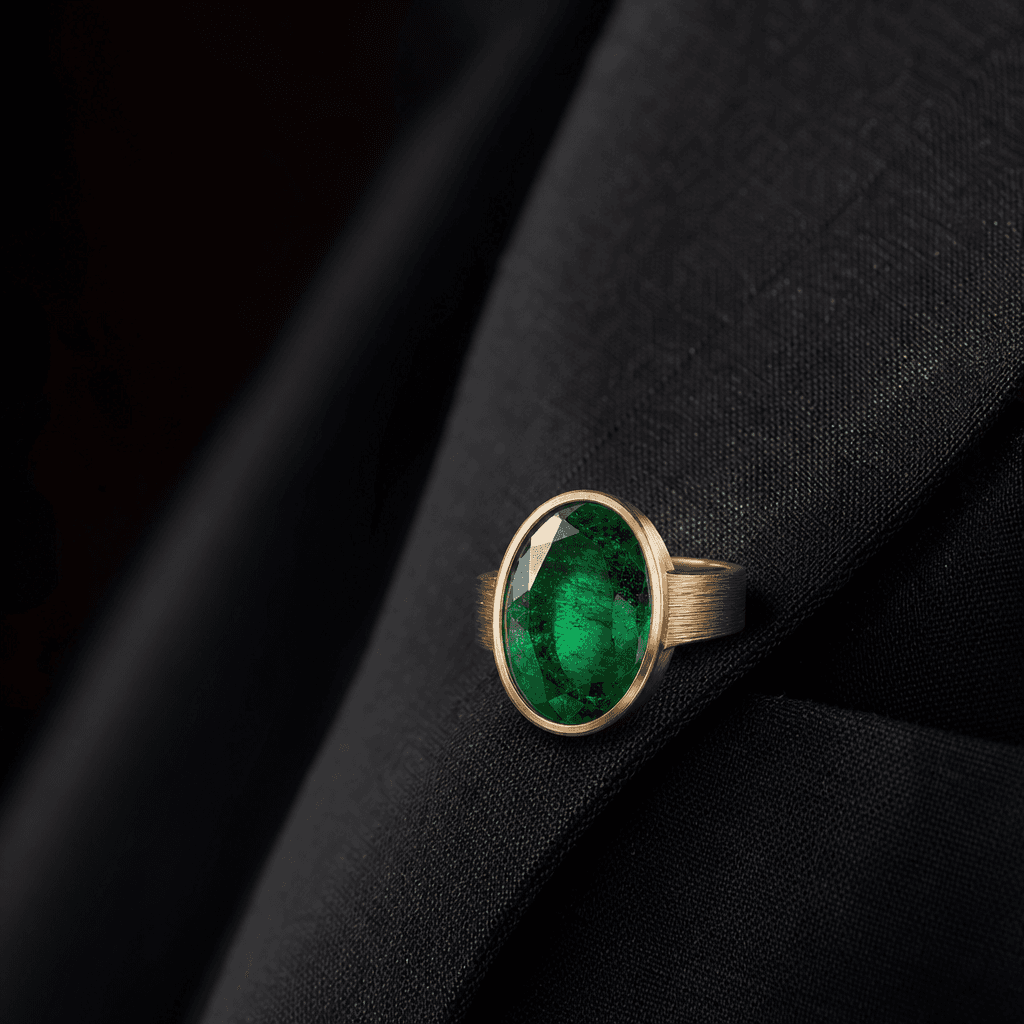
Macro editorial close-up of an oval emerald ring resting on the lapel of a charcoal blazer. Deep dark background, soft d
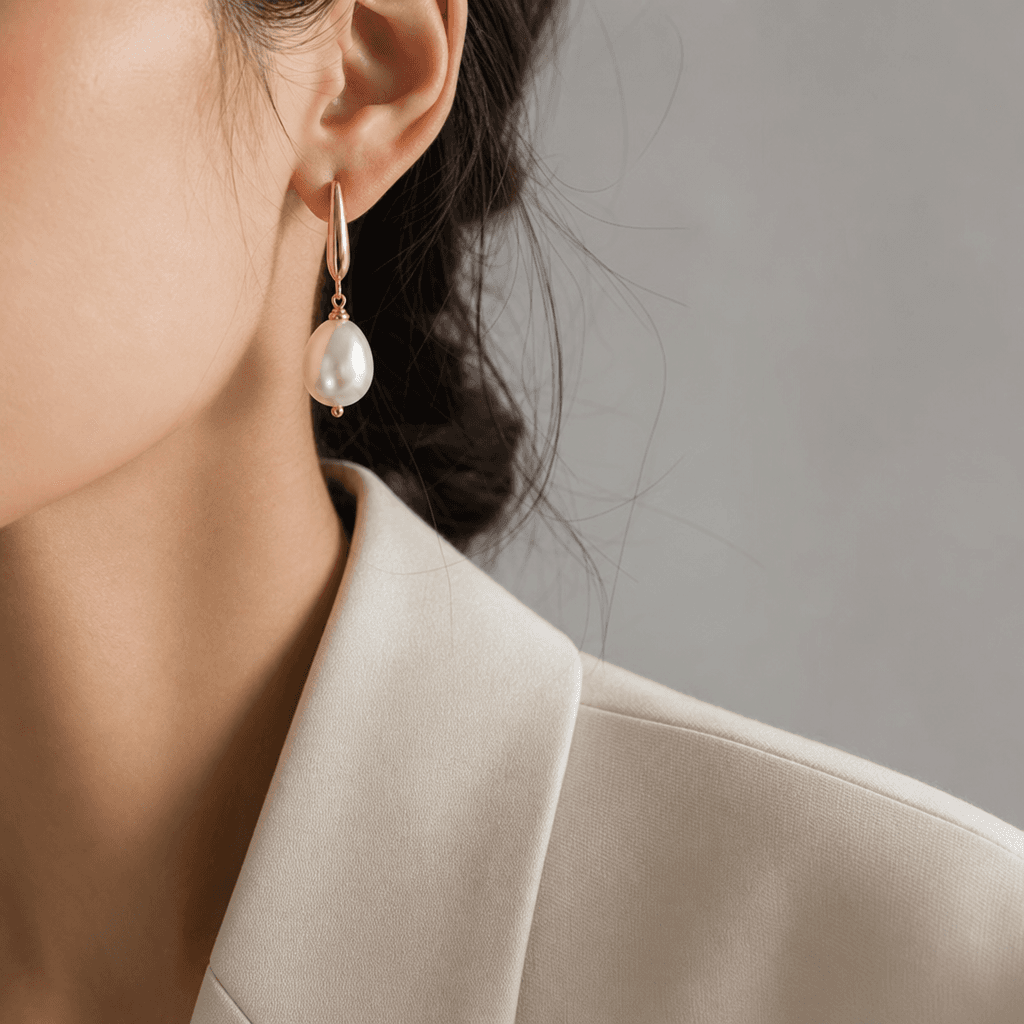
Editorial close-up of pearl drop earrings against the shoulder of a cream blazer. Neutral light grey background, soft di
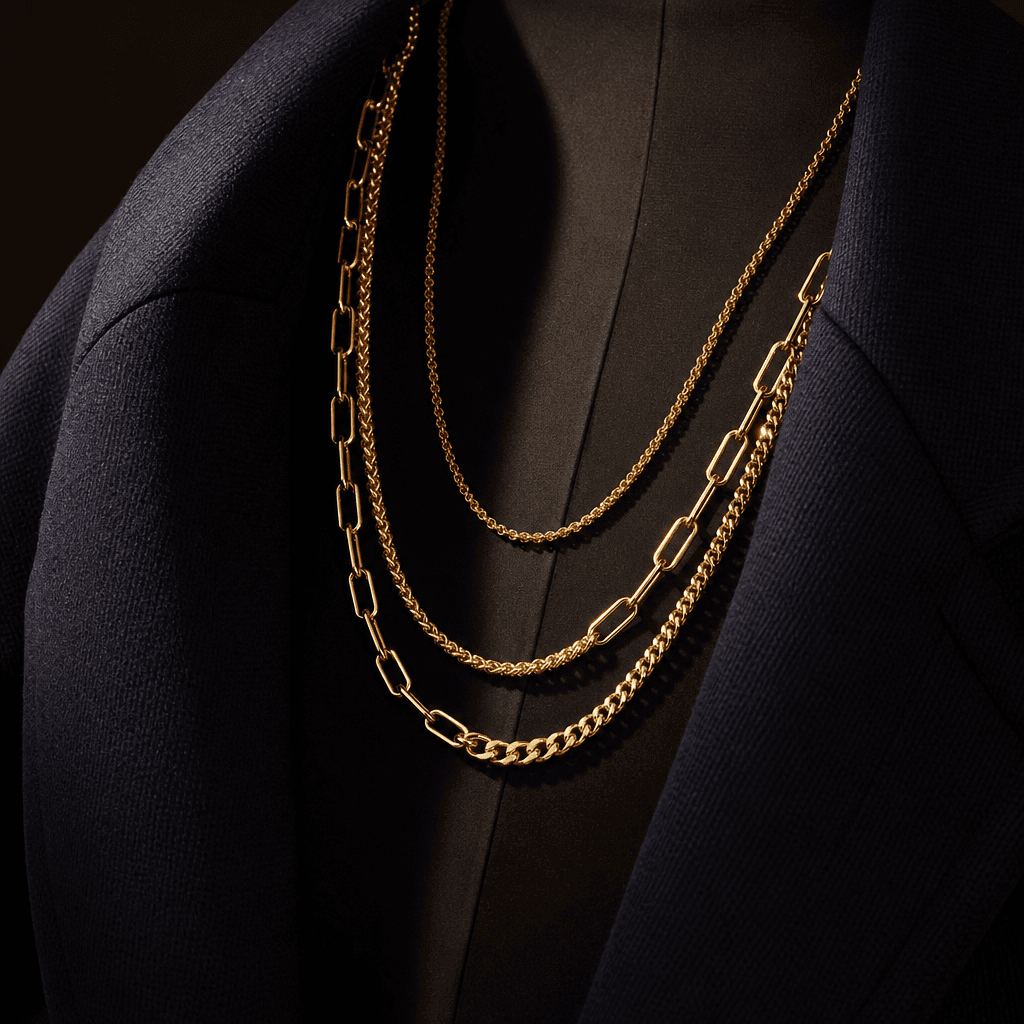
Cinematic jewelry still — layered gold chain necklaces draped over the open collar of a navy blazer, photographed from a
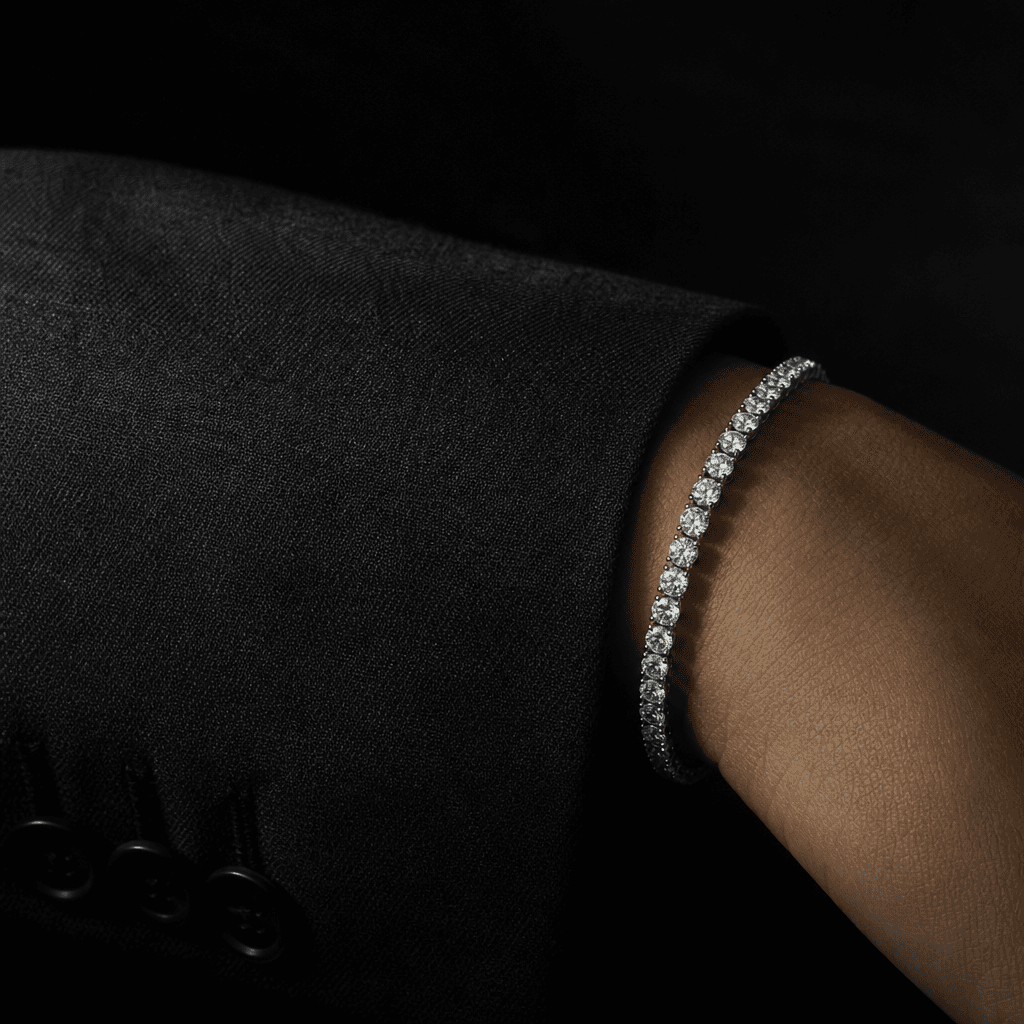
Dark editorial macro of a diamond tennis bracelet resting on the cuff of a tailored charcoal blazer sleeve. Dramatic sin
Ready to ship

Pick a template, customize, publish.

Use cases

Made for every workflow

  • Fine Jewelry Brands

    Showcase rings, necklaces, earrings, and bracelets in editorial blazer looks that complement seasonal collections. Replace costly studio shoots with consistent AI-generated campaign imagery that matches your brand's visual tone.

  • E-Commerce Sellers

    Upgrade flat product cut-outs to aspirational lifestyle imagery that lifts conversion rates on product detail pages and marketplaces like Etsy, Amazon, and Shopify — without hiring a model or photographer.

  • Social Media Managers

    Generate scroll-stopping editorial close-ups for Instagram Reels covers, Pinterest pins, and TikTok thumbnail frames on demand, without scheduling a production shoot weeks in advance.

  • Lookbook Designers

    Build cohesive editorial spreads that pair tailored blazer fashion with jewelry accessories for seasonal PDF lookbooks, wholesale catalogs, and trade-show presentation materials.

  • Advertising Creatives

    Produce campaign-quality hero images for Meta ads, Google Display, and email headers without a production budget. Iterate on creative concepts in minutes rather than waiting weeks for a studio booking.

How it works

From idea to result in seconds

  1. Step · 01

    Upload Your Jewelry

    Drop in a clean product photo of your ring, necklace, bracelet, or earrings — no background removal or special preparation required before submitting.

  2. Step · 02

    Apply the Template

    Nim renders a cinematic blazer-styled editorial close-up around your piece, combining tailored fabric texture with precise jewelry lighting in a single AI generation.

  3. Step · 03

    Download and Publish

    Save your production-ready editorial image and deploy it immediately across paid ads, social channels, e-commerce listings, and print lookbooks.

FAQ

Frequently asked questions

  • It is a purpose-built Nim AI template that places your jewelry product into a cinematic editorial close-up on a model wearing a tailored blazer. The output looks like a high-end fashion accessories shoot — without requiring a photographer, model, or studio space.

  • The template is optimised for rings, necklaces, earrings, bracelets, and brooches. Pieces with visible metalwork, gemstones, or distinctive design details produce the sharpest results. Delicate chain-only pieces benefit most from a clear, high-resolution source image to preserve fine detail.

  • No. The template generates the blazer-wearing model context entirely through AI. You only supply a clean product image of your jewelry piece. No casting, studio booking, or stylist is required.

  • Nim is a multi-model platform. The Blazer Jewelry template is powered by leading image-generation models including Flux variants, selected and configured by Nim's team for optimal jewelry rendering fidelity. Model selection is handled automatically — you do not need to choose or configure anything manually.

  • Yes. Images generated through Nim templates on a paid plan are licensed for commercial use, including advertising, social media, e-commerce product listings, and print materials. Full terms are available at about.nim.video/terms.

  • Most Blazer Jewelry template generations complete within seconds to under a minute, depending on current platform load and the complexity of the source image.

  • Photoroom and Pebblely specialise in background replacement and simple product staging on white or coloured backdrops. Nim's Blazer Jewelry template generates a full editorial context — including a styled model, blazer fabric texture, and cinematic lighting — producing imagery closer to a magazine fashion shoot than a clean cut-out. It targets aspirational brand storytelling, not just product isolation.

  • You need a Nim account and sufficient generation credits to use this template. Credits are purchased as part of a subscription plan. There is no free generation tier — all outputs require paid credits.

  • Yes. You can run the template multiple times with the same source image to receive variations in model tone, blazer colour, and close-up composition. Each generation draws credits from your account balance.

Get started

See what you can make

Explore more

Discover more AI tools