AI Try-On · Accessories

AI Cap Try-On Generator

Upload any cap image and generate a photorealistic try-on shot — multi-model AI, pro-tuned templates, and fast renders built for ecommerce and brand campaigns.

Try the template
Browse all 400+ templates

Everything you need

Built for creators, marketers, and teams shipping AI video at scale.

01

Photorealistic compositing

AI maps your cap's geometry, shadow, and texture to produce try-on shots that hold up to close inspection on product listing pages.

02

Any cap style

Works with baseball caps, snapbacks, fitted hats, dad hats, truckers, bucket hats, beanies, and custom branded headwear.

03

Commercial-ready outputs

Every image generated with paid credits is licensed for commercial use across ecommerce, paid advertising, print, and social media.

04

No model or studio needed

Generate convincing product shots from a single cap photo — no model booking, no photographer, no post-production retouching.

05

Renders in seconds

AI-powered generation delivers polished results in seconds to under a minute — faster than any traditional product photography pipeline.

06

Flexible scene control

Choose between clean white ecommerce backgrounds, dark editorial environments, or lifestyle contexts to match your brand aesthetic.

07

Multi-model AI platform

Built on Nim's multi-model infrastructure, giving you access to the best image generation models without managing separate API keys.

08

Pro template included

The Cap Try-On template is pre-tuned with optimized prompting and style controls specifically calibrated for headwear product imagery.
Features

Built to ship

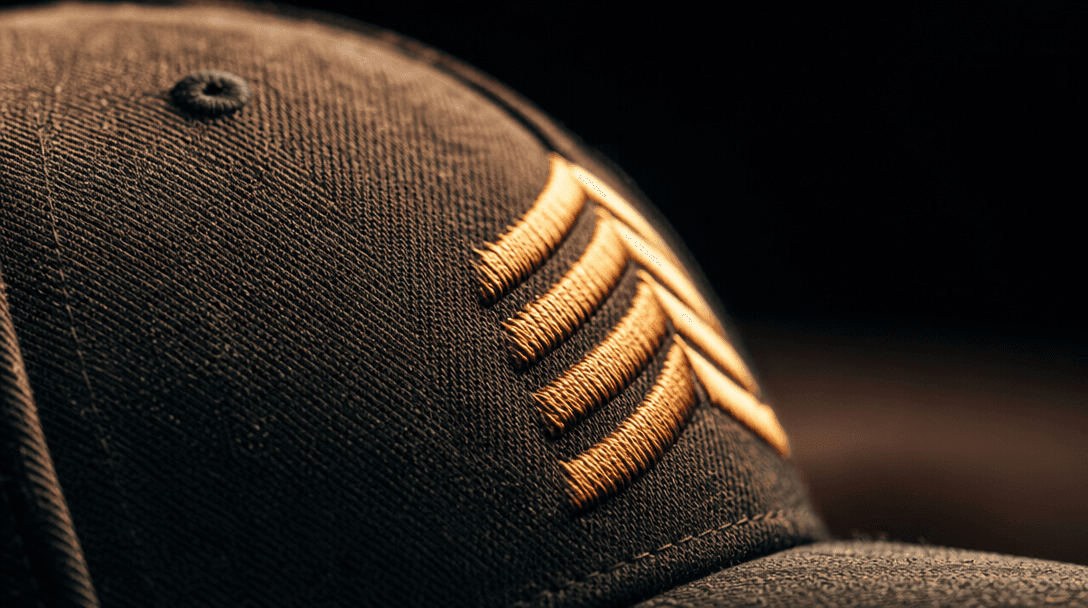
Extreme macro close-up photograph of premium cap fabric — tightly woven cotton twill with embroidery thread catching war
F · 01

Photorealistic AI Try-On Compositing

Nim's AI engine accurately models cap geometry, brim curvature, embroidery detail, and fabric texture to produce try-on shots that look indistinguishable from a professional studio session. The model handles logo placement, structured crowns, and soft unstructured panels with equal fidelity. The result is product imagery that earns buyer trust at first glance — no retouching required.

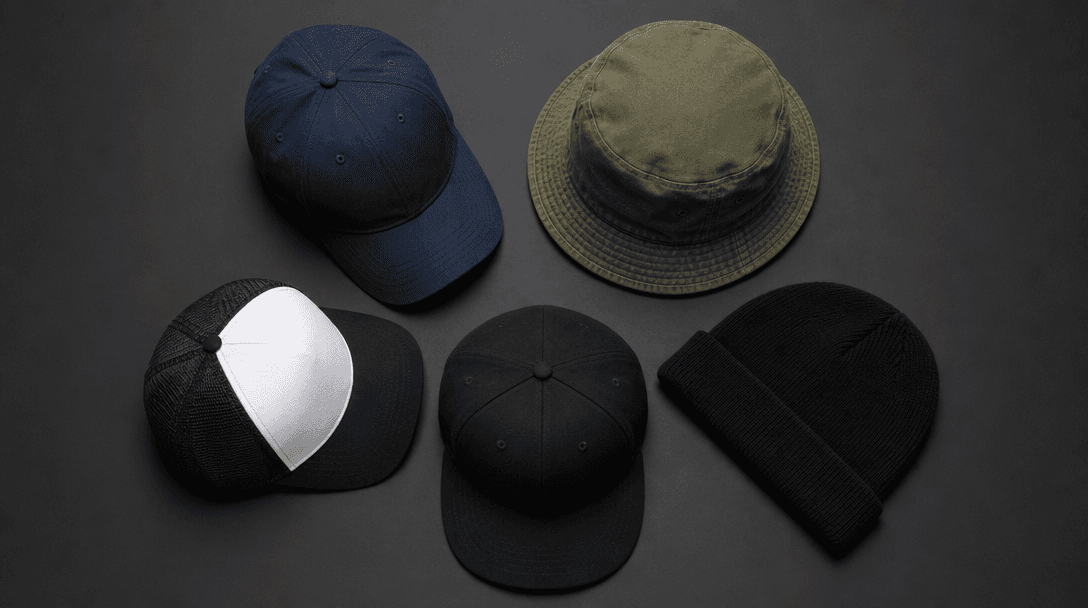
Top-down flat lay of five different cap styles — a baseball cap, a bucket hat, a beanie, a trucker hat, and a fitted sna
F · 02

Works With Every Cap and Hat Style

Whether you're shooting a flat-brim snapback, a structured dad hat, a vintage trucker cap, or a minimalist beanie, the Cap Try-On template adapts to the geometry and construction of your specific headwear. Upload your product photo and the AI handles masking, lighting, and compositing automatically — across your full catalog, not just a single SKU.

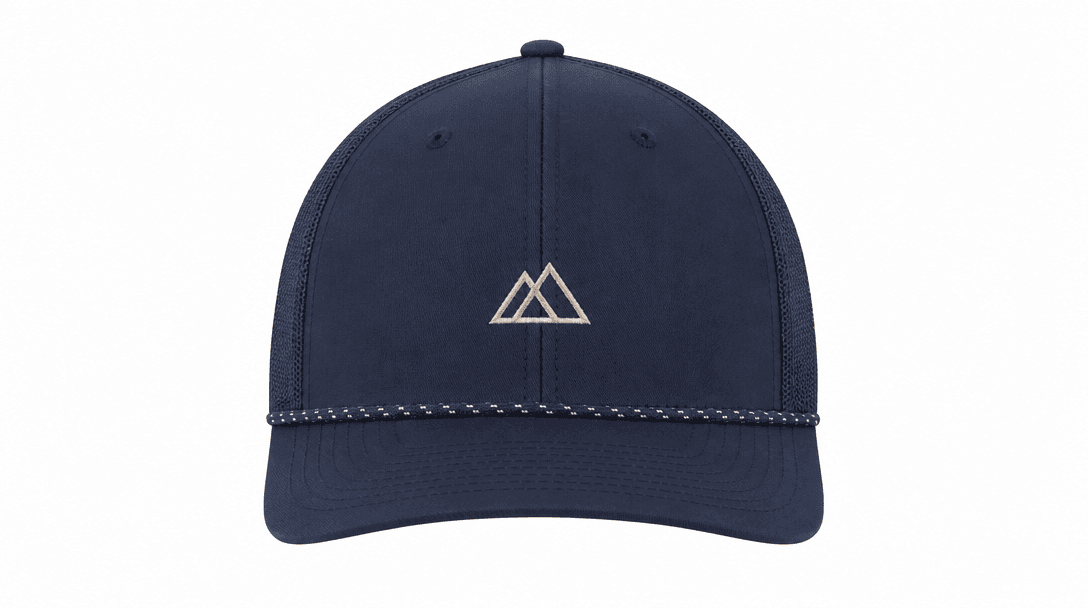
Minimalist ecommerce product photography setup: a single premium structured cap centered on a seamless white studio swee
F · 03

Ecommerce-Ready Product Imagery at Scale

Generate clean, high-resolution cap shots optimized for Amazon listings, Shopify storefronts, and social ad creatives — without the cost or lead time of a physical shoot. Output images are production-resolution and suitable for both print and digital use. Iterate across colorways, styles, and backgrounds in minutes rather than weeks.

Abstract fine-art photograph: multiple luminous particle streams in hot pink and soft white converging to a single glowi
F · 04

Powered by Nim's Multi-Model AI Pipeline

The Cap Try-On template runs on Nim's production-grade infrastructure, selecting the best available image models for photorealistic product compositing. Render brand-coherent shots across your entire headwear catalog — from single seasonal drops to large-scale SKU libraries — without toggling between tools, managing model APIs, or rebuilding prompts from scratch each time.

Showcase

See it in action

Real outputs generated by our pipeline — no curated cherry-picks.

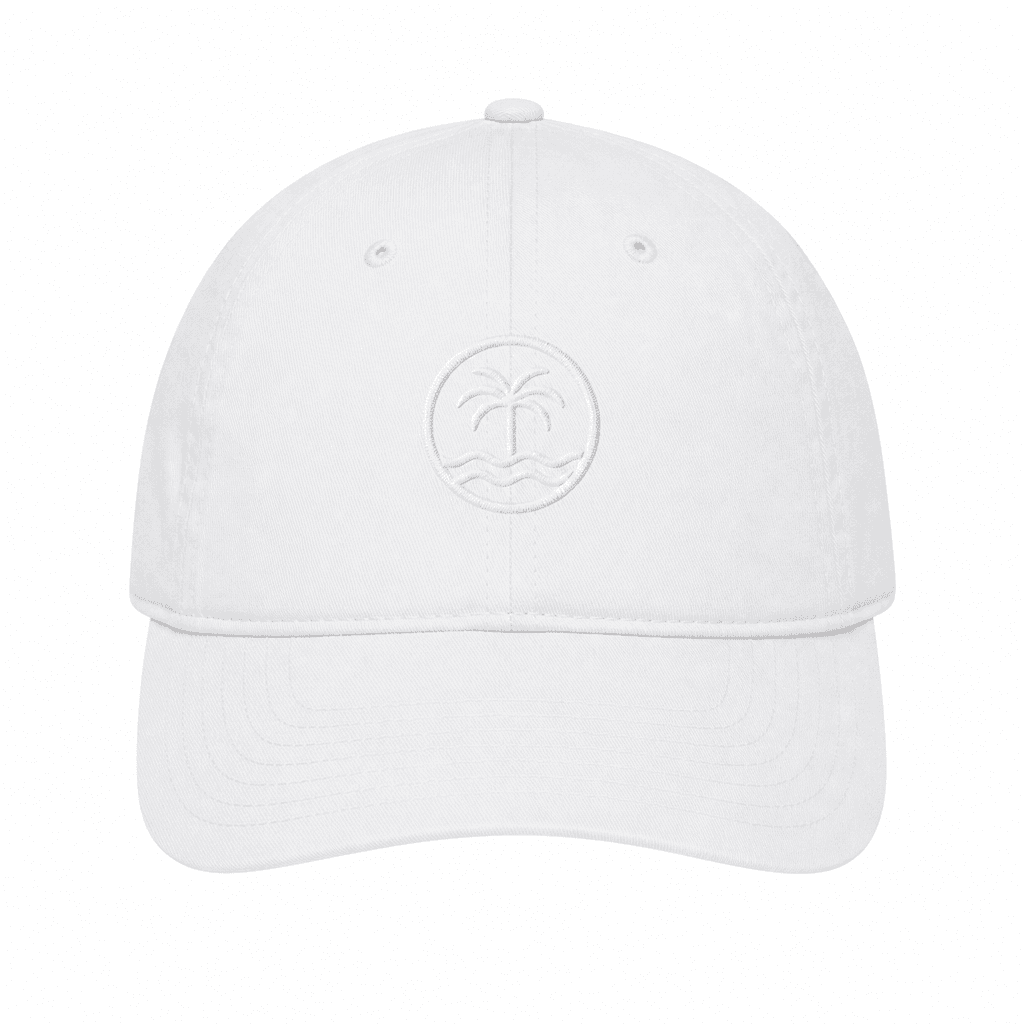
White structured dad hat with tonal embroidered logo, centered on a seamless white ecommerce sweep background, perfectly
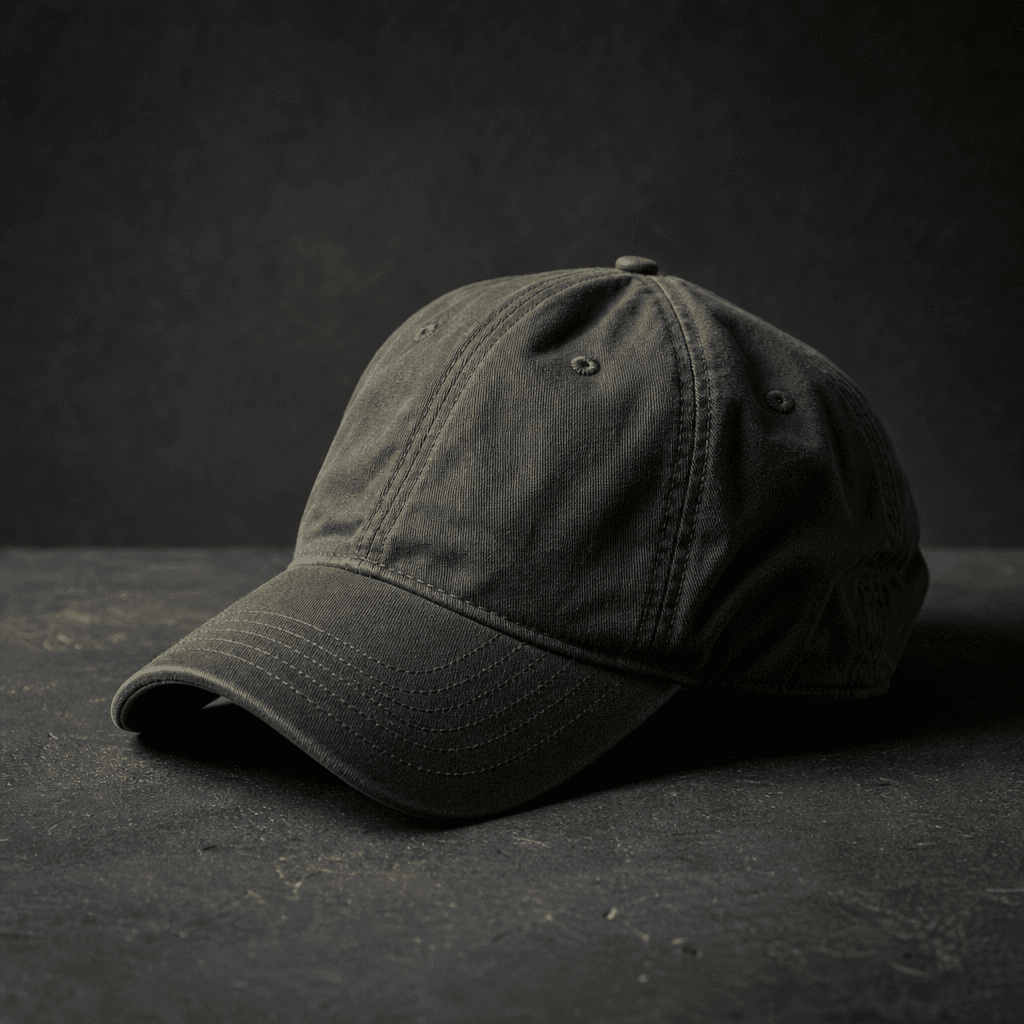
Olive green unstructured six-panel cap resting on a dark matte concrete surface, moody diffused side light from a single
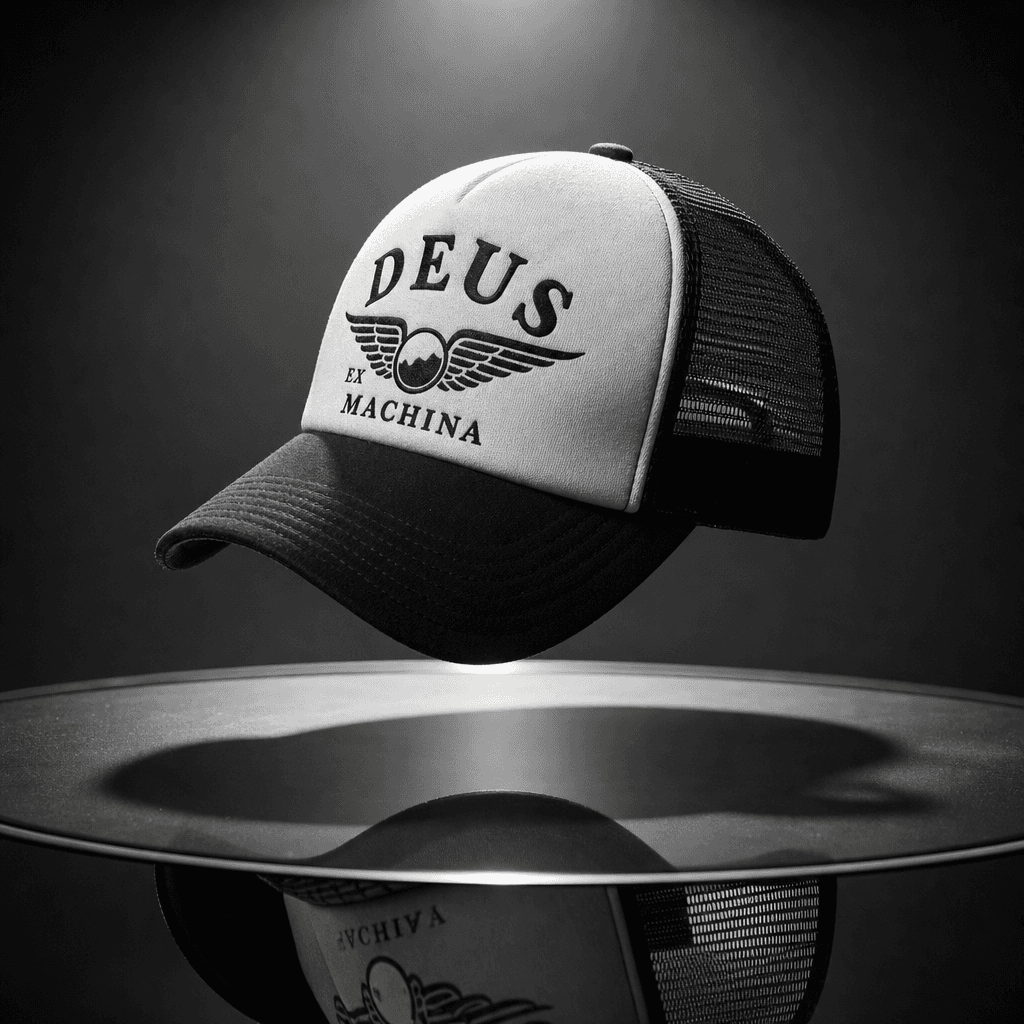
Vintage mesh trucker snapback cap suspended above a reflective dark glass surface, dramatic overhead spotlight casting a
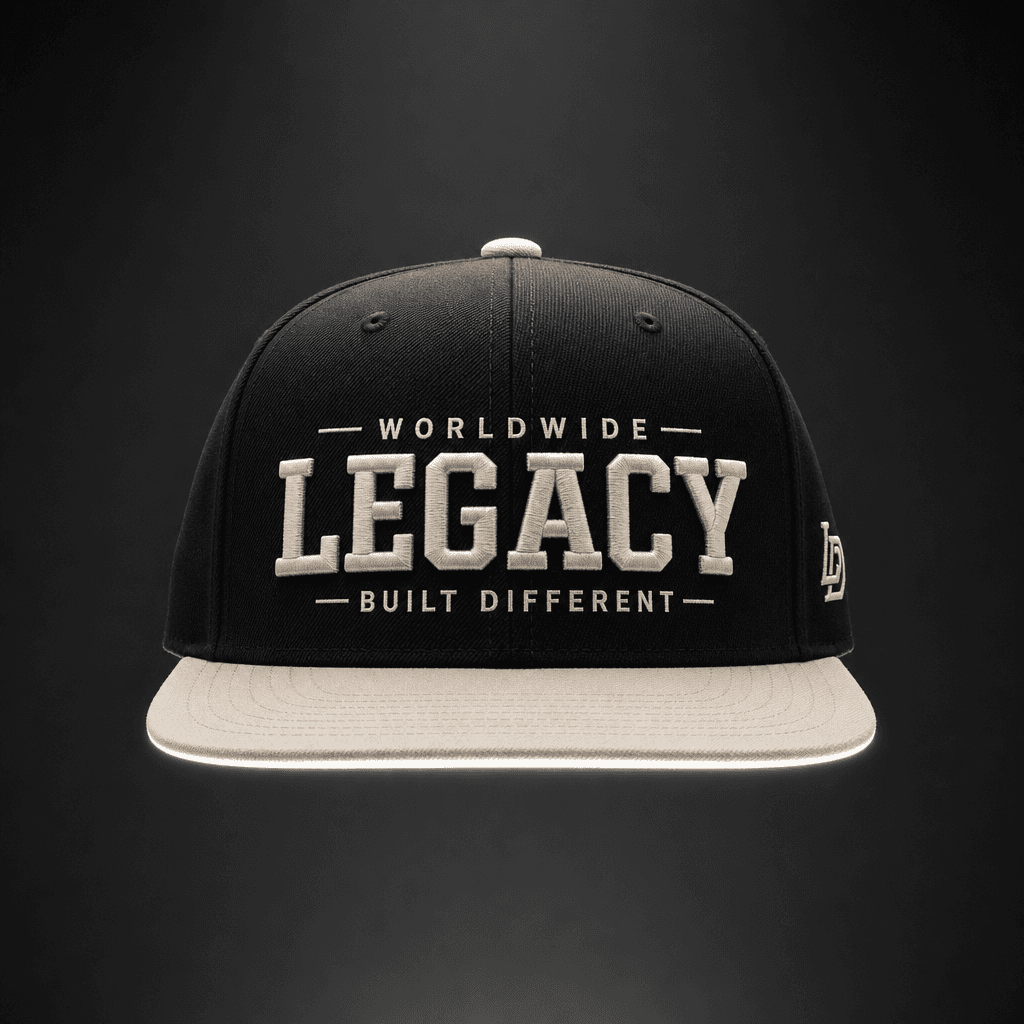
Streetwear flat-brim snapback in a black and bone colorblock, floating against a deep charcoal gradient background, symm
Ready to ship

Pick a template, customize, publish.

Use cases

Made for every workflow

  • Hat Brands

    Produce full-catalog try-on imagery at scale. Launch new SKUs faster by generating polished shots directly from sample photos before physical inventory arrives — cutting weeks off your go-to-market timeline.

  • Ecommerce Sellers

    Replace expensive studio shoots with AI-generated product shots that convert. Ideal for Amazon FBA sellers, Etsy shops, and Shopify merchants who need consistent, professional imagery across a growing catalog of headwear.

  • Streetwear Labels

    Create editorial-quality try-on content for lookbooks, drop campaigns, and social launches without coordinating a full production shoot. Iterate across colorways and styles as fast as your design team can create them.

  • Print-on-Demand Shops

    Mockup your custom-embroidered or print-on-demand caps in realistic try-on scenes, giving customers a true sense of fit and finish before purchasing — reducing returns and increasing buyer confidence.

  • Social Media Marketers

    Generate scroll-stopping cap visuals for Instagram, TikTok, and Pinterest ad creatives. Produce multiple scene variations and lighting moods from a single cap upload to A/B test without a reshoot.

  • Content Creators

    Style and showcase cap collections in your content without needing a photographer. Generate visuals that match your aesthetic and brand palette in seconds, keeping your publishing cadence fast and consistent.

How it works

From idea to result in seconds

  1. Step · 01

    Upload your cap

    Drop in a clear photo of your cap — any angle, any style — and the AI uses it as the source reference for photorealistic compositing.

  2. Step · 02

    Select your scene

    Choose your preferred background environment, lighting tone, and style setting using the template's pre-tuned controls.

  3. Step · 03

    Download your shot

    Receive a production-ready, high-resolution cap try-on image licensed for ecommerce, advertising, and social media use.

FAQ

Frequently asked questions

  • An AI cap try-on generator uses machine learning to composite your cap onto a realistic scene or figure, producing professional product shots without a physical shoot. Nim's Cap Try-On template automates this from a single uploaded product photo — no masking, retouching, or designer time required.

  • The template works with virtually any headwear: baseball caps, snapbacks, fitted caps, dad hats, trucker hats, beanies, bucket hats, and custom branded merchandise. As long as you supply a clear product photo, the AI can work with it.

  • Outputs are calibrated to commercial product photography quality. The AI preserves embroidery detail, logo placement, fabric texture, and brim curvature, producing shots that hold up to close inspection on ecommerce listing pages and in print ads.

  • Yes. Images generated on Nim using paid credits are licensed for commercial use, including ecommerce product listings, paid advertising, print materials, and social media. Full license terms are available at about.nim.video/terms.

  • No. The Cap Try-On template generates realistic results from just your product photo — no model booking, no studio hire, and no post-production pipeline required.

  • Most renders complete within seconds to under a minute, depending on current platform load and your selected style settings. There is no lengthy queue or overnight turnaround.

  • Nim requires an account and purchased credits to generate images — there is no free generation tier. You can browse the template, explore example outputs, and review settings before purchasing credits.

  • Traditional mockups require manual masking, lighting adjustments, and skilled designer time. Studio shoots add significant cost and lead time. Nim's AI try-on produces production-ready results from a single upload in seconds — making it the fastest path from sample product to publish-ready imagery at any catalog scale.

  • Yes. Once you have a base cap upload, you can iterate quickly across different backgrounds, scene environments, and lighting moods to build a full set of images covering your entire range — without re-uploading or starting from scratch each time.

  • The template runs on Nim's multi-model image generation pipeline, which selects and routes to the best available models for photorealistic product compositing. You get the output quality of leading AI image models without needing to manage their individual APIs or tune prompts from scratch.

Get started

See what you can make

Explore more

Discover more AI tools