Multi-Style Remix

Cartoon Remix for Multi-Style Photos

Transform one photo into a coordinated set of polished cartoon interpretations with a curated Nim template built for production-ready results.

Create cartoon remixes
Browse all 400+ templates

Everything you need

Built for creators, marketers, and teams shipping AI video at scale.

01

Multiple Cartoon Styles

Turn a single source photo into a varied set of cartoon interpretations without rebuilding the creative direction for every image.

02

Photo-Led Generation

Use your own portrait or subject photo as the visual foundation for the complete remix.

03

Curated Art Direction

Start with a professionally structured template designed to produce a coherent collection rather than unrelated experiments.

04

Recognizable Subjects

Preserve the important visual cues of the original subject while translating the image into expressive illustrated styles.

05

Production-Ready Detail

Generate polished images with deliberate lighting, color, composition, and character treatment suitable for creative projects.

06

Fast Style Exploration

Compare several visual directions in seconds or under a minute instead of commissioning each interpretation separately.

07

Multi-Model Platform

Continue developing your concept with Nim's broader selection of image and video models, including Flux, Sora, Veo, Kling, and Pika.

08

Commercial Workflows

Move promising remixes into social, marketing, ecommerce, and client-production workflows from the same creative platform.

Features

Built to ship

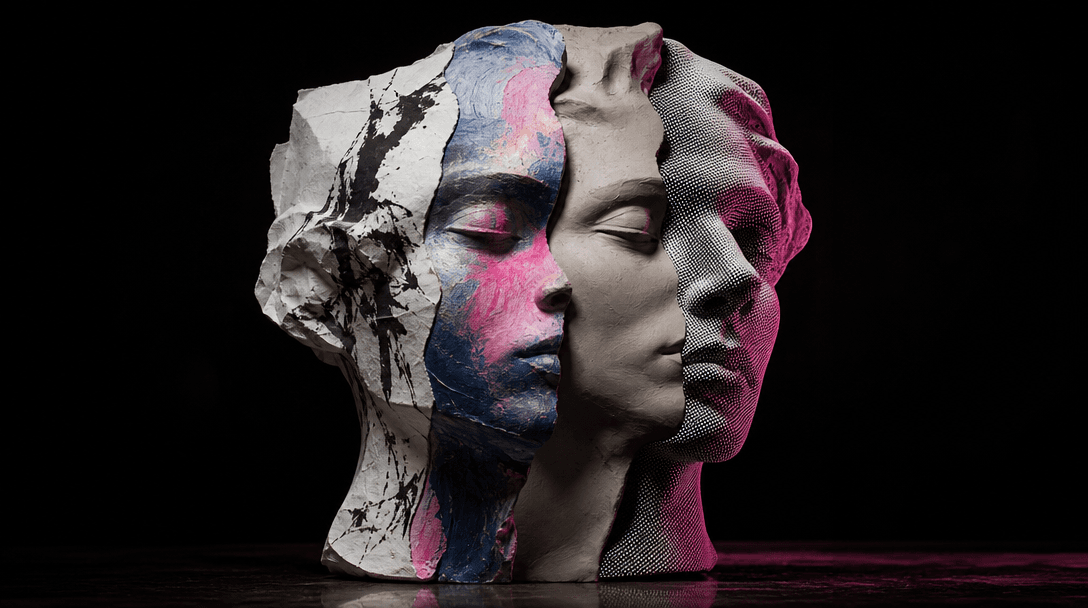
One sculptural portrait form splitting into four distinct artistic materials: inked paper, painted canvas, smooth clay,
F · 01

One Photo, Distinct Visual Worlds

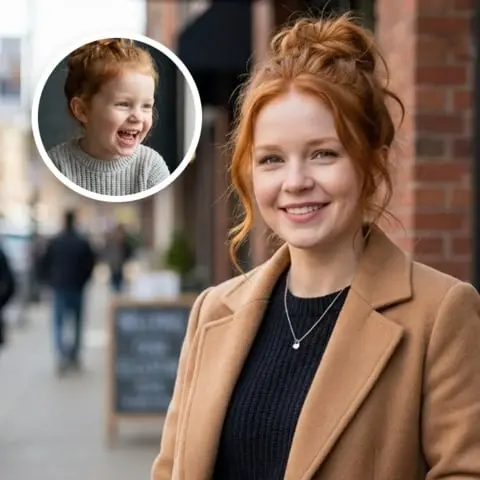
Cartoon remix converts one source image into a set of clearly differentiated cartoon treatments, making it easier to explore playful, cinematic, graphic, and storybook-inspired directions together. The template handles the underlying creative structure so each result feels intentionally art-directed rather than like a generic filter.
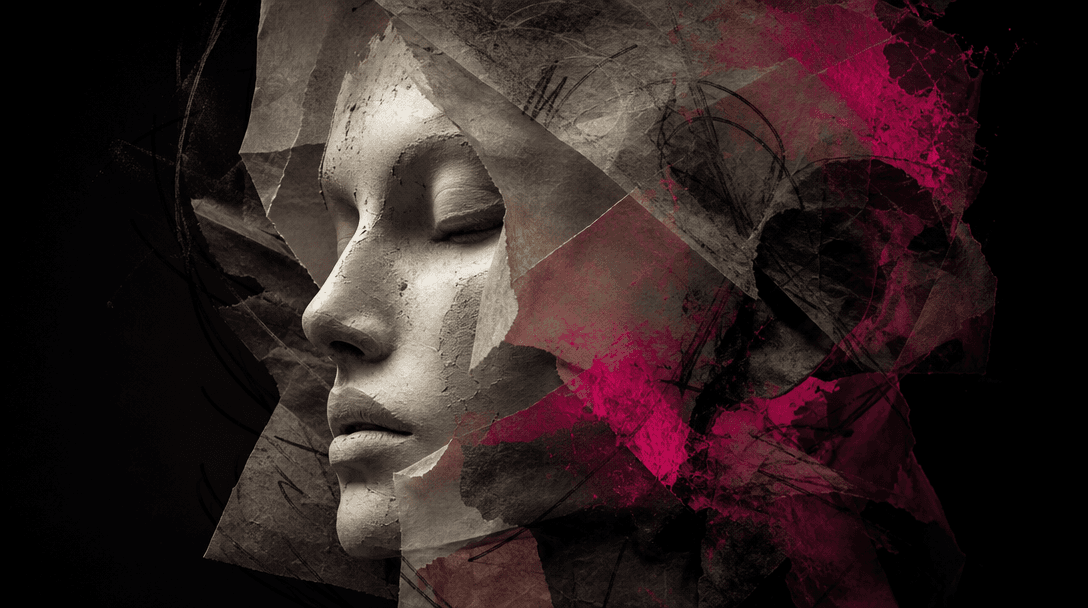
A single abstract face sculpture passing through layers of translucent paper, charcoal lines, and colored pigment while
F · 02

Preserve the Subject's Identity

The template uses the uploaded photo as a consistent visual reference, retaining defining features, pose cues, clothing details, and overall character while changing the illustration language. This balance helps the outputs remain connected to the original person, pet, or subject even when color, texture, and rendering style shift dramatically.

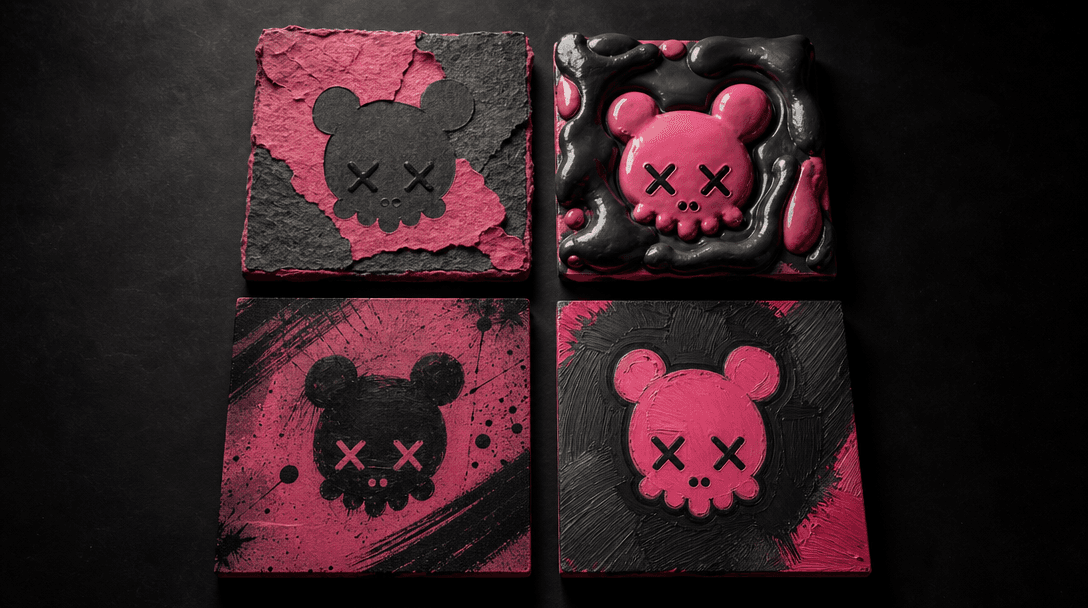
A precisely arranged collection of four square art objects made from different cartoon-inspired materials, unified by on
F · 03

Build a Cohesive Image Set

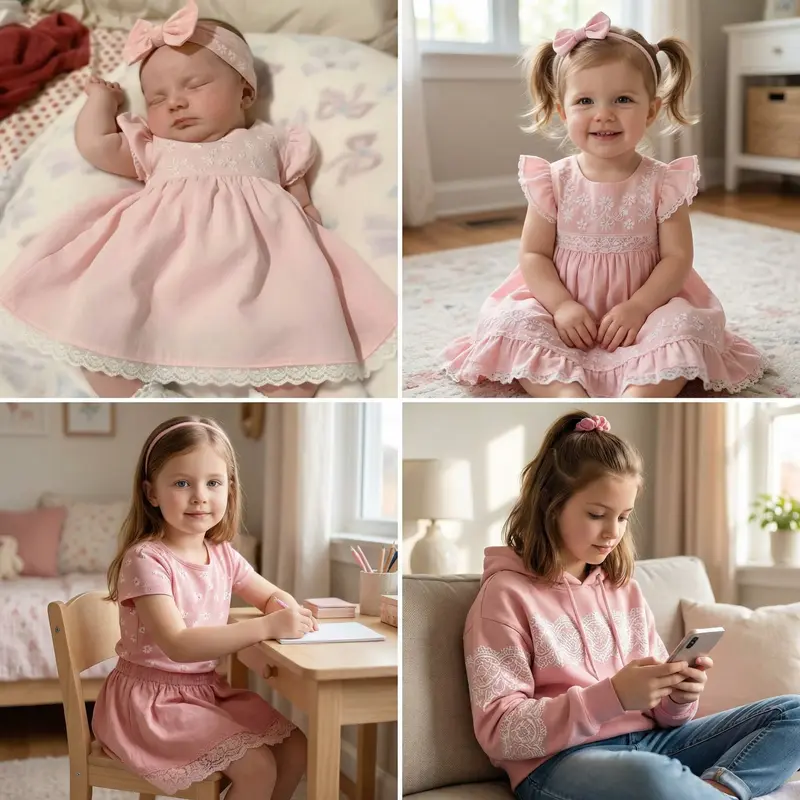
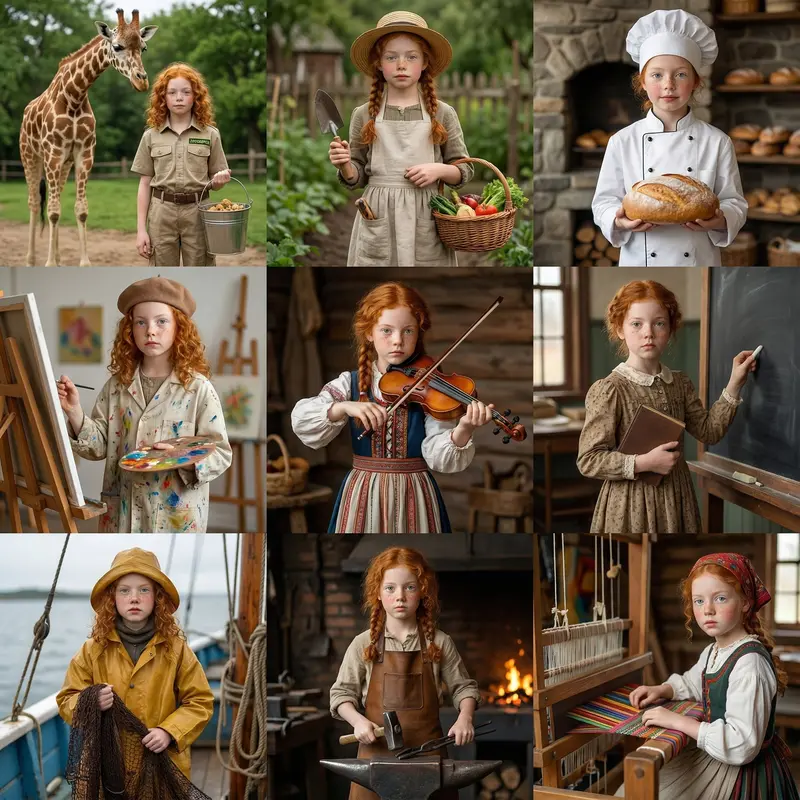
Instead of producing a single isolated cartoon, the remix creates a collection that can be reviewed as a creative series. Use the set to compare directions, assemble a carousel, develop character references, or select a visual language for a larger campaign without beginning every variation from scratch.

An illustrated character card evolving into a cinematic scene through layered sheets of paper, film frames, light trails
F · 04

Continue Across Nim Models

A cartoon remix can become the starting point for a broader production workflow inside Nim, where creators can generate complementary images or animate a selected direction with supported models. Multi-model access keeps experimentation and production in one place while curated templates provide a reliable creative starting point.

Showcase

See it in action

Real outputs generated by our pipeline — no curated cherry-picks.

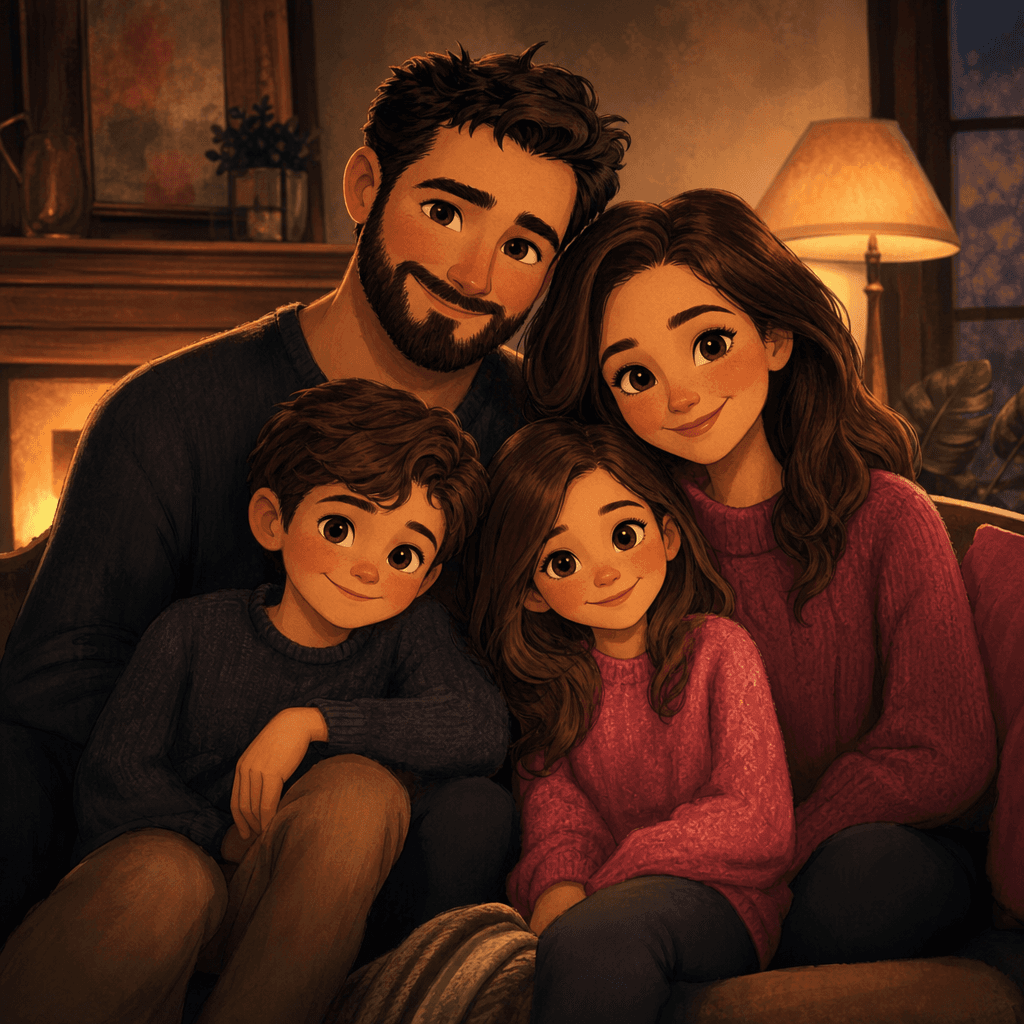
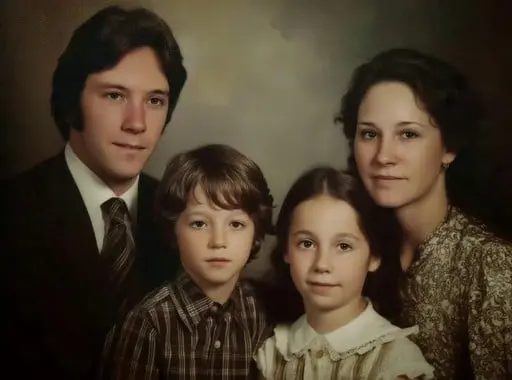
An original family portrait reimagined as a warm storybook cartoon, with expressive simplified features, softly painted
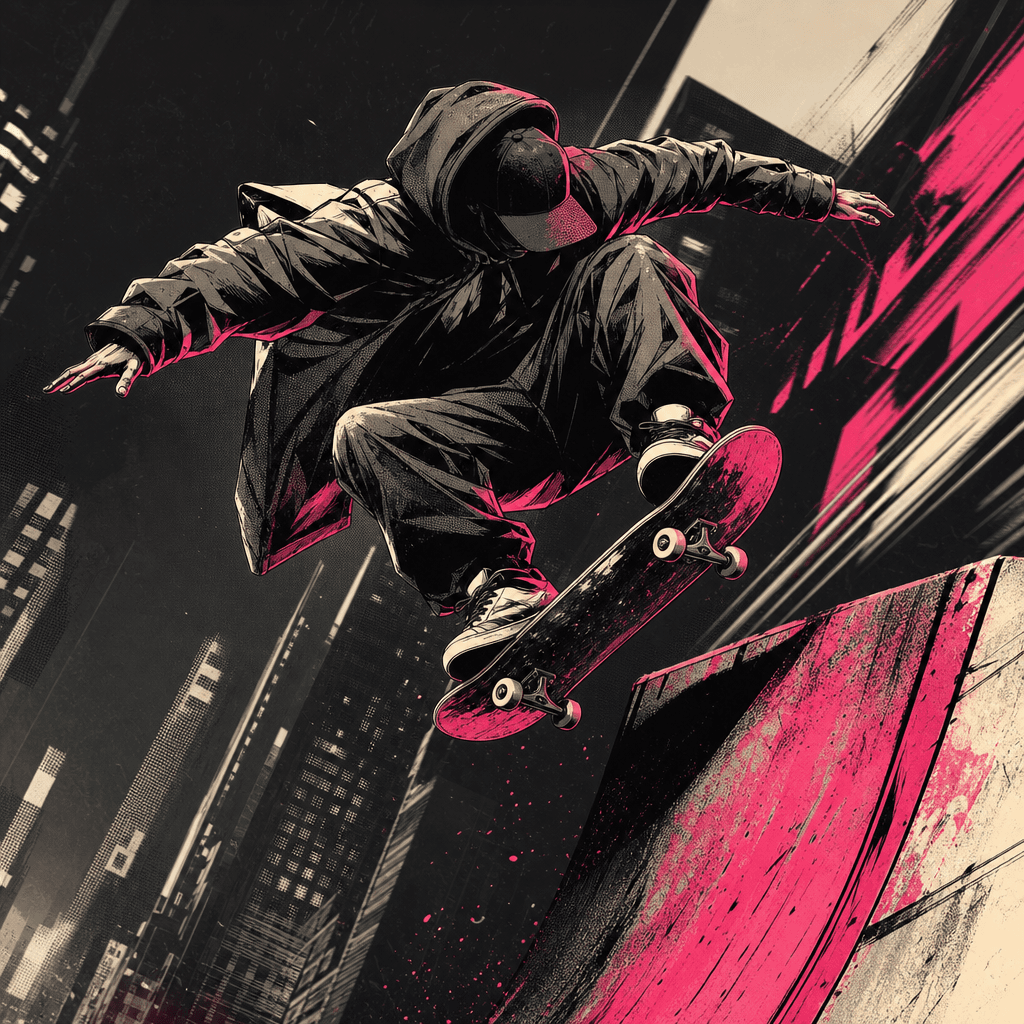
A non-recognizable skateboarder transformed into a dynamic graphic comic character, frozen mid-motion above a city ramp.
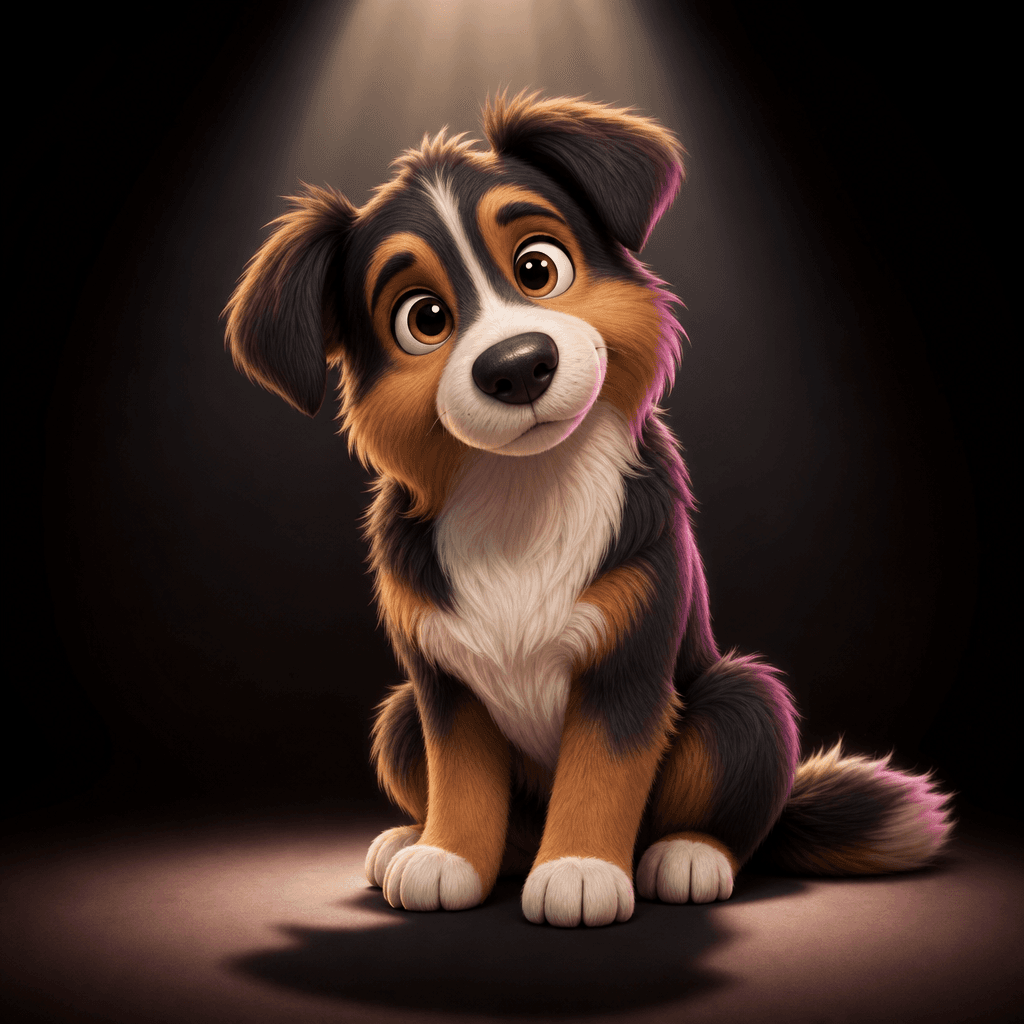
A charming original dog portrait rendered as a polished soft 3D cartoon character, sitting beneath a focused studio spot
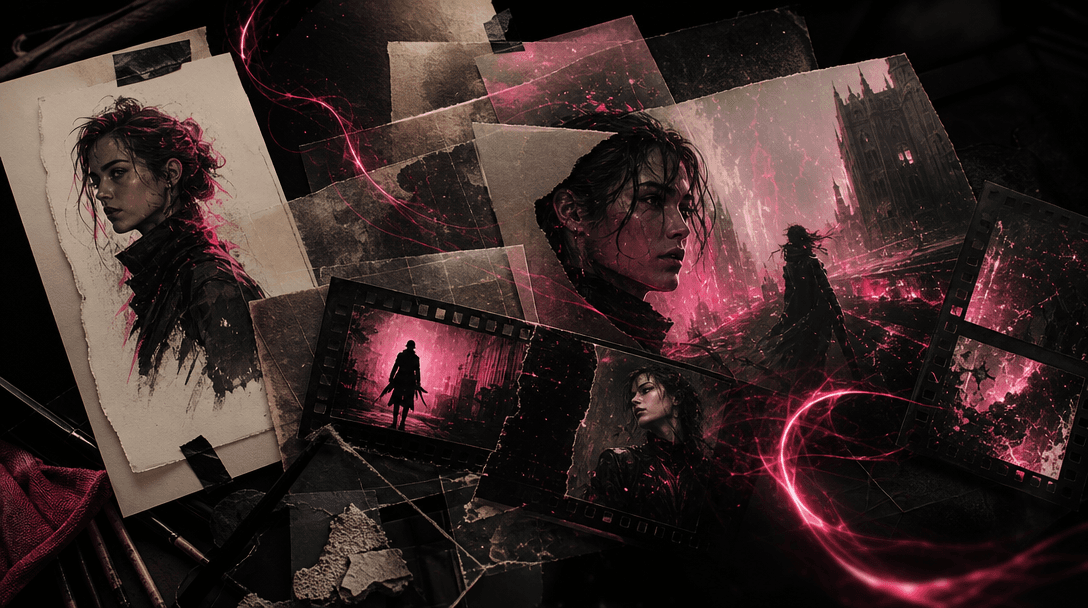
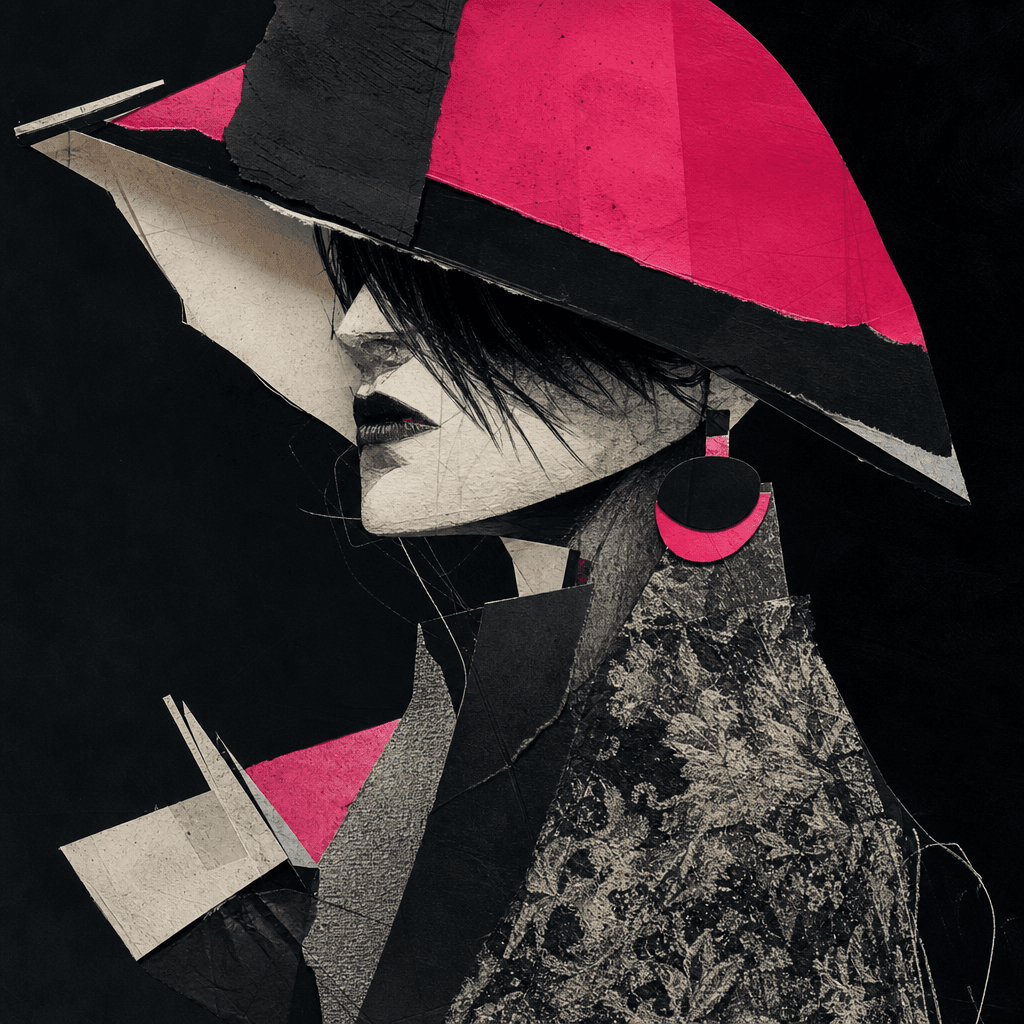
An original fashion portrait interpreted as an experimental mixed-media cartoon, combining cut paper shapes, charcoal li
Ready to ship

Pick a template, customize, publish.

Use cases

Made for every workflow

  • Family Creators

    Turn favorite family photographs into playful illustrated sets for invitations, memory projects, digital albums, or personalized gifts. Multiple styles make it easier to choose a look that fits the occasion and the subject.

  • Social Marketers

    Create a visually varied carousel or campaign concept from one recognizable source image. The coordinated remixes provide more creative options for posts, profile content, announcements, and audience engagement.

  • Character Designers

    Explore how the same subject reads across different cartoon aesthetics before committing to a final character direction. The resulting set can support moodboards, references, early pitches, and style discussions.

  • Ecommerce Sellers

    Reinterpret a founder, mascot, pet, or product-related subject in approachable cartoon styles for storefront graphics and promotional content. Use the strongest direction as a foundation for a more distinctive brand asset.

  • Creative Teams

    Generate several visual routes for client review from a single approved photograph. This accelerates early concept development while giving stakeholders concrete styles to compare.

How it works

From idea to result in seconds

  1. Step · 01

    Upload Your Photo

    Choose a clear photo of the person, pet, or subject you want the Cartoon remix template to reinterpret.

  2. Step · 02

    Generate the Remix

    Run the curated template to produce a coordinated set of images spanning distinct cartoon styles.

  3. Step · 03

    Choose Your Direction

    Review the generated collection, download the strongest results, or continue developing a selected style with Nim's creative models.

FAQ

Frequently asked questions

  • Cartoon remix is a specific Nim image template that transforms one uploaded photo into a set of images rendered in different cartoon styles. It is designed for fast visual exploration while keeping the collection connected to the original subject.

  • You upload a source photo and run the curated template after signing in and purchasing the credits required for generation. Nim uses the photo as a visual reference, then produces several art-directed cartoon interpretations for you to compare.

  • Use a sharp, well-lit image where the main subject is clearly visible and not heavily obscured. Portraits, family photos, pets, and character-focused lifestyle images generally provide the clearest visual information for a recognizable remix.

  • Generation requires purchased Nim credits, and signup is required. Credit usage and available plans are shown in Nim before you generate; preview output may include a watermark, while watermark removal is available through paid plans.

  • Nim is a multi-model platform with access to image and video technologies such as Flux, Sora, Veo, Kling, and Pika. Cartoon remix uses the model configuration selected for this curated template, while model availability and options can evolve as Nim updates its catalog.

  • The template creates a set of still images that reinterpret the uploaded subject through different cartoon aesthetics. Results can vary in illustration technique, color treatment, texture, lighting, and character styling while maintaining a visual relationship to the source.

  • Nim templates are built for commercial creative workflows, but your right to use an output also depends on the source material, your plan, and the applicable terms. Only upload images you are authorized to use, especially when they include people, protected characters, logos, or third-party artwork.

  • A basic filter usually applies one fixed surface effect to an existing image. Cartoon remix uses generative image creation and curated art direction to produce multiple distinct interpretations, giving you a broader set of compositions, materials, colors, and illustration styles.

  • Most generations are designed to render in seconds or under a minute, though timing depends on the selected model, output settings, platform demand, and job complexity. Producing a multi-image set may take longer than generating one still image.

Get started

See what you can make

Explore more

Discover more AI tools