



Turn Static Looks Into Motion
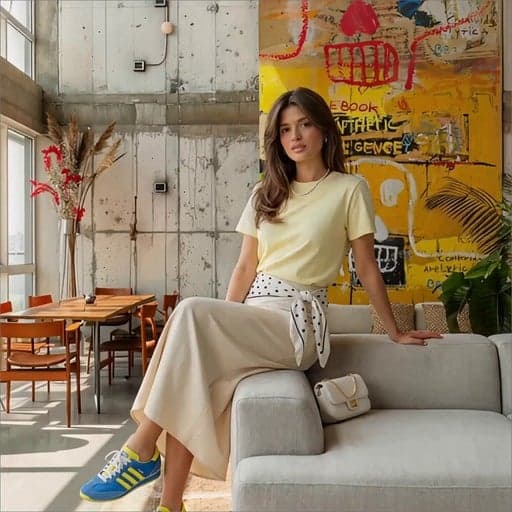
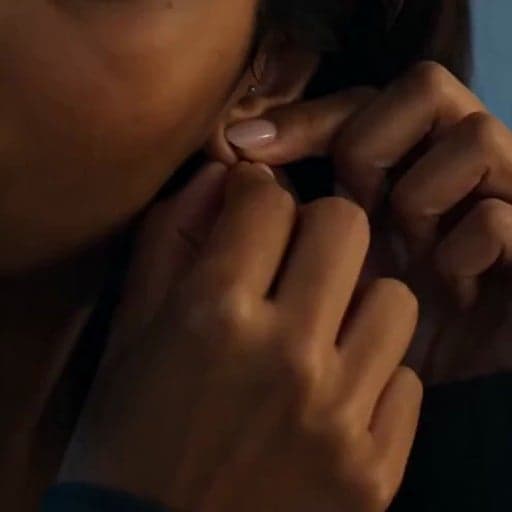
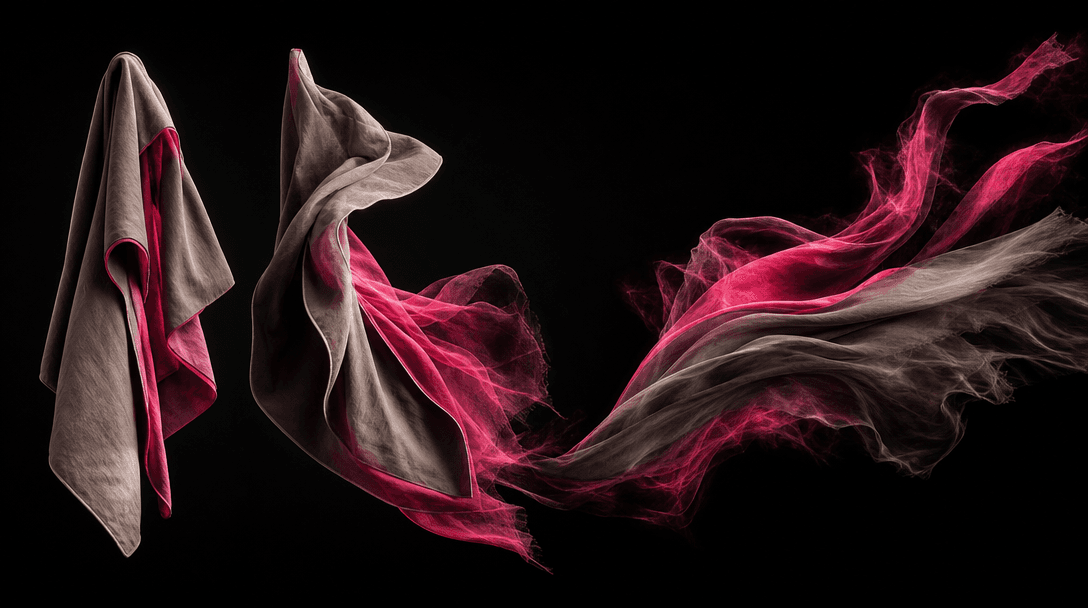
Passerby Transition converts separate fashion images into a connected video with purposeful movement between looks. The moving foreground creates depth and gives each wardrobe change the feel of a planned social shoot.
Fashion · Social Video
Transform up to three outfit images into a fast, polished social video with seamless passerby transitions and production-ready fashion energy.
Built for creators, marketers, and teams shipping AI video at scale.
Add up to three outfit images to build a compact fashion sequence with clear visual progression.
Foreground movement creates a natural visual wipe that connects each look without a conventional hard cut.
The pacing and reveal structure are designed for fashion posts, short-form campaigns, and outfit content.
Each image becomes part of one connected sequence rather than a disconnected slideshow.
A ready-made creative concept removes the need to design transition timing and scene logic from scratch.
Generate a polished transition concept in seconds or under a minute, depending on model demand.
Use the template for streetwear, formalwear, seasonal edits, personal styling, or product-led looks.
Develop additional campaign images and videos across Nim using leading generative models in one platform.
Passerby Transition converts separate fashion images into a connected video with purposeful movement between looks. The moving foreground creates depth and gives each wardrobe change the feel of a planned social shoot.
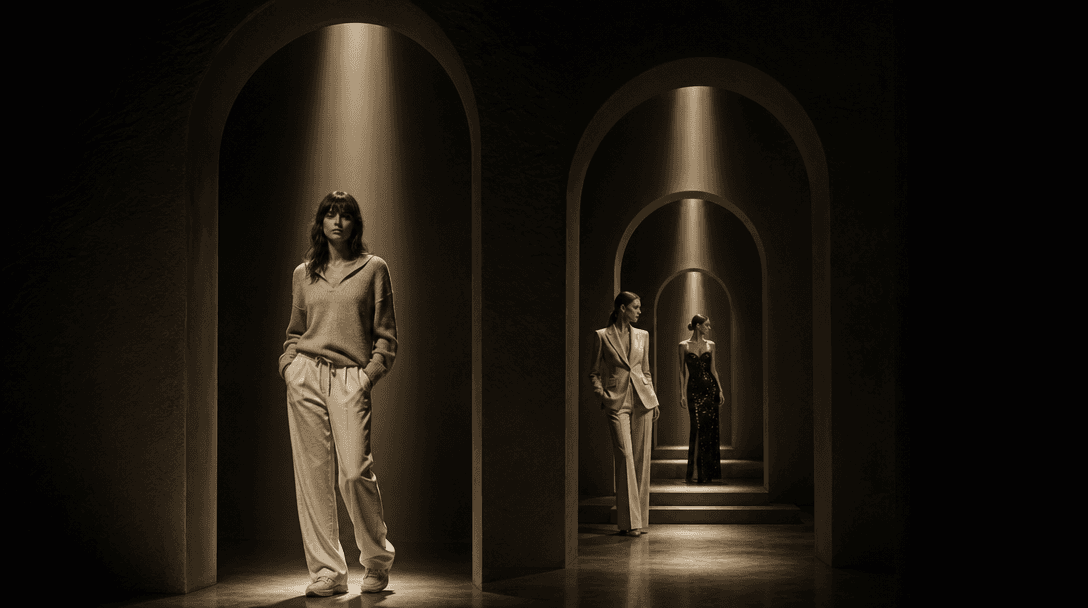
Upload up to three images to present an outfit sequence, collection story, or style progression. Each look receives its own reveal while the recurring transition device keeps the final video visually coherent.
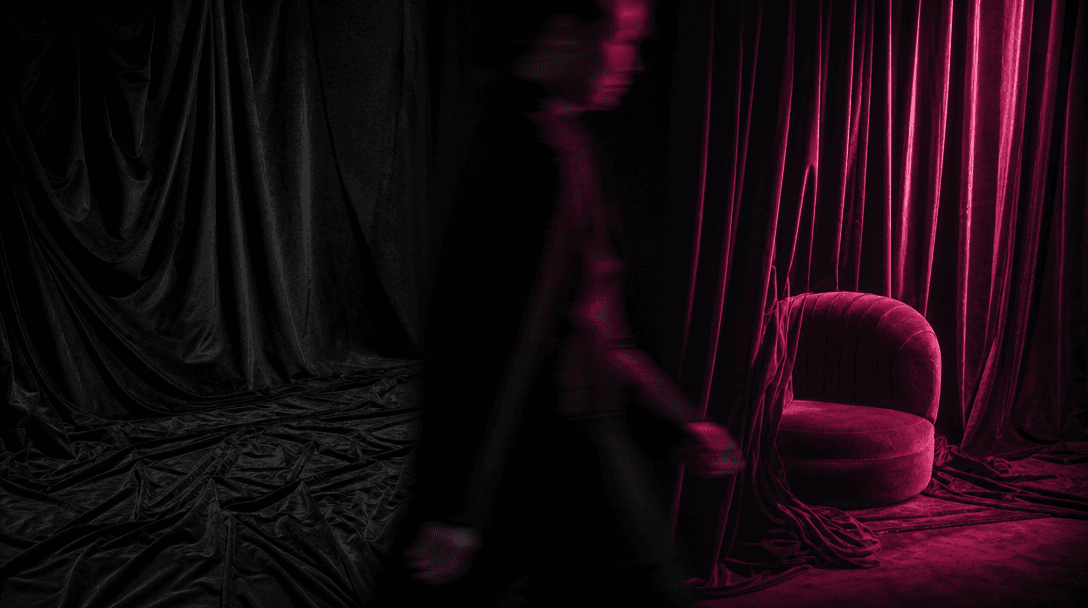
The template applies a familiar short-form transition language without requiring manual masking, keyframing, or location filming. It gives creators and fashion marketers a strong starting point for posts, ads, launch teasers, and outfit checks.
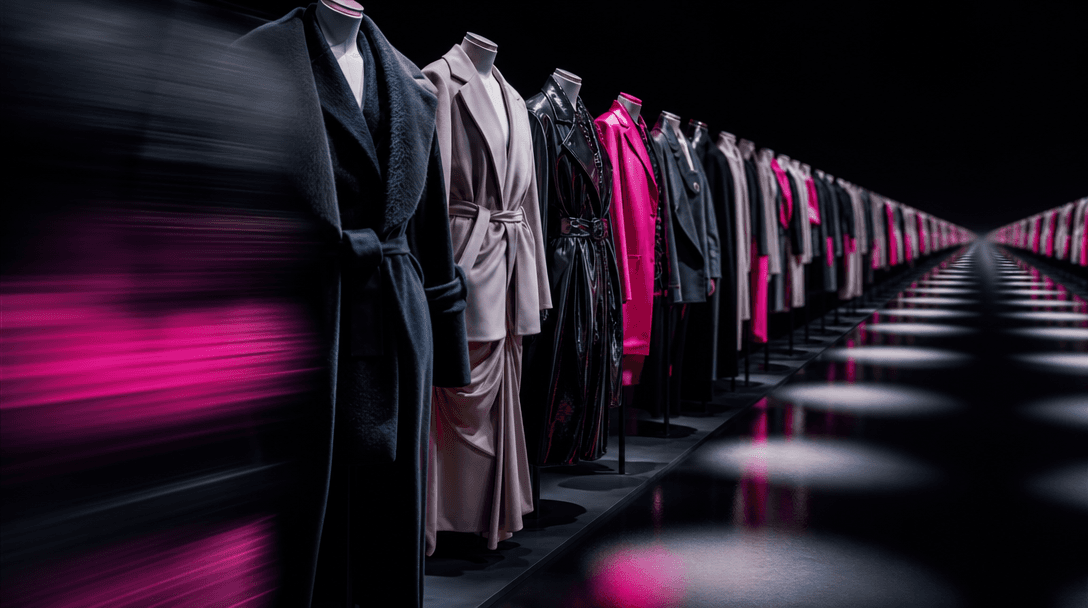
Reuse the same visual concept across products, creators, colorways, or seasonal collections while changing the source images. Nim's broader multi-model toolkit can then support related campaign stills, alternate videos, and product content.
Real outputs generated by our pipeline — no curated cherry-picks.
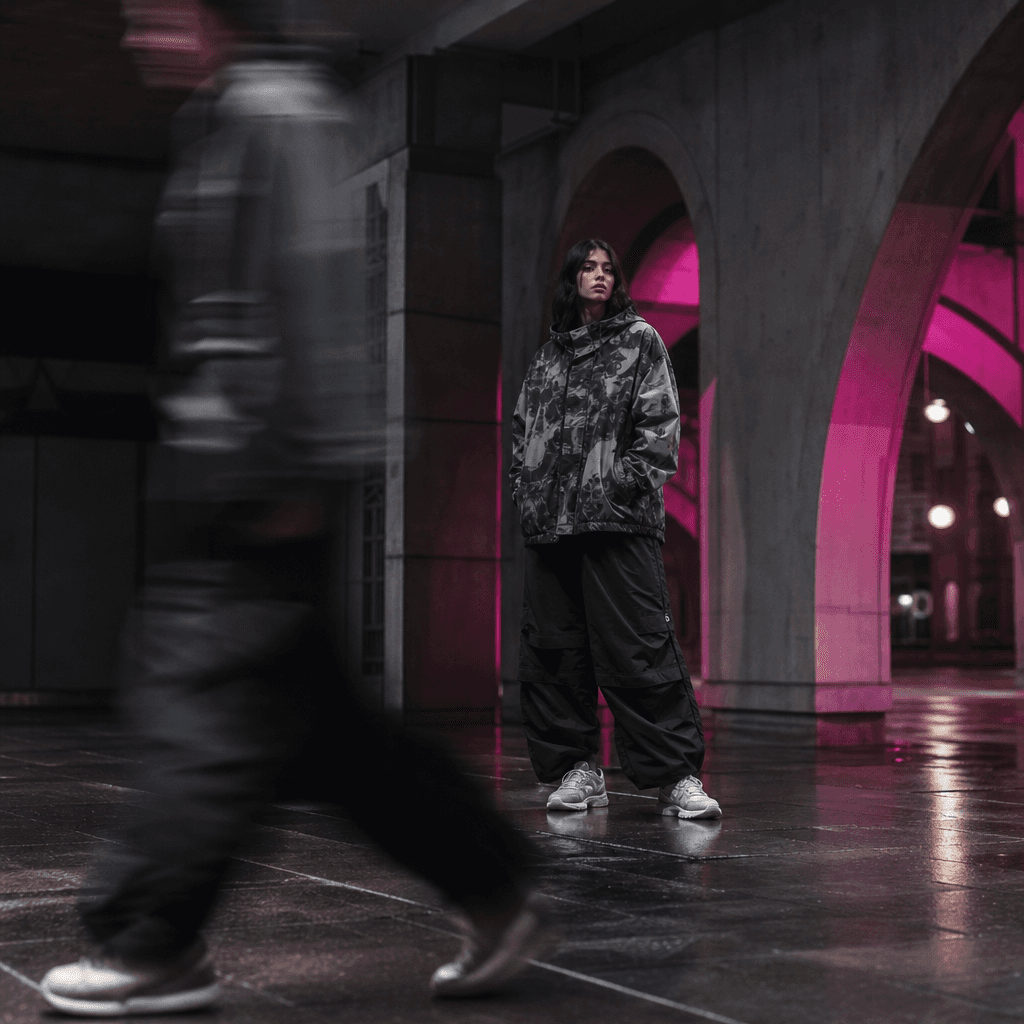
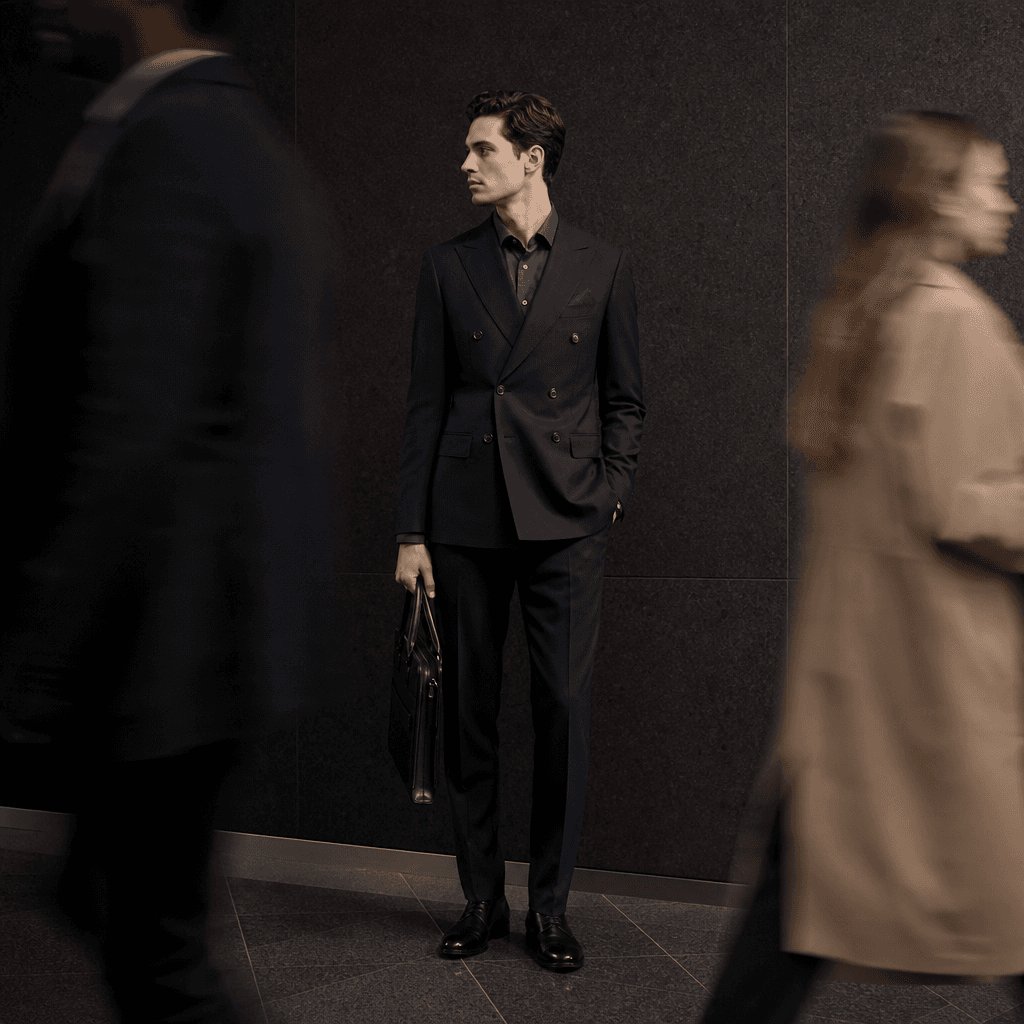
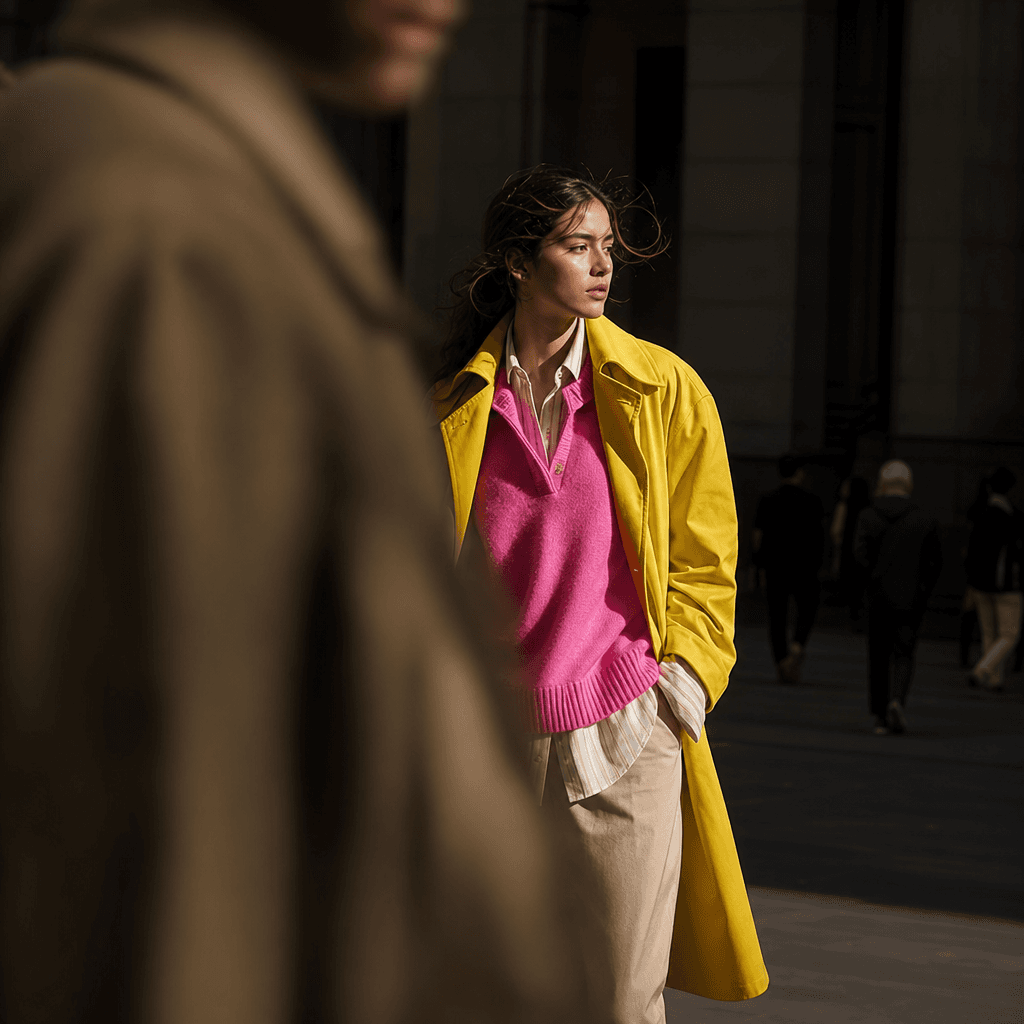
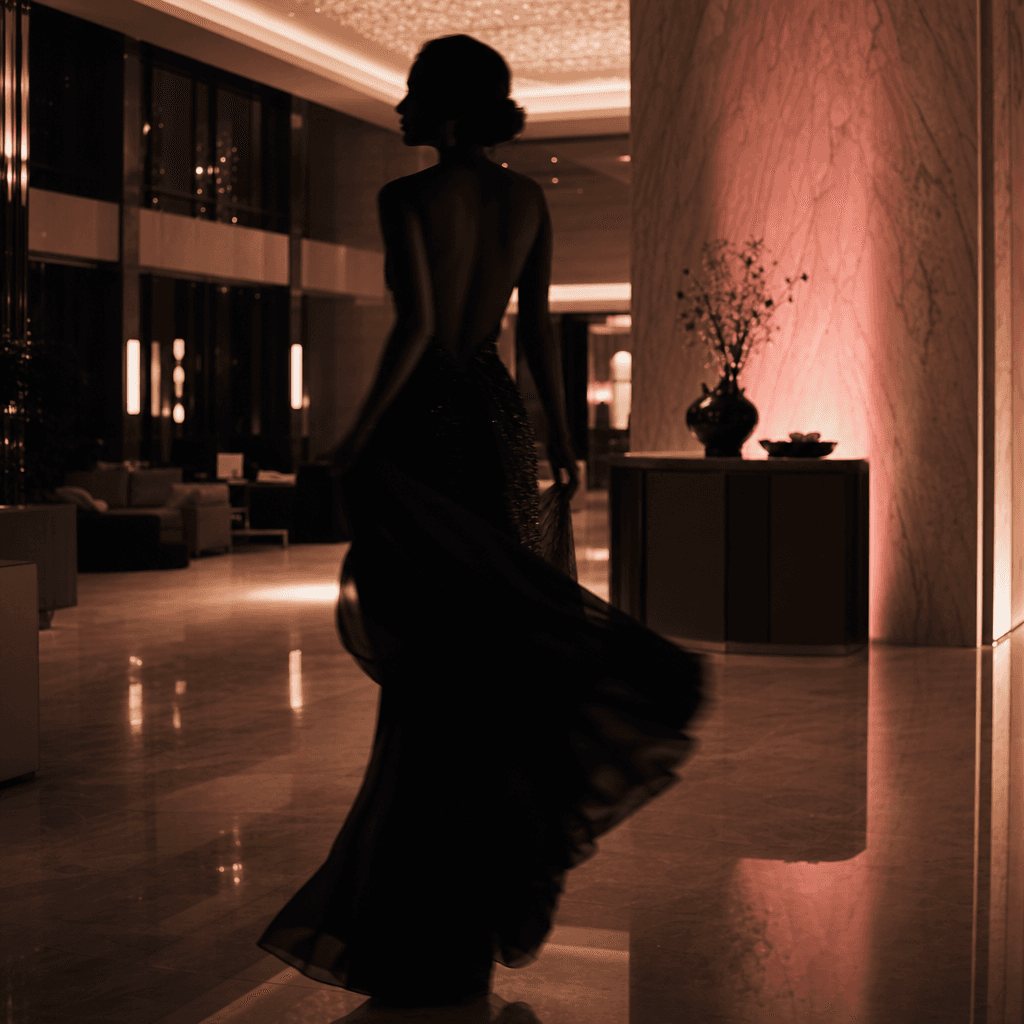
Convert outfit photos into dynamic look changes for short-form social content without filming every transition manually.
Present new arrivals, coordinated sets, or seasonal capsules through a concise sequence that keeps attention on styling.
Turn existing catalog or campaign images into motion assets for social commerce, product launches, and paid creative tests.
Show clients multiple wardrobe directions in a polished video that communicates progression more clearly than separate images.
Produce repeatable fashion concepts for different clients while retaining a consistent transition style and campaign rhythm.
Upload up to three clear fashion images with visible looks and compatible framing.
Apply the template to connect each outfit through cinematic passerby movement and coordinated timing.
Use the completed fashion video in social posts, launch campaigns, ads, or client presentations.
Passerby Transition is a specific Nim fashion template that turns up to three outfit images into a short video. A person moving across the foreground creates a trendy transition between each look.
The template uses foreground movement as a natural wipe between uploaded images. Nim generates the motion and transition structure so the outfits appear as parts of one continuous fashion sequence.
The template accepts up to three outfit images. Using images with clear subjects and reasonably compatible framing helps create a more cohesive progression.
You need an account and purchased credits to generate. Credit consumption and available plans are shown on Nim's subscription page.
Nim provides access to multiple leading image and video model families, including Sora, Veo, Kling, Pika, and Flux options. The models available can differ by workflow and output type.
It creates a fashion-focused video that moves through as many as three uploaded looks using passerby transitions. The result is intended for short-form social, advertising, launch, and portfolio workflows.
The template is built for commercial creative work, subject to Nim's terms, your plan, model-specific conditions, and your rights to the uploaded images. Paid plans remove watermarks from eligible outputs.
A slideshow typically applies flat cuts or generic transitions between static frames. Passerby Transition generates scene movement and foreground occlusion to create a more cinematic connection between looks.
Generation commonly completes in seconds or under a minute, but actual latency depends on the selected model, queue traffic, and processing requirements.
Use sharp images with the full outfit clearly visible, limited obstruction, and enough space around the subject. Similar camera angles or framing can help the transitions feel more intentional.