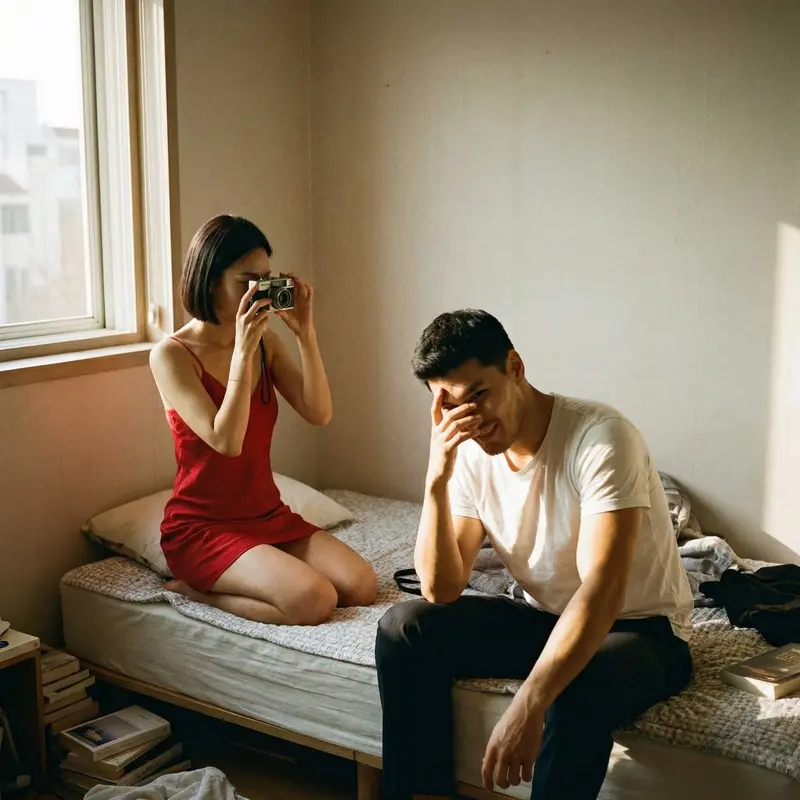
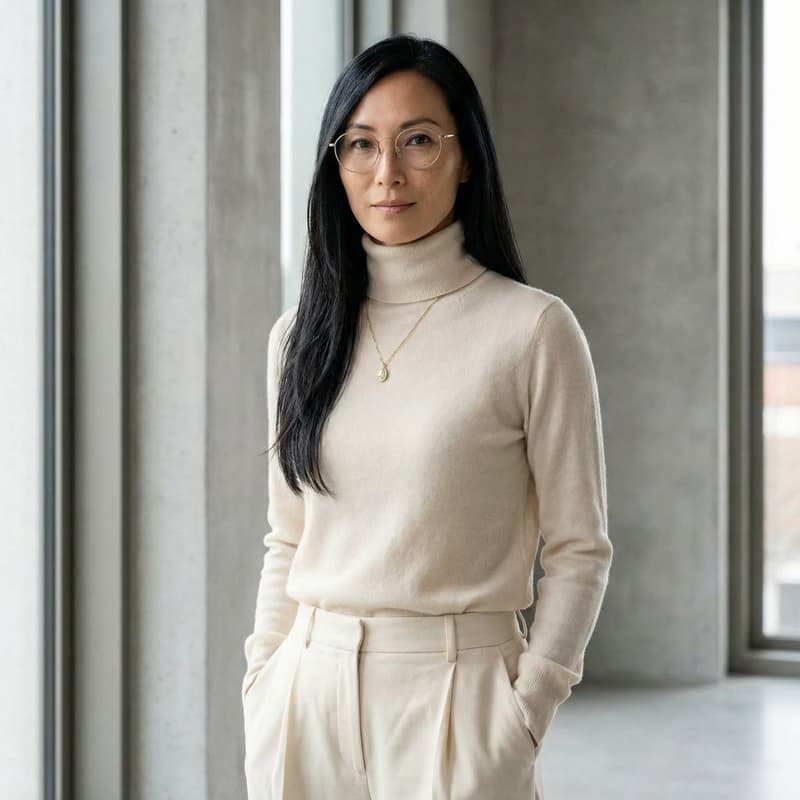
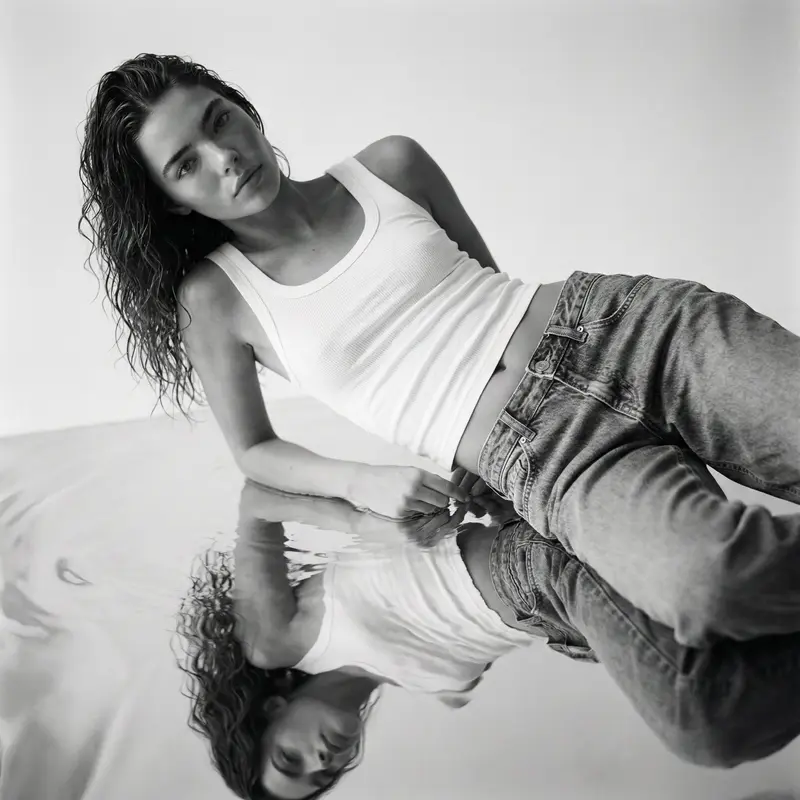
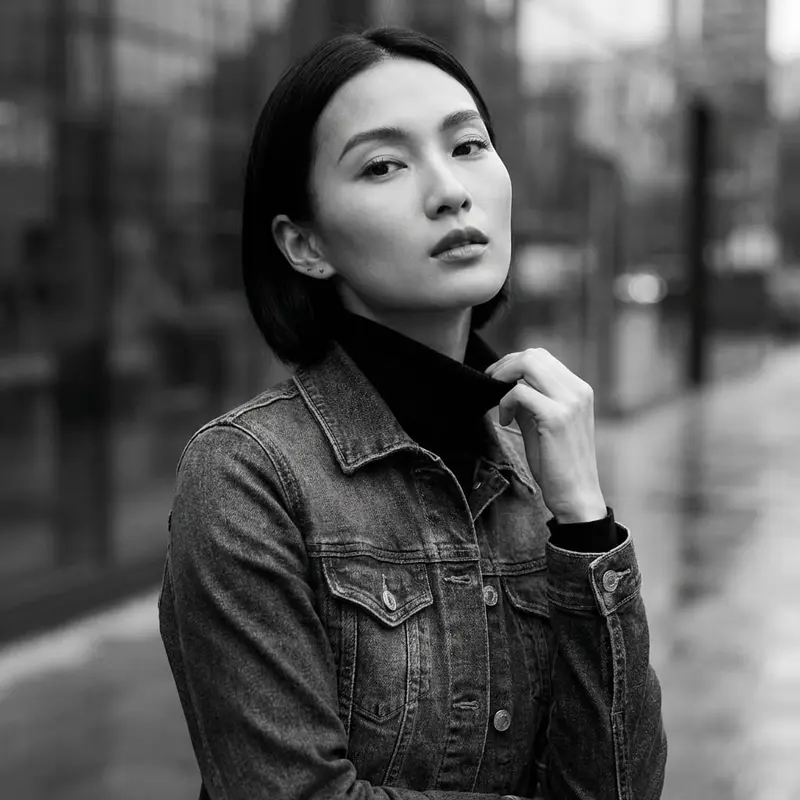
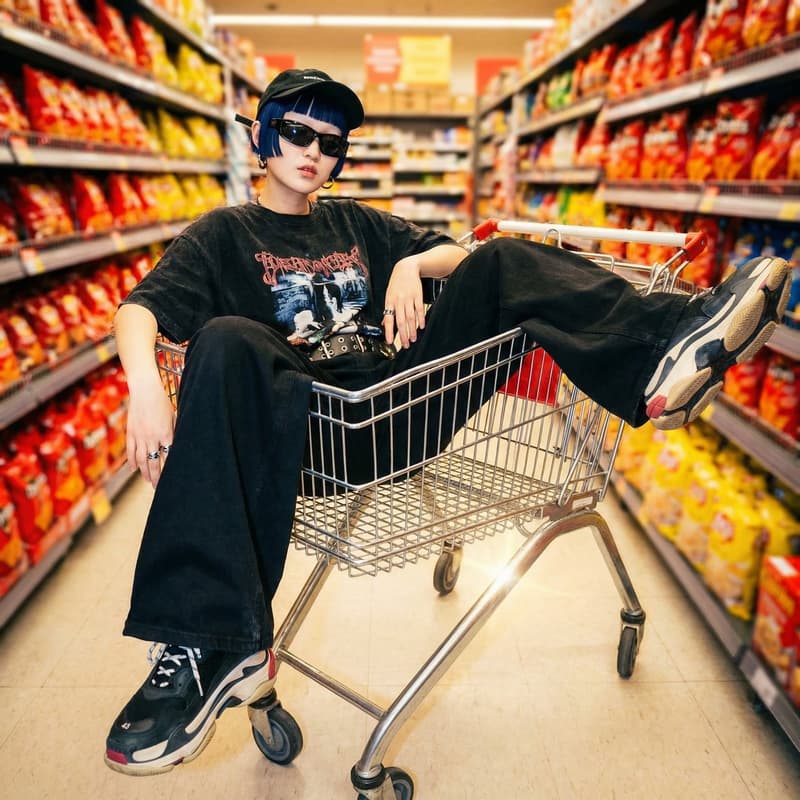
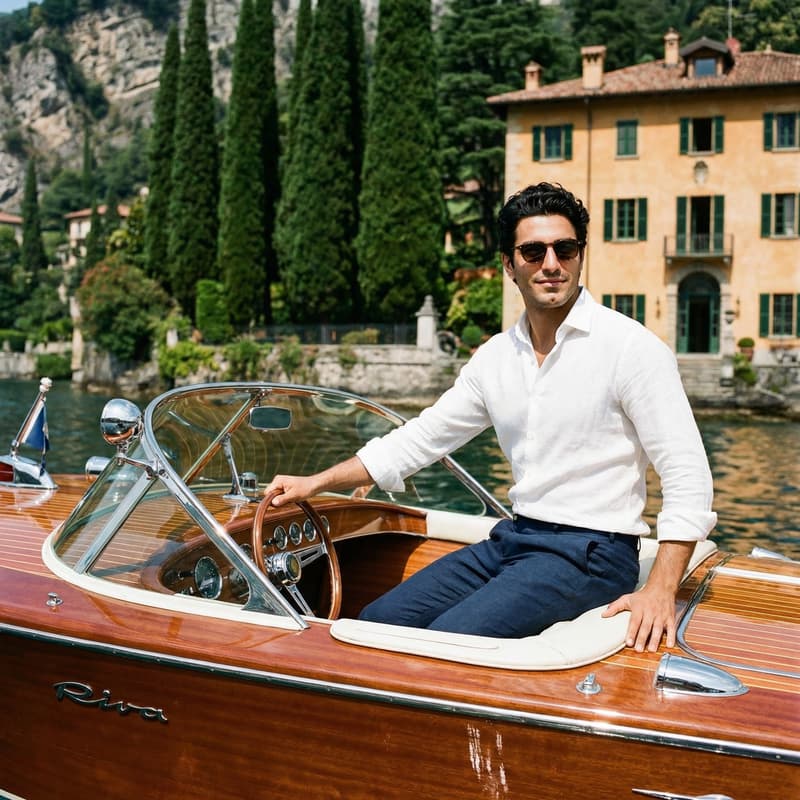
Portrait Photoset

Color Film Portrait Photoset

Turn one selfie into a soulful color film story with cinematic tones, tactile grain, and a curated editorial look ready to publish.

Create your photoset
Browse all 400+ templates

Everything you need

Built for creators, marketers, and teams shipping AI video at scale.

01

One Selfie In

Start with a clear portrait and let the template develop it into a cohesive color film photoset.

02

Soulful Film Color

Warm highlights, expressive shadows, and restrained saturation create the emotional character of analog color photography.

03

Curated Photo Story

Each result feels like part of a considered editorial sequence rather than a disconnected AI image.

04

Natural Portrait Detail

The treatment prioritizes recognizable facial structure, believable skin texture, and photographic depth.

05

Tactile Grain

Subtle grain and optical softness add physical texture without overwhelming the subject.

06

Editorial Composition

Portrait-focused framing gives creators polished imagery suited to profiles, campaigns, and visual storytelling.

07

Fast Creative Direction

A curated template removes lengthy style development and turns a simple source image into a directed concept.

08

Multi-Model Platform

Continue creating across Nim with leading image and video models such as Flux, Kling, Veo, Pika, and Sora.

Features

Built to ship

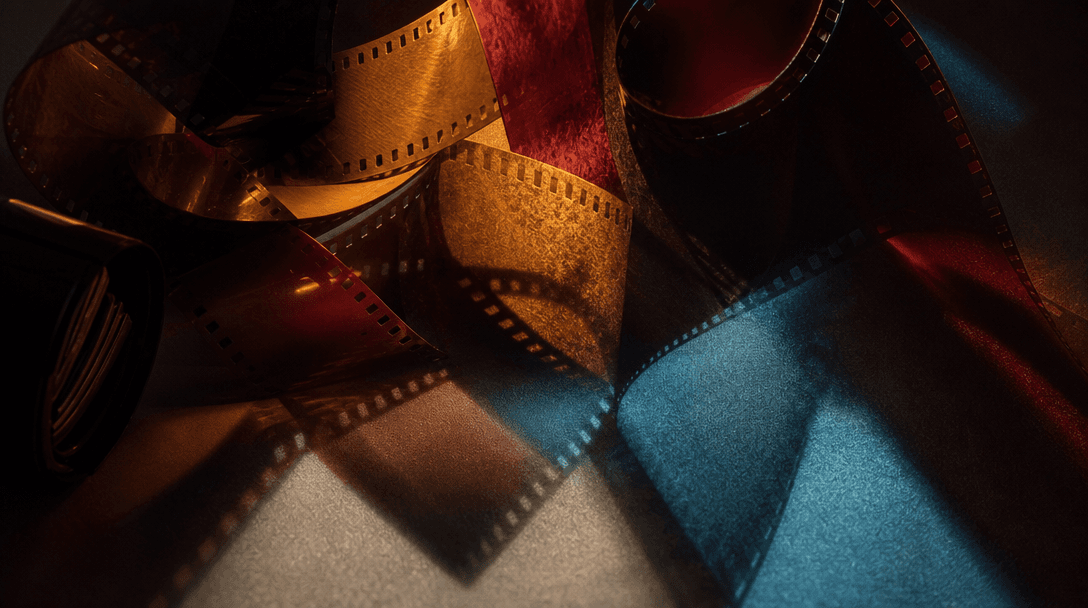
Abstract cinematic still life representing analog color direction: overlapping translucent film strips, burgundy, amber,
F · 01

A Complete Film-Look Direction

The Color Film template coordinates palette, contrast, grain, lighting, and composition as one visual system. Instead of stacking arbitrary vintage effects, it builds a soulful portrait treatment with the balance and restraint of an editorial film shoot.
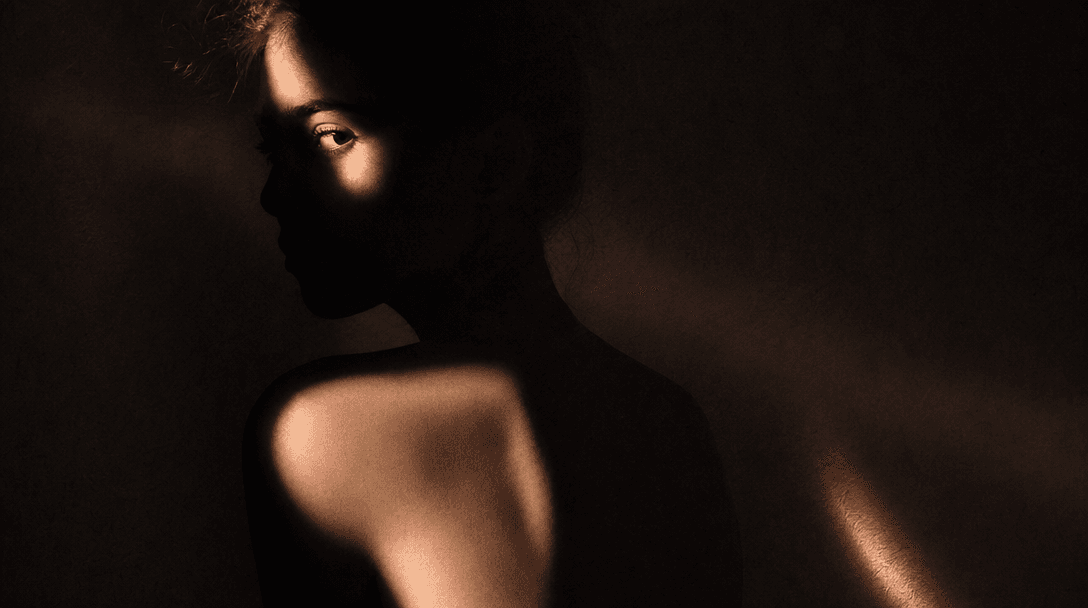
An abstract human silhouette formed by warm portrait light against a deep charcoal backdrop, soft skin-toned reflections
F · 02

Your Portrait Stays Central

The selfie remains the emotional anchor while the template reshapes the surrounding mood, light, and photographic texture. Clear source images help preserve recognizable features and produce a portrait that feels personal rather than like a generic stock photograph.

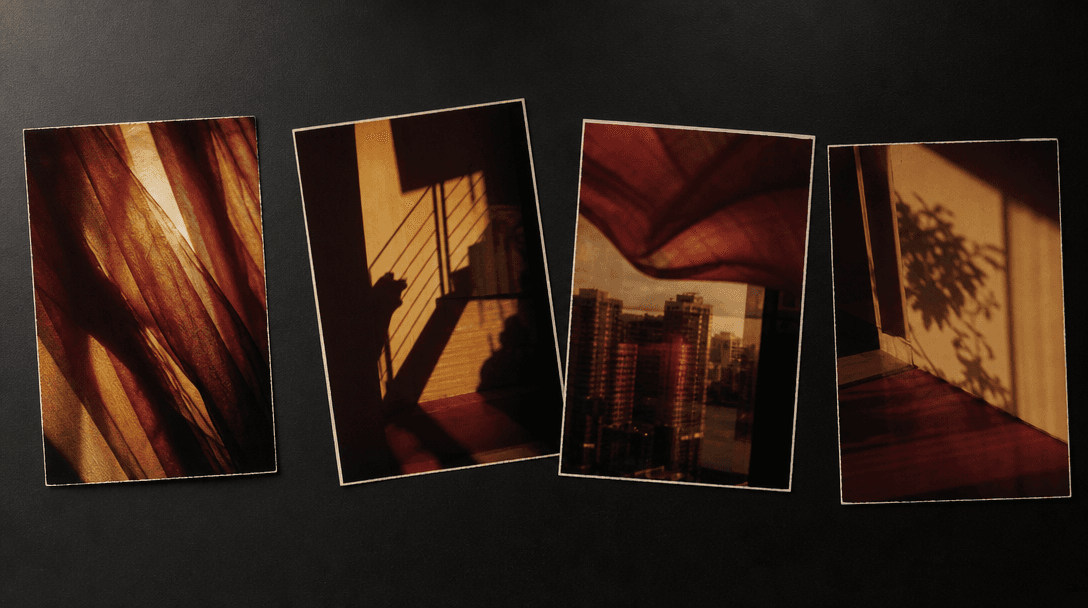
A sequence of four physical color-film photographs arranged loosely on a black studio table, each showing abstract light
F · 03

Cohesive Photoset Storytelling

The template is designed around a photoset concept, making it useful when one isolated image is not enough. Its consistent visual language helps creators build profile carousels, campaign selects, moodboards, and social stories that belong together.

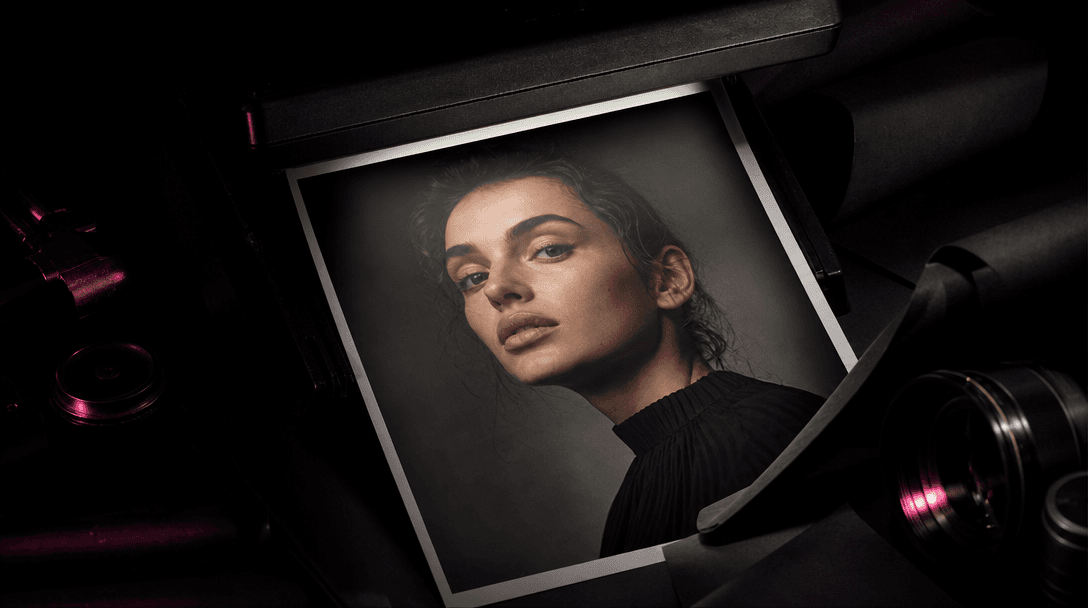
A finished portrait print emerging from darkness beneath a focused studio beam, surrounded by matte black material, a vi
F · 04

Production-Ready Creative Starting Point

Curated direction gives marketers, creators, and ecommerce teams a refined starting point without organizing a physical film shoot. Generate the concept quickly, review the result, and continue refining or animating assets with Nim's broader multi-model toolkit.

Showcase

See it in action

Real outputs generated by our pipeline — no curated cherry-picks.

Square close portrait of an anonymous person beside a rain-streaked window at dusk, warm tungsten light across the face,
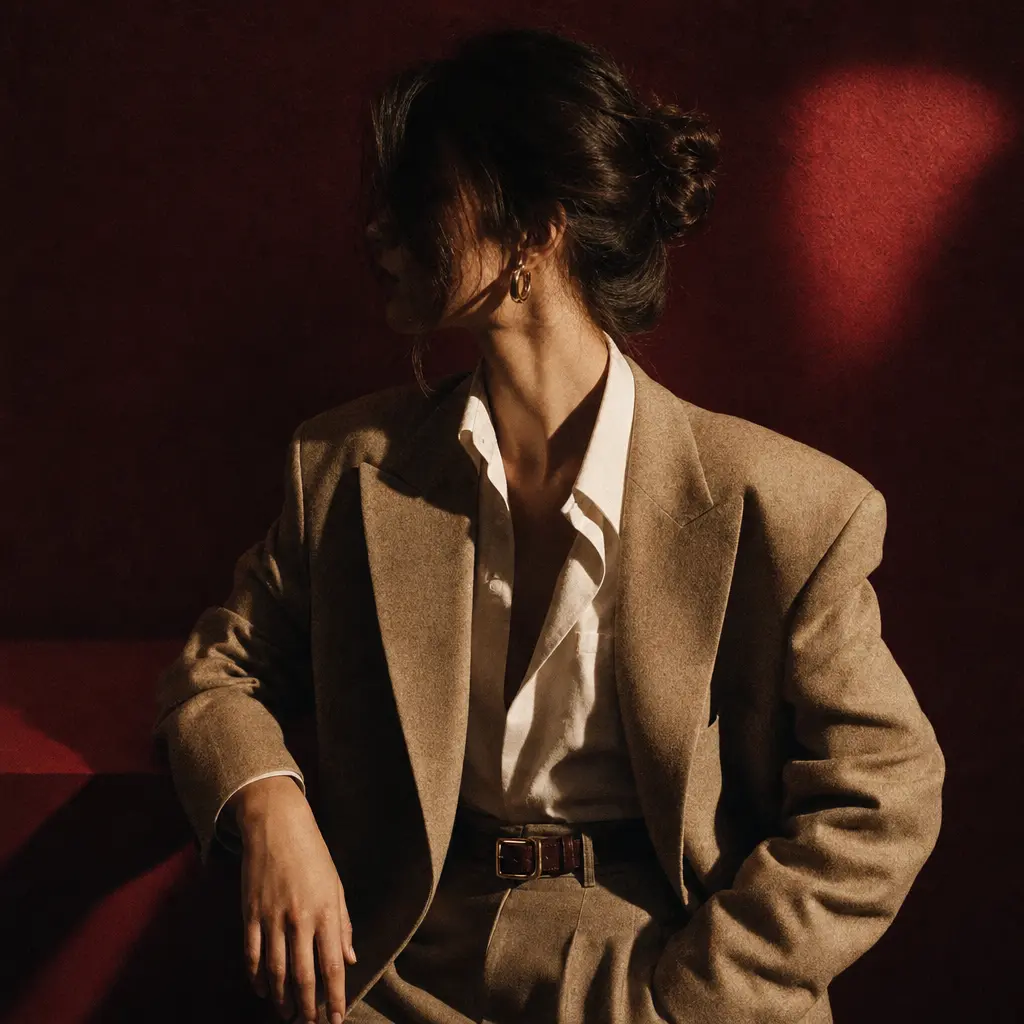
Square editorial portrait of an anonymous fashion subject in a dark red studio, hard side light and deep sculpted shadow
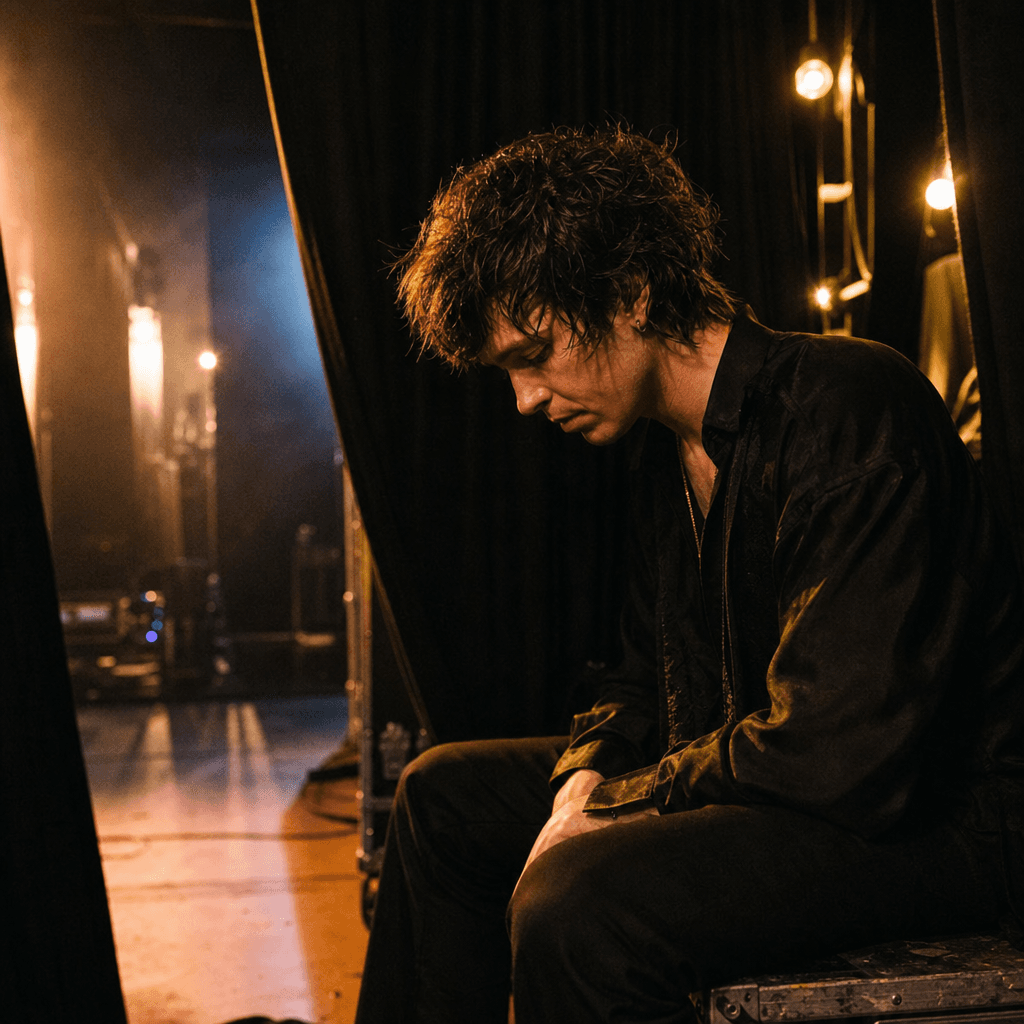
Square candid portrait of an anonymous musician backstage, dim amber practical bulbs, black curtains, traces of haze, a
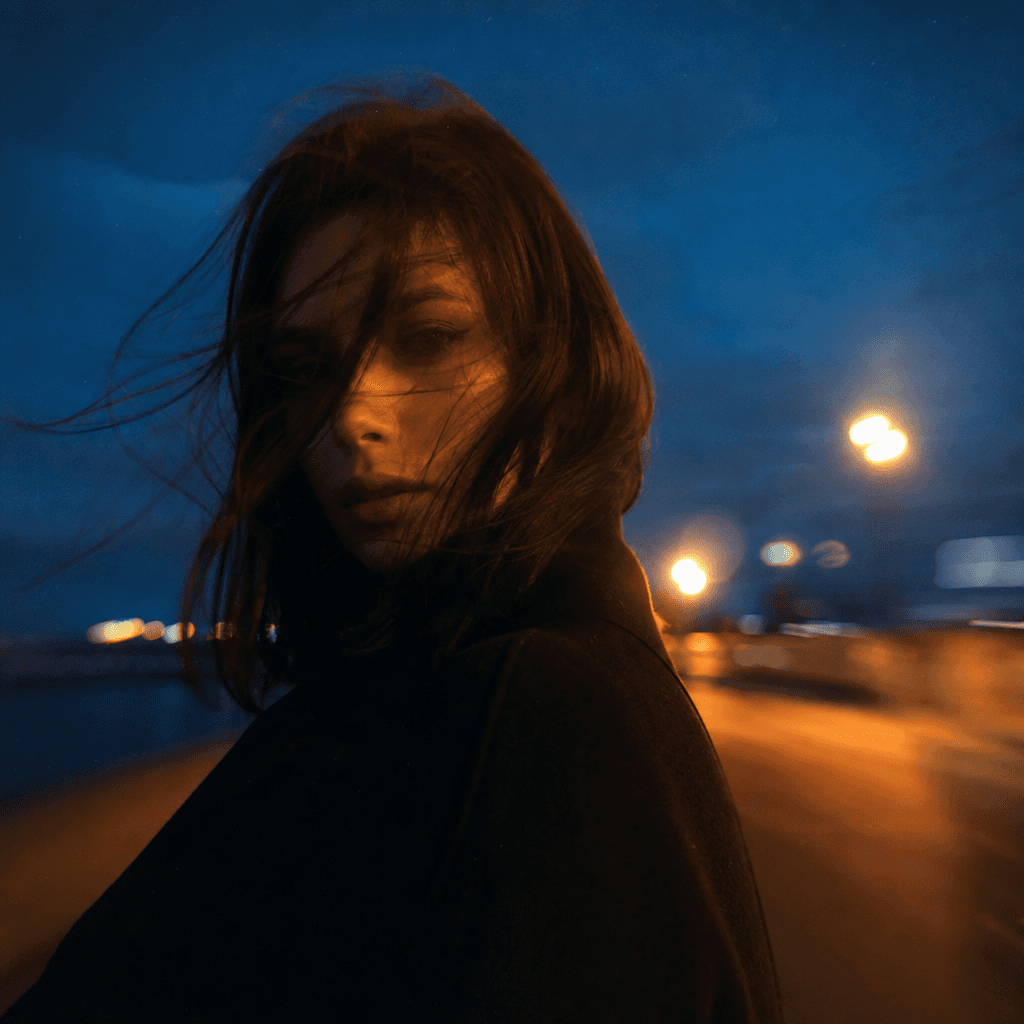
Square outdoor portrait of an anonymous creative at blue hour, windswept coat, distant sodium streetlights, deep navy sk
Ready to ship

Pick a template, customize, publish.

Use cases

Made for every workflow

  • Personal Brands

    Create distinctive profile portraits and about-page imagery with more warmth and character than a conventional corporate headshot.

  • Social Creators

    Build an atmospheric carousel, profile refresh, or visual diary from a selfie while keeping the posts stylistically connected.

  • Musicians

    Develop soulful promotional portraits, release moodboards, and social artwork with the intimacy of color film photography.

  • Fashion Campaigns

    Explore nostalgic casting portraits and editorial references before committing budget to a full production.

  • Creative Portfolios

    Add an expressive portrait story to a portfolio, pitch deck, or personal project with a consistent photographic identity.

  • Editorial Teams

    Prototype portrait directions for interviews, contributor profiles, and culture stories on a faster creative timeline.

How it works

From idea to result in seconds

  1. Step · 01

    Upload Your Selfie

    Choose a well-lit portrait with a visible face and enough detail for a strong photographic transformation.

  2. Step · 02

    Generate Film Portraits

    Apply the Color Film template to create a soulful interpretation shaped by cinematic color, grain, and editorial lighting.

  3. Step · 03

    Select Your Story

    Review the generated result and choose the portrait that best fits your profile, campaign, carousel, or creative project.

FAQ

Frequently asked questions

  • Color Film is a Nim portrait template that turns a selfie into a soulful image with analog-inspired color, gentle grain, cinematic light, and editorial composition. It is designed as a directed portrait concept rather than a generic photo filter.

  • Upload a clear selfie, open the template, and generate a new portrait based on its curated visual direction. Nim uses the source image as the subject reference while applying the template's film-inspired mood and photographic treatment.

  • Use a sharp, well-lit image where the face is clearly visible and not heavily obscured by hands, hair, or accessories. A natural expression and a reasonably simple background give the generation more useful detail to work with.

  • Generation requires an account and purchased credits. Credit usage and paid-plan details are shown in Nim, and any available preview output may carry a watermark until it is exported under an eligible paid plan.

  • Nim is a multi-model platform with access to leading image and video technologies, including Flux, Kling, Pika, Veo, and Sora workflows. The model used by a specific template can depend on the template configuration and current model availability.

  • The template produces a stylized portrait image with a cohesive color-film aesthetic. Results can be used as individual hero portraits or assembled into profile updates, social carousels, moodboards, and campaign concepts.

  • Many generations render in seconds or under a minute, although processing time can vary with demand, model selection, and output complexity. You can review the completed result in your Nim workspace.

  • Nim's curated templates are built for creator, marketing, and commercial workflows, subject to the applicable plan terms and rights in your uploaded material. Only upload images you are authorized to use, especially when another person appears in the source.

  • A conventional filter mainly changes color and overlays grain on the existing pixels. Color Film generates a newly directed portrait, allowing lighting, atmosphere, composition, texture, and photographic character to work together.

  • Yes, you can continue exploring the asset with Nim's image and video creation workflows where compatible. The multi-model workspace makes it practical to move from a portrait concept into motion without rebuilding the creative direction from scratch.

Get started

See what you can make

Explore more

Discover more AI tools