



AI Product Photography

Elevator: Overflow Product Cinema

Transform any product into a dramatic editorial scene — your item cascading through a cinematic elevator interior, styled to commercial production standards.

Browse templates
Browse all 400+ templates

Everything you need

Built for creators, marketers, and teams shipping AI video at scale.

01

Any product, zero setup

Upload any product image and the template stages it inside a dramatic elevator interior automatically.

02

Overflow composition

Products cascade and fill the elevator space for a bold, eye-catching visual that commands attention in any feed.

03

Cinematic editorial lighting

Deep shadows, directional highlights, and film-inspired contrast are baked into every render — no retouching needed.

04

Commercial-ready output

Generated images export cleanly for paid ads, social media, brand decks, and product listing pages.

05

Multi-model AI rendering

Powered by Nim's multi-model platform — Flux, Kling, and more — selecting the best engine for each visual category.

06

Fast render pipeline

Production-quality stills are generated in seconds — iterate through multiple product variants without waiting.

07

Curated pro templates

Designed by visual artists and tested for commercial performance across real brand campaigns.

08

Home decor & lifestyle fit

Works naturally with candles, ceramics, fragrances, and any home or lifestyle product that benefits from editorial staging.

Features

Built to ship

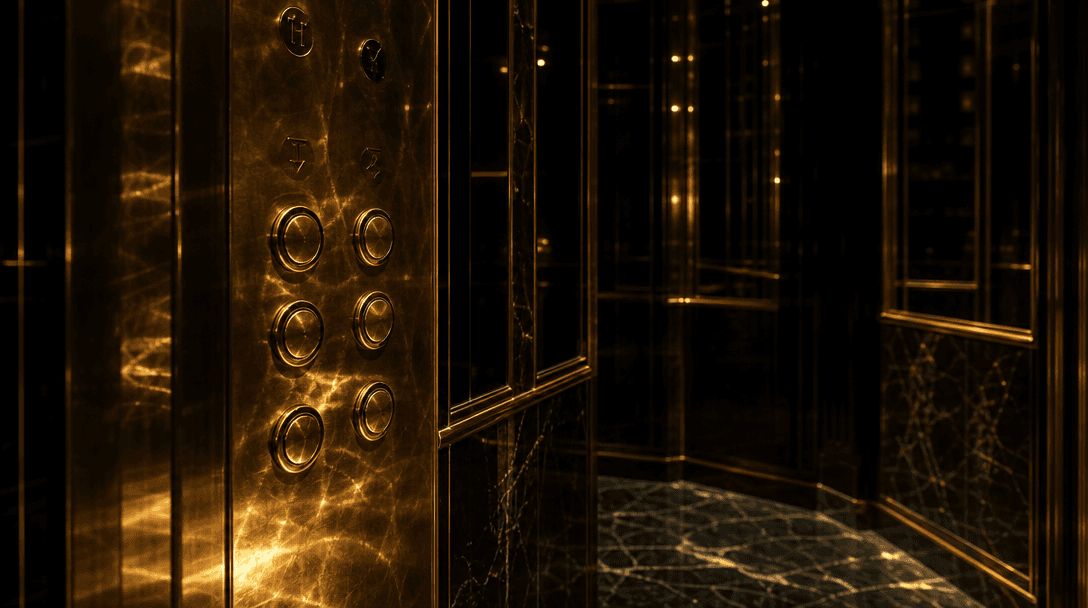
Tight architectural close-up of a luxury elevator interior — polished brass call buttons catching fractured warm light,
F · 01

Dramatic Elevator Scene Staging

The template locks your product into a meticulously crafted elevator interior — mirrored walls, directional rim lighting, and a glossy reflective floor. The overflow composition maximizes perceived luxury and brand impact. Tight editorial framing keeps the product dominant from the first pixel to the last.
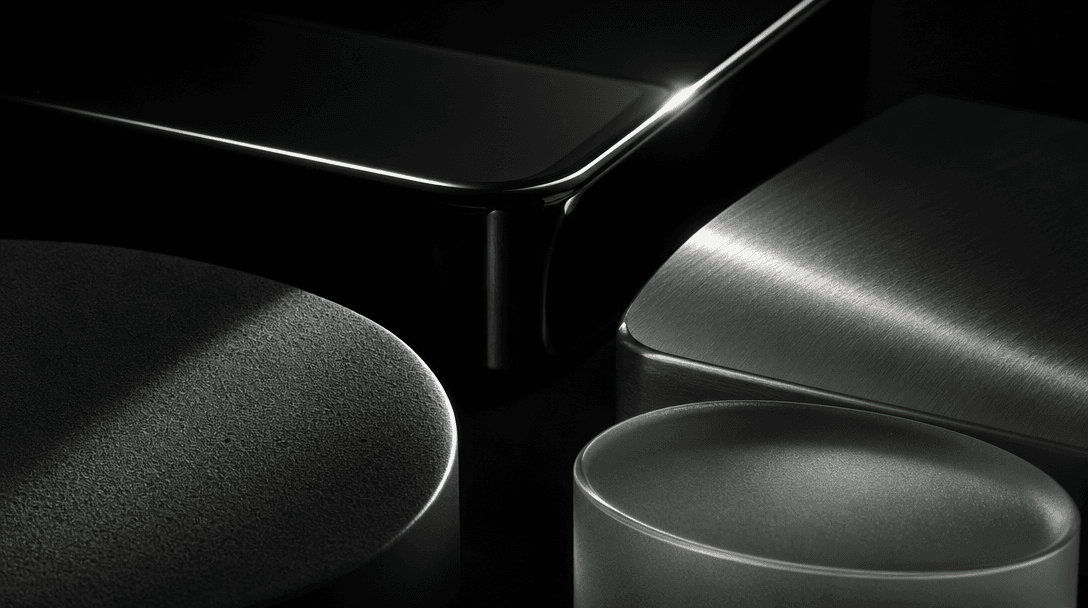

Abstract editorial study of contrasting product material surfaces — matte powder, high-gloss lacquer, brushed metal, fro
F · 02

Works Across Every Product Category

Cosmetics, candles, beverages, electronics, accessories, and packaged goods all perform well in the elevator format. Nim adapts the scene's color temperature, shadow density, and background exposure to complement each product's material finish — whether matte, glossy, metallic, or frosted.

A single tungsten beam of light descends through absolute darkness, casting a sharp perfect cone onto a reflective dark
F · 03

Studio-Grade Lighting, No Crew

Achieve the quality of a high-budget editorial shoot without a physical set or lighting crew. The template renders depth-of-field blur, film grain, and directional light falloff as native elements — producing a finished commercial asset in a single generation step, no post-production required.

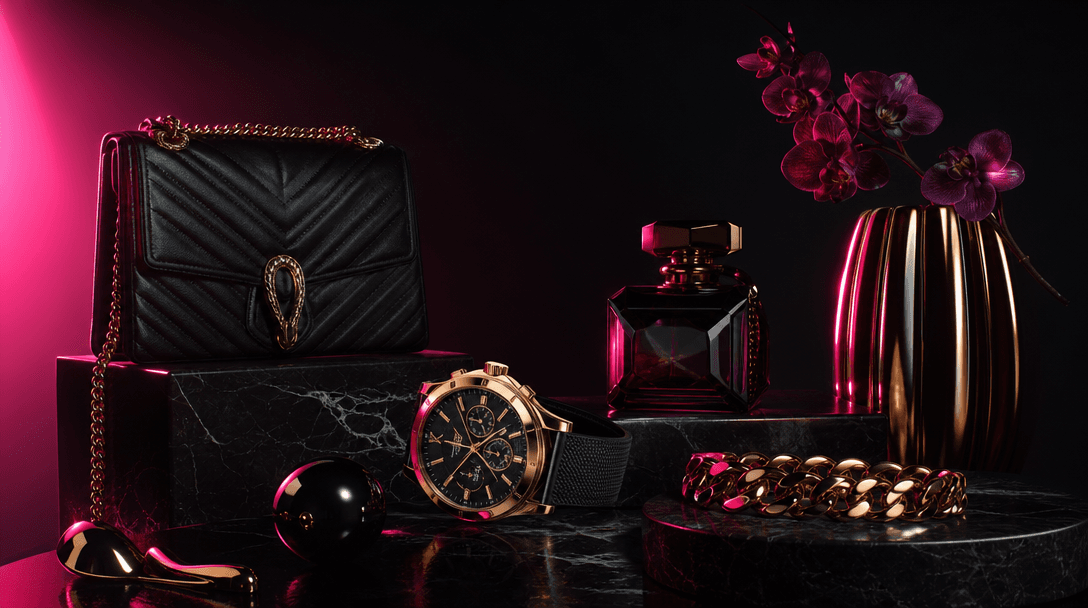
Editorial product composition of luxury items at multiple heights and scales arranged in deliberate visual hierarchy aga
F · 04

Built for Ads, Social, and Retail

The elevator overflow shot is engineered for conversion: high-contrast framing, a product-dominant composition, and a dark editorial background that pops on any feed or display placement. Exports at full resolution for Meta ads, Instagram Stories, TikTok creatives, and Shopify product imagery.

Showcase

See it in action

Real outputs generated by our pipeline — no curated cherry-picks.

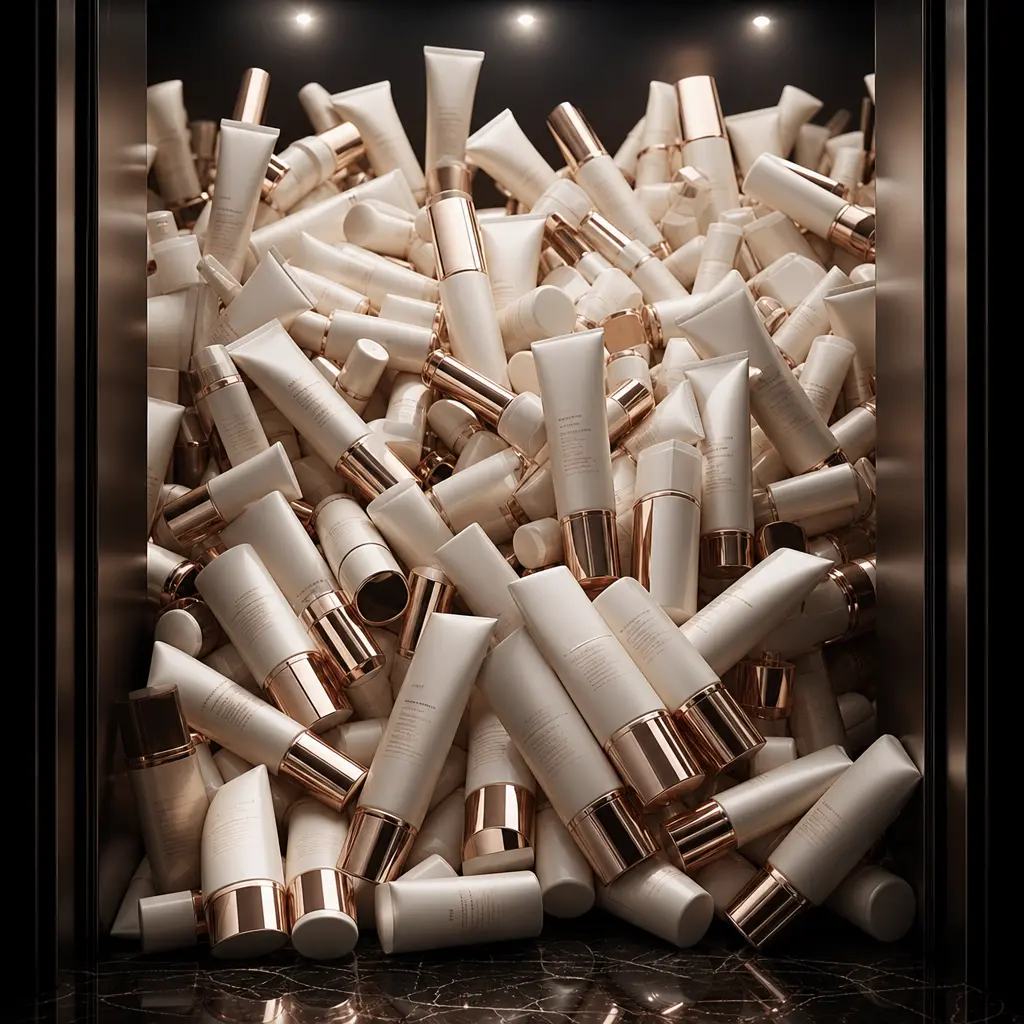
Cinematic elevator interior overflowing with matte ivory skincare serum tubes finished in rose gold lettering. Editorial
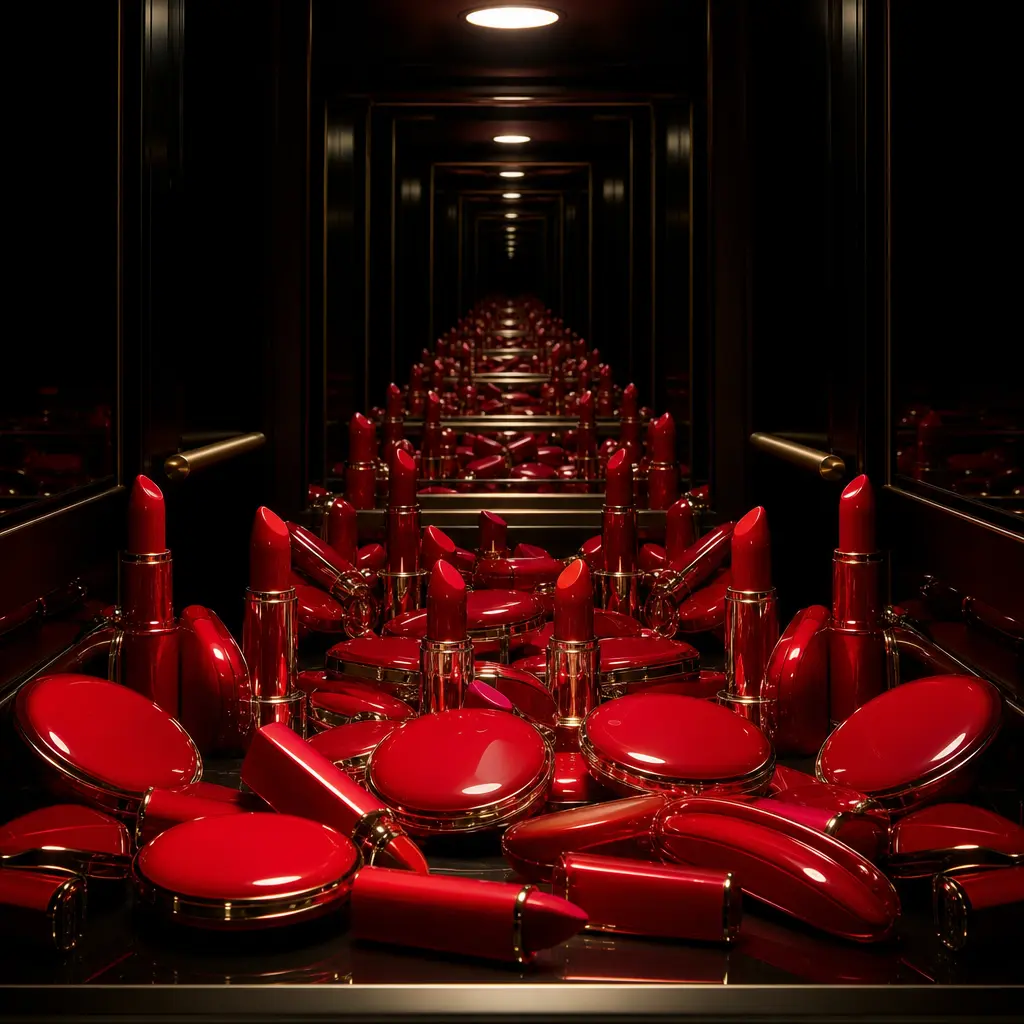
Dark editorial elevator shot filled with vibrant scarlet lipstick bullet cases and lacquered compacts. Single spotlight
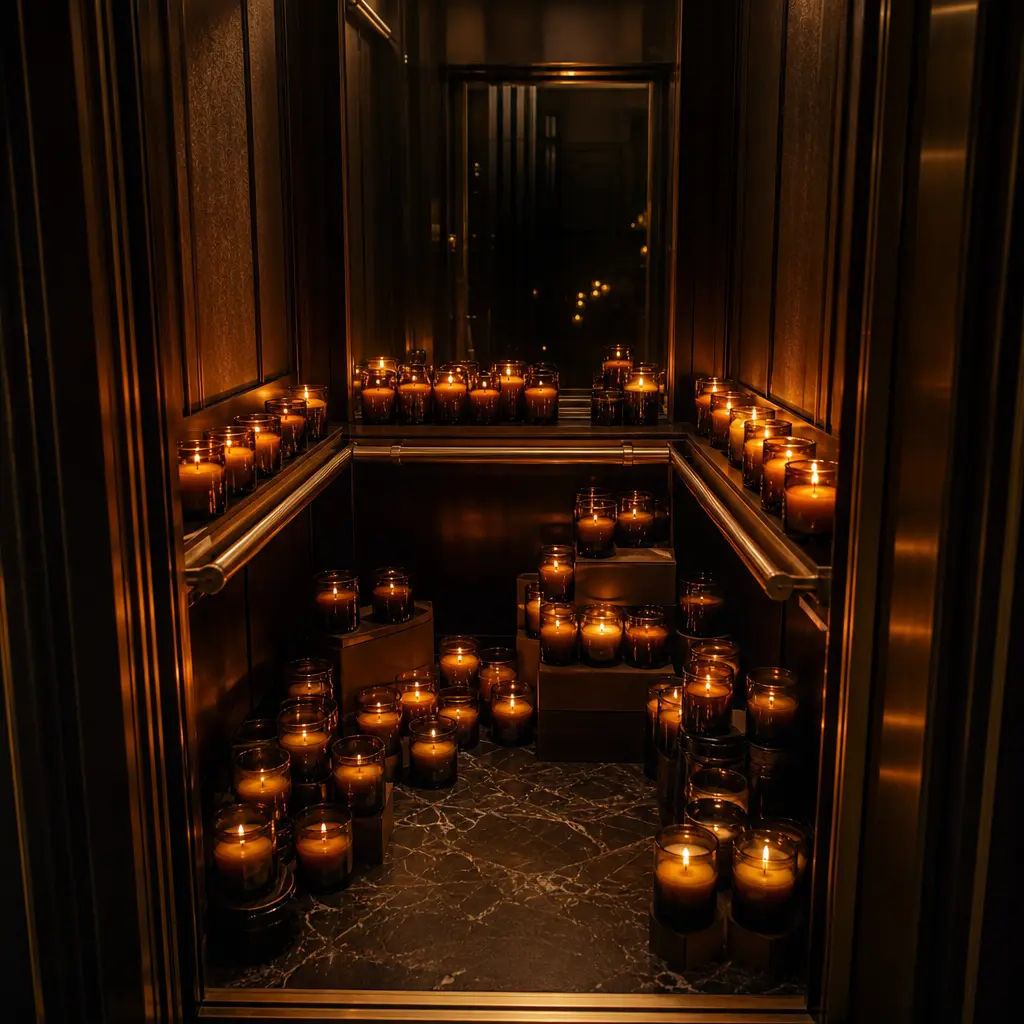
Cinematic elevator interior overflowing with artisan soy candles in amber glass vessels, each emitting a warm golden glo
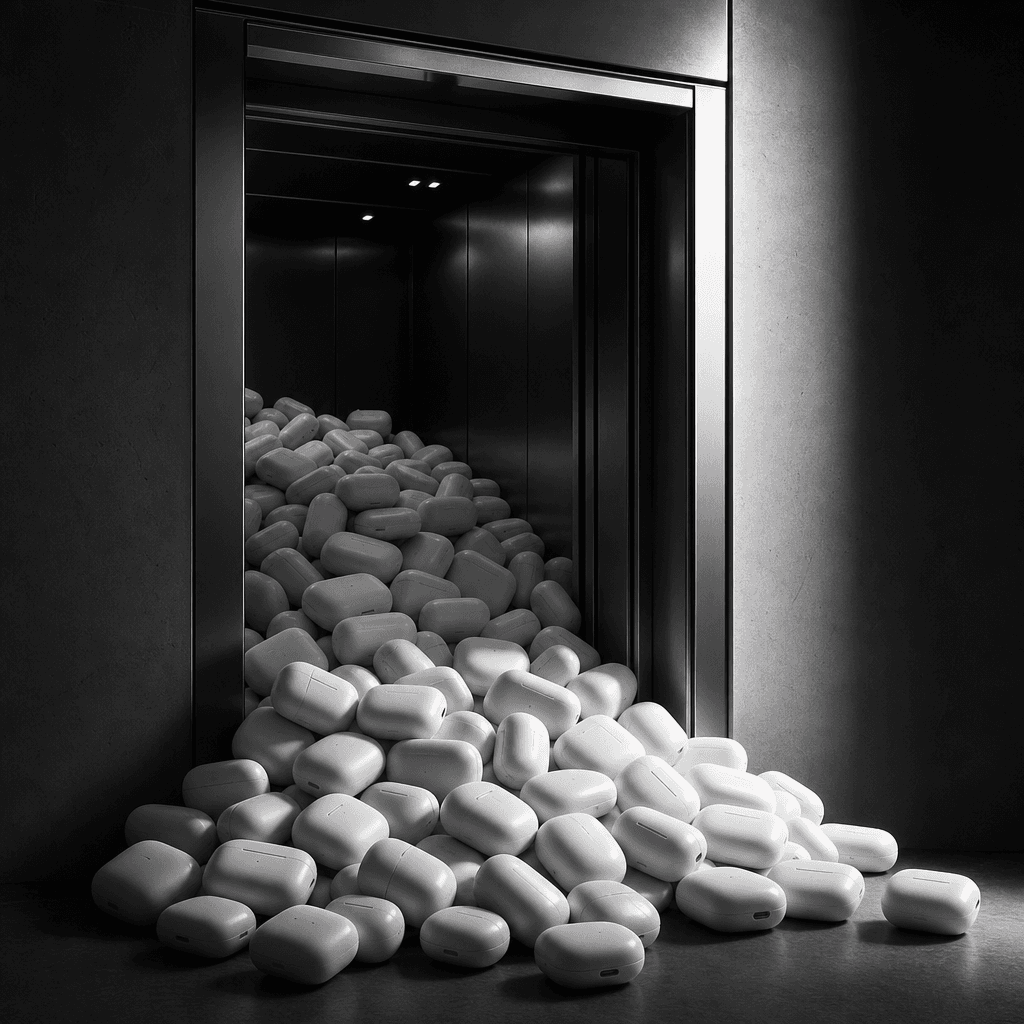
High-contrast monochromatic editorial elevator overflowing with sleek matte-white wireless earbud charging cases. Charco
Ready to ship

Pick a template, customize, publish.

Use cases

Made for every workflow

  • Ecommerce Brands

    Replace flat white-background product shots with editorial-grade overflow stills that stand out on Amazon, Shopify, and brand storefronts — no studio booking required.

  • Beauty & Cosmetics

    Perfumes, serums, lipsticks, and skincare lines photograph strikingly in the elevator's luxury interior, matching the high-end brand positioning that cosmetics buyers expect.

  • Home Decor & Lifestyle

    Candles, diffusers, vases, and artisan goods sit naturally in the elevator's warm, textured atmosphere, reinforcing an interior design aesthetic and home lifestyle brand identity.

  • Social Media Managers

    Generate a full suite of editorial hero images from a single template session — iterate product variants in minutes and publish scroll-stopping content without scheduling a shoot.

  • Performance Marketers

    Create multiple creative variants rapidly for A/B testing — swap products, adjust overflow density, and generate fresh ad assets at the speed that performance campaigns demand.

  • Art Directors & Photographers

    Use the Elevator template as a pre-visualization tool for client pitches or as final output for campaign concepts — editorial quality that slots directly into professional creative workflows.

How it works

From idea to result in seconds

  1. Step · 01

    Upload your product

    Add a clean image of your product to the Elevator template — Nim extracts and isolates it automatically for seamless scene placement.

  2. Step · 02

    Generate the scene

    Nim renders your product cascading through a cinematic elevator interior, applying editorial lighting, overflow composition, and depth staging in a single generation step.

  3. Step · 03

    Export and deploy

    Download your finished visual at full resolution — ready to use immediately in paid ads, social posts, campaign decks, or retail listings.

FAQ

Frequently asked questions

  • The Elevator template is a cinematic AI product photography template that places your product inside a dramatic elevator interior overflowing with that same product. It produces editorial-quality stills designed for commercial use in ads, social media, and brand assets.

  • Any product that benefits from a luxury or editorial context — cosmetics, fragrances, candles, skincare, beverages, accessories, electronics, and packaged goods all perform well. Products that stack or group visually are especially effective in the overflow composition.

  • The template produces a high-resolution still image with a cinematic look — dramatic lighting, editorial mood, and production-grade quality without motion. Think editorial photography, not video.

  • Create an account on nim.video, purchase generation credits, navigate to the Elevator template, upload your product image, and generate your scene. Results typically render in seconds.

  • No experience is required. The template handles scene composition, overflow staging, and cinematic lighting automatically. You supply the product; Nim manages the creative direction.

  • Yes. Images generated using Nim templates can be used for commercial purposes including paid advertising, brand campaigns, social media, and product listings. You own the output from your generations.

  • Building a physical elevator overflow set would require set design, lighting equipment, a studio booking, and significant post-production time. Nim delivers comparable visual quality in seconds at a fraction of the cost, with the ability to iterate through multiple product variants in a single session.

  • Nim is a multi-model platform integrating leading generation models including Flux, Kling, and others. The model used for a given template is selected to produce optimal output for that specific visual category and product type.

  • Yes. Each generation is independent, so you can upload different product images — different SKUs, colors, or sizes — and generate a unique elevator scene for each variant in the same session.

  • Final exports on paid plans are delivered without watermarks. Preview renders may carry a watermark; purchasing generation credits removes watermarks from all final exports.

Get started

See what you can make

Explore more

Discover more AI tools