

Product Display

Fridge Product Display Template

Place your product inside a polished refrigerator scene with production-ready composition, controlled cold lighting, and multi-model generation.

Create fridge display
Browse all 400+ templates

Everything you need

Built for creators, marketers, and teams shipping AI video at scale.

01

Cold Editorial Lighting

Create a crisp refrigerated atmosphere with cool highlights, deep shadows, and controlled reflections around your product.

02

Product-First Framing

Keep the featured item visually dominant while shelves, containers, and chilled surfaces establish the setting.

03

Curated Composition

Start from a professional template designed to produce balanced advertising imagery without building a scene from scratch.

04

Multi-Model Access

Explore compatible image and video generation models from one Nim workflow to find the strongest interpretation.

05

Campaign-Ready Mood

Generate polished visuals suited to ecommerce launches, social campaigns, product announcements, and branded editorials.

06

Flexible Product Types

Adapt the refrigerated display concept to beverages, cosmetics, supplements, packaged foods, and compact accessories.

07

Fast Creative Iteration

Develop and compare visual directions in seconds or under a minute, depending on the selected model and settings.

08

Commercial Template

Build brand-facing creative from a curated professional template made for practical marketing production.

Features

Built to ship

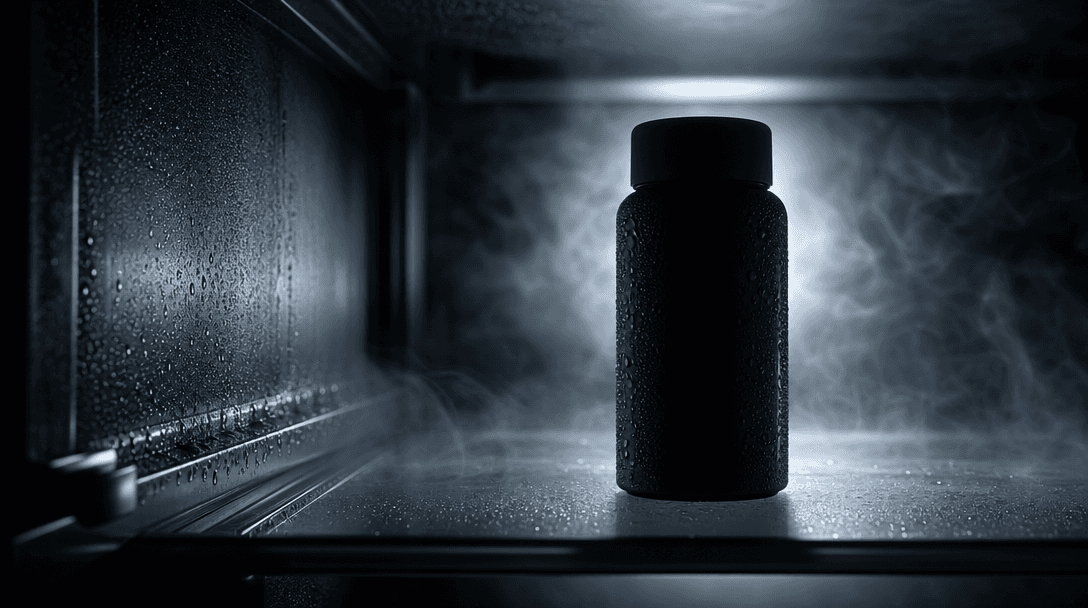
An atmospheric close-up of a chilled glass shelf, silver metal, drifting cold vapor, beads of condensation, and a single
F · 01

Turn Products Into Cold-Case Heroes

The Fridge template surrounds your product with chilled shelves, metallic surfaces, glass reflections, and directional interior light. The recognizable environment adds context while the product remains the visual focus, giving ordinary packshots a more cinematic advertising treatment.
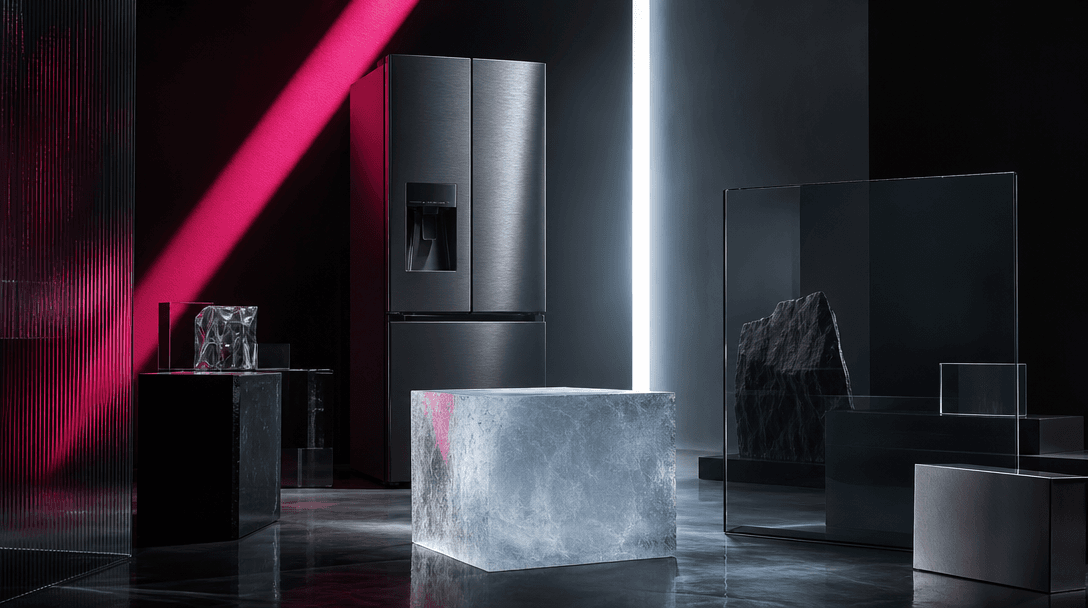
A series of refrigerator materials arranged as an abstract editorial set: smoked glass, brushed steel, translucent ice,
F · 02

Control the Campaign Aesthetic

Use your prompt and source material to guide color, product placement, surrounding objects, atmosphere, and photographic style. Develop anything from a clean commercial refrigerator to a dramatic late-night editorial scene while preserving a coherent cold-storage concept.

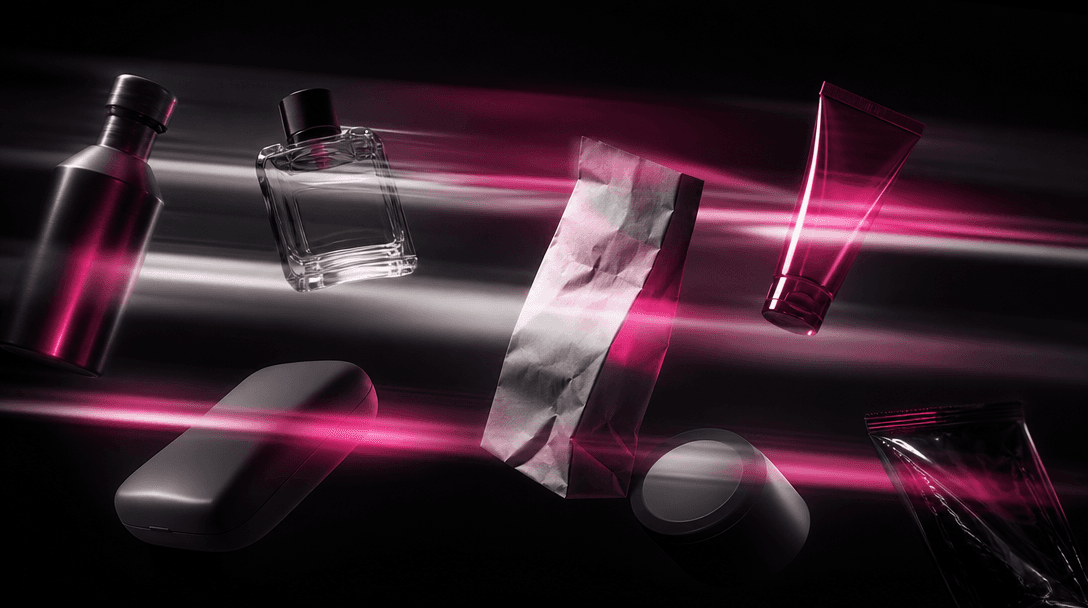
Several distinct product silhouettes passing through layered bands of cinematic light, each surface responding different
F · 03

Explore Multiple Generation Models

Nim brings models such as Sora, Veo, Kling, Pika, and Flux into one production environment, with availability depending on the selected workflow. Compare interpretations without rebuilding the creative direction across separate platforms, then continue with the result that best fits your campaign.

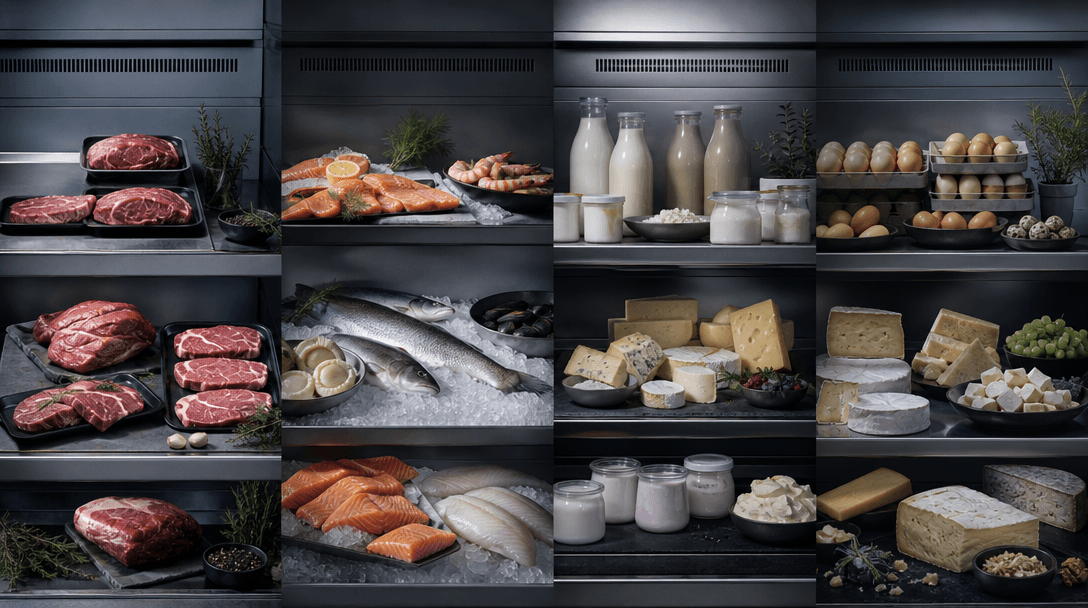
Four coordinated refrigerated product arrangements extending across one wide physical studio set, consistent cool lighti
F · 04

Build Consistent Product Variations

Create related outputs for launches, seasonal promotions, catalog imagery, and social posts from the same visual premise. Reusing the Fridge template helps teams maintain a recognizable setting while varying products, props, framing, and lighting across campaign assets.

Showcase

See it in action

Real outputs generated by our pipeline — no curated cherry-picks.

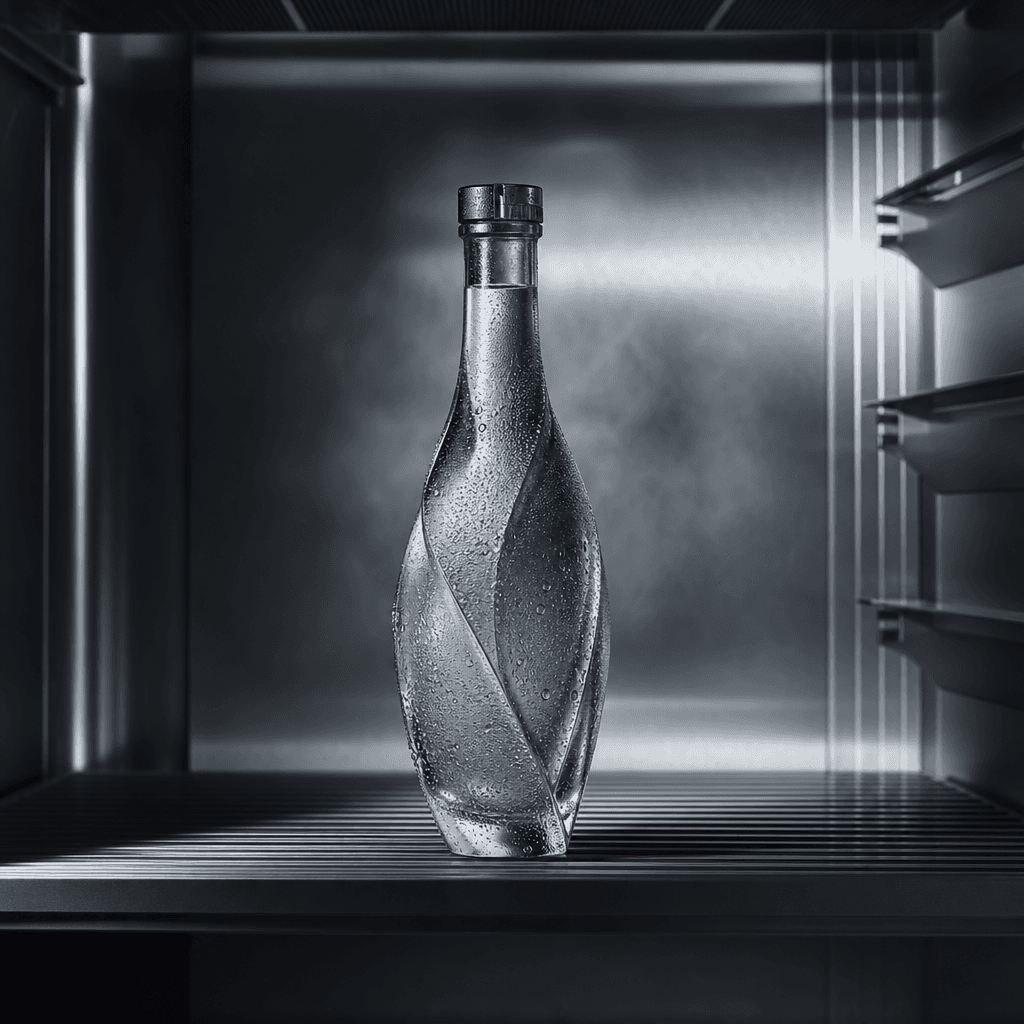
A sculptural glass beverage bottle displayed inside a minimalist stainless-steel refrigerator, cold mist and fine conden
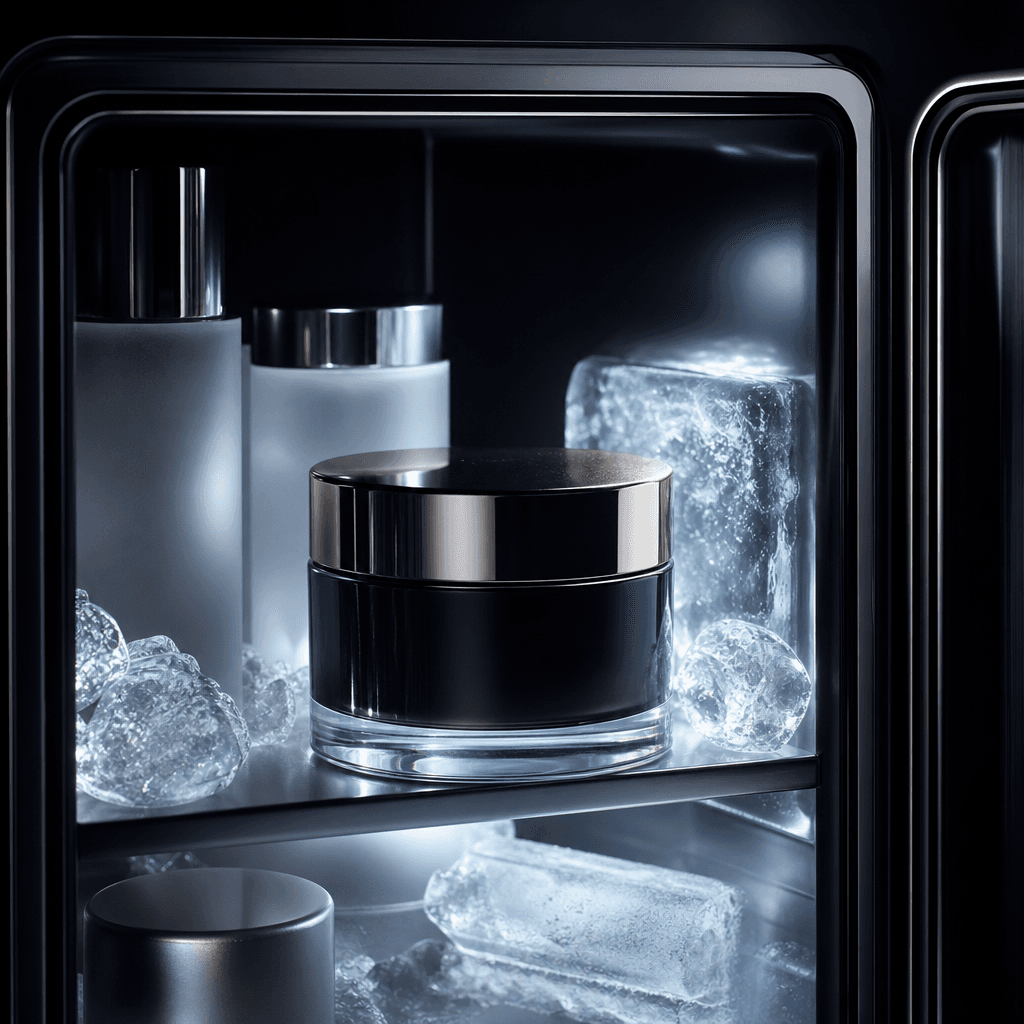
A luxury skincare jar arranged in a compact beauty refrigerator beside frosted glass and translucent ice, soft cold ligh
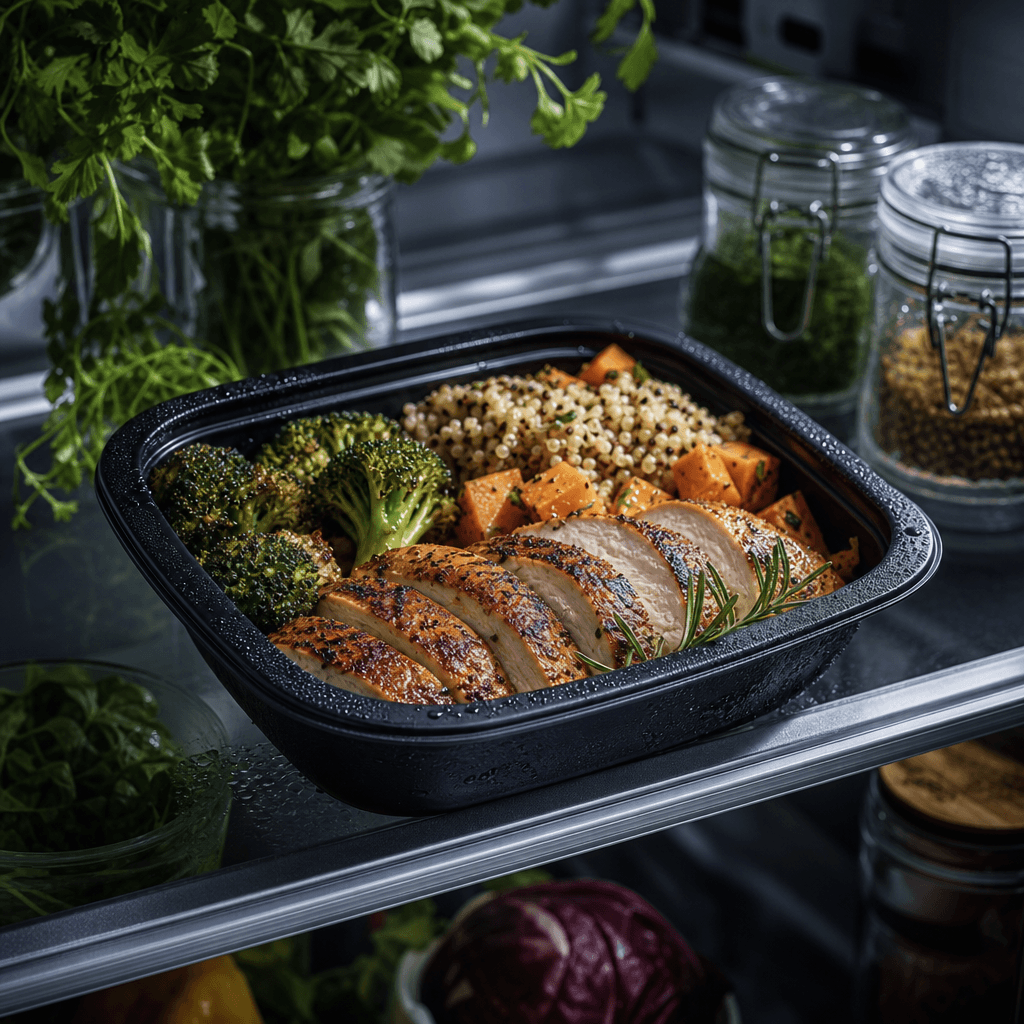
A premium meal container presented on a refrigerator shelf with fresh herbs, glass jars, and controlled beads of condens
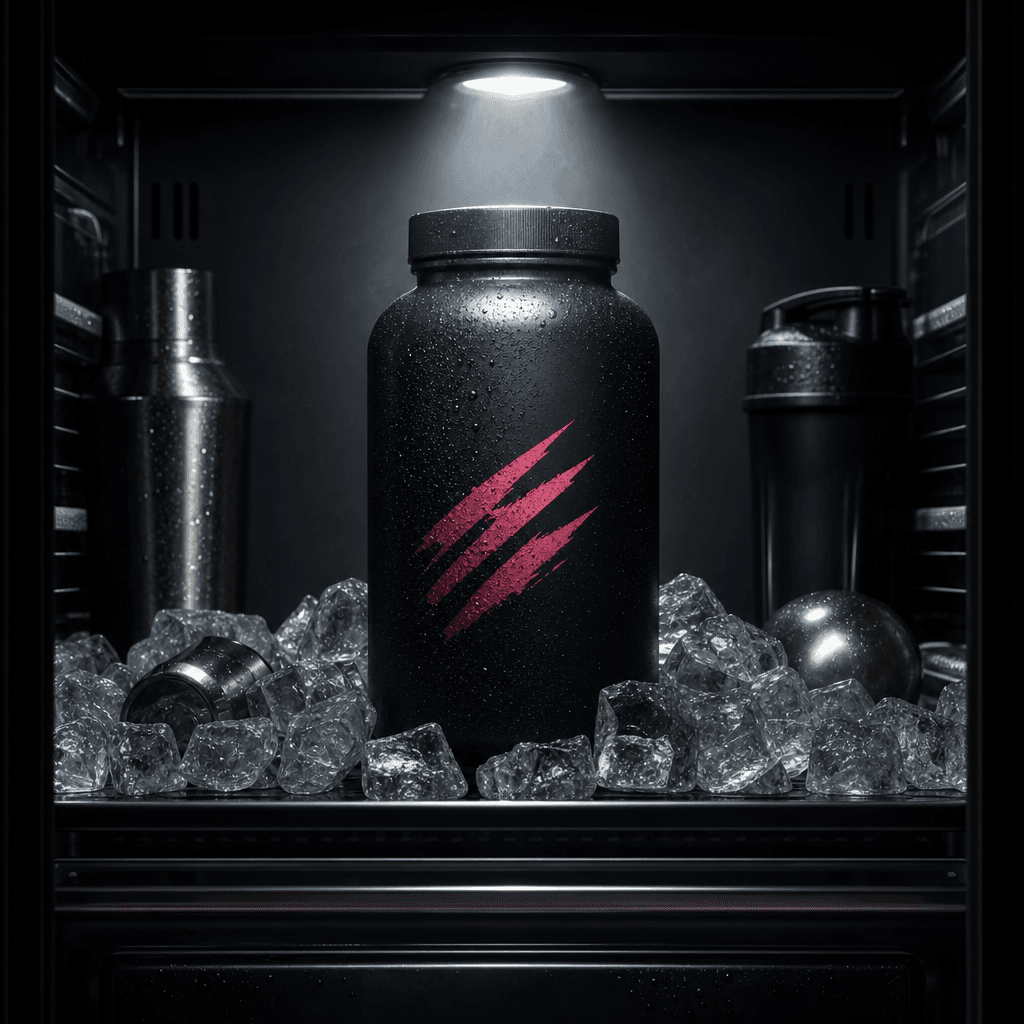
A matte supplement bottle inside a modern black refrigerator surrounded by ice cubes and subtle metallic accessories, dr
Ready to ship

Pick a template, customize, publish.

Use cases

Made for every workflow

  • Beverage Brands

    Present cans, bottles, and cartons in a naturally relevant chilled setting. The refrigerator context supports refreshment cues, launch visuals, flavor campaigns, and social advertising.

  • Food Sellers

    Place packaged foods, meal products, sauces, or snacks in a styled cold-case composition. Sellers can create contextual campaign imagery without organizing a physical refrigerator shoot.

  • Beauty Marketers

    Give serums, masks, creams, and beauty accessories a cool editorial treatment associated with freshness and modern routines. The unusual environment can distinguish a product from standard bathroom or studio imagery.

  • Ecommerce Teams

    Turn a straightforward product asset into a more expressive promotional visual for product pages, marketplaces, email campaigns, and paid ads. Generate several directions before selecting a final campaign concept.

  • Social Creators

    Develop scroll-stopping product posts with moody refrigerator light, reflective materials, and tightly framed details. The template offers a clear creative premise that can be adapted across recurring content.

  • Creative Agencies

    Prototype refrigerated product concepts before commissioning a physical shoot or preparing a client presentation. Teams can compare styling directions and communicate the intended mood with concrete visual references.

How it works

From idea to result in seconds

  1. Step · 01

    Add Your Product

    Upload a clear product image or provide the relevant product details needed by the Fridge template.

  2. Step · 02

    Shape the Scene

    Describe the desired refrigerator style, lighting, props, composition, and campaign mood.

  3. Step · 03

    Generate Your Display

    Choose an available model, generate the scene, and refine promising results for your marketing workflow.

FAQ

Frequently asked questions

  • Fridge is a specific Nim product-display template that places a featured item inside a styled refrigerator setting. It is designed for creators, marketers, and ecommerce sellers who want contextual advertising imagery with cool light, reflective surfaces, and a strong product focus.

  • Start with the template, add suitable product input, and describe the visual direction you want. Nim sends the generation through your selected compatible model, which interprets the product and refrigerated environment as a new creative output.

  • Beverages, packaged food, supplements, skincare, cosmetics, and compact accessories are strong candidates. The concept works best when cold storage, freshness, routine, or an unexpected editorial contrast supports the campaign idea.

  • Yes. You can guide elements such as lighting temperature, shelf materials, surrounding products, color palette, camera angle, condensation, reflections, and overall mood through your inputs and prompt.

  • Nim provides access to multiple generation families, including models from ecosystems such as Sora, Veo, Kling, Pika, and Flux. Exact model compatibility and availability depend on the template workflow and the options shown when you create.

  • The available output format depends on the model and workflow offered for the template. Nim supports both AI image and AI video creation across the platform, allowing a refrigerator concept to support still campaign assets or motion-oriented production where compatible.

  • Generation requires an account and purchased credits, with credit usage varying by model and settings. Review the current subscription and credit options before generating; free credits are not included.

  • Preview output may include a watermark. Watermark removal is available only under applicable paid-plan conditions, so check the current plan details for the output you intend to publish.

  • Many generations complete in seconds or under a minute, though latency varies with the chosen model, settings, demand, and output type. More complex video workflows may take longer than a single image generation.

  • The template is designed for practical brand and marketing workflows, but usage rights can depend on your plan, selected model, source material, and current terms. Confirm that you own or are permitted to use uploaded product assets and review Nim's applicable terms before publication.

Get started

See what you can make

Explore more

Discover more AI tools