Beauty · AI Template

Glossy Swipe Lip Product Photography

Turn any lip product into a rich editorial hero shot — place it over a lustrous makeup smear and let the AI handle the rest.

Browse templates
Browse all 400+ templates

Everything you need

Built for creators, marketers, and teams shipping AI video at scale.

01

One-click product placement

Drop your lip product image into the template and the AI positions it over a hand-crafted glossy smear in seconds.

02

Studio-quality lighting

Editorial rim lighting and highlight effects are baked into every render, giving you professional output without a photography studio.

03

Luminous gloss finish

The template's signature smear captures light-catching, lacquer-like textures purpose-built for beauty brands and cosmetics.

04

Multi-model AI rendering

Nim's multi-model platform draws on leading image AI models to deliver the highest-quality output for each scene.

05

Curated beauty library

Glossy Swipe is part of Nim's hand-picked beauty template collection, built to editorial beauty photography standards.

06

Commercial-ready resolution

Exports are sized for ads, e-commerce listings, and print packaging — usable straight from the download without further processing.

07

No studio required

Skip the camera, lighting rig, and post-production. Get polished beauty visuals from any browser, on any device.

08

Fast renders

Most Glossy Swipe renders complete in under a minute, so you can iterate on colours and product angles quickly.

Features

Built to ship

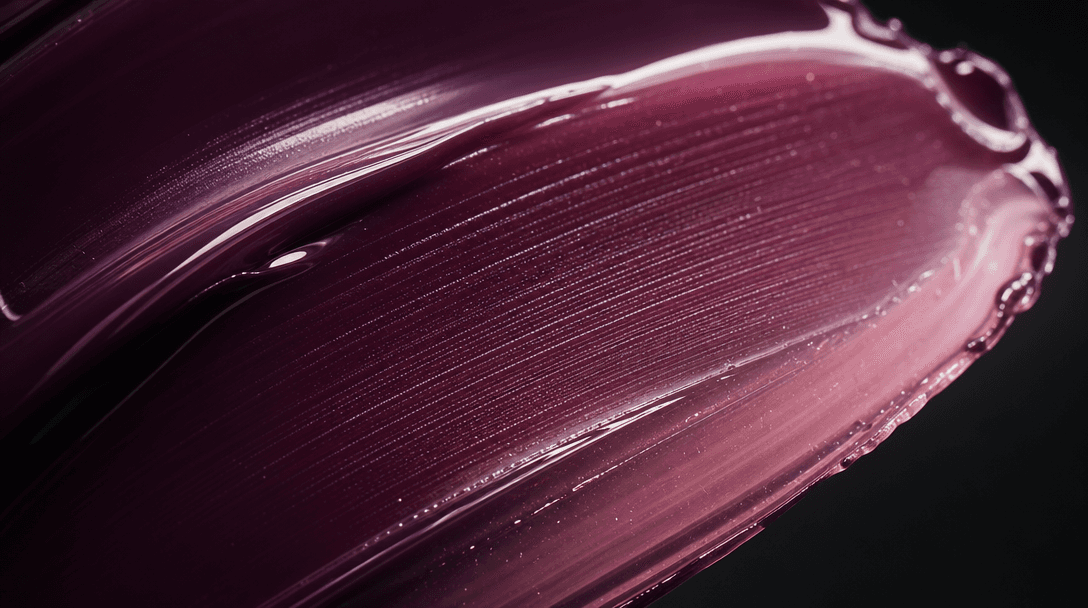
Extreme close-up of a freshly applied lip gloss smear — rich pigment in deep plum transitioning to a translucent rose ed
F · 01

Signature Glossy Smear Aesthetic

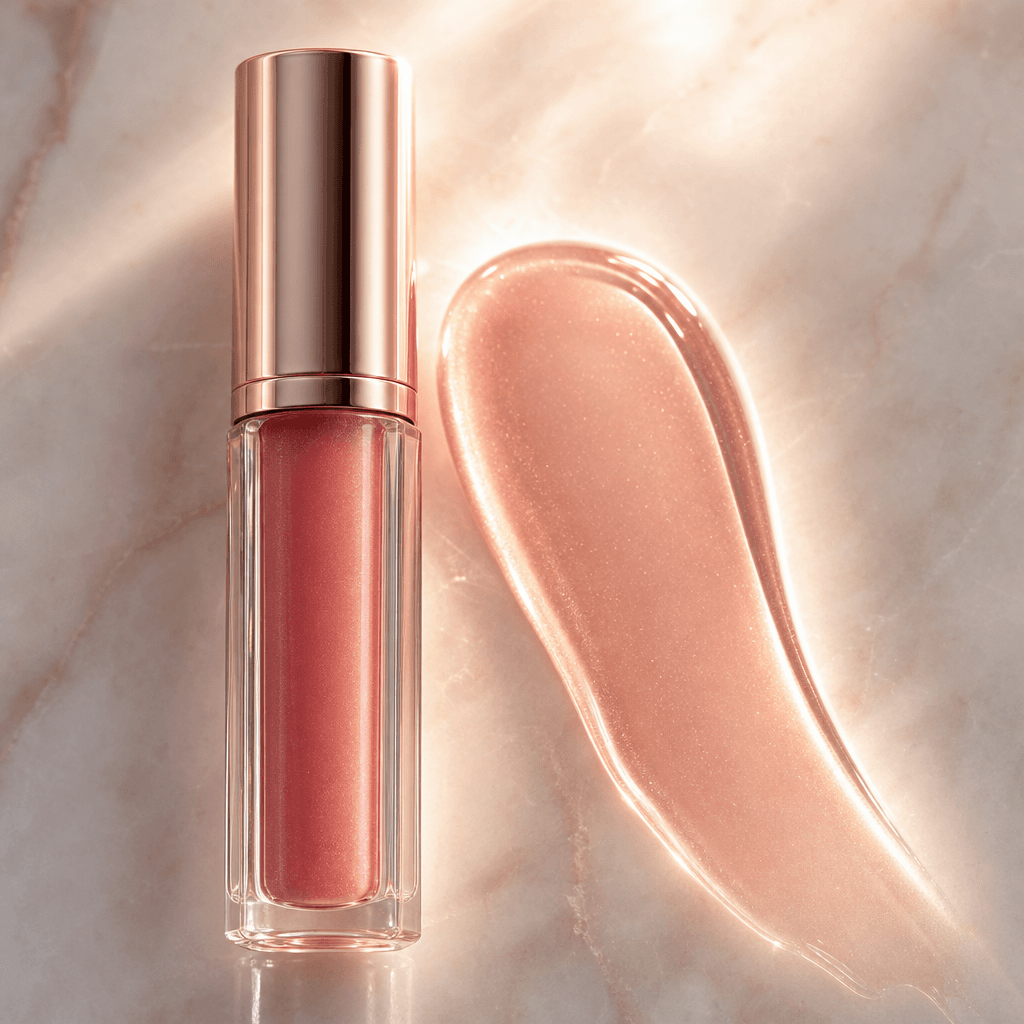
The Glossy Swipe template reproduces the high-end product-photography technique of placing cosmetics over a freshly applied paint smear. Every smear is rendered with genuine light refraction, wet-lacquer sheen, and pigment depth — the kind of detail that separates catalogue shots from editorial ones. Your product sits naturally within the scene because the AI accounts for reflection, shadow, and scale relative to the smear beneath it.
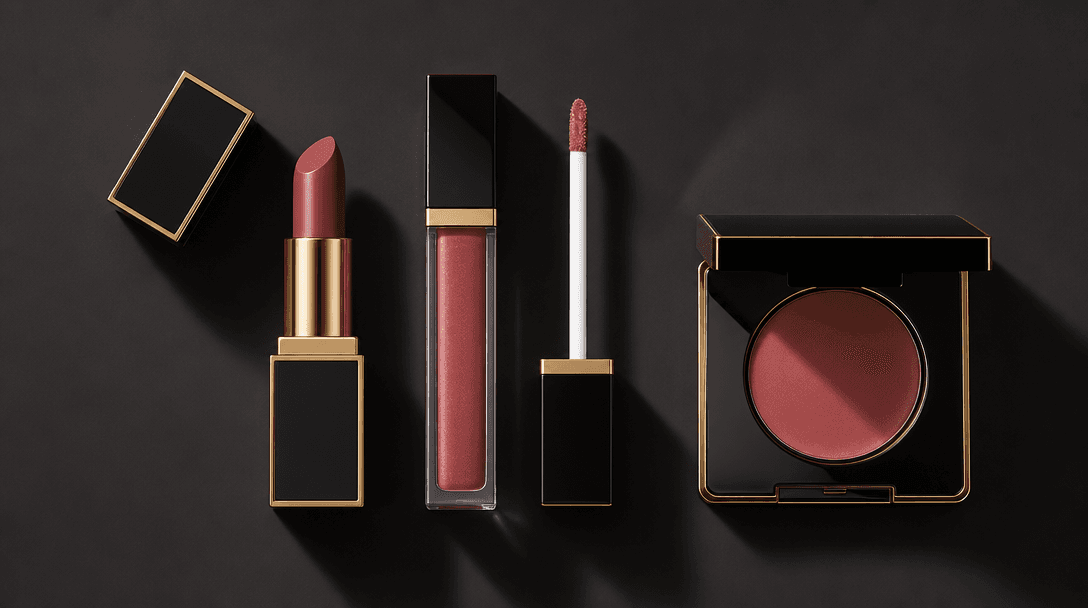
Flat-lay editorial arrangement of three luxury lip products on a smooth dark surface — matte lipstick, gloss wand, and l
F · 02

Production-Ready Beauty Compositions

Each output is composed to editorial standards: the product occupies the visual sweet spot, the smear anchors the colour story, and negative space frames the image for cropping to multiple formats — square for Instagram, portrait for Stories, landscape for display ads. No manual repositioning is needed before publishing to any channel.

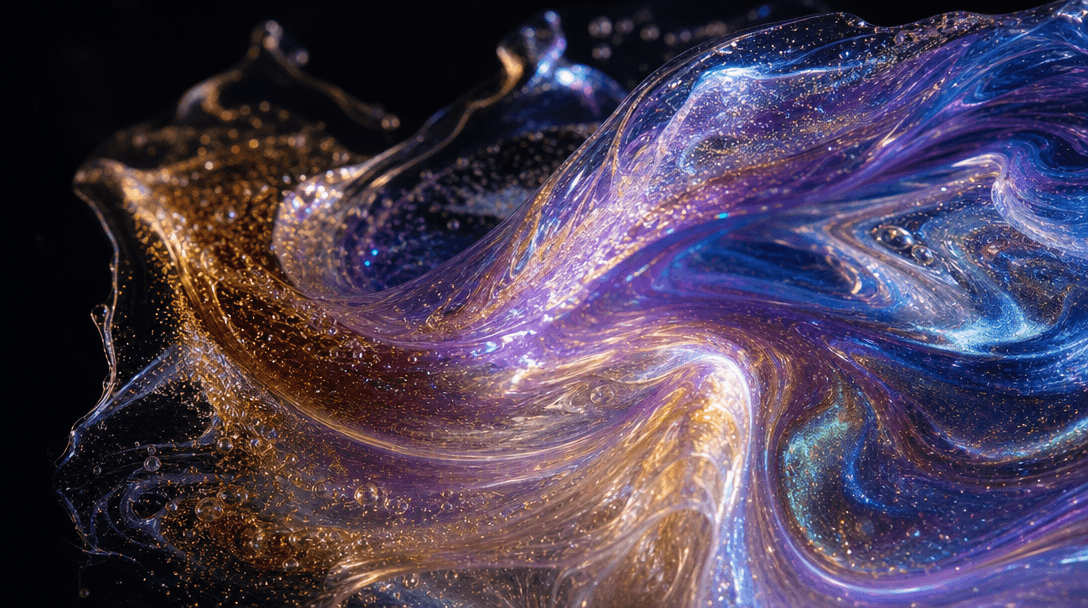
Abstract macro study of iridescent pigment swirling — metallic and pearl tones blending, light diffracting through a tra
F · 03

Multi-Model AI Rendering

Nim routes your generation through the best available AI image model for the task — including Flux variants and other frontier models — so Glossy Swipe outputs benefit from the latest advances in texture fidelity and colour accuracy. Model selection is handled automatically by the platform; you focus on your product, not the infrastructure.

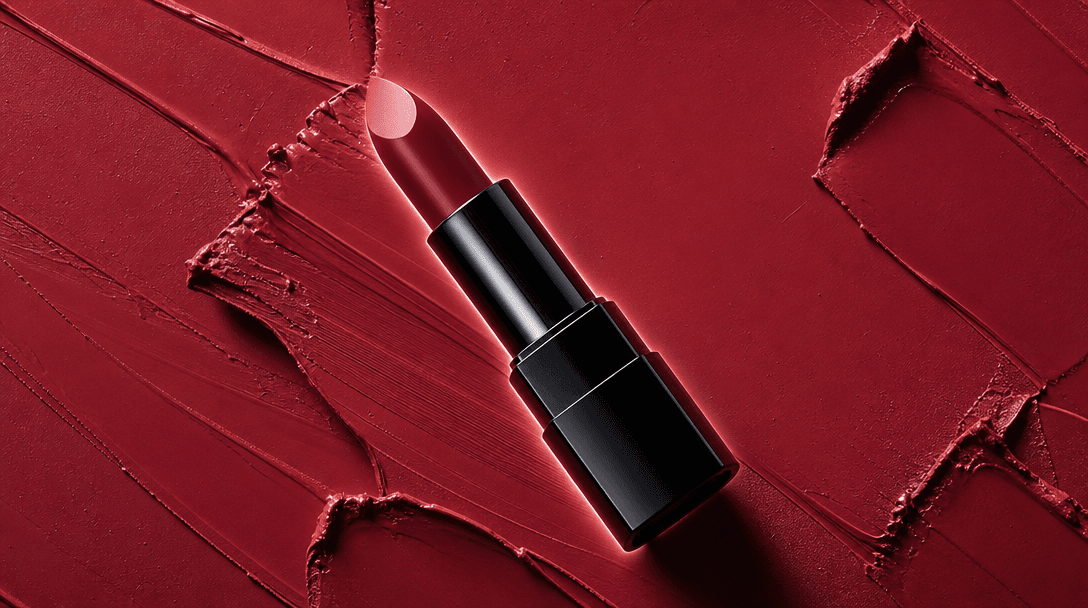
Overhead beauty hero shot: a lipstick tube placed diagonally on a bold color-blocked smear background, the smear shade p
F · 04

Seamless Product Integration

Upload a clean product photo — plain background or not — and the template handles compositing: it extracts the product, adjusts perspective and scale to match the smear, and renders the full scene with cohesive lighting. The result looks like a single photographic exposure, not a digital cut-and-paste, preserving the premium feel your brand demands.

Showcase

See it in action

Real outputs generated by our pipeline — no curated cherry-picks.

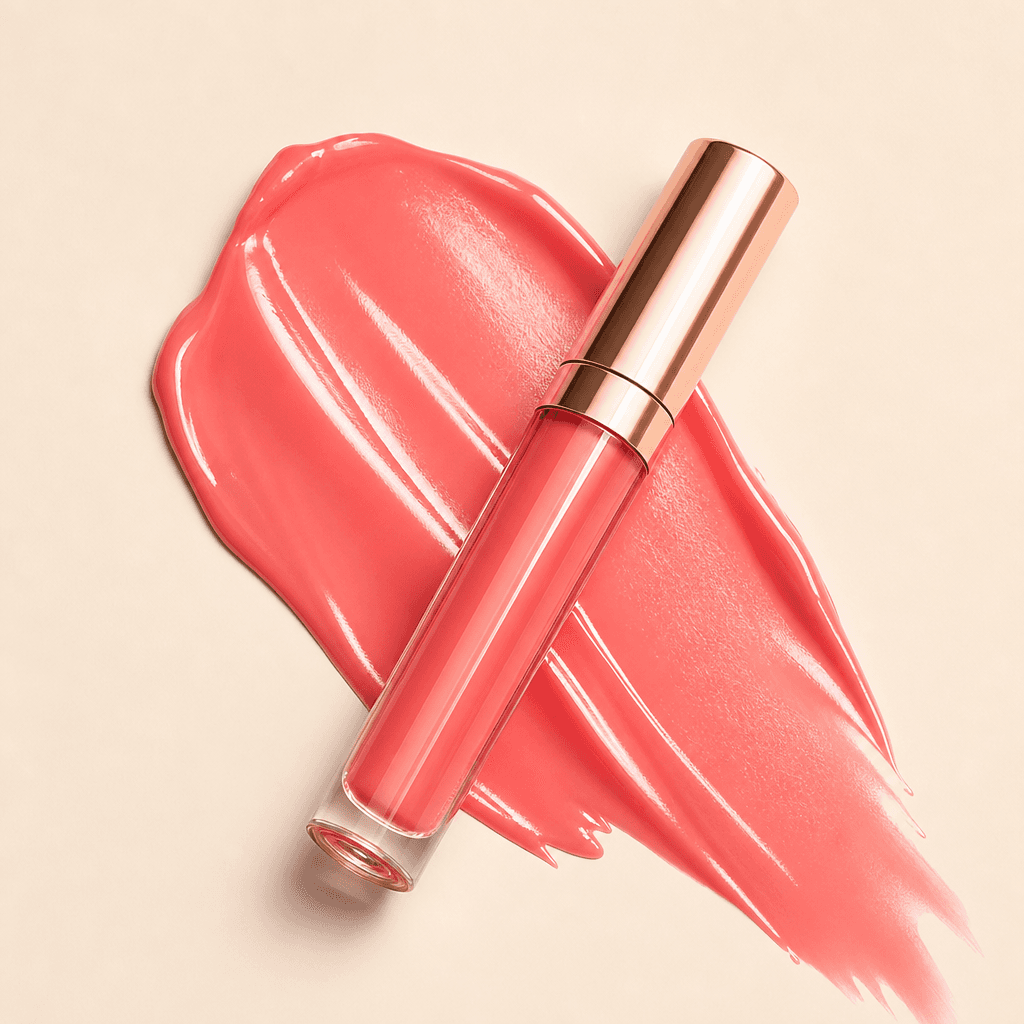
Coral-pink lip gloss tube resting diagonally on a fresh glossy smear of matching coral tone against a warm cream surface
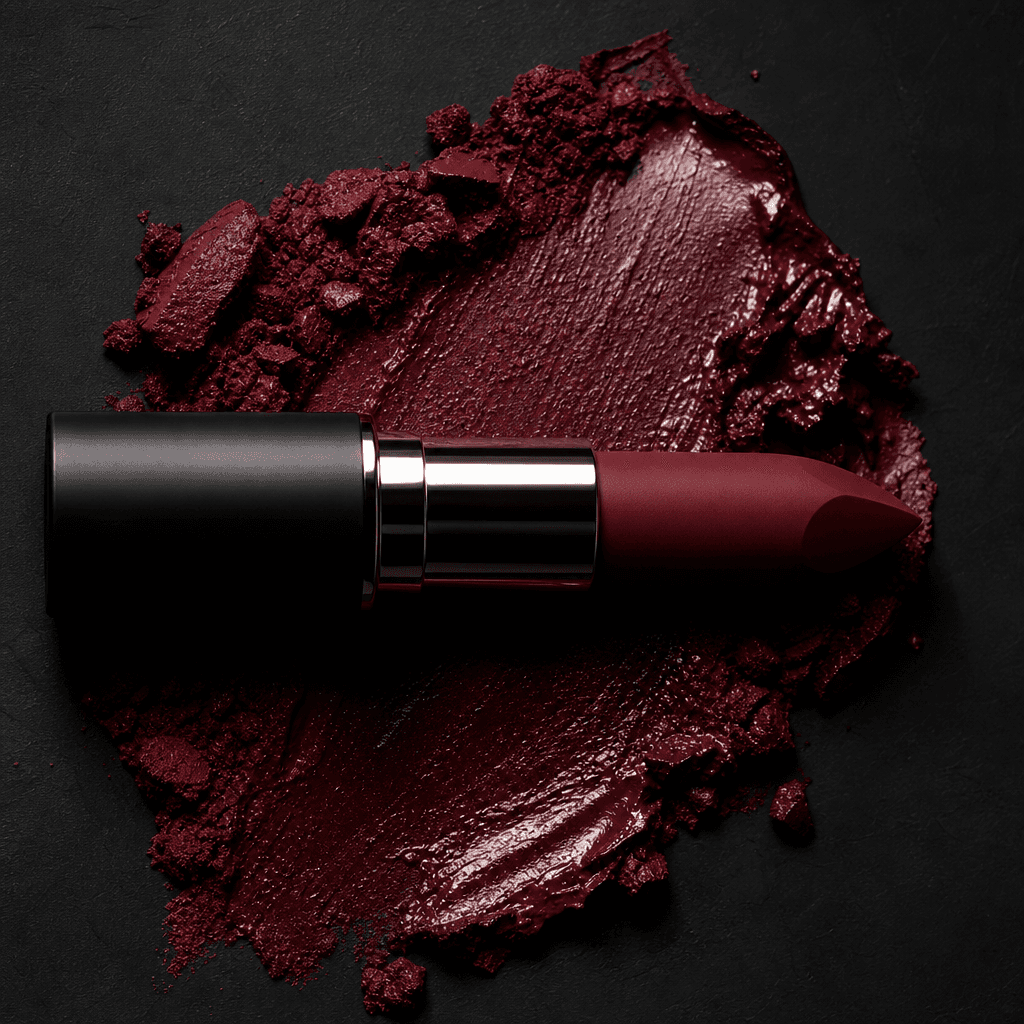
Deep burgundy matte lipstick bullet lying horizontally across a crushed-berry pigment smear on a dark charcoal backgroun
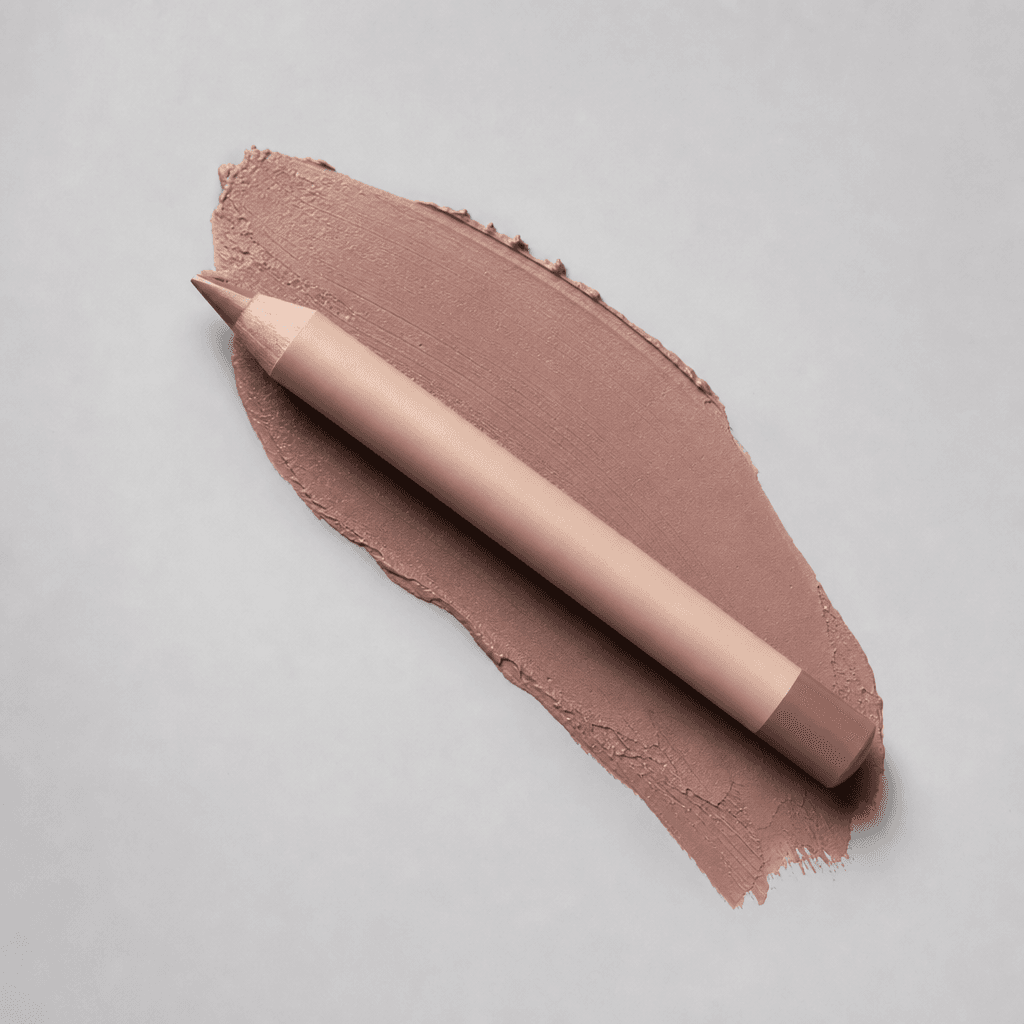
Nude beige lip liner pencil placed at a precise angle over a warm taupe smear on a light grey studio backdrop, diffused
Sheer rose lip oil bottle standing beside a translucent rose-gold gloss smear on a polished alabaster surface, backlit w
Ready to ship

Pick a template, customize, publish.

Use cases

Made for every workflow

  • Lip gloss brands

    Show off the high-shine finish of lip gloss in a visual language that matches the product's own texture. The Glossy Swipe smear mirrors the wet, luminous quality of gloss, making the product and background tell a unified story that resonates instantly with beauty shoppers.

  • Lipstick launches

    Launch a new shade with a hero image that communicates colour payoff at a glance. The smear acts as a live swatch beneath the product so shoppers see true pigment before they click — reducing return rates and increasing purchase confidence.

  • Beauty e-commerce

    Replace expensive per-SKU studio shoots for product detail pages and category banners. Produce consistent, on-brand beauty imagery across your entire catalogue in minutes rather than scheduling days of photography time.

  • Social media ads

    Create thumb-stopping paid social creatives for Meta, TikTok, and Pinterest campaigns. The editorial aesthetic performs well in beauty-audience feeds where generic white-background shots get scrolled past without registering.

  • Influencer gifting

    Produce polished imagery for PR kits and gifting campaigns so every product in the send looks launch-ready. Having a professional hero shot of each item sets the visual tone before the influencer even opens the package.

  • Cosmetics packaging

    Use Glossy Swipe renders to prototype packaging mock-ups and stakeholder presentation decks, communicating shelf-impact and colour story before committing to costly print production runs.

How it works

From idea to result in seconds

  1. Step · 01

    Upload your product

    Add a photo of your lip product — tube, compact, or wand — and the AI isolates it cleanly from any background.

  2. Step · 02

    Pick your smear style

    Choose a colour-matched smear variation from the template's built-in palette or let Nim auto-match to your product's shade.

  3. Step · 03

    Download and publish

    Render the final composition and download a high-resolution file ready for ads, product listings, or packaging decks.

FAQ

Frequently asked questions

  • Glossy Swipe is an AI-powered beauty photography template on Nim that composites your lip product over a rich, luminous makeup smear. It produces editorial-quality product imagery without a studio, camera, or post-production workflow — just upload your product and generate.

  • The template is optimised for lip glosses, lipsticks, lip liners, tinted balms, and lip oils. Any product with a clearly defined form factor — tubes, wands, compacts, and bullet formats — composites naturally over the smear background.

  • No. Upload a product photo, select a smear style, and click generate. The AI handles compositing, lighting, and colour matching automatically. No design software, camera skills, or retouching knowledge is required.

  • Most renders complete in under a minute. Generation time depends on current platform load, but the template is optimised for fast turnaround so you can iterate on multiple colour variants and product angles in a single session.

  • Outputs are high-resolution and suitable for digital advertising, e-commerce product pages, and print collateral. Exact pixel dimensions vary by the aspect ratio you select at generation time.

  • Yes. Images generated on paid Nim plans are licensed for commercial use, including advertising, product listings, social media, and packaging presentations. Review Nim's full terms at about.nim.video/terms for complete licensing details.

  • Watermarks are removed on paid Nim plans. Free-preview outputs may carry a watermark; upgrading to a paid plan gives you clean, publication-ready files with no overlay.

  • Nim's multi-model platform routes generations through leading image AI models — including Flux variants — automatically selecting the best model for colour accuracy and texture fidelity on each render. You don't need to configure models manually.

  • Photoshop requires manual masking, shadow painting, and colour matching — a workflow that takes hours and real retouching expertise. Nim's Glossy Swipe template automates all of that: product extraction, smear composition, and lighting are handled by AI in a single generation, with no design skills needed.

  • Yes — generating images requires purchased Nim credits. There is no free generation tier; you need an active plan or credit balance to produce and download renders. Visit nim.video/subscription to see current plan options and pricing.

Get started

See what you can make

Explore more

Discover more AI tools