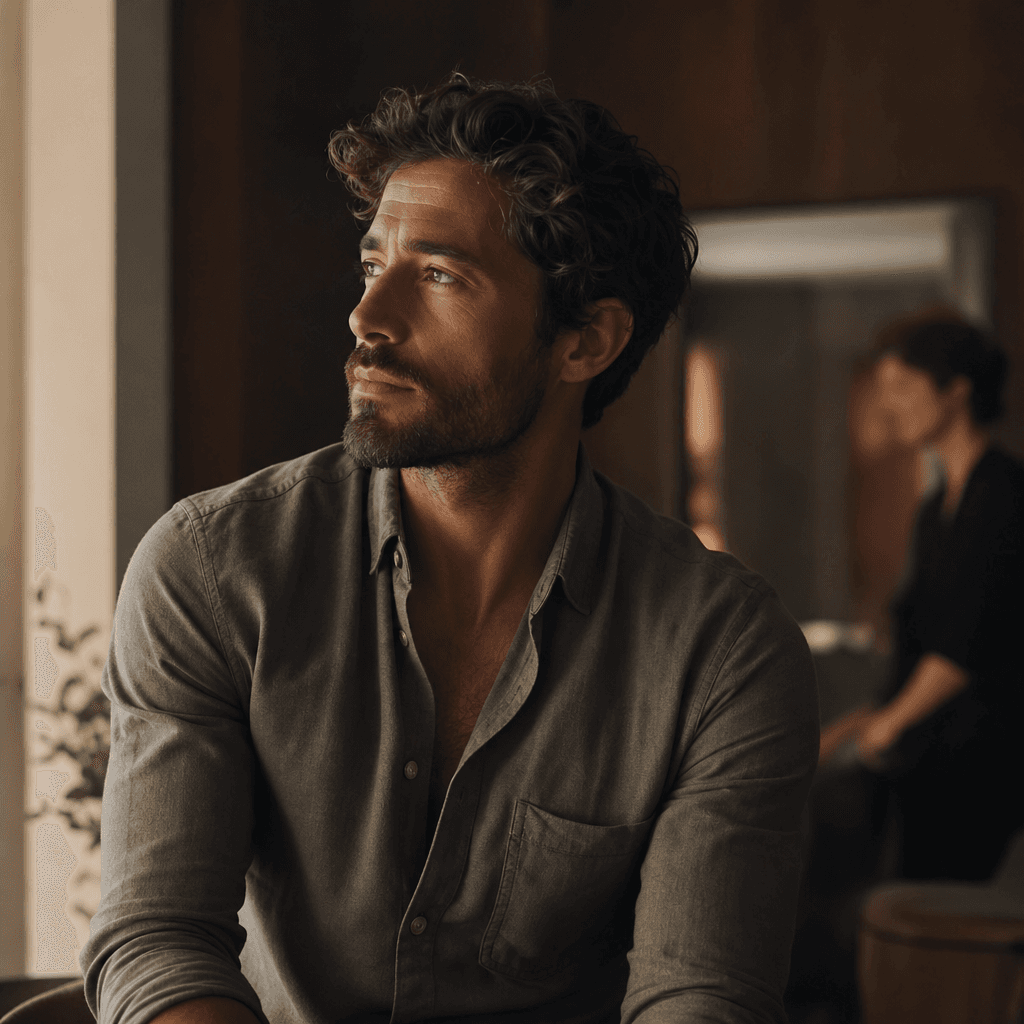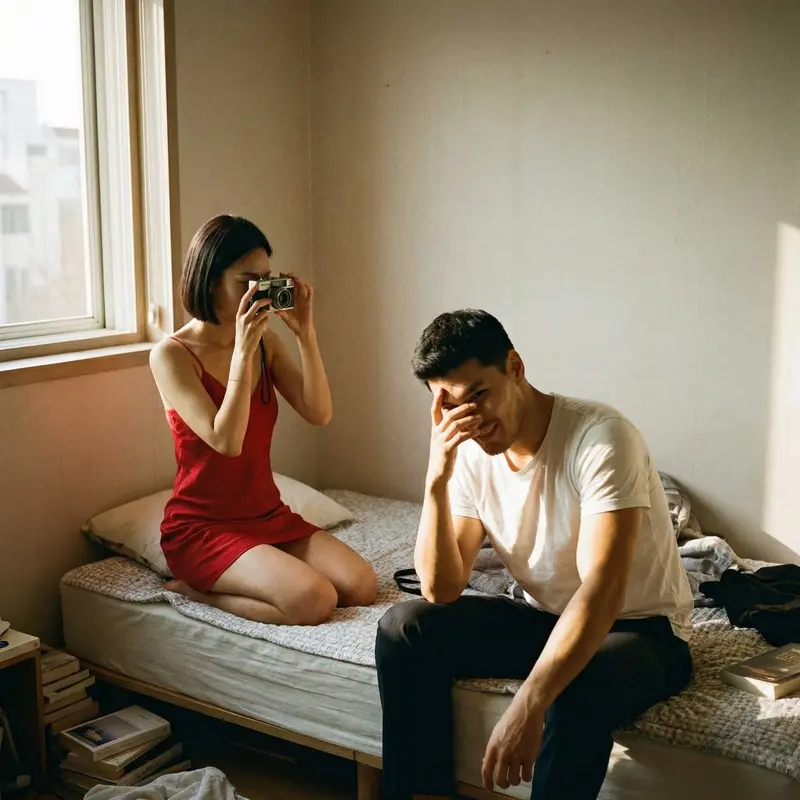
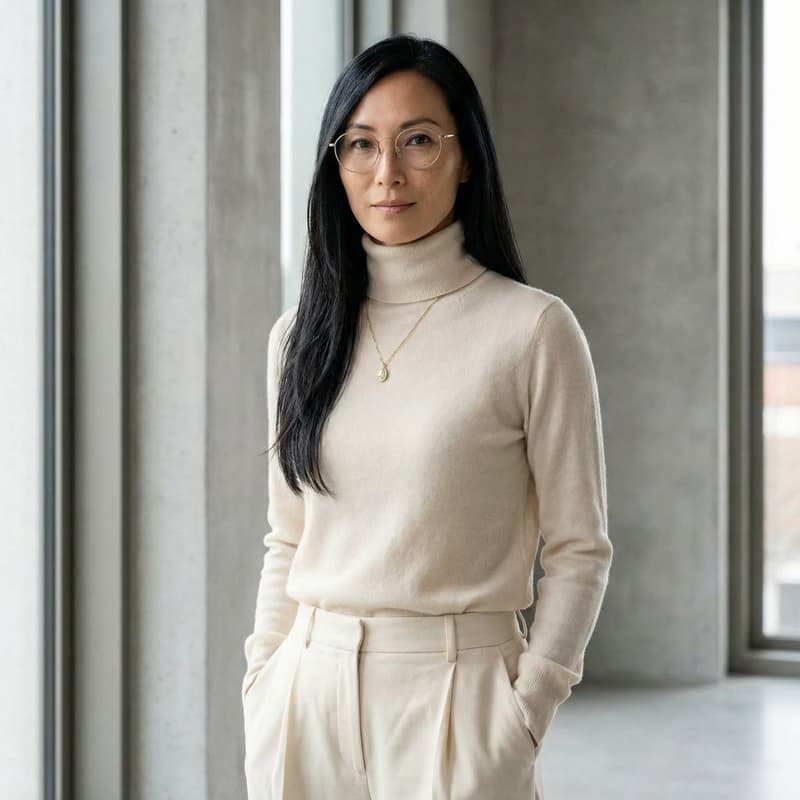
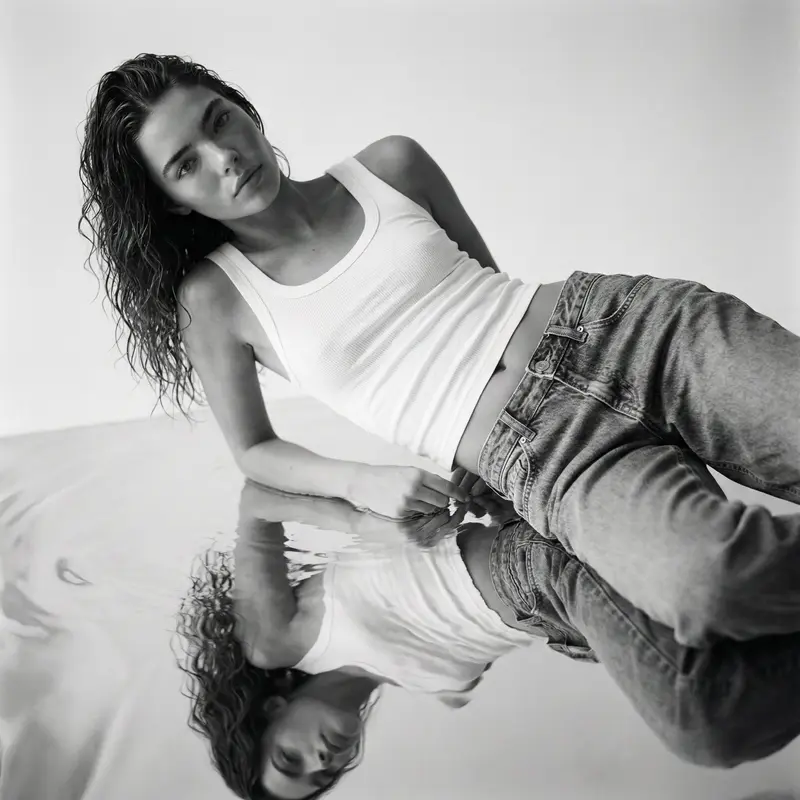
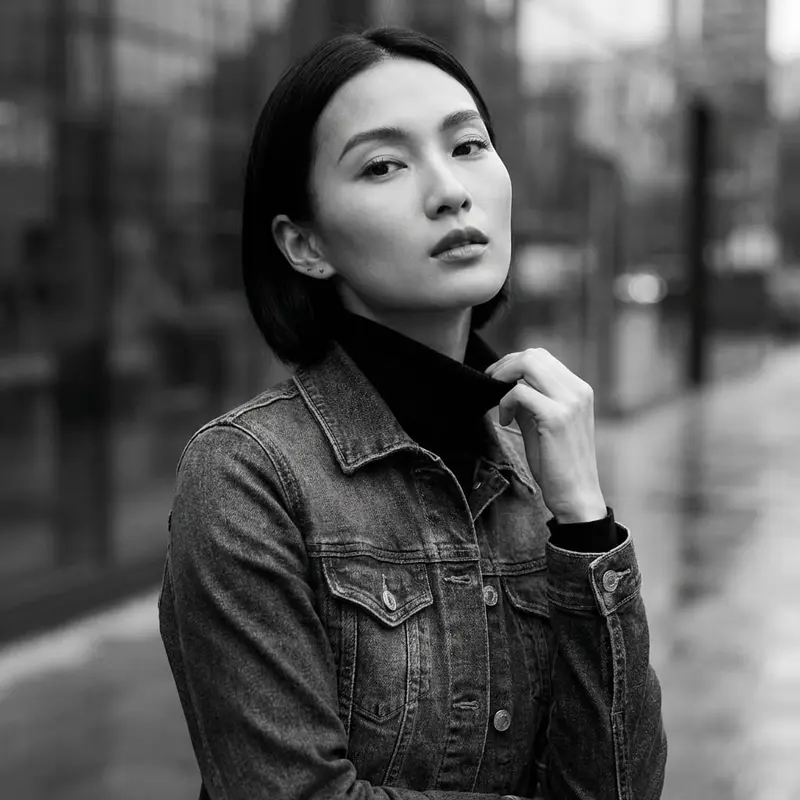
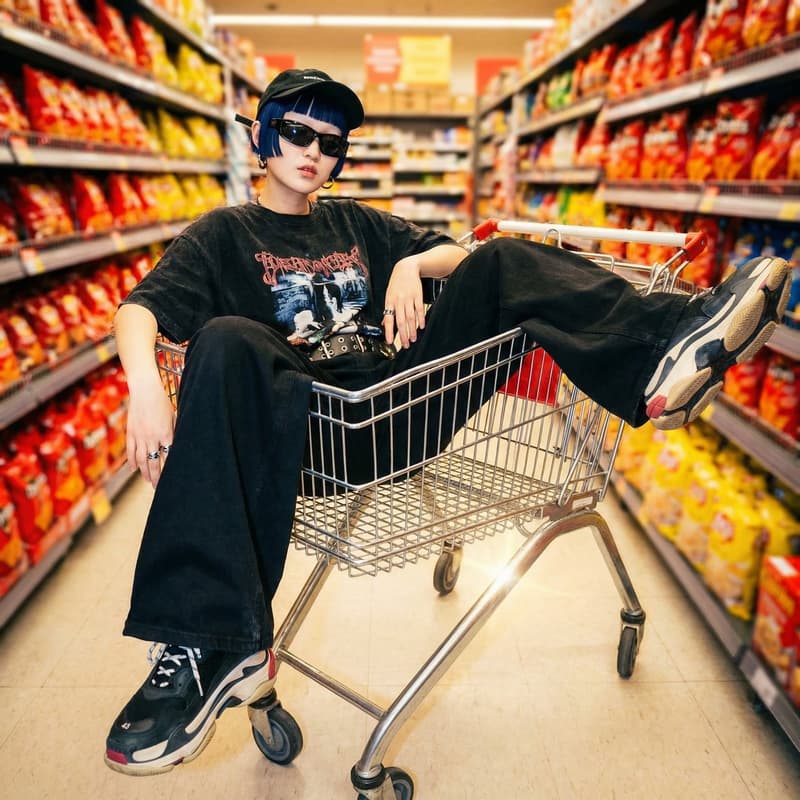
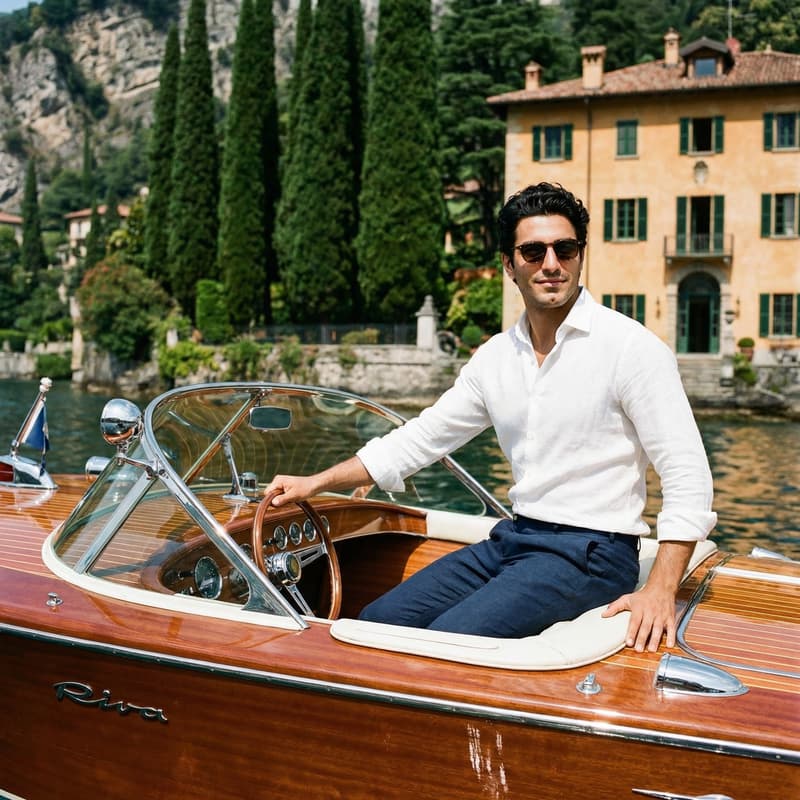
AI Portrait Template

Male Photoshoot From One Photo

Transform your photo into a polished editorial portrait with a curated professional template, production-ready styling, and multi-model generation.

Create your photoshoot
Browse all 400+ templates

Everything you need

Built for creators, marketers, and teams shipping AI video at scale.

01

One-Photo Transformation

Start with a clear portrait and turn it into a complete male photoshoot concept without arranging a physical studio session.

02

Editorial Styling

Create portraits with composed lighting, confident framing, and a refined visual direction suited to modern personal and commercial content.

03

Curated Template Direction

Use a purpose-built photoshoot template that provides stronger creative direction than beginning with an unstructured prompt.

04

Multi-Model Access

Explore compatible image-generation models within Nim to find the interpretation that best matches your portrait and creative goal.

05

Fast Creative Iteration

Generate and compare portrait directions in seconds or under a minute, depending on the selected model and generation settings.

06

Professional Composition

Produce balanced headshots and editorial portraits with deliberate subject placement, controlled backgrounds, and studio-inspired depth.

07

Campaign-Ready Visuals

Develop male portrait assets for profiles, portfolios, social posts, creator campaigns, and ecommerce brand storytelling.

08

Consistent Art Direction

Repeat the template with selected source photos to build a more cohesive collection of portraits across a campaign or content series.

Features

Built to ship

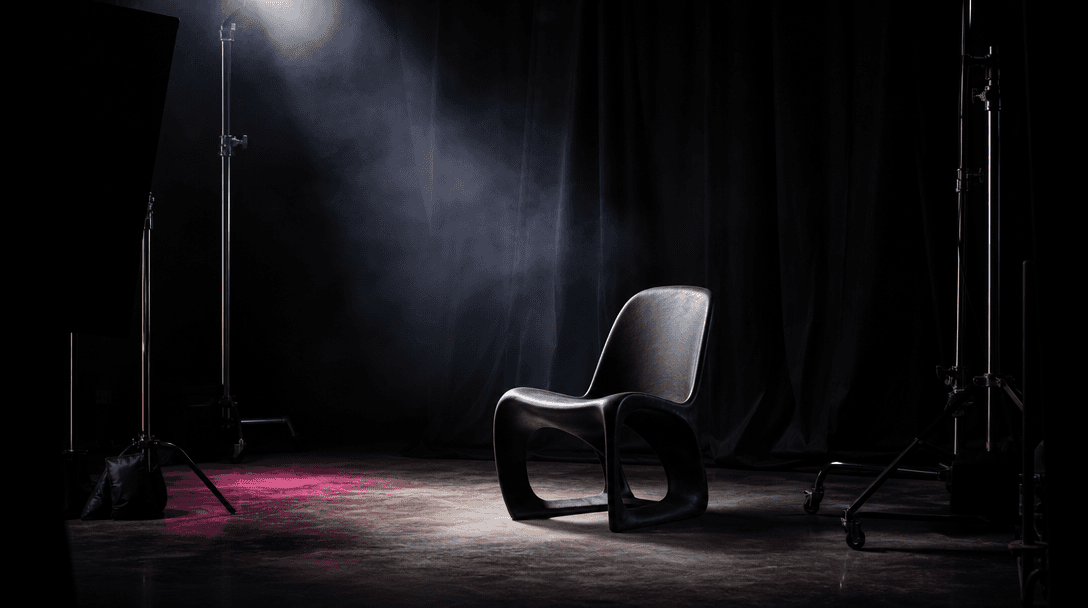
A dark editorial photography studio prepared for a premium portrait session, empty sculptural chair, black fabric backdr
F · 01

Transform Everyday Portraits Into Editorials

The Male photoshoot template turns an ordinary source photo into a more deliberate portrait with editorial framing, controlled light, and stronger visual presence. It gives creators a focused starting direction, reducing the trial and error associated with writing a detailed photoshoot prompt from scratch.
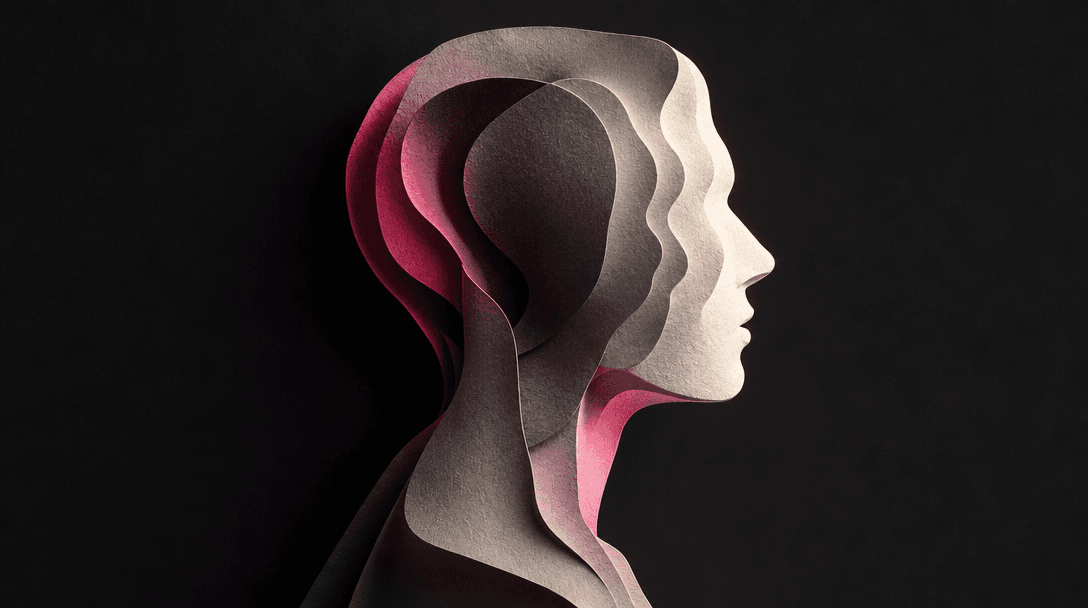
Abstract portrait concept visualized through layered translucent profile silhouettes cut from textured photographic pape
F · 02

Preserve a Recognizable Personal Identity

A clear, front-facing source photo gives the selected AI model useful visual context for interpreting facial structure, hair, expression, and overall appearance. Results can vary between generations, so Nim makes it practical to create alternatives and choose the image that feels most recognizable and naturally composed.

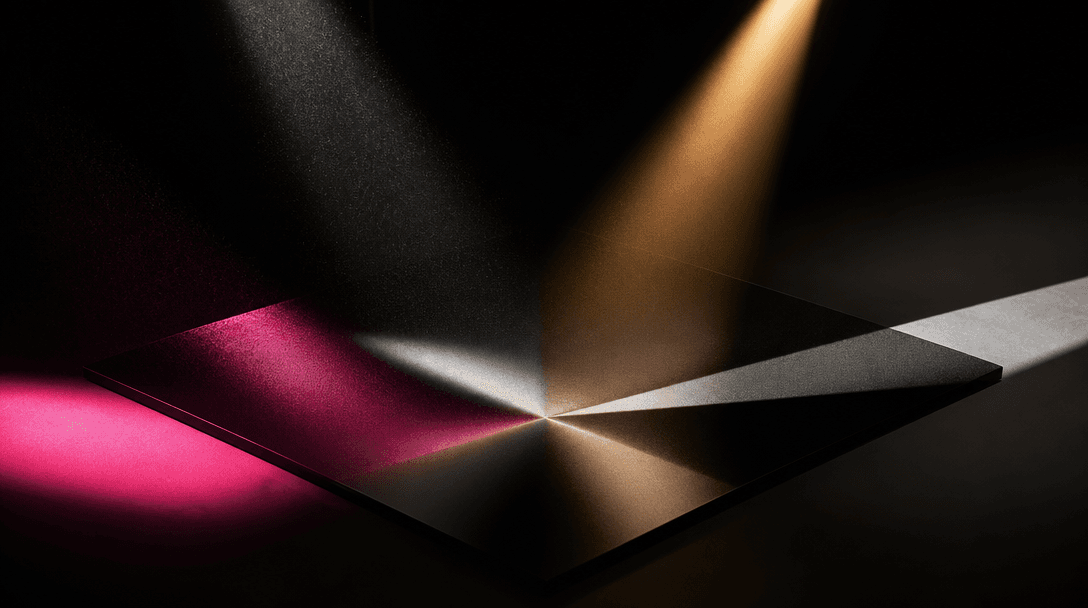
Four distinct beams of studio light converge onto a single polished black photographic surface, each beam carrying a dif
F · 03

Explore Leading Models in One Platform

Nim brings image and video models such as Flux, Sora, Veo, Kling, and Pika into one creative platform, with availability depending on the selected workflow. You can evaluate different model aesthetics without rebuilding the entire concept across disconnected tools, then continue developing the strongest output in a broader content workflow.

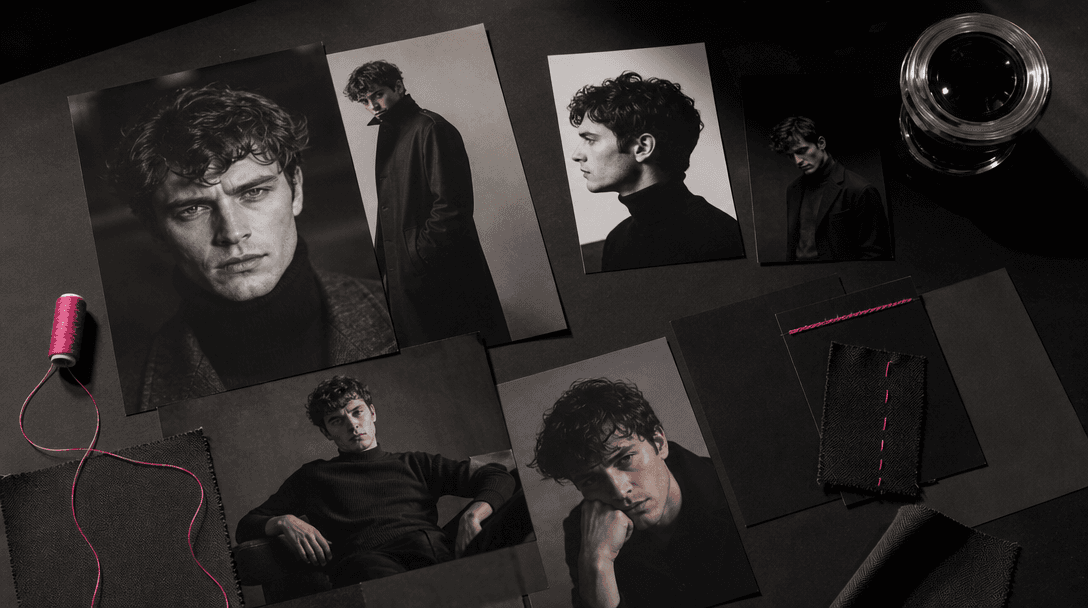
A cinematic campaign moodboard expressed as physical photographic prints, fabric swatches, matte black cards, and a chro
F · 04

Build Production-Ready Portrait Campaigns

Use the template to create polished source material for professional profiles, creator branding, social campaigns, lookbooks, and promotional assets. Curated visual direction helps keep the results purposeful, while additional generations let you test compositions before committing to a final campaign image.

Showcase

See it in action

Real outputs generated by our pipeline — no curated cherry-picks.

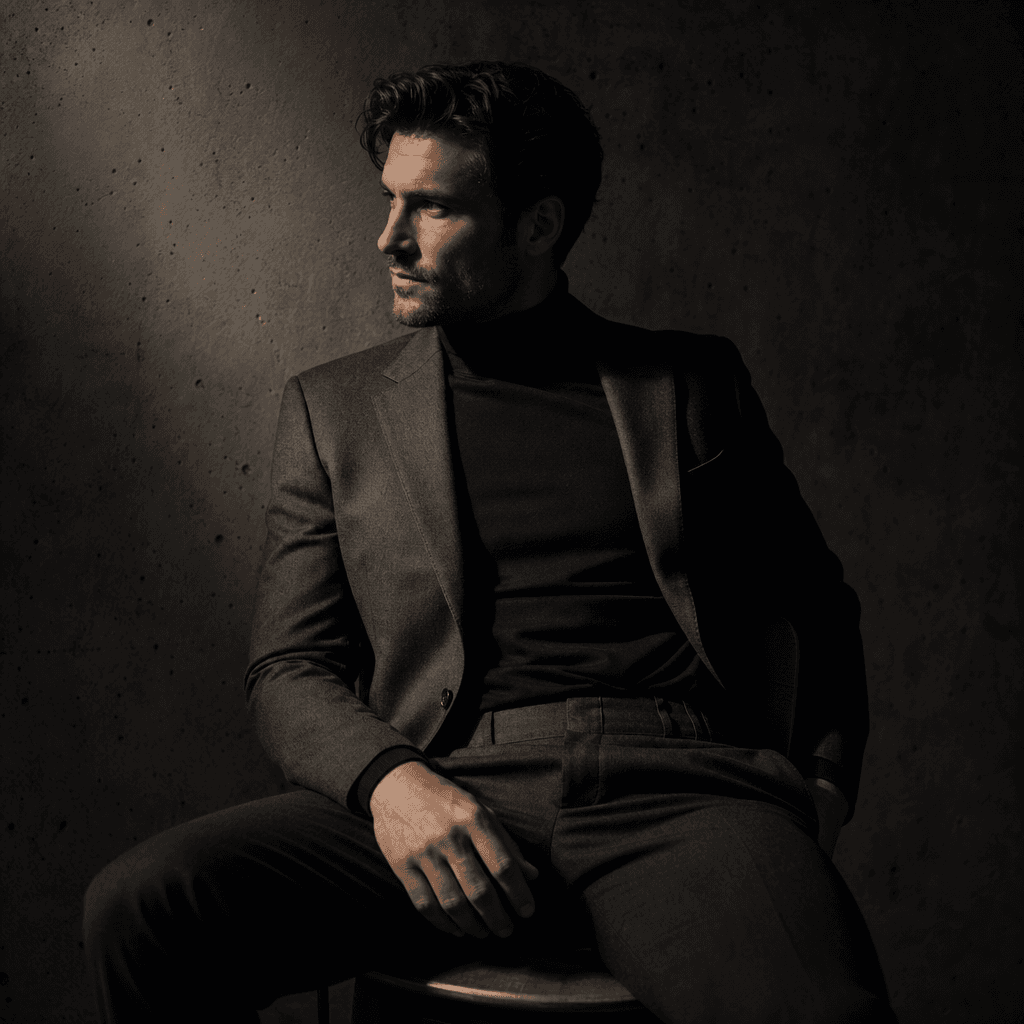
Square editorial portrait of an anonymous adult man in a tailored charcoal suit, seated against a textured concrete wall
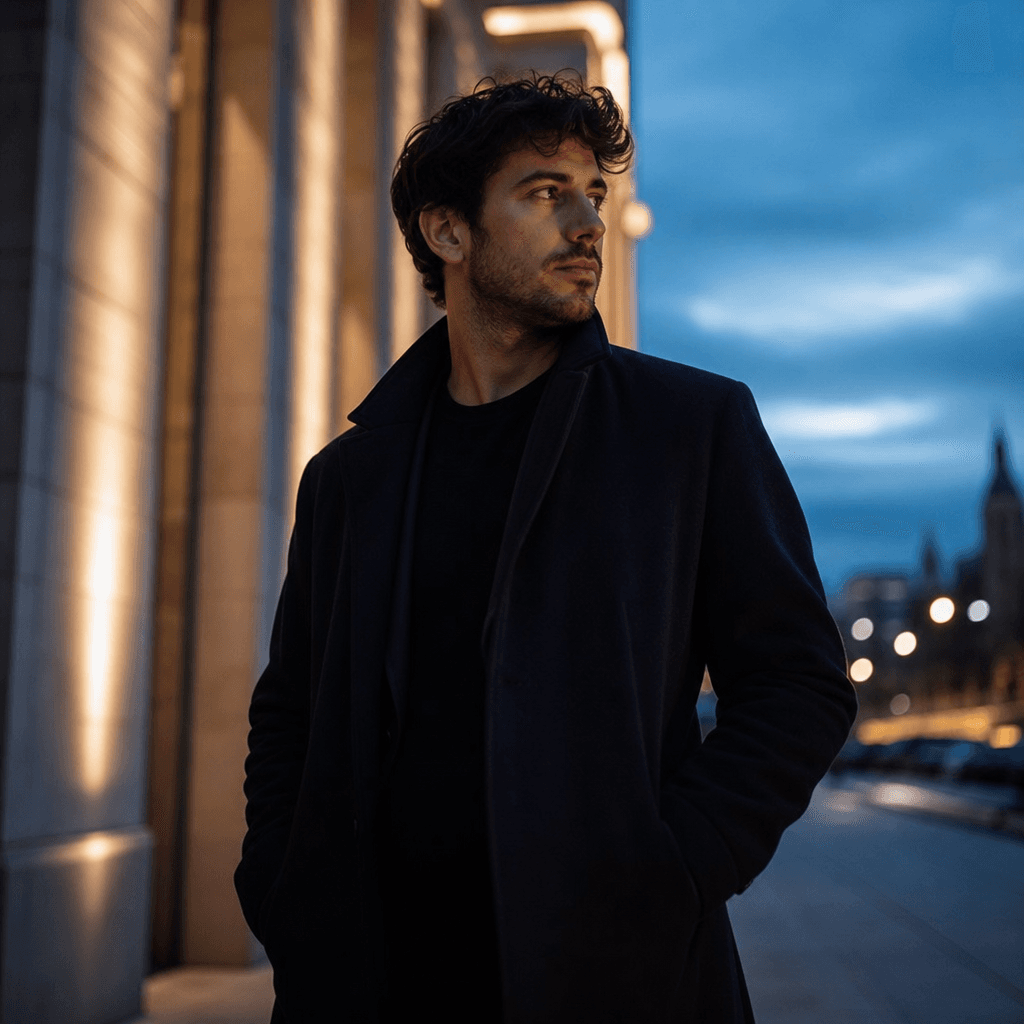
Square outdoor male lifestyle portrait at blue hour, anonymous adult subject in a dark overcoat standing beneath archite
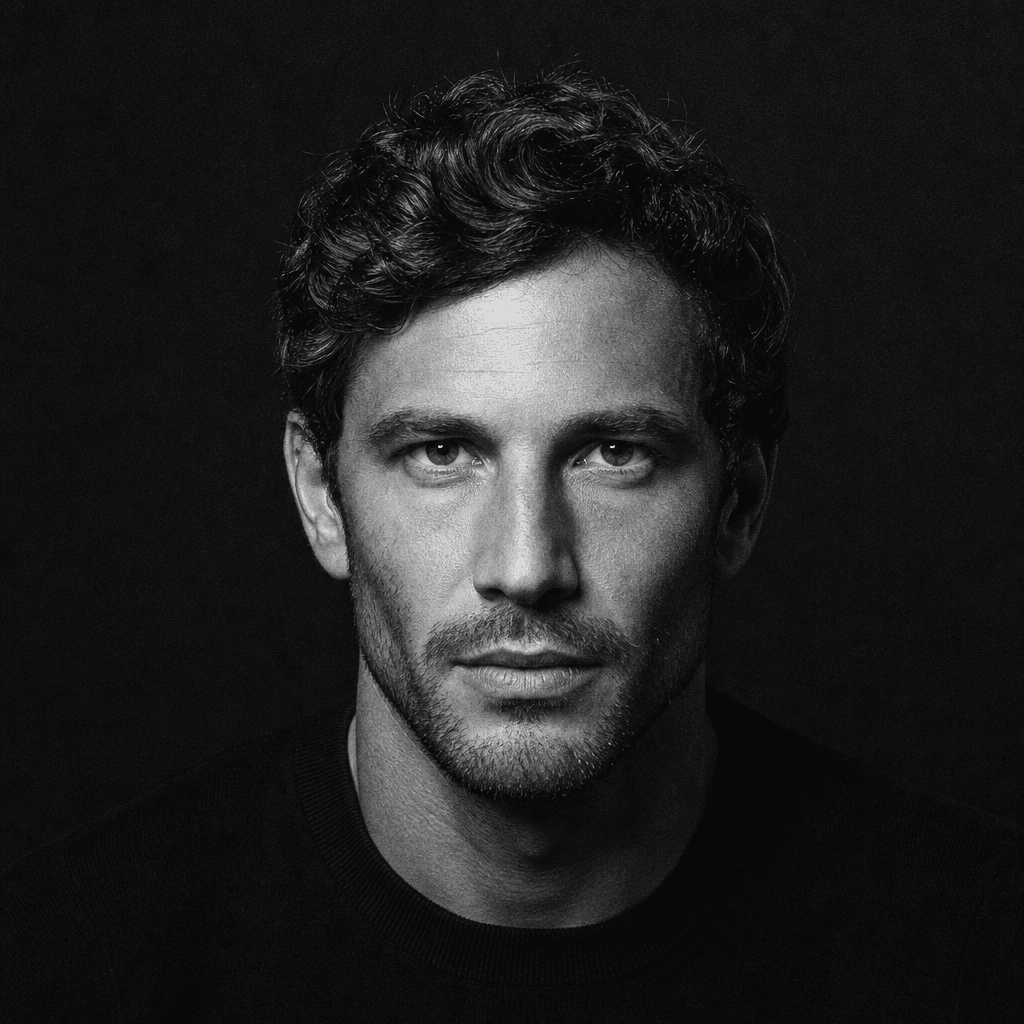
Square monochrome studio portrait of an anonymous adult man wearing a simple black crewneck, dramatic overhead softbox c
Square cinematic male portrait in a warm modern interior, anonymous adult subject in a relaxed neutral shirt beside dire
Ready to ship

Pick a template, customize, publish.

Use cases

Made for every workflow

  • Creators

    Refresh profile images, channel artwork, media kits, and announcement posts with a more cinematic male portrait. The template helps creators develop a distinctive visual identity without organizing a new physical shoot for every content cycle.

  • Personal Brands

    Create polished portraits for founder pages, speaker profiles, newsletters, course launches, and professional social accounts. Generate several directions to match formal, editorial, or lifestyle-oriented brand positioning.

  • Marketing Teams

    Develop campaign portraits for ads, landing pages, organic social content, and branded editorial layouts. The template offers a repeatable creative foundation that teams can adapt to different placements and campaign concepts.

  • Fashion Sellers

    Turn suitable model photos into aspirational portrait concepts for collection teasers, lookbook covers, and social storytelling. Use generated images as part of a wider creative campaign while checking that apparel details remain accurate to the product.

  • Professionals

    Produce a stronger visual direction for portfolio introductions, biographies, networking profiles, and personal websites. The template is useful when a standard snapshot needs more intentional lighting and editorial character.

  • Creative Agencies

    Rapidly explore male portrait treatments during moodboarding and campaign development. Teams can compare compositions and aesthetics before selecting a direction for final production or client review.

How it works

From idea to result in seconds

  1. Step · 01

    Upload Your Portrait

    Choose a clear, well-lit photo where the subject's face and defining features are visible.

  2. Step · 02

    Generate The Photoshoot

    Apply the Male photoshoot template and select available generation options that fit your intended portrait style.

  3. Step · 03

    Choose Your Result

    Review the generated portraits, create alternatives when needed, and select the strongest image for your project.

FAQ

Frequently asked questions

  • Male photoshoot is a curated Nim image template that transforms an uploaded portrait into a more fascinating, professionally directed photoshoot image. It is designed to add editorial composition, controlled lighting, atmosphere, and visual polish without requiring users to construct the entire creative prompt themselves.

  • Upload a clear source portrait, open the Male photoshoot template, and start a generation using the available settings and model options. The AI interprets the source image together with the template's visual direction, producing a new portrait that can vary in pose, lighting, framing, background, and editorial treatment.

  • Use a sharp, well-lit image with one clearly visible adult subject and minimal obstruction around the face. A neutral expression, natural proportions, and adequate resolution give the model stronger identity cues; heavily compressed photos, extreme angles, sunglasses, motion blur, or faces hidden in shadow may produce less consistent results.

  • Generation requires an account and purchased credits, with credit usage depending on the model and settings selected. Preview output may include a watermark, while watermark removal is available through paid plans according to Nim's current subscription and export options.

  • Nim is a multi-model platform that provides access to leading image and video generation families, including Flux, Sora, Veo, Kling, and Pika across supported workflows. The exact models available for this specific template can depend on current compatibility, generation mode, account access, and the output being created.

  • The template is intended for polished male portrait images suitable for profile assets, personal branding, social campaigns, portfolio covers, editorial concepts, and marketing compositions. Results are AI-generated, so important identity, fashion, product, or brand details should be reviewed before publishing or using them commercially.

  • Commercial use depends on Nim's current terms, your plan, the selected model's conditions, and whether you have the necessary rights to the uploaded photo and depicted subject. You should also verify any recognizable brands, garments, locations, or protected elements before using an output in advertising, resale, or client work.

  • A generic generator often begins with an open prompt and requires the user to define the entire visual treatment. Male photoshoot provides curated, portrait-specific art direction inside Nim, while the broader platform adds professional templates and access to multiple generation models for comparing creative interpretations.

  • Many generations complete in seconds or under a minute, although actual latency varies with the selected model, output settings, service demand, and processing complexity. Creating several alternatives may take longer, but it gives you more options for evaluating identity, composition, lighting, and overall realism.

  • No AI transformation can guarantee exact identity preservation in every generation. Source-photo quality, facial angle, lighting, model behavior, and the strength of the creative transformation all affect similarity, so review each output closely and generate alternatives when accuracy matters.

Get started

See what you can make

Explore more

Discover more AI tools