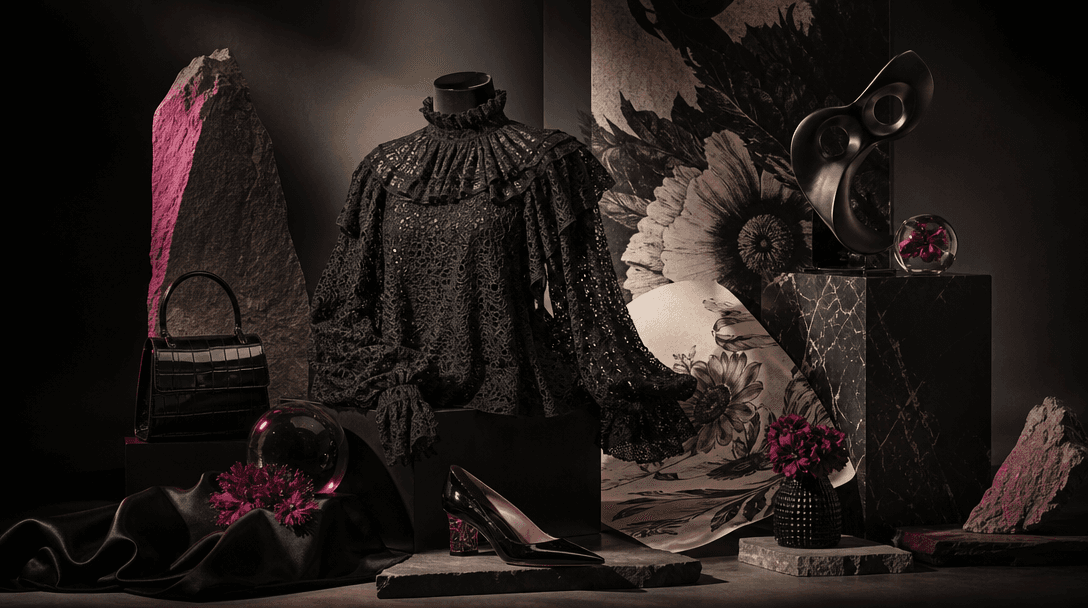


Fashion Portrait

Outfit Twin Fashion Portrait Template

Turn one real fashion look into a polished side-by-side portrait with its illustrated twin, using a curated template built for production-ready results.

Create outfit twin
Browse all 400+ templates

Everything you need

Built for creators, marketers, and teams shipping AI video at scale.

01

Real Meets Illustrated

Pair your original look with a stylized illustrated twin in one cohesive fashion composition.

02

Side-by-Side Layout

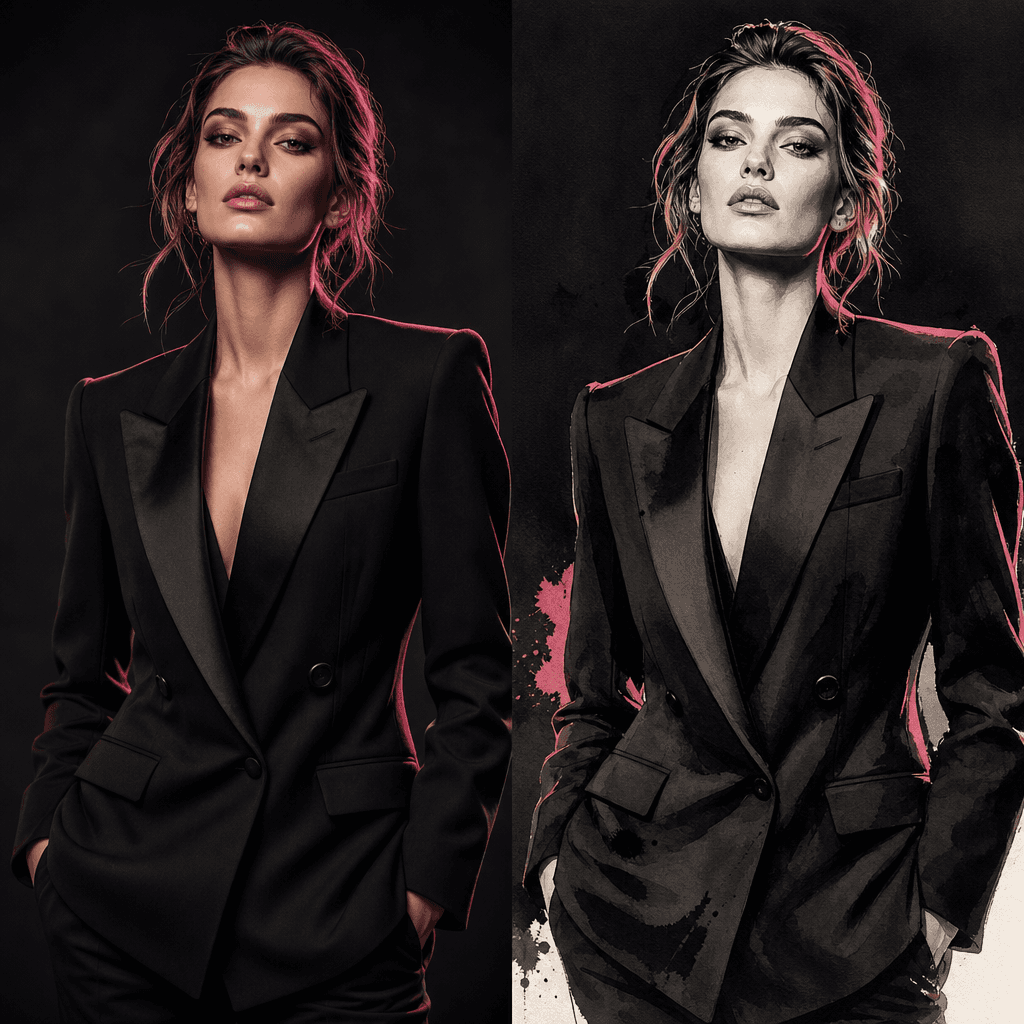
Present both versions together so viewers can compare the outfit, silhouette, colors, and styling at a glance.

03

Fashion-First Styling

Keep the clothing and overall visual identity at the center of the generated scene.

04

Curated Composition

Use a ready-made creative direction instead of building a complex fashion concept from an empty prompt.

05

Production-Ready Detail

Generate polished visuals suited to social posts, campaign concepts, editorial content, and product storytelling.

06

Multi-Model Creation

Work within Nim's multi-model platform alongside leading image and video generation models.

07

Creator-Friendly Workflow

Move from a source look to a distinctive twin concept without organizing a second physical photoshoot.

08

Commercial Creative Direction

Adapt the twin format for fashion brands, ecommerce sellers, stylists, marketers, and independent creators.

Features

Built to ship

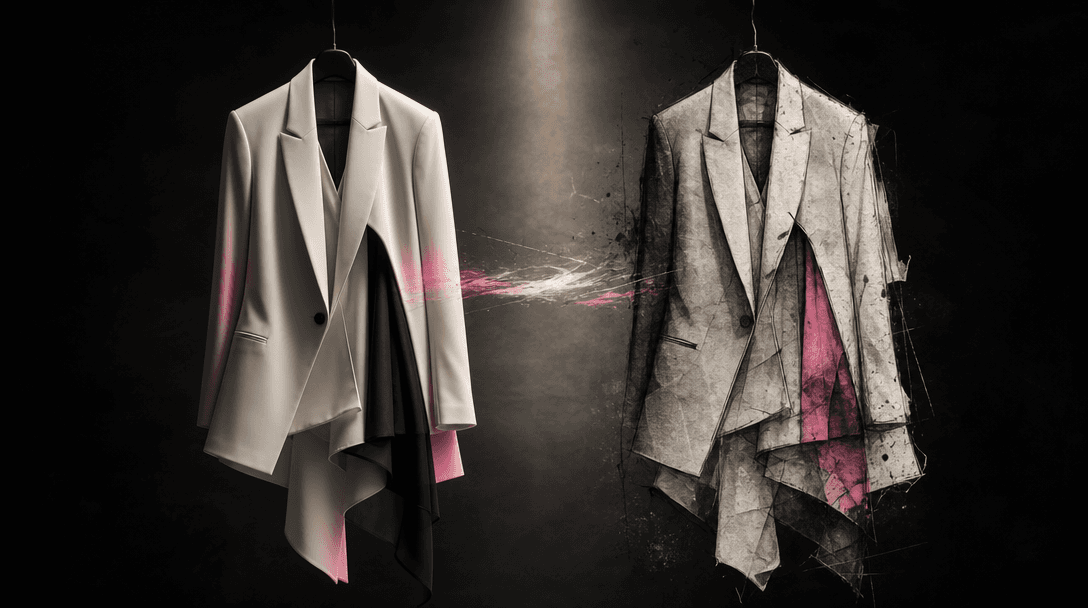
Two tailored garments suspended side by side in a dark editorial studio, one rendered as photoreal fabric and the other
F · 01

Transform One Look Into Two

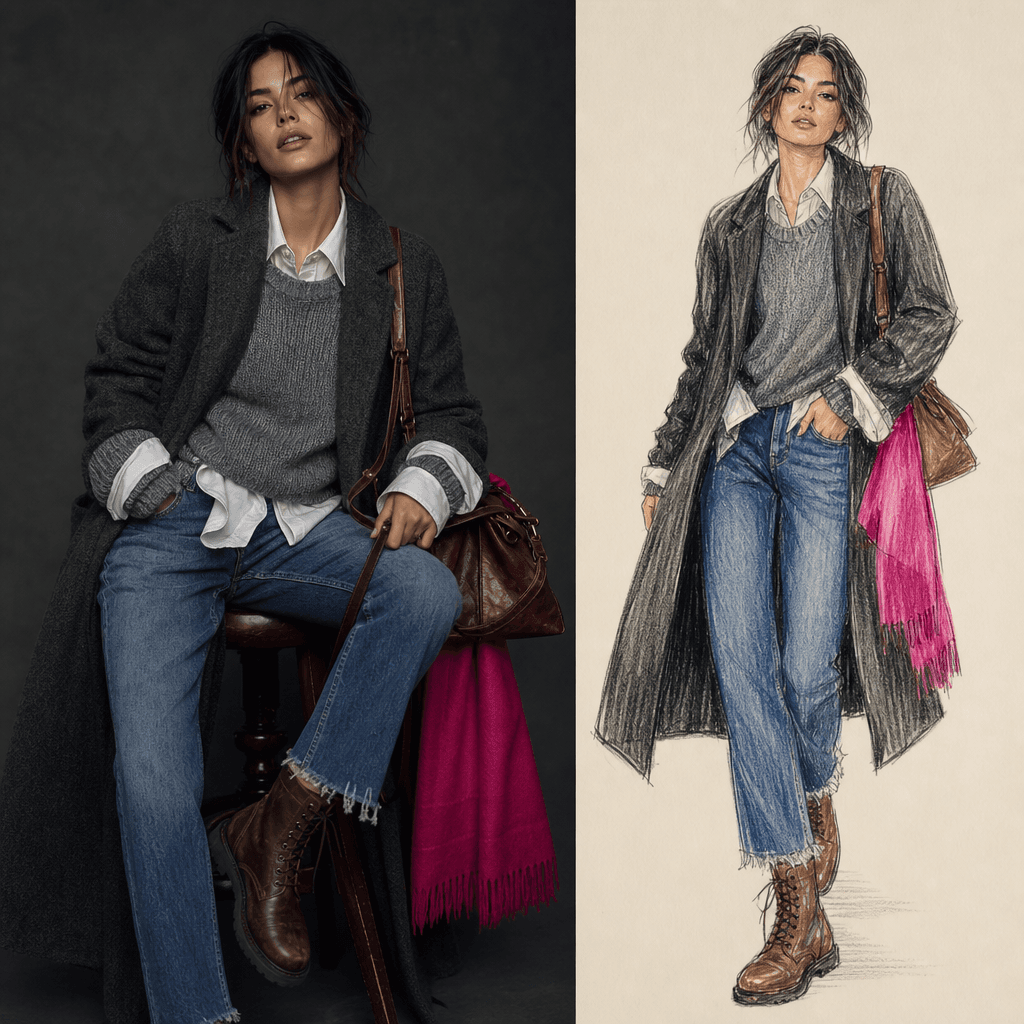
The Outfit twin template builds a coordinated scene around two interpretations of the same fashion identity: your real look and an illustrated counterpart. The paired composition gives a familiar outfit a more imaginative editorial treatment while preserving the visual relationship between both sides.
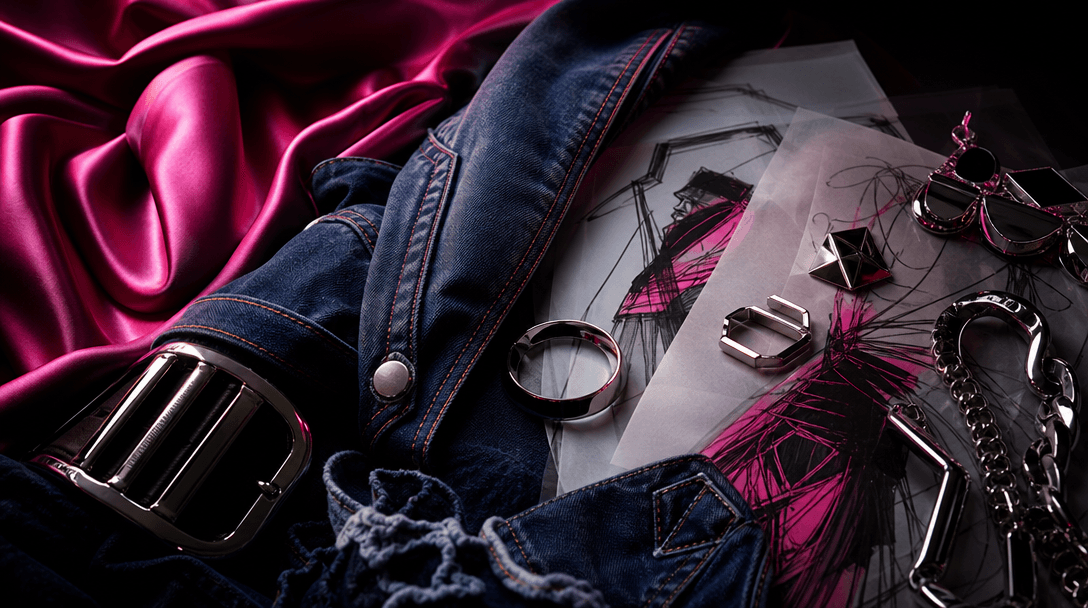
A cinematic macro arrangement of fashion materials: folded silk, stitched denim, polished metal accessories, translucent
F · 02

Make Outfit Details More Memorable

A direct real-versus-illustrated comparison draws attention to silhouette, layering, color combinations, accessories, and styling choices. Use the contrast to make an outfit reveal, collection highlight, or personal fashion post more distinctive than a standard portrait.

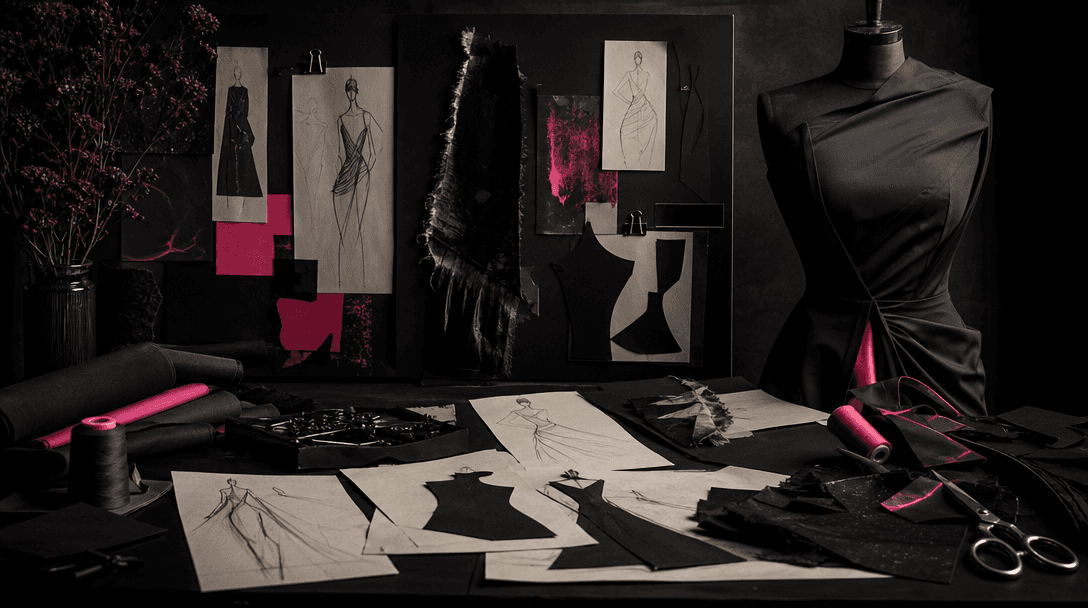
An atmospheric fashion concept table in a dark studio with fabric swatches, refined sketch lines, cut paper silhouettes,
F · 03

Start With Curated Art Direction

Skip the blank-canvas stage and begin with a professional concept designed specifically for fashion imagery. The template establishes the twin-format direction, helping creators and marketers reach a coherent result without writing an elaborate prompt from scratch.

A premium fashion campaign still life with a hero garment, sculptural display forms, glossy accessories, printed illustr
F · 04

Build Campaign-Ready Fashion Assets

Create a strong visual centerpiece for social campaigns, lookbooks, moodboards, launch teasers, and ecommerce storytelling. Nim combines curated templates with multi-model access, giving teams a practical path from a source look to polished creative output.

Showcase

See it in action

Real outputs generated by our pipeline — no curated cherry-picks.

A square side-by-side fashion composition featuring a structured black blazer look as a realistic studio portrait and a
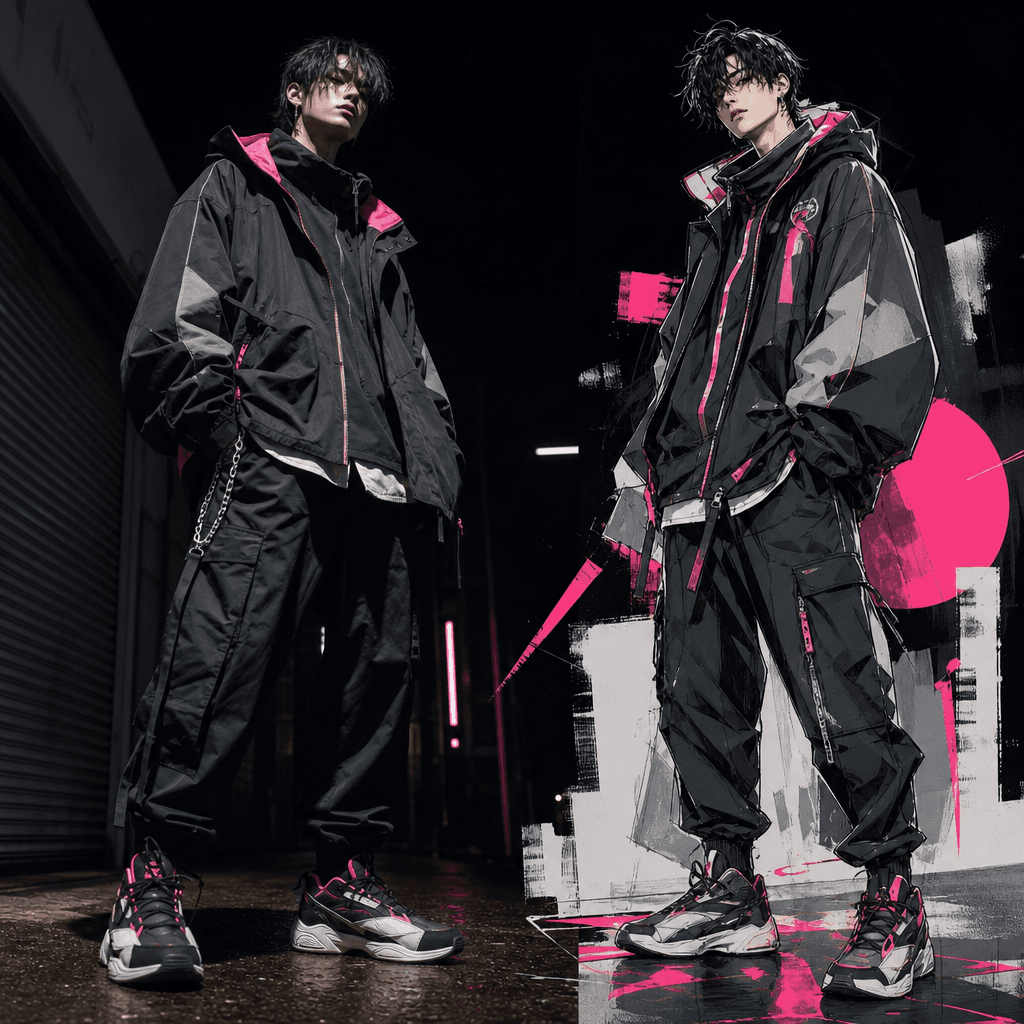
A vibrant streetwear outfit presented beside its illustrated twin, with oversized jacket, layered textures, bold sneaker
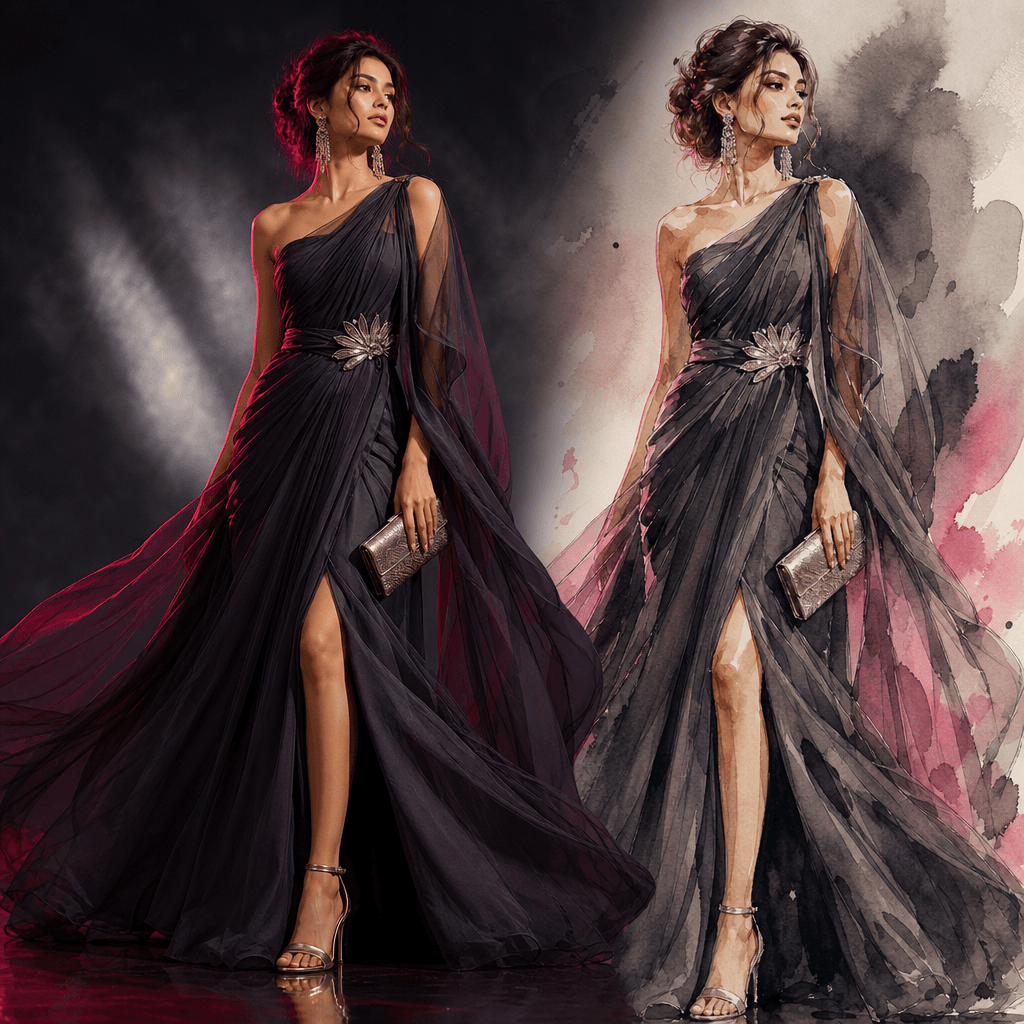
A refined evening fashion look paired with a graceful watercolor-style illustrated version in a single square frame. Flo
A casual layered outfit shown as a natural editorial photograph beside a colored-pencil fashion illustration. Denim, kni
Ready to ship

Pick a template, customize, publish.

Use cases

Made for every workflow

  • Fashion Creators

    Turn an outfit photo into a recognizable content format that pairs personal style with an illustrated interpretation. The comparison works well for feed posts, carousels, visual diaries, and creative outfit reveals.

  • Ecommerce Sellers

    Present apparel or accessories through a more editorial concept than a conventional product listing. The illustrated twin can help frame a hero look for campaign imagery, collection stories, and social promotion.

  • Fashion Brands

    Explore a real-to-illustrated campaign direction for launches, seasonal edits, and branded storytelling. Teams can use the format to communicate a collection's mood while keeping the original styling visible.

  • Stylists

    Highlight the logic behind a completed look by showing its real presentation beside a stylized visual counterpart. This makes color, proportion, layering, and accessory decisions easier to showcase.

  • Social Marketers

    Create a visually immediate comparison designed to interrupt repetitive fashion feeds. The twin format provides a clear concept for organic posts, campaign variations, and creator collaborations.

  • Editorial Teams

    Develop conceptual portraits, trend features, moodboard assets, and pitch visuals without arranging a separate illustrated production. The output can support early creative exploration or finished digital content.

How it works

From idea to result in seconds

  1. Step · 01

    Upload Your Look

    Choose a clear fashion image that shows the outfit, styling, and subject composition you want the twin scene to reference.

  2. Step · 02

    Generate The Twin

    Run the Outfit twin template to create a coordinated side-by-side scene with the real look and its illustrated interpretation.

  3. Step · 03

    Use Your Visual

    Review the result and apply the finished composition to social content, campaign concepts, lookbooks, or ecommerce storytelling.

FAQ

Frequently asked questions

  • Outfit twin is a specific Nim fashion template that creates a side-by-side scene featuring a real look and an illustrated version. It is designed for creators, fashion marketers, stylists, and ecommerce sellers who want a more conceptual way to present an outfit.

  • You provide a source fashion image, and the template applies its curated creative direction to generate a coordinated twin composition. The resulting visual places the real presentation and illustrated interpretation together for an immediate comparison.

  • Use a sharp, well-lit image where the outfit and silhouette are easy to see. A clear subject, limited visual obstruction, and enough contrast between the clothing and background give the generation stronger fashion details to work from.

  • Generation requires an account and purchased credits. Credit usage can vary by the model and settings selected, while watermark removal is available through paid plan access.

  • Nim is a multi-model platform that brings together leading image and video generation options such as Sora, Veo, Kling, Pika, and Flux. Exact model availability and suitability depend on the selected workflow and output type.

  • The composition can be used for fashion social posts, campaign concepts, collection teasers, lookbooks, moodboards, editorial pitches, and ecommerce storytelling. Always review the final output against the dimensions and quality requirements of the channel where it will appear.

  • Nim's curated pro templates are designed for commercial creative workflows. Your permitted use still depends on your Nim plan, applicable terms, and whether you have the necessary rights to the uploaded people, clothing, logos, and source imagery.

  • A generic generator usually starts with an open prompt and leaves the full composition to you. Outfit twin begins with a focused fashion concept and a curated side-by-side structure, reducing prompt work and making the intended visual direction clearer.

  • Many generations can render in seconds or under a minute, although timing varies with the chosen model, output settings, demand, and processing complexity. More detailed source images or generation options may take longer.

Get started

See what you can make

Explore more

Discover more AI tools