Beauty Video Template

Photobooth Video Template

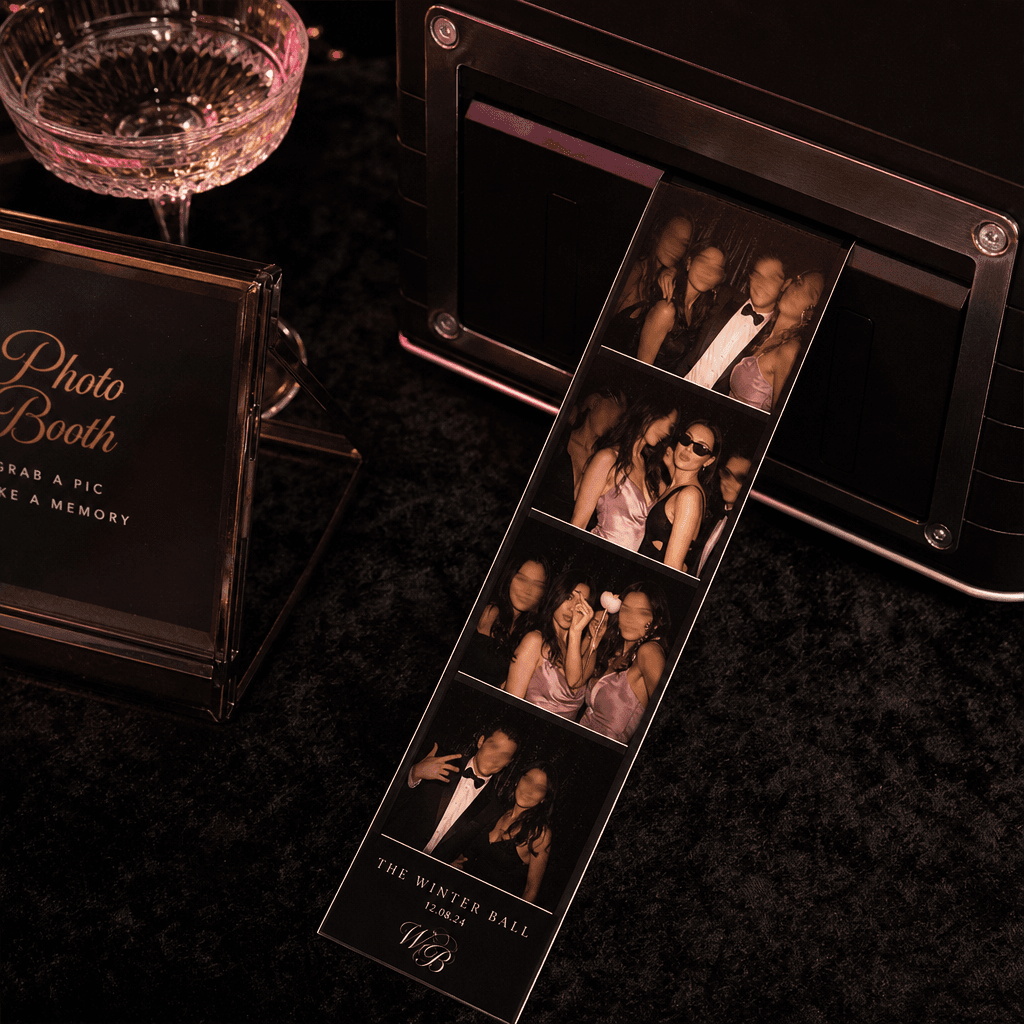
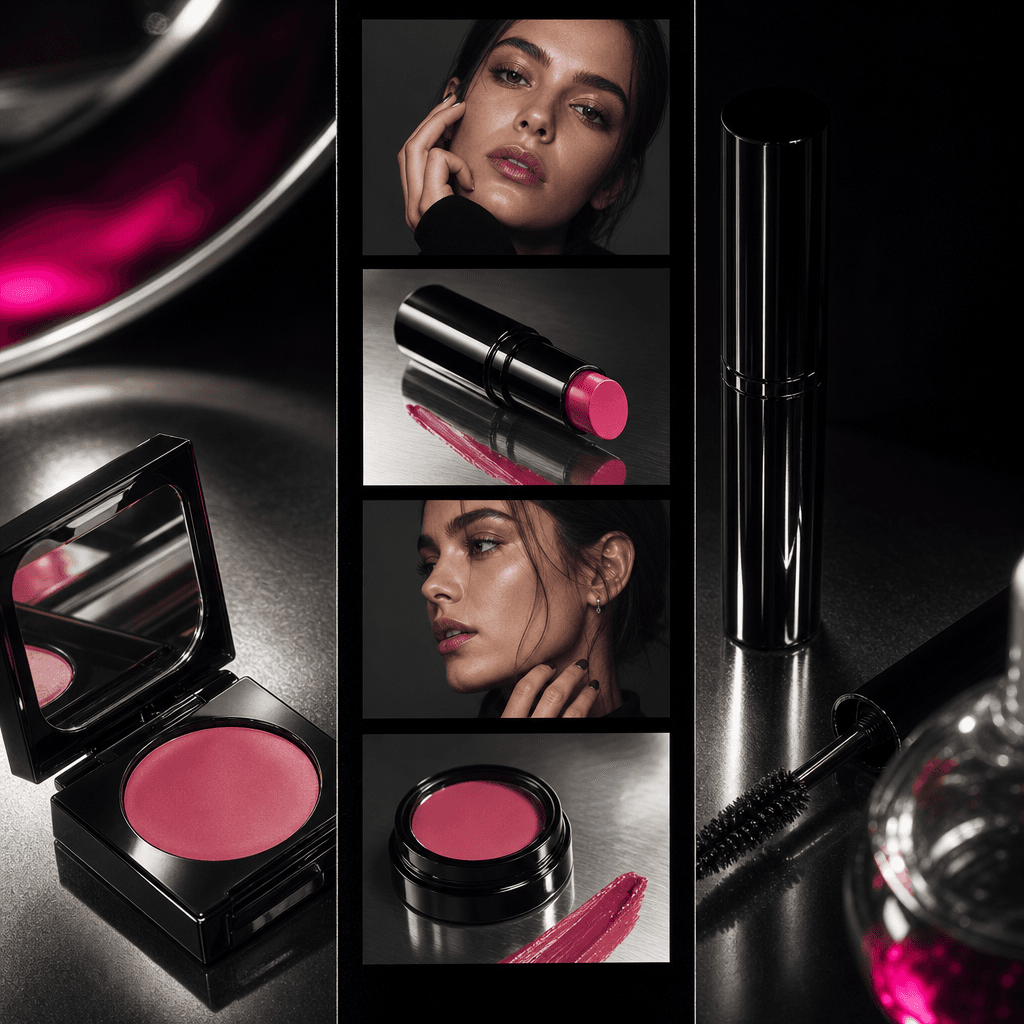
Turn your photos into a trendy photobooth video with printed strip effects, polished pacing, and production-ready visual styling.

Create photobooth video
Browse all 400+ templates

Everything you need

Built for creators, marketers, and teams shipping AI video at scale.

01

Printed Strip Look

Recreate the recognizable rhythm and framing of printed photobooth strips in a polished video format.

02

Trend-Ready Motion

Give static portraits an energetic sequence designed to feel native to short-form social content.

03

Curated Composition

Use a professionally prepared visual structure instead of building every crop, transition, and timing choice manually.

04

Portrait Focused

Keep faces, beauty details, outfits, and expressions at the center of the finished photobooth video.

05

Fast Generation

Move from selected source photos to a rendered creative in seconds or under a minute, depending on the chosen model.

06

Multi-Model Access

Create within Nim's broader platform for leading video and image models such as Sora, Veo, Kling, Pika, and Flux.

07

Campaign Versatility

Adapt the nostalgic printed-photo aesthetic to beauty launches, creator posts, event recaps, and ecommerce promotions.

08

Commercial Workflow

Produce a refined asset suited to creator, marketing, and ecommerce workflows without assembling the effect from scratch.

Features

Built to ship

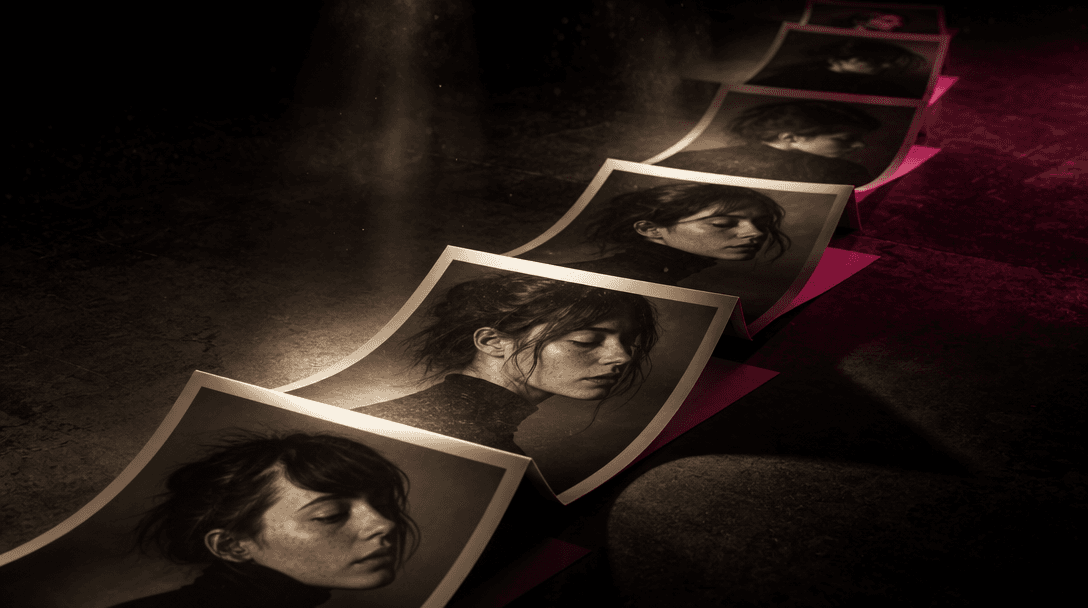
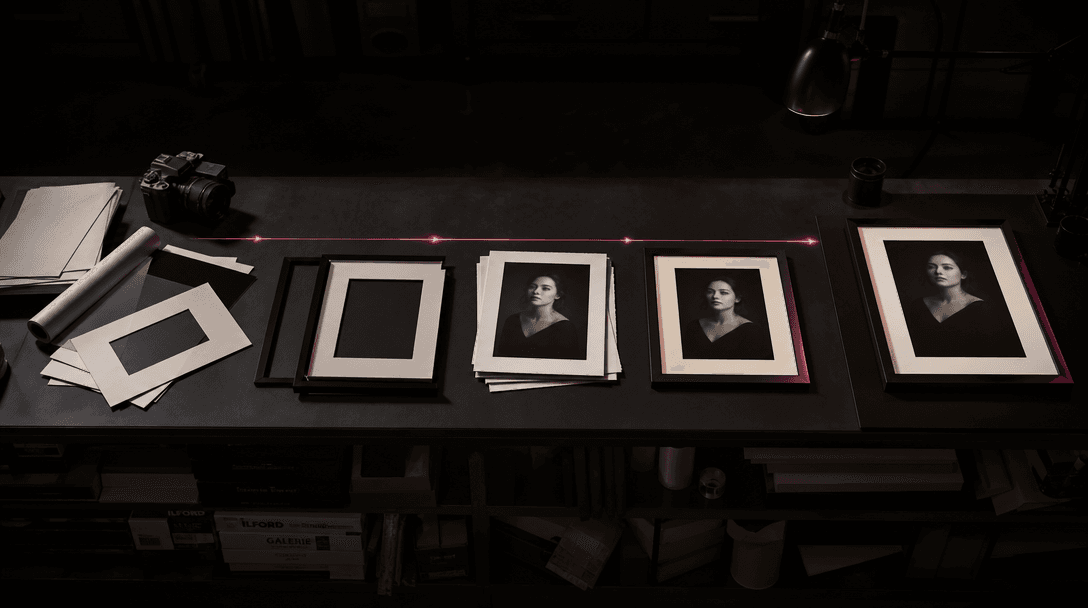
Multiple printed portrait frames unfolding into a continuous visual path across a dark studio floor, each paper frame ca
F · 01

Build a Photobooth Story

Transform a group of portraits into a connected visual sequence rather than presenting them as an ordinary slideshow. The template uses repeated frames and printed-strip styling to create a clear beginning, progression, and final reveal.

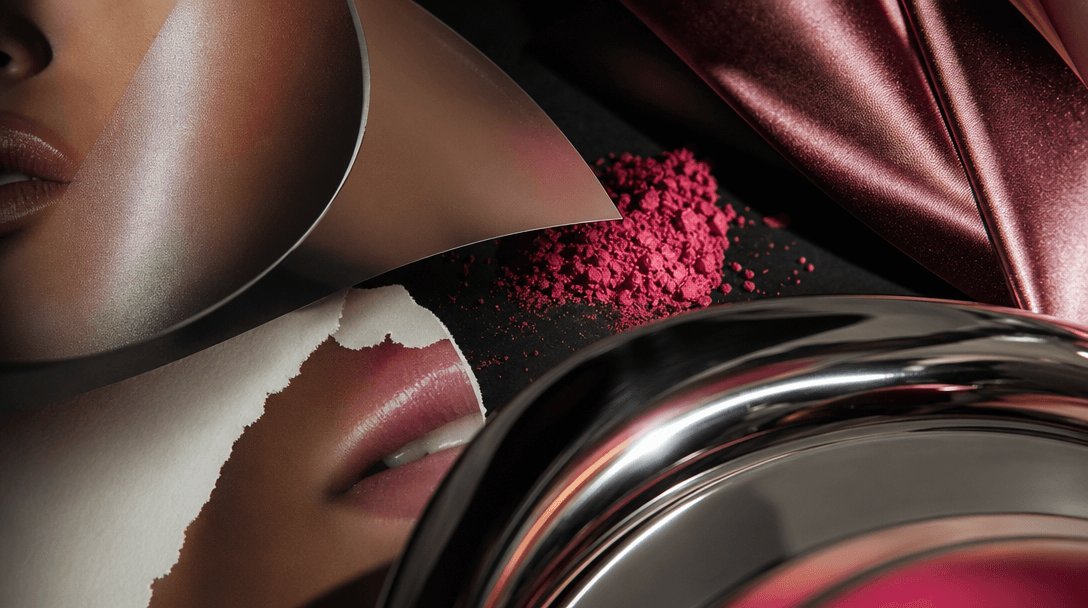
Macro view of premium photographic paper, glossy portrait fragments, cosmetic pigment, satin fabric, and polished chrome
F · 02

Make Portraits Feel Editorial

Give casual selfies, campaign portraits, or product-led beauty shots a more deliberate visual identity. Structured crops and tactile photo-print cues help the result feel like a styled editorial asset while preserving the personality of the source images.

A precise arrangement of blank photographic frames and finished portrait prints moving from scattered raw materials into
F · 03

Create Faster With Templates

Start from a curated professional concept with the format, visual direction, and motion language already established. This reduces repetitive editing decisions and gives creators and marketing teams a faster route to a cohesive photobooth video.

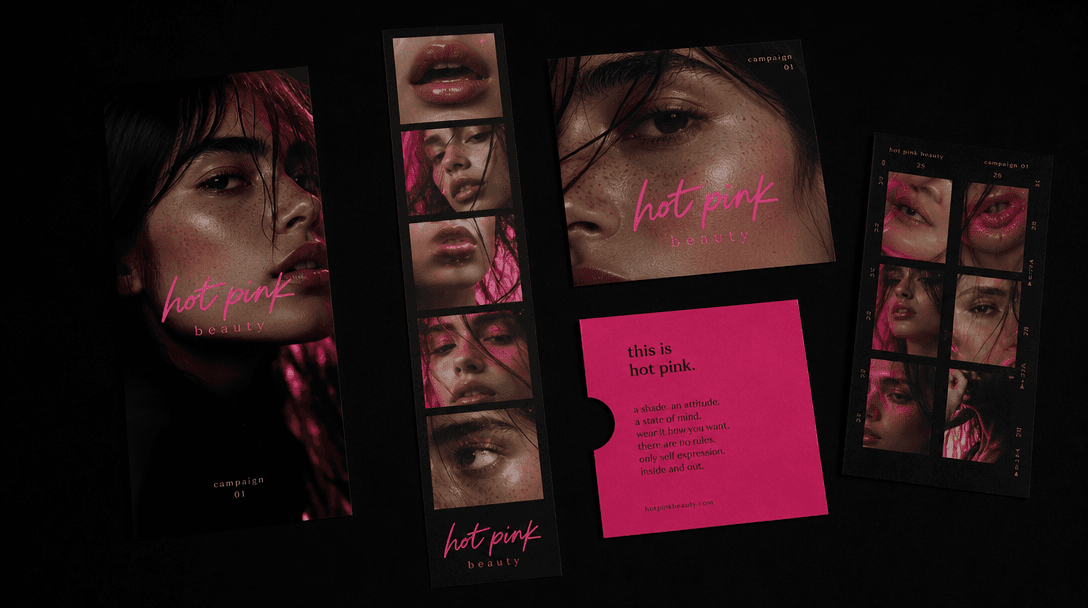
One central photobooth strip branching into several physical campaign formats on a black studio surface: a vertical prin
F · 04

Repurpose Across Campaign Channels

Use one photobooth concept for social posts, paid creative, launch teasers, event memories, and brand storytelling. The compact photo-strip treatment makes it easy to feature multiple looks, products, or moments in one memorable asset.

Showcase

See it in action

Real outputs generated by our pipeline — no curated cherry-picks.

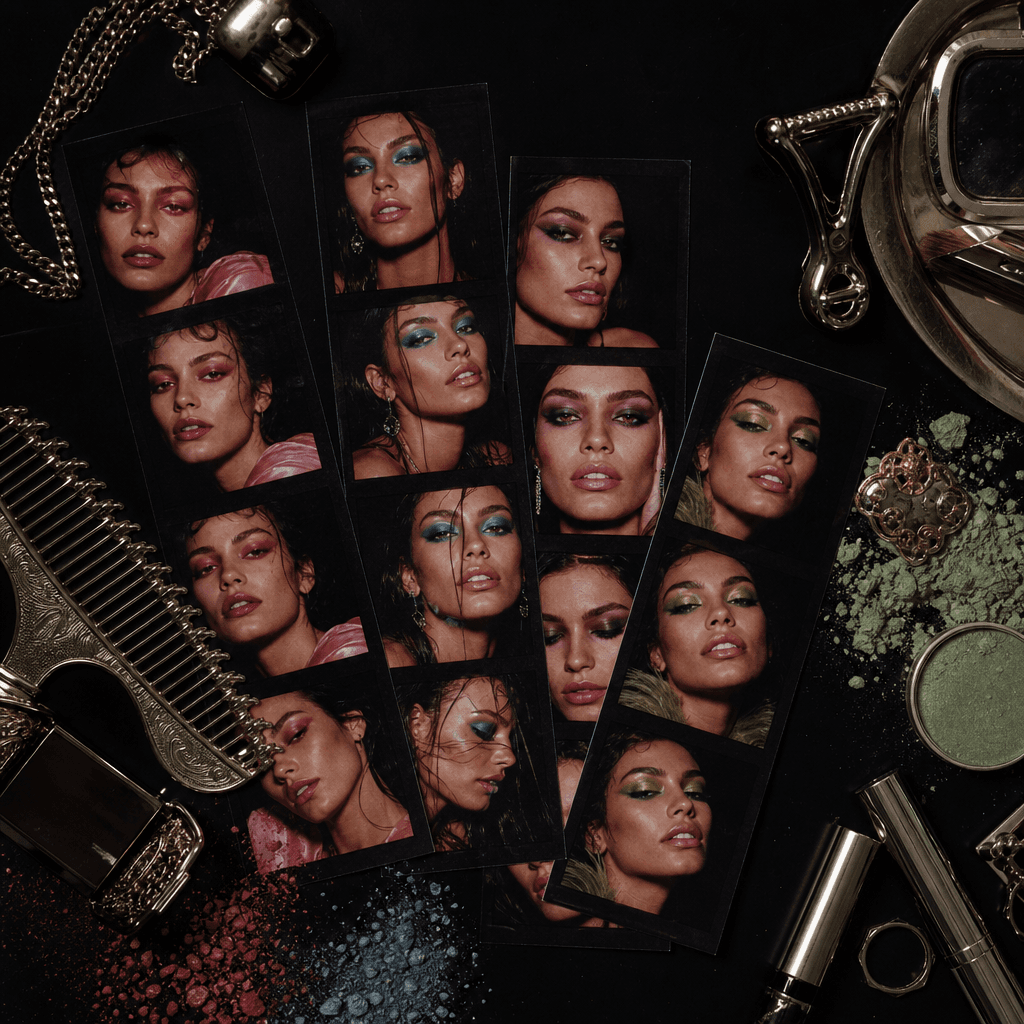
An overhead square still life of several photobooth strips documenting colorful makeup transformations, arranged beside
A square luxury event scene with freshly printed photobooth strips emerging onto a dark velvet table, each frame showing
A square ecommerce beauty campaign composition where a photobooth strip alternates between an anonymous model and close-
Ready to ship

Pick a template, customize, publish.

Use cases

Made for every workflow

  • Beauty Brands

    Arrange campaign portraits, makeup looks, or shade-focused images into a tactile photobooth sequence that feels more dynamic than a standard product carousel.

  • Content Creators

    Turn selfies, outfit changes, or behind-the-scenes portraits into a concise social video with a recognizable trend-led format.

  • Ecommerce Sellers

    Present several product-and-model combinations in one creative, helping shoppers see variety without requiring a full custom video production.

  • Social Marketers

    Build campaign teasers and organic posts from existing photo assets while maintaining a polished, consistent visual direction.

  • Event Teams

    Convert guest portraits or activation photography into a fast-moving recap inspired by the physical keepsake of a printed photo strip.

  • Creative Studios

    Prototype a photobooth treatment for pitches, mood boards, and client campaigns before committing time to a larger production.

How it works

From idea to result in seconds

  1. Step · 01

    Choose Your Photos

    Select clear portraits or beauty images with subjects and details you want featured throughout the photobooth sequence.

  2. Step · 02

    Generate the Sequence

    Apply the Photobooth template and let Nim create the printed-strip composition, pacing, and motion treatment.

  3. Step · 03

    Use Your Video

    Review the rendered result, then use the finished creative in your social, beauty, event, or ecommerce campaign.

FAQ

Frequently asked questions

  • Photobooth is a specific Nim video template that turns selected photos into a trendy moving sequence with printed photo strip effects. It is designed for portraits, beauty imagery, creator content, events, and visual campaigns.

  • You choose suitable source photos and apply the template inside Nim. The generation workflow interprets those images through the template's established photobooth composition and motion direction, producing a cohesive video rather than a basic static collage.

  • Clear portraits with visible faces, intentional poses, and consistent lighting generally provide the strongest foundation. You can also use varied outfits, makeup looks, accessories, or event moments when you want each frame of the photo strip to reveal something new.

  • Yes. Signup is required, and generation uses purchased credits according to the selected model and generation settings. Nim does not provide free generation credits, and watermark removal is available through paid plans.

  • Nim is a multi-model platform with access to leading image and video model families such as Sora, Veo, Kling, Pika, and Flux. Exact model availability and supported settings can vary as the platform catalog evolves.

  • Many generations complete in seconds or under a minute, although latency depends on the selected model, current demand, output settings, and source material. More complex generation requests may take longer.

  • The template produces an AI-generated video centered on the visual language of printed photobooth strips. The result can be used for short-form social posts, beauty campaigns, launch teasers, event recaps, and ecommerce creative.

  • Nim templates are curated for professional and commercial creative workflows, but usage remains subject to the applicable Nim plan terms and the rights attached to your source material. Only upload photos, brand assets, and likenesses you have permission to use.

  • Manual editing requires you to design frames, arrange crops, establish timing, and build motion effects individually. The Photobooth template starts with a curated creative direction, helping you reach a cohesive result faster while working inside Nim's multi-model generation platform.

  • No. This page is for one focused template built around trendy printed photo strip effects. Nim also offers other templates and model-based workflows when you need different visual concepts, formats, or campaign styles.

Get started

See what you can make

Explore more

Discover more AI tools