
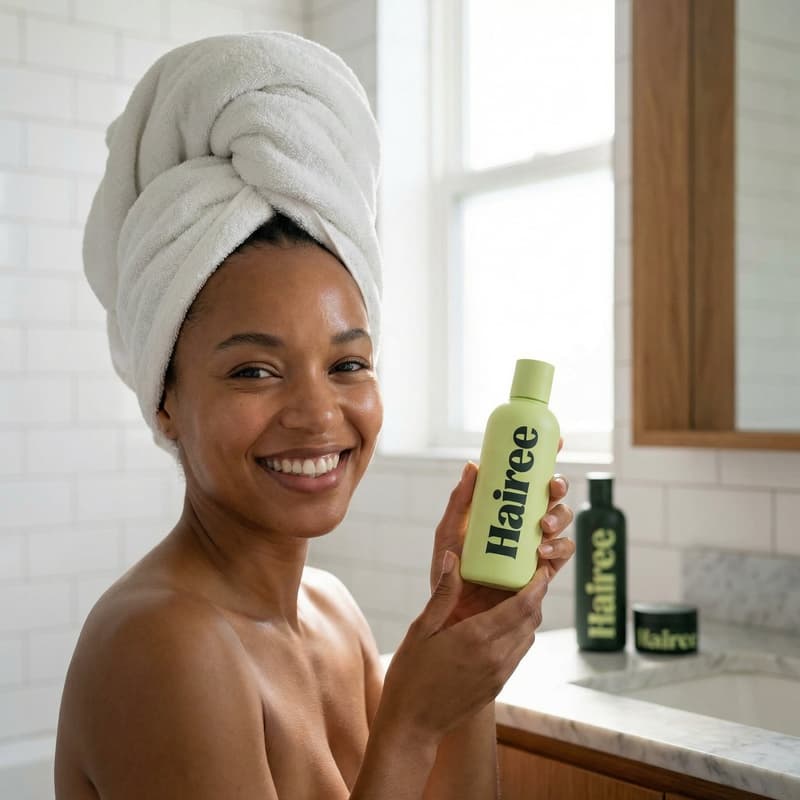
Beauty Product Template

In-store Product Shots for Beauty Brands

Turn one beauty product image into up to 12 polished store scenes using a curated template built for fast, production-ready campaign creation.

Create store shots
Browse all 400+ templates

Everything you need

Built for creators, marketers, and teams shipping AI video at scale.

01

Up to 12 Shots

Generate a varied set of in-store product images from one focused creative workflow.

02

Retail-Ready Styling

Place beauty packaging in polished store environments designed to feel commercially relevant.

03

Consistent Product Focus

Keep the featured item visually prominent across shelves, counters, displays, and close-ups.

04

Multiple Compositions

Explore wide retail scenes, shelf placements, detail shots, and campaign-style product framing.

05

Fast Creative Iteration

Develop alternative campaign directions in seconds or under a minute instead of organizing another shoot.

06

Curated Pro Template

Start with a purpose-built beauty retail concept rather than constructing every prompt from scratch.

07

Multi-Model Platform

Work within Nim alongside leading image and video models for a connected production workflow.

08

Commercial Content Workflow

Create assets suited to ecommerce listings, social campaigns, presentations, and retail launch materials.

Features

Built to ship

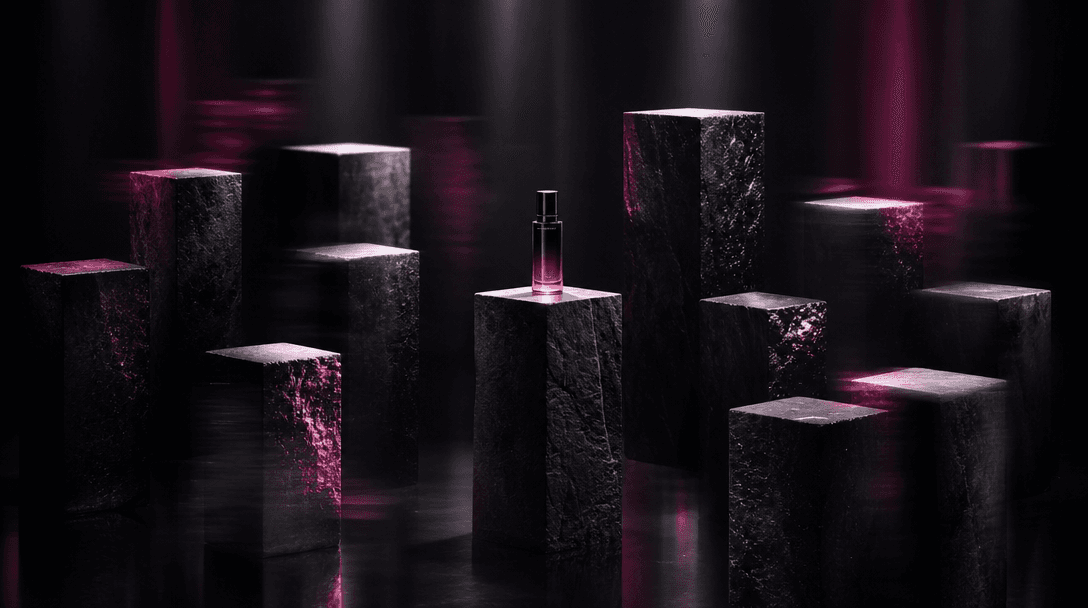
An abstract retail landscape formed from twelve dark stone plinths arranged in a precise visual rhythm, each catching a
F · 01

Build a Complete Retail Story

Create up to 12 shots that present your product as part of a coherent in-store campaign. The template supports visual variety while keeping the beauty item at the center of each composition, giving you more material for launches, carousels, and product pages.
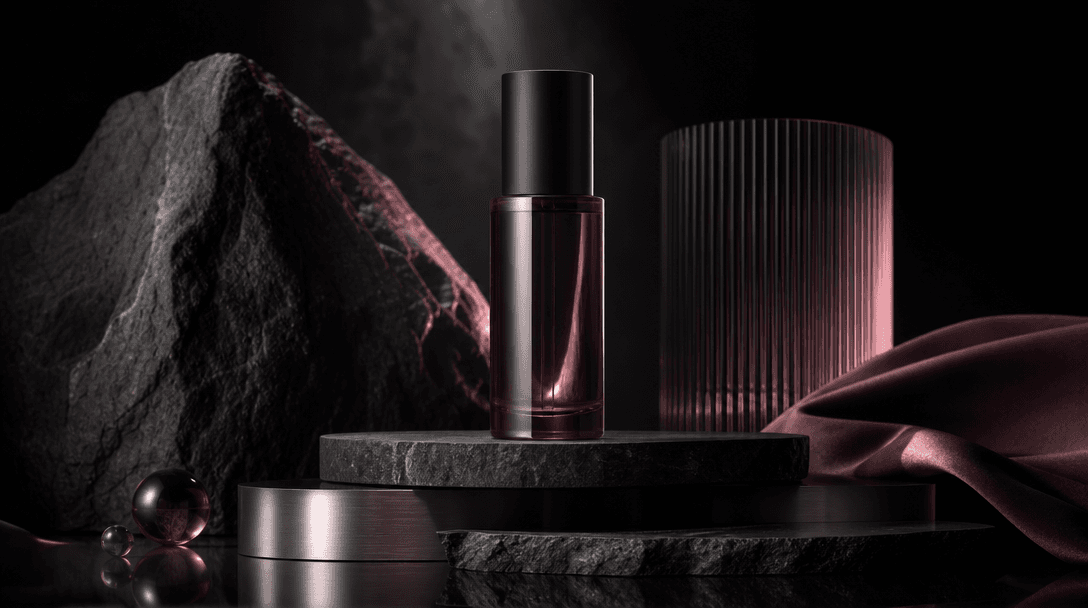
A simple cosmetic bottle transitioning into a luxurious retail still life through layered materials: matte stone, brushe
F · 02

Transform Simple Product Photography

Start with a clear product image and reinterpret it inside polished retail environments. Use the template to move beyond an isolated packshot and show how the item might appear on a premium shelf, branded counter, promotional display, or beauty-store fixture.

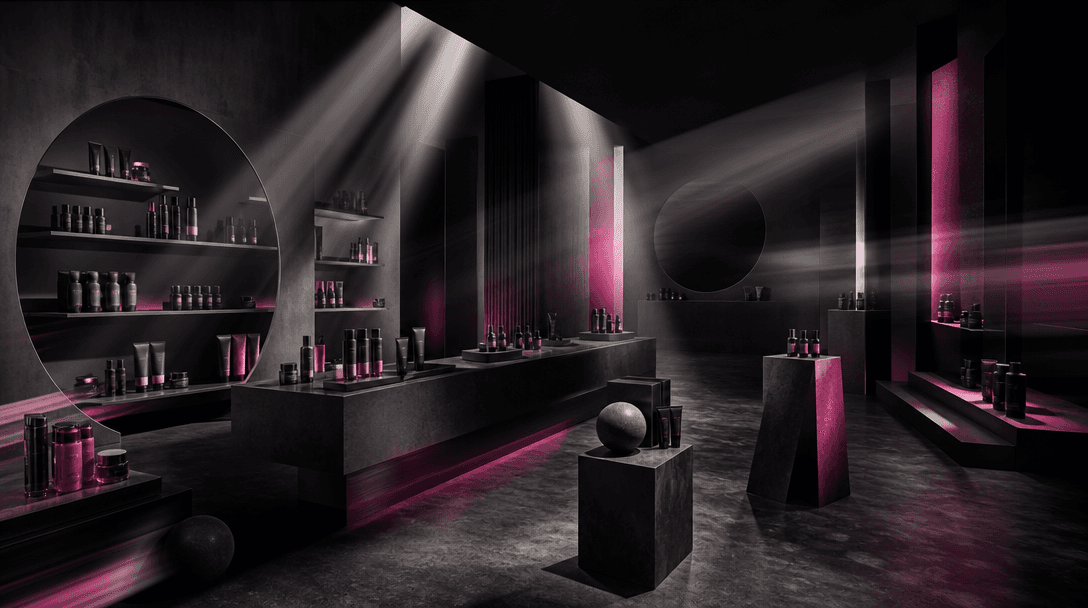
Several beams of light sweep across an architectural beauty-store set, revealing alternative product placements on shelv
F · 03

Explore Campaign Directions Faster

Test different placements, lighting moods, materials, and framing without rebuilding a physical set for every idea. Fast renders make it practical to compare creative options before selecting the strongest images for production or publication.

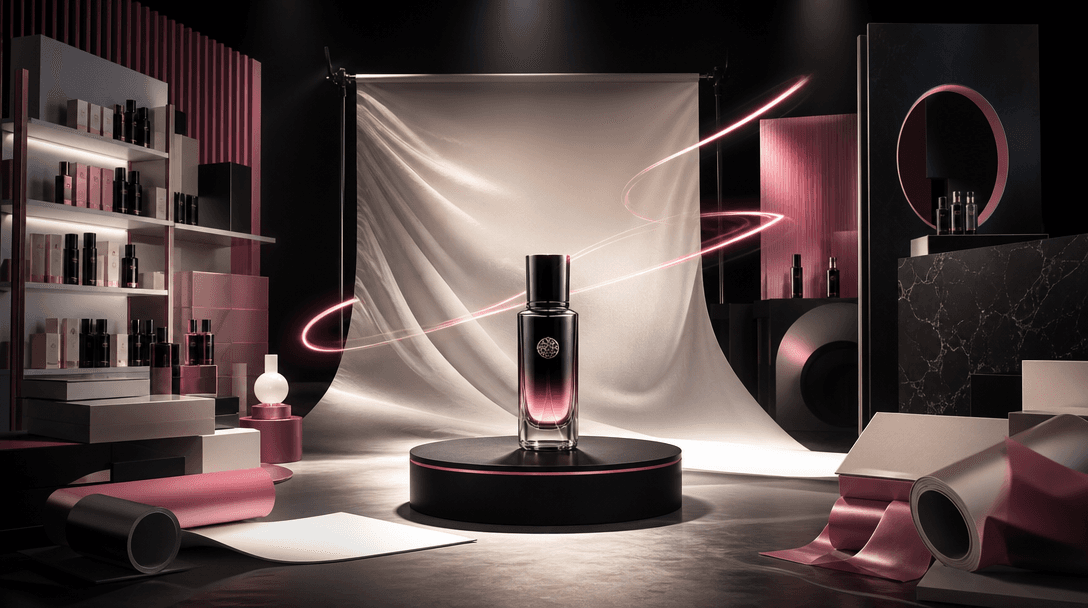
A beauty product at the center of an expansive campaign set where retail shelving, photographic backdrops, packaging mat
F · 04

Connect Images to Broader Campaigns

Use the generated store shots as a foundation for social content, ecommerce merchandising, advertisements, pitch decks, and launch concepts. Nim's multi-model workspace also lets creators continue developing related image and video assets without fragmenting the workflow.

Showcase

See it in action

Real outputs generated by our pipeline — no curated cherry-picks.

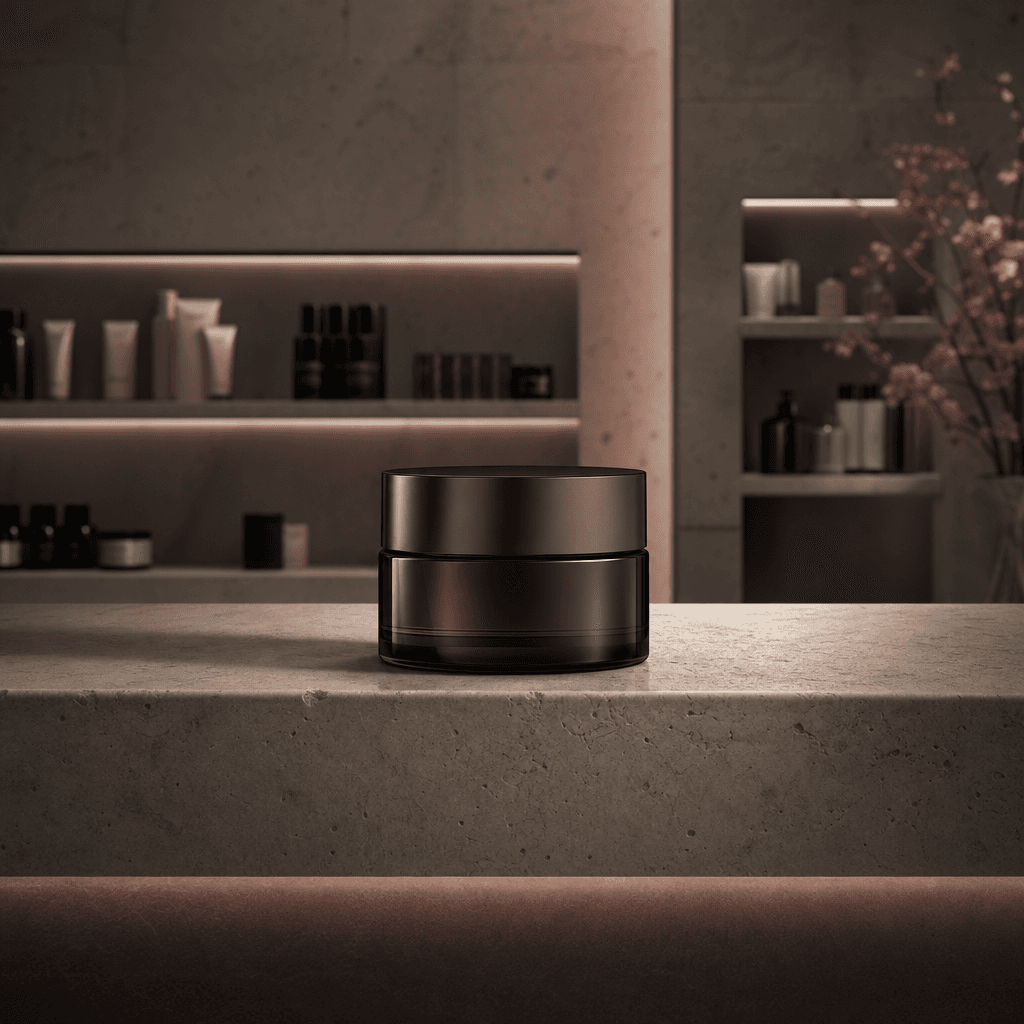
A minimalist cosmetic jar centered on a premium department-store shelf with limestone surfaces, soft recessed lighting,
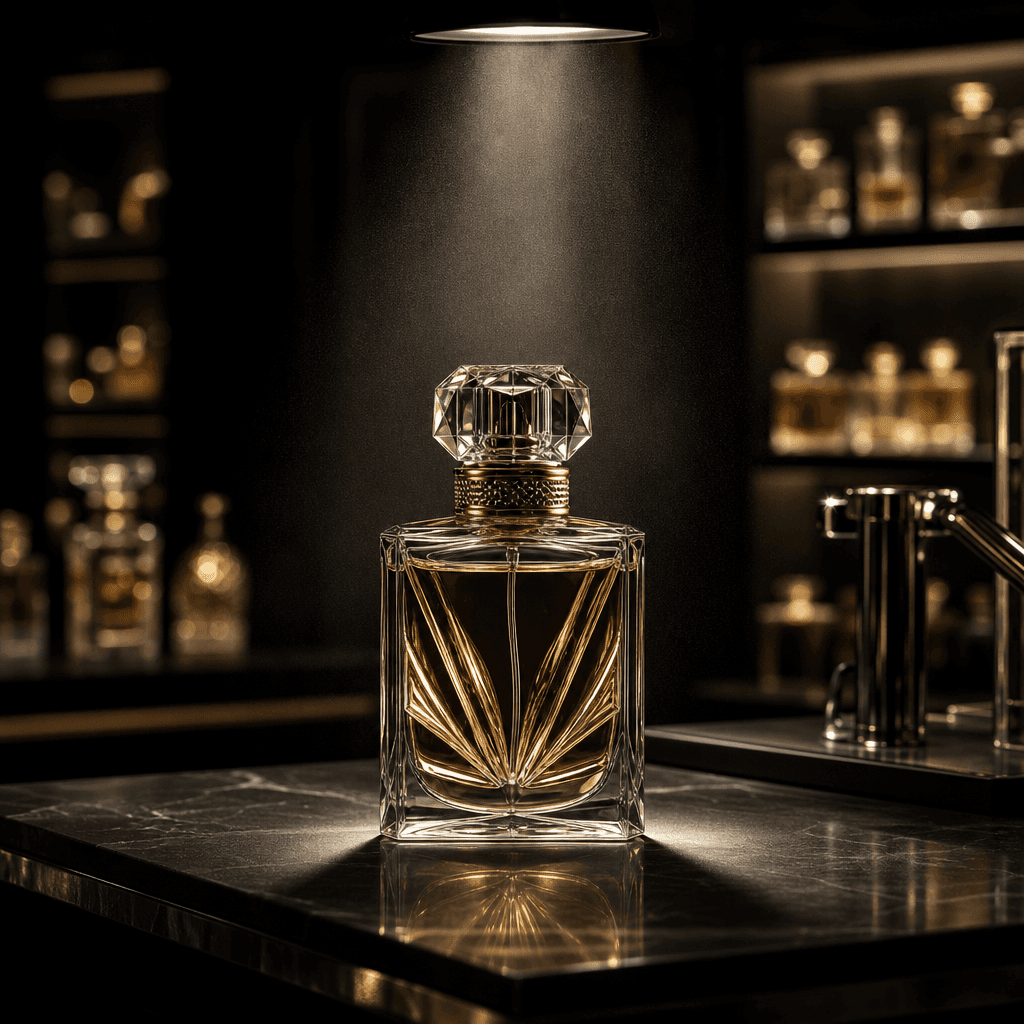
A luxury perfume bottle on a black retail counter beneath a focused overhead spotlight, with blurred fragrance displays
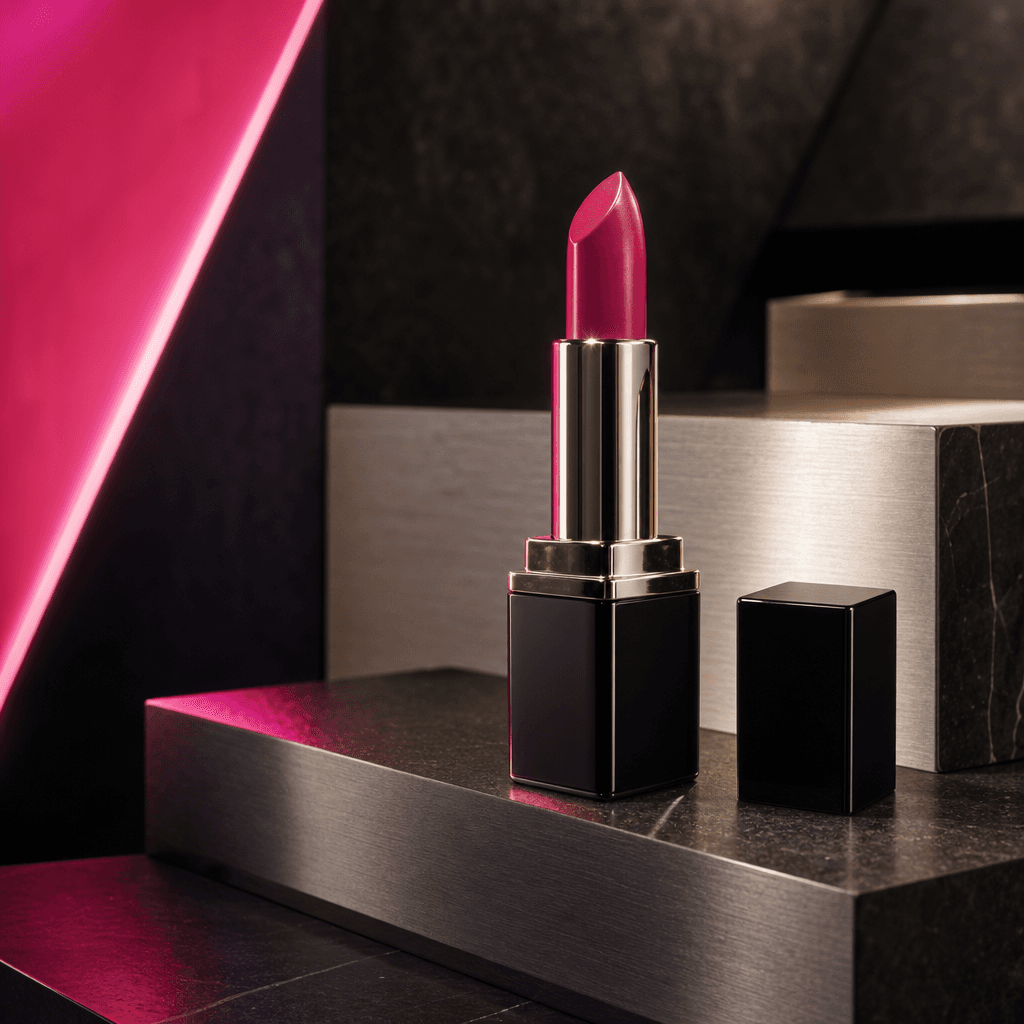
A vibrant lipstick tube arranged on an angular beauty-store display made from dark stone and brushed aluminum. Hot pink
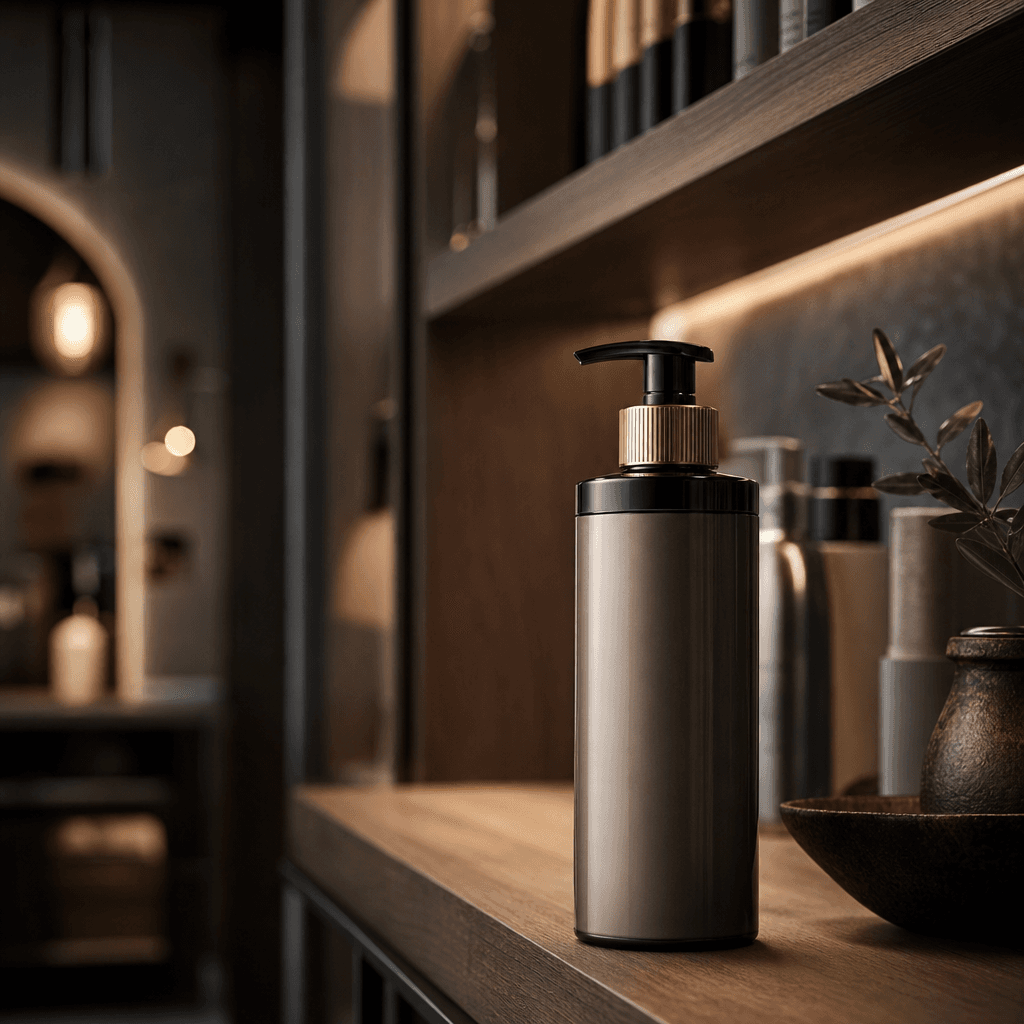
A premium haircare bottle positioned at the front of a sophisticated salon retail shelf, surrounded by warm wood, dark g
Ready to ship

Pick a template, customize, publish.

Use cases

Made for every workflow

  • Beauty Brands

    Create polished retail imagery for cosmetics, skincare, fragrance, and personal-care launches without producing a separate physical store shoot for every composition.

  • Ecommerce Sellers

    Add contextual store scenes to product galleries, marketplace campaigns, landing pages, and promotional collections.

  • Social Marketers

    Build visually consistent posts, carousels, launch teasers, and paid-social variations from one product-focused concept.

  • Creative Agencies

    Develop retail campaign directions and client-ready references quickly, with multiple shots available for review and refinement.

  • Retail Teams

    Visualize shelf presence, counter displays, and promotional placements before committing to physical merchandising production.

  • Product Founders

    Present an emerging beauty product with a more established retail aesthetic for decks, announcements, and early campaign materials.

How it works

From idea to result in seconds

  1. Step · 01

    Upload Your Product

    Choose a clean beauty product image with visible packaging, accurate proportions, and minimal visual obstruction.

  2. Step · 02

    Set the Direction

    Use the curated In-store template to establish the retail context and guide the generated shot collection.

  3. Step · 03

    Generate Your Shots

    Create up to 12 store-inspired product images, then select the strongest results for your campaign workflow.

FAQ

Frequently asked questions

  • In-store is a Nim beauty template that creates up to 12 shots of a product presented in polished retail settings. It is designed for beauty brands, marketers, ecommerce sellers, and creative teams that need campaign-ready store imagery.

  • Upload a suitable product image, open the template, and generate a collection of store-inspired compositions. The template guides the scene direction so you can focus on choosing and refining the strongest outputs.

  • The template is especially suitable for cosmetics, skincare, fragrance, haircare, and other packaged beauty products. Clear images with visible labels, defined edges, and balanced lighting generally provide the most useful source material.

  • The In-store template can create up to 12 shots of your product in a store. The resulting set can include varied compositions suitable for product pages, social posts, advertisements, and campaign planning.

  • Generation requires purchased Nim credits, and the applicable credit cost is shown in the product before you run the template. Signup is required, and watermark removal depends on the paid plan associated with your account.

  • Nim is a multi-model platform that brings together leading image and video generation options such as Sora, Veo, Kling, Pika, and Flux. Model availability and the model used by a particular workflow may change as the platform evolves.

  • Use generated shots in ecommerce merchandising, organic social content, paid campaigns, launch presentations, creative concepts, and retail proposals. Review each image for packaging accuracy and brand requirements before publishing it.

  • Your ability to use generated content is governed by Nim's current terms and the rights attached to your source material. You should only upload product images, logos, and packaging elements that you are authorized to use.

  • A generic generator often requires repeated prompt engineering to maintain a clear commercial direction. In-store starts with a curated beauty retail concept and is structured to produce a broader shot collection around one product.

  • Many Nim renders complete in seconds or under a minute, although actual latency depends on the selected model, output settings, demand, and job complexity. Producing a larger collection may take longer than generating a single image.

Get started

See what you can make

Explore more

Discover more AI tools