


Retro Outfit Edit

Retro Fashion Board for Any Outfit

Turn one outfit photo into a production-ready MS Paint-inspired style board, with the complete look and its individual pieces arranged together.

Create your board
Browse all 400+ templates

Everything you need

Built for creators, marketers, and teams shipping AI video at scale.

01

One Photo In

Start with a clear outfit photo and transform it into a complete editorial fashion board.

02

Full Look Preserved

Keep the styled outfit visible as the visual anchor beside its separated clothing pieces.

03

Pieces Laid Out

Present the recognizable garments and accessories from the look in an easy-to-scan arrangement.

04

Retro Paint Style

Give the composition a playful early-computer aesthetic inspired by classic bitmap drawing tools.

05

Ready-Made Composition

Use a curated template structure instead of manually cutting out and positioning every item.

06

Social-Ready Concept

Create a visually distinctive outfit breakdown suited to fashion posts, carousels, and campaign assets.

07

Creator-Friendly Workflow

Move from a source outfit to a polished visual without building the layout from scratch.

08

Commercial Creative

Adapt the generated board for brand, ecommerce, or marketing work when you hold the necessary source rights.

Features

Built to ship

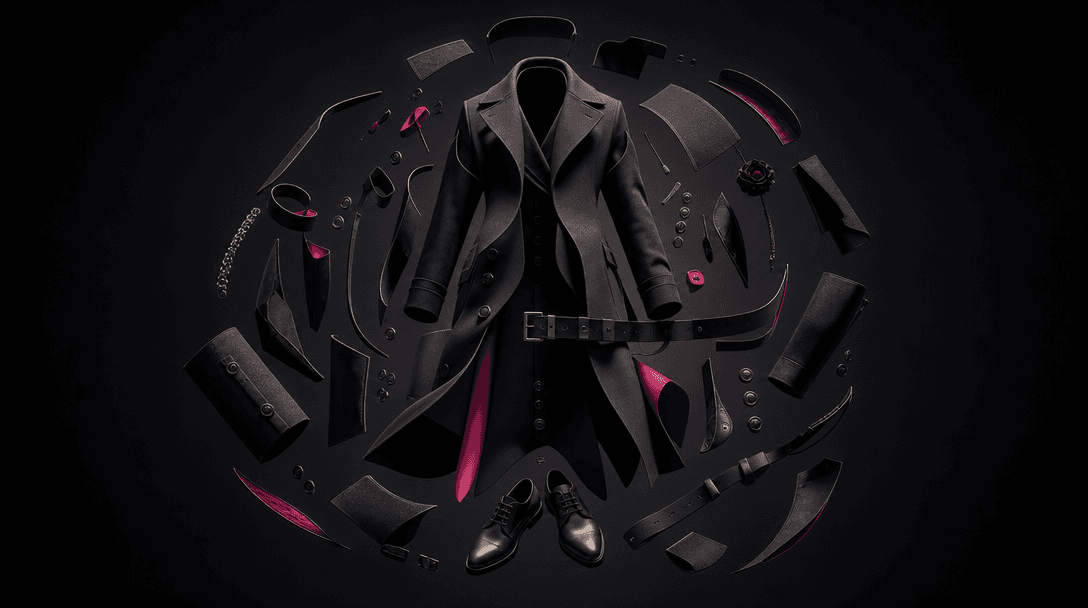
An abstract deconstruction of a tailored fashion look suspended in a dark studio: coat panels, buttons, belt, shoes, and
F · 01

Deconstruct an Outfit Visually

The Retro fashion board template turns a complete outfit into a structured visual story, placing the styled look beside its component garments and accessories. Viewers can understand both the overall silhouette and the individual pieces without swiping between unrelated product images.
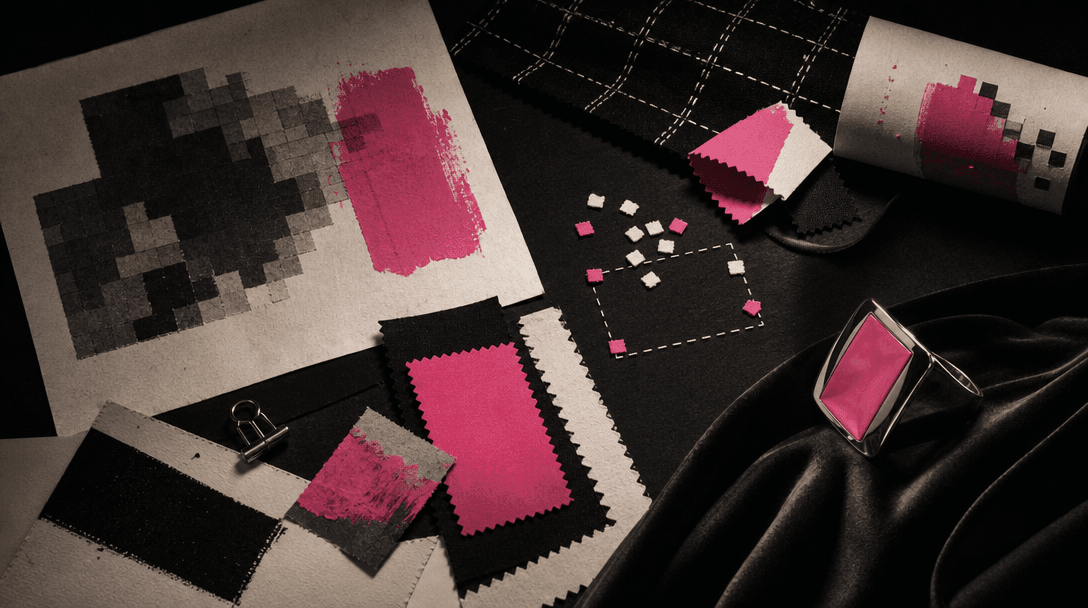
A cinematic still life of vintage computer-art materials translated into fashion: coarse pixel edges, paper grain, paint
F · 02

Capture a Deliberate Retro Aesthetic

The template applies an intentionally rough, nostalgic MS Paint-inspired art direction rather than another polished catalog treatment. Bitmap-like edges, simple shapes, and playful placement give fashion content a recognizable point of view while keeping the outfit at the center.

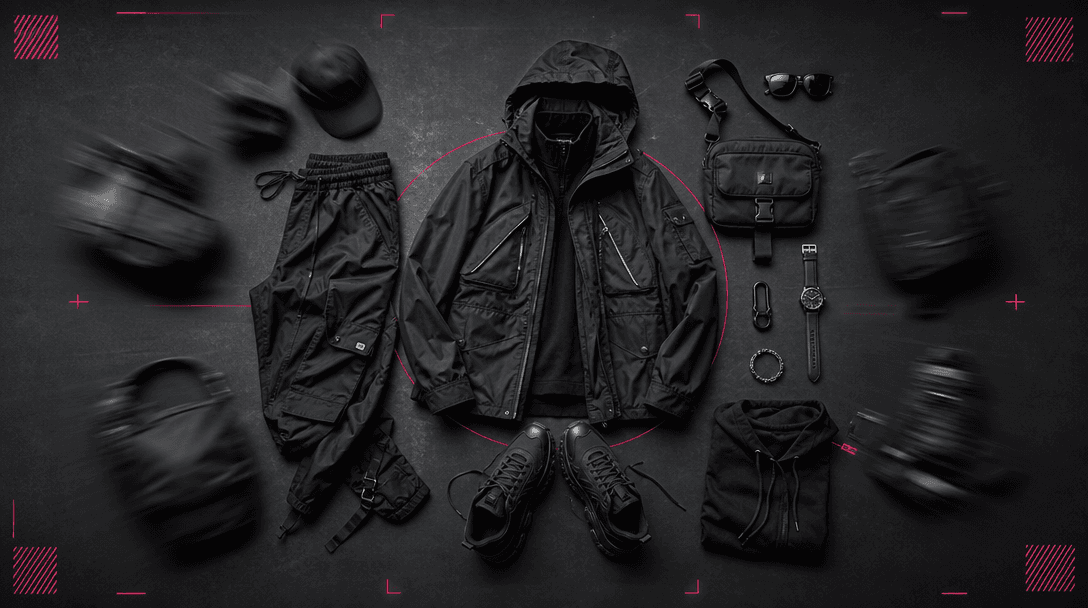
Individual garments and accessories moving into a balanced flat-lay composition across a deep charcoal studio floor, as
F · 03

Skip Manual Cutout Compositing

Building a fashion board normally means isolating products, balancing scale, and arranging every element by hand. This curated template provides the creative direction and composition, helping creators and marketers produce the concept faster while maintaining a coherent layout.

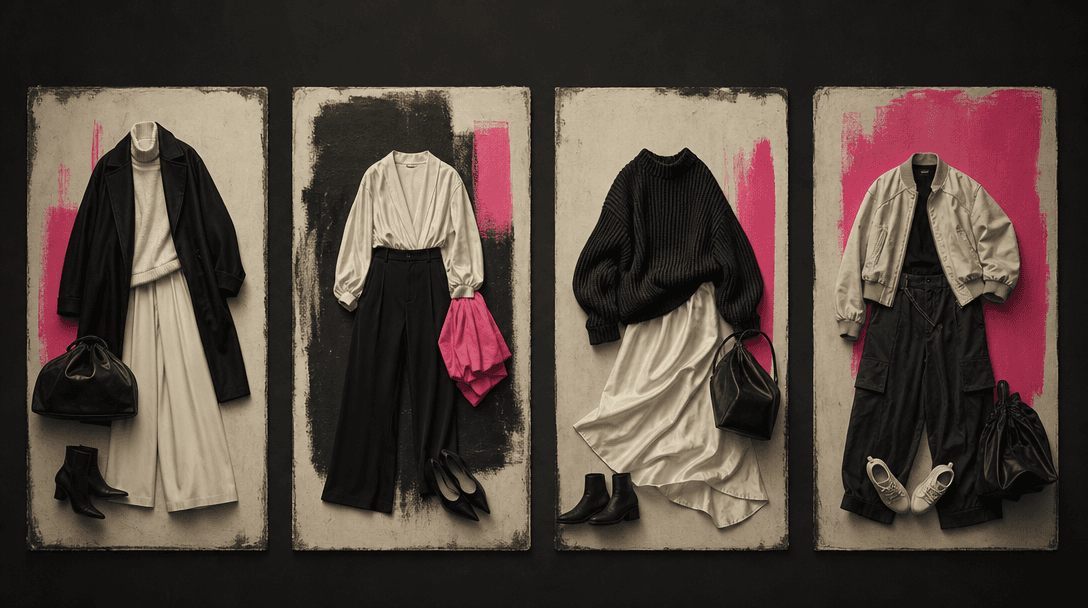
Four coordinated outfit arrangements presented as an abstract campaign series across a dark studio wall, each using diff
F · 04

Build Campaign-Ready Variations

Run different outfits through the same visual concept to create a consistent series for launches, creator partnerships, seasonal edits, or social content. Nim combines professional templates with multi-model image generation, making it easier to explore outputs and select the version that best fits the campaign.

Showcase

See it in action

Real outputs generated by our pipeline — no curated cherry-picks.

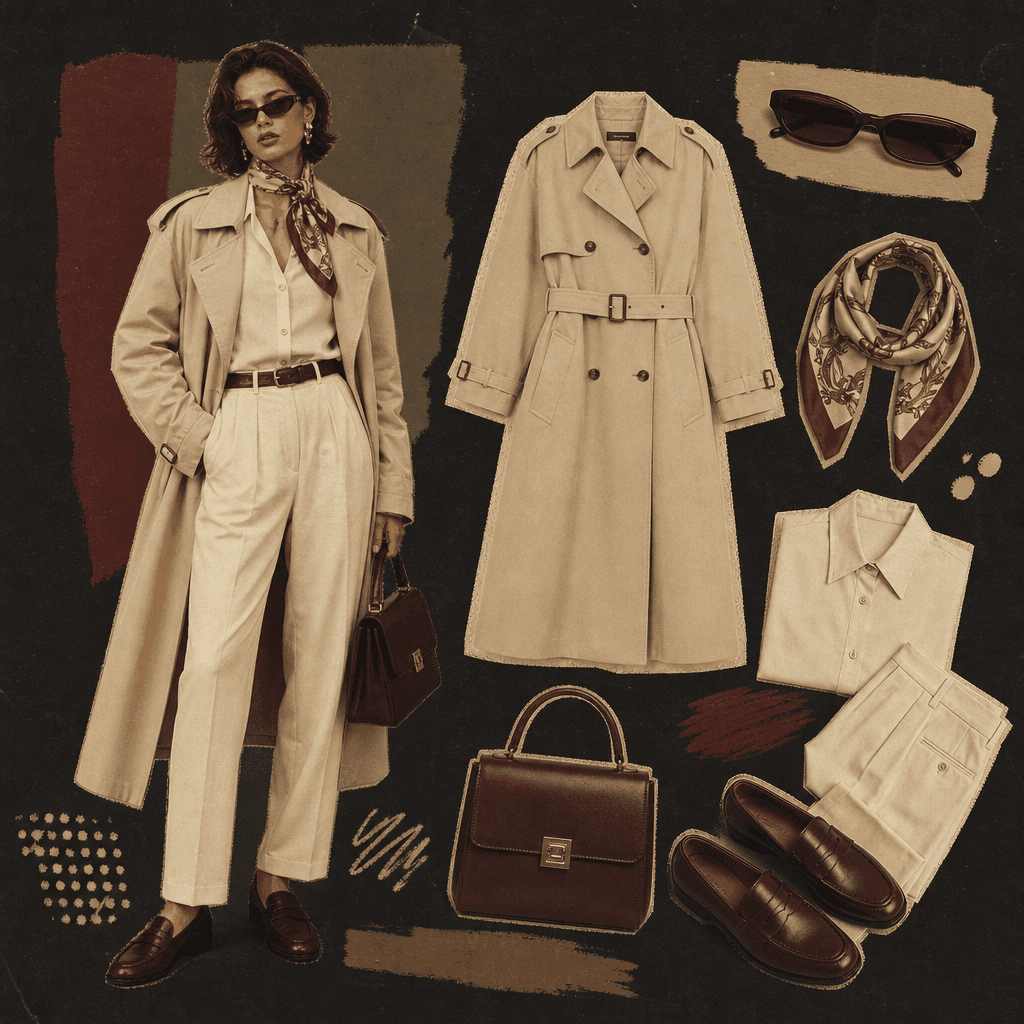
A square retro fashion board featuring a cream trench coat outfit, loafers, structured handbag, silk scarf, and narrow s
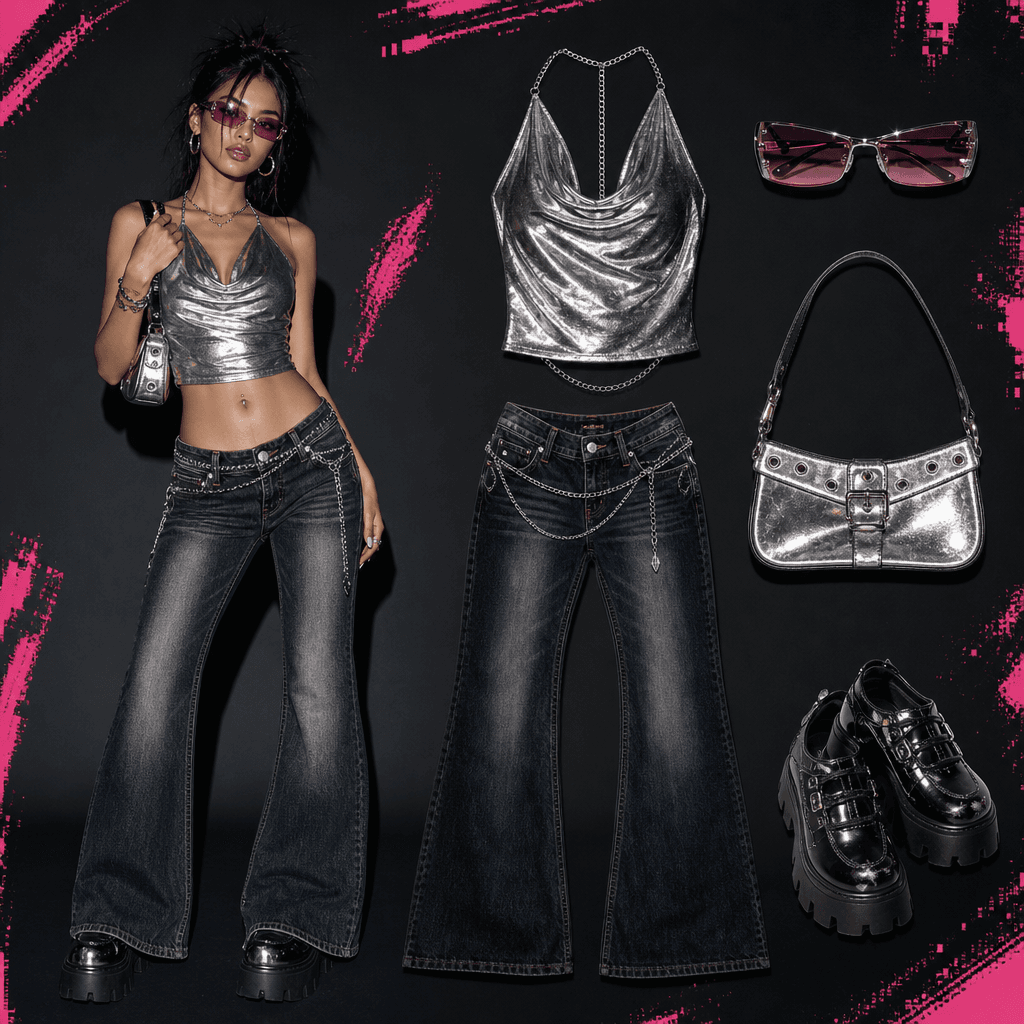
A square outfit breakdown for a vivid Y2K club look with a metallic silver top, low-rise dark jeans, compact shoulder ba
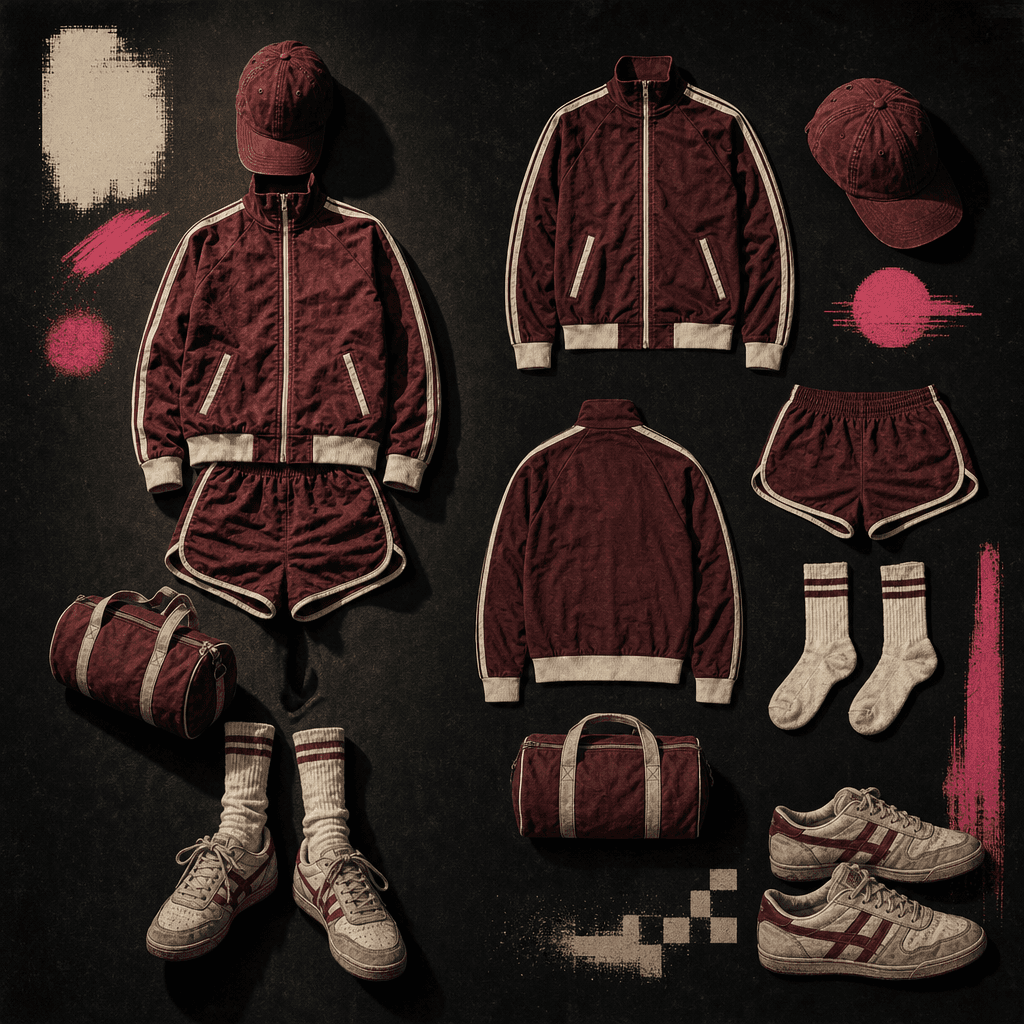
A square retro fashion board centered on a vintage athletic outfit: burgundy track jacket, matching shorts, white socks,
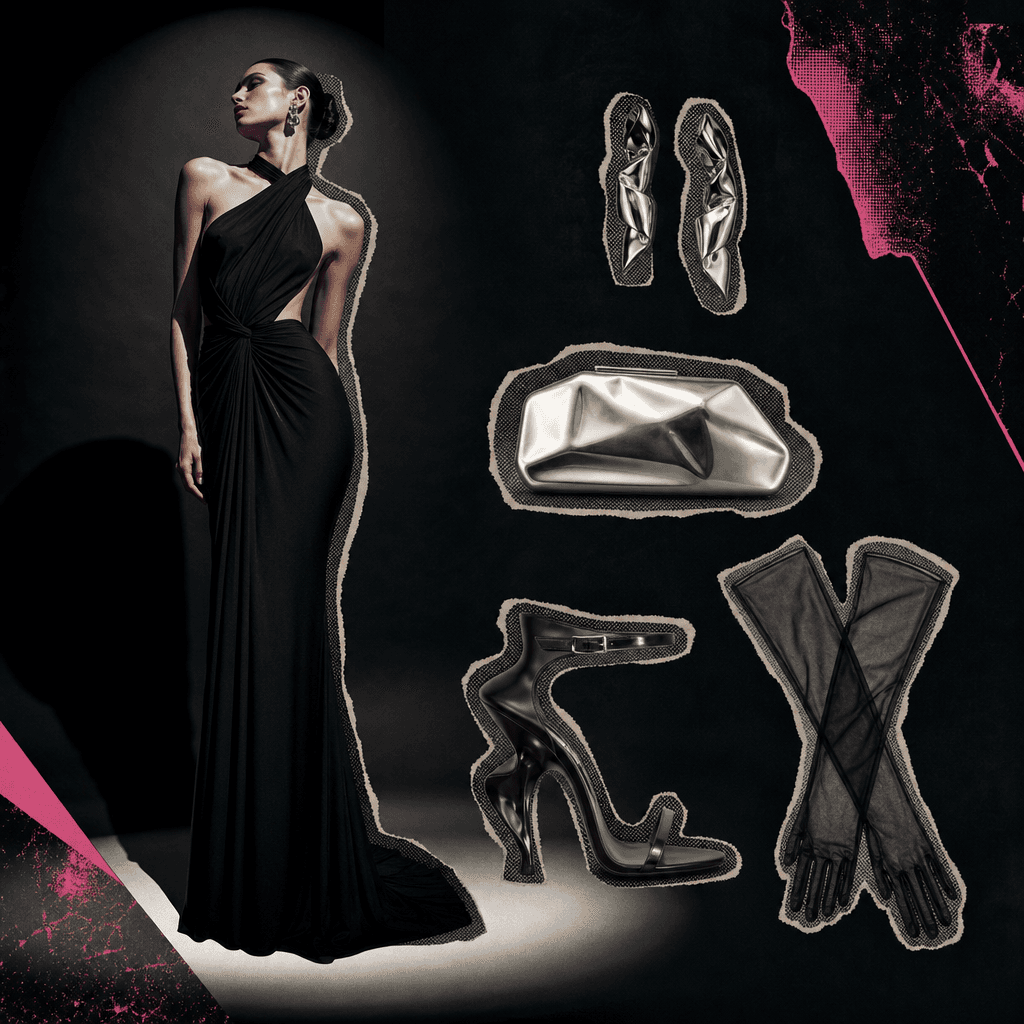
A square luxury eveningwear style board with a long black dress, sculptural heels, silver clutch, earrings, and sheer gl
Ready to ship

Pick a template, customize, publish.

Use cases

Made for every workflow

  • Fashion Creators

    Break down a favorite outfit into a distinctive visual that gives followers a closer look at the styling choices. The retro treatment helps outfit posts stand apart from conventional mirror photos and flat lays.

  • Ecommerce Sellers

    Show how several products work together as one styled look while keeping the individual pieces visible. Use the result as campaign creative, collection inspiration, or supporting content for channels where you have usage rights.

  • Brand Marketers

    Develop a repeatable creative format for seasonal drops, capsule collections, or collaborations. The template supplies a clear visual system that can connect multiple outfit assets across a campaign.

  • Fashion Stylists

    Turn a photographed look into a compact presentation of the styling concept. It can support portfolio storytelling, client moodboards, or editorial planning without requiring a manually assembled board.

  • Social Teams

    Create playful outfit breakdowns for feed posts, carousel covers, campaign teasers, and trend-led content. The nostalgic computer-art direction provides an immediate hook while the laid-out pieces add useful detail.

  • Vintage Resellers

    Present coordinated vintage garments as a complete outfit rather than isolated listings. The retro visual language naturally complements archival, thrifted, and era-inspired fashion.

How it works

From idea to result in seconds

  1. Step · 01

    Upload Your Outfit

    Choose a well-lit image where the full look and its important garments or accessories are clearly visible.

  2. Step · 02

    Generate the Board

    Apply the Retro fashion board template to reinterpret the outfit as a nostalgic composition with pieces arranged beside the complete look.

  3. Step · 03

    Select Your Result

    Review the generated image, choose the strongest variation, and use it in your permitted fashion, social, or commercial workflow.

FAQ

Frequently asked questions

  • Retro fashion board is a specific Nim image template that transforms an outfit photo into an MS Paint-inspired fashion composition. It keeps the full styled look visible while laying out recognizable clothing pieces and accessories beside it.

  • Upload a clear source image, select the template, and generate a new interpretation of the look. The model analyzes the visible outfit and creates a retro board-style arrangement, so results can vary with the pose, lighting, garment visibility, and complexity of the original photo.

  • The template creates a generative interpretation rather than a pixel-perfect inventory of the source photo. Clearly visible garments, simple poses, and limited overlap generally give the model stronger visual information, while hidden or very small details may be simplified or reimagined.

  • Use a sharp, well-lit image that shows the complete outfit with minimal obstruction. A simple background and visible footwear, bags, jewelry, or outerwear can help the generated board represent more of the styling, although exact reproduction is not guaranteed.

  • Generation requires an account and purchased credits; Nim does not provide free generation credits. Pricing depends on the active plan and generation options, and free preview output, when offered, may include a watermark that is removed on paid plans.

  • Nim is a multi-model platform offering access to leading image and video systems such as Sora, Veo, Kling, Pika, and Flux where applicable. Model availability can vary by workflow, and this curated template handles the creative setup needed for its intended fashion-board result.

  • It creates an image featuring the complete outfit and a stylized arrangement of its component pieces in a retro computer-drawing aesthetic. The exact composition, item count, colors, and details depend on the uploaded source and the generated variation.

  • Commercial use depends on Nim's current terms, your plan, and the rights attached to your source material. You should only upload photos, logos, garments, or other assets you are authorized to use and verify that the final output is suitable for your intended campaign.

  • A manual collage requires individual cutouts, retouching, scaling, and layout work. Retro fashion board uses a curated generative concept to reinterpret the full image and its pieces together, providing a faster route to a cohesive nostalgic result while still allowing you to review and regenerate variations.

  • Many generations complete in seconds or under a minute, though latency depends on the selected model, image complexity, demand, and processing conditions. More detailed source images or additional variations may take longer.

Get started

See what you can make

Explore more

Discover more AI tools