

Interior Design · AI Video

Before & After Interior Timelapse

Animate any renovation reveal into a cinematic timelapse. Upload your before and after photos — Nim renders a production-ready transformation video.

Create now
Browse all 400+ templates

Everything you need

Built for creators, marketers, and teams shipping AI video at scale.

01

Dynamic Timelapse Output

Transforms static before and after photos into a smooth, looping transformation animation that reads as a real recorded timelapse.

02

Interior-Optimized AI

The model is calibrated on architectural and interior photography for physically accurate surface, light, and depth transitions.

03

Commercial-Ready Export

Every render is output at commercial resolution, suitable for client decks, real estate listings, and social reels without post-processing.

04

Pro Motion Template

Built on a template refined by motion designers — timing curves, pacing, and camera motion are pre-calibrated for interior content.

05

Multi-Model Platform

Powered by leading video generation models all accessible in one platform — no juggling separate subscriptions or tools.

06

Under a Minute Per Render

Production-quality timelapse animations generate in seconds to under a minute, keeping creative iteration fast between client reviews.

07

Any Interior Style

Works with Japandi, maximalist, industrial, coastal, or any interior design language — no manual style pre-classification required.

08

Two-Image Input

No video equipment or editing software needed — upload your before and after photos and the template handles the animation entirely.

Features

Built to ship

Macro close-up of an interior wall surface in mid-transition: rough sand-plaster texture dissolving from the left edge i
F · 01

Cinematic Timelapse Reveal Animation

The template uses AI video synthesis to animate the spatial transition between before and after images as a coherent timelapse — reading depth, surface materials, and lighting cues from both frames. Unlike a simple crossfade or dissolve, the output mimics the physical progression of a real time-lapse shoot. The clip loops cleanly, making it immediately usable in social media reels, pitch decks, and portfolio presentations.
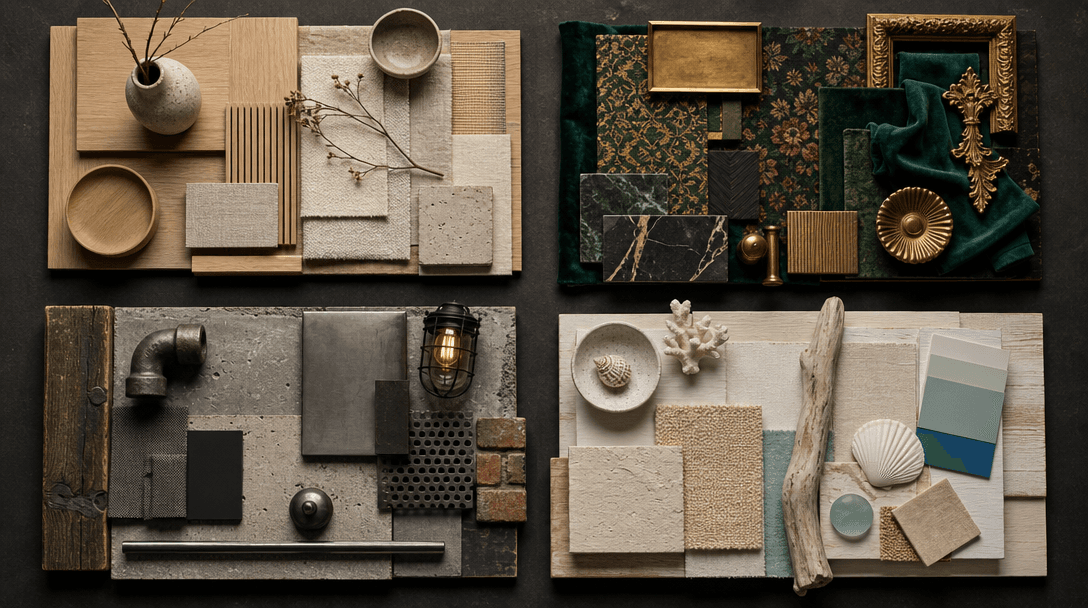
Wide editorial flat lay of four distinct interior design mood boards arranged in a 2x2 grid on a deep charcoal surface:
F · 02

Adapts to Any Interior Design Style

Whether your project is a Japandi-minimal apartment refresh, a maximalist living room overhaul, an industrial loft conversion, or a coastal beach-house renovation, the template adapts its motion to the visual language of your content. The model infers material palette, lighting temperature, and spatial scale directly from your images — no manual style configuration or parameter tuning required.

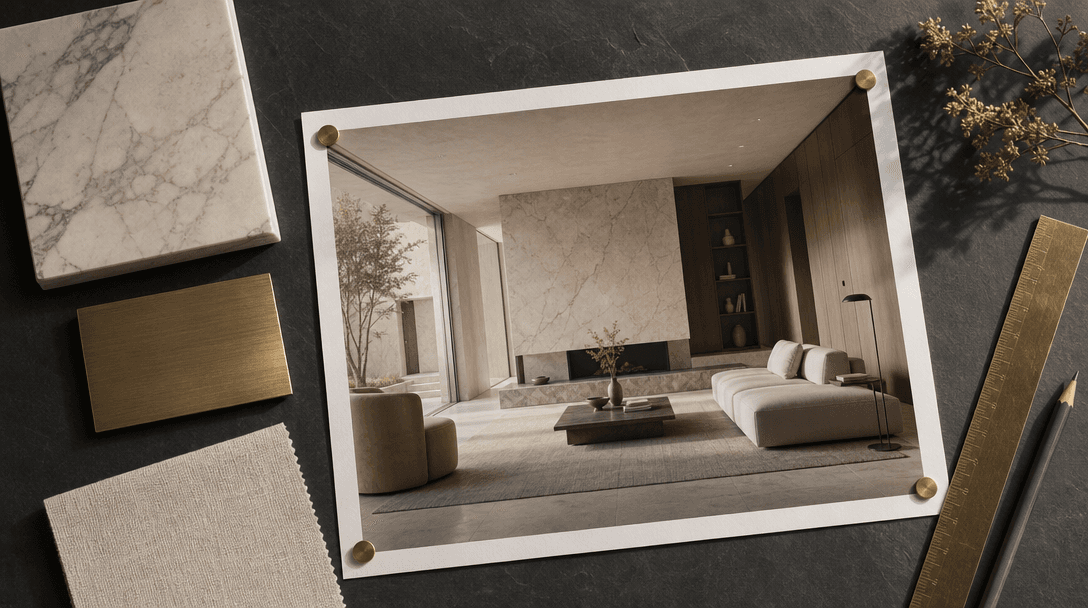
Architectural editorial flat lay on a deep dark slate surface: a large-format printed interior render photograph pinned
F · 03

Production-Ready for Client Delivery

Outputs are rendered at commercial resolution and are ready to share without additional post-processing. The generated video is engineered for large-display playback, embedding in presentation slides, and direct integration into property listing videos or branded social content. You receive a finished asset — no compression step, no re-export, no editing software needed.

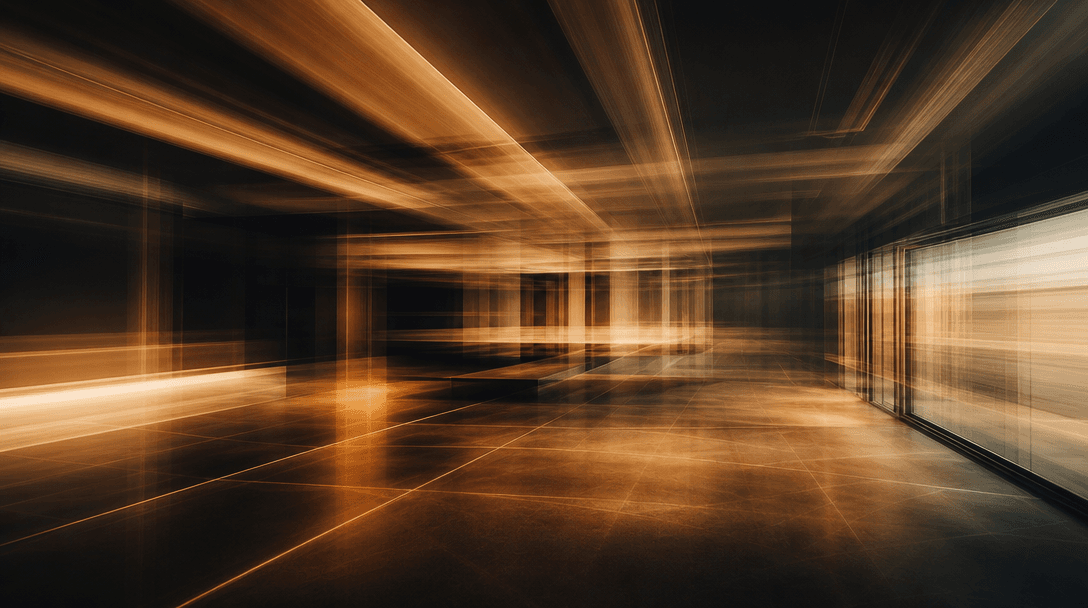
Abstract long-exposure architectural interior scene: ceiling beam lines, floor tile grout geometry, and window frame edg
F · 04

Purpose-Built Interior Design Template

Rather than starting from a blank generative canvas, you're building on a template engineered specifically for architectural before-and-after content. Transition timing, motion cadence, and visual pacing have been calibrated by motion designers to highlight spatial transformations effectively — tighter, more intentional, and more impactful than applying a generic animation preset to renovation photography.

Showcase

See it in action

Real outputs generated by our pipeline — no curated cherry-picks.

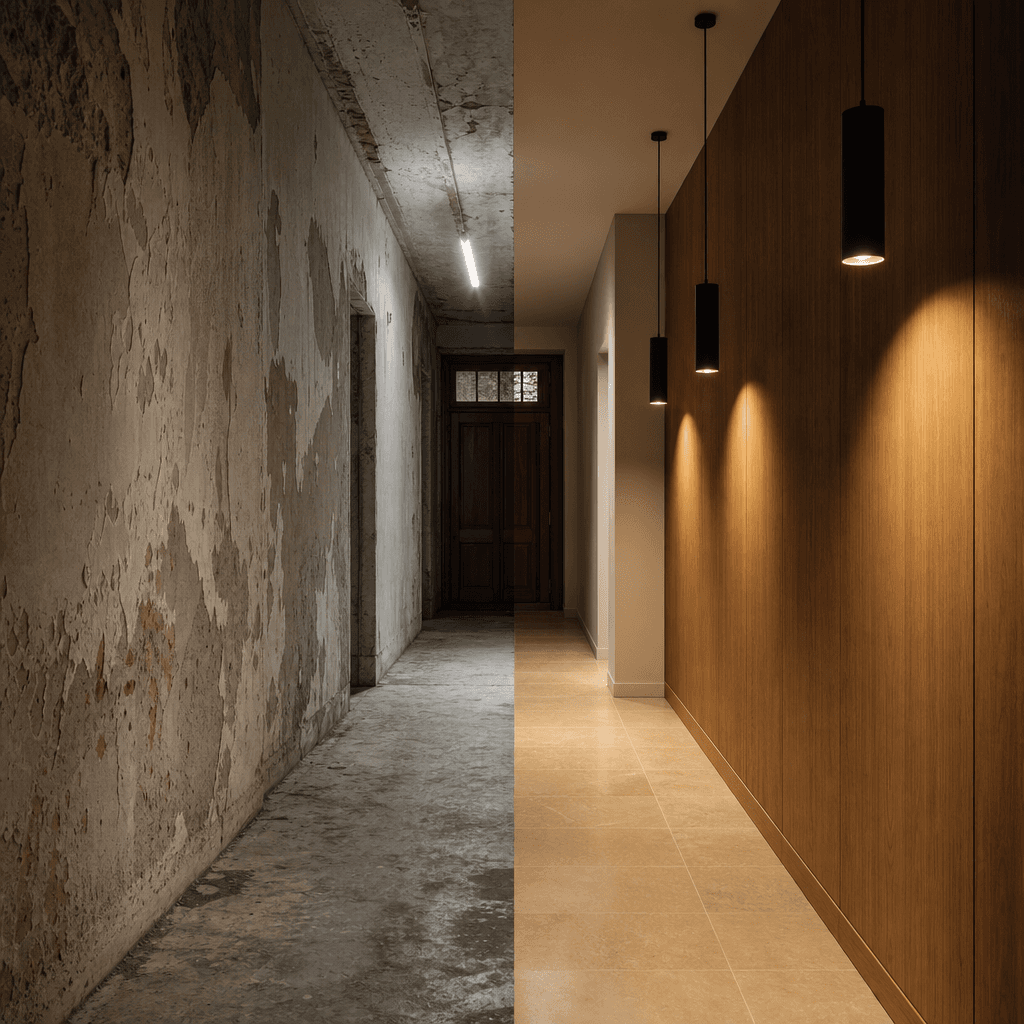
Square cinematic interior reveal image: a narrow hallway photographed straight-on, split vertically down the center. Lef
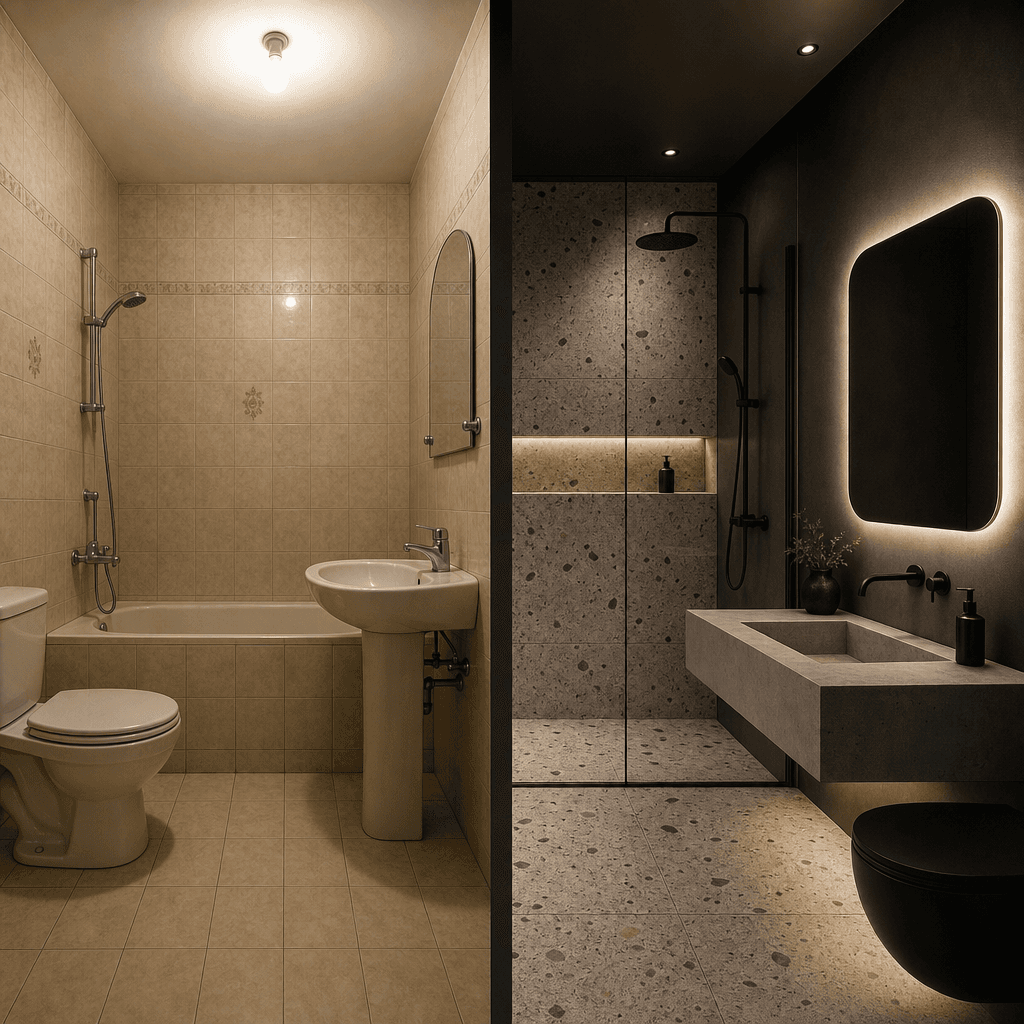
Editorial square bathroom transformation, split vertically. Left side: dated beige ceramic tile, chrome fittings, harsh
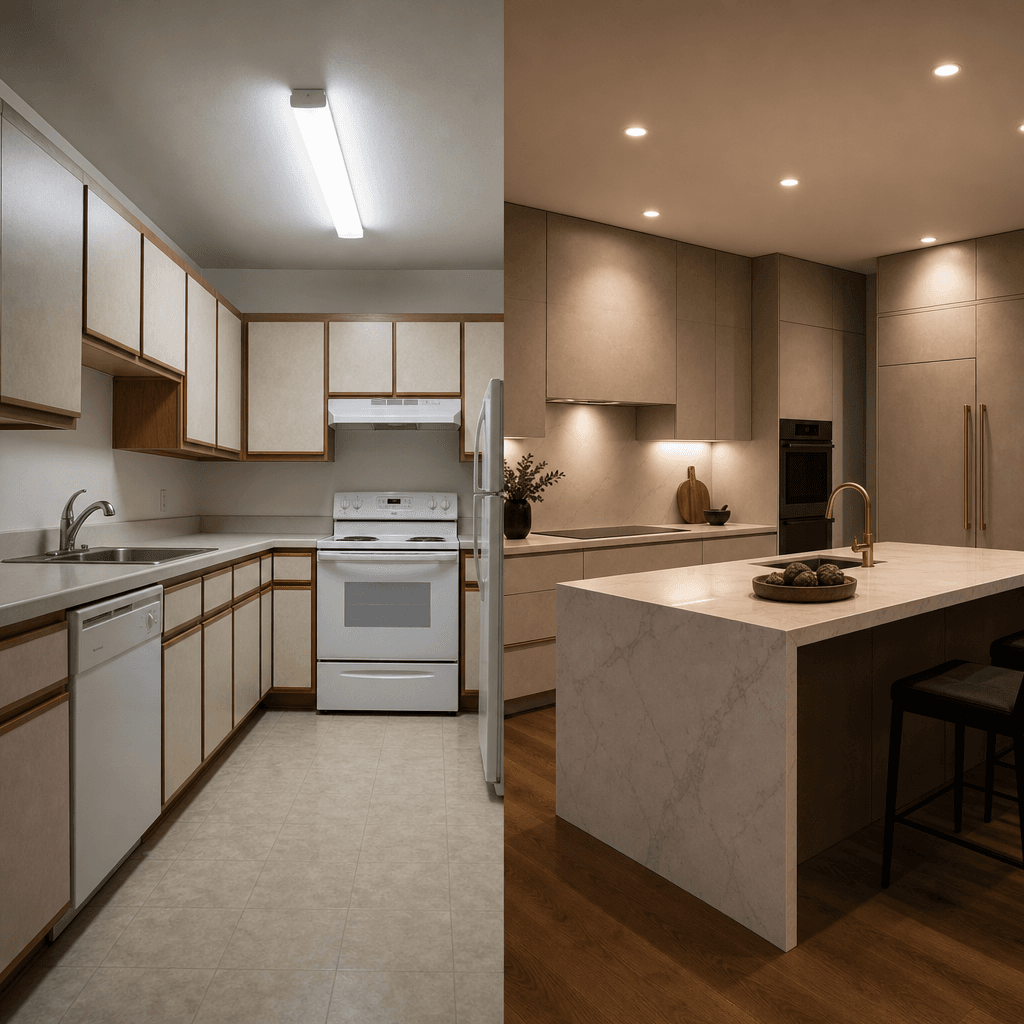
Square editorial kitchen renovation photograph, vertical center split. Left: laminate-fronted cabinets under cool fluore
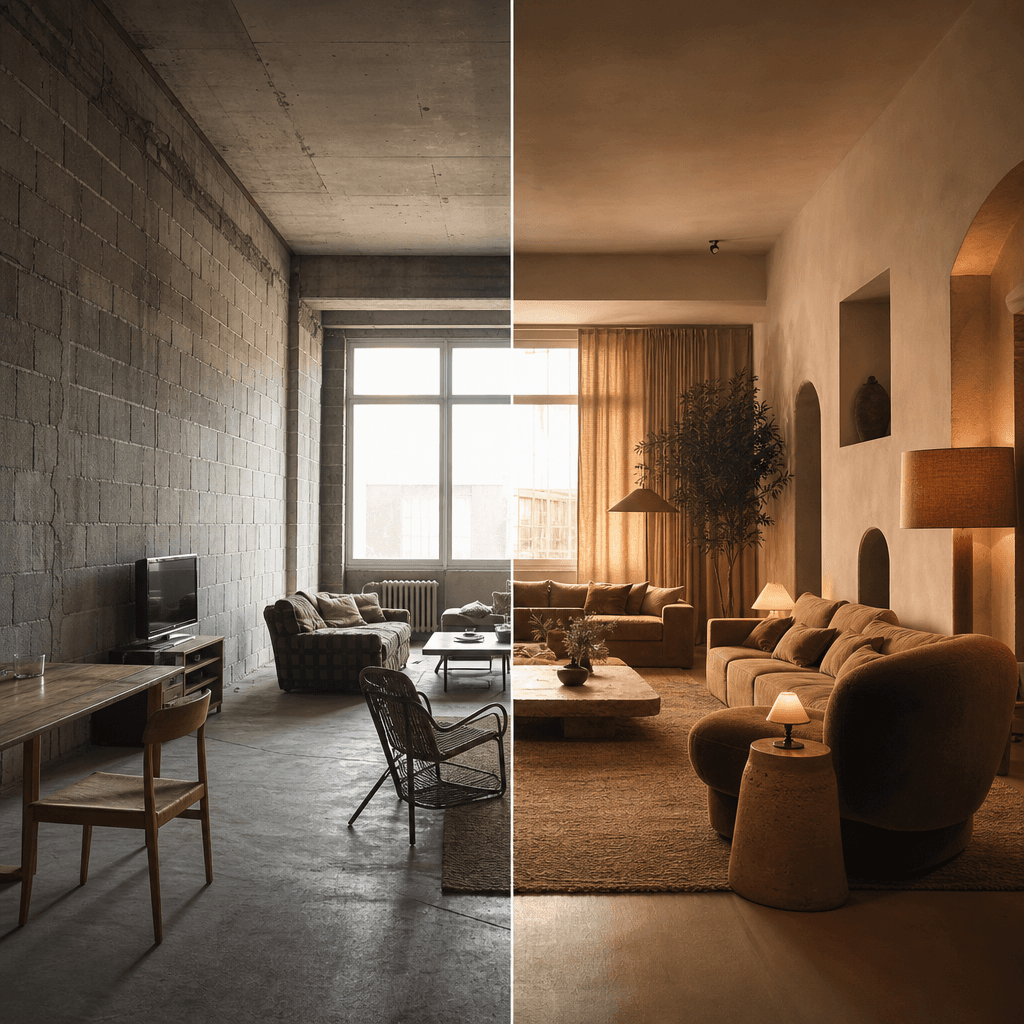
Open-plan living room transformation, square editorial image split vertically. Left: bare concrete block walls, sparse s
Ready to ship

Pick a template, customize, publish.

Use cases

Made for every workflow

  • Interior Designers

    Showcase client project transformations in your portfolio and social channels with a single compelling video that communicates the full scope of a renovation — faster and more impactful than a static photo gallery.

  • Real Estate Agents

    Embed before and after transformation videos in property listings to communicate renovation value-adds to buyers without commissioning professional videography on every listing.

  • Renovation Contractors

    Document and market finished projects with professional-grade transformation content you can generate immediately after project completion, building a visual proof-of-work library for new business.

  • Property Developers

    Present the transformation potential of renovation or staging proposals to investors and buyers through cinematic video that communicates scope and quality at a glance in pitch materials.

  • Home Stagers

    Produce compelling staging reveal videos to demonstrate your impact to prospective clients and differentiate your portfolio from competitors who only show static before-and-after photo pairs.

How it works

From idea to result in seconds

  1. Step · 01

    Upload your photos

    Open the Before & After Interior Timelapse template and upload your before and after interior images directly to the generation interface.

  2. Step · 02

    Customize the animation

    Adjust the transition style, duration, and pacing to match the mood and context of your specific interior project and intended audience.

  3. Step · 03

    Download and share

    Receive your rendered timelapse video and download a production-ready file to deploy in client decks, property listings, or social media posts.

FAQ

Frequently asked questions

  • It is a Nim AI video template that animates the transformation between two interior photos — a before state and an after state — as a dynamic timelapse video. The output is a short looping video suitable for portfolio presentations, property listings, and social media content.

  • The model analyzes spatial depth, surface materials, and lighting conditions present in both the before and after images. It then synthesizes a smooth video sequence that transitions between the two states in a way that mimics a real recorded time-lapse. No intermediate footage or manual keyframing is required.

  • The template is optimized for architectural interiors including living rooms, kitchens, bathrooms, bedrooms, hallways, and open-plan spaces. It adapts to a wide range of design styles — from minimal to maximalist — as long as the before and after images are well-lit and shot from a consistent camera position.

  • Consistent framing between the two images produces the most coherent timelapse output. Minor angle or focal-length variations are accommodated by the model, but significant perspective differences will reduce the quality and spatial accuracy of the transition animation.

  • Most renders complete in under a minute. Exact render time varies based on image complexity and current platform load, but the template is optimized for fast turnaround so design teams can iterate quickly between client review rounds.

  • Renders are delivered at commercial resolution suitable for large-display presentation, embedding in pitch decks, and publishing to major social platforms. The output format is optimized for immediate use without requiring transcoding or additional compression steps.

  • Nim requires an account and purchased credits to generate. There is no free generation tier. Watermarks on outputs are removed on paid plans. Current credit packs and subscription options are available at nim.video/subscription.

  • You retain commercial rights to the videos you generate on Nim. Outputs are cleared for use in client-facing presentations, property listings, marketing materials, and commercial projects.

  • Traditional video editing requires footage, motion design skills, and meaningful production time even for a simple reveal. Nim's template generates a cinematic timelapse from two photos in under a minute — no editing software, video crew, or production pipeline required. The quality is competitive with professionally produced renovation reveal videos.

  • Yes. Outputs are at commercial resolution and rights-cleared for use in property listings, investor presentations, and marketing materials. Real estate agents and property developers use it regularly to communicate renovation value within listing videos and pitch decks.

Get started

See what you can make

Explore more

Discover more AI tools